




(1)(1).png.9646bf5114d93a5280bda88264436f0b.png)
Osv
Reporter (Staff)
-
Iscritto il
-
Ultima visita
-
Attualmente
Visualizza la discussione: Bentley Torcal 2027
Tutti i contenuti di Osv
-
-
Primo messaggio aggiornato con immagini e comunicato stampa ufficiale!Comunicato stampa Via Ferrari.
 Primo messaggio aggiornato con nuove immagini e comunicato stampa!Altre foto spia al 'Ring e gli interni:Comunicato stampa Design incisivo, evidente robustezza Niagara rivisita i codici dei pick-up fondendo il design tipico dei SUV con le doti funzionali dei veicoli progettati per rispondere ad una grande varietà di esigenze. Con il suo design esprime una forte personalità fatta di modernità, robustezza e tecnologie, a suo agio sia in città che sui terreni più impegnativi. Profilo pensato per l'avventura Niagara vanta un'identità forte. Il frontale riprende i codici dei grandi pick-up con verticalizzazione della calandra e cofano alto dalle linee muscolose che si integra con naturalezza nel design dei parafanghi anteriori, rafforzando l'impressione di robustezza ed equilibrio delle proporzioni. La scritta “Renault”, posta al centro della grande calandra nera, è in caratteri maiuscoli, sottolineando il fatto che Niagara appartiene alla nuova generazione internazionale della Marca. La finitura del nome “Renault” è cromata pixelata. I fari FULL LED, circondati da una cornice nero lucido, offrono una sequenza di benvenuto, mentre le luci diurne presentano una firma grafica specifica. Dalla parte inferiore del paraurti, in cui sono integrati i fendinebbia a LED, traspare tutta la robustezza di Niagara. Le protezioni della carrozzeria nella finitura Alliance Black, abbinate allo ski anteriore con un design che trae ispirazione dal mondo dei fuoristrada, evidenziano le doti offroad del veicolo, preservando al tempo stesso gli elementi più esposti nei percorsi fuori strada. Proporzioni che esprimono la personalità del veicolo Con 4,94 metri di lunghezza (4,91 metri nella versione 4x2) e 1,72 metri di altezza, Niagara vanta proporzioni generose che ne accentuano la personalità. Visto di profilo, con le spalle pronunciate, i passaruota incisivi, le linee tese ed i cerchi da 17” o 18”, a seconda delle versioni, ha una silhouette possente che ne evidenzia la robustezza ed il look da crossover. Renault ha lavorato, in particolare, sull'integrazione tra cabina e cassone per creare un profilo più armonioso, in cui i vari elementi risultano collegati tra loro con naturalezza. Il senso di continuità è accentuato dal trattamento specifico del montante posteriore, elemento distintivo del design del veicolo. Le maniglie posteriori sono integrate nel montante, scelta stilistica che accentua la fluidità delle linee. Al posteriore, i motivi grafici ed il trattamento del portellone proseguono la ricerca della modernità. Il tutto contribuisce ad una visual identity coerente che mantiene i codici tradizionali dei pick-up. Così, nella sponda posteriore, la scritta “Niagara” è direttamente stampata nella lamiera, mentre la fascia nera trasversale, che si prolunga nei fanali alle estremità, dà una sensazione di maggiore ampiezza visiva del veicolo, rafforzando anche l'assetto. Design al servizio della funzionalità Le barre sul tetto contribuiscono ad aggiungere funzionalità, ma anche a conferire stile al veicolo. Sottolineano il suo spirito outdoor e lifestyle, rispondendo al tempo stesso alle esigenze concrete degli utenti. Niagara può essere dotato di barre stabilizzatrici rivisitate, che non hanno solo una funzione stilistica ma consentono anche di posizionare e fissare oggetti ingombranti. Comfort da C-SUV e versatilità da pick-upNiagara fa evolvere l'esperienza di guida avvicinando il mondo dei pick-up a quello dei C-SUV. Pensato per le attività professionali, ma anche per il tempo libero ed i viaggi in famiglia, offre un abitacolo comodo e spazioso nonché tecnologie connesse di ultima generazione. Questo salto di qualità si evince anche dall'offerta di motorizzazioni, dal comportamento su strada che si ispira ai SUV e dalla serie completa di dispositivi di assistenza alla guida destinata ad incrementare la sicurezza e la tranquillità nella guida quotidiana. Niagara offre quindi una nuova visione dei pick-up, in grado di fondere robustezza, versatilità e piacere di guida. Un abitacolo che rivisita l'esperienza dei pick-up L'abitacolo di Niagara è stato sviluppato per rispondere all'evoluzione delle attese dei clienti del segmento. Moderno, spazioso e funzionale, abbina tecnologie di ultima generazione con un livello di comfort e qualità percepita che trae ispirazione dal mondo dei C-SUV. Cabina moderna e connessa Gli interni di Niagara sono stati progettati per offrire un'esperienza di guida semplice ed intuitiva. L'abitacolo, organizzato intorno al conducente, riunisce i principali comandi e le informazioni essenziali, mantenendoli nel suo campo visivo. La plancia, dal design orizzontale, sottolinea la larghezza dell'abitacolo e contribuisce alla maggiore sensazione di spazio a bordo. Integra armoniosamente il sistema multimediale dotato di display da 10,1'' che consente di accedere facilmente alle funzioni del veicolo, ed il quadro strumenti digitale da 10,2''. La leva del cambio elettronica (e-shifter) contribuisce ad organizzare meglio lo spazio. Essendo integrata, consente di liberare spazio sulla consolle centrale conferendo all'abitacolo un look più moderno. È disponibile anche un caricabatterie a induzione per smartphone. Interni spaziosi, confortevoli e funzionali Le ampie aperture delle porte posteriori facilitano l'accesso a bordo e contribuiscono al maggior comfort nella guida quotidiana. L'attenzione alla vita a bordo si riflette anche nella qualità percepita, che trae ispirazione direttamente dal mondo dei C-SUV. I materiali, l'organizzazione dello spazio ed il look generale sono stati progettati per rispondere alle attese di una clientela che desidera ritrovare nei pick-up un ambiente piacevole e di pregio. Secondo le versioni, Niagara è dotato di una plancia rivestita, di cui alcune parti, in particolare le bocchette di aerazione e le porte, sono di colore nero. Questo salto di qualità si percepisce anche nell'esperienza di bordo personalizzabile grazie all'ambient lighting a LED che offre fino a 48 colori, permettendo a tutti di creare l'atmosfera più adatta alle proprie esigenze. I sedili anteriori sono regolabili elettricamente, mentre la panchetta posteriore si può inclinare di 25 gradi per migliorare l'altezza a filo padiglione ed il comfort nei lunghi viaggi, prestazione inedita per il segmento. Grazie alla progettazione ottimizzata dell'abitacolo, i passeggeri possono contare su uno spazio generoso per le gambe e la testa. Con una lunghezza di 200 mm, il raggio alle ginocchia vanta i migliori valori del segmento. È disponibile anche un bracciolo centrale con portabicchieri. Secondo le versioni, Niagara è dotato di sellerie in tessuto impreziosite da cuciture e ricami o rivestimenti in TEP che accentuano il carattere da SUV. Fedele alla sua vocazione alla versatilità, Niagara offre un gran numero di soluzioni destinate a facilitare la vita quotidiana. Dietro alla seconda fila di sedili, si trova un vano portaoggetti da 36 litri. Accessibile dall'abitacolo abbassando la panchetta posteriore, consente di trasportare vari oggetti al riparo da sguardi indiscreti. OpenR Link con Google integrato, connesso e di facile utilizzo come uno smartphone Novità assoluta per i pick-up, Niagara è dotato di sistema multimediale OpenR Link con Google integrato. Il sistema OpenR Link offre una fluidità che non ha eguali nel mondo delle auto grazie alla potenza del suo chip, equivalente a quello degli smartphone alto di gamma. Semplice e user-friendly, si usa come un tablet, con comandi touchscreen o vocali, grazie all'assistente vocale integrato. È compatibile con Android Auto ed Apple CarPlay, wireless o cablato. Dal display centrale, il conducente può usufruire di numerosi servizi Google, in continua evoluzione nel corso dei mesi. Ha così accesso alla navigazione con Google Maps, al riconoscimento vocale con Google Assistant e a tante applicazioni tramite il catalogo di Google Play, che copre ambiti diversi come musica, entertainment, navigazione e servizi di uso quotidiano. Niagara sarà dotato di Google Gemini. Vero e proprio assistente conversazionale basato sull'intelligenza artificiale, Gemini va oltre le funzionalità di Google Assistant. Ad esempio, potrà impegnarsi in una conversazione naturale e svolgere compiti più complessi, invece di essere azionato da un comando preciso. Il conducente ed i passeggeri potranno anche interrompere la conversazione o cambiare lingua in modo fluido in qualsiasi momento. Servizi connessi per semplificare la manutenzione Grazie ai servizi connessi di cui dispone, Niagara facilita il monitoraggio degli interventi e consente di prevedere in anticipo le esigenze di manutenzione. Le informazioni trasmesse in tempo reale attivano notifiche, a seconda dei casi, tramite l'app My Renault, SMS o e-mail per segnalare le scadenze di manutenzione e gli eventi che richiedono un intervento. Il conducente può così programmare gli appuntamenti al momento più opportuno presso la rete Renault. Sicurezza pensata per la guida quotidiana Fedele all'approccio di Renault in materia di sicurezza, Niagara è dotato di dispositivi di assistenza alla guida di ultima generazione, che supportano il conducente nelle principali situazioni della vita quotidiana, che si tratti di lunghi viaggi, traffico intenso o manovre, per offrire un livello sempre maggiore di protezione e comfort. ADAS per una guida più serena L'Adaptive Cruise Control con funzione Stop & Go adatta automaticamente la velocità in modo da mantenere la distanza di sicurezza dal veicolo precedente, anche in caso di forte rallentamento e fino all'arresto completo dell'auto. Il limitatore di velocità, invece, consente al conducente di stabilire una velocità massima da non superare in fase di accelerazione. Quando il freno motore non basta, soprattutto in discesa, il sistema può intervenire automaticamente per mantenere la velocità selezionata. La sicurezza attiva è rafforzata da una serie di tecnologie destinate ad affiancare il conducente in tutte le situazioni. L'alert di superamento della linea di carreggiata (Lane Departure Warning o LDW) e l'assistenza al mantenimento della corsia (Lane Keeping Assist o LKA) contribuiscono a limitare le deviazioni involontarie di traiettoria, mentre il riconoscimento dei cartelli stradali (Traffic Sign Recognition o TSR) informa il conducente dei limiti vigenti. Il sistema di controllo dell'attenzione del conducente (DDAW), basato sull'analisi dei movimenti del volante, completa questo dispositivo per rilevare gli eventuali cali di attenzione durante i lunghi viaggi. Niagara è anche dotato di frenata automatica d'emergenza (Active Emergency Braking System o AEBS), che utilizza un radar frontale ed una telecamera situata nella parte anteriore del veicolo per analizzare costantemente l'ambiente circostante. Quando il sistema rileva un rischio di collisione, il conducente viene inizialmente avvisato tramite segnale acustico e messaggio sul cruscotto. Se non reagisce, il sistema può attivare automaticamente la frenata per evitare le collisioni o ridurne le conseguenze. Il sensore di angolo cieco (Blind Spot Warning o BSW) completa il tutto, avvisando il conducente della presenza di un veicolo in una zona poco visibile guardando i retrovisori. Tutti questi dispositivi possono essere configurati tramite il sistema multimediale. Come per gli altri modelli Renault, le funzioni di sicurezza disattivate dal conducente si riattivano automaticamente al successivo avvio del veicolo per garantire un alto livello di protezione in ogni viaggio. Manovre facilitate in ogni circostanza Date le dimensioni dei pick-up, è necessario prestare particolare attenzione alle manovre. Niagara può contare su una serie di equipaggiamenti destinati a facilitare il parcheggio in ogni situazione. Niagara è dotato di sensori di parcheggio anteriori e posteriori, assistenza laterale, parking camera e telecamera panoramica a 360°, novità assoluta per il segmento, che offre una visione dell'ambiente intorno al veicolo per facilitare le manovre di parcheggio, anche negli spazi in linea. Inoltre, Niagara può essere dotato di sistema hands-free, che assiste automaticamente il conducente nelle manovre di parcheggio, anche in spazi ristretti. La sicurezza in caso di retromarcia è rafforzata dal sistema di alert di uscita dal parcheggio in retromarcia (Rear Cross Traffic Alert o RCTA), in grado di rilevare l'arrivo dei veicoli fuori dal campo visivo del conducente, nonché dalla frenata automatica di emergenza in retromarcia. L'alert di uscita sicura degli occupanti (Occupant Safe Exit Alert) avvisa, inoltre, se un veicolo si sta avvicinando mentre si apre la porta. Prestazioni al servizio della versatilità Sviluppato sulla piattaforma RGMP pick-up, che consente di soddisfare una vasta gamma di esigenze del mercato latino-americano, Niagara fonde prestazioni, comfort di guida e versatilità. Questa filosofia si applica anche alle motorizzazioni, alle trasmissioni e a tutte le tecnologie a supporto del conducente, per offrire un veicolo a suo agio sia su strada che sui terreni più impegnativi. Motorizzazione efficiente e versatile Niagara è dotato di motore 1.3 turbo a iniezione diretta (GDi), compatibile con i carburanti benzina e Flex Fuel in funzione dei mercati. Sviluppato per rispondere alle esigenze di utilizzo dell'America Latina, eroga una potenza di 115 kW (156 cv) nella versione 4x2 e di 120 kW (160 cv) nella versione 4x4, per una coppia massima di 270 Nm. Il motore è abbinato ad un cambio manuale a sei rapporti o automatico a doppia frizione a bagno d'olio a sei rapporti, progettato per ottenere cambiate rapide, piacere di guida ed efficienza energetica. Dotato di selettore di marce elettronico (e-shifter), il cambio denominato Efficiency Dual Clutch (EDC) contribuisce ad una guida più fluida e più intuitiva. Il tutto è stato sviluppato per offrire un comportamento su strada simile a quello dei SUV, senza rinunciare alle doti di robustezza e trazione che ci si aspetta dai pick-up. Telaio progettato per il comfort Elaborato ad hoc per Niagara, il telaio ha una messa a punto specifica che comprende asse posteriore esclusivo, molle ed ammortizzatori adattati e geometria ottimizzata. Quest'architettura riduce del 30% la frequenza dei movimenti della carrozzeria, migliorando il comfort delle sospensioni, limitando le vibrazioni percepite dagli occupanti e rafforzando la stabilità sui fondi stradali dissestati. L'asse posteriore multilink contribuisce anche ad una guida più precisa, più silenziosa e più simile a quella delle autovetture, senza rinunciare alla robustezza, dote indispensabile per i pick-up. L'impianto frenante contribuisce al livello prestazionale con quattro freni a disco ventilati, che favoriscono una migliore dissipazione termica in caso di intense sollecitazioni. Infine, sono previste funzioni elettroniche dedicate, come l'assistenza idraulica alla frenata, che ottimizzano le prestazioni di frenata, in particolare in quota o nelle lunghe discese, al fine di preservare efficienza, resistenza e sicurezza in qualsiasi condizione di utilizzo. Concepito per le attività professionali e ricreativeVisto che i pick-up devono potersi adattare a tutte le situazioni, Niagara è stato sviluppato per offrire capacità di carico, trazione e facilità di utilizzo. Con il cassone funzionale, la trasmissione intelligente e le doti da fuoristrada, può muoversi con la stessa disinvoltura su strada, in cantiere e fuori dai sentieri battuti. Cassone pensato per l'uso quotidiano Il cassone di Niagara è stato progettato per offrire praticità, robustezza e facilità d'uso nella guida quotidiana. Ha un volume di 938 litri per un carico massimo di 654 kg. Unico sul mercato, ha un telone avvolgibile scorrevole che protegge efficacemente il carico dalla pioggia e dalla polvere, garantendo al tempo stesso un rapido accesso al vano di carico. Anche l'apertura elettrica del portellone posteriore, di dimensioni generose (1.030 mm di larghezza e 615 mm di altezza), facilita l'accesso al cassone, dotato di rivestimento protettivo per preservare la superficie dalle aggressioni dovute all'uso intensivo, semplificando al tempo stesso le operazioni di carico e scarico. Otto anelli di fissaggio, distribuiti sui lati del cassone, permettono di trasportare in sicurezza merci ed equipaggiamenti. Alla presa da 12 V di facile accesso è possibile collegare rapidamente utensili ed apparecchi elettrici direttamente dal cassone. Il portabicchieri integrato nel portellone conferisce un tocco di praticità in più durante le attività ricreative o gli interventi sul campo. Niagara offre anche una capacità di traino di 710 kg, la migliore del segmento. Trazione adatta a tutti i terreni La versatilità di Niagara è dovuta anche alla trazione integrale sviluppata per adattarsi alla grande varietà di terreni presenti in America Latina. Disponibile in funzione delle versioni, consente di migliorare la trazione, quando le condizioni di aderenza sono più difficili. Grazie alla manopola dedicata, user-friendly ed ergonomica, situata alla base della consolle centrale, il conducente può adattare il comportamento del veicolo a seconda dell'ambiente, per ottenere il miglior compromesso tra trazione, comfort e sicurezza. Questo comando consente di selezionare varie modalità di guida: Eco, Comfort, Sport, Smart, Mud-Sand (Perso) e Off-Road. Per ognuna di queste, la ripartizione della trazione tra assi anteriori e posteriori è calcolata automaticamente in funzione del livello di aderenza disponibile. In condizioni normali, la coppia viene trasmessa esclusivamente alle ruote anteriori. In caso di perdita di aderenza o quando la trazione ha raggiunto il limite, una parte della coppia viene trasferita automaticamente all'asse posteriore. Nelle situazioni più impegnative, la coppia è suddivisa equamente tra asse anteriore e posteriore. La distribuzione è garantita dal modulo di trasmissione posteriore abbinato alla frizione multidisco a comando elettromagnetico. Capacità off road all'altezza delle esigenze Progettato per rispondere alle esigenze della vita quotidiana, ma anche a quelle dei terreni più impervi, Niagara vanta un'altezza libera dal suolo pari a 233 mm (223 mm nella versione a due ruote motrici). Gli angoli d'attacco e d'uscita pari a 22,1° (22,3° nella versione a due ruote motrici) completano le caratteristiche, consentendo al veicolo di muoversi con disinvoltura anche sui terreni più impegnativi. Pick-up sviluppato in America Latina per l'America LatinaNiagara è nato da un processo di sviluppo che ha tenuto conto delle realtà del mercato latino-americano. Dalla progettazione alla produzione, passando per la messa a punto, ogni singola fase è stata realizzata per soddisfare le attese dei clienti della regione e le condizioni di utilizzo della guida quotidiana. Quest'approccio garantisce un veicolo particolarmente adatto all'ambiente circostante. Progettato, prodotto e messo a punto in America Latina Niagara è il frutto di uno sviluppo realizzato completamente in America Latina. Progettato dai team del Renault Design Center Brazil, sviluppato congiuntamente dai centri di ingegneria del Brasile e dell'Argentina, per poi essere prodotto nello stabilimento Renault Santa Isabel di Cordoba in Argentina, è stato ideato per soddisfare al meglio le attese dei clienti della regione. Questa scelta dimostra anche la volontà di Renault di rafforzare in modo duraturo la sua presenza industriale e tecnologica in America Latina. Programma di test su vasta scala Per garantire un alto livello di qualità, robustezza ed affidabilità, Niagara può contare su un vasto programma di sviluppo che ha comportato circa 800.000 chilometri di test. I prototipi sono stati valutati in una varietà di condizioni diverse, su strada e off road, in Argentina, Brasile, Colombia, nonché nei centri di validazione europei di Renault. Dal caldo torrido alle piste dissestate, passando per i lunghi percorsi su strada e le condizioni più impegnative, ogni fase di validazione ha permesso di testare il veicolo in situazioni rappresentative delle esigenze dei clienti. Questo programma di test garantisce che Niagara soddisfi i più elevati standard di prestazioni, sicurezza, comfort, robustezza ed affidabilità richiesti dai mercati latinoamericani. Via Renault.
.thumb.jpg.c76b510fa8dbc0c3eeeeae962c1803bc.jpg)
.thumb.jpg.d79f480d79393cdbff936627dabb0056.jpg)
.thumb.jpg.ad2353b4ec5140214dcf29c513cf8c2a.jpg)
.thumb.jpg.a07b58e7d794e099e1d324c346546f39.jpg)
.thumb.jpg.6978e501b83f675af0aad7d483613d1e.jpg)
.thumb.jpg.9dd19c1811b931686115ec52ac9c152b.jpg)
.thumb.jpg.d33b5bbb9734d2cc823d15f5ad4a9023.jpg)
.thumb.jpg.fbc735b07174e821d3247426555e56b3.jpg)
.thumb.jpg.44f9449e395fda975242d6fffd7ee907.jpg)
.thumb.jpg.0d81427cc0388a5fb782ad41fa421895.jpg)
.thumb.jpg.0076d727de8ccf81c7f9d20ce02b398d.jpg)
.thumb.jpg.ee997fac0684adc467c885b493572586.jpg)
.thumb.jpg.08a21301aac778eac3e083b90b6f1b8b.jpg)
.thumb.jpg.8e4fdcfa3a21f075148c522c97f14dc3.jpg)
.thumb.jpg.99043517c337a367c6413ec44ae1bca9.jpg) Non sono uno a cui piacciono le troppe modifiche estetiche, ma questa è fatta veramente tanto bene: i cerchi delle Quadrifoglio sono pure più belli di quelli stock e poi, va beh, il Verde Montreal è sempre spettacolare. Auguri!
Non sono uno a cui piacciono le troppe modifiche estetiche, ma questa è fatta veramente tanto bene: i cerchi delle Quadrifoglio sono pure più belli di quelli stock e poi, va beh, il Verde Montreal è sempre spettacolare. Auguri!
(1)(1).thumb.png.635c059adfaa3a2ca27f86ab608b04ba.png)






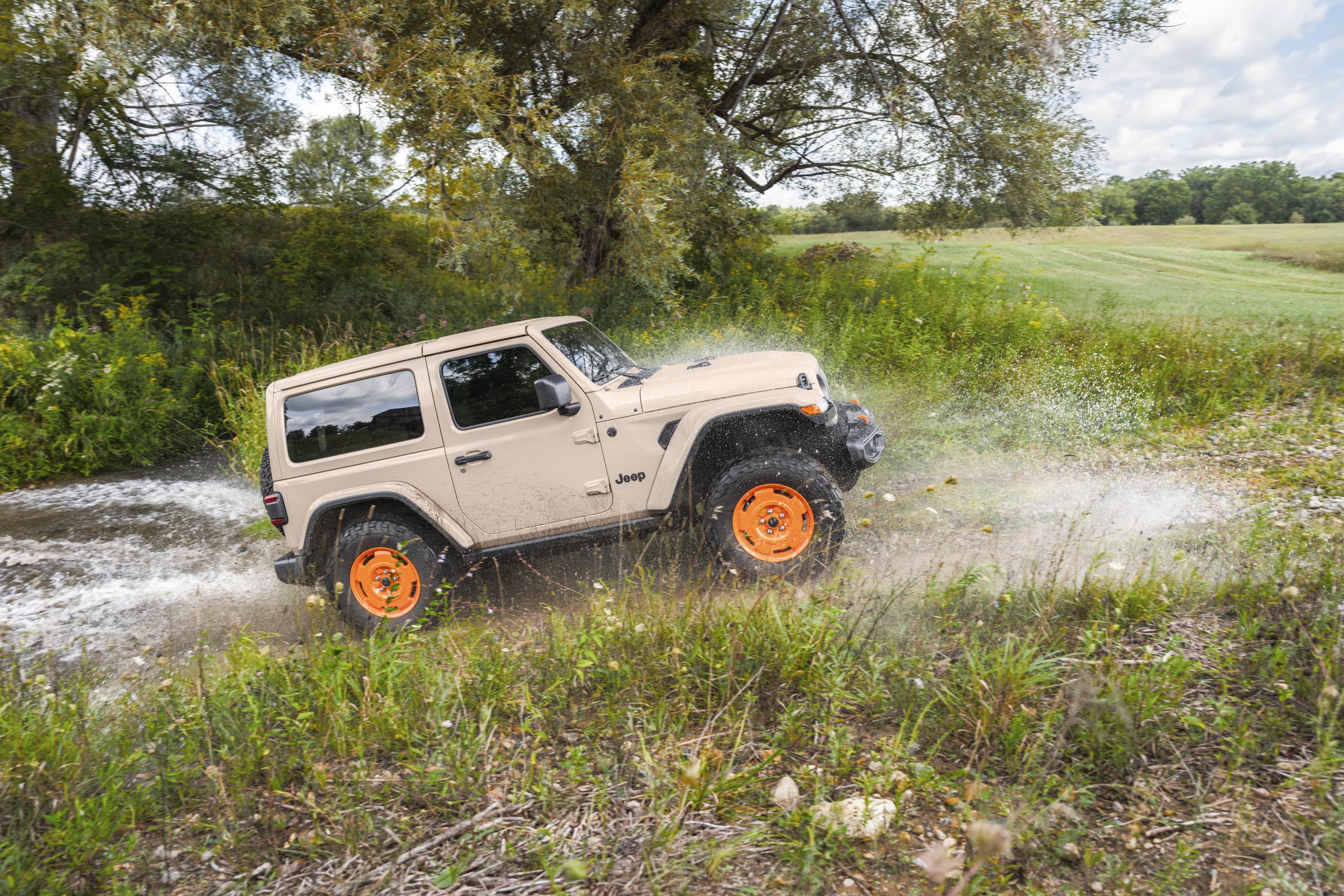
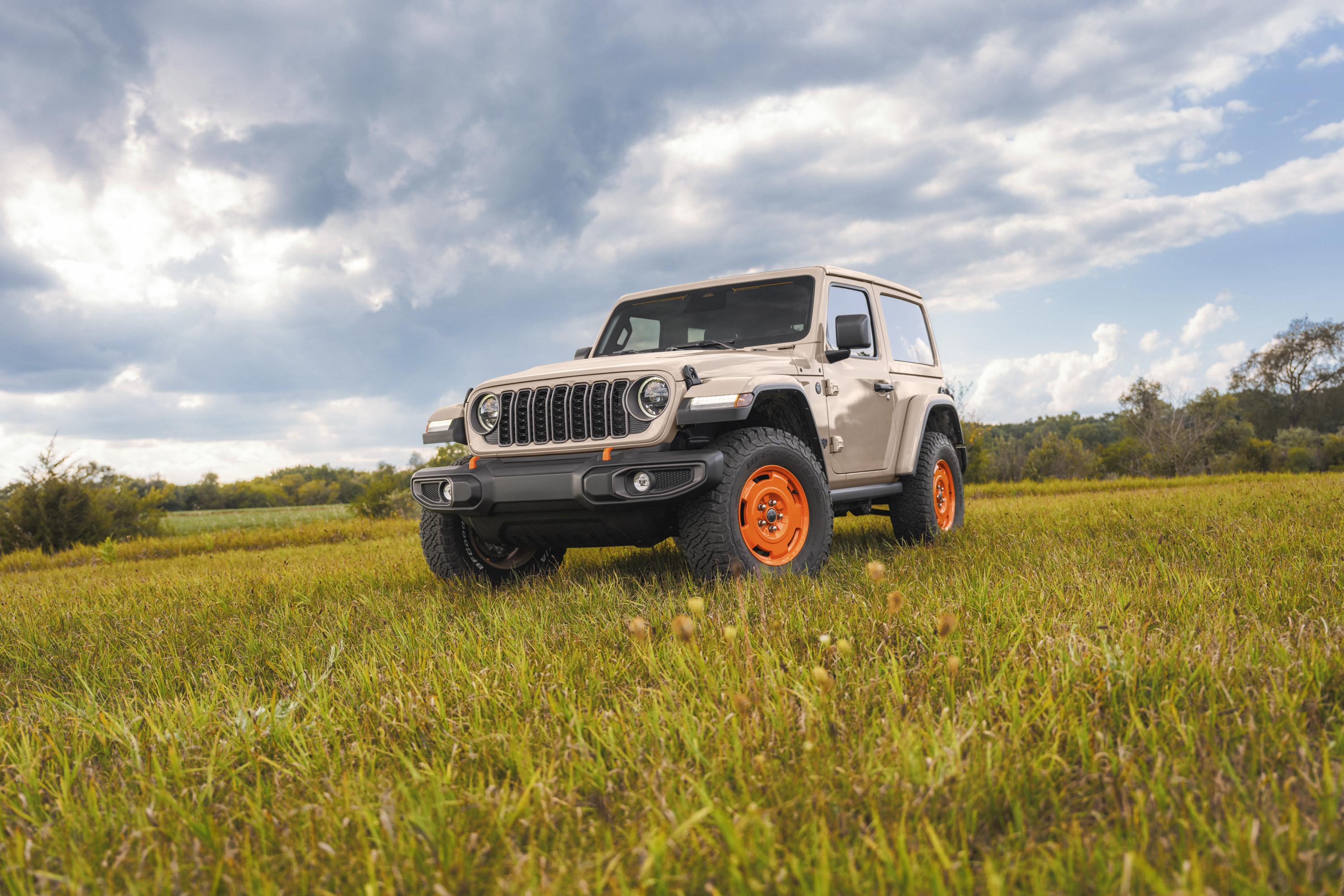
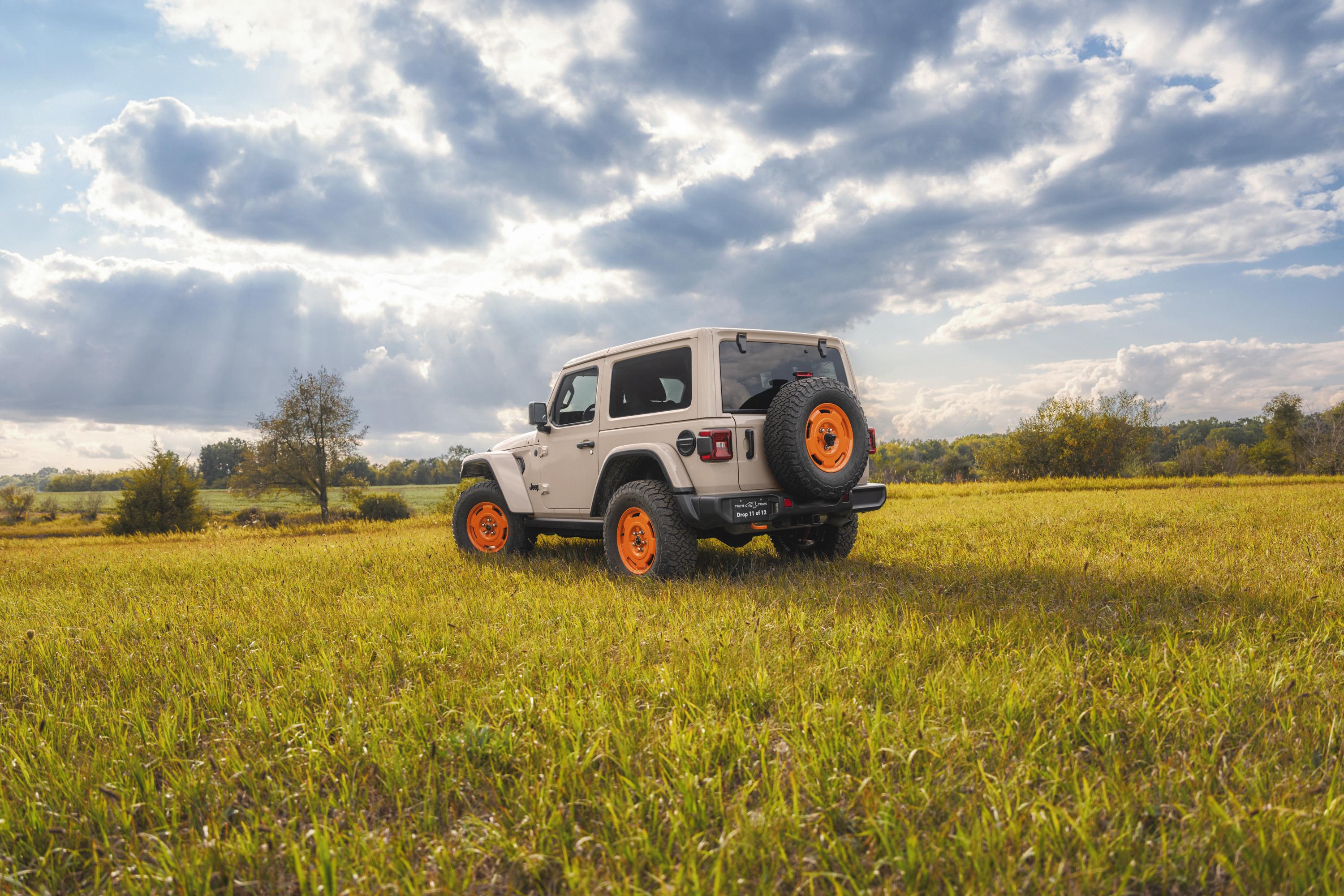
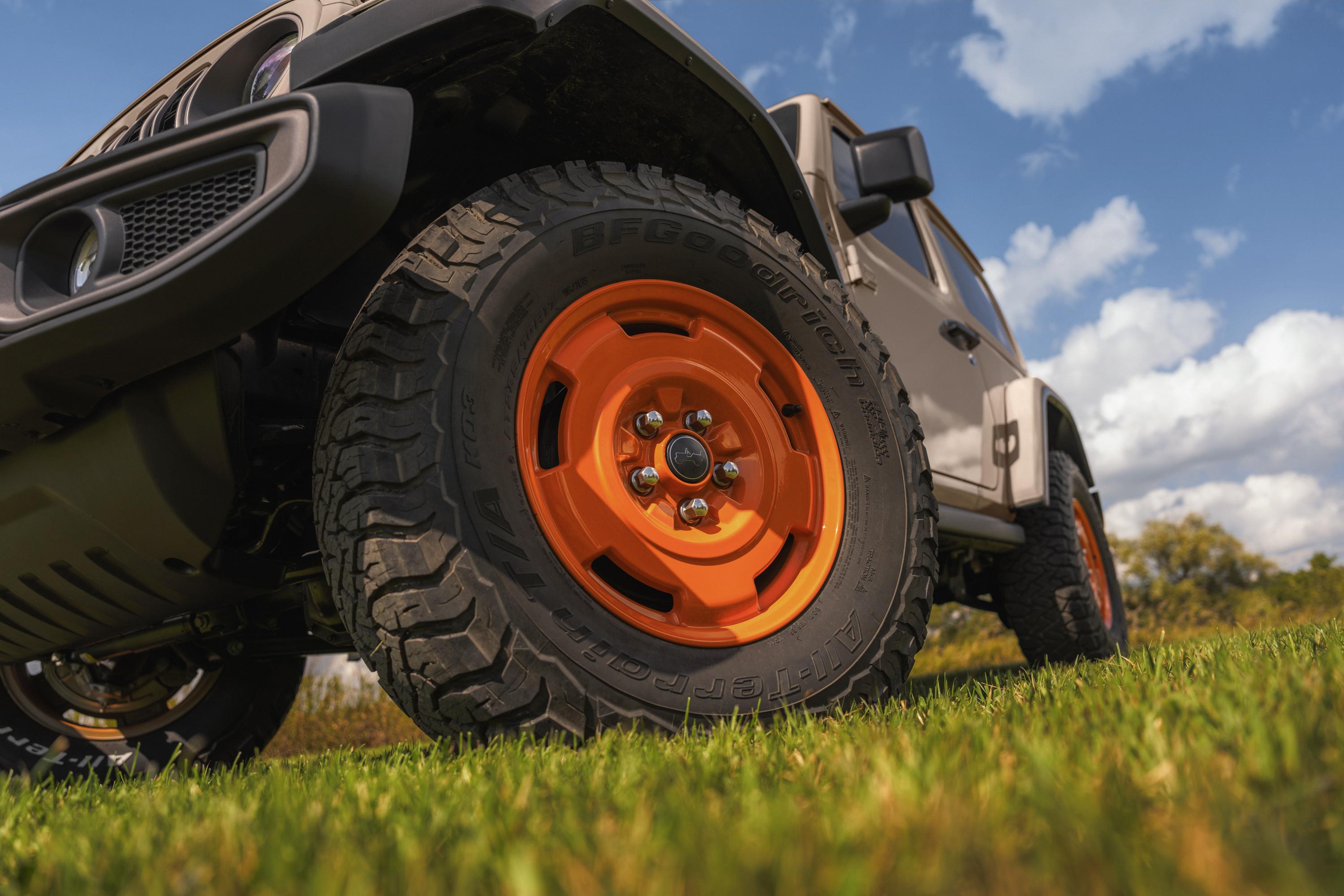
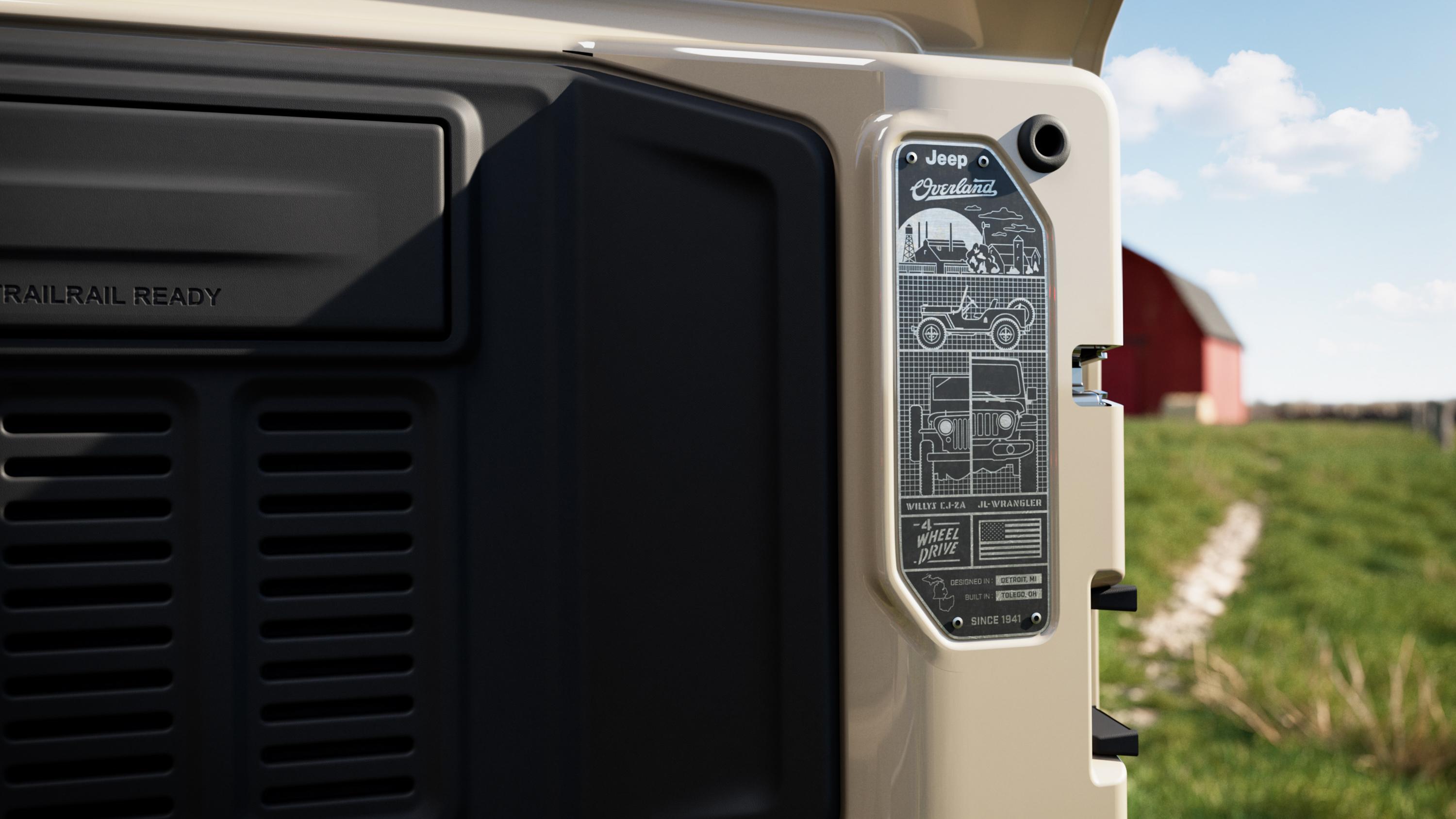
.jpg.0fde842b4a234f9f70bb4199a36ca459.jpg)
.jpg.c87a91489efab1e9e543f4cd5e95b91c.jpg)
.jpg.51db53033f3694d0ad6f8f4b30f1794d.jpg)
.jpg.a7b2d235e07a3f8df07a97f13991ae44.jpg)
.jpg.5e9ec6af8d5b001fd6eeb74ef1a02597.jpg)
.jpg.ec95ed32551eceb0518441d06484b351.jpg)
.jpg.11b26c382a0a7fc21f6998fc26adbbab.jpg)
.jpg.e34458984df24fe0013b4f341192a45e.jpg)
.jpg.5c93f2a8a7a996c8c43ced2784e078cc.jpg)
.jpg.35b74e36448d3d2046838ccf05dc24c5.jpg)
.jpg.cf2bebd3335e07bb091ec2145ef0cc74.jpg)
.jpg.7449a5383514f44461c46e522a32d53e.jpg)
.jpg.7b33b501915e0d293f4de63639fbc1e4.jpg)
.jpg.466e7c2710dfbd40a9c41e6474b5f1f5.jpg)
.jpg.c79093444b6546f301e75c21e7aa3dda.jpg)
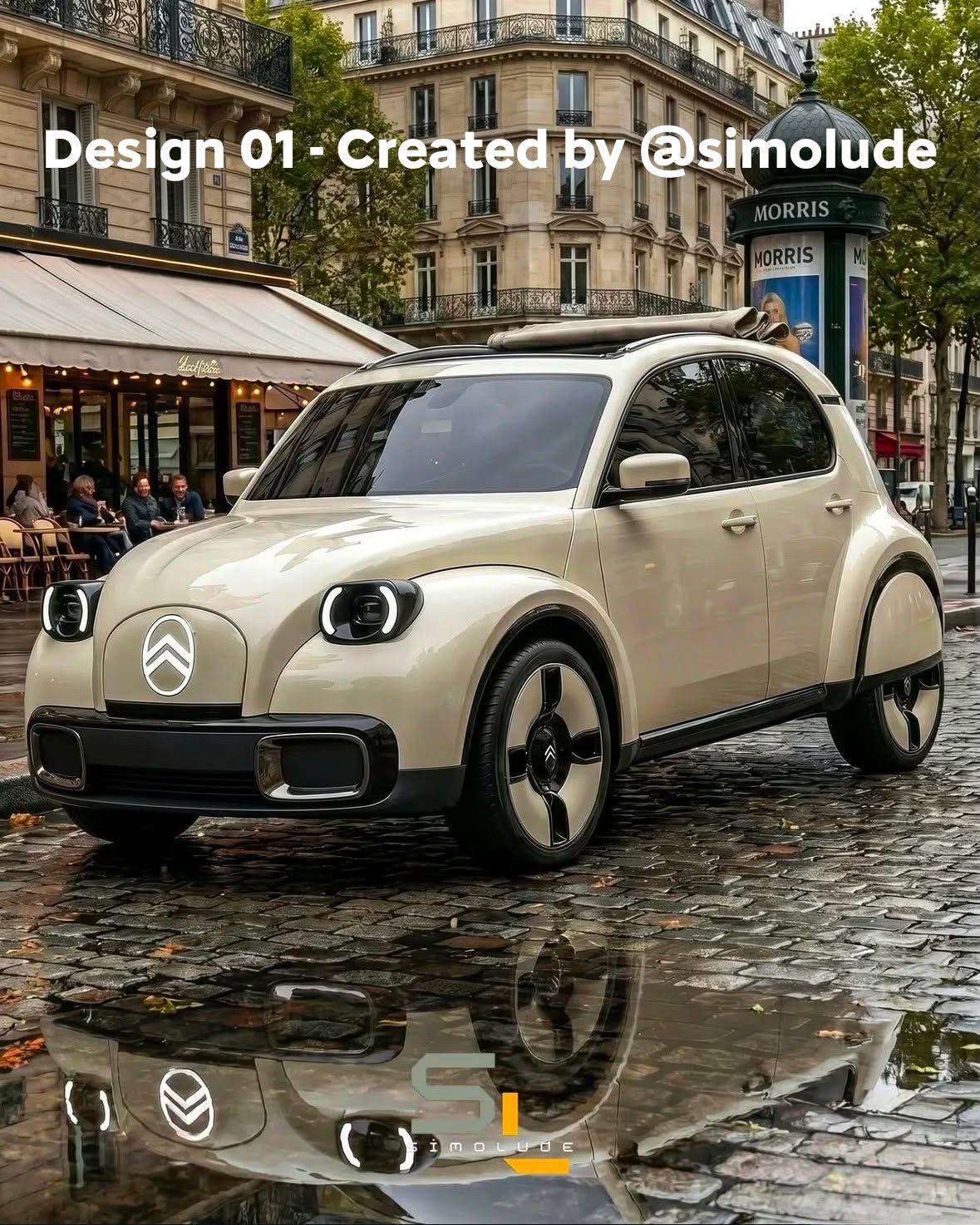
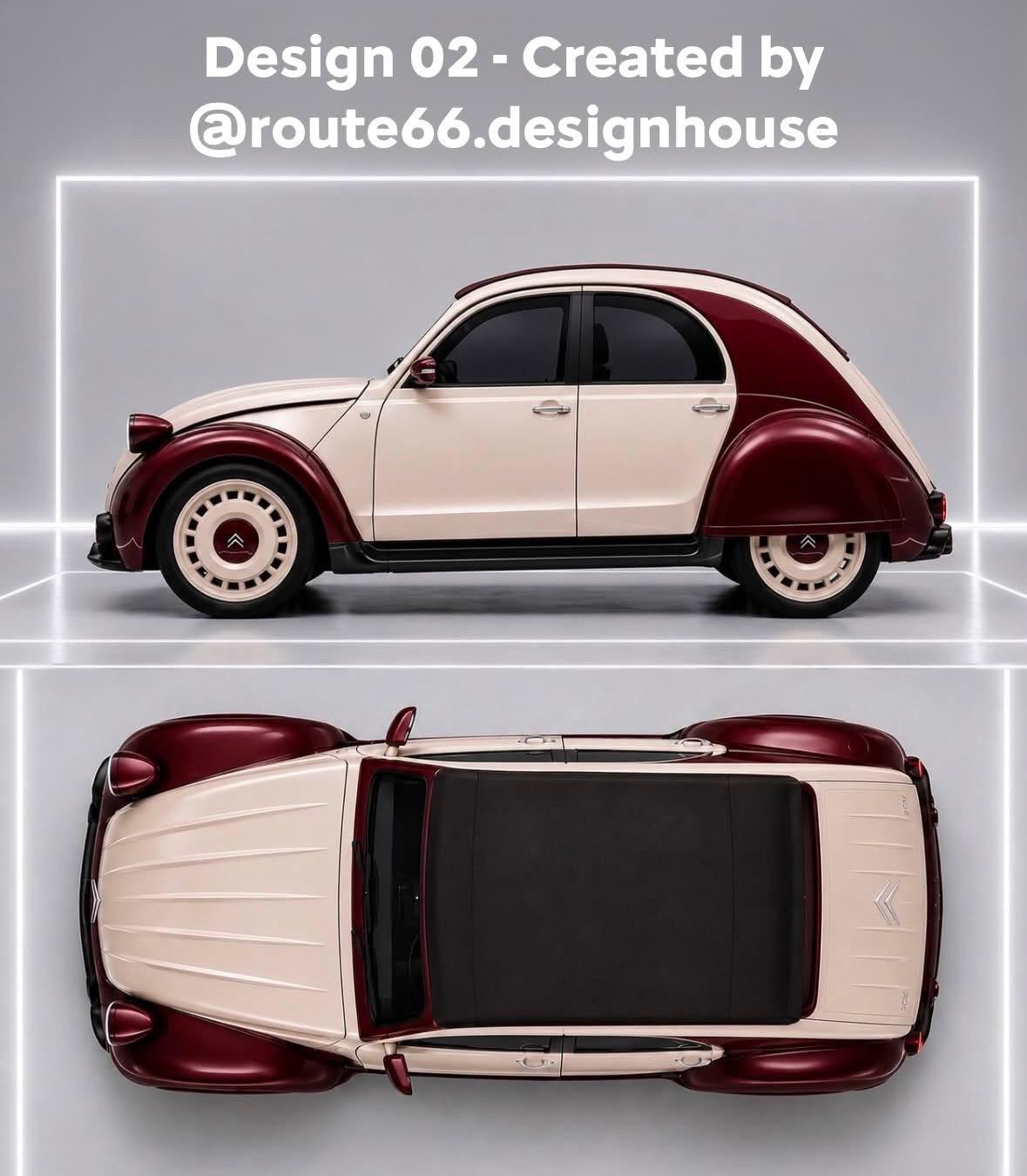
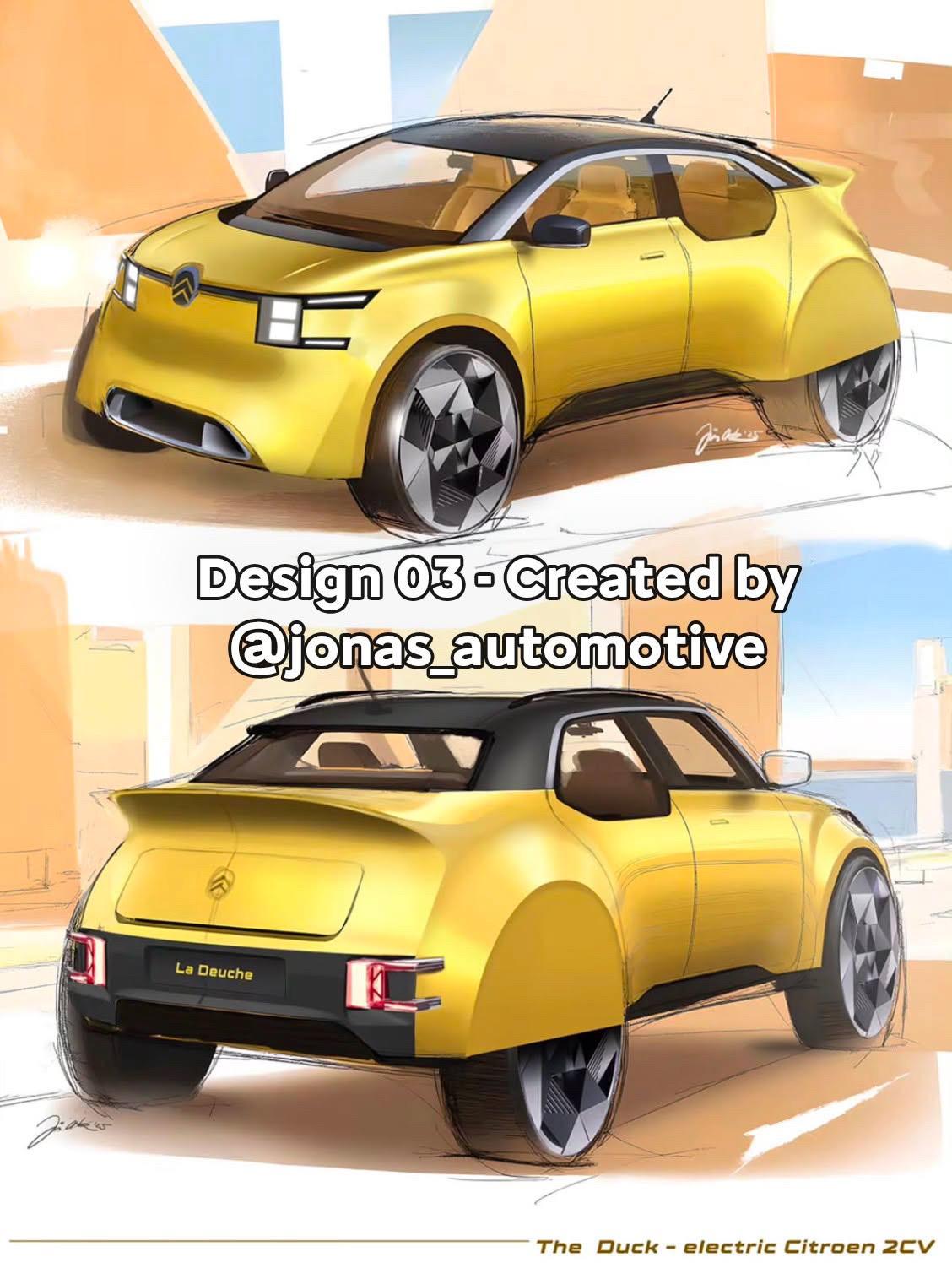
.jpg.f0a61192e28991aebac0919f36adfab1.jpg)
.jpg.101a12bb63fdd4692aedfe3e31d1959b.jpg)
.jpg.c87405a1525e34925a652b561f0d4646.jpg)
.jpg.b2d2f25037a965824d5674cf46a4dc8b.jpg)
.jpg.c619dd2d29ed97b6931b9e8523c07bb8.jpg)
.jpg.c417866a1ece4daebb7c00b870733770.jpg)
.jpg.348260d854a8c3358fff9f8905a6f209.jpg)
.jpg.91a69ce88fdde65bc2210ecae58ef1f3.jpg)