j
Reporter (Staff)
-
Iscritto il
Tutti i contenuti di j
-
- 99 risposte
-
- b10
- leap
- leapmotor
- leapmotor b10
-
Taggato come:
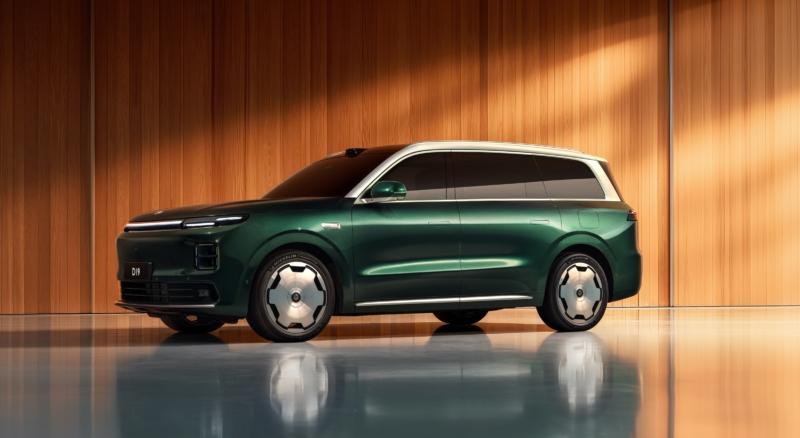
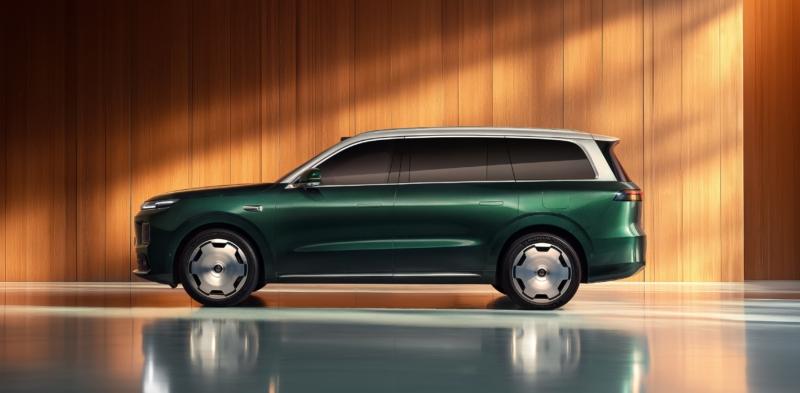
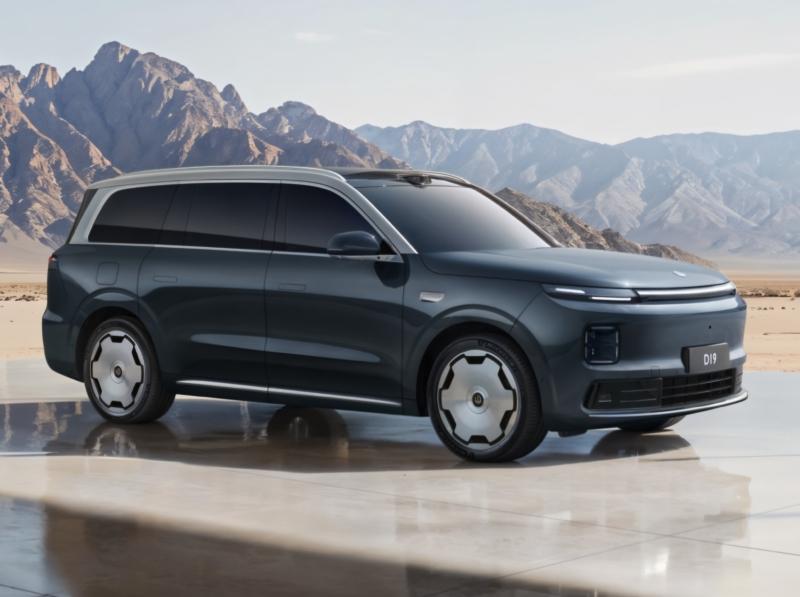
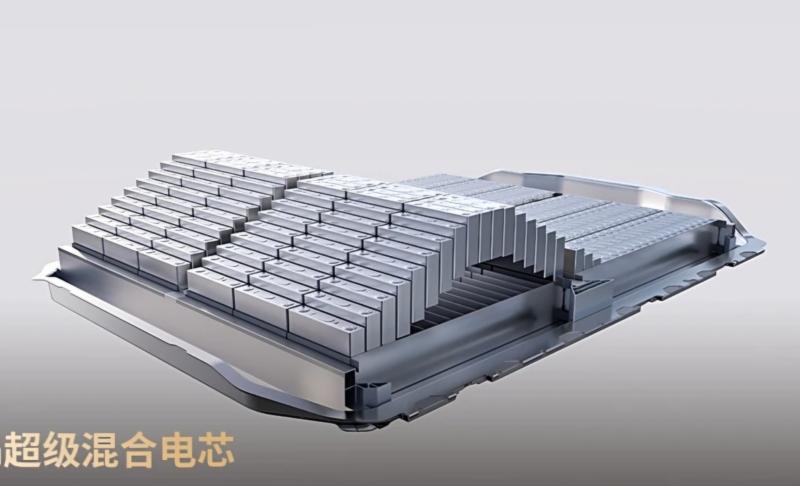
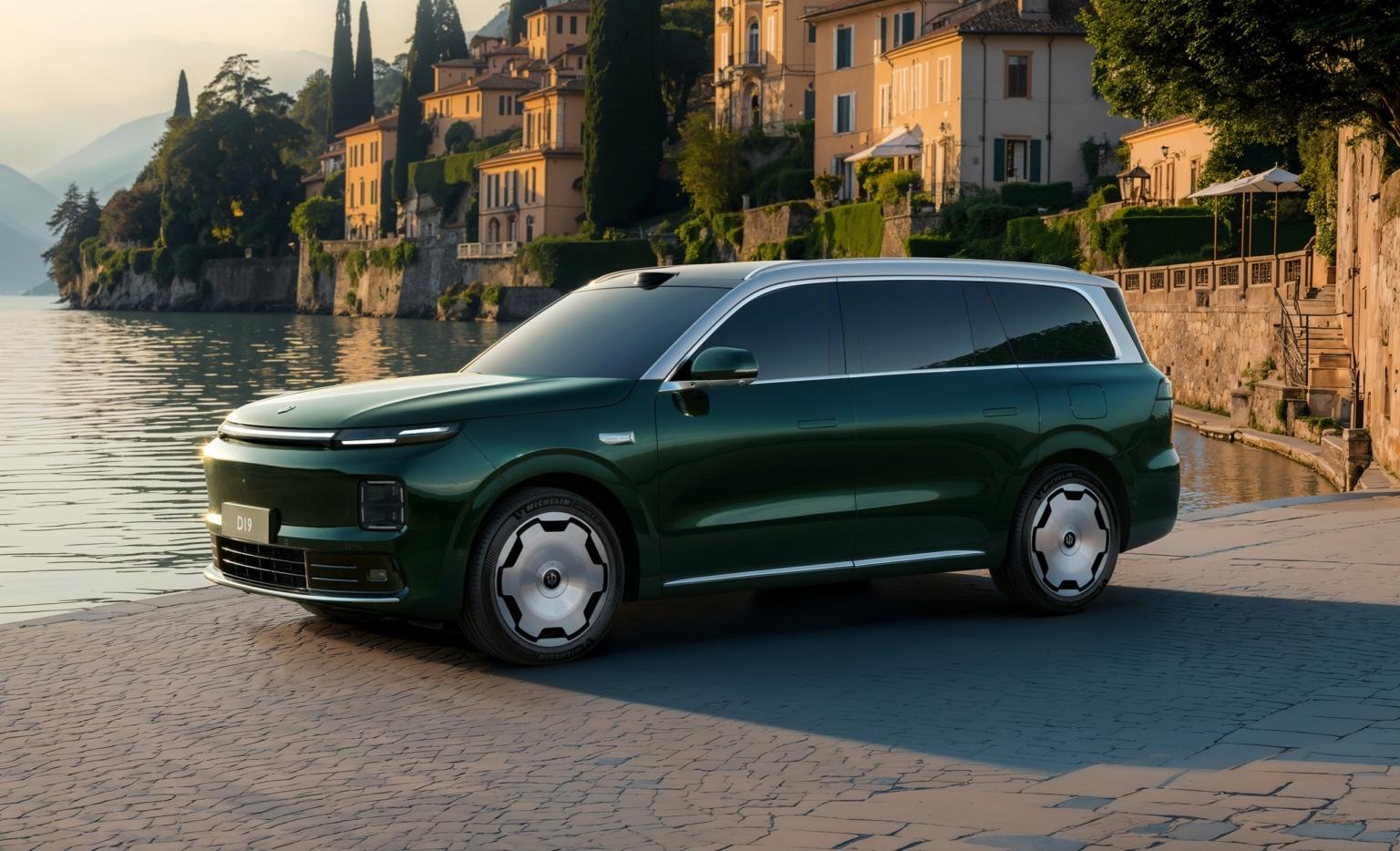
Il lancio sul mercato in Cina è previsto per la prima metà del 2026, con un'autonomia di 500 km in modalità elettrica pura per la EREV e di 720 km per la EV. La Leapmotor D19 è lunga 5,2 metri, larga quasi 2 metri con un passo superiore a 3,1 metri. Nella parte posteriore il fanale è lungo 1958 mm e contiene 11.025 unità LED. La versione EV genera una potenza combinata di 540 kW (724 CV) ed è abbinata a un pacco batteria da 115 kWh per un'autonomia di 720 km. Questa batteria è sviluppata da CATL e integra sia materiali al litio ferro fosfato che al litio ternario. L'accelerazione da 0 a 100 km/h è inferiore a 3 secondi. Sfruttando la sua piattaforma ad alta tensione da 1.000 V, la variante elettrica impiega 15 minuti per ricaricare l'auto e raggiungere un'autonomia di 350 km. La variante EREV utilizza una piattaforma ad alta tensione da 800 V, un motore termico con funzione di range extender e due motori elettrici con una potenza di sistema di 400 kW (536 CV). Il pacco batteria da 80,3 kWh offre un'autonomia in modalità puramente elettrica di 500 km. Con la ricarica rapida, bastano 15 minuti per ricaricare la batteria dal 30% all'80%. La D19 è dotata di un doppio chip Qualcomm Snapdragon 8797 a bordo del veicolo, con una potenza di calcolo fino a 1280 TOPS. Uno per l'abitacolo intelligente, l'altro per l'assistenza alla guida avanzata. Debutto assoluto su questa Leapmotor è il primo generatore di ossigeno per veicoli del settore, con una capacità massima di produzione di ossigeno di 8 litri al minuto. Questa caratteristica è probabilmente pensata per rispondere alla recente tendenza dei viaggi nazionali verso regioni ad alta quota come il Tibet in Cina.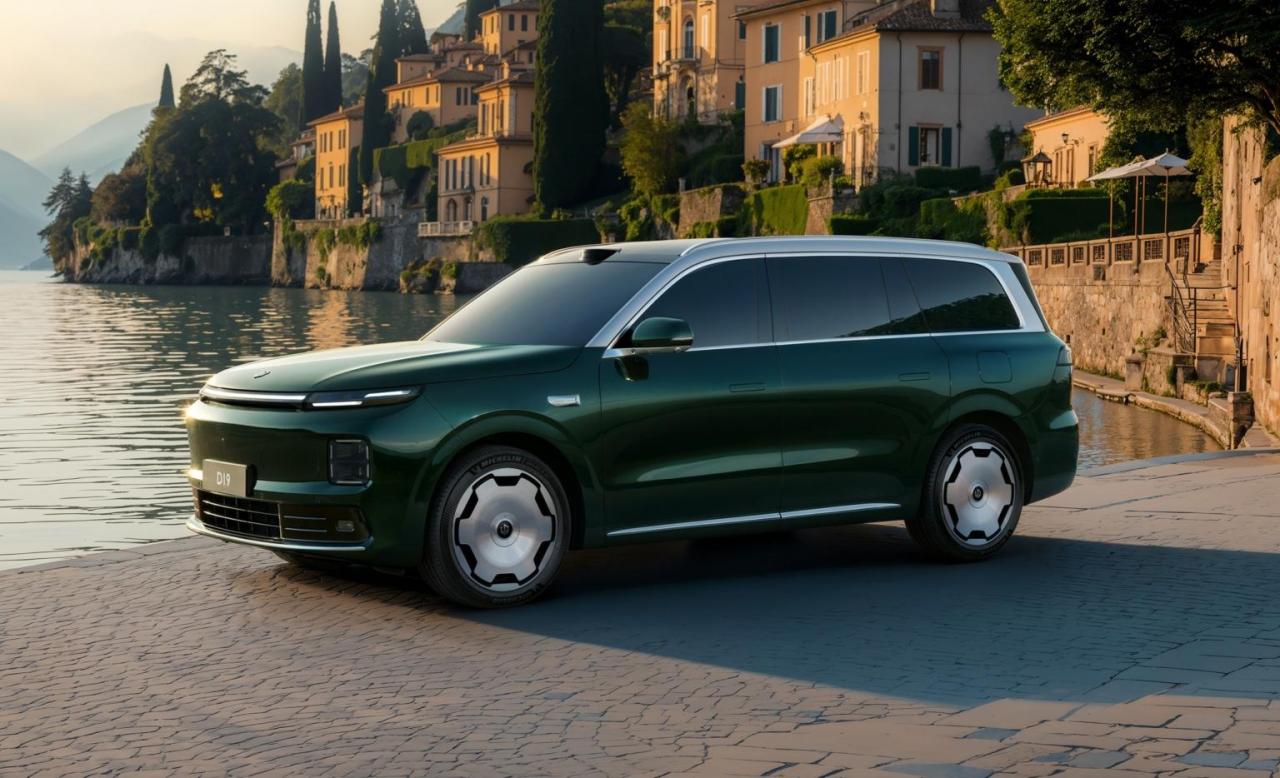
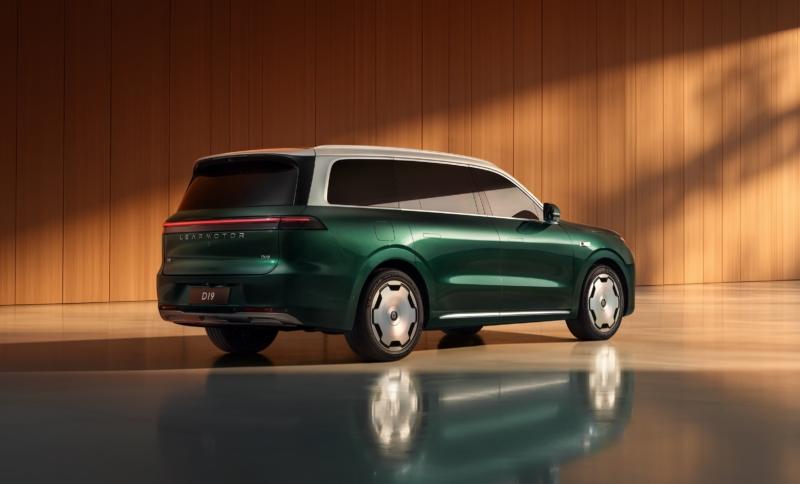
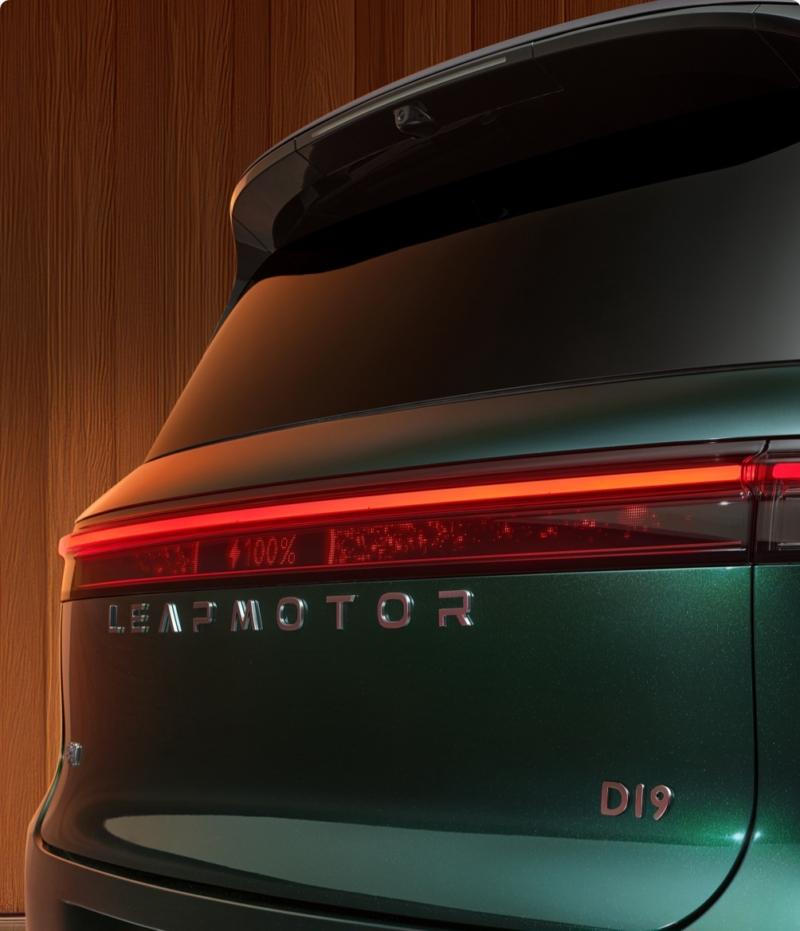
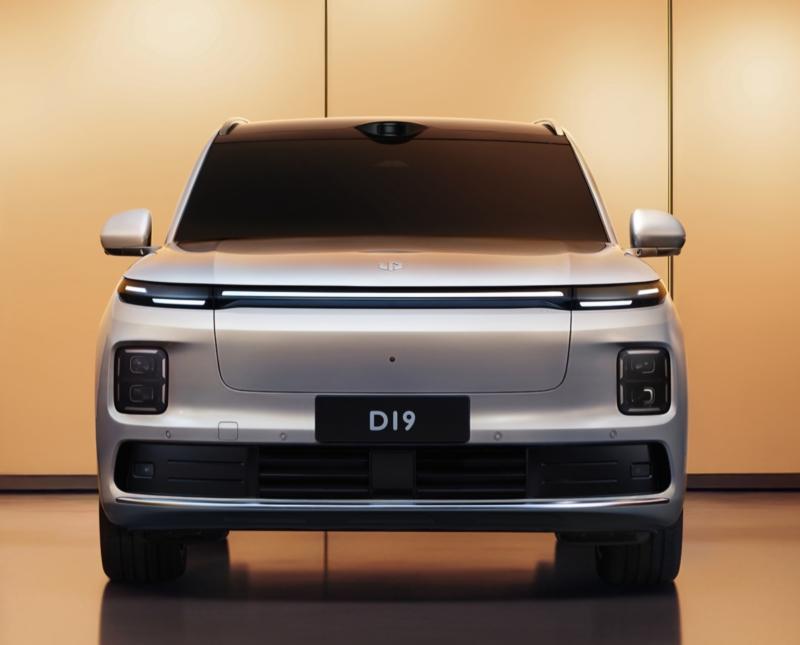
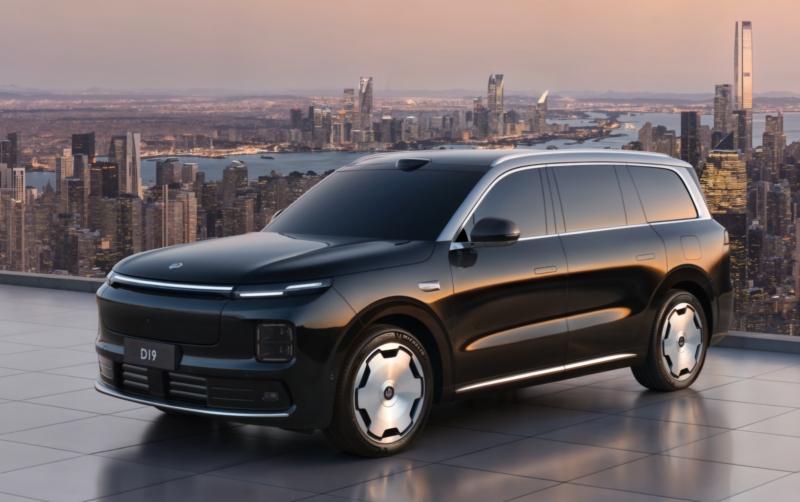
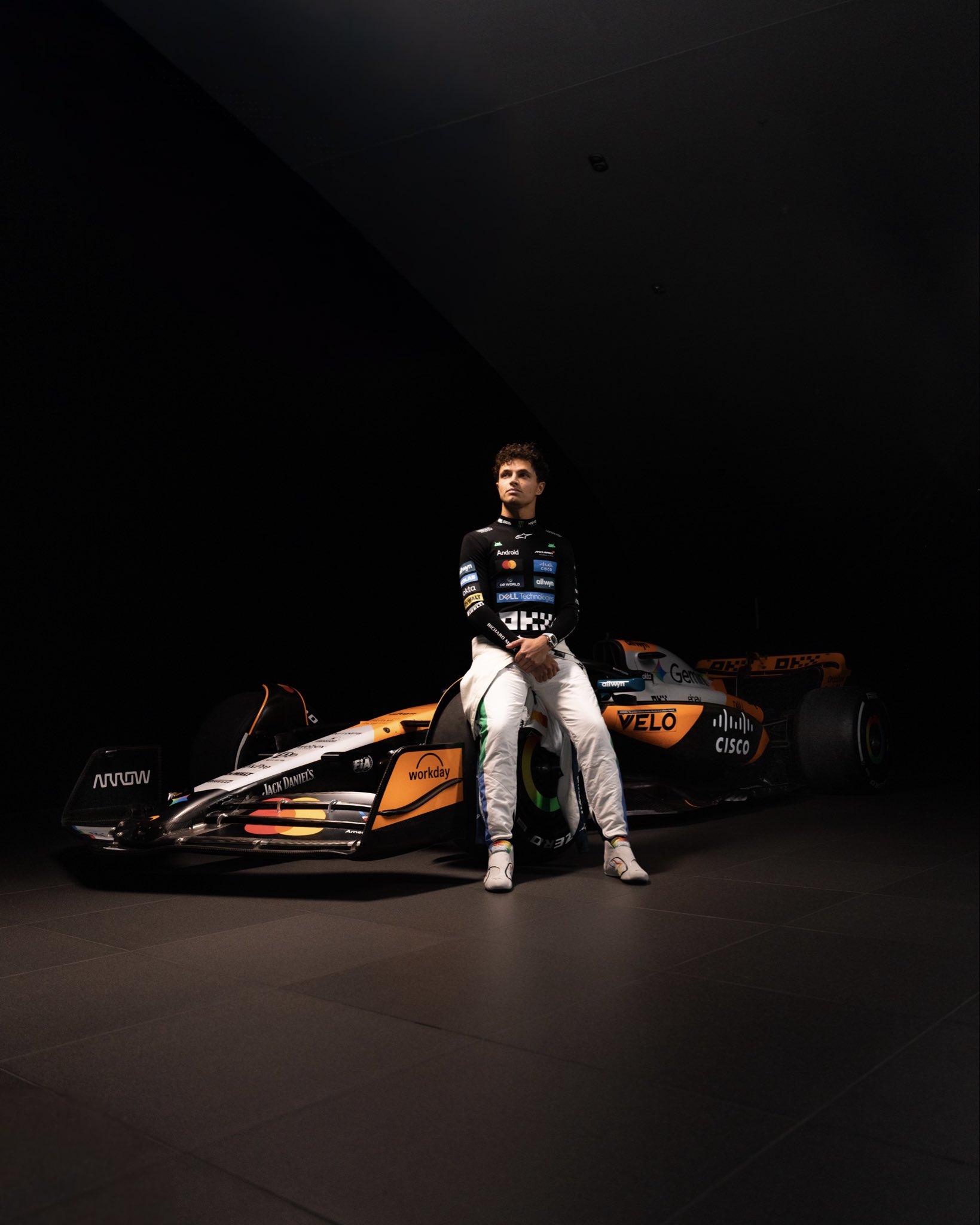
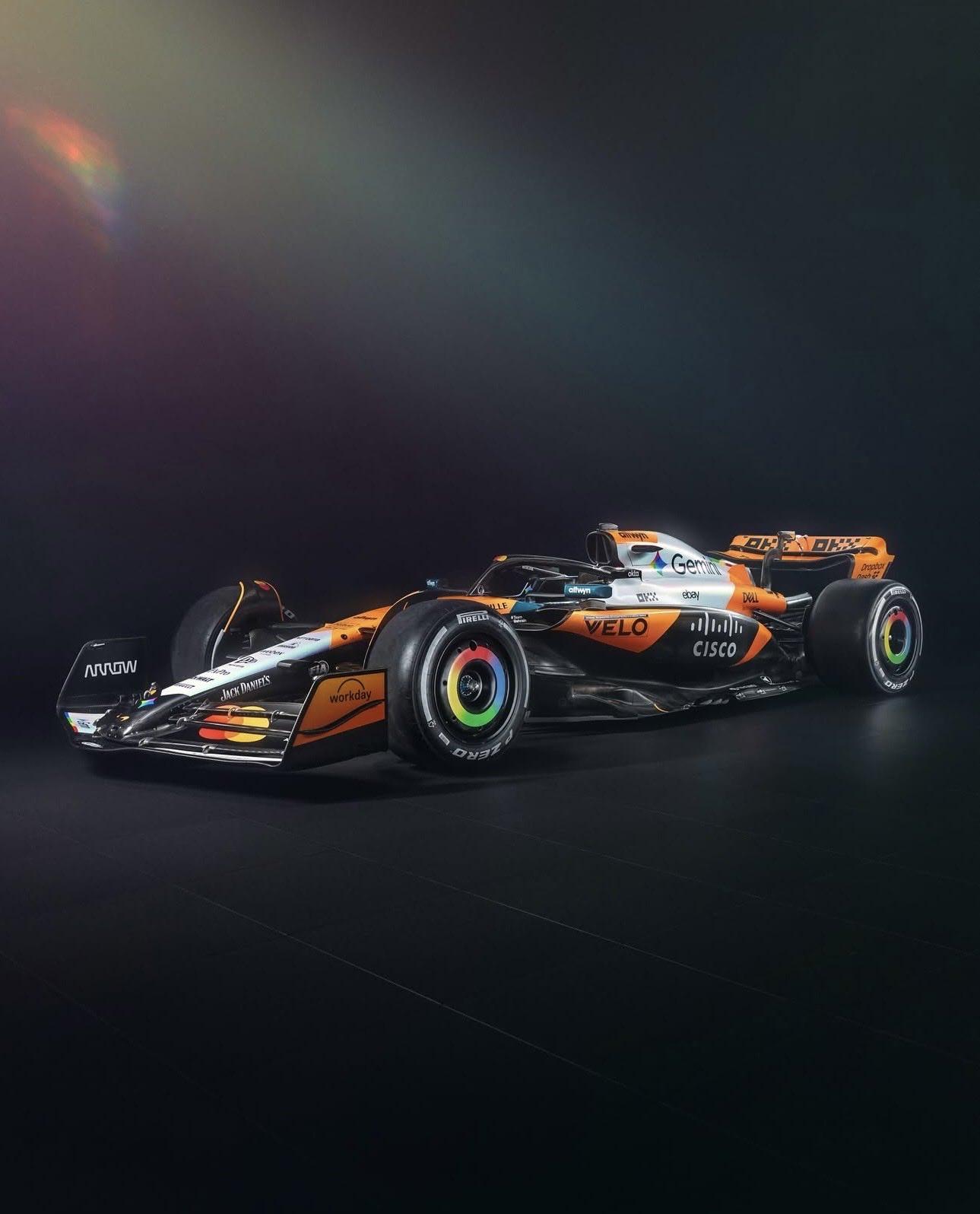
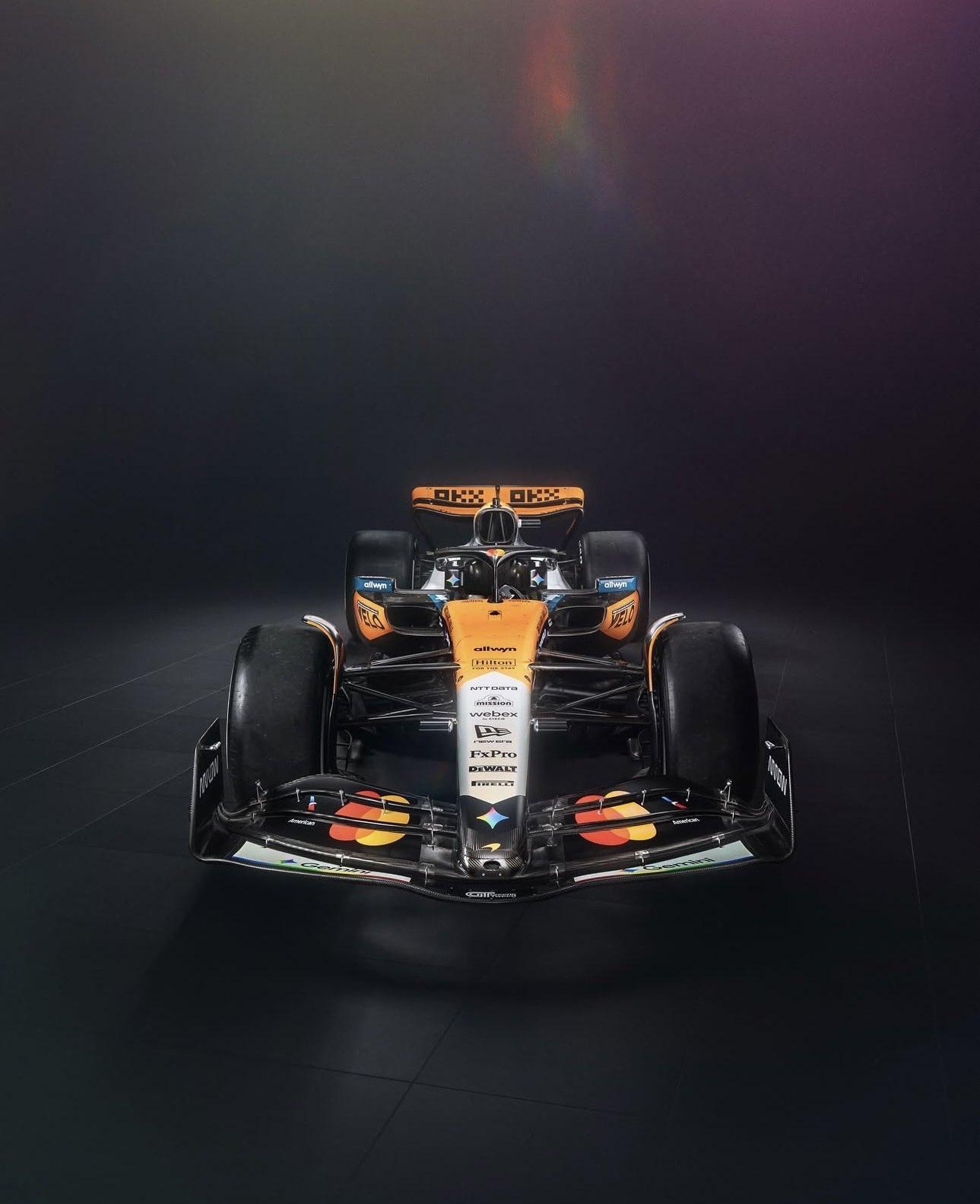
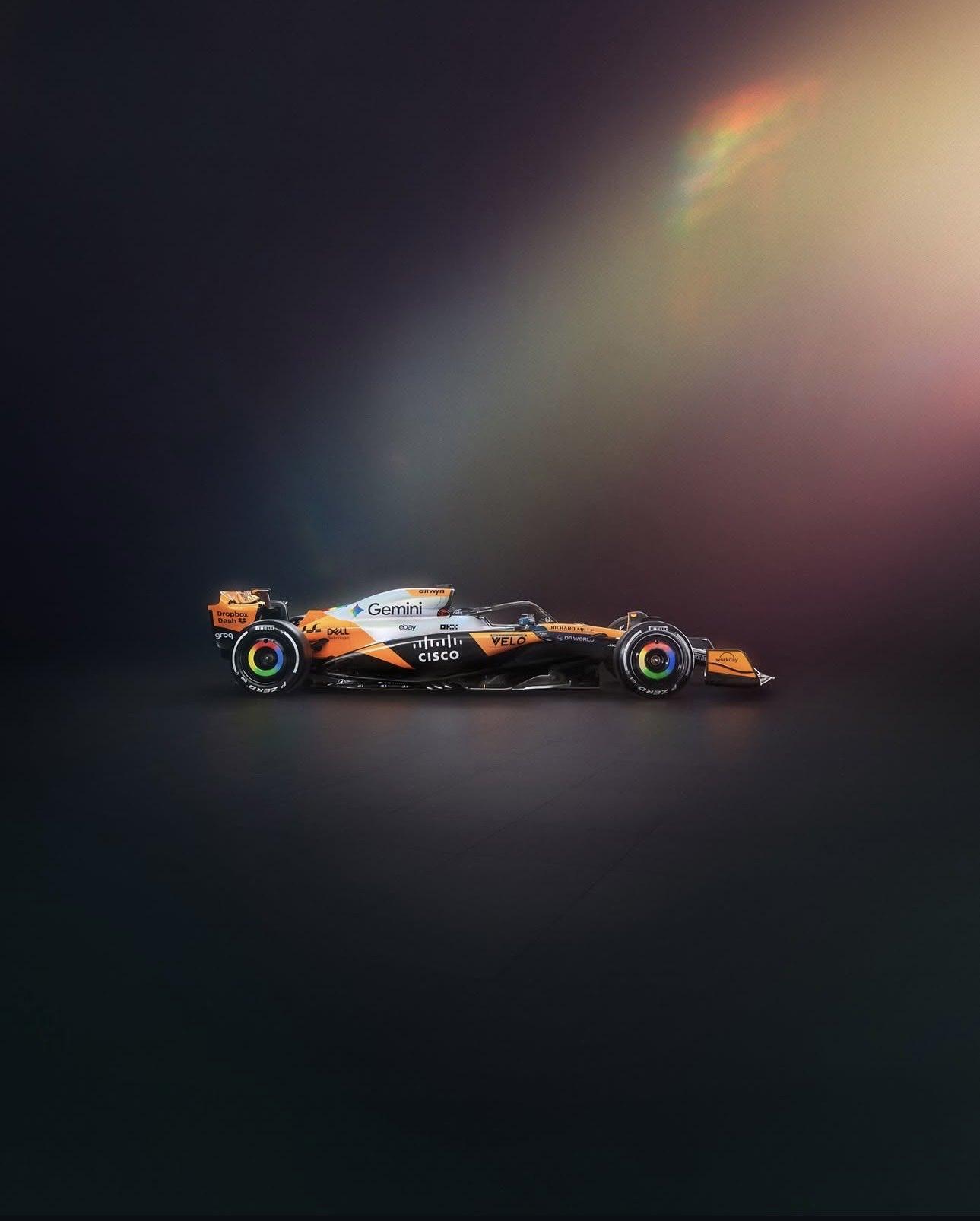
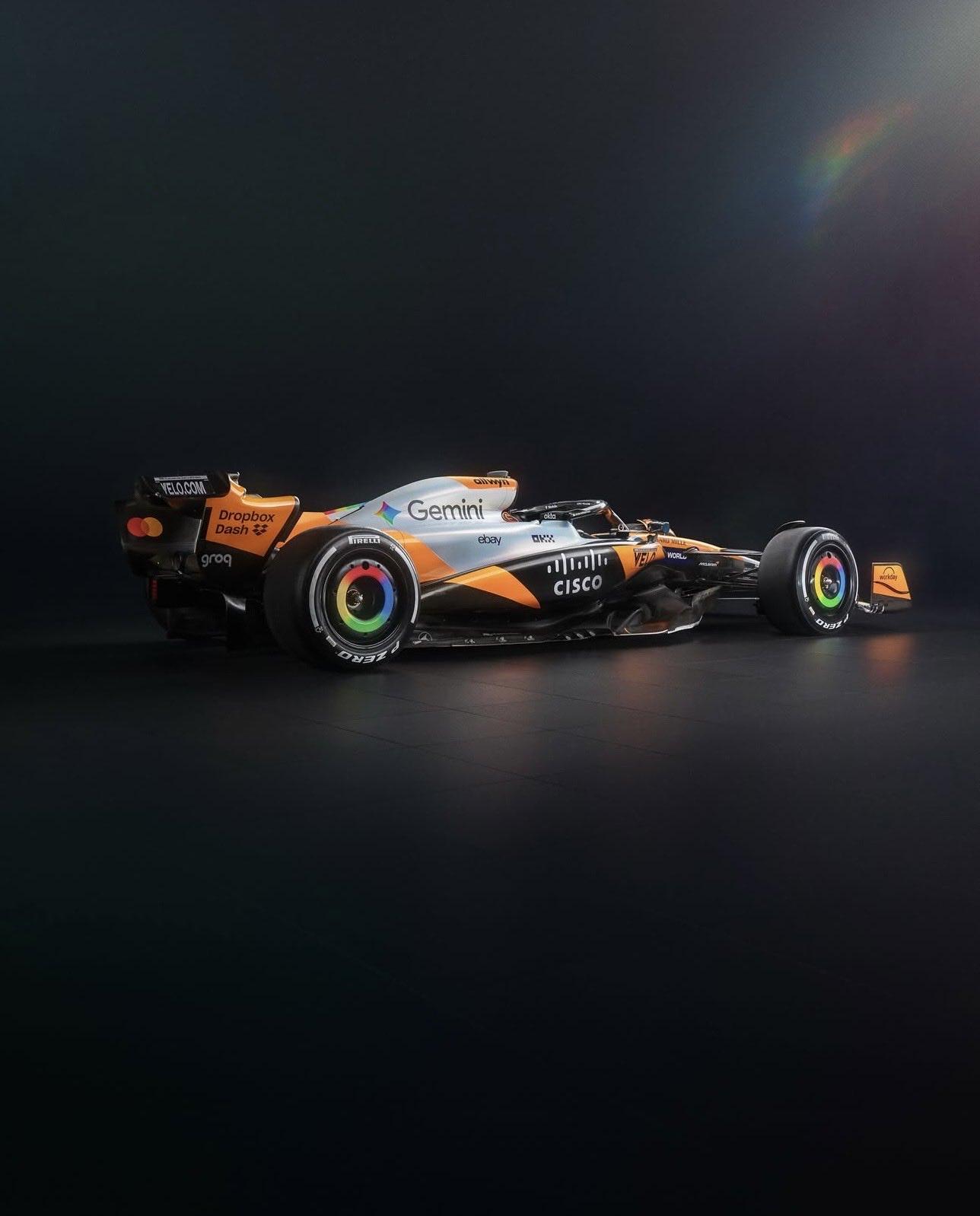
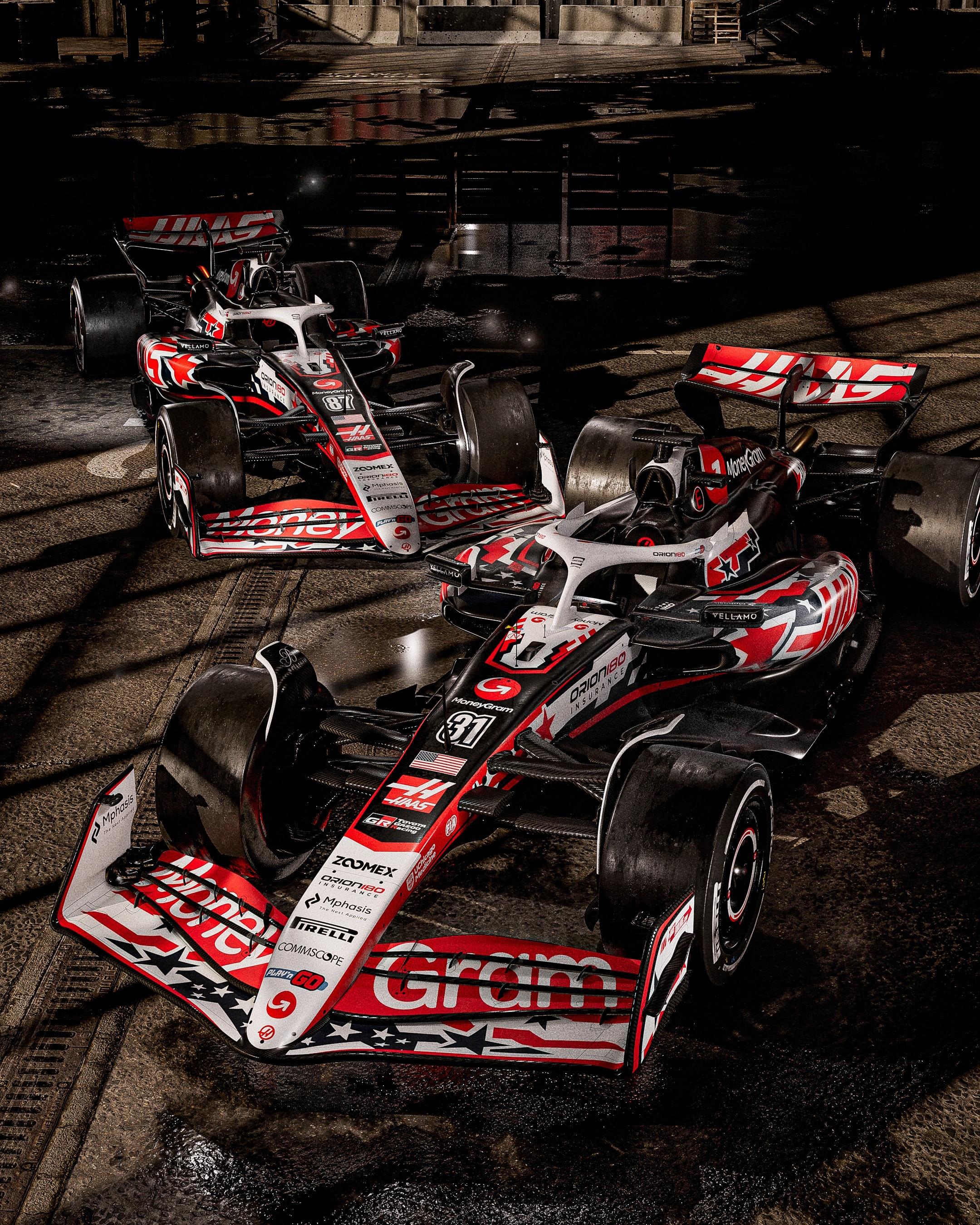
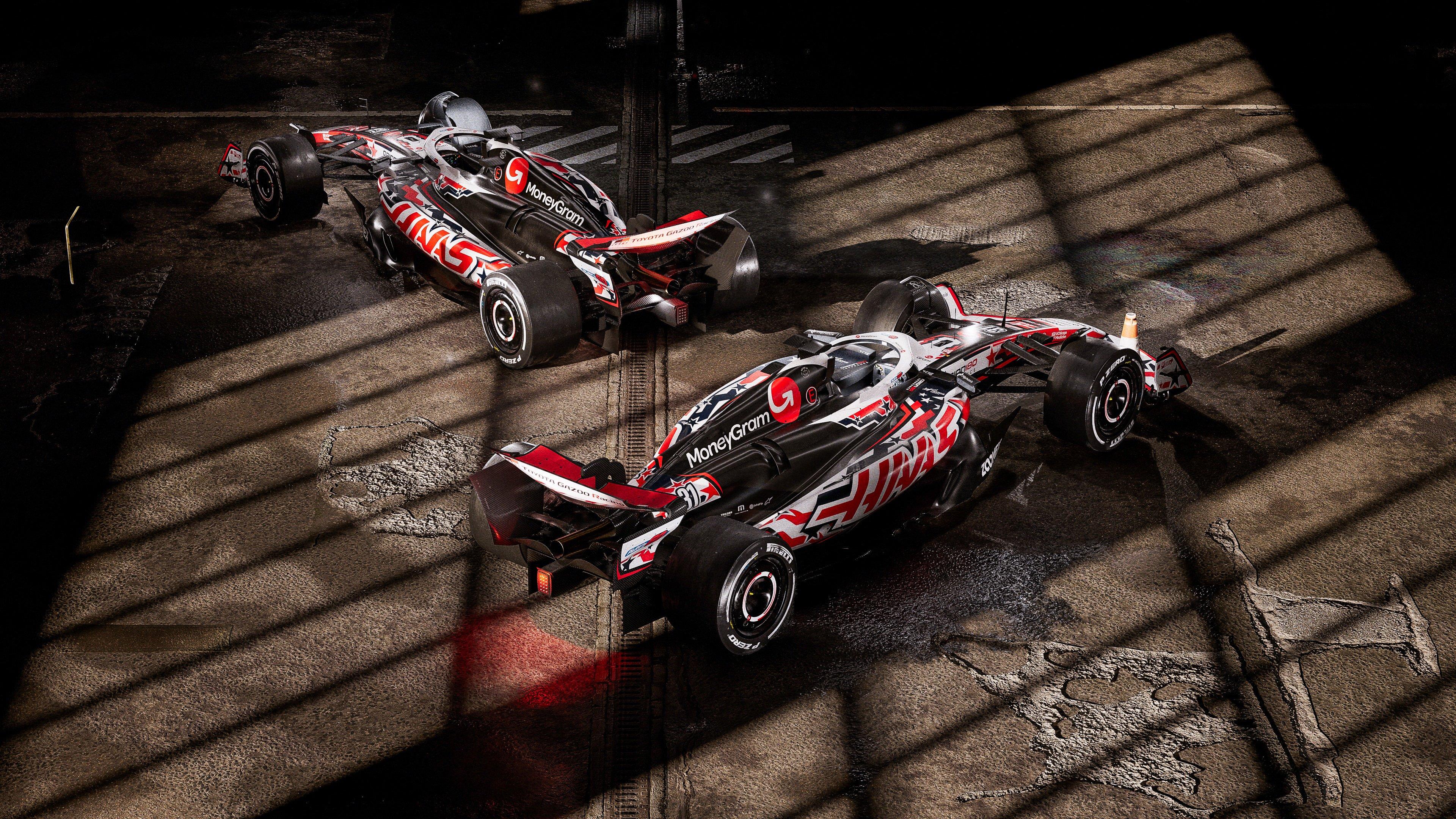
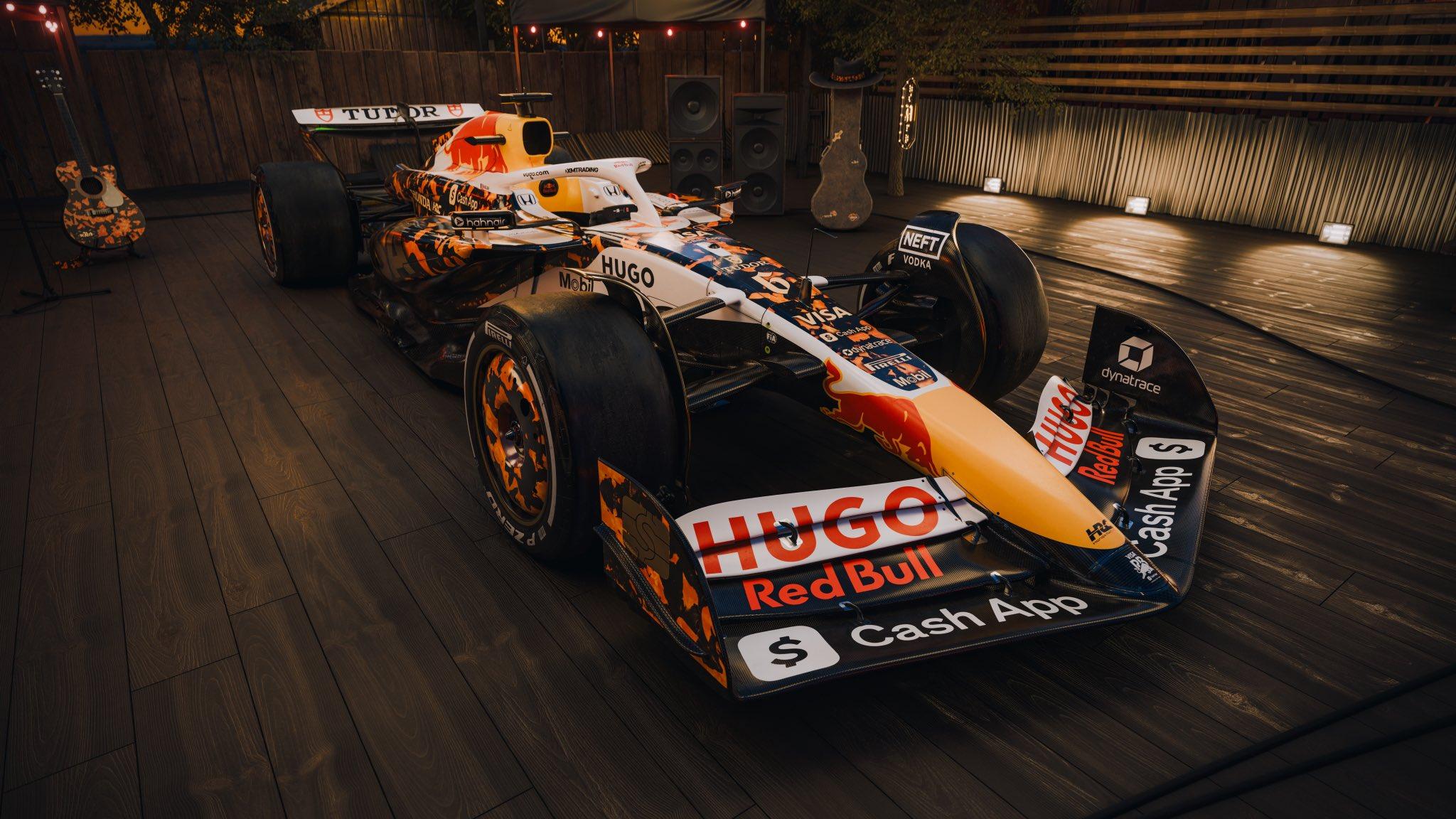
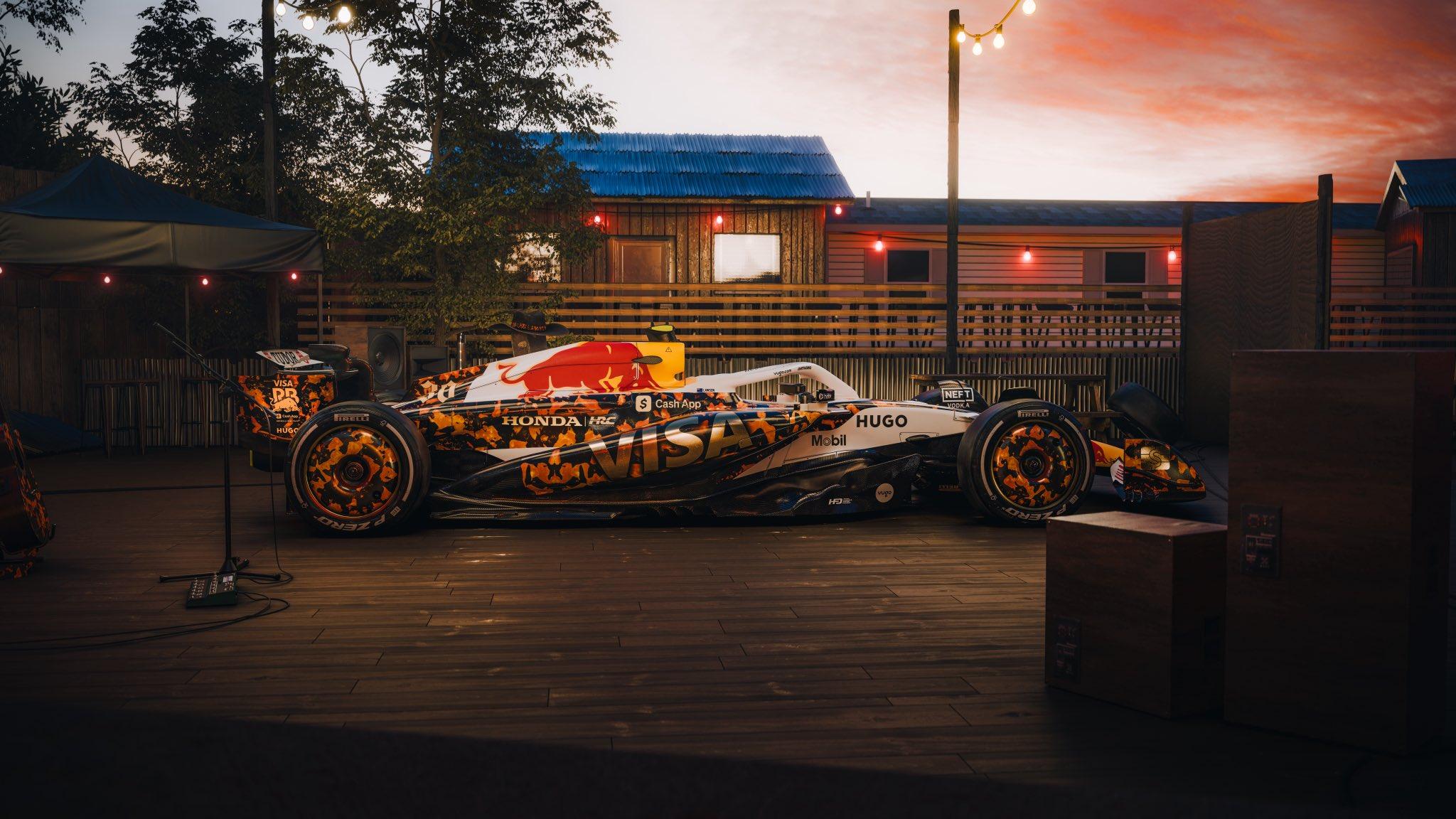
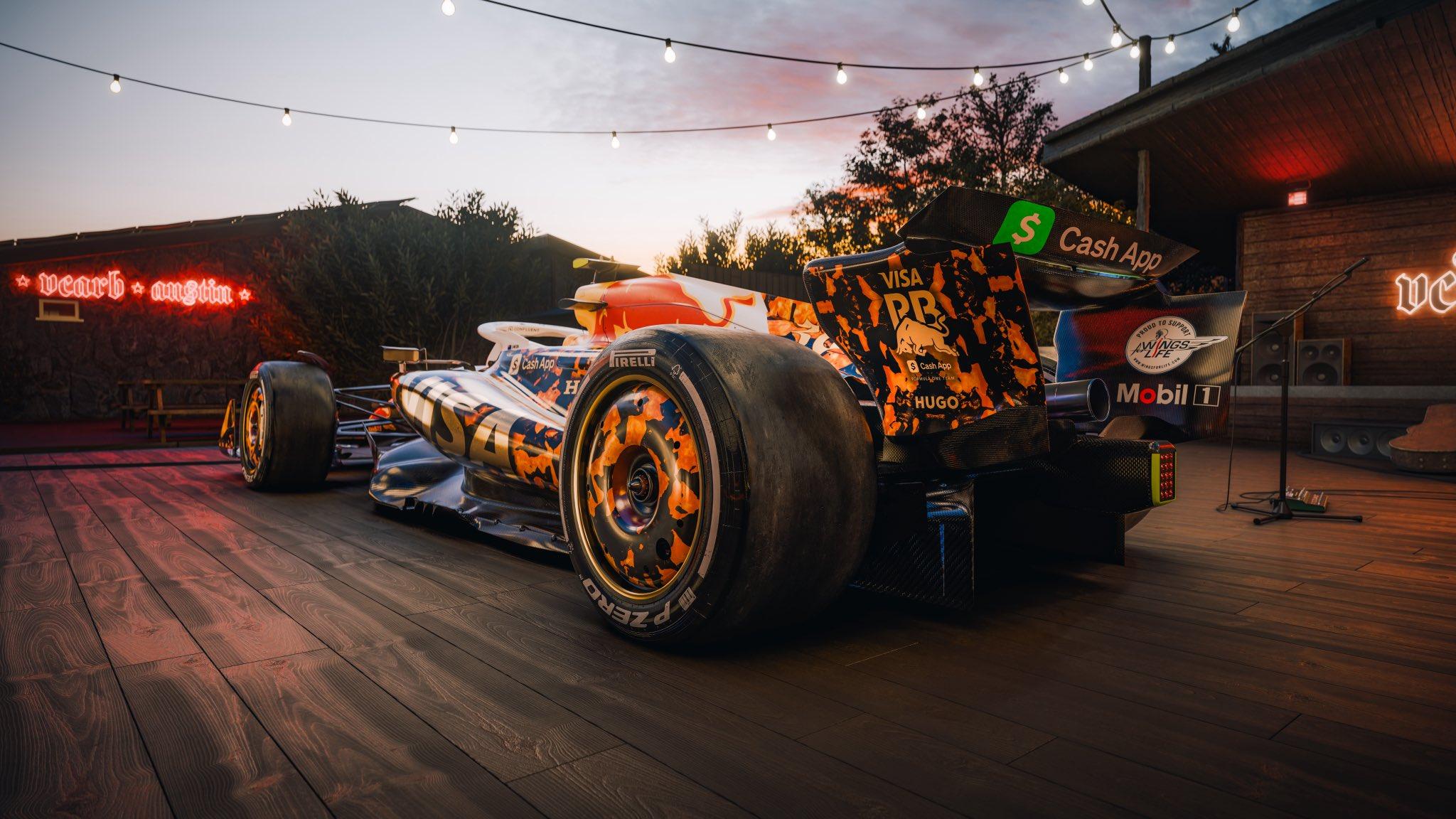
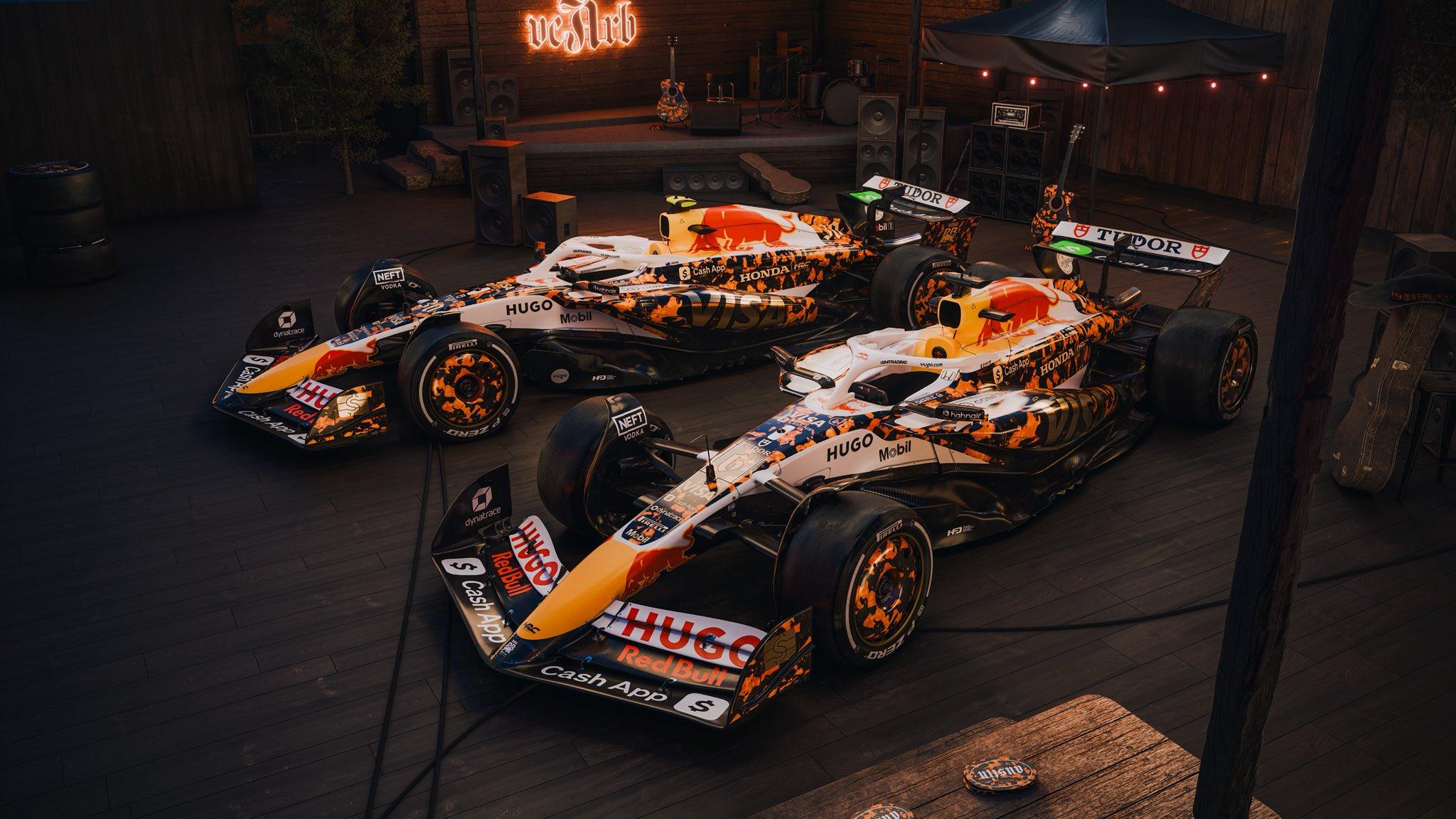
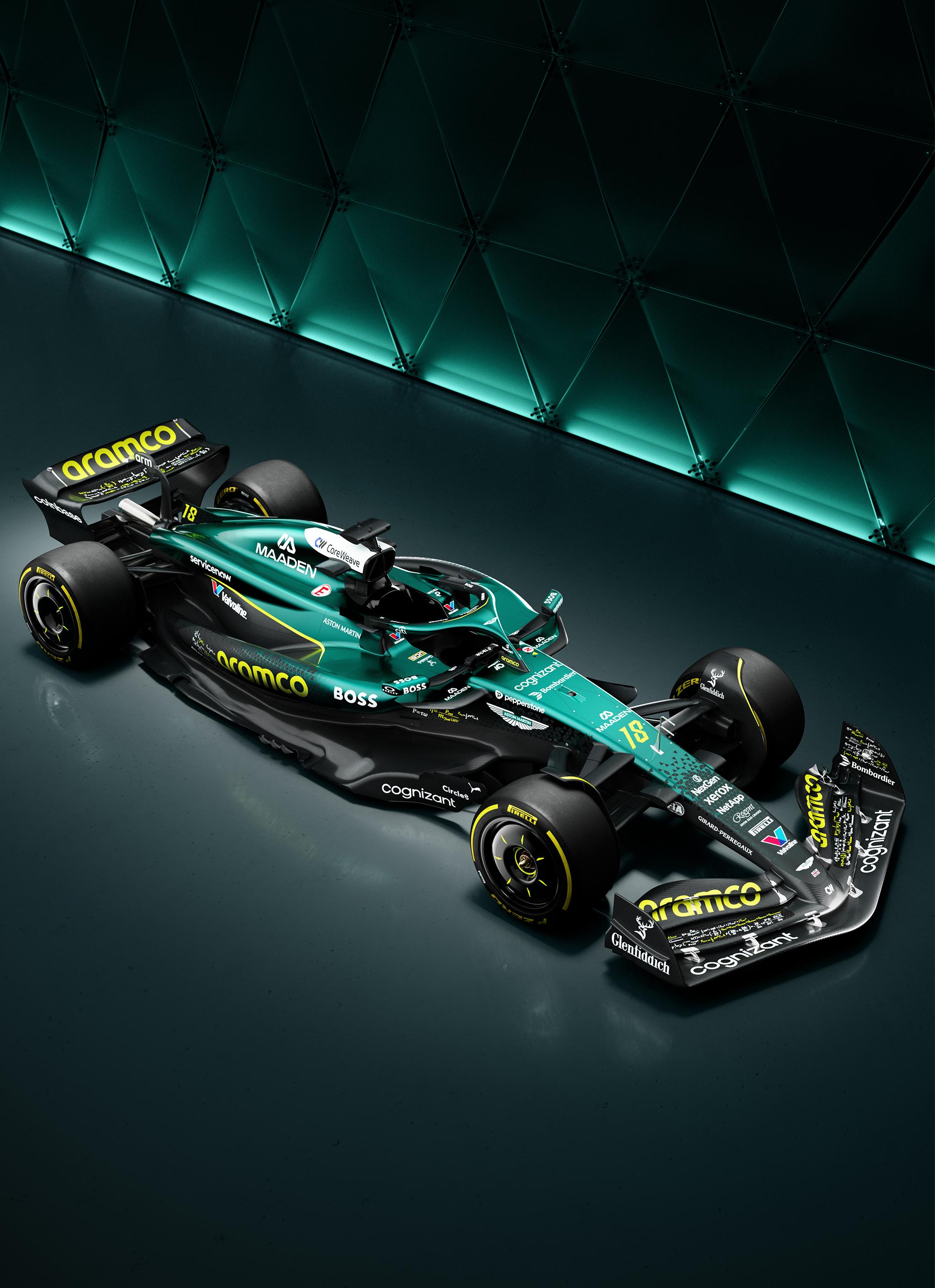
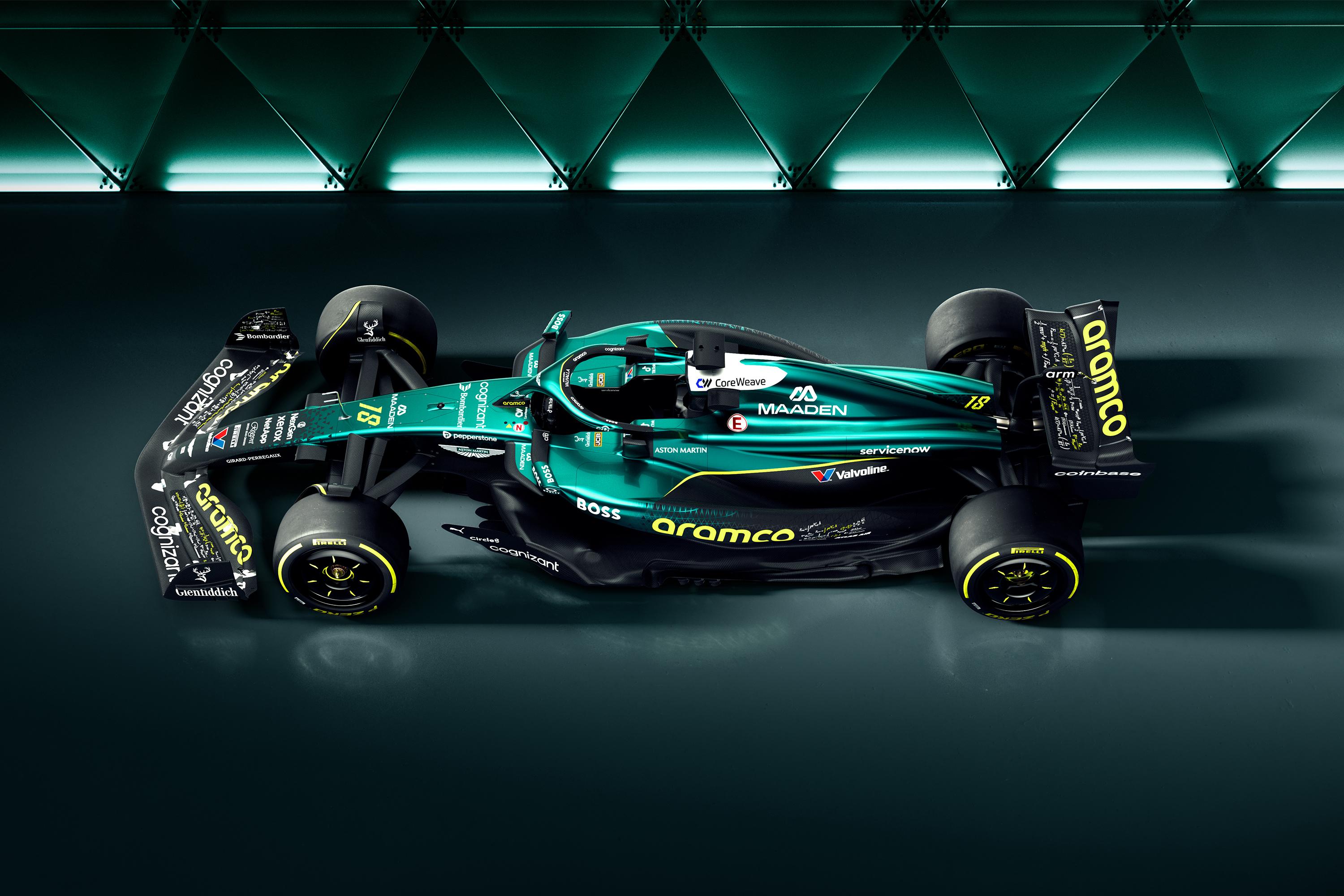
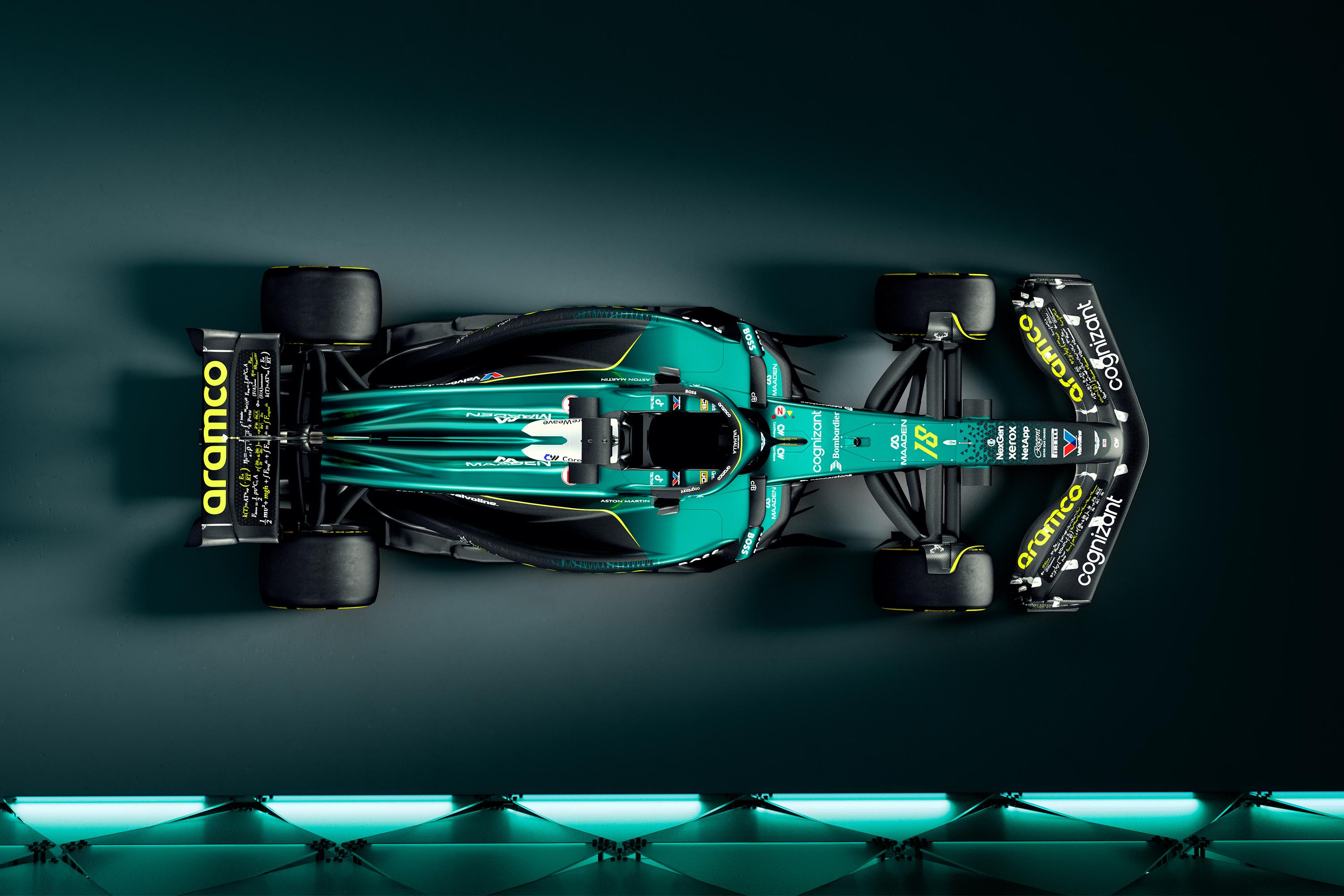
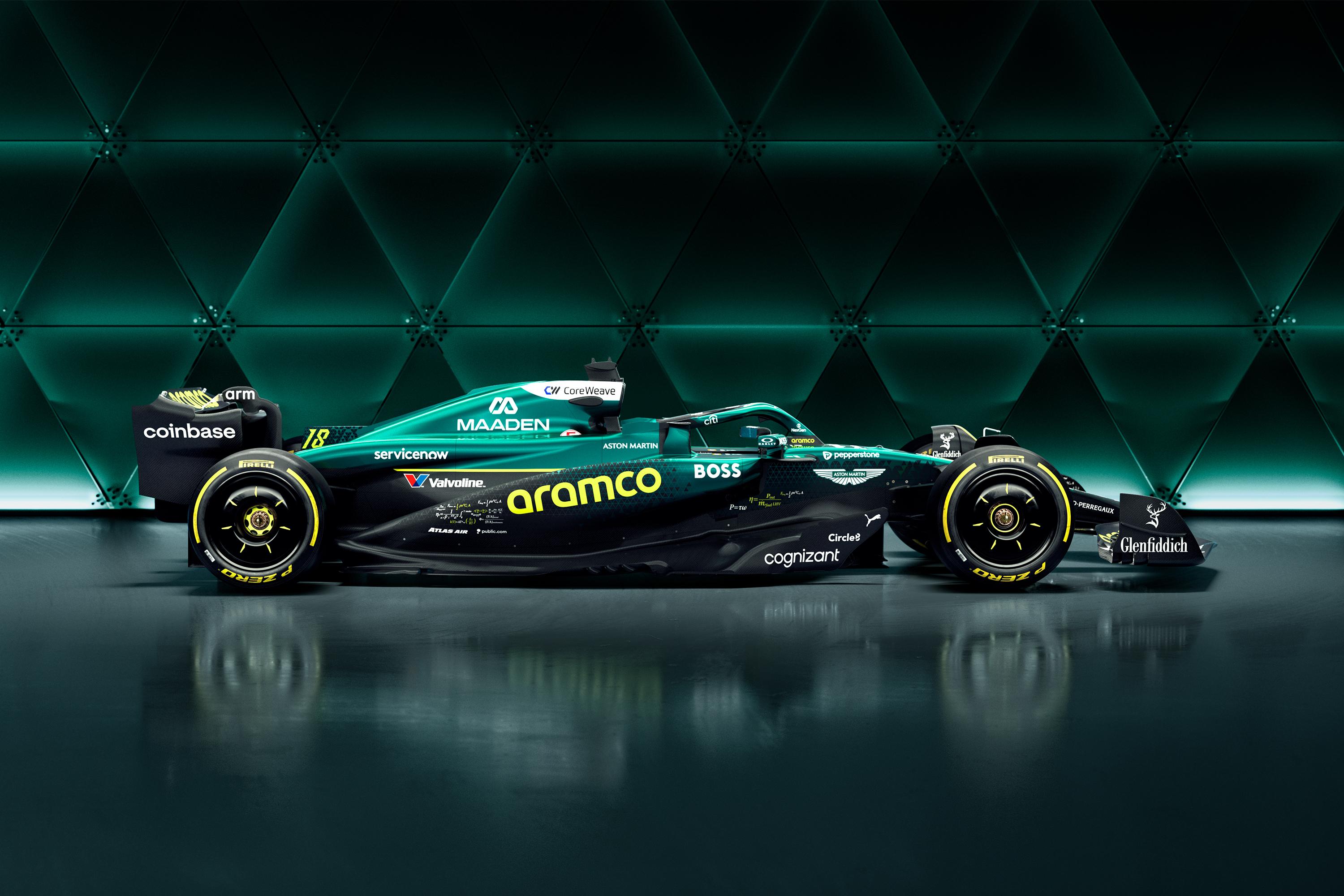
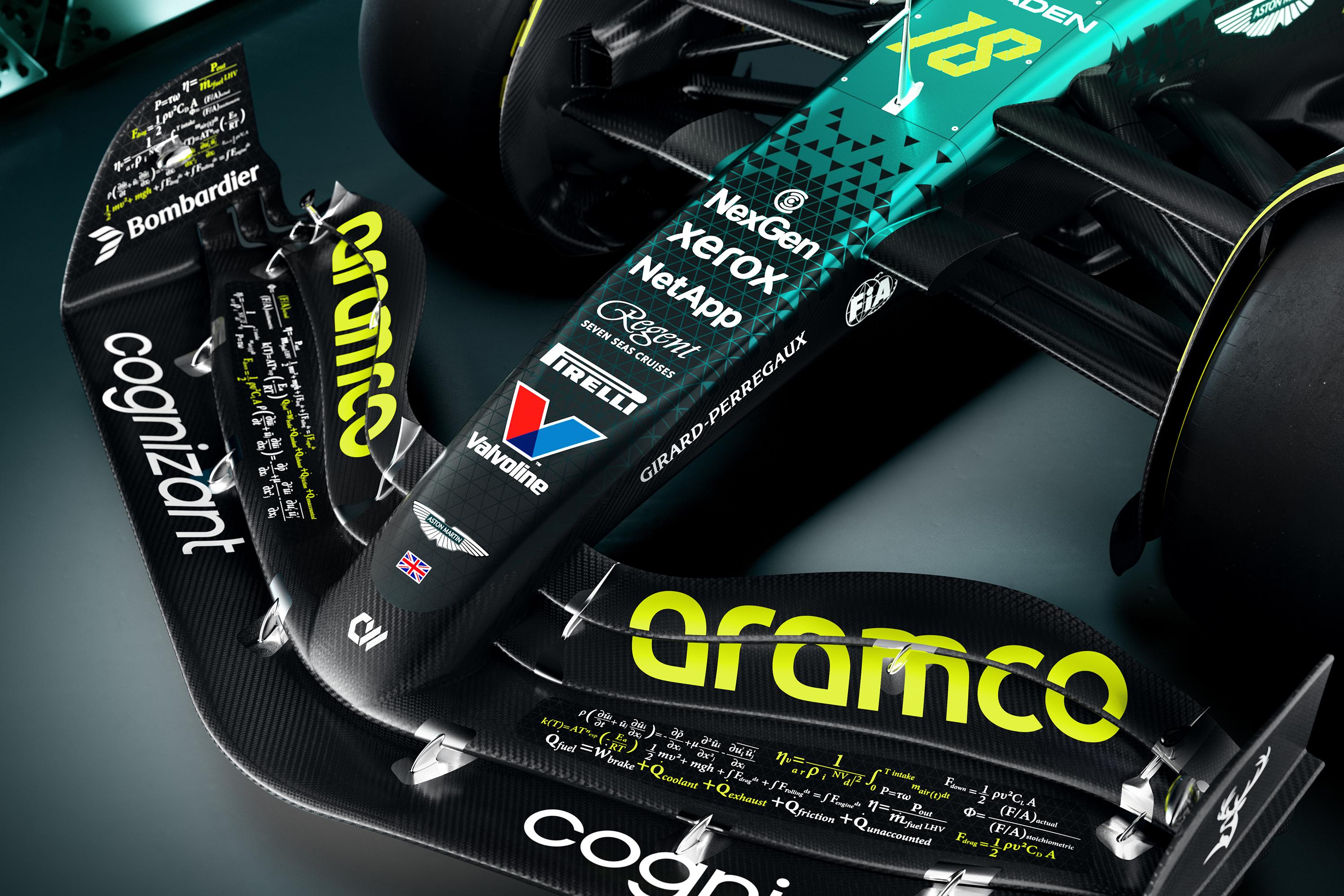
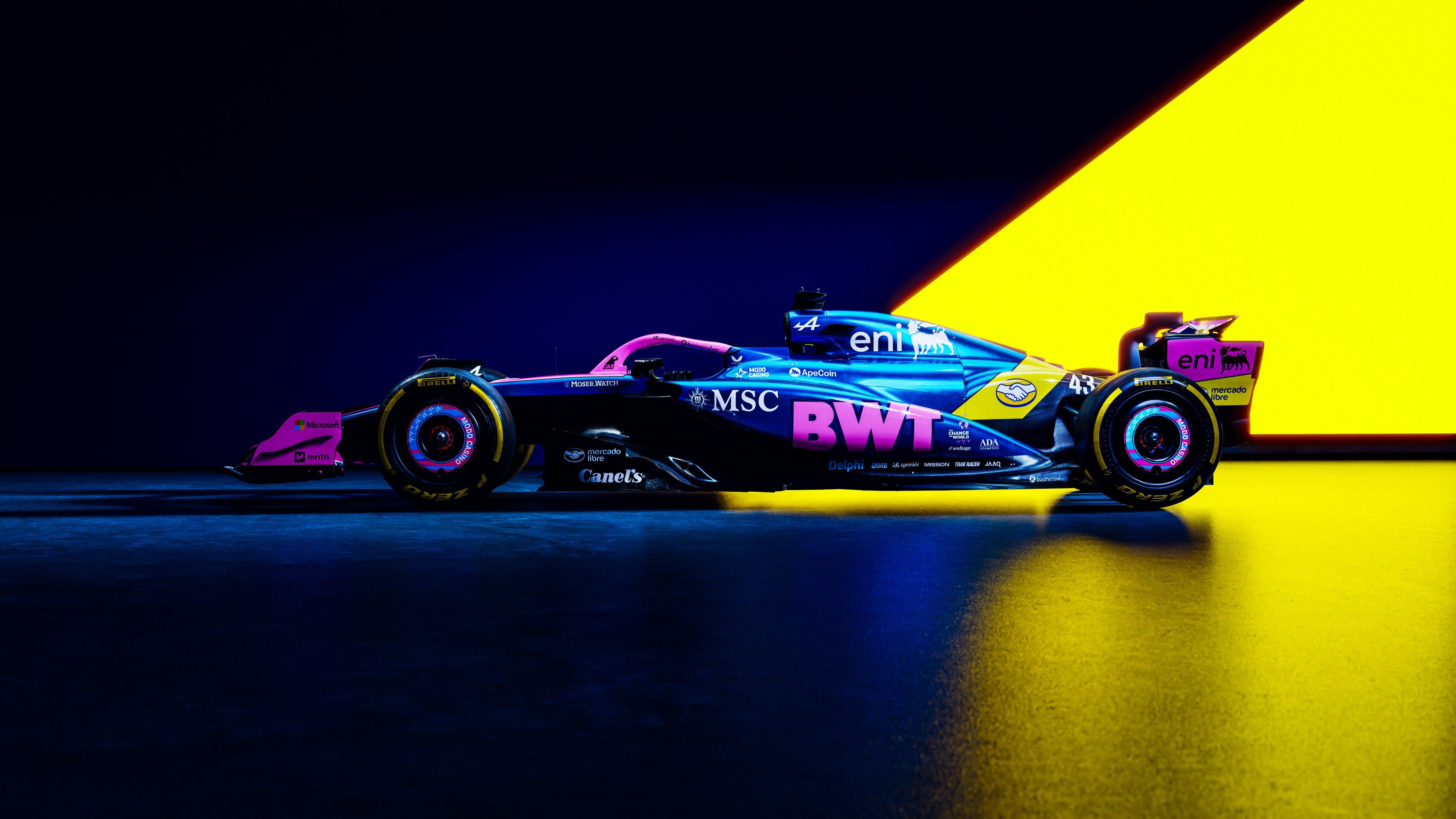
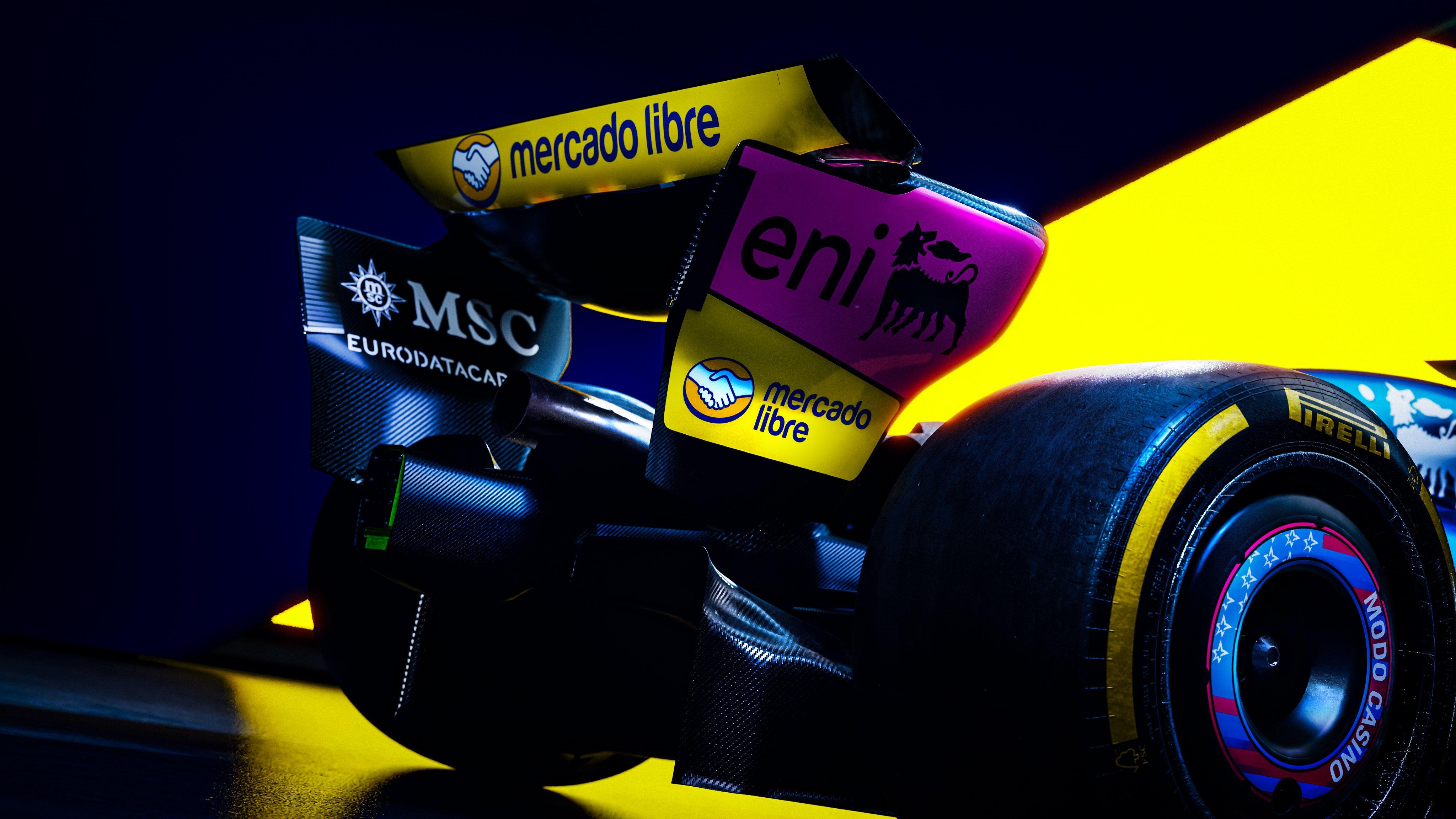
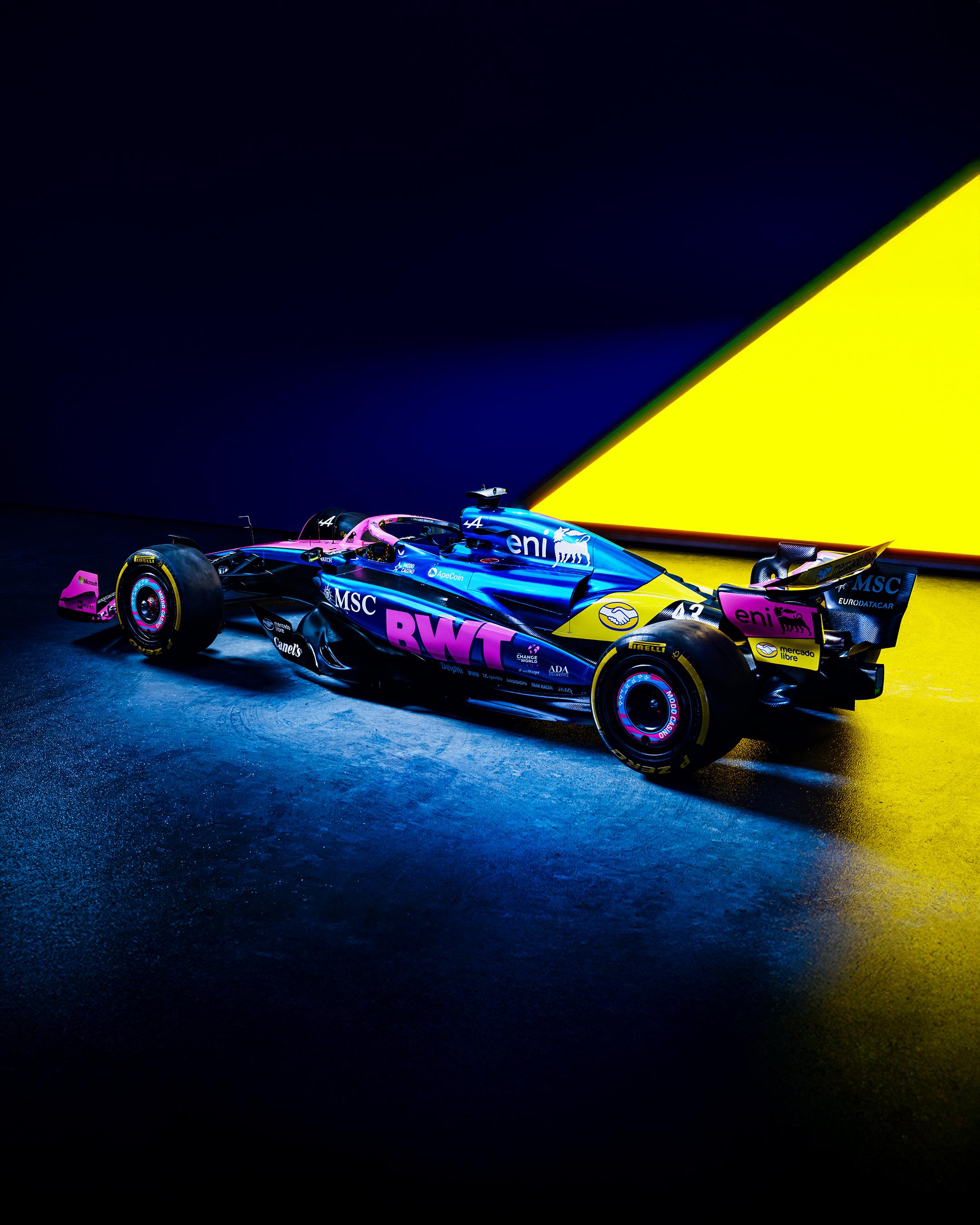
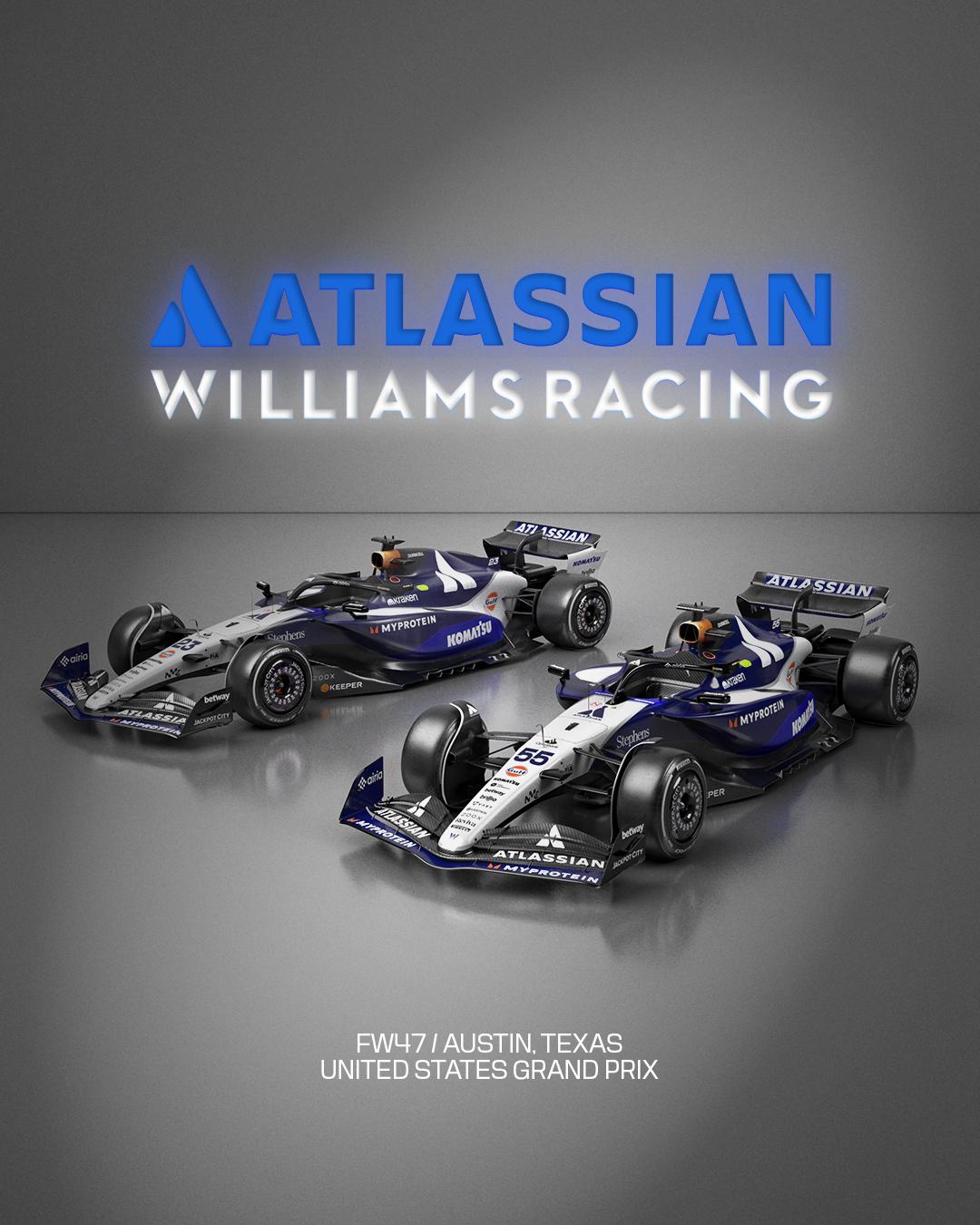
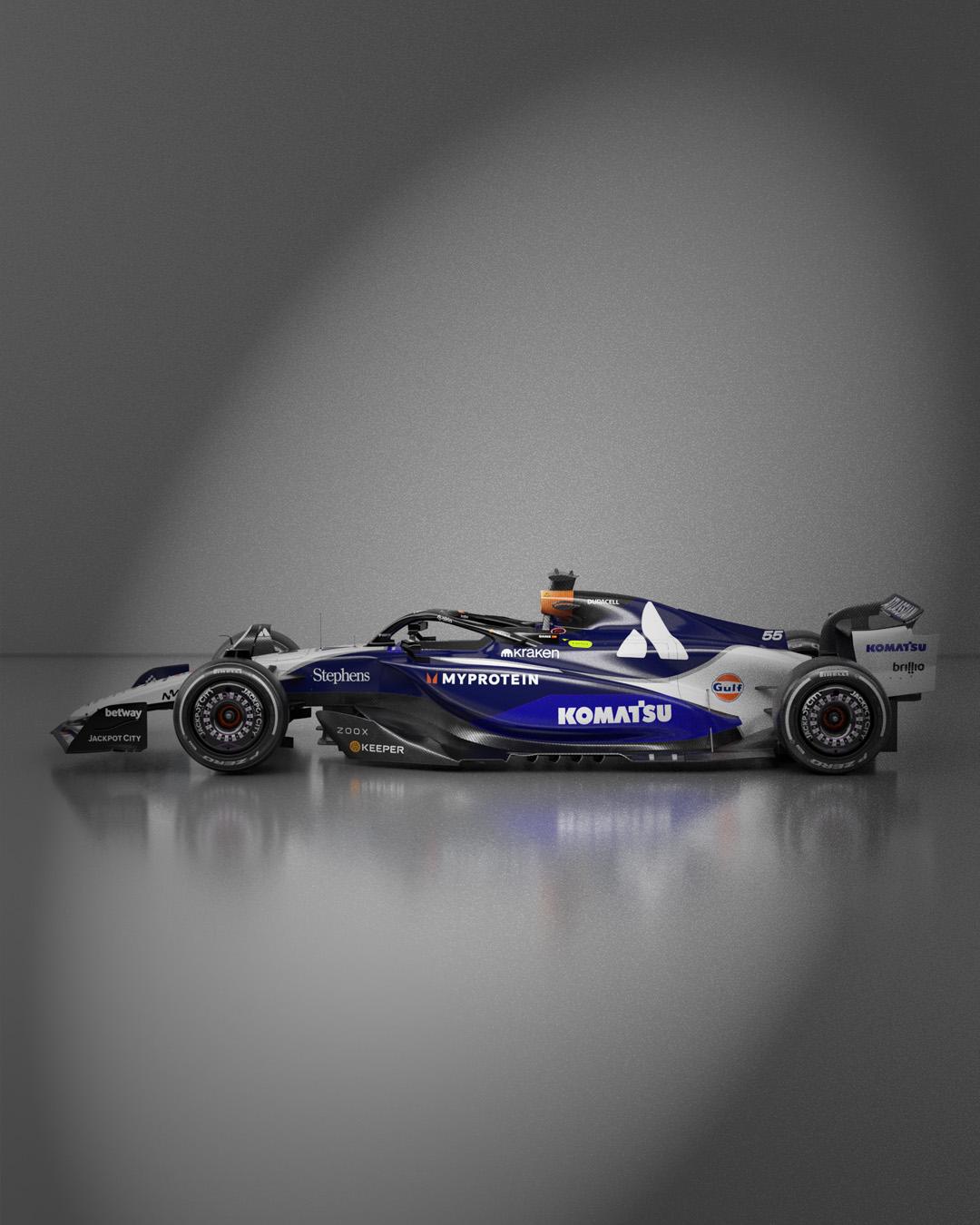
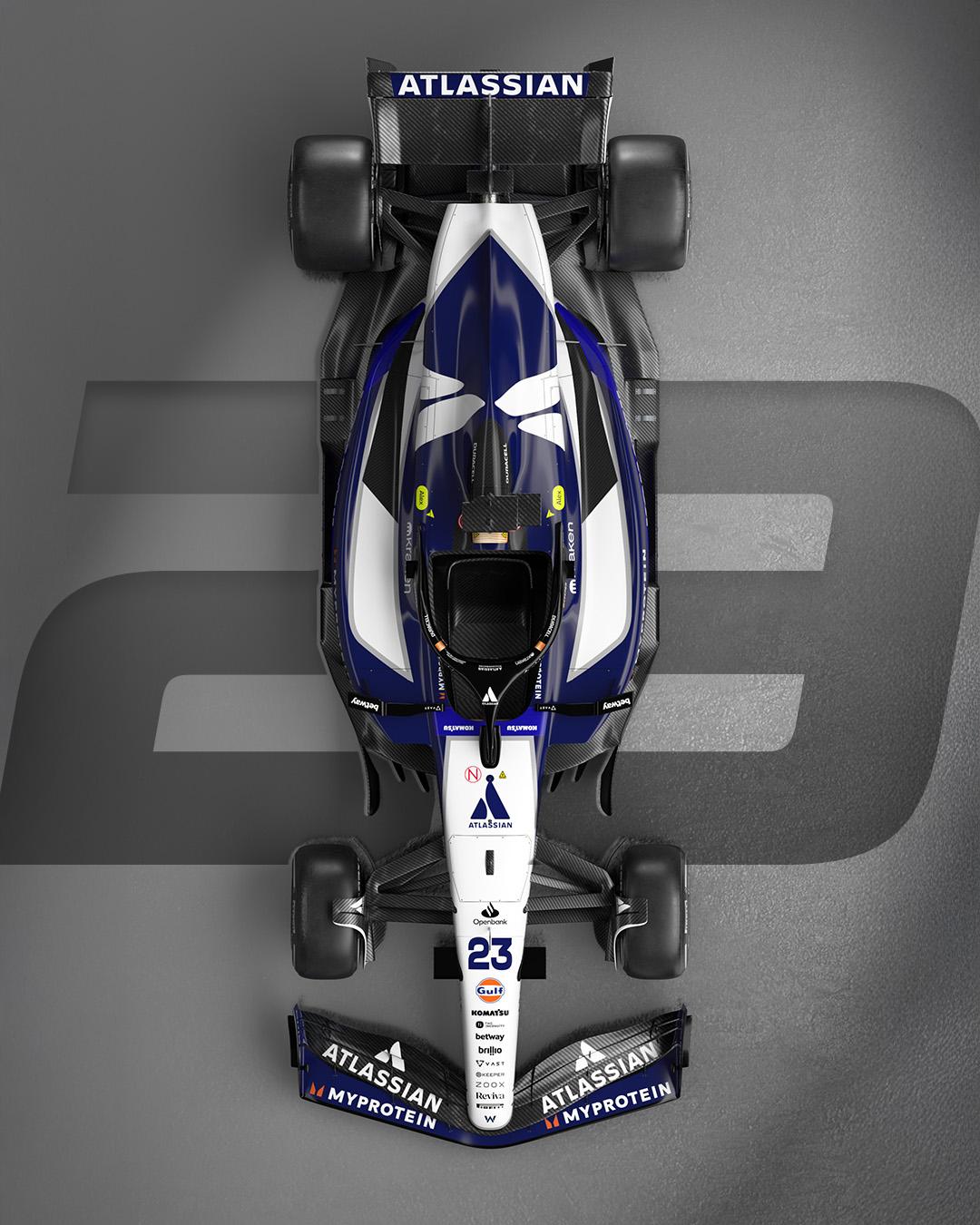
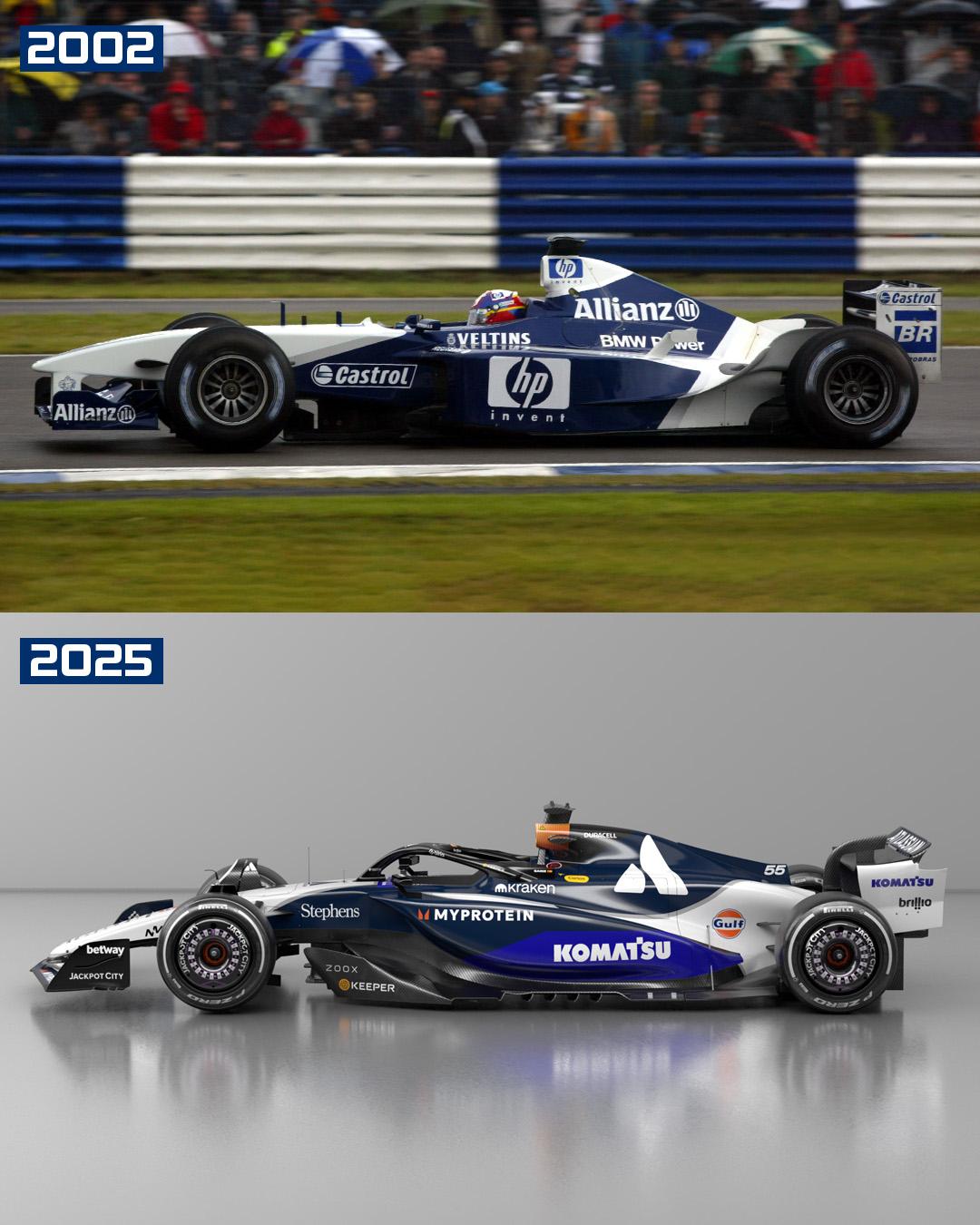
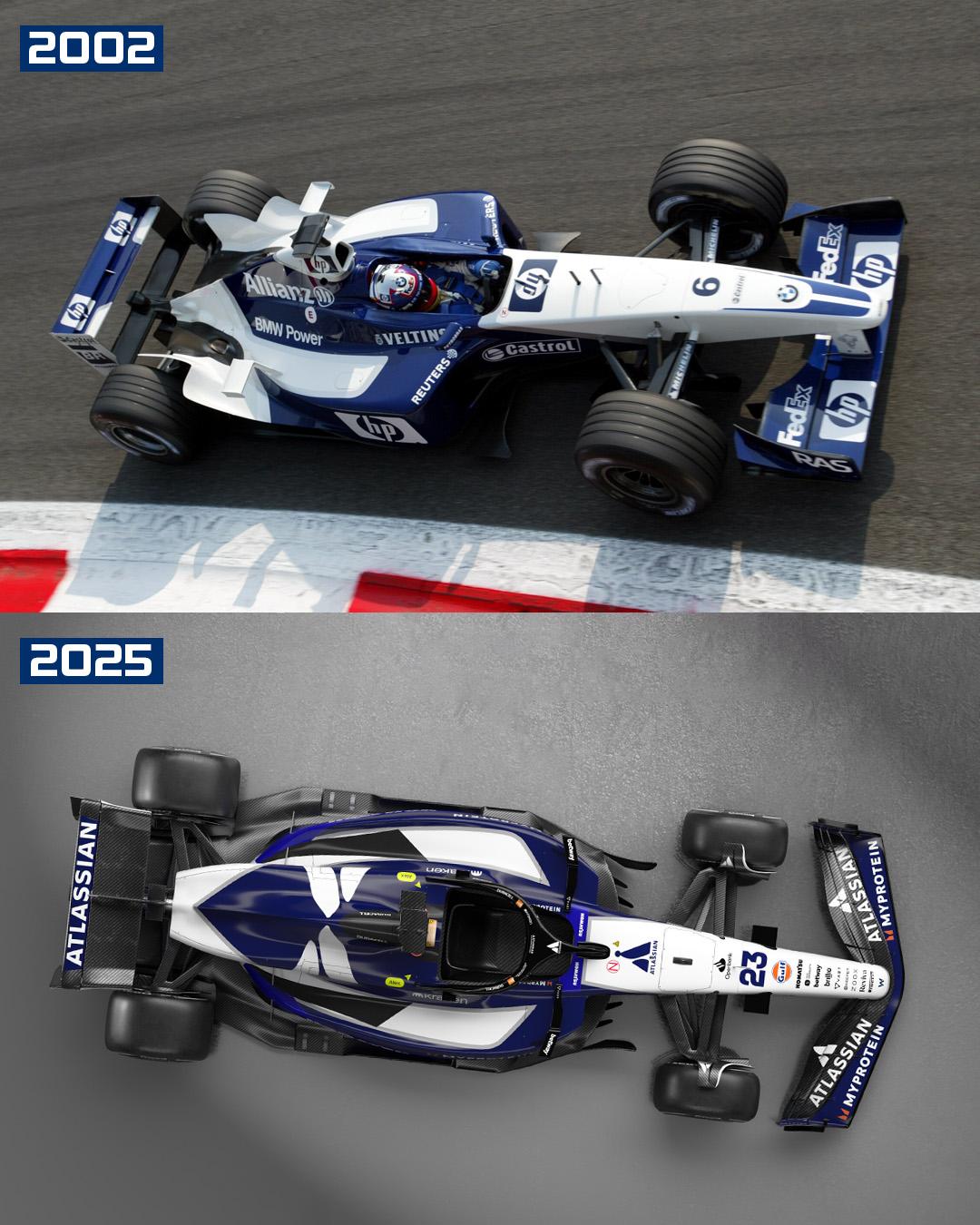
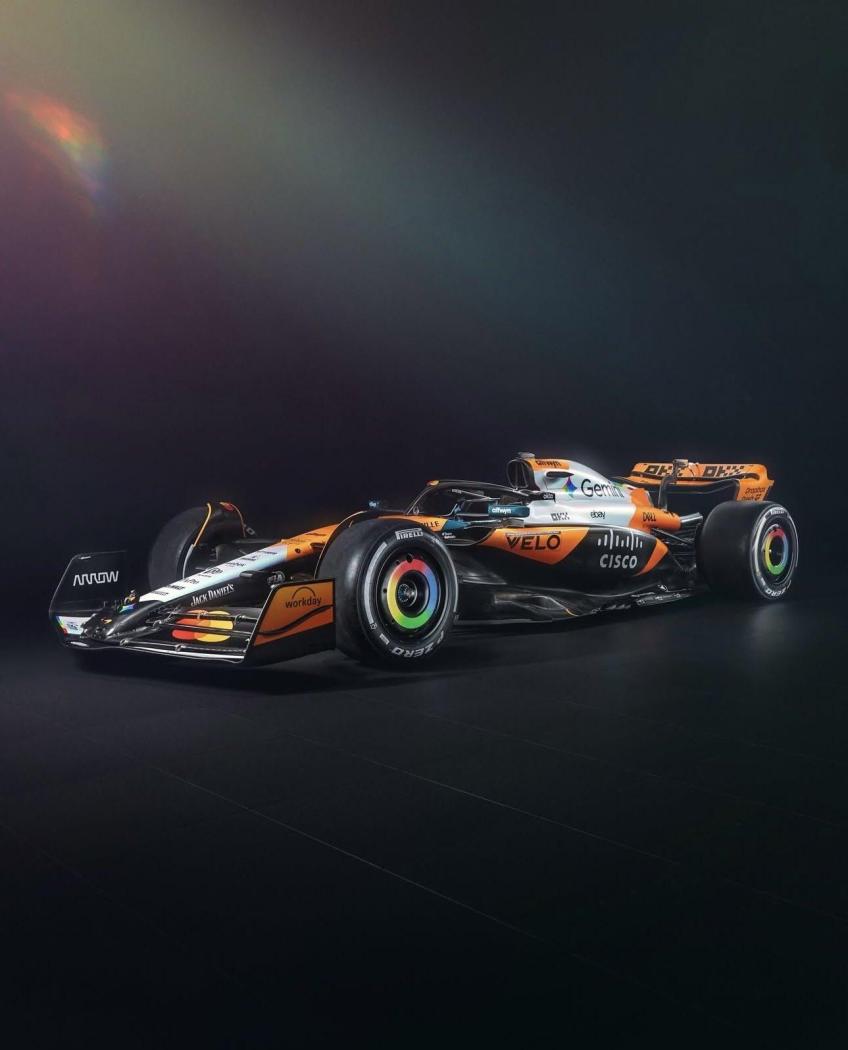
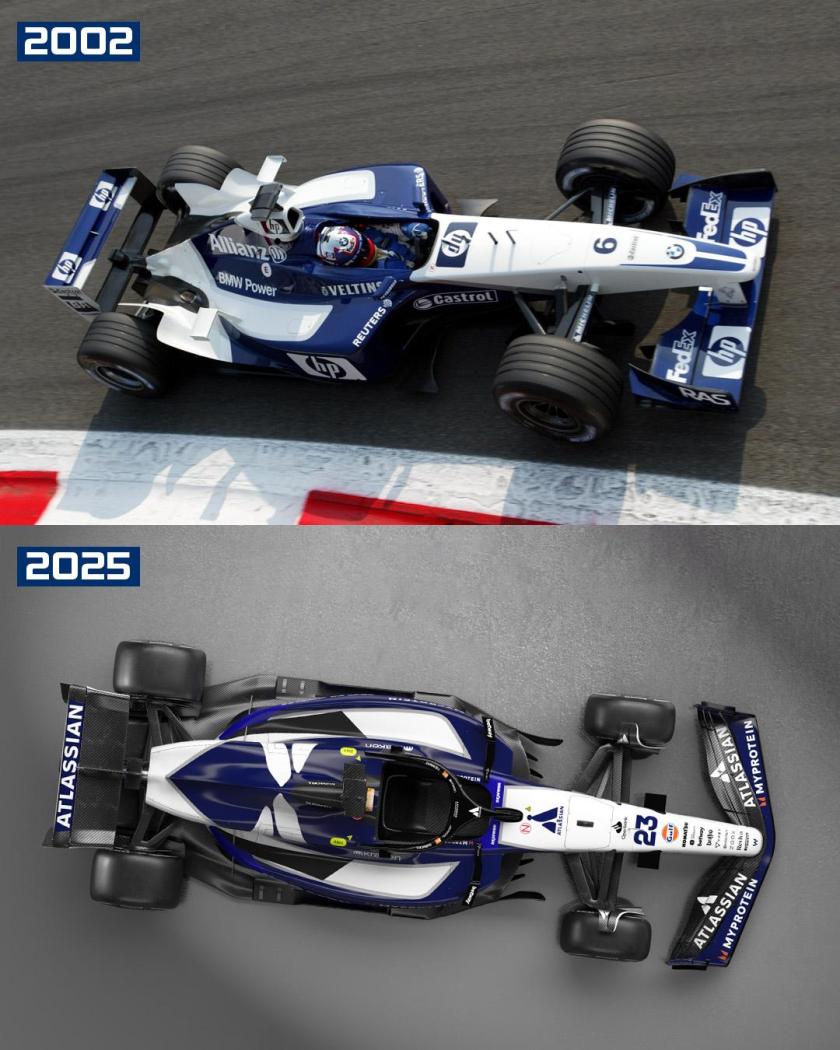
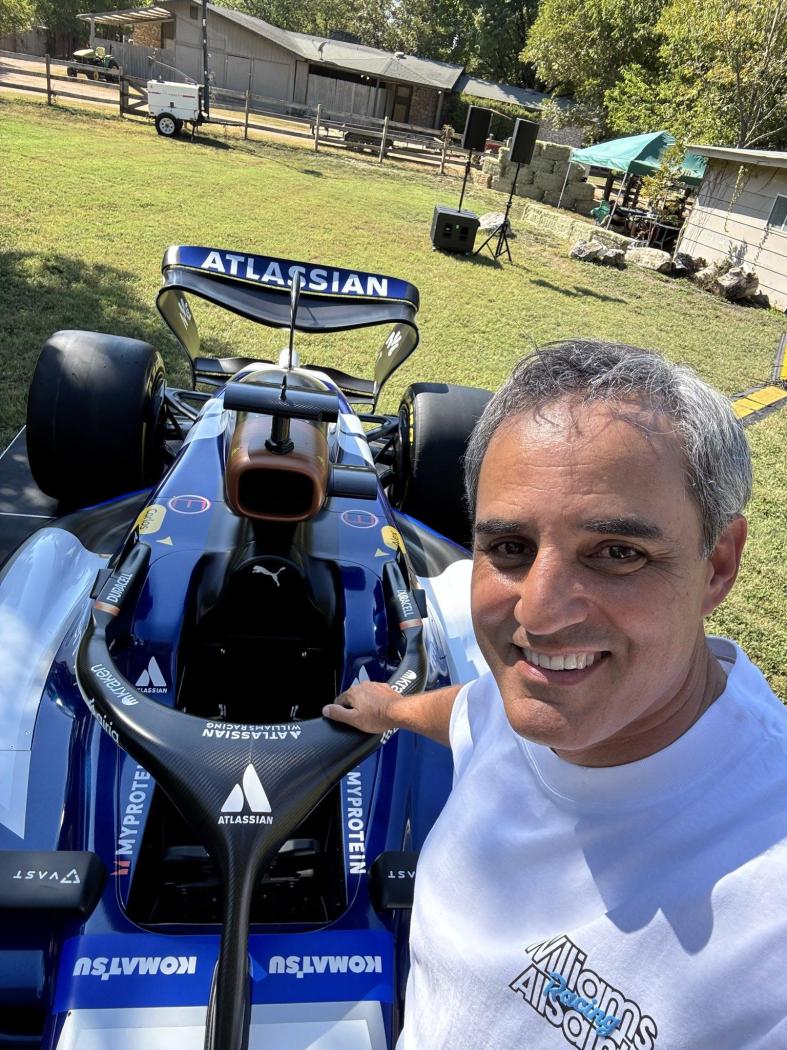
 Ti prego continua 😍😍Per Austin ben 6 team hanno deciso di portare delle nuove livree McLaren Haas Racing Bulls Aston Martin Alpine Williams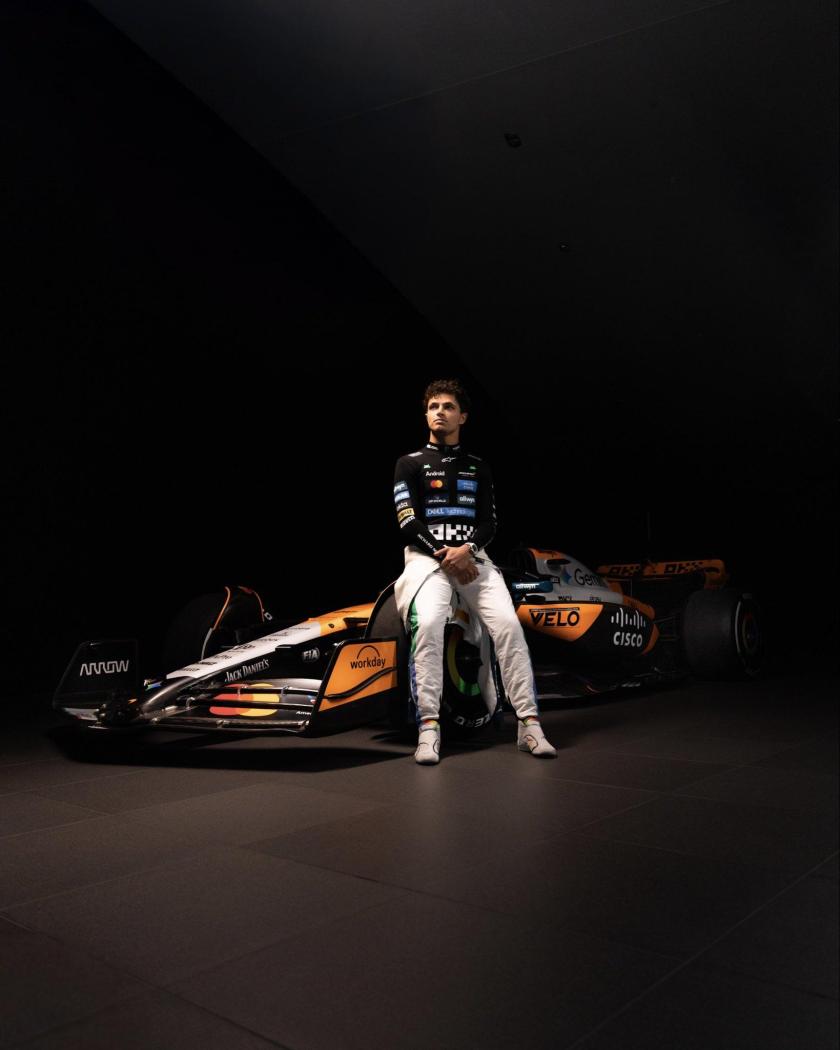
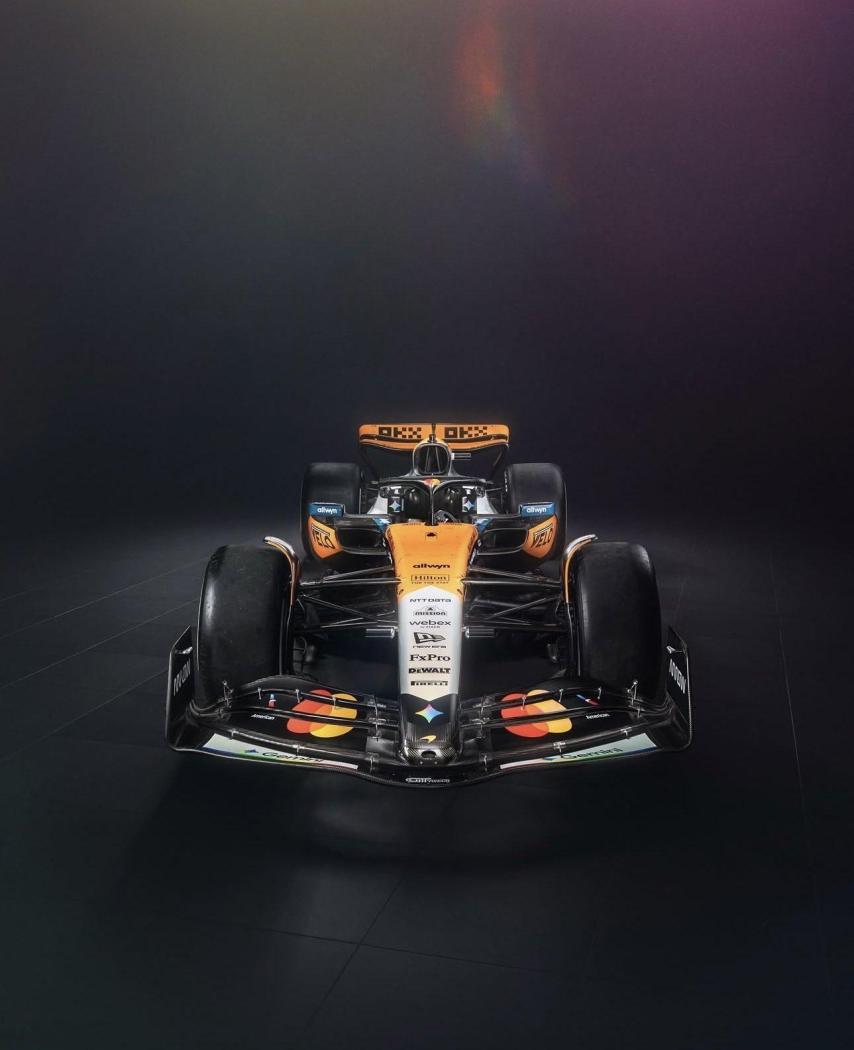
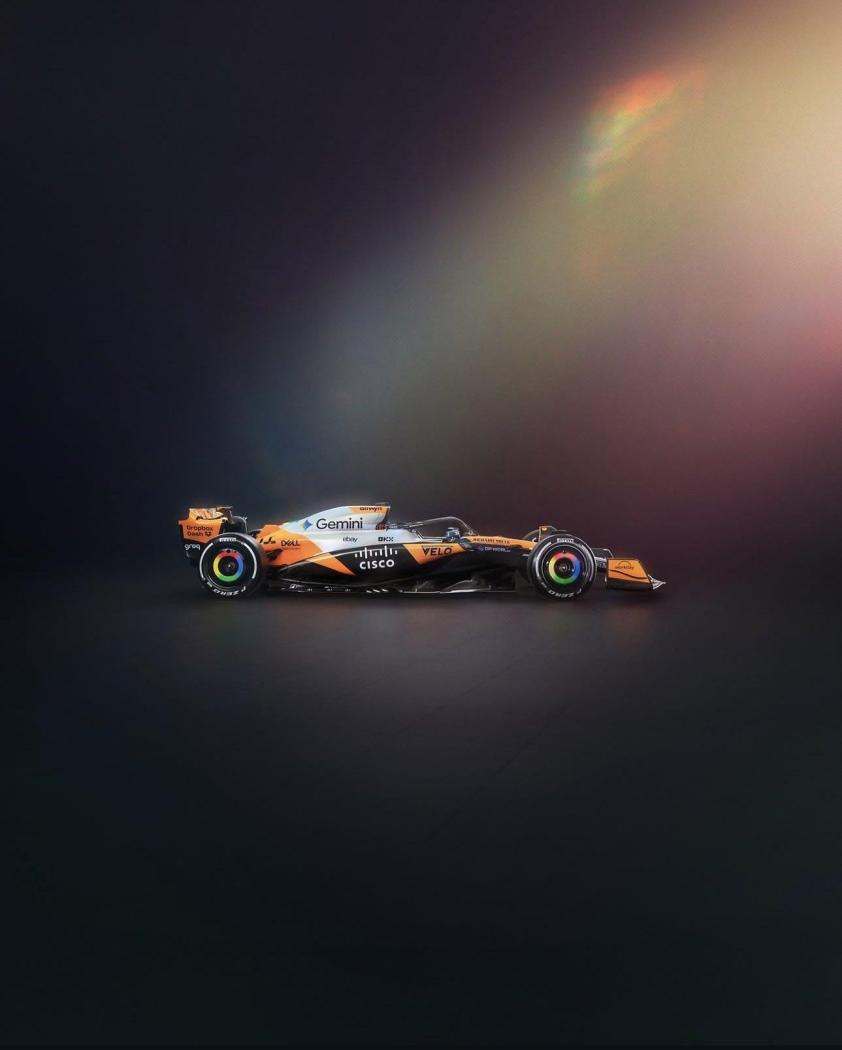
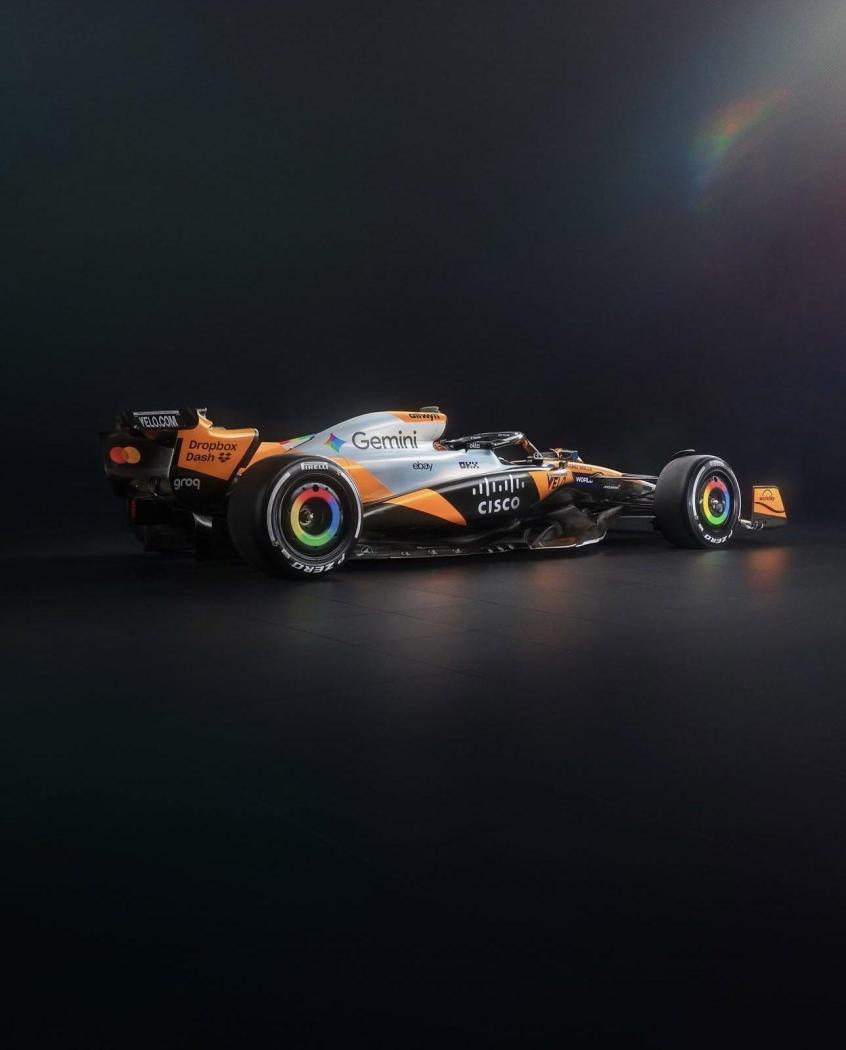
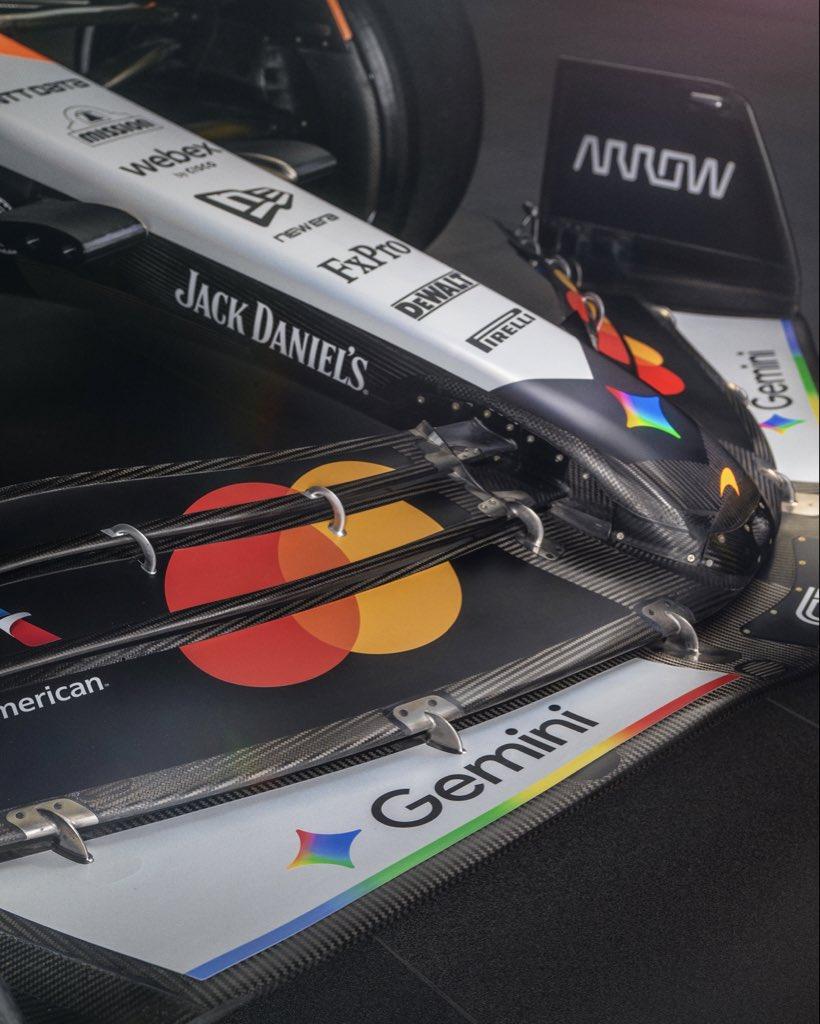
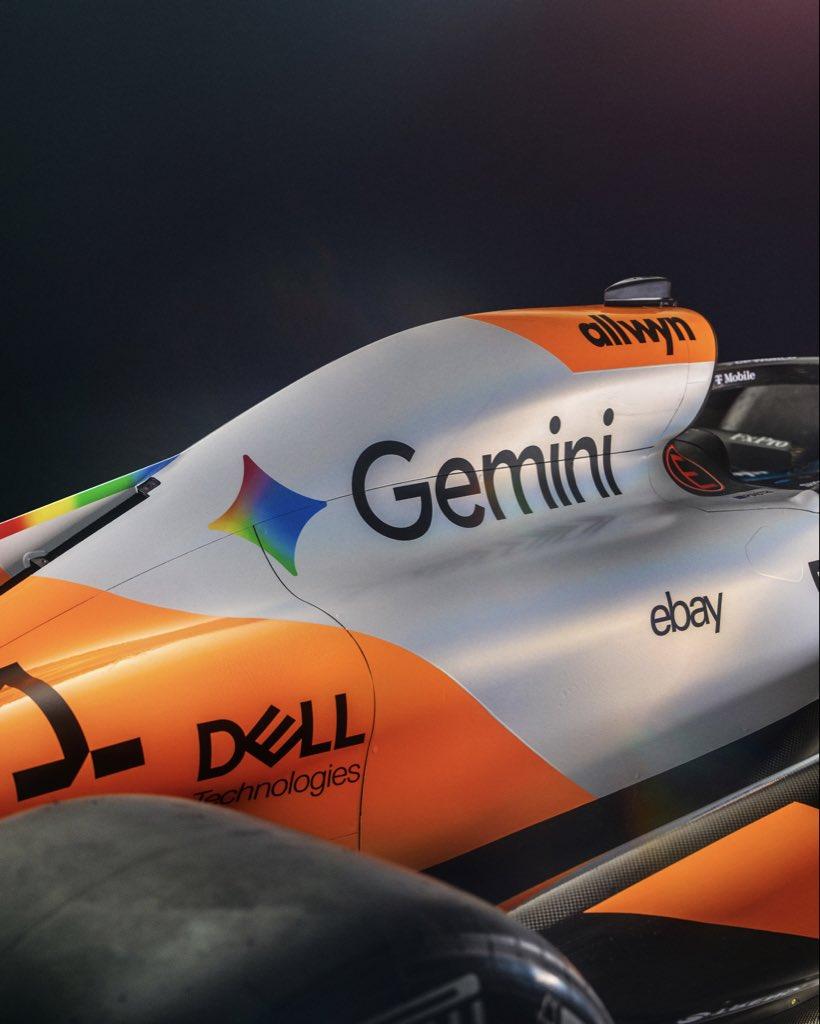
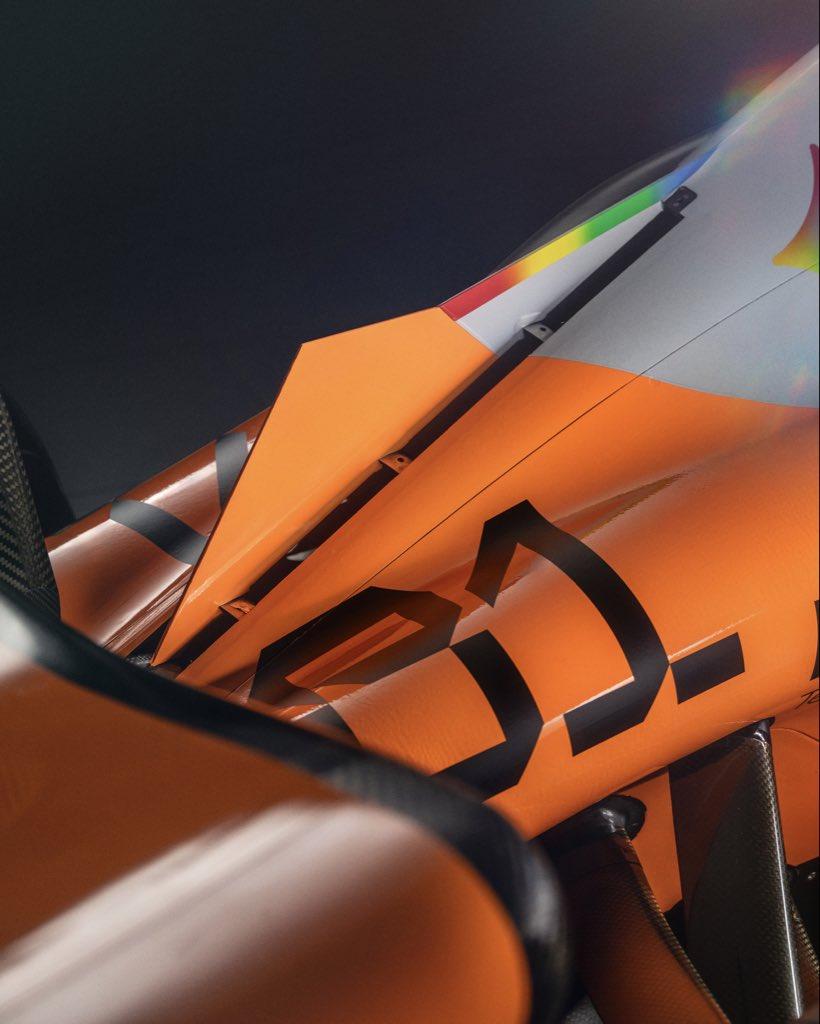
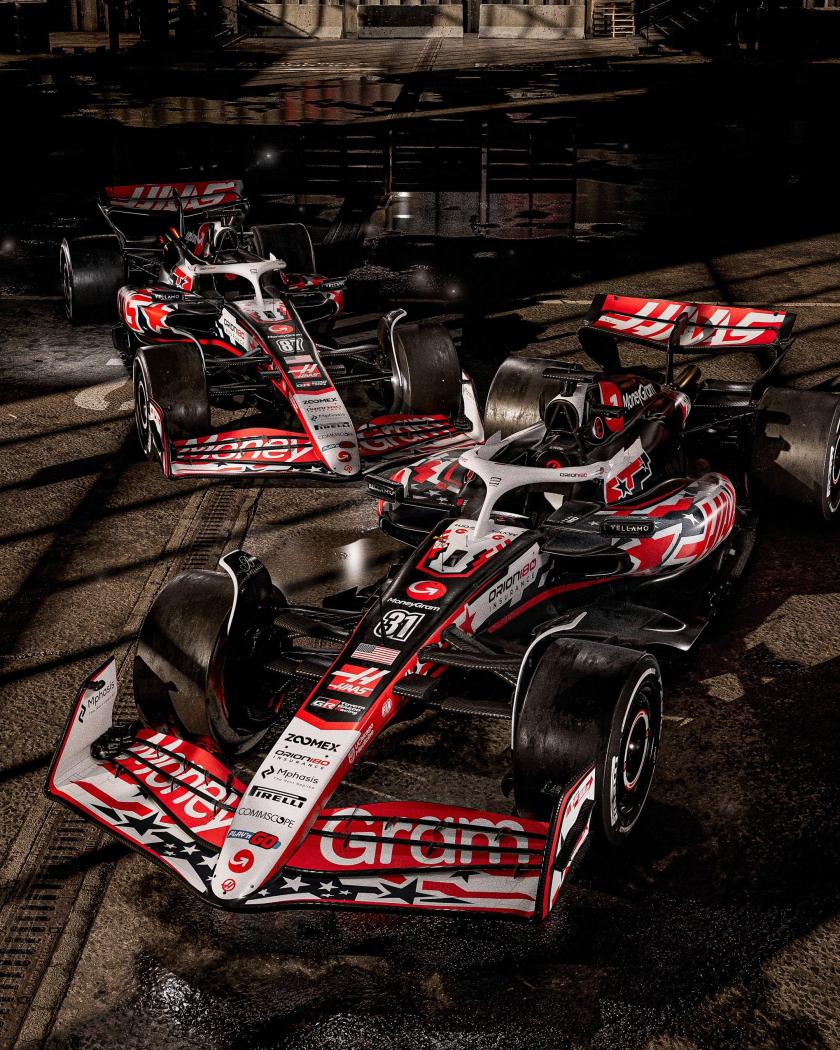




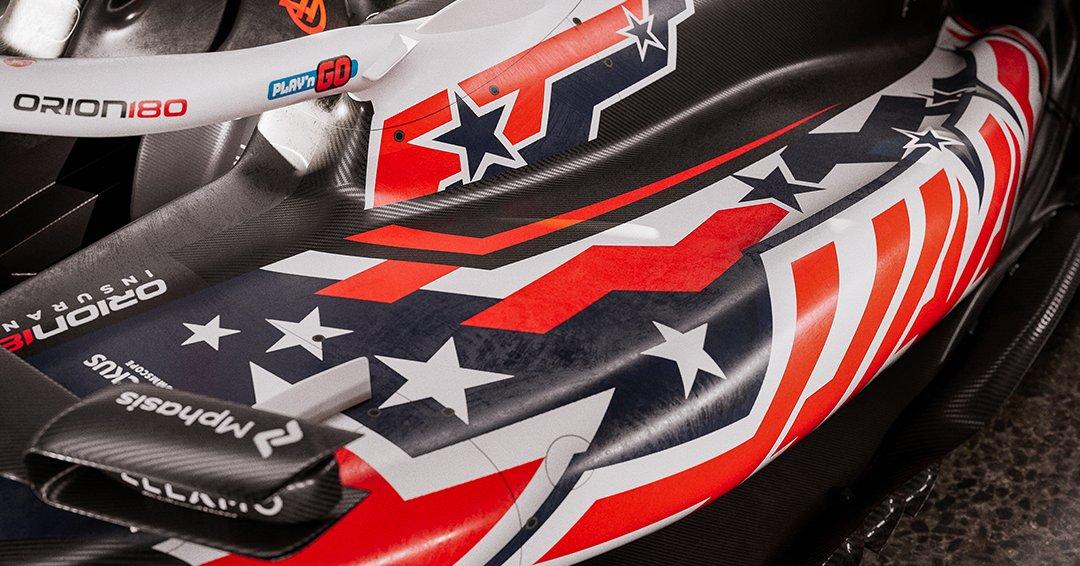
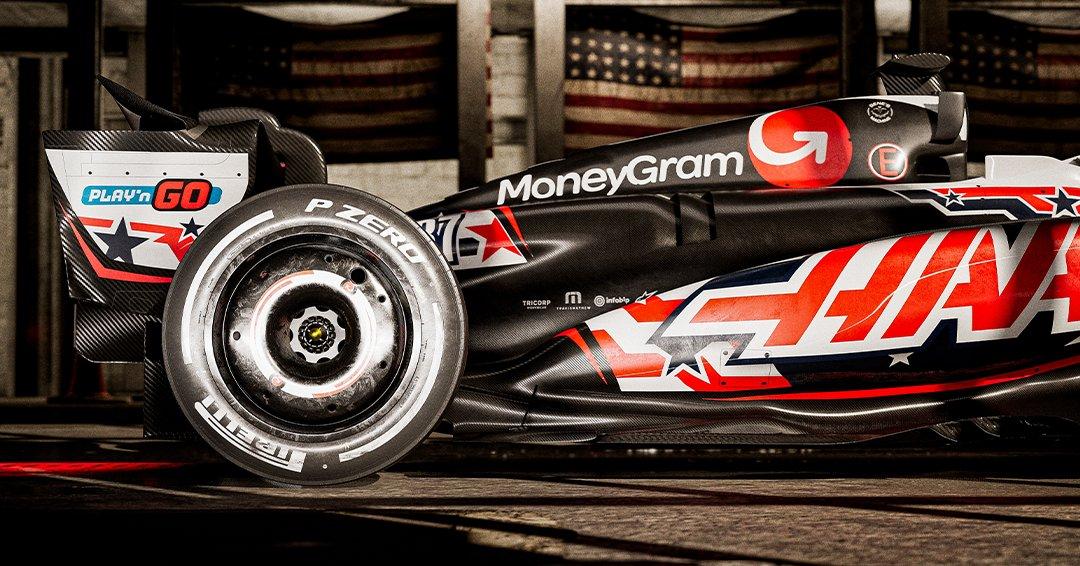
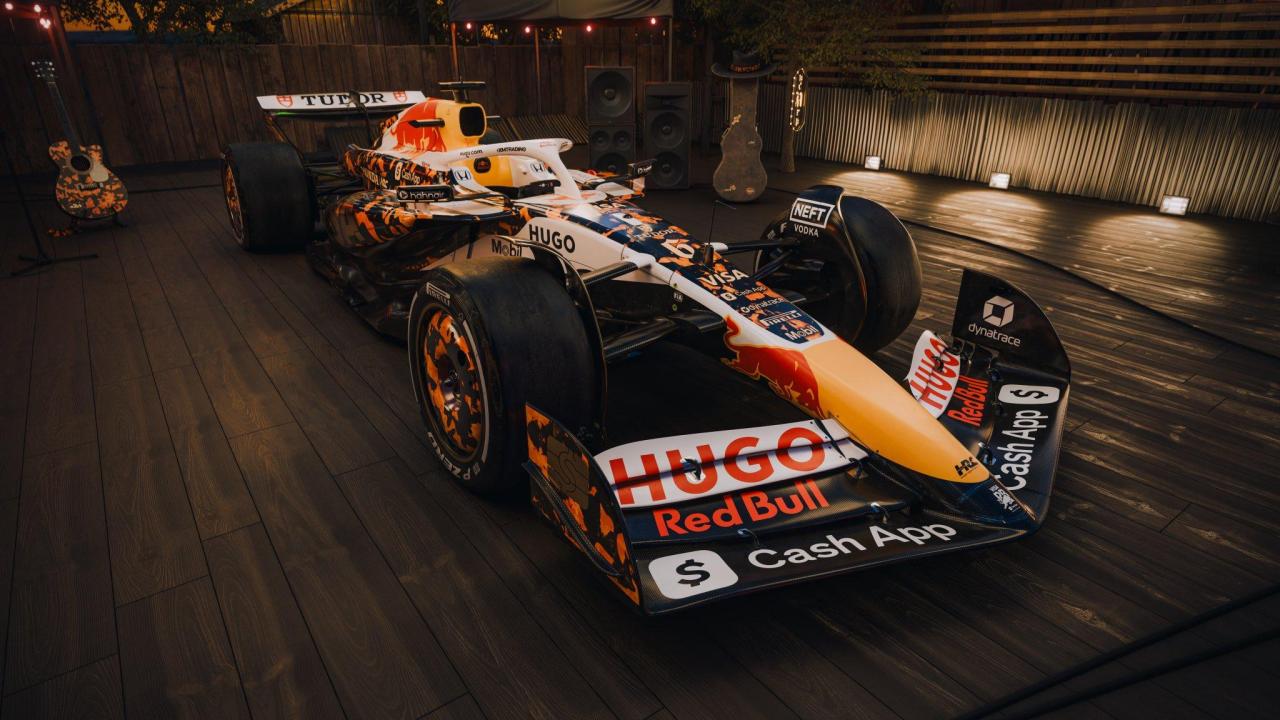
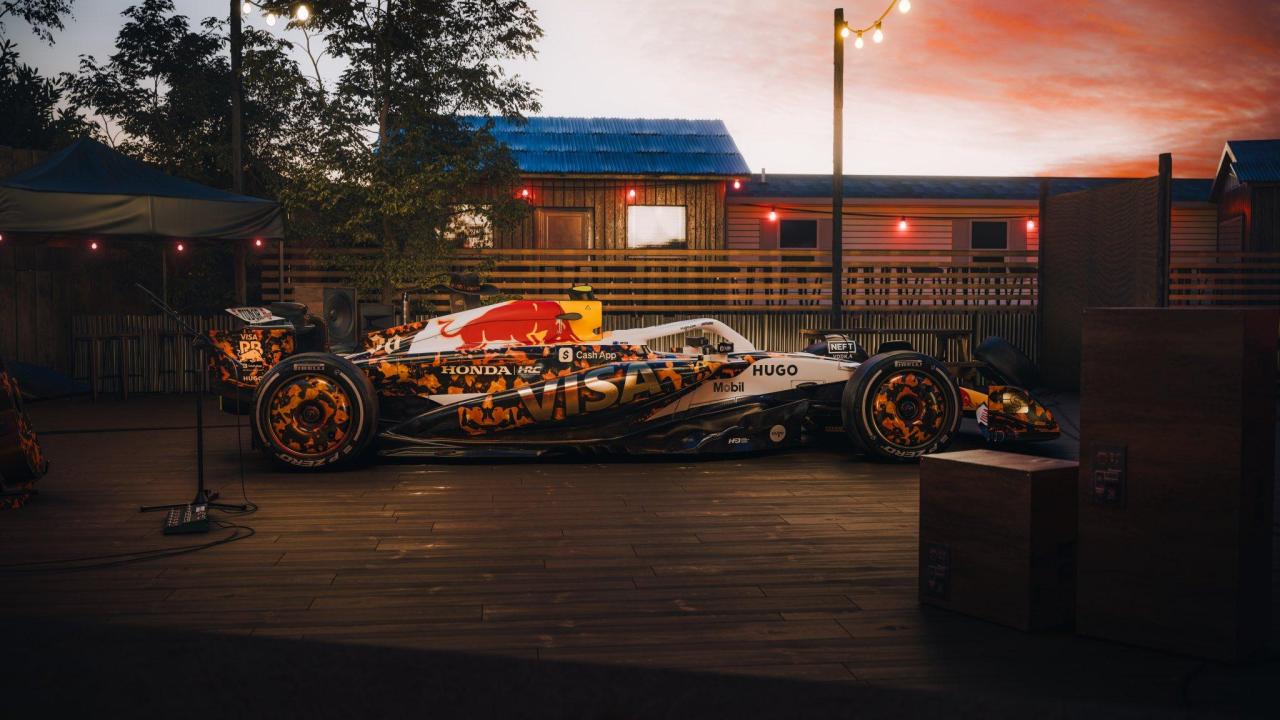
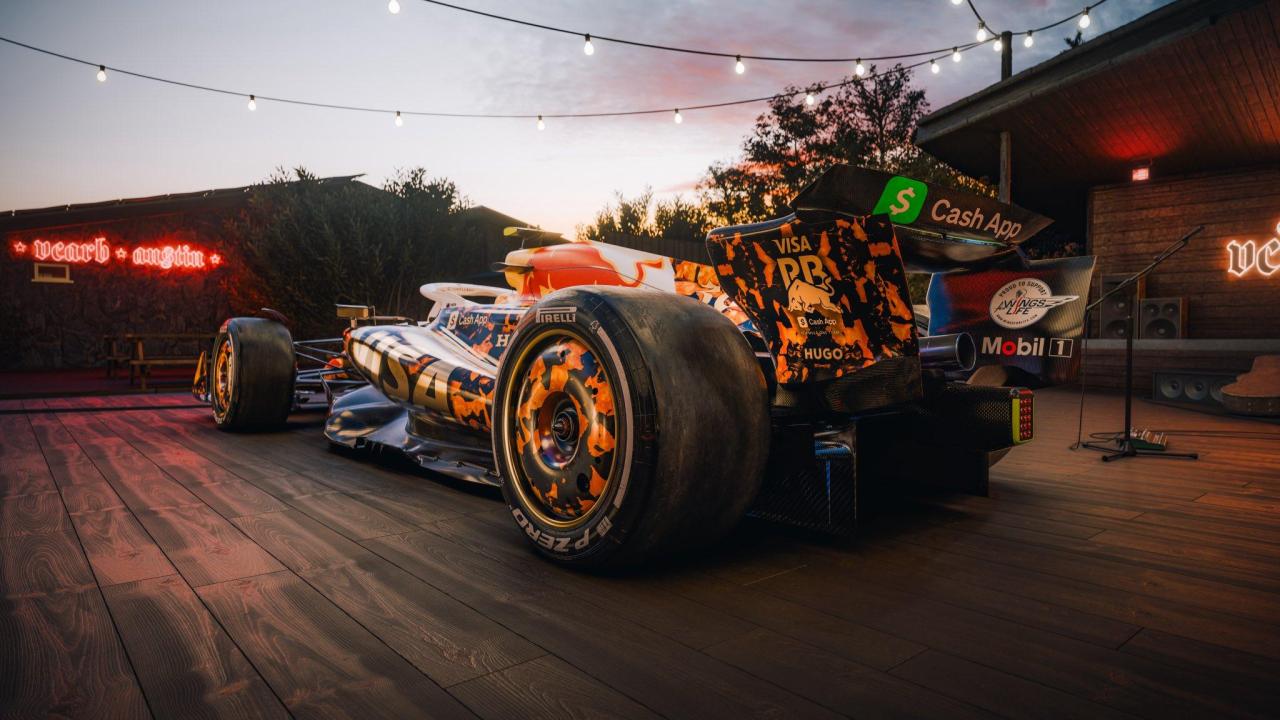

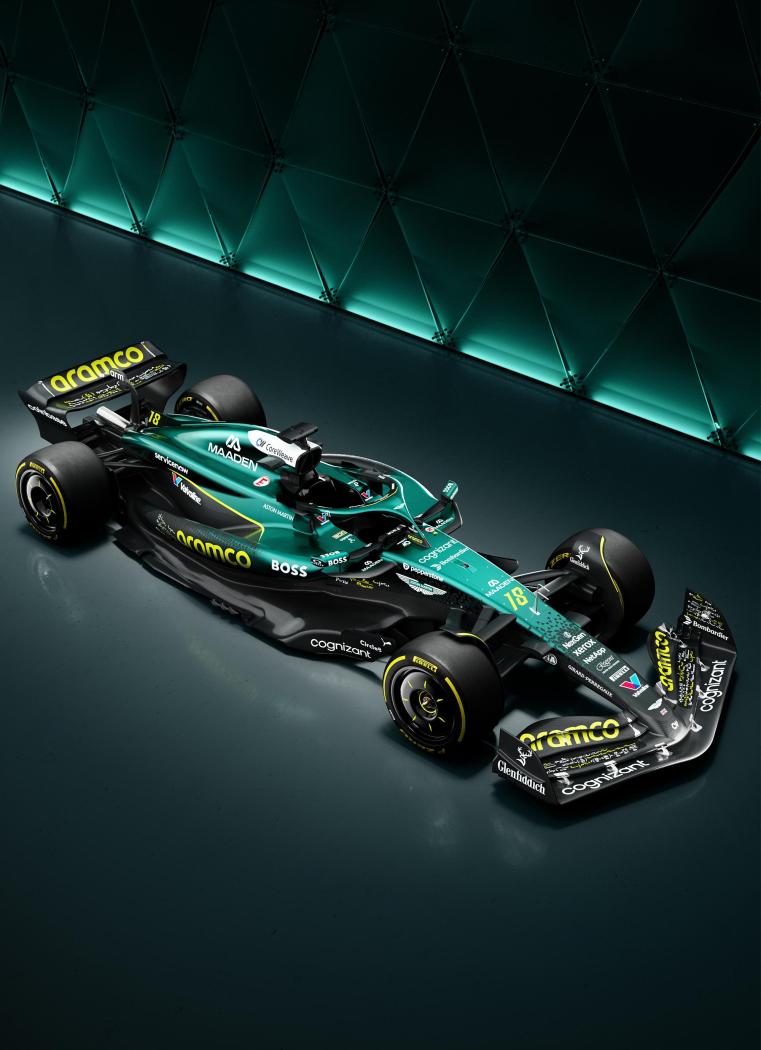
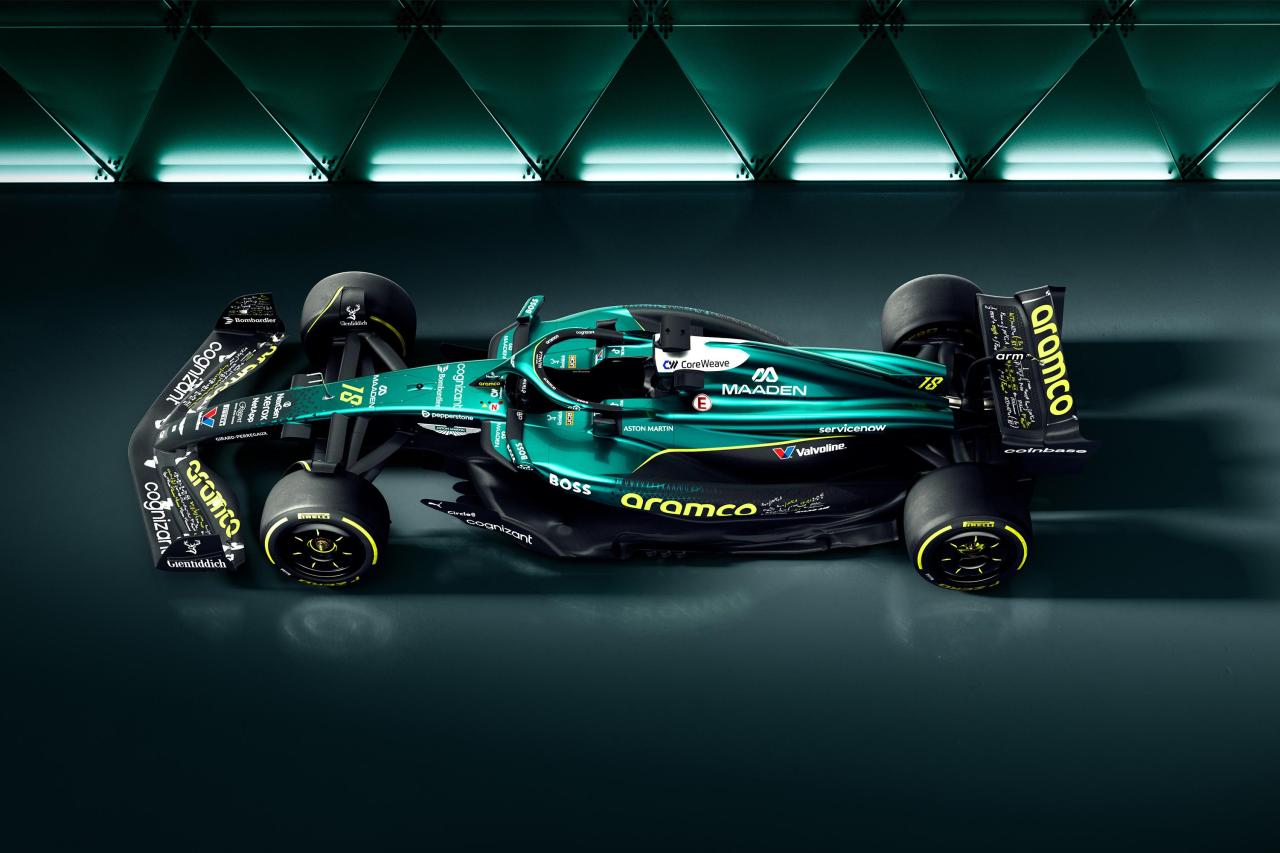
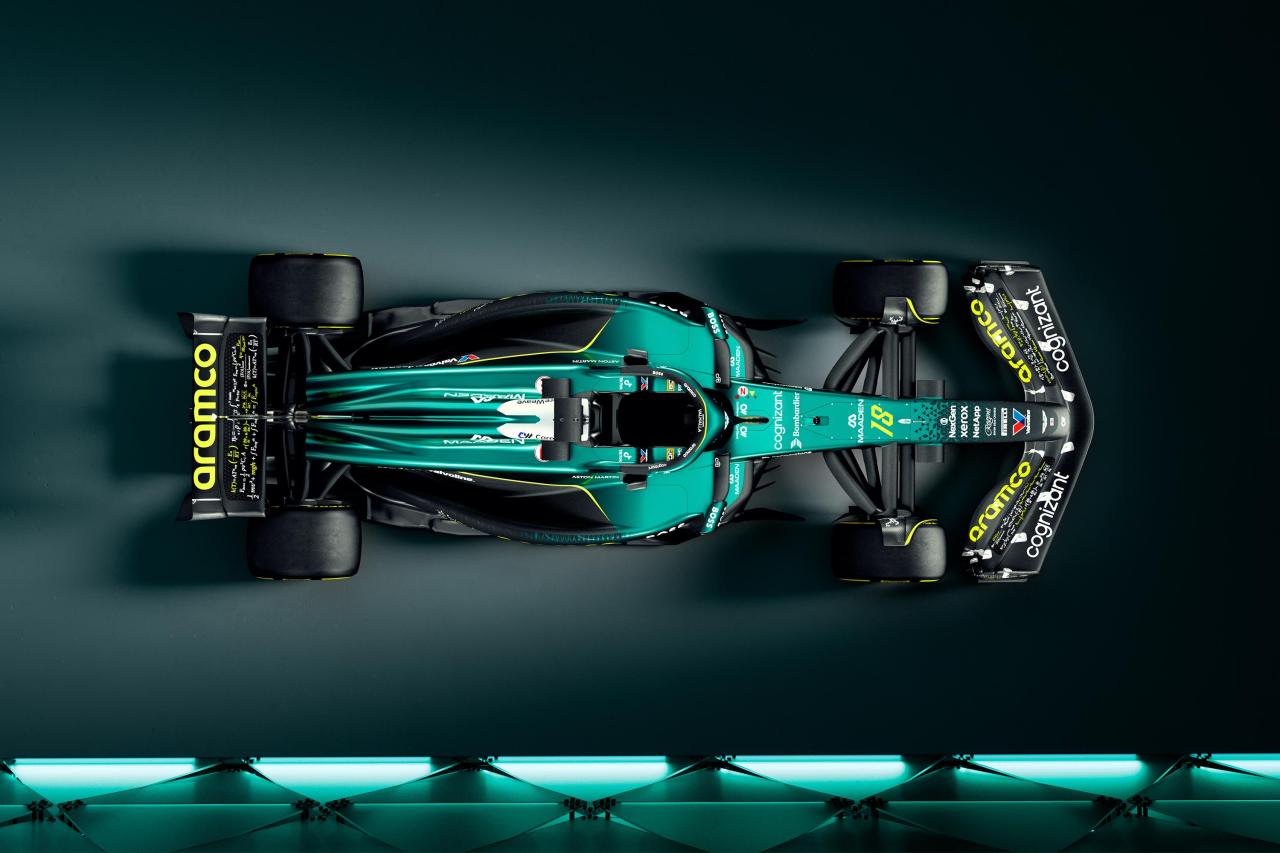
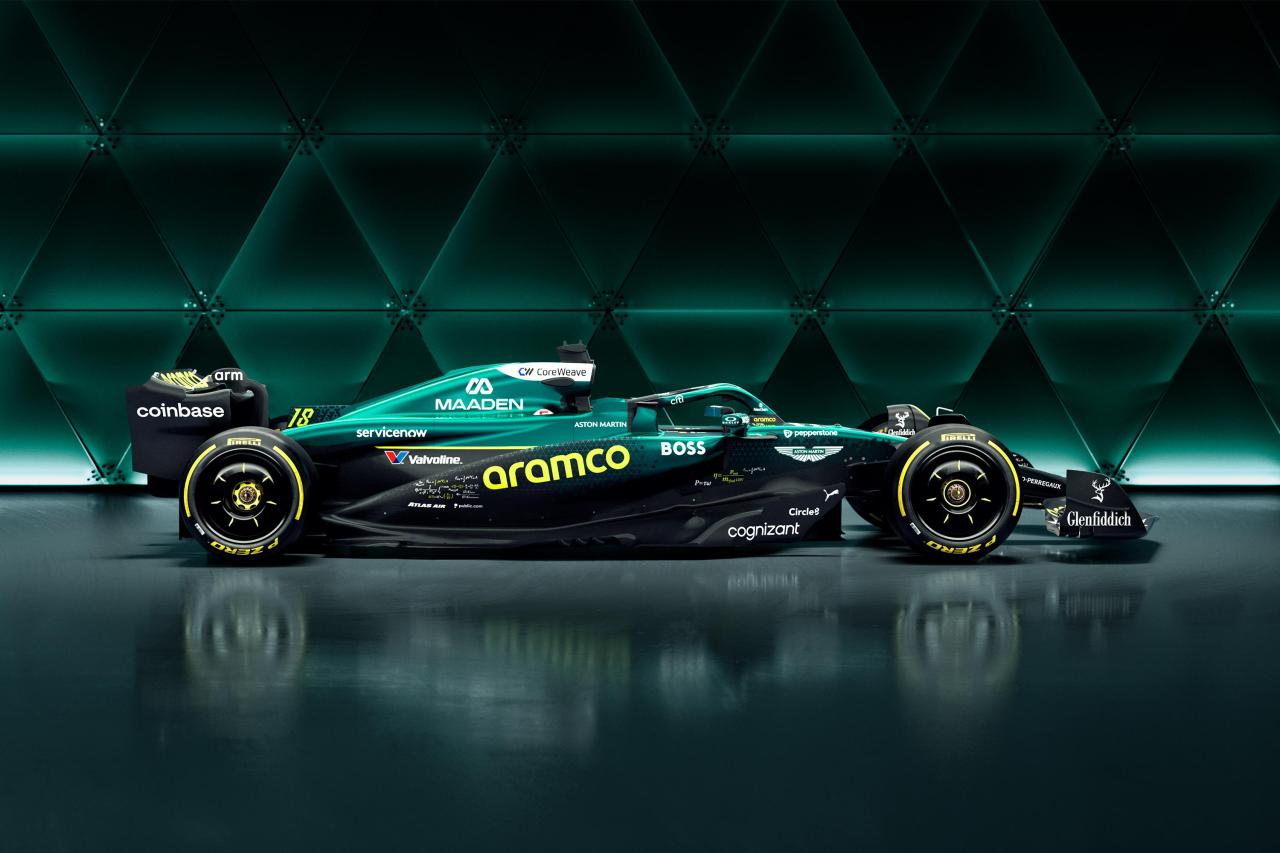
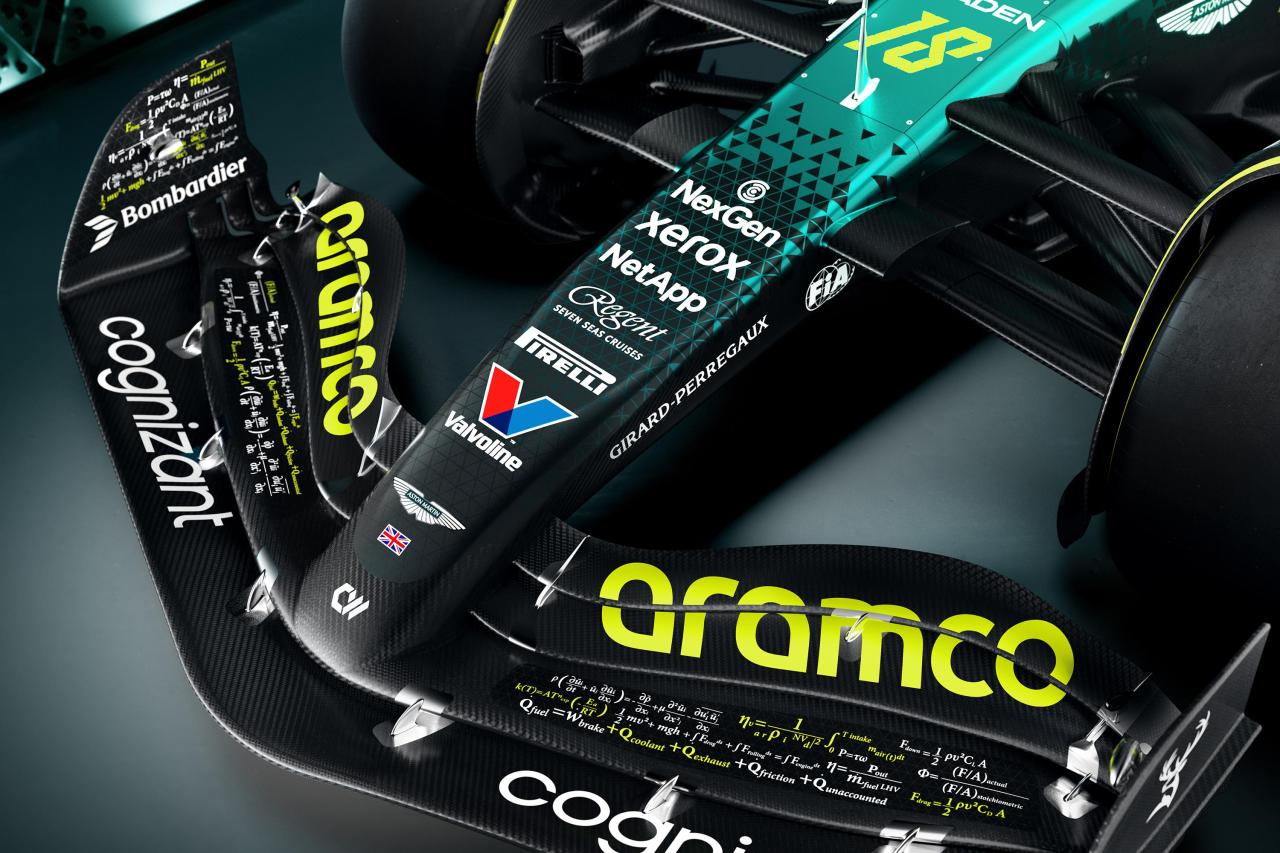
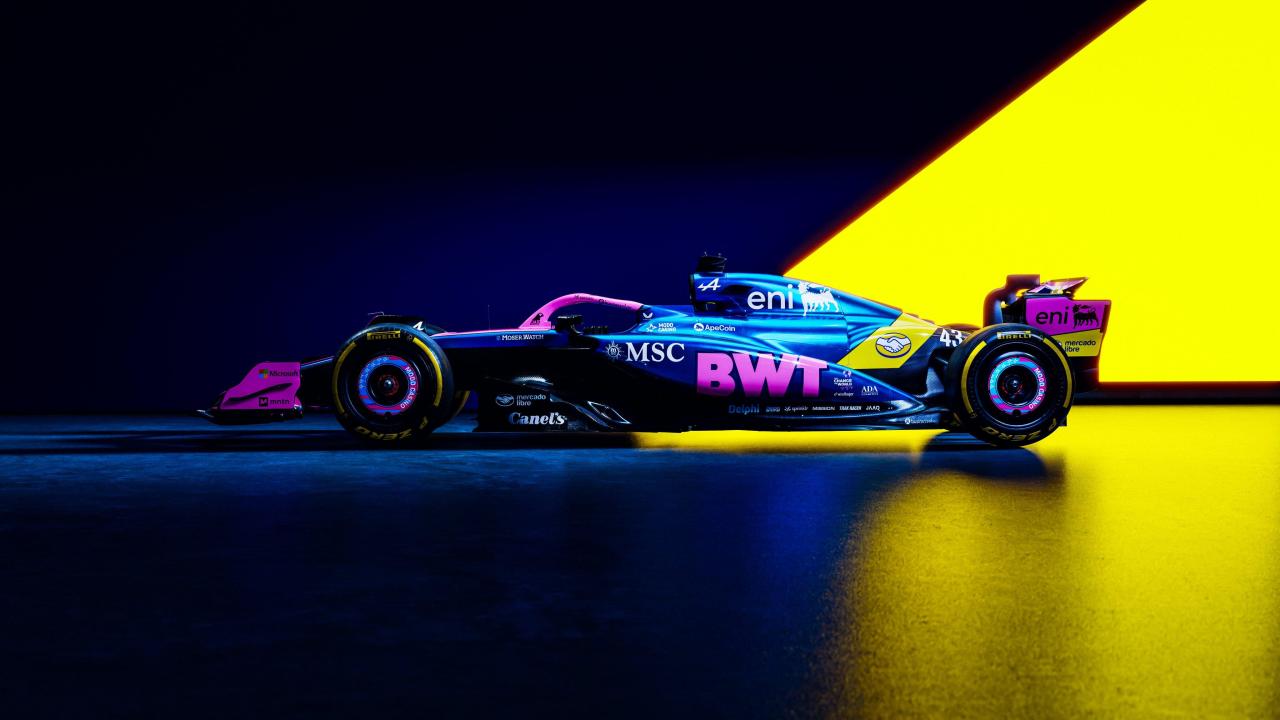
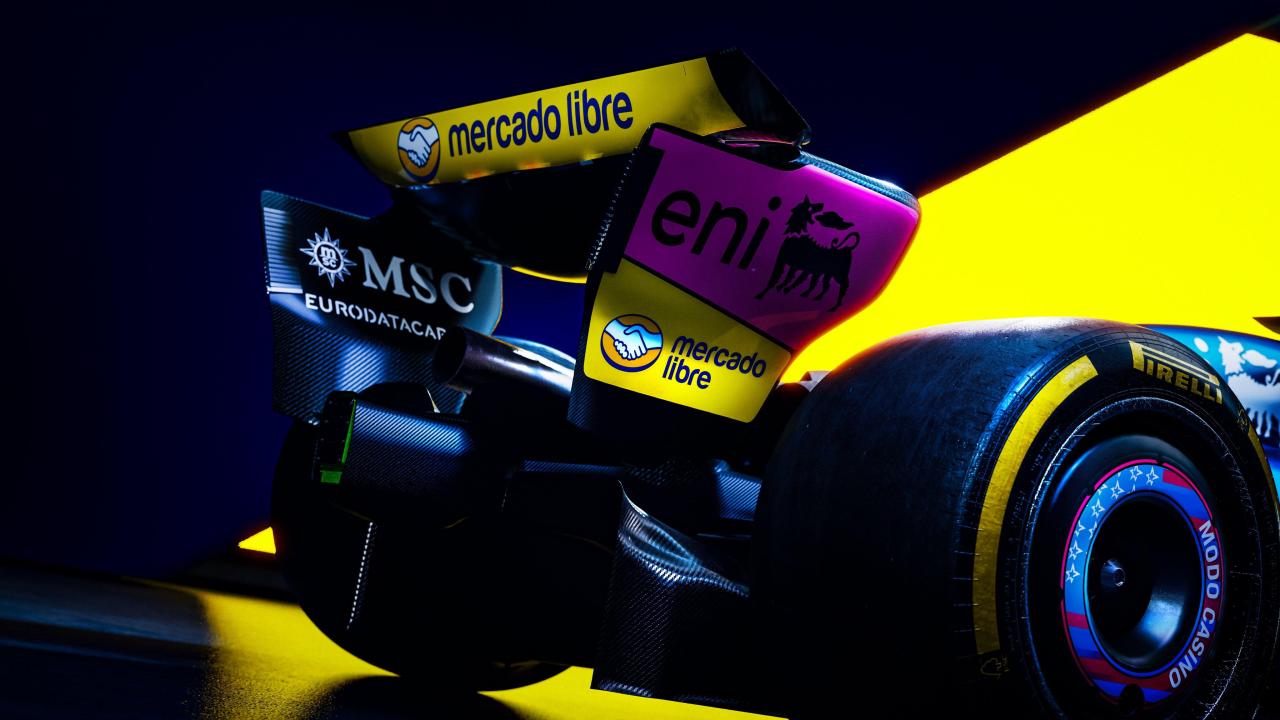
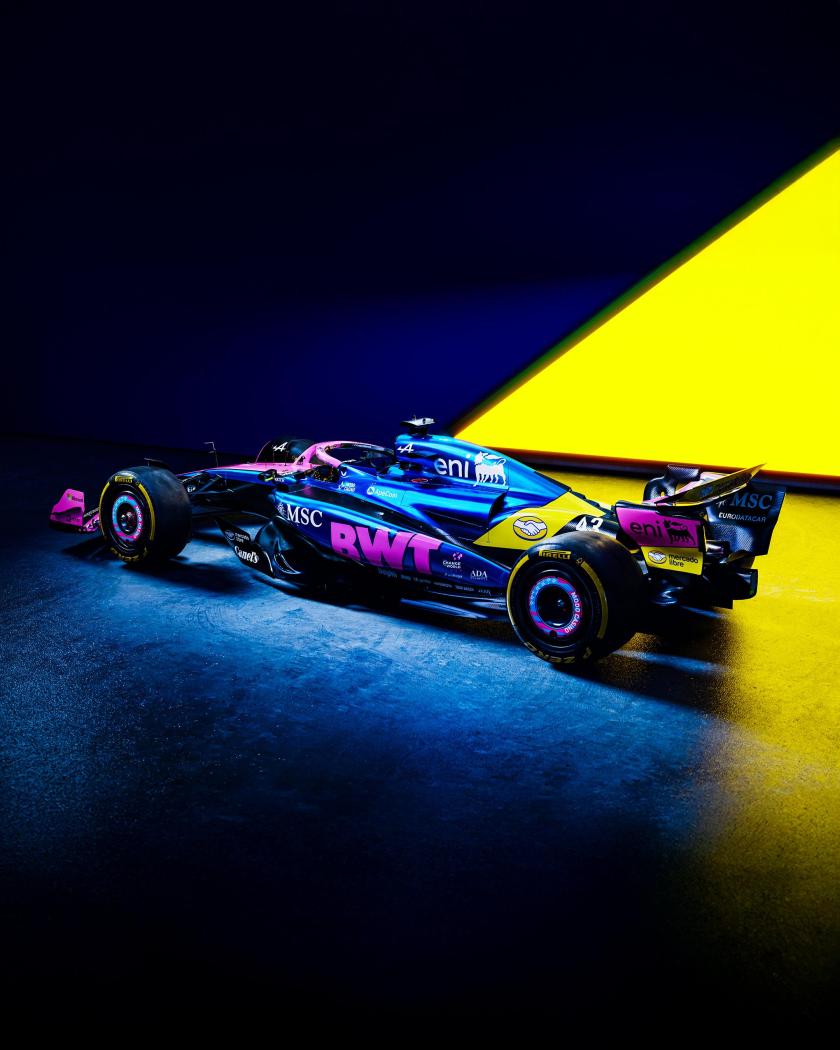
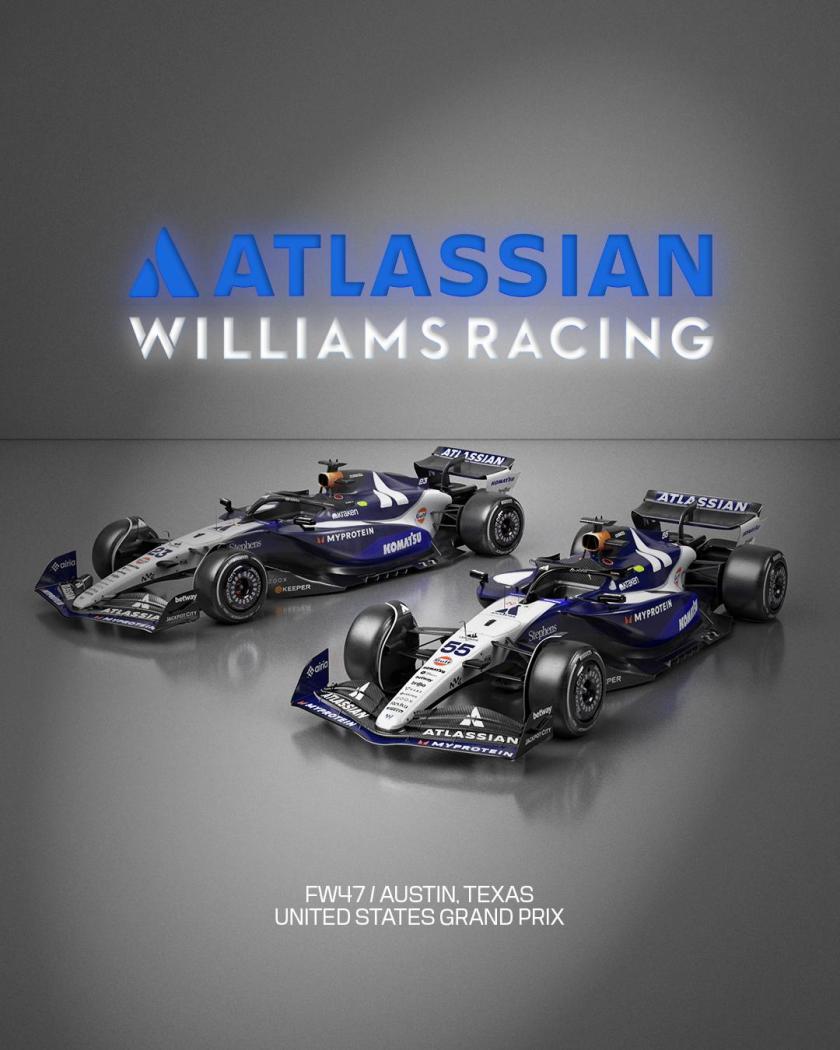
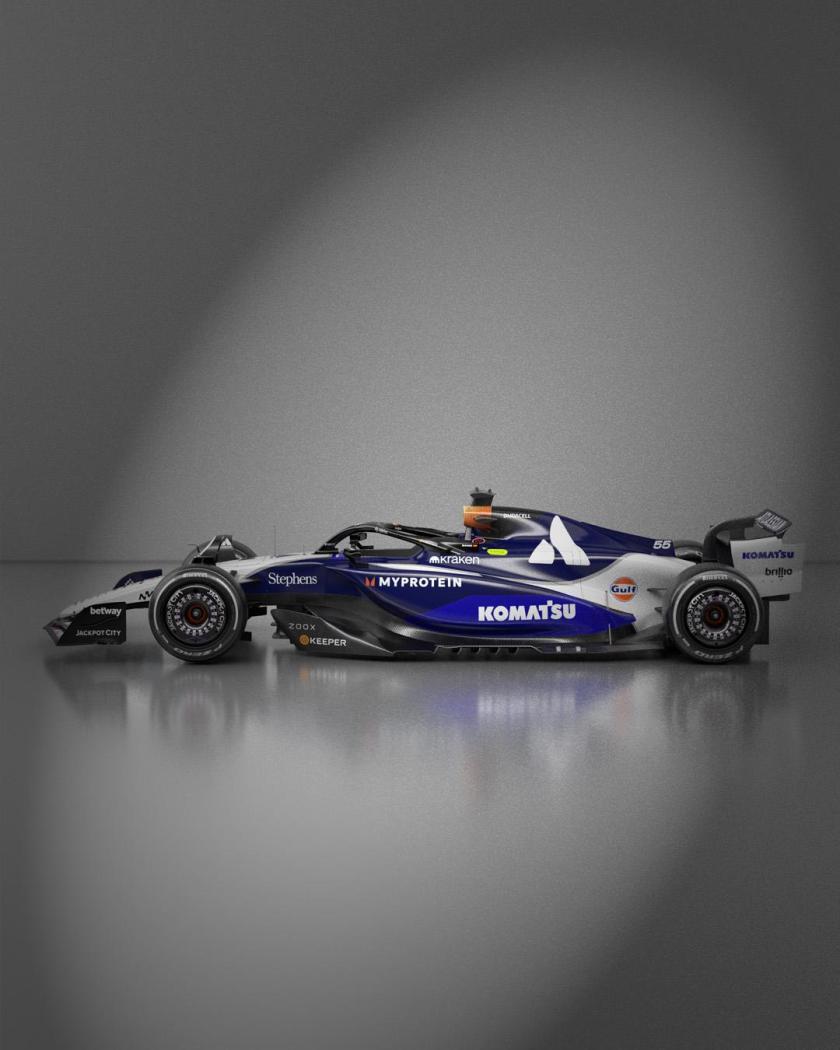
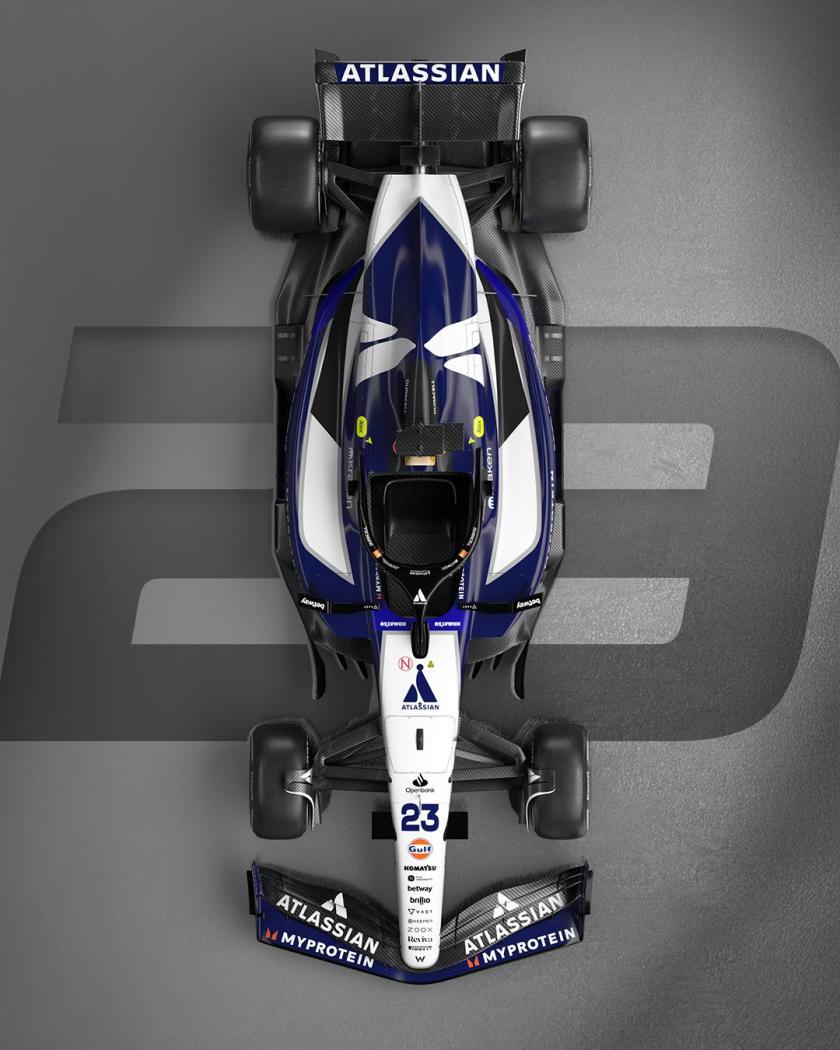
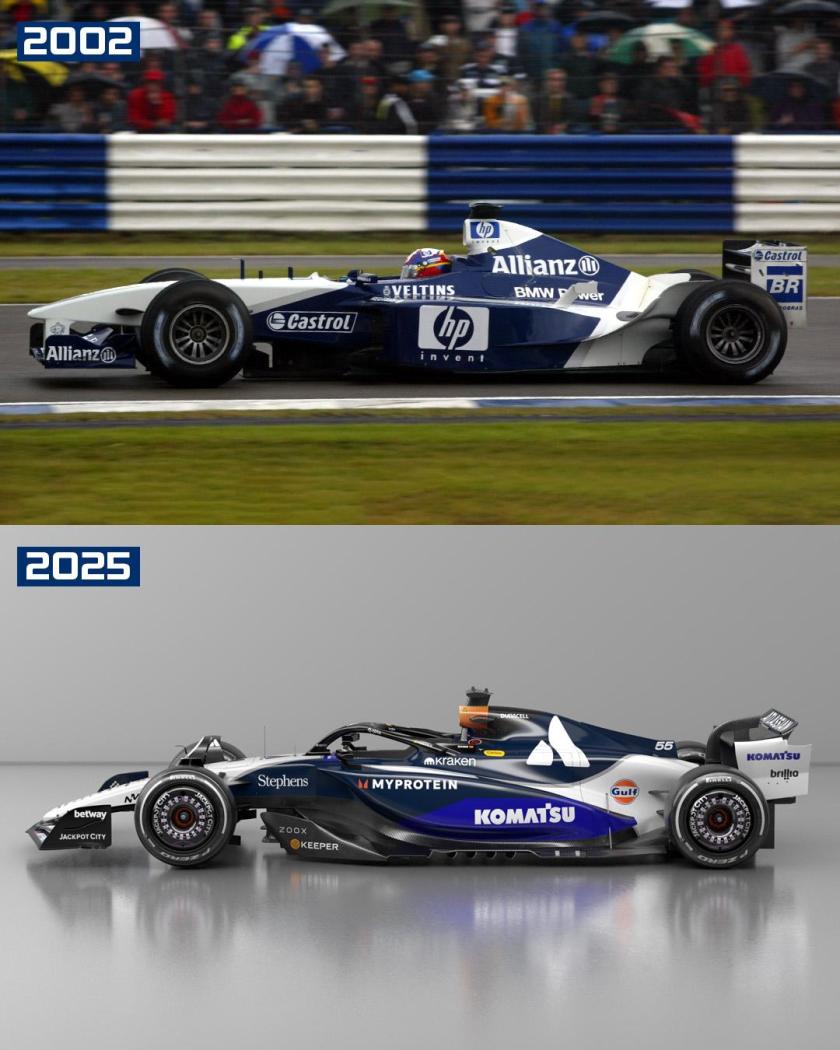
 A me segue senza problemi, mi domando da anni il perché 🤣Conferma per Kimi e Russell
- 158 risposte
-
-

- 1
-
-
- 6e
- changan
- changan-mazda
- ez-6
-
Taggato come:
Account
Navigation
Cerca
Configure browser push notifications
Chrome (Android)
- Tap the lock icon next to the address bar.
- Tap Permissions → Notifications.
- Adjust your preference.
Chrome (Desktop)
- Click the padlock icon in the address bar.
- Select Site settings.
- Find Notifications and adjust your preference.
Safari (iOS 16.4+)
- Ensure the site is installed via Add to Home Screen.
- Open Settings App → Notifications.
- Find your app name and adjust your preference.
Safari (macOS)
- Go to Safari → Preferences.
- Click the Websites tab.
- Select Notifications in the sidebar.
- Find this website and adjust your preference.
Edge (Android)
- Tap the lock icon next to the address bar.
- Tap Permissions.
- Find Notifications and adjust your preference.
Edge (Desktop)
- Click the padlock icon in the address bar.
- Click Permissions for this site.
- Find Notifications and adjust your preference.
Firefox (Android)
- Go to Settings → Site permissions.
- Tap Notifications.
- Find this site in the list and adjust your preference.
Firefox (Desktop)
- Open Firefox Settings.
- Search for Notifications.
- Find this site in the list and adjust your preference.


![Alfa Romeo Hug [Trolling Mode]](https://www.autopareri.com/uploads/reactions/Alfaromeocare.png.50be1dd8d7c15ba4fec8098a15bfa18a.png)