





j
Reporter (Staff)
-
Iscritto il
Tutti i contenuti di j
-
-
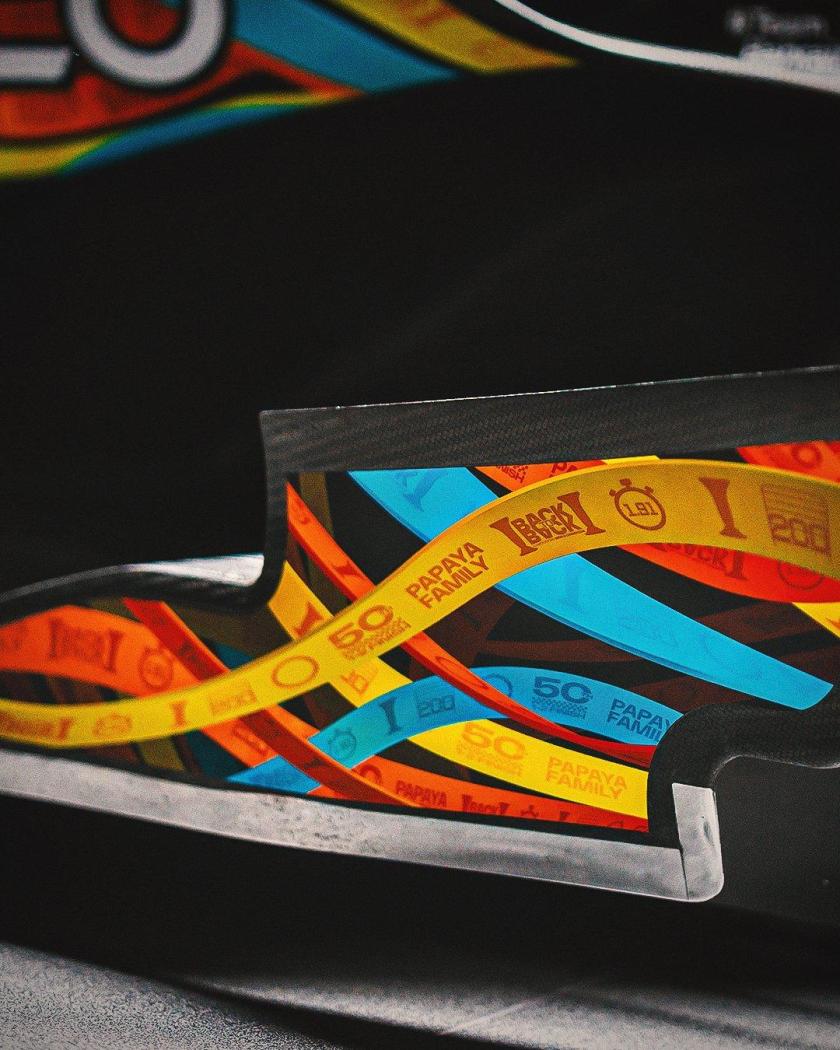
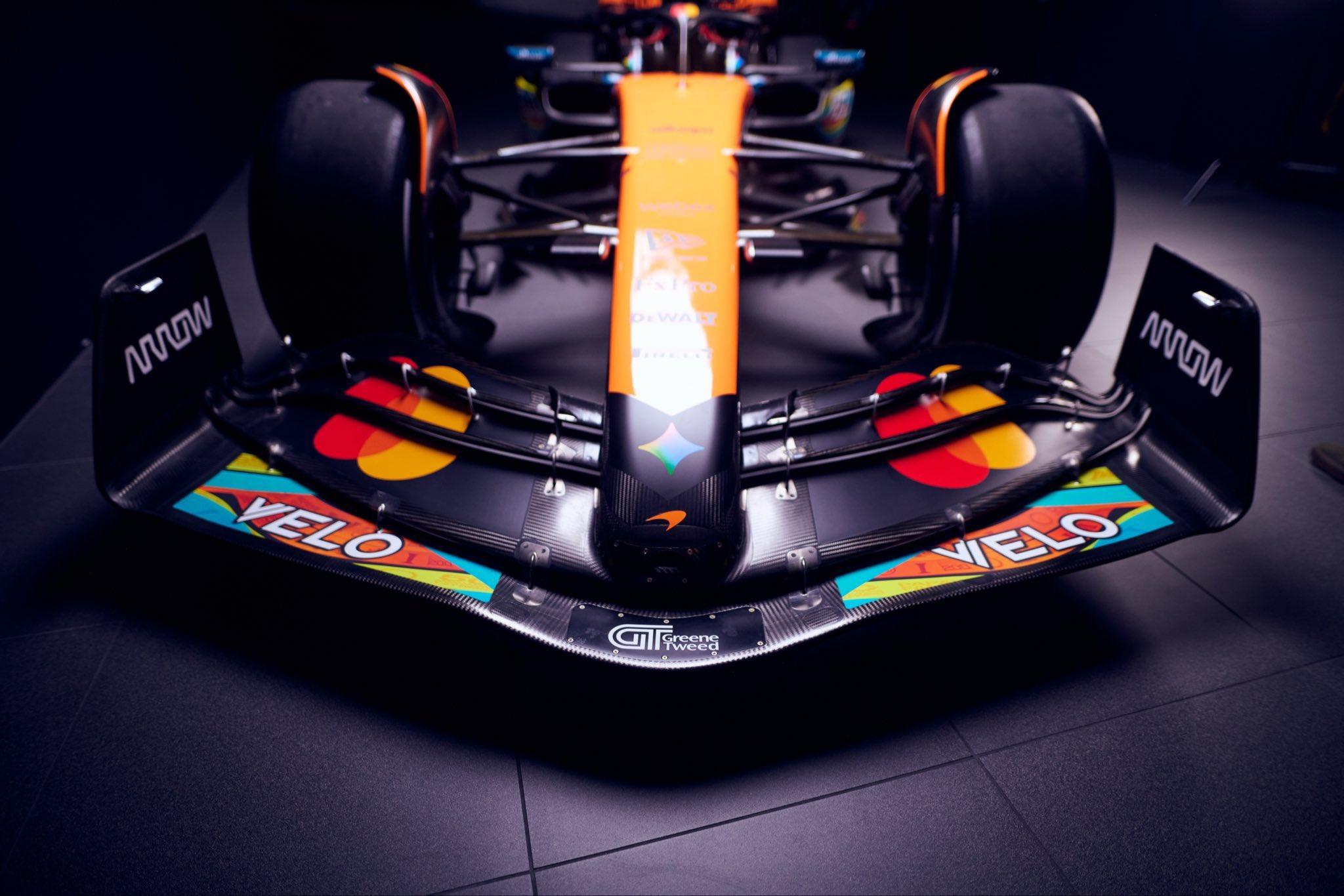
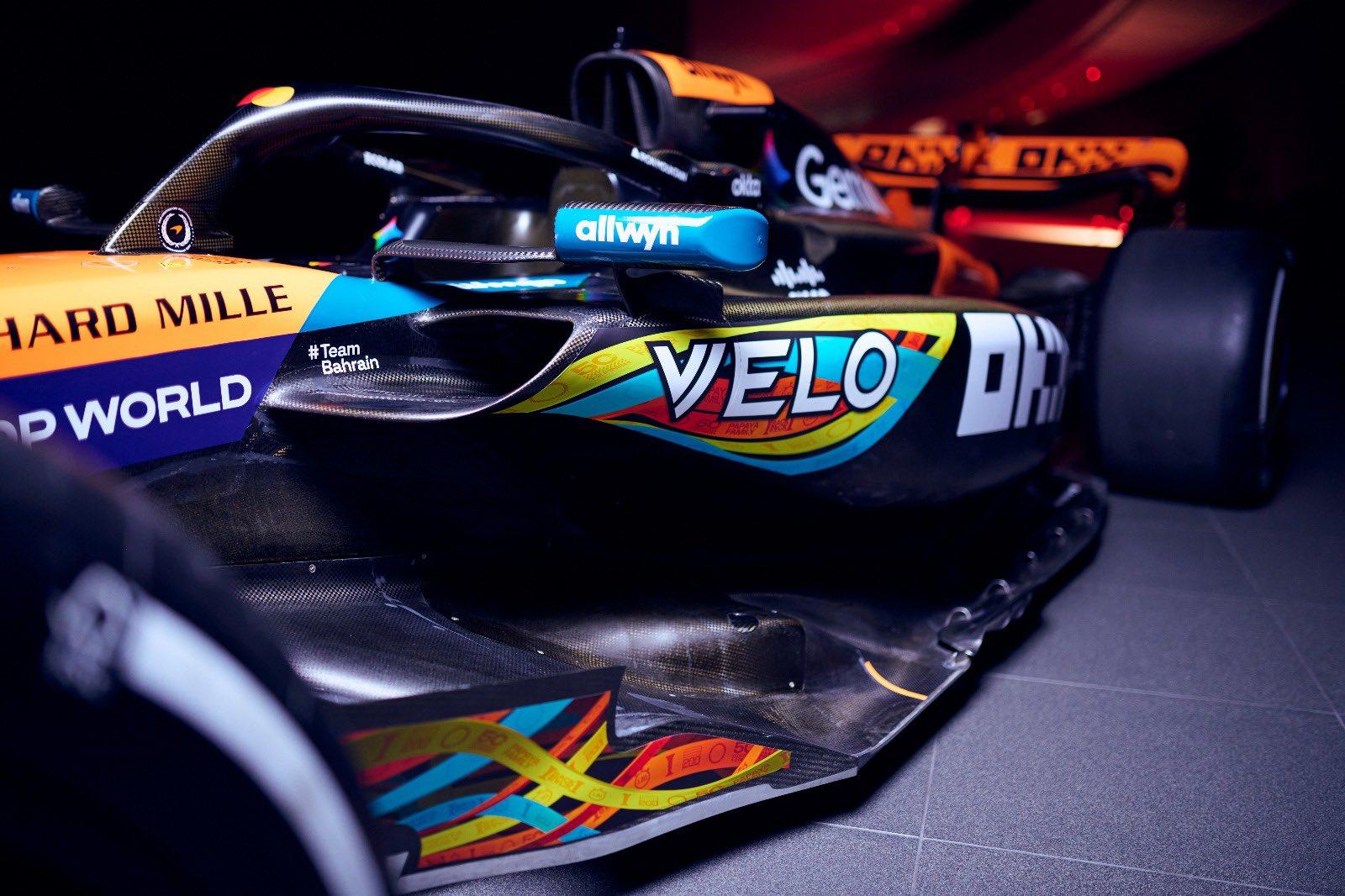
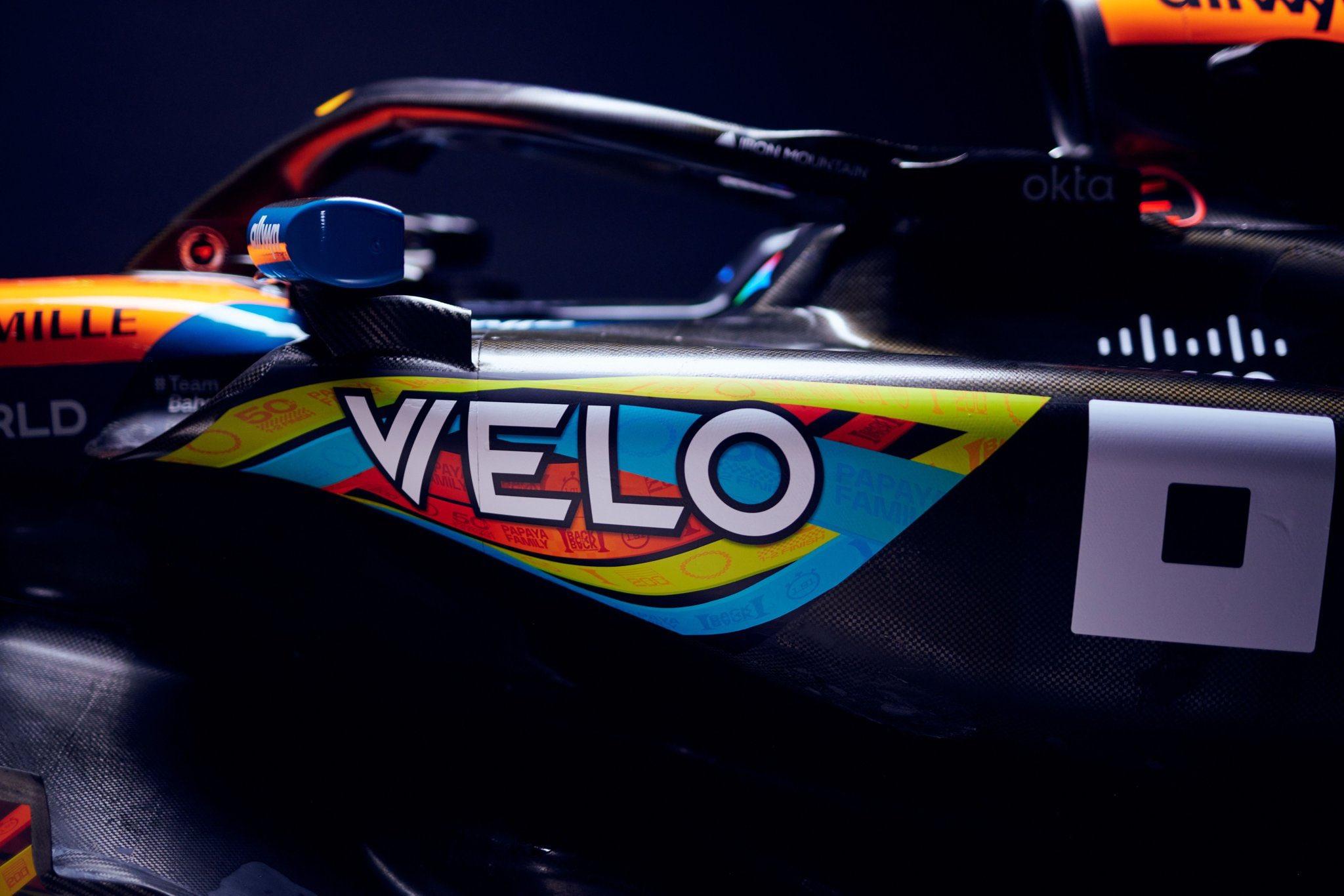
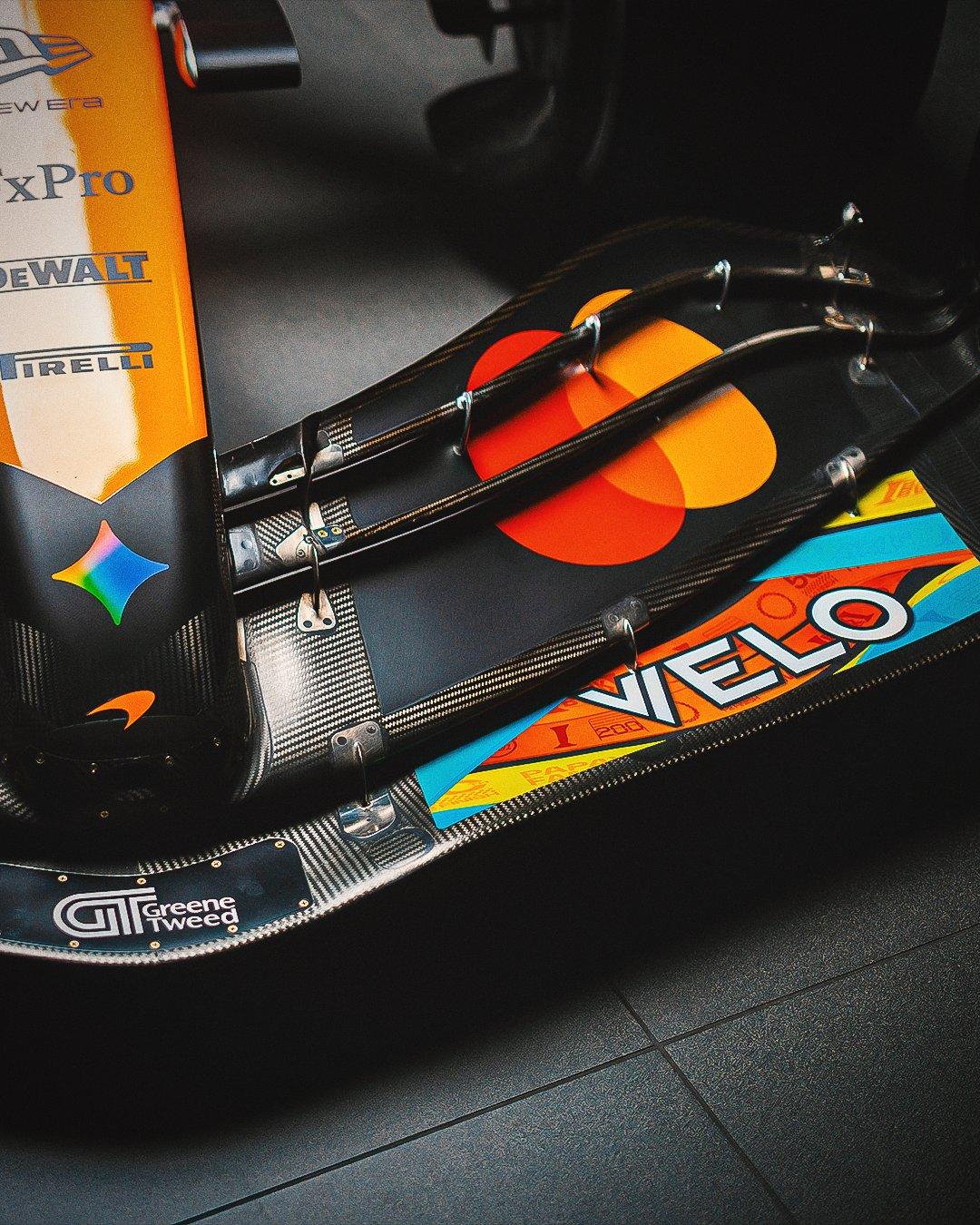
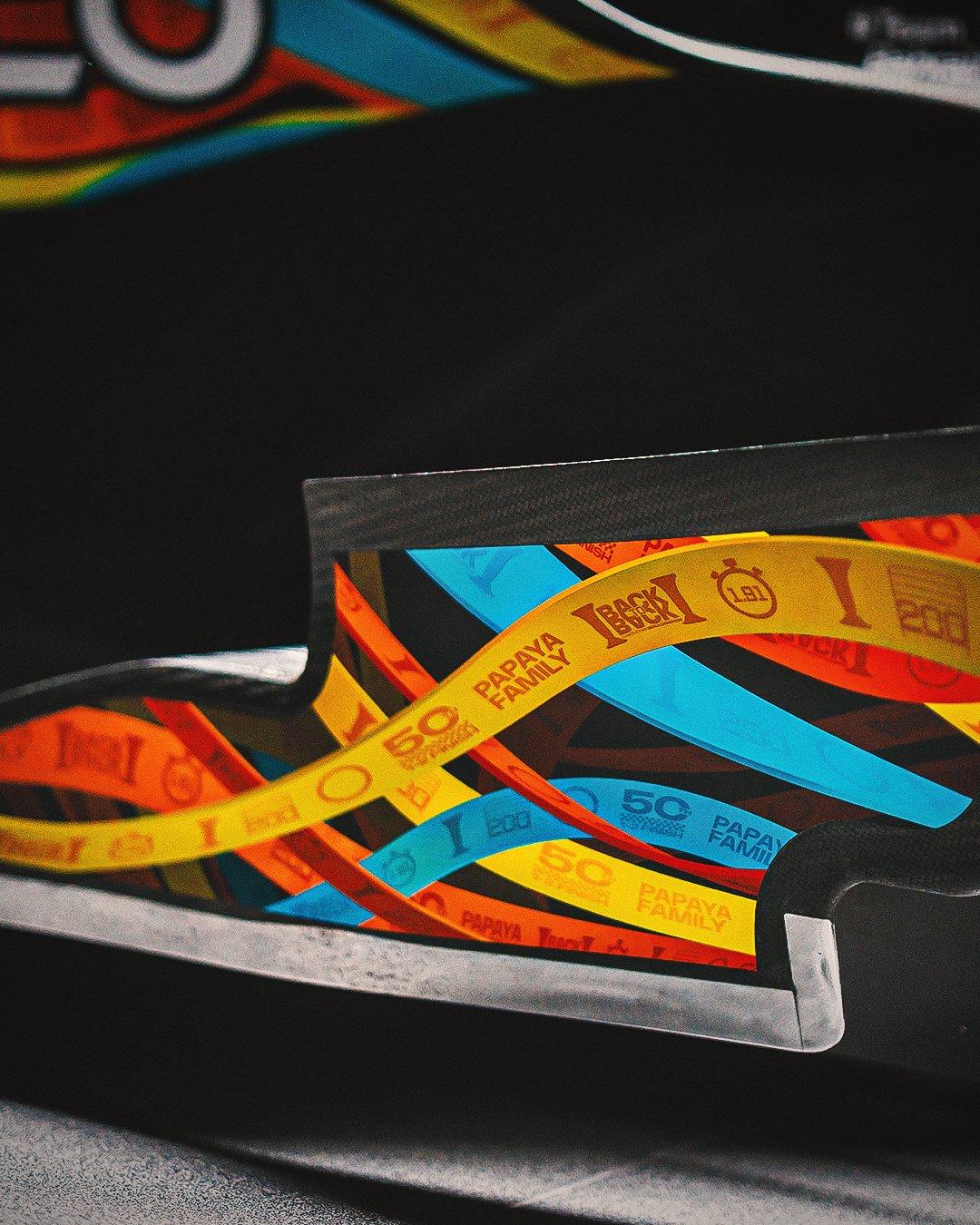
Toyota si dice che sia interessata al prossimo ciclo tecnico se si andrà verso un V8/10 ad idrogeno liquido come alcuni hanno prospettato e con cui correre nel WECDalla stagione 2026 il team Haas si chiamerà Toyota Gazoo Racing Haas F1 TeamLivrea celebrativa McLaren per l'ultima gara
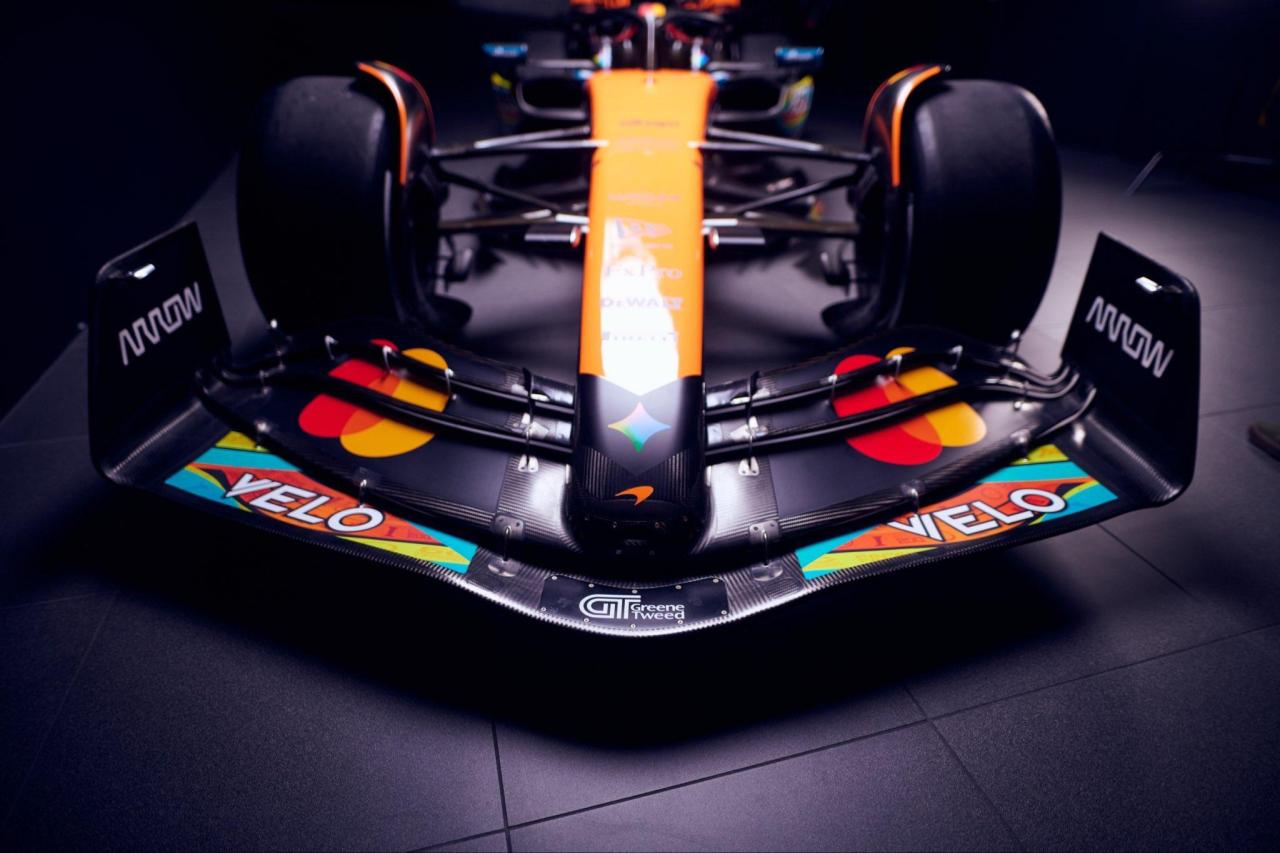
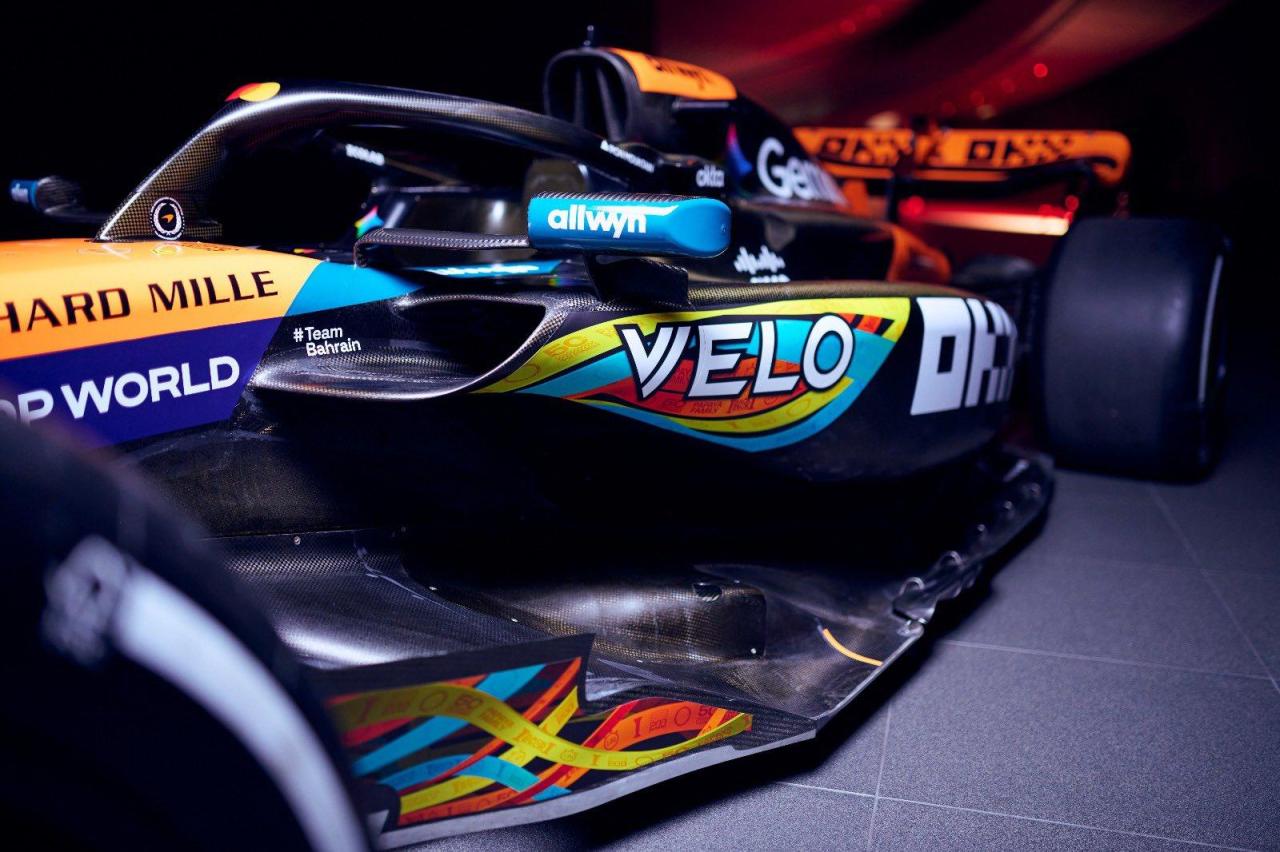
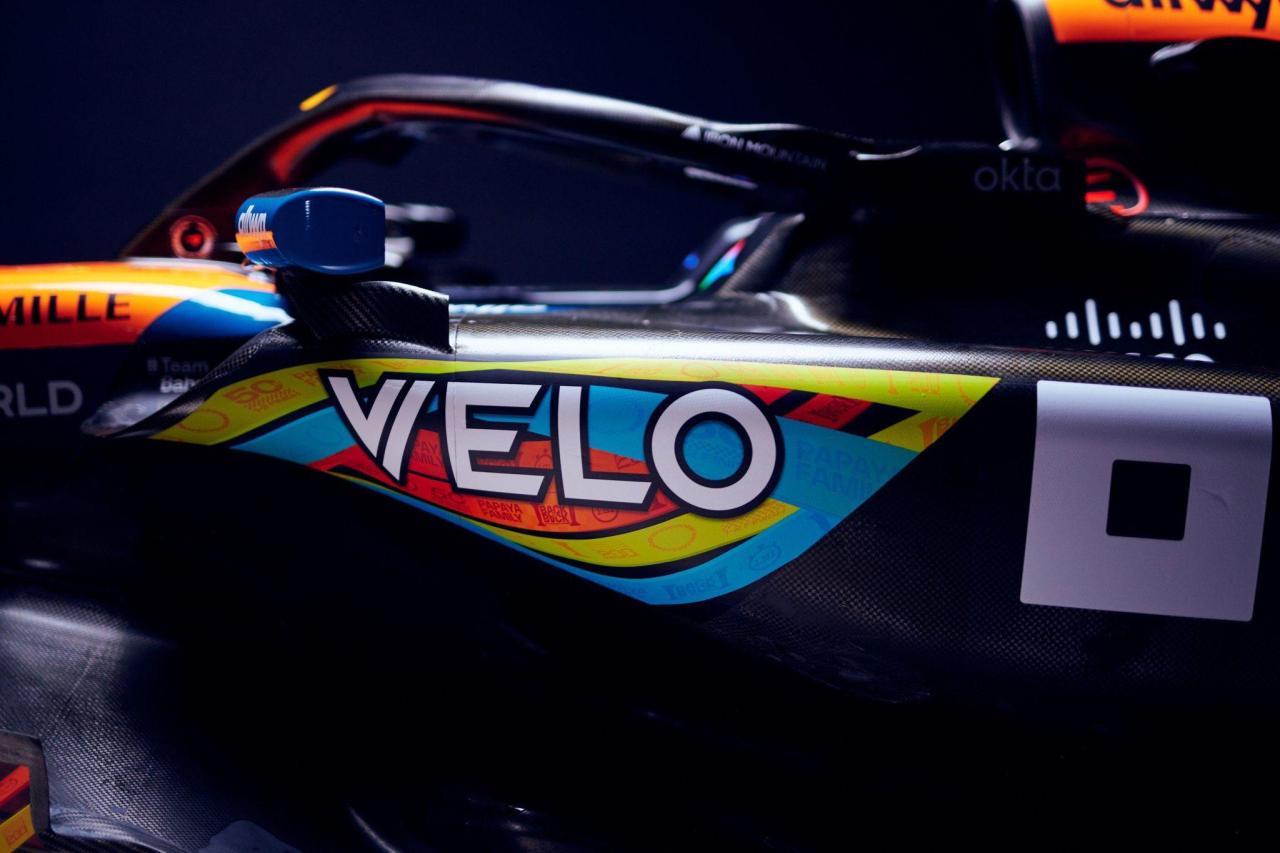
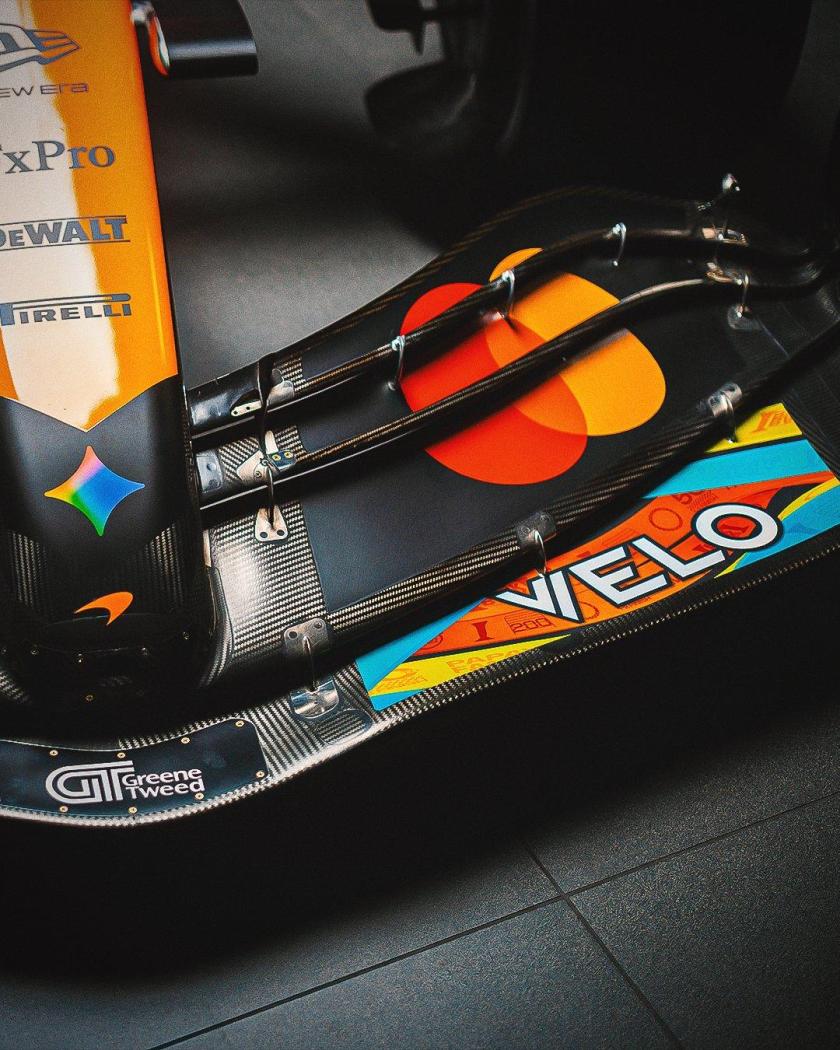
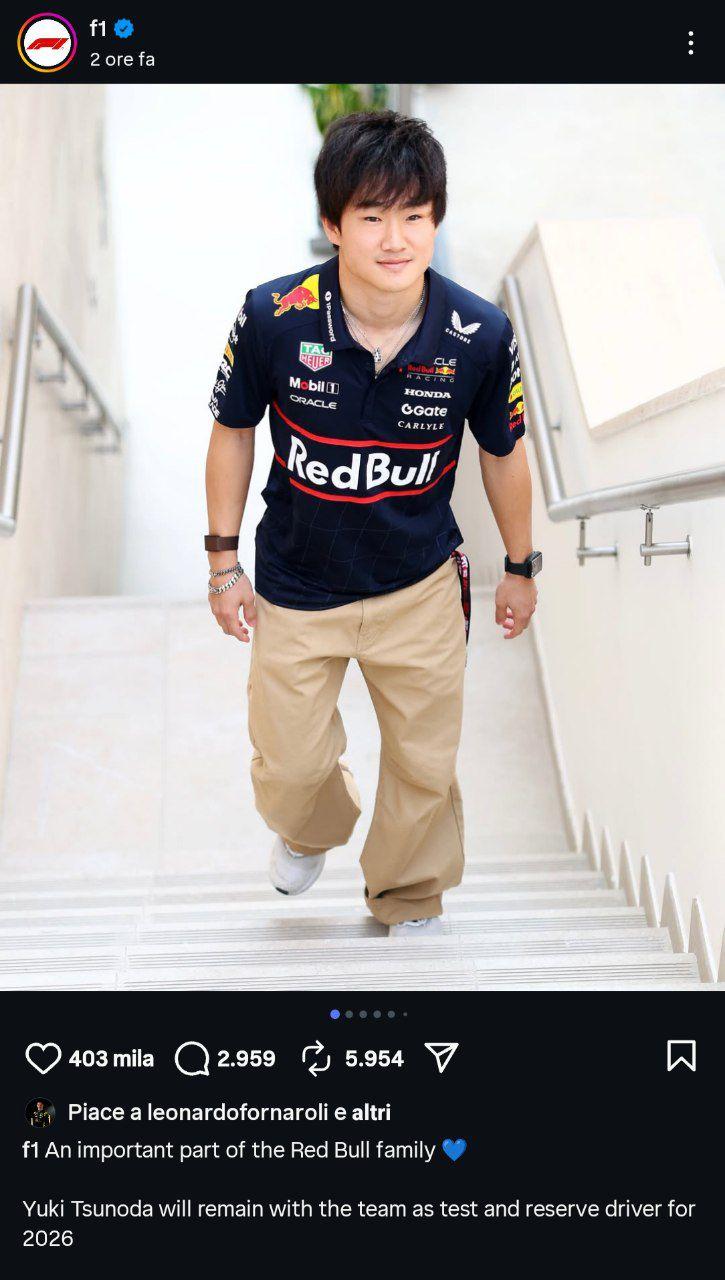
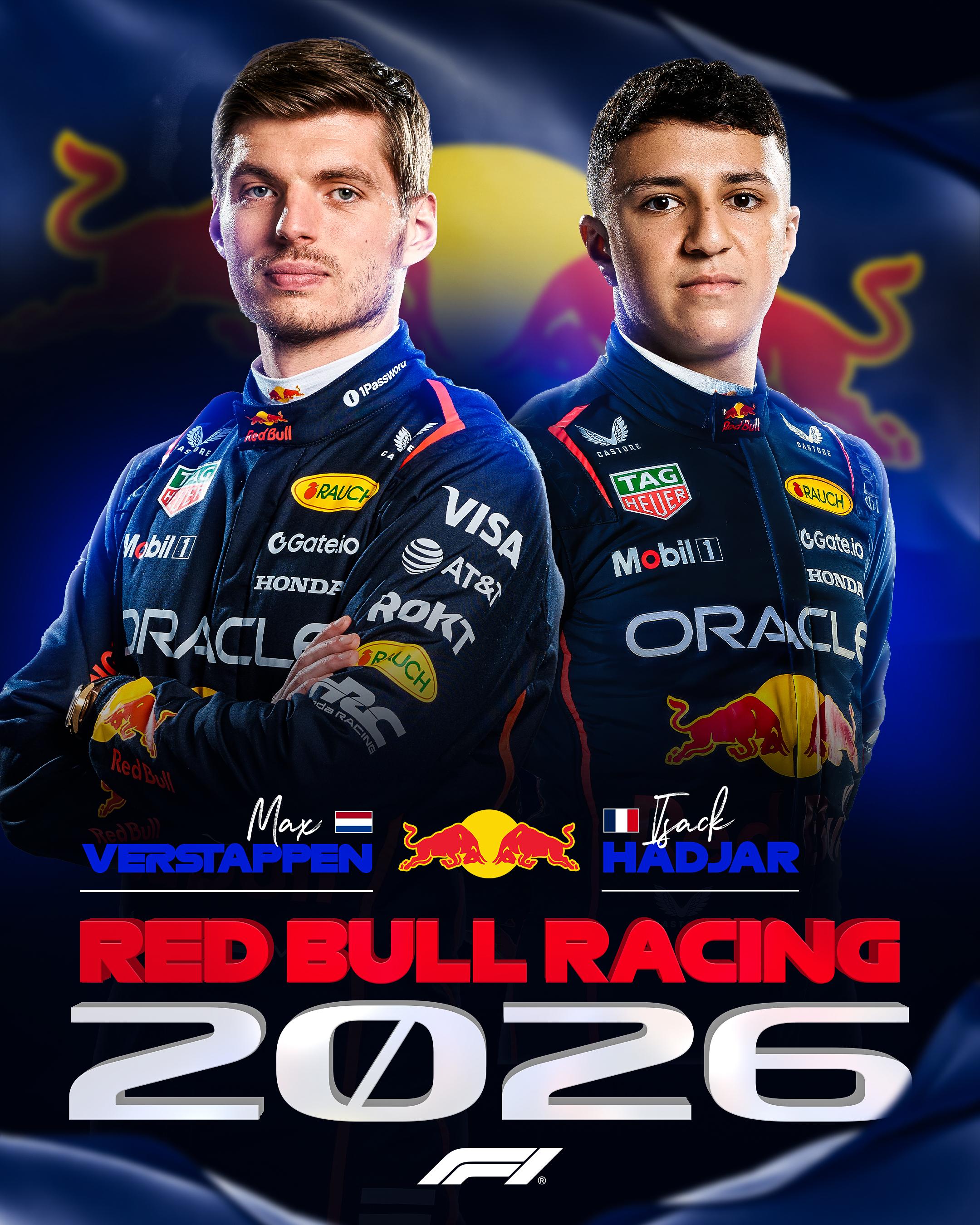
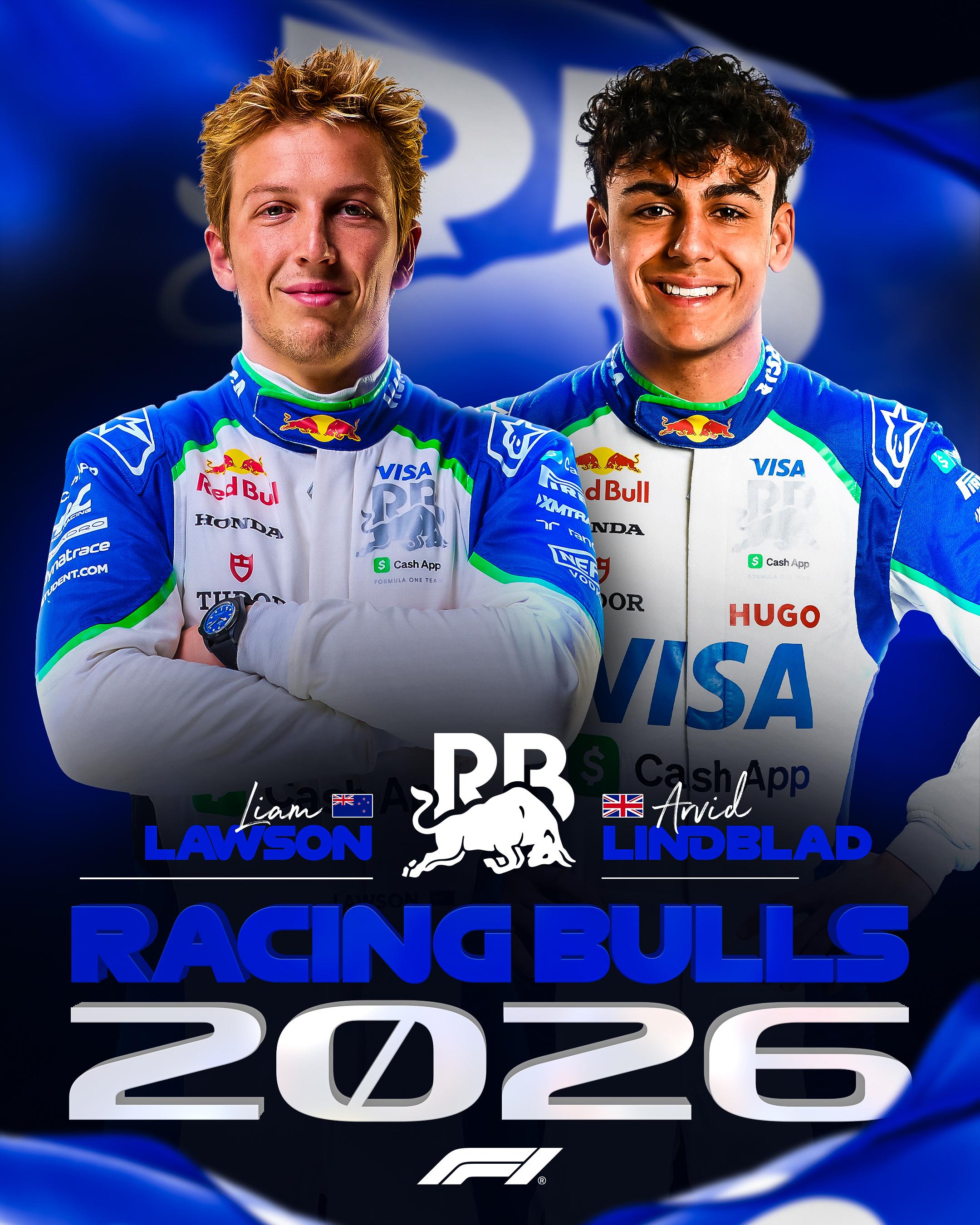
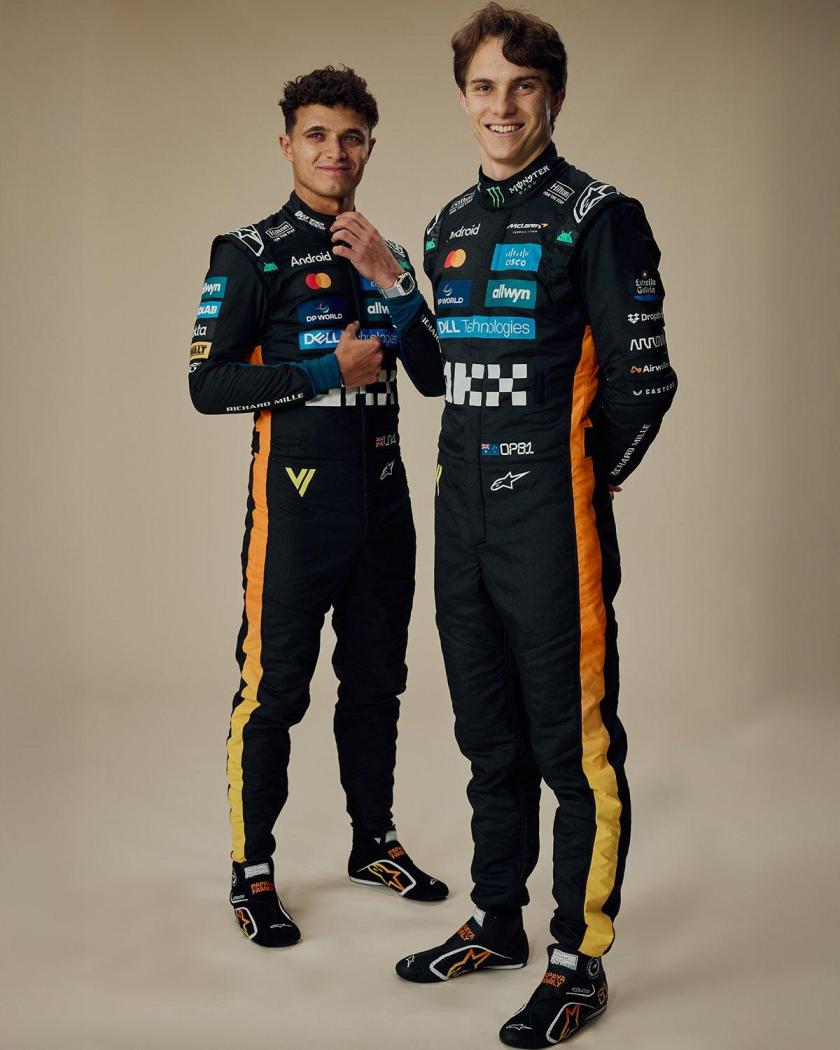 Mi aspettavo che Tsunoda andasse in Aston-Honda a questo punto come terzo pilota invece avrà questo ruolo in Red Bull
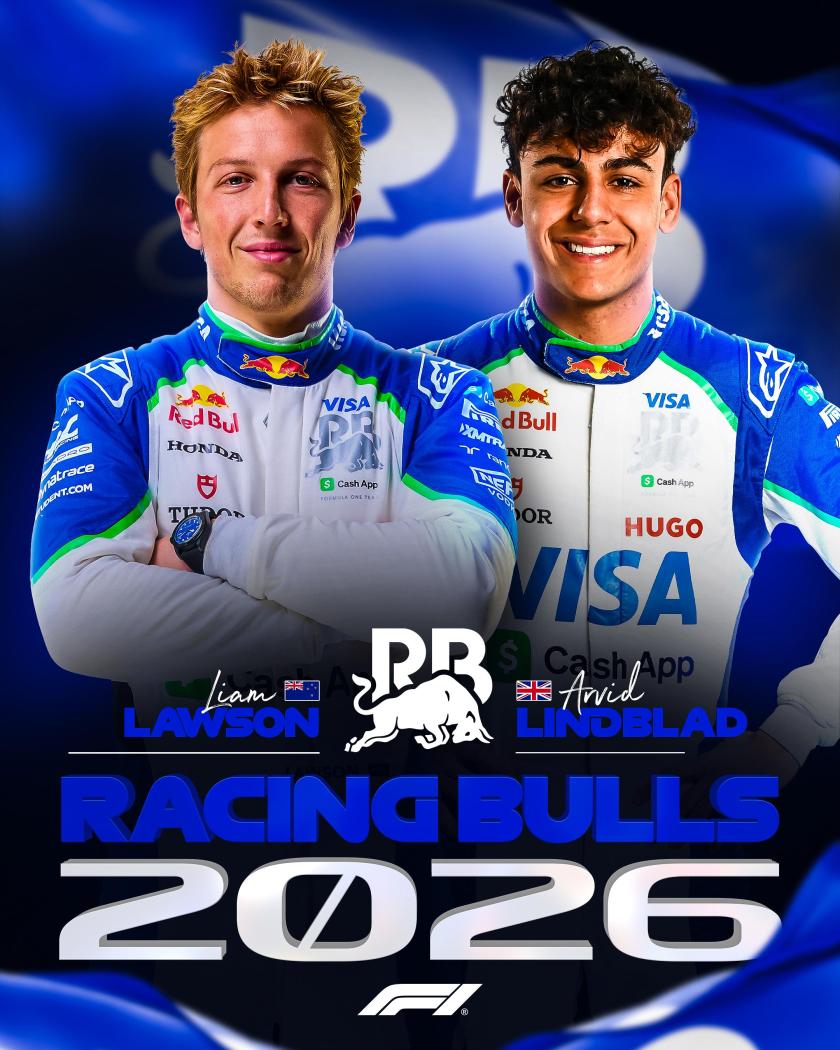
 Mancavano solo loro Bye bye Tsunoda e speriamo che non bruciano pure Isack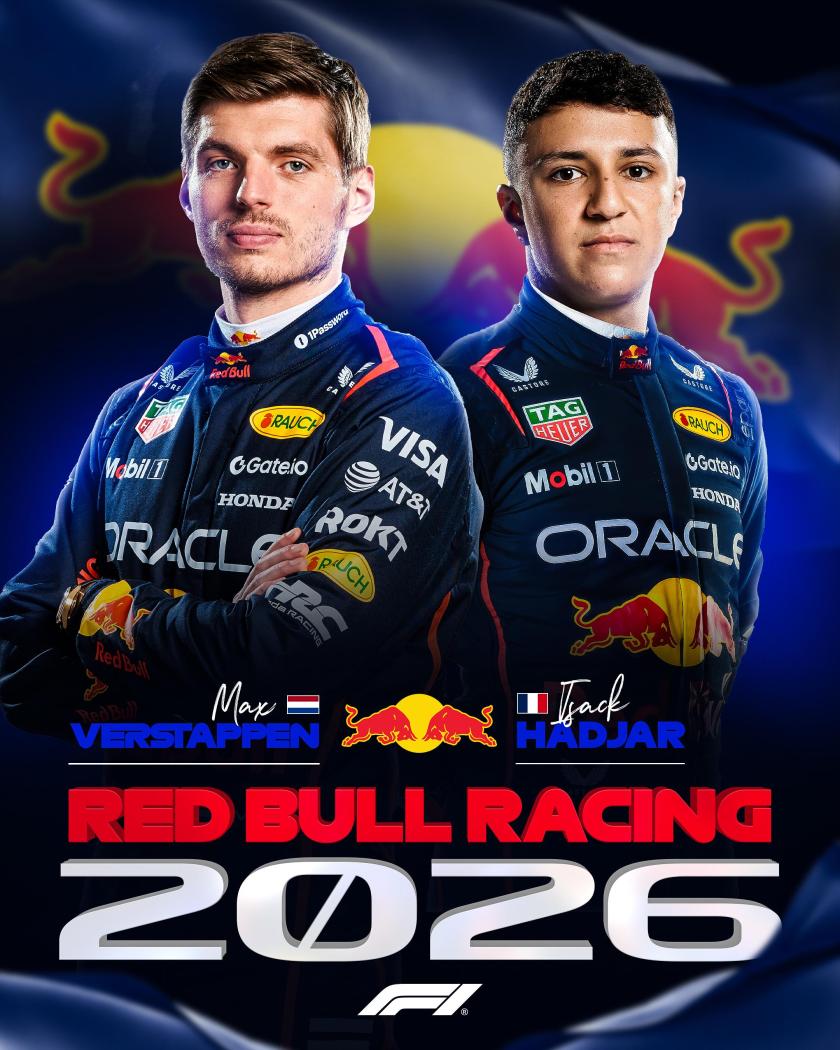
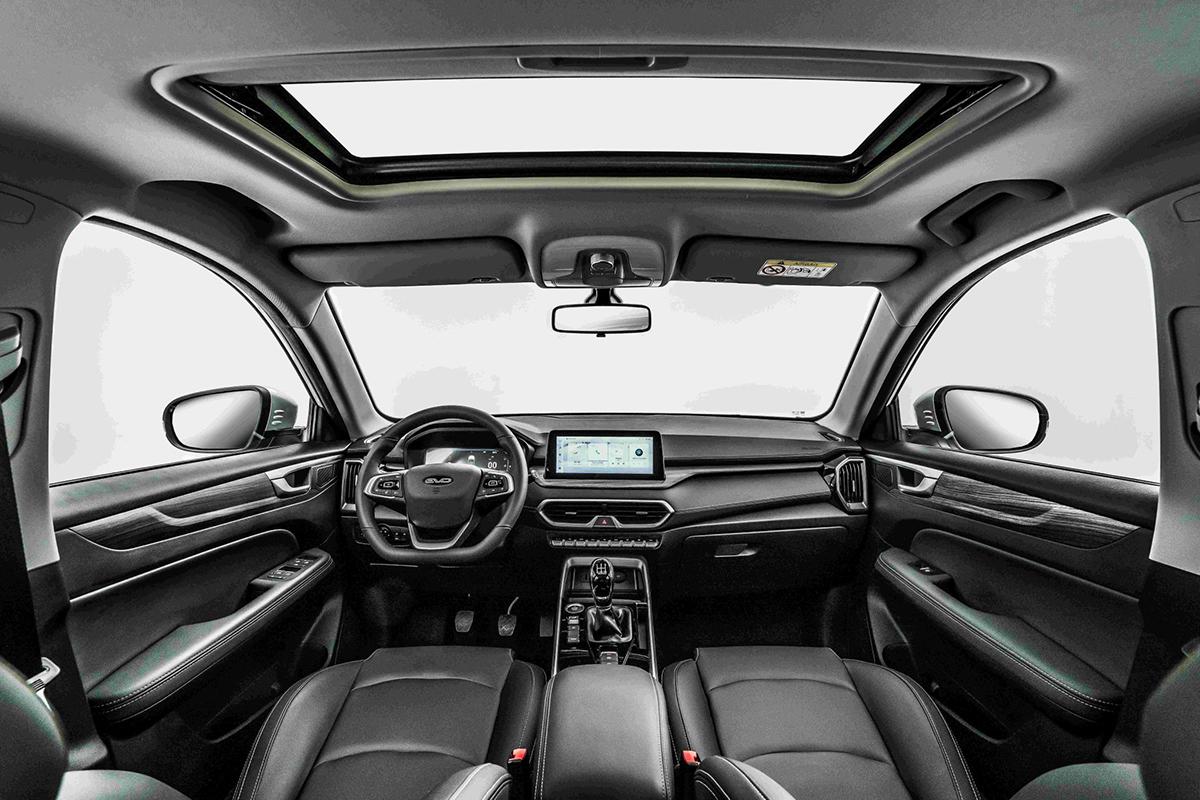
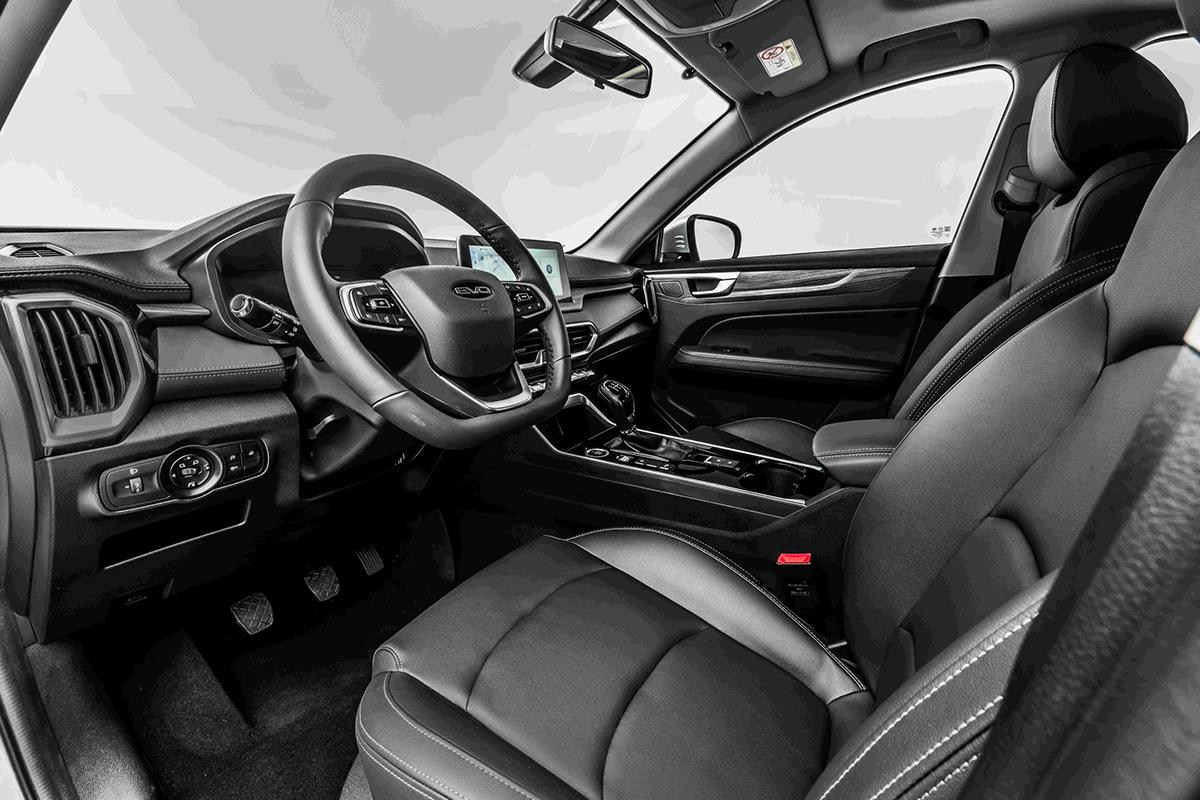
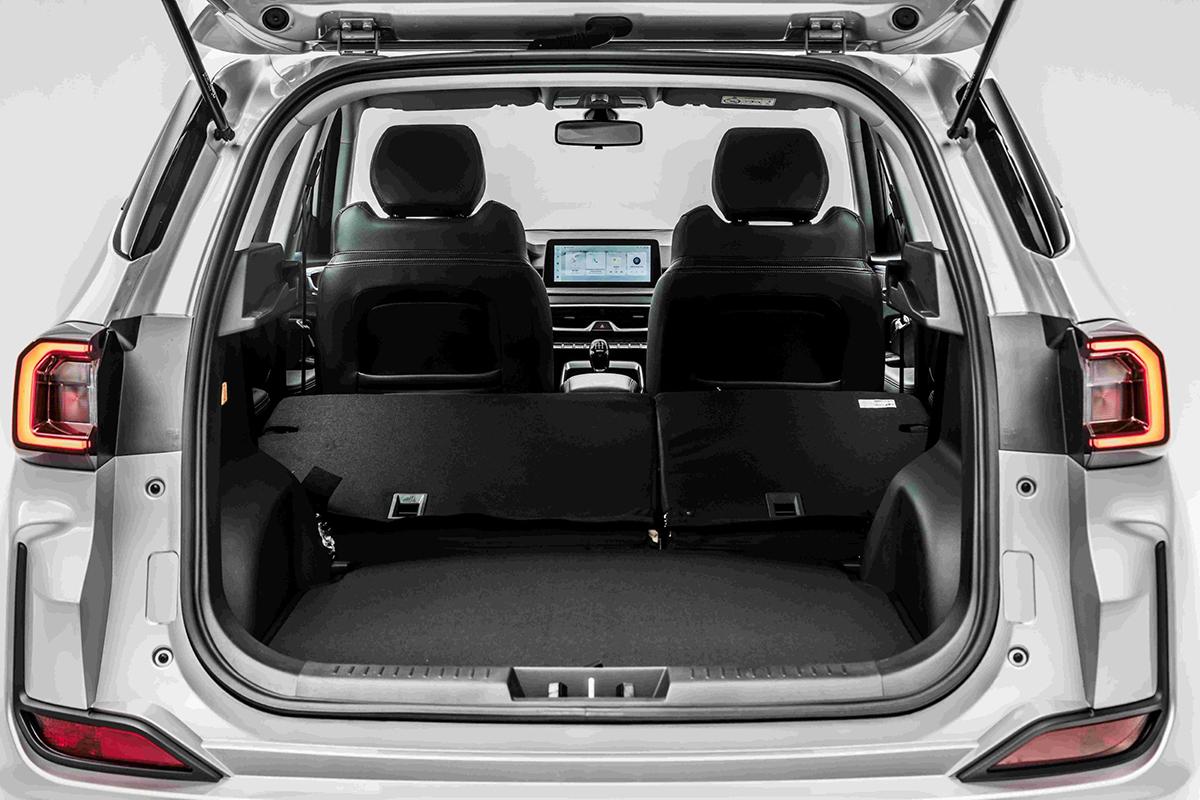
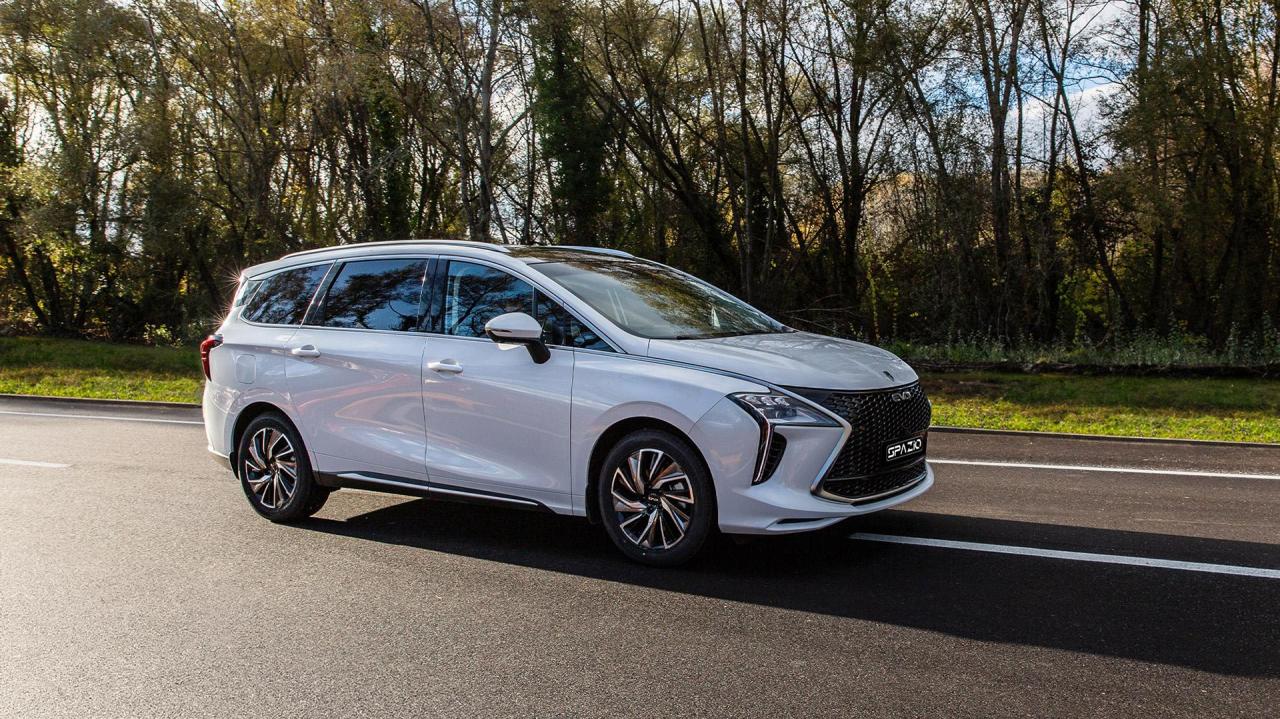
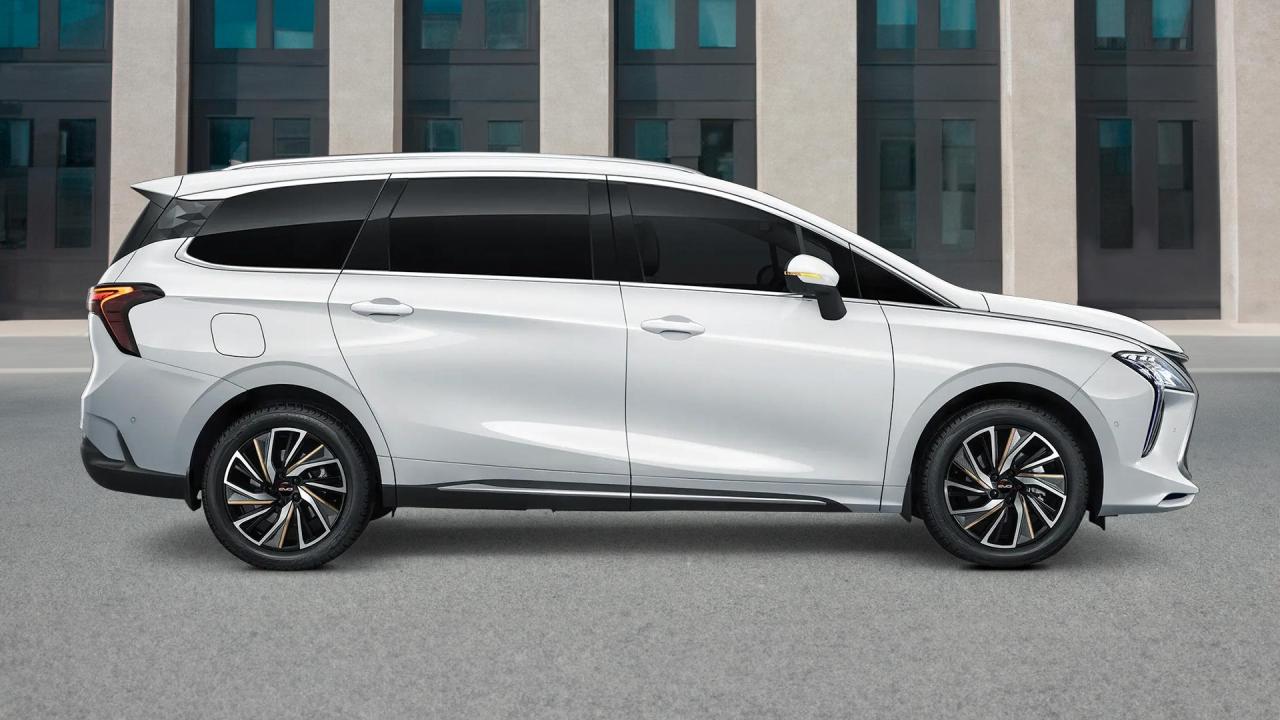
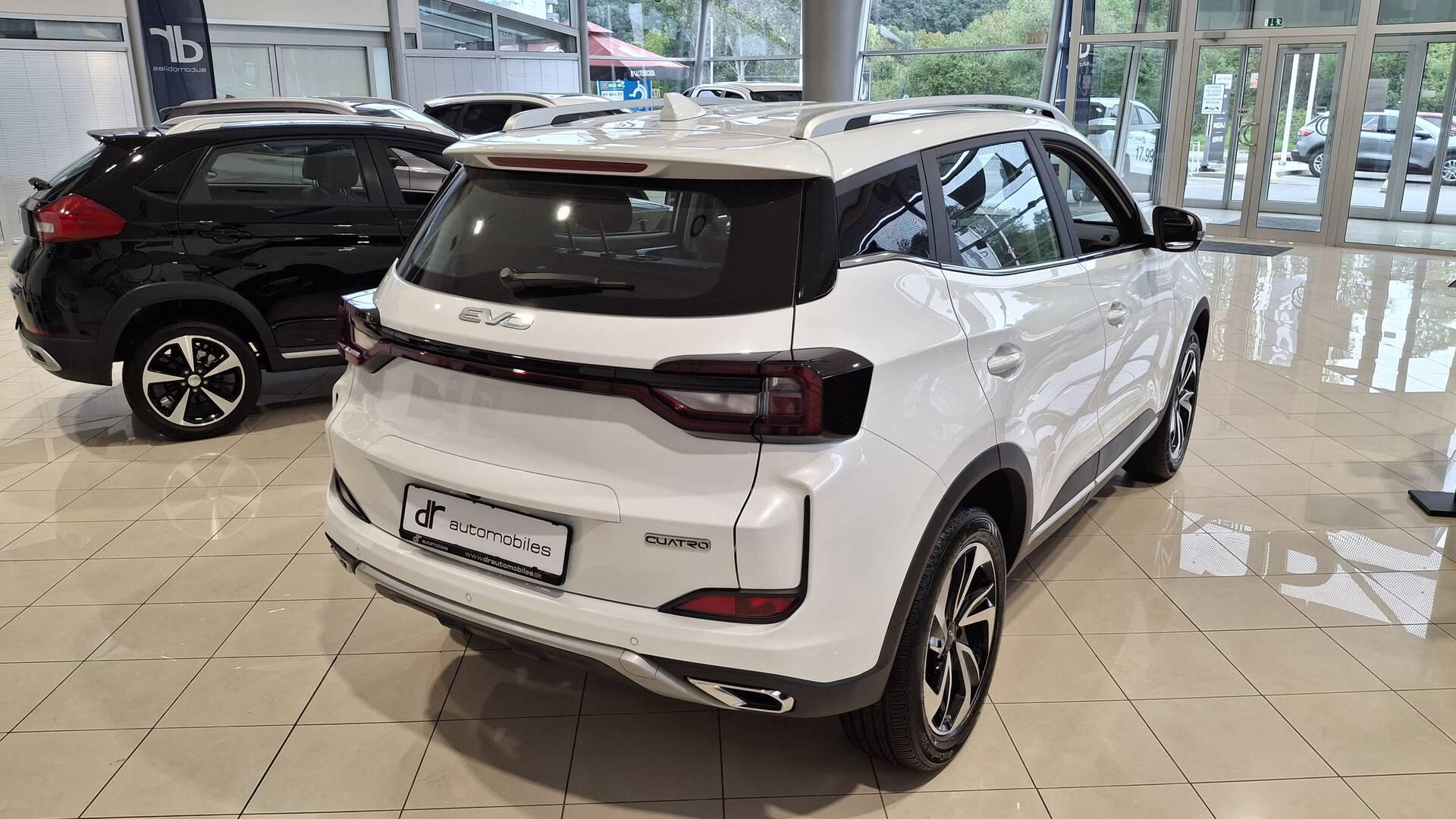
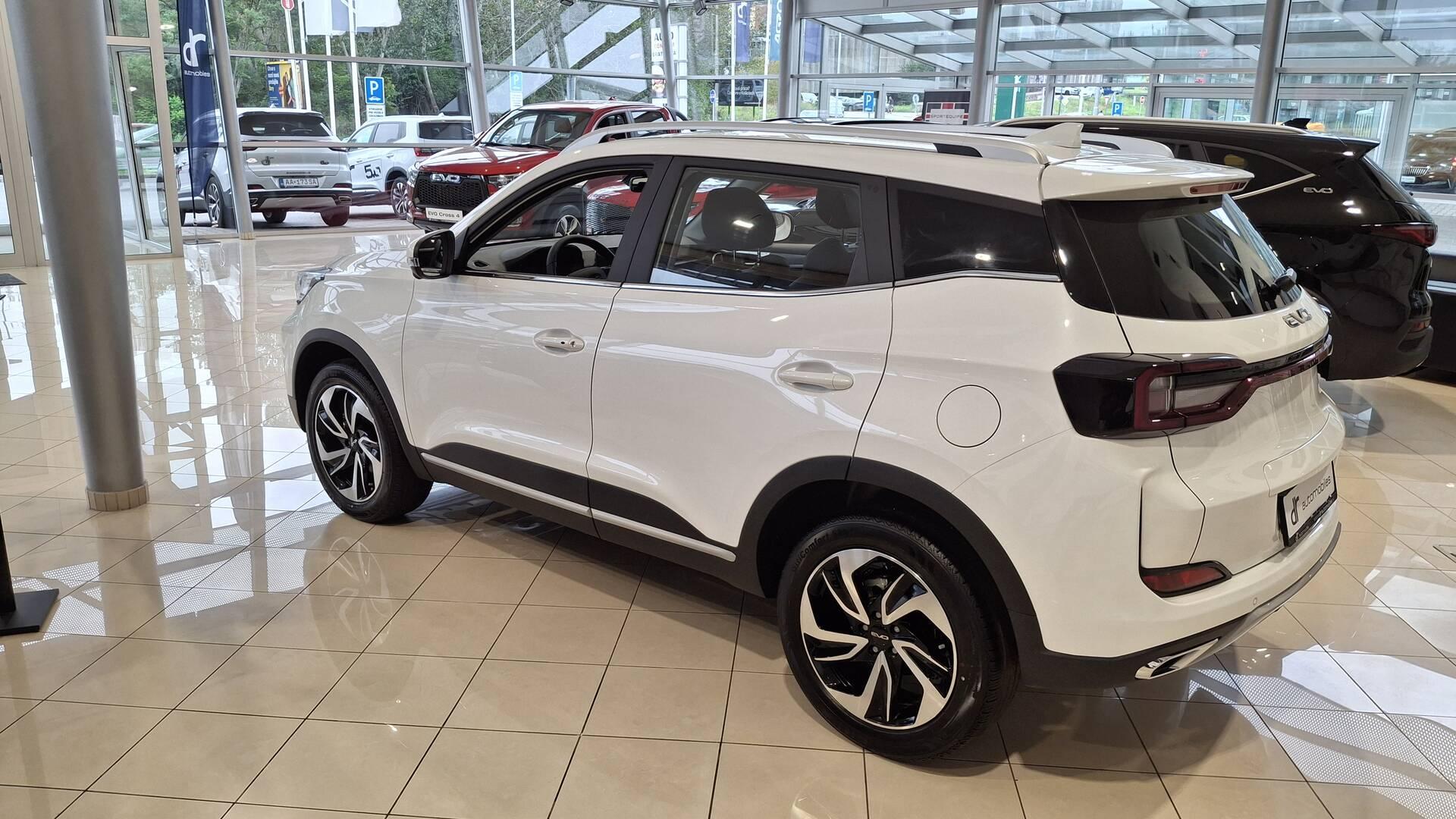
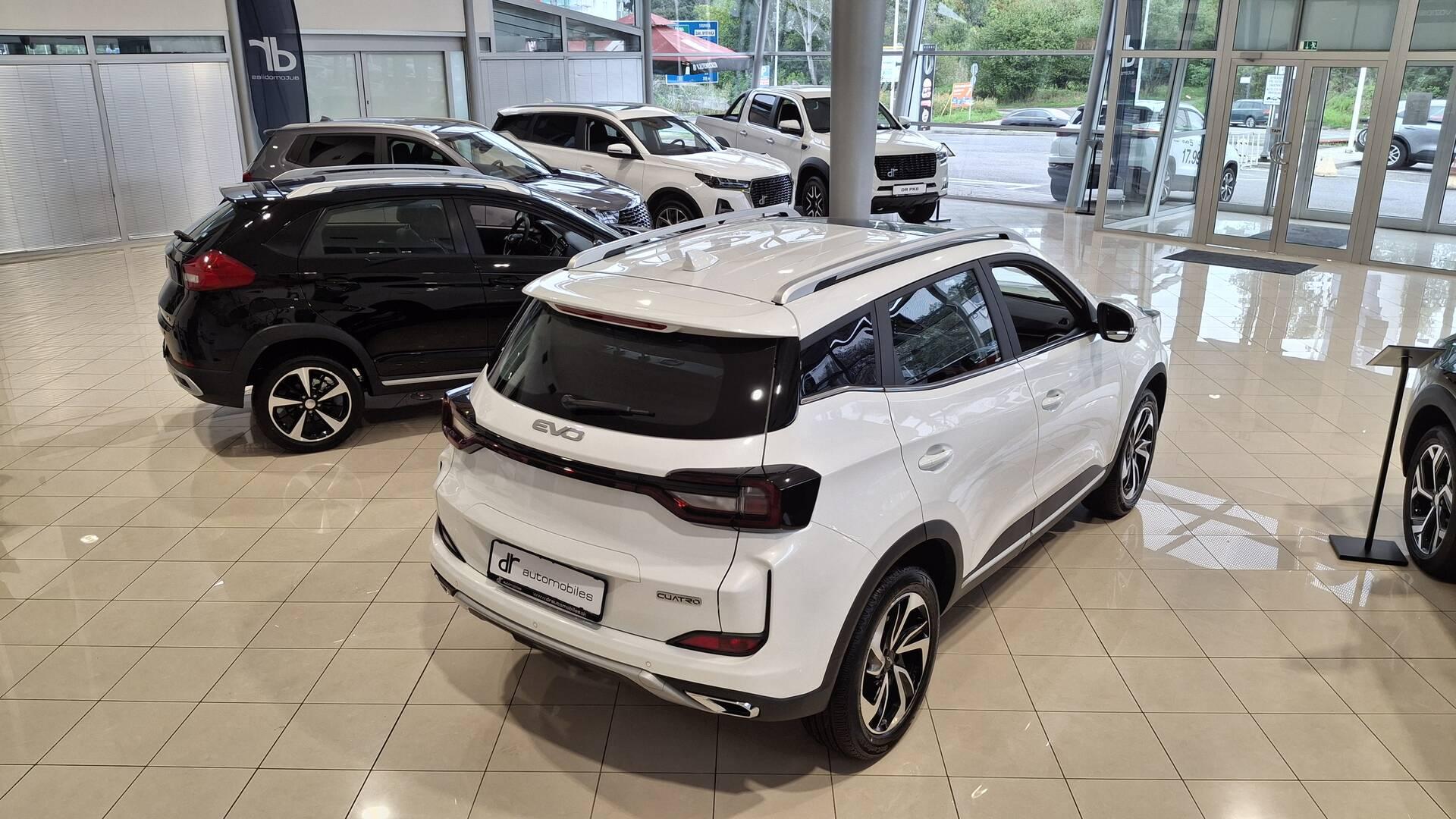
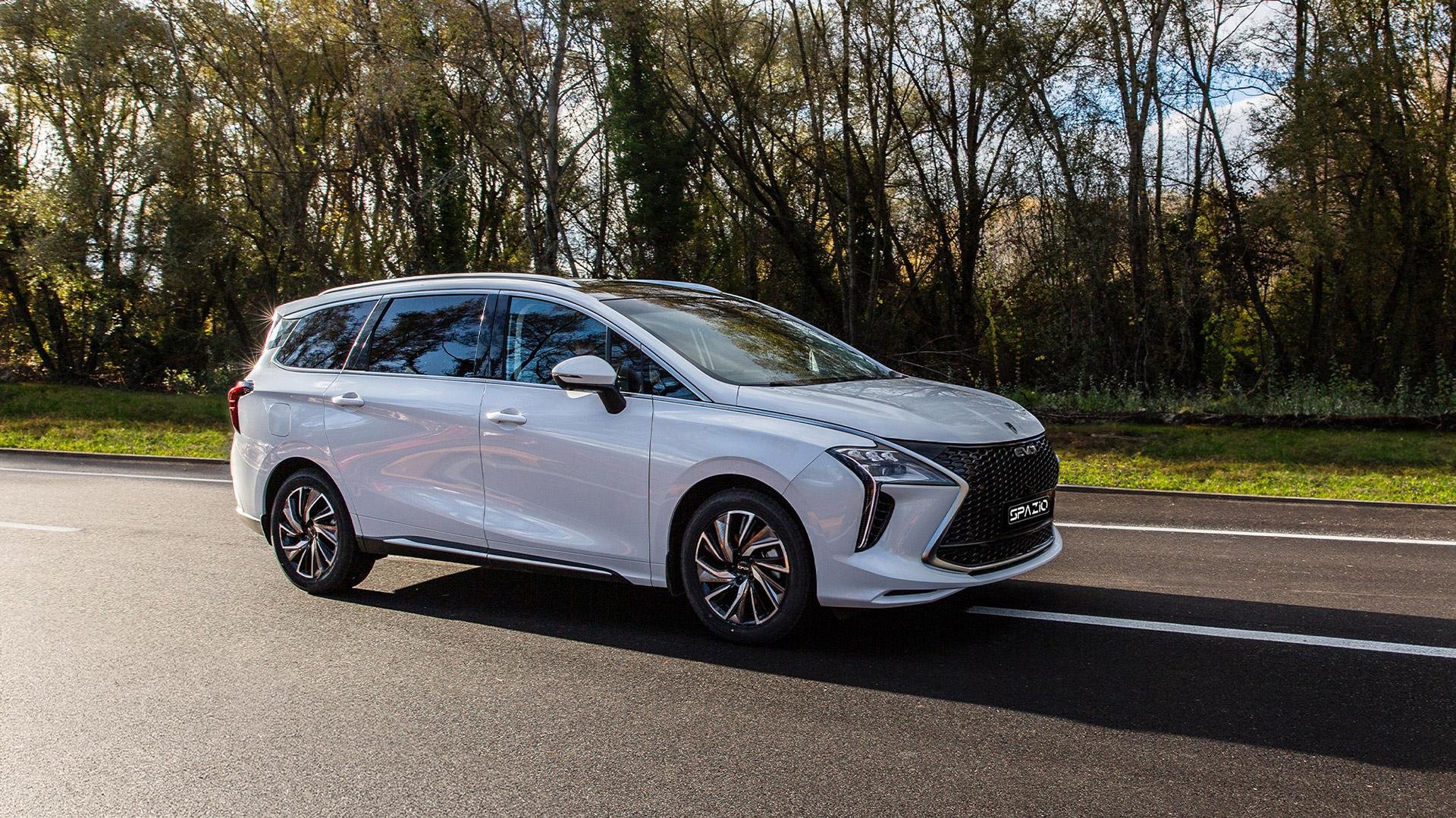
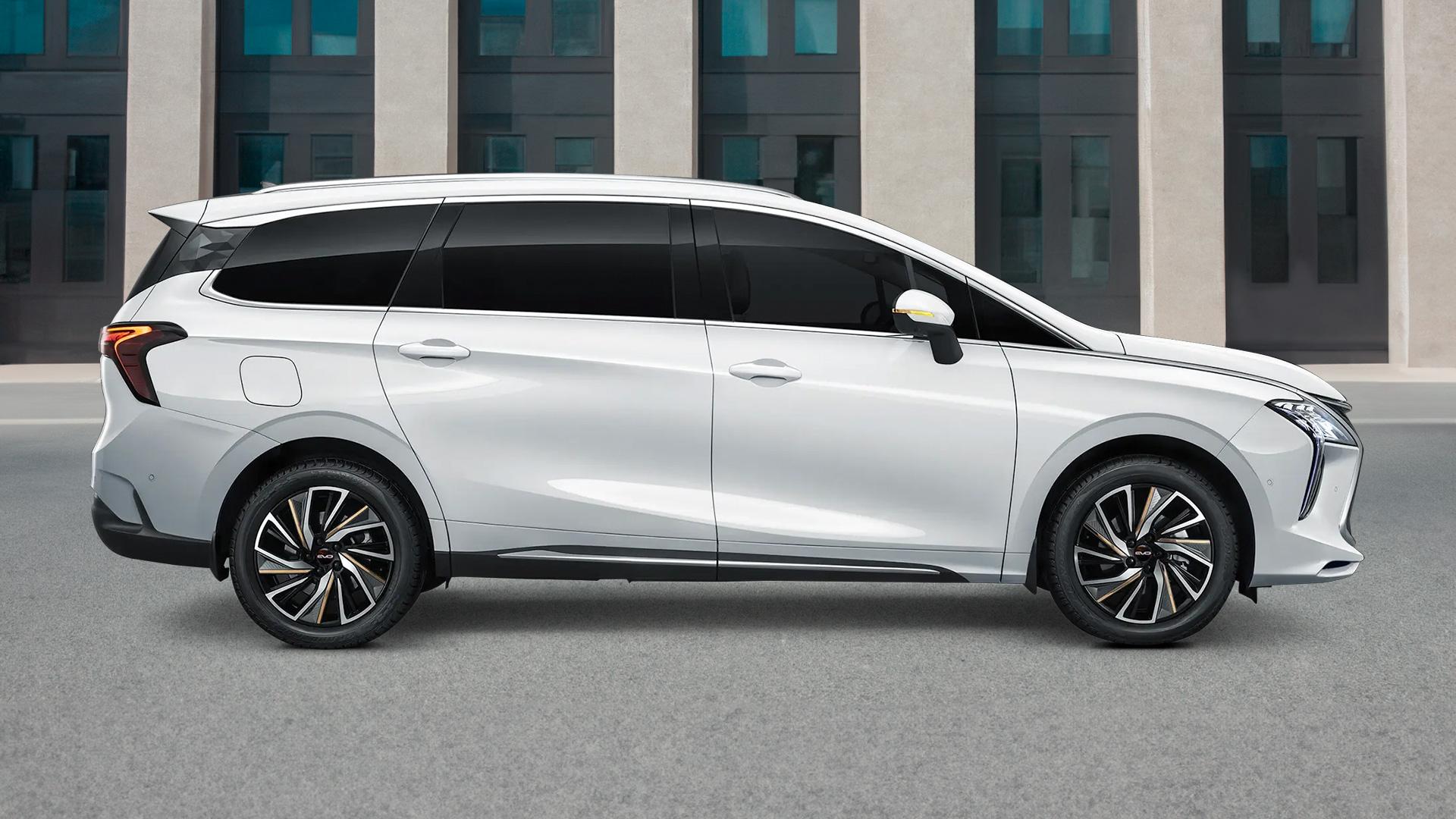
 Per ora è una esclusiva EVO per il mercato spagnolo, basata sulla Cowin Showjet, la versione low cost della Chery Tiggo 5 su cui è basata la DR 5.0, in Italia è venduta come EMC Sei. Il prezzo in Spagna è di 19.900€
.thumb.jpg.5c6b1dea04ccd300d3c199f01049366b.jpg)
.jpg.cfa5e051b94caacdd1d2e0d69315241e.jpg)
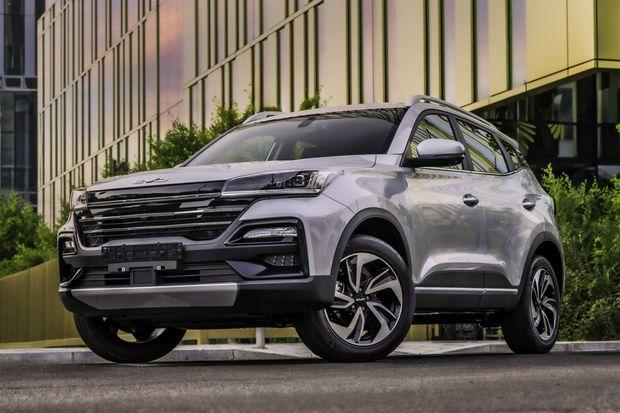
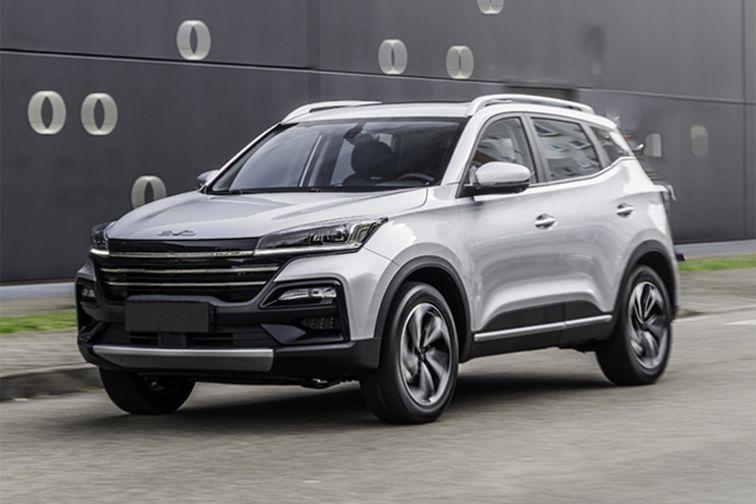
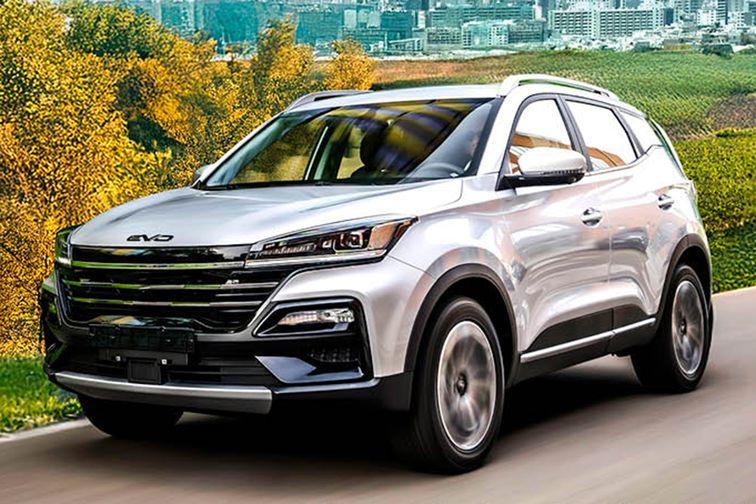
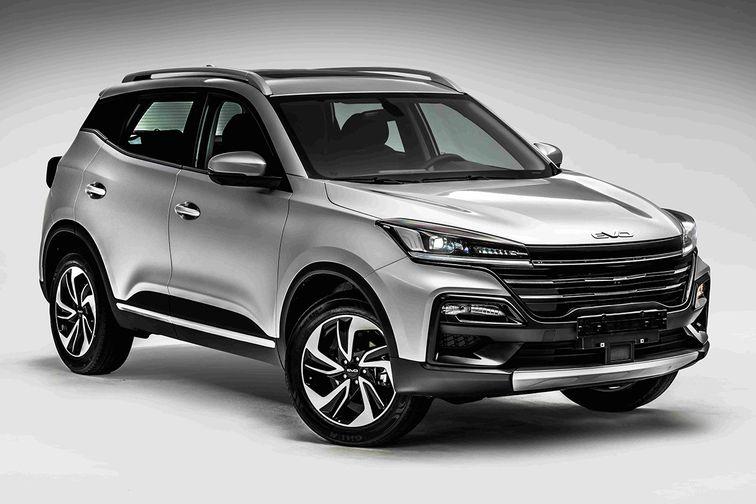
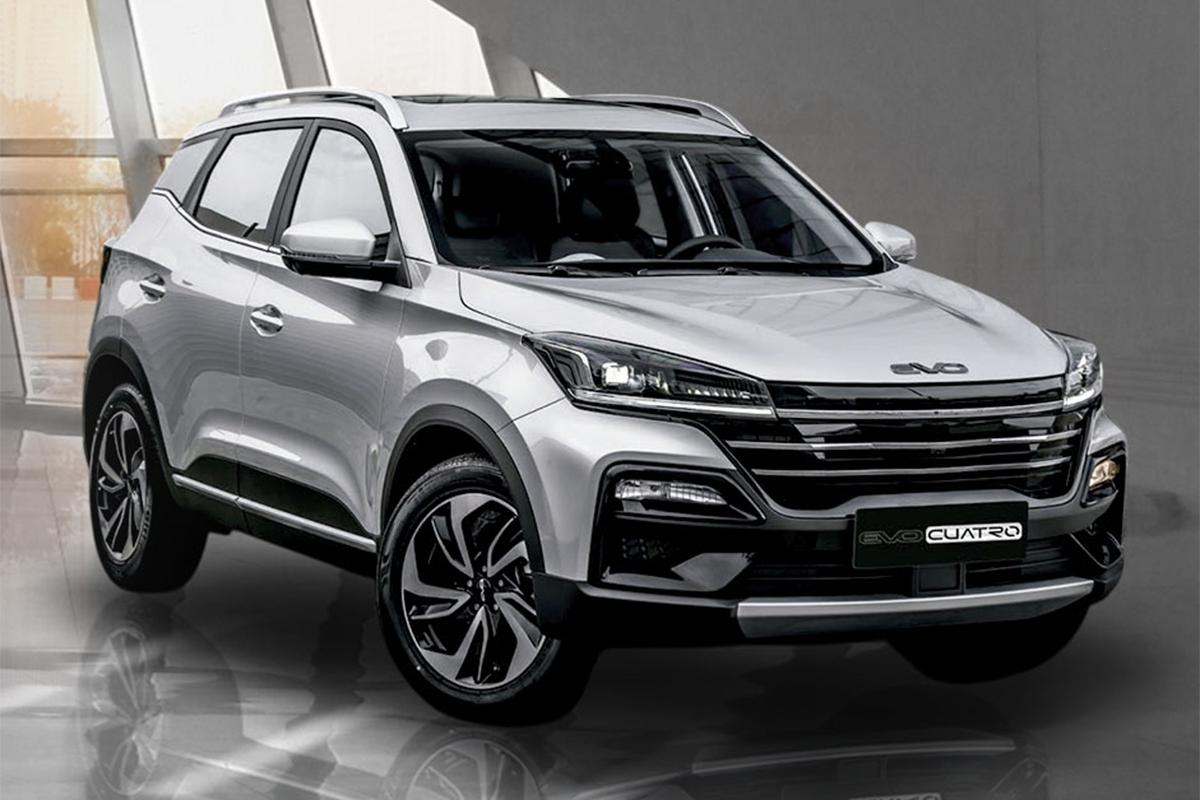
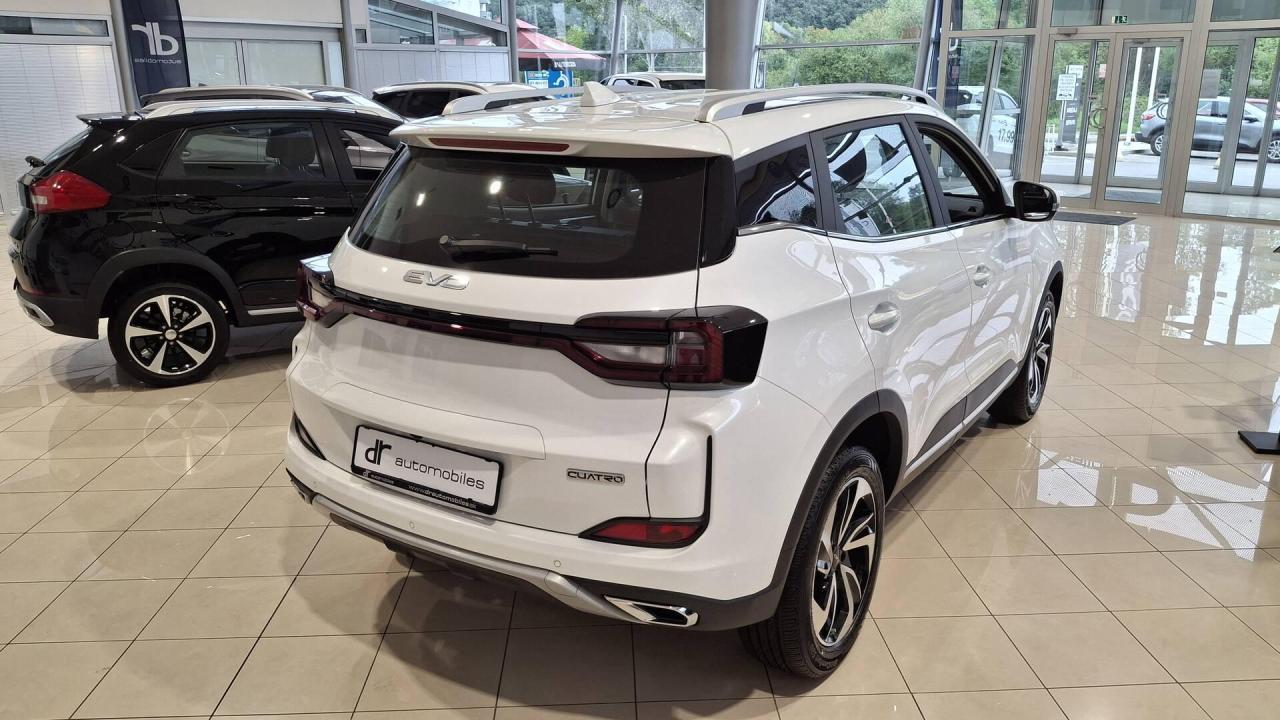
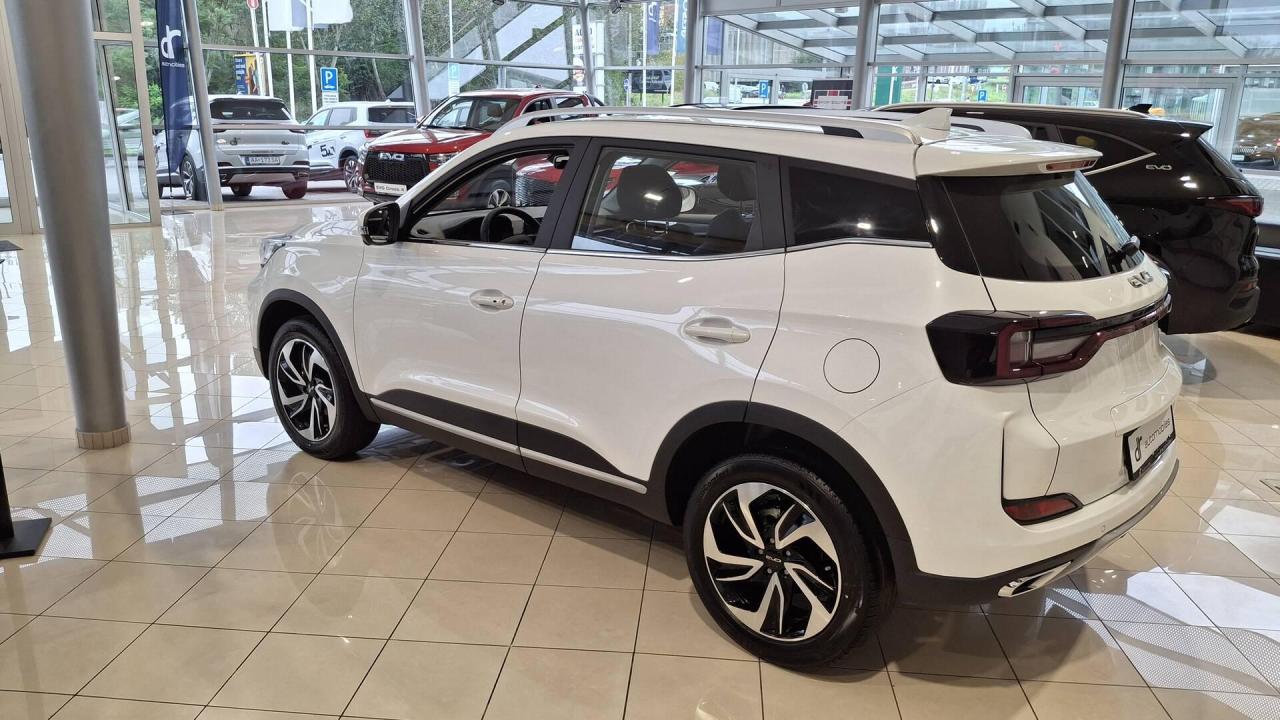
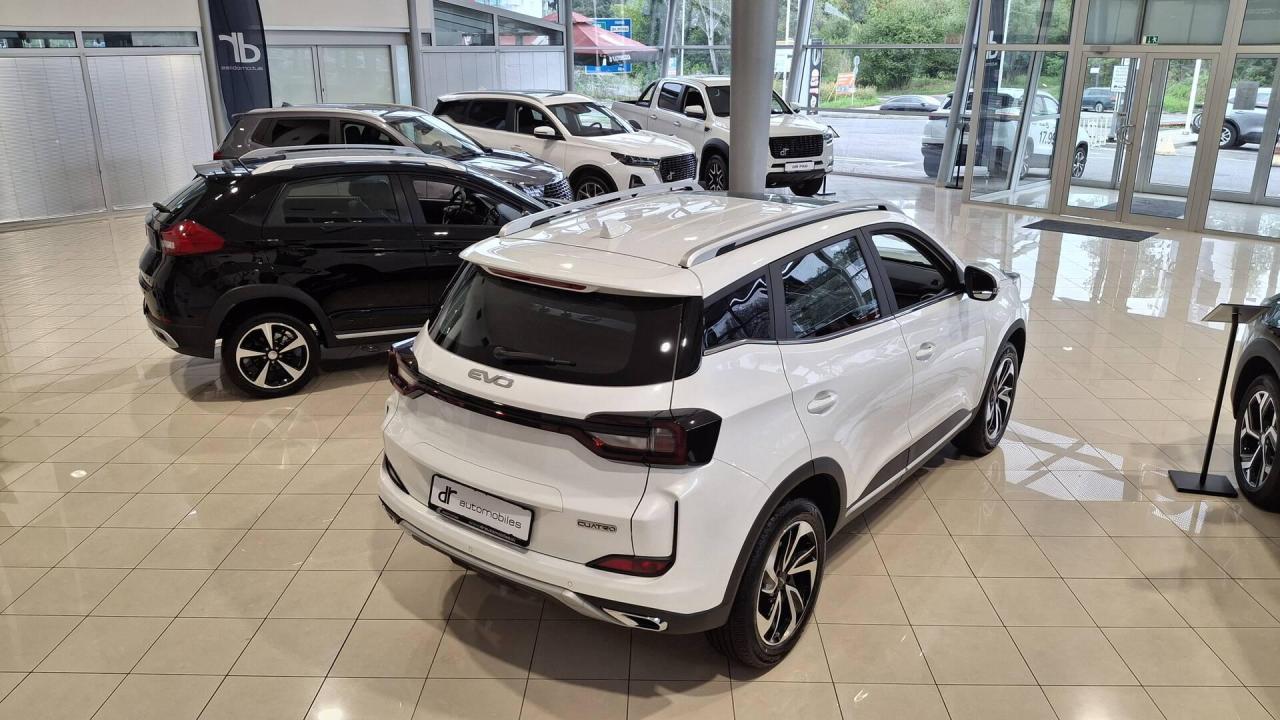
 Entra in gamma a €29.900,00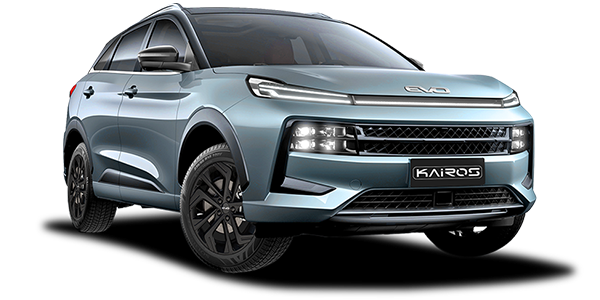
.jpg.e4d9d113cdad16e4c7aeb94220c0a2f0.jpg)
.thumb.jpg.99d45cd0c84fcfc6fae3231f0d98ee12.jpg) Dopo un anno entra ufficialmente in gamma a €30.900,00
Dopo un anno entra ufficialmente in gamma a €30.900,00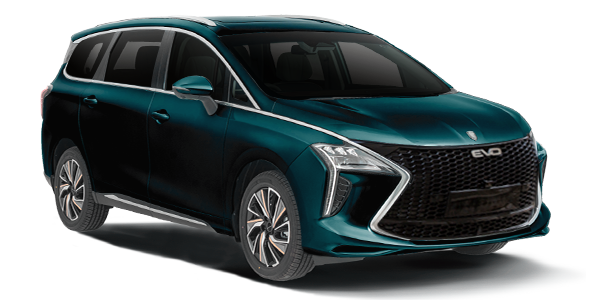
- 24 risposte
-
- dr
- dr groupe
- evo
- evo spazio
-
Taggato come:
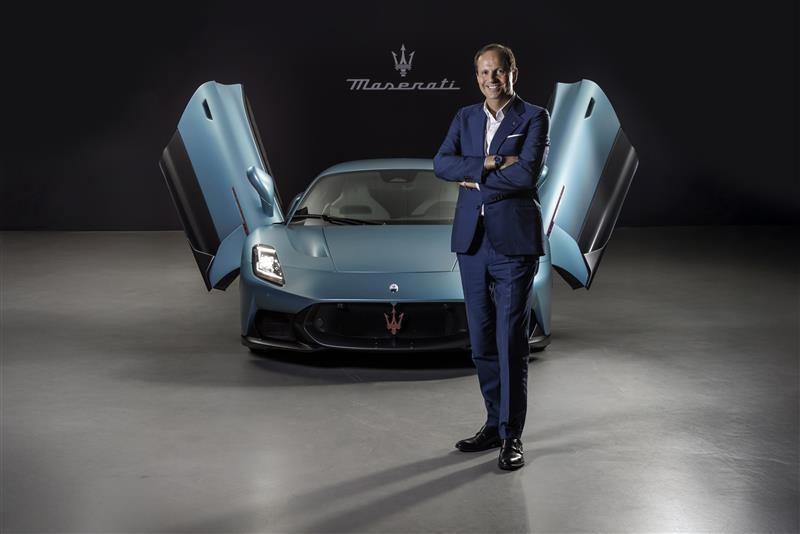
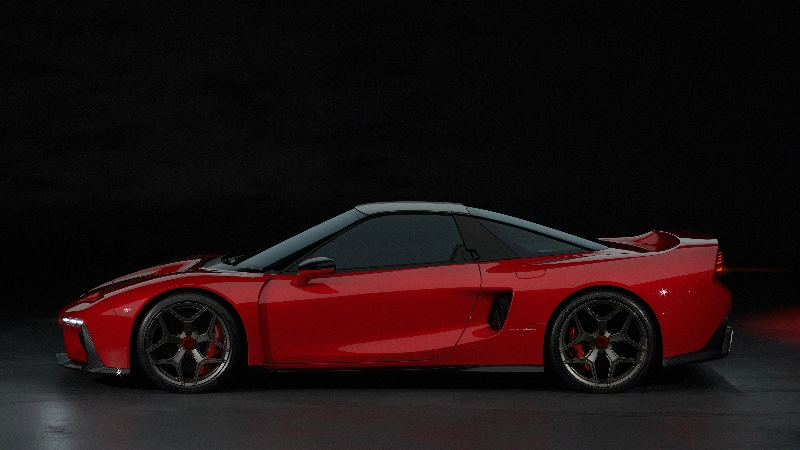
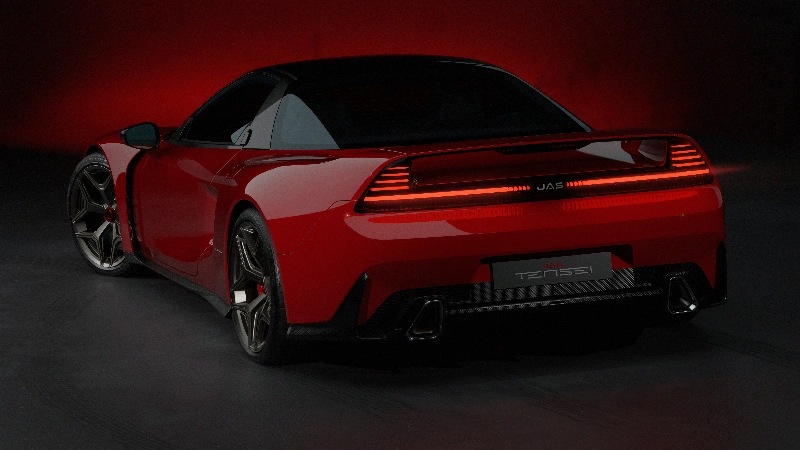
Nuovo test, 5 stelleStrategia produttiva italianaUn evento previsto a gennaio 2026 offrirà le prime indicazioni concrete. L’appuntamento nella sede molisana del gruppo dovrebbe presentare le prime auto dei due Marchi. Per raggiungere questo obiettivo, Di Risio ha preso in mano lo storico sito produttivo di Anagni, nel Frusinate, sottoponendolo a un profondo riassetto e attribuendogli il nuovo nome Jarama Srl. L’impianto è già in funzione con alcune decine di addetti e si prepara a incrementare capacità e organico, sospinto da un ulteriore pacchetto di investimenti. La volontà dichiarata mira a superare modelli importati con modifiche limitate. La transizione prevede una filiera interna capace di ridefinire la posizione industriale del Costruttore. QN MotoriItala e OSCA, e DR Automobiles rilancia i Marchi storici...Tra radici storiche e nuovi modelli prodotti nel sito molisano del GruppoIo non sono mai stato convinto di Vasseur, uno che aveva già fatto disastri in Sauber. Non mi aspettavo molto ma qui siamo oltre le mie peggiori aspettative. Certo, se McLaren domenica non dovesse vincere il mondiale piloti però forse il loro 2025 potrebbe essere considerato comunque peggio@DOssi posso chiederti questa? 👀


.jpg.6c2798f13b77c423abdb9ca53e49578d.jpg)
.jpg.c54bbf8fe4551980ee1c687f3f374877.jpg)




.jpg.9bbcf2234a8663211a2c325b23158321.jpg)
.jpg.9c9393ed88a30889cc76faa2e730b302.jpg)
Account
Navigation
Cerca
Configure browser push notifications
Chrome (Android)
- Tap the lock icon next to the address bar.
- Tap Permissions → Notifications.
- Adjust your preference.
Chrome (Desktop)
- Click the padlock icon in the address bar.
- Select Site settings.
- Find Notifications and adjust your preference.
Safari (iOS 16.4+)
- Ensure the site is installed via Add to Home Screen.
- Open Settings App → Notifications.
- Find your app name and adjust your preference.
Safari (macOS)
- Go to Safari → Preferences.
- Click the Websites tab.
- Select Notifications in the sidebar.
- Find this website and adjust your preference.
Edge (Android)
- Tap the lock icon next to the address bar.
- Tap Permissions.
- Find Notifications and adjust your preference.
Edge (Desktop)
- Click the padlock icon in the address bar.
- Click Permissions for this site.
- Find Notifications and adjust your preference.
Firefox (Android)
- Go to Settings → Site permissions.
- Tap Notifications.
- Find this site in the list and adjust your preference.
Firefox (Desktop)
- Open Firefox Settings.
- Search for Notifications.
- Find this site in the list and adjust your preference.