FaGiO
Utente Registrato
-
Iscritto il
-
Ultima visita
Tutti i contenuti di FaGiO
-
Vista alla MGW per tutto il weekend (stand Motor1 accanto al nostro) ed è sicuramente un concept che si fa guardare... peccato che: 1) è a pile; 2) non so quanto di questo rimarrà nella Corsa di serie.
-
Tipo EVO ROITOS?
-
Magari se aspettavano un altro paio d'anni... diventava pure guardabile?
- 24 risposte
-
- dr
- dr groupe
- evo
- evo spazio
-
Taggato come:
-
A quando il rilancio di brand ispanici come:
-
Reti da pollaio?
-
Cito da Al Volante: Gres POR-CEL-LA-NA-TO. 😅
-
Ok... al Volante dice: E poi fa vedere lo spot... vista la qualità, ci sarei dovuto arrivare... 🙄
-
Io oggi ho visto 2 volte lo spot - agghiacciantemente in AI - su La7...
-
Però stavolta ha capito che era a 4 porte... 😁
-
-
-
Sembra il nome di un'edizione speciale di... Barbie Dolce Camper.
-
-
Ciao Gemini, partendo da questi due roiti capolavori cinesi, genera una versione ancora più merdosa anonima di questa e marchiala come se fosse una macchina di GTA. Per il logo e il nome, stupiscimi.
-
-
-
-
A me sembra figa e interessante...
-
Vero, però sarebbe stata solo una "facciata" di marketing. La presentano dove è DAVVERO la sede del Motorsport di Stellantis. Non è bello, ma è reale.
-
-
-
-
-
-
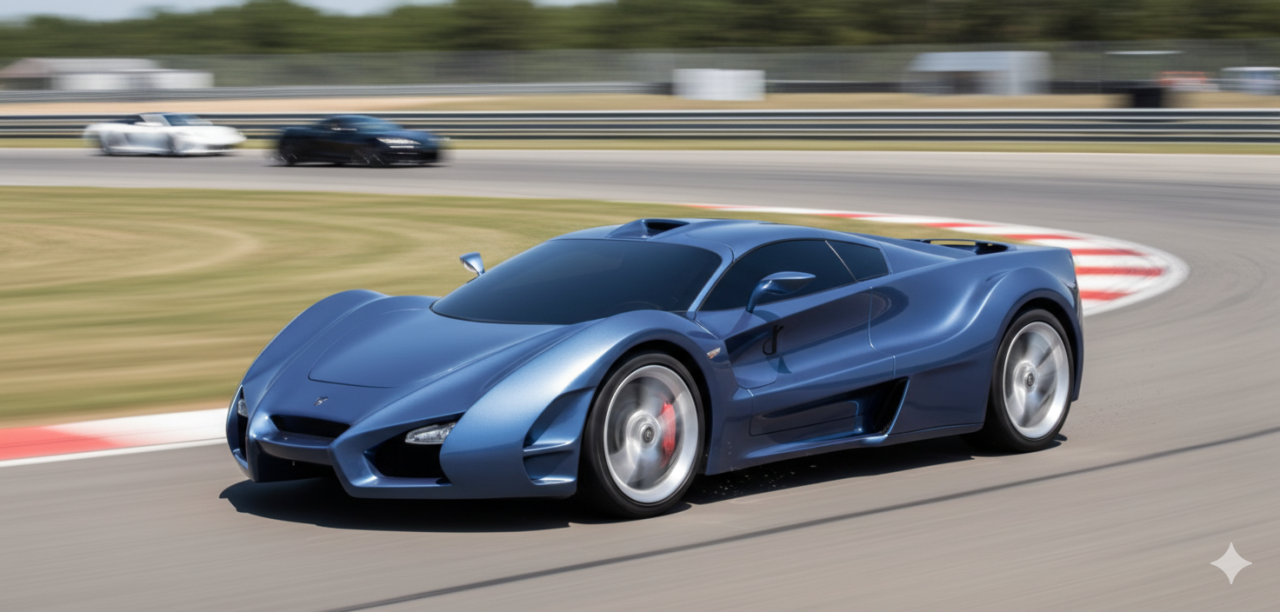
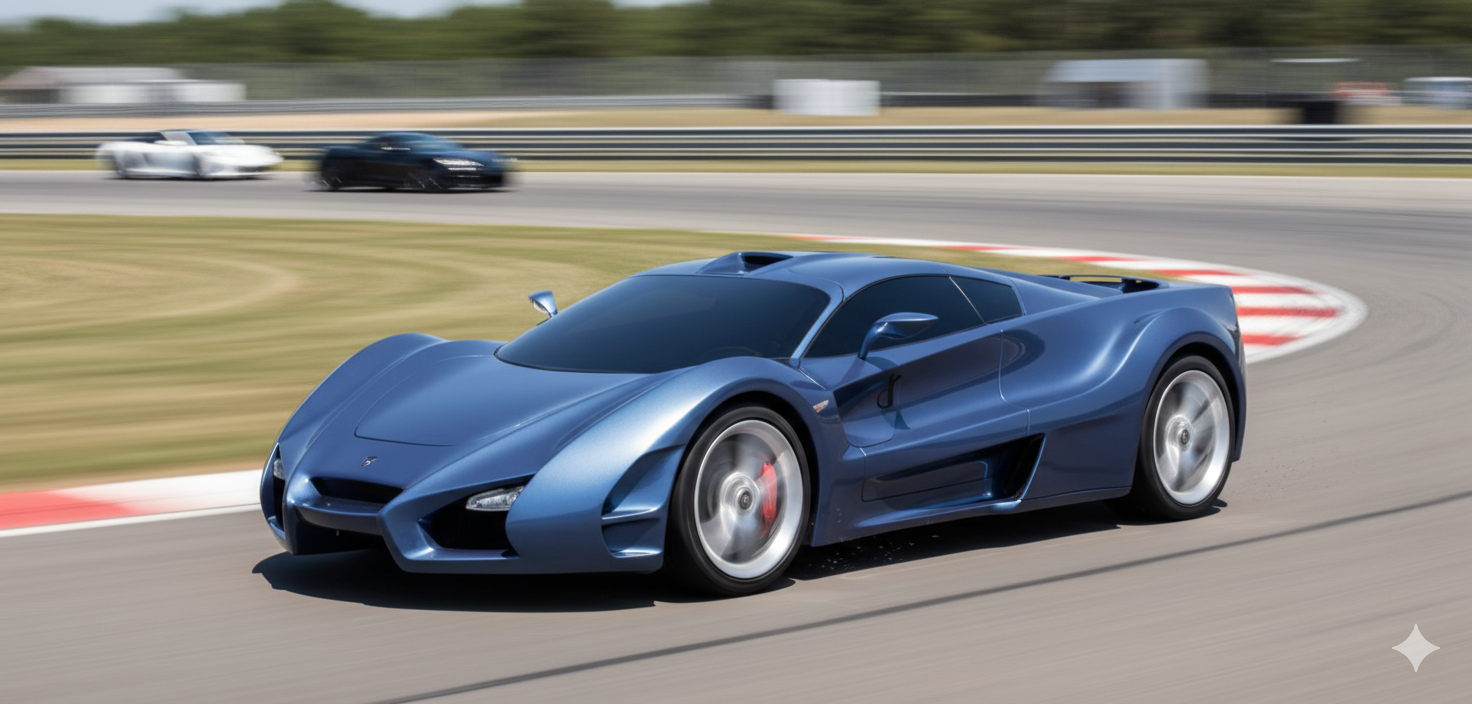
Siamo nel 2009. DR chiede allo IED di disegnare quella che sarà la "Supercar" del Gruppo. Al Salone di Ginevra di quell'anno vengono presentate 3 proposte di cui una, la Action, era risultata la più convincente. Purtroppo, le carenze di reti per pollaio hanno fatto crollare il progetto, ma noi siamo riusciti a trovare le foto della versione praticamente pronta a entrare in produzione: Qui durante alcuni giri di prova in pista: