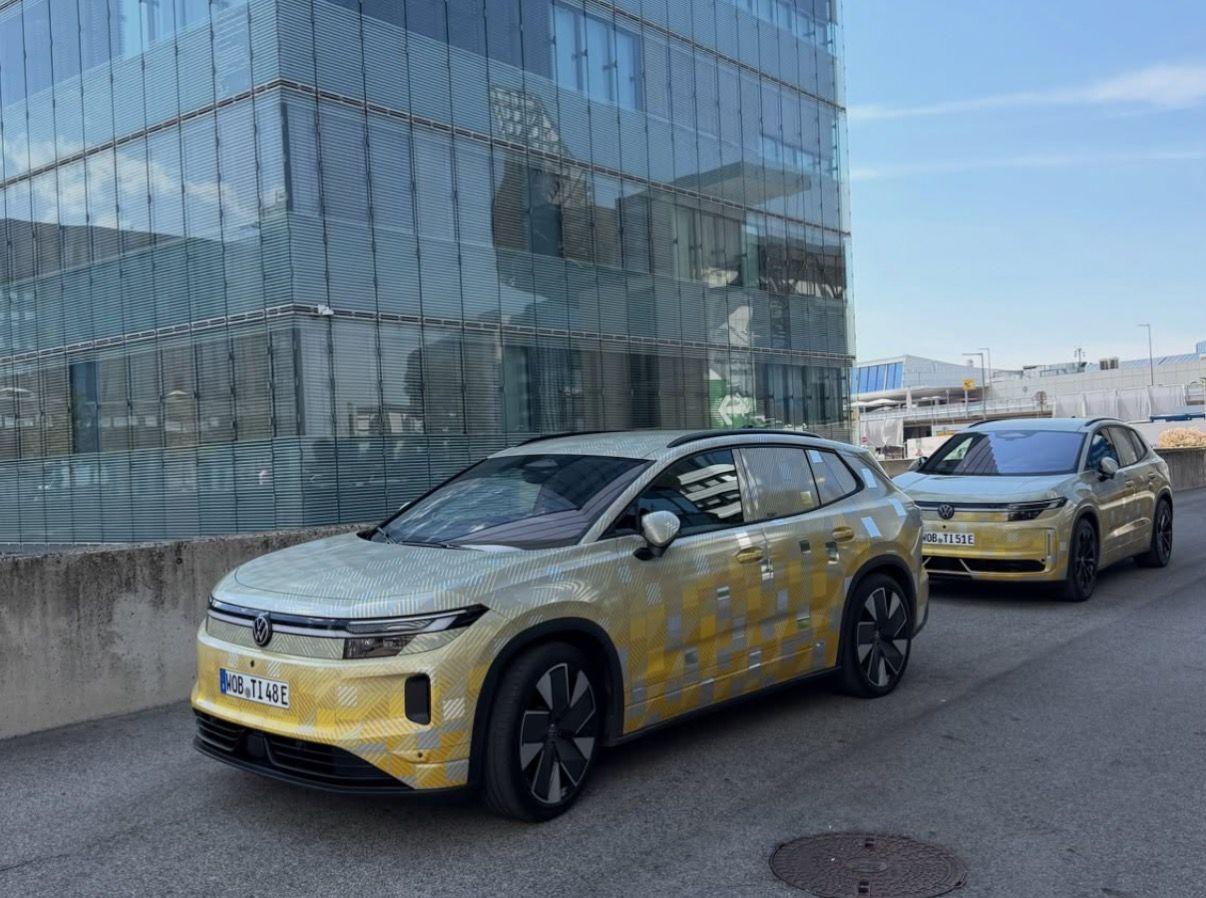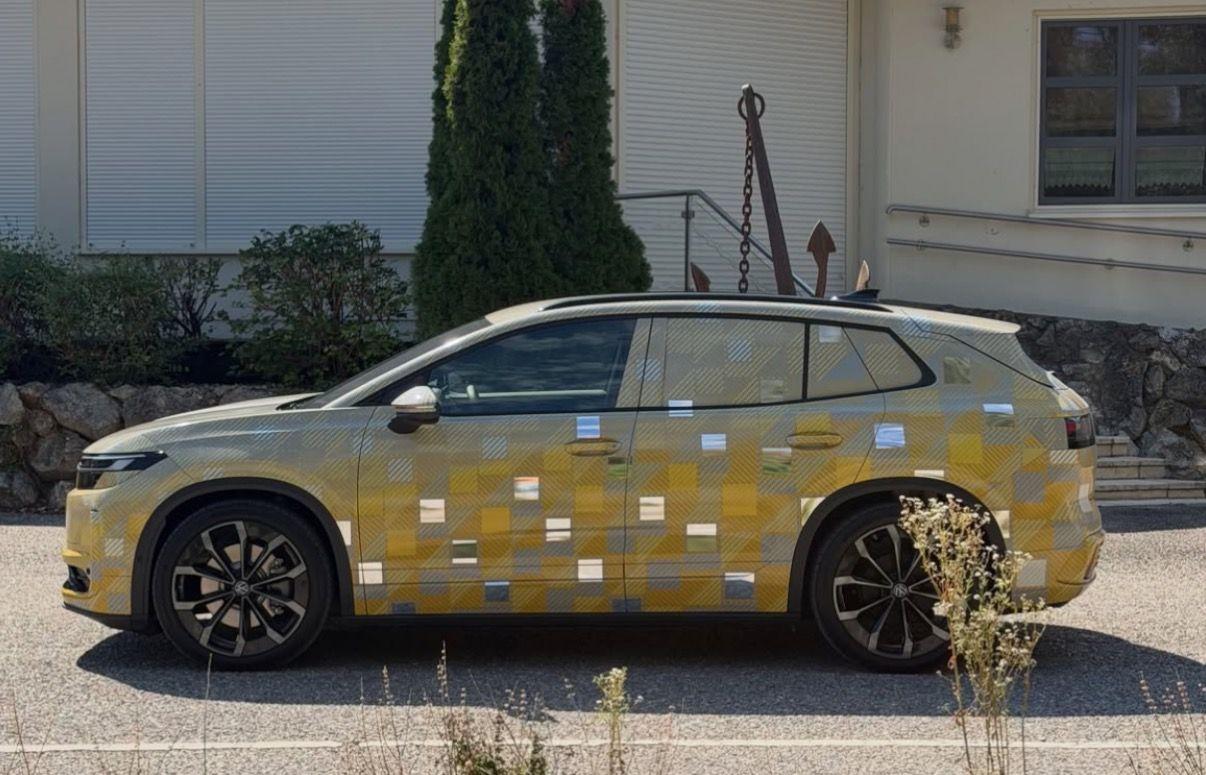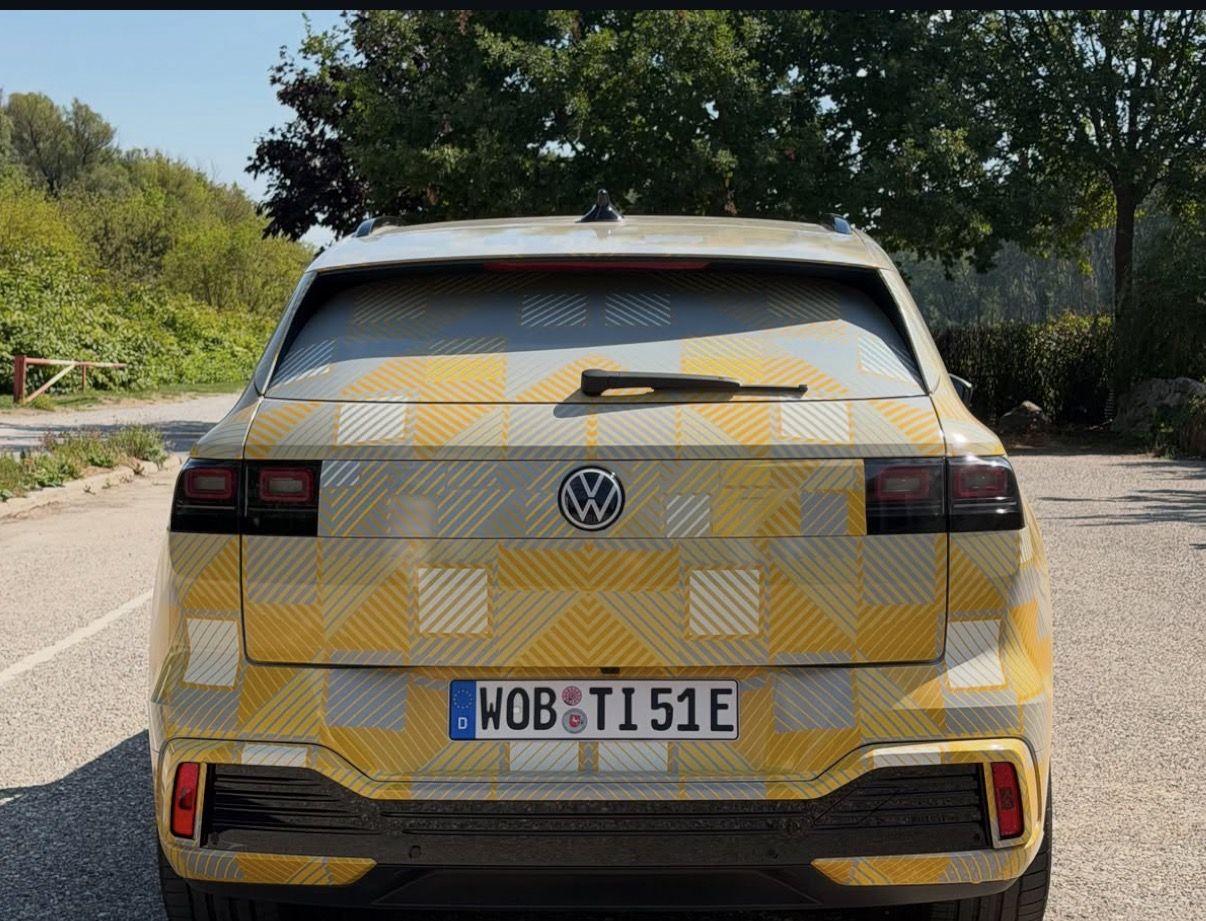
Tutti i contenuti di Osv
-
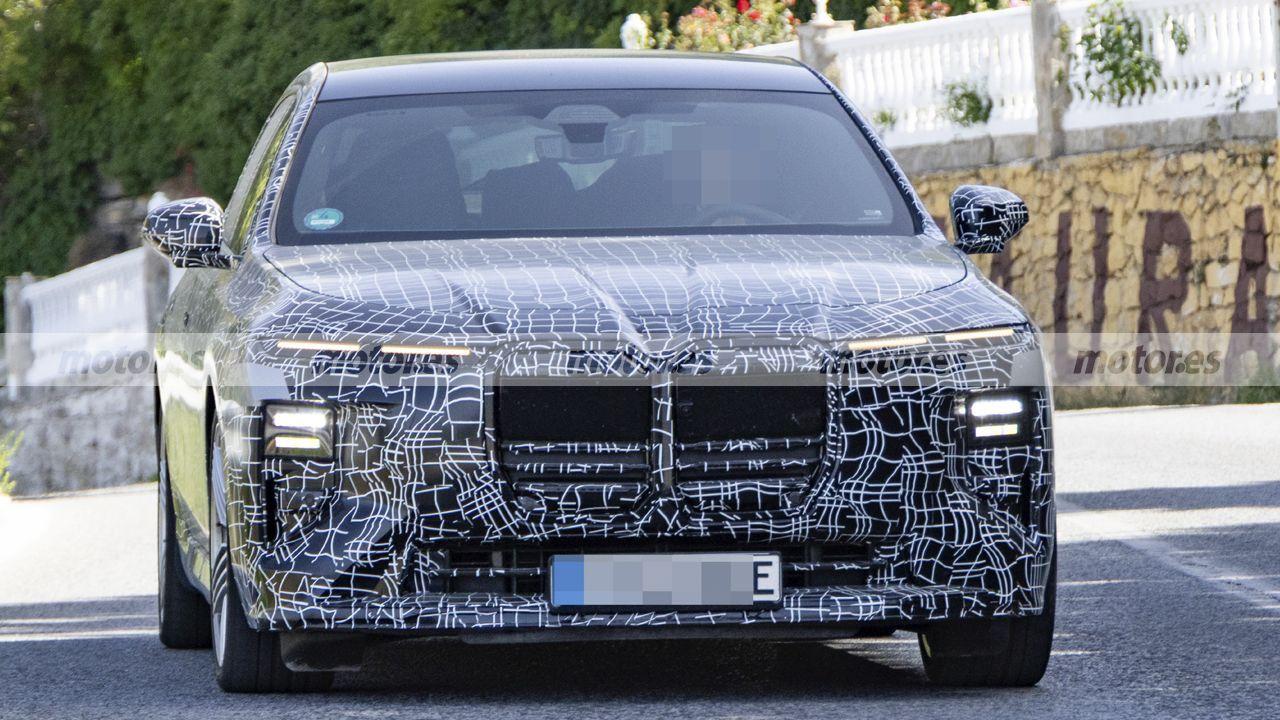
BMW M5 & M5 Touring Facelift 2027 - Prj. G90/G99 LCI (Spy)
SaveClip.App_AQMXtwZZRuIksEX-f47UVkGY01WTaUxtetvfoelNC_s4dKrDxePYiwMYfB1oCunQrIMBOpdmuY61i7G5dsNdk_ANz4gdb3nbYfTUn3I.mp4 Ma è la M350? @4200blu
-
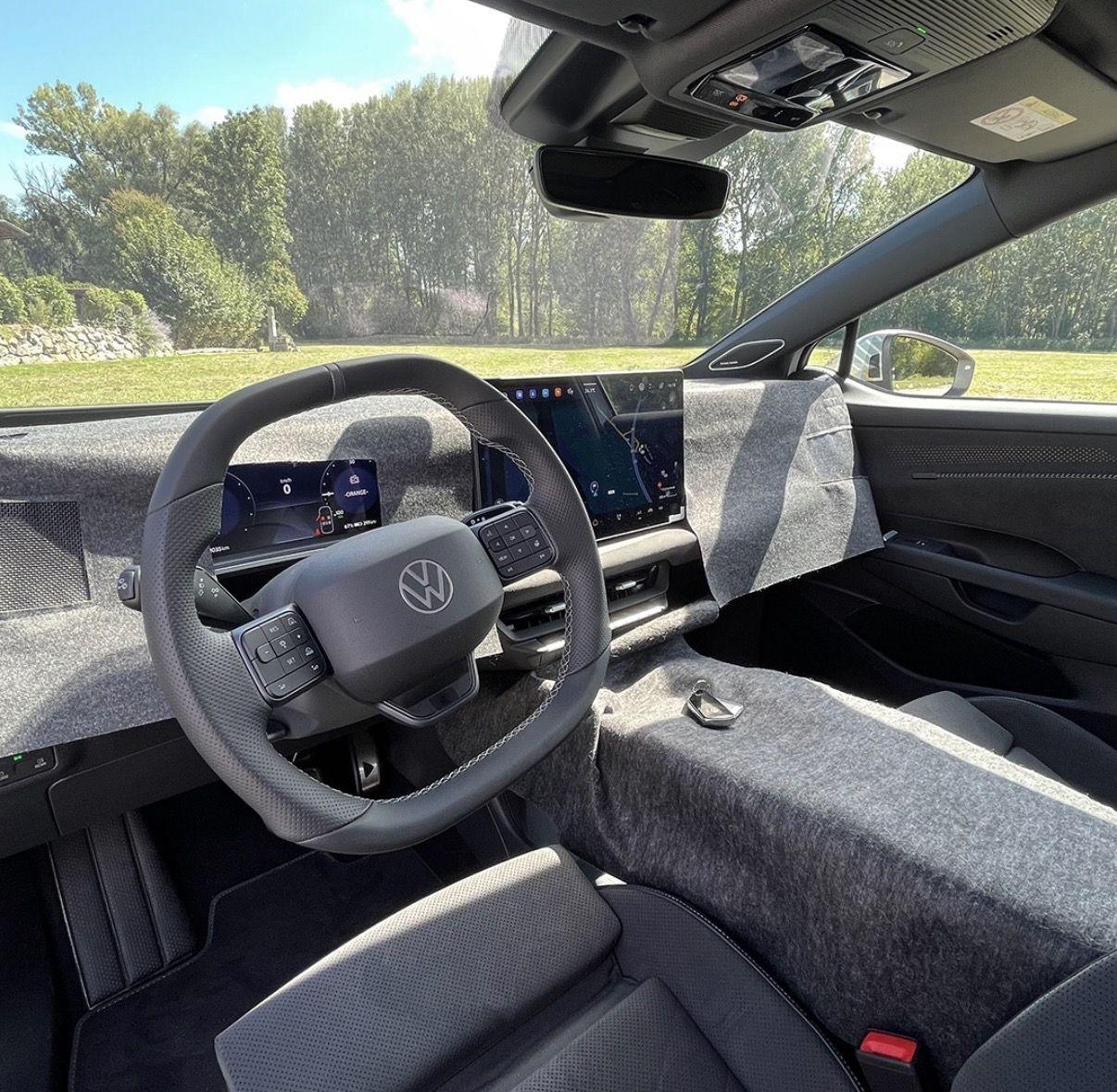
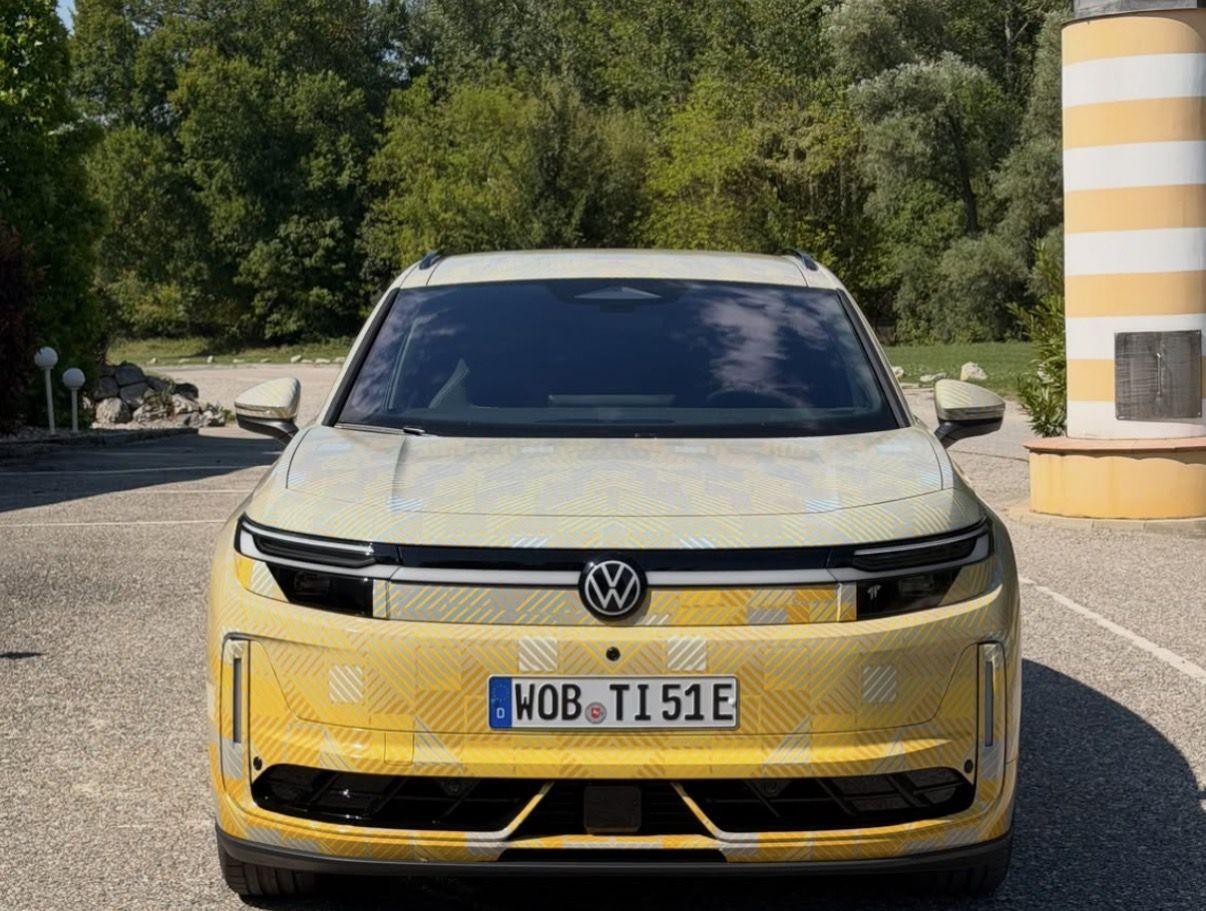
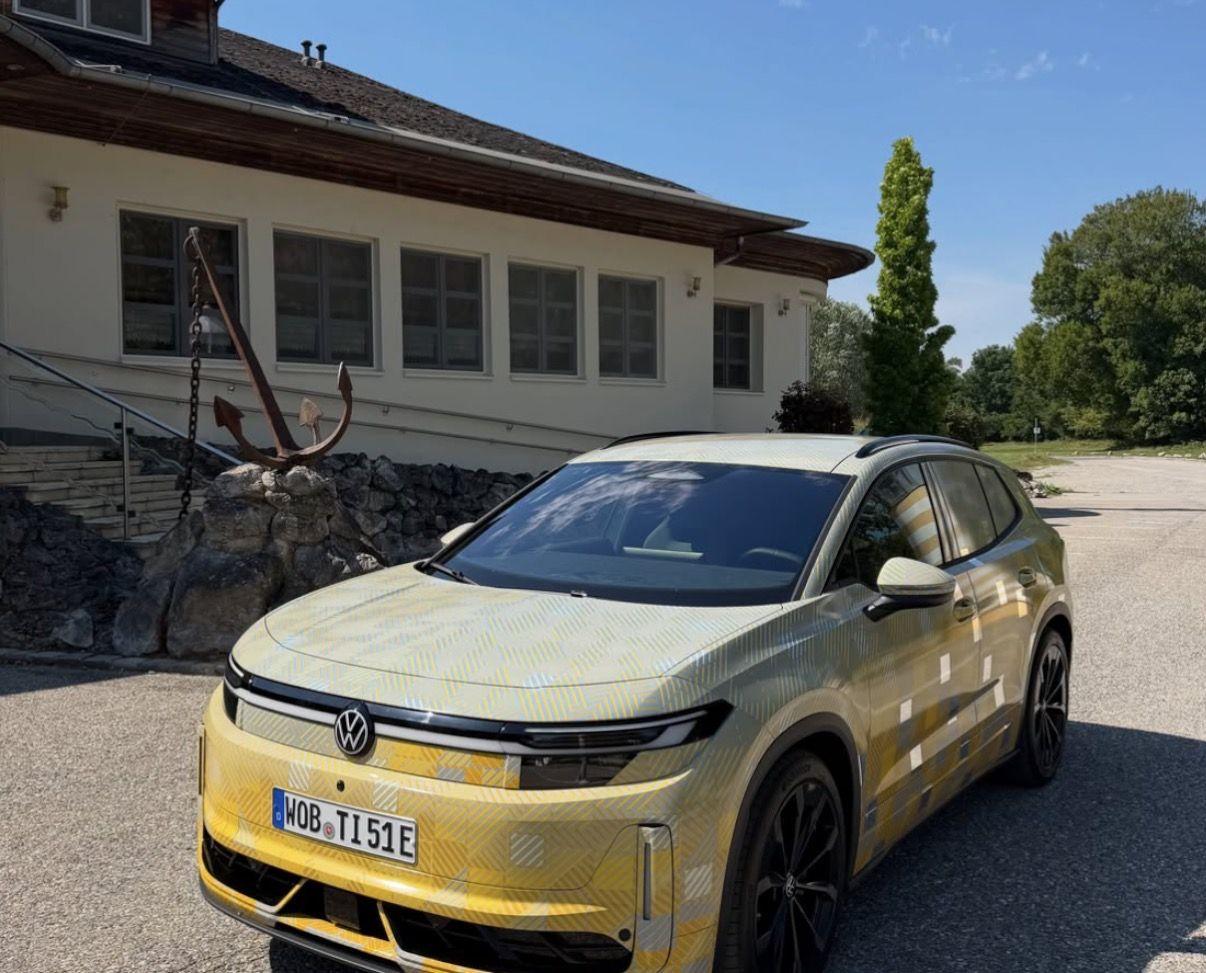
Škoda Peaq - Space BEV 2026 (Spy)
- BMW Neue Klasse M3 2027 - Prj. ZA0
- BMW i3 2026 - Prj. NA0 (Spy)
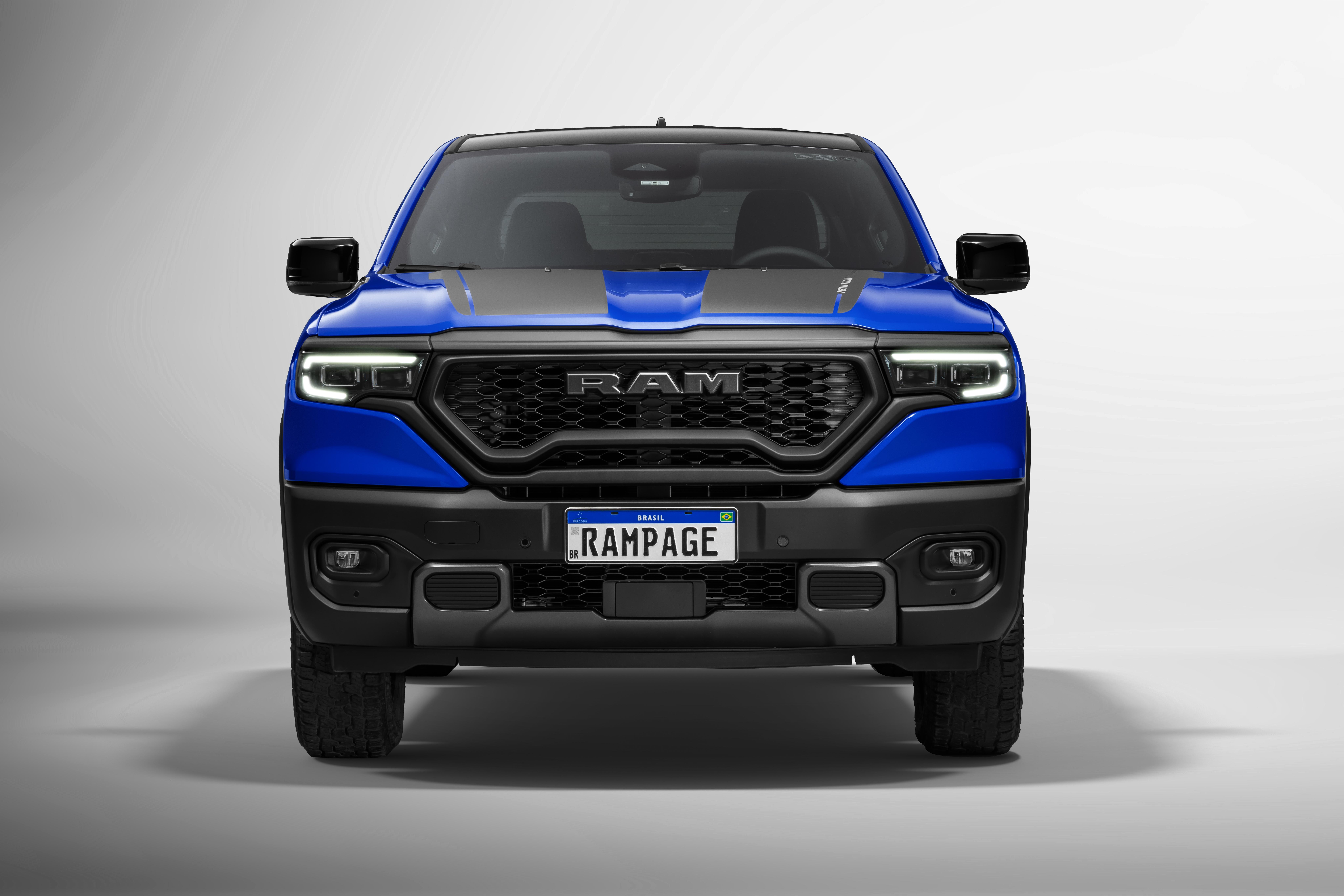
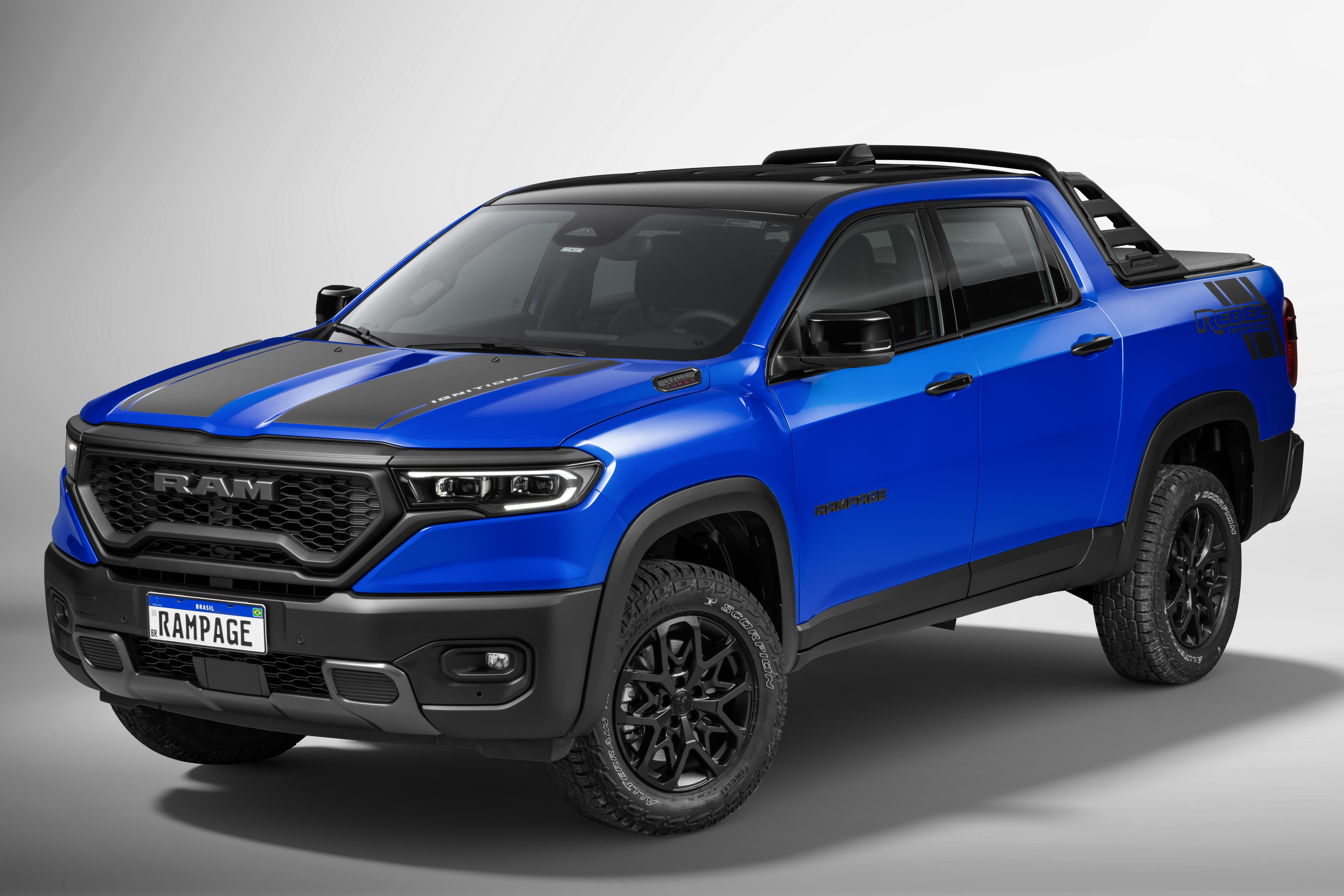
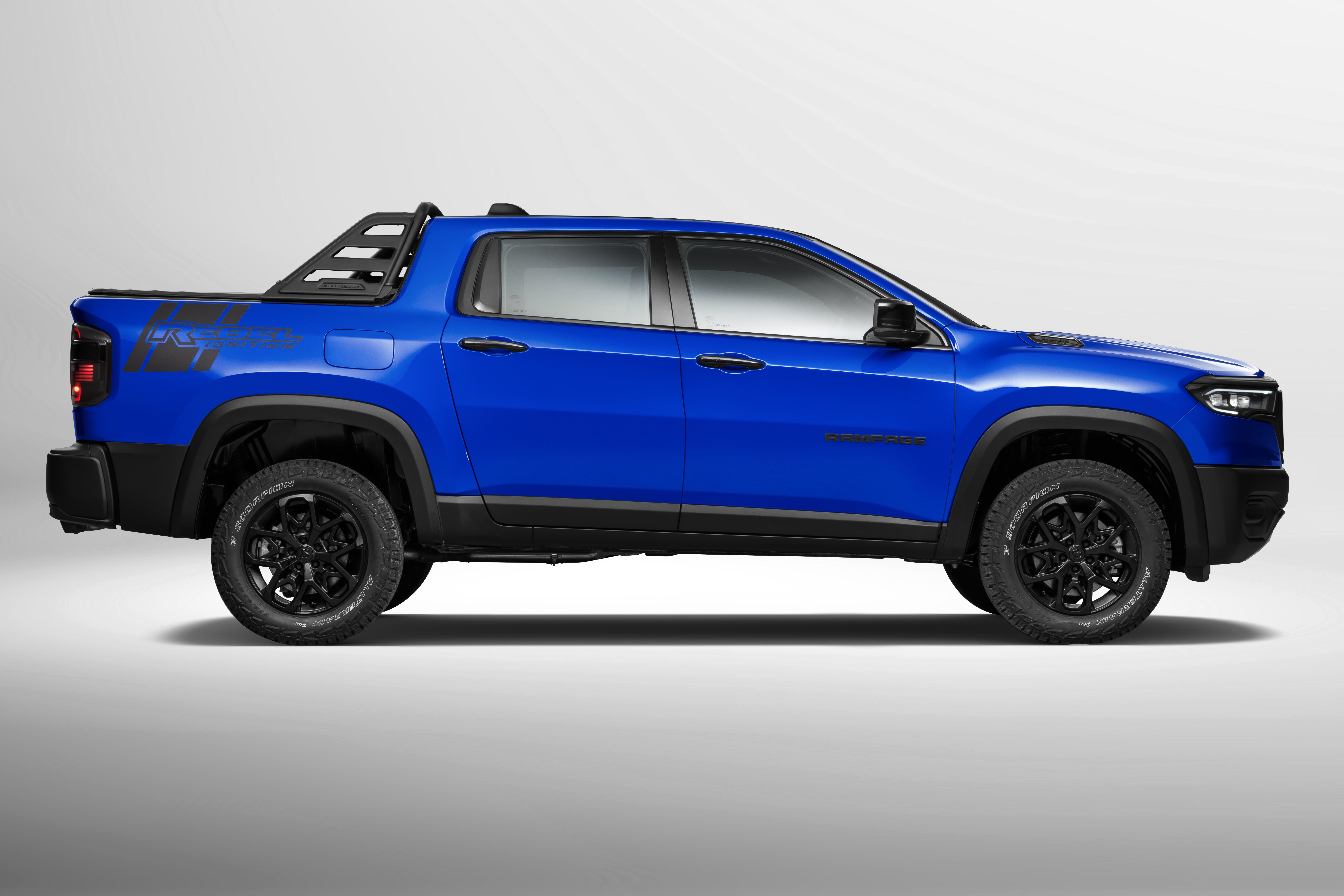
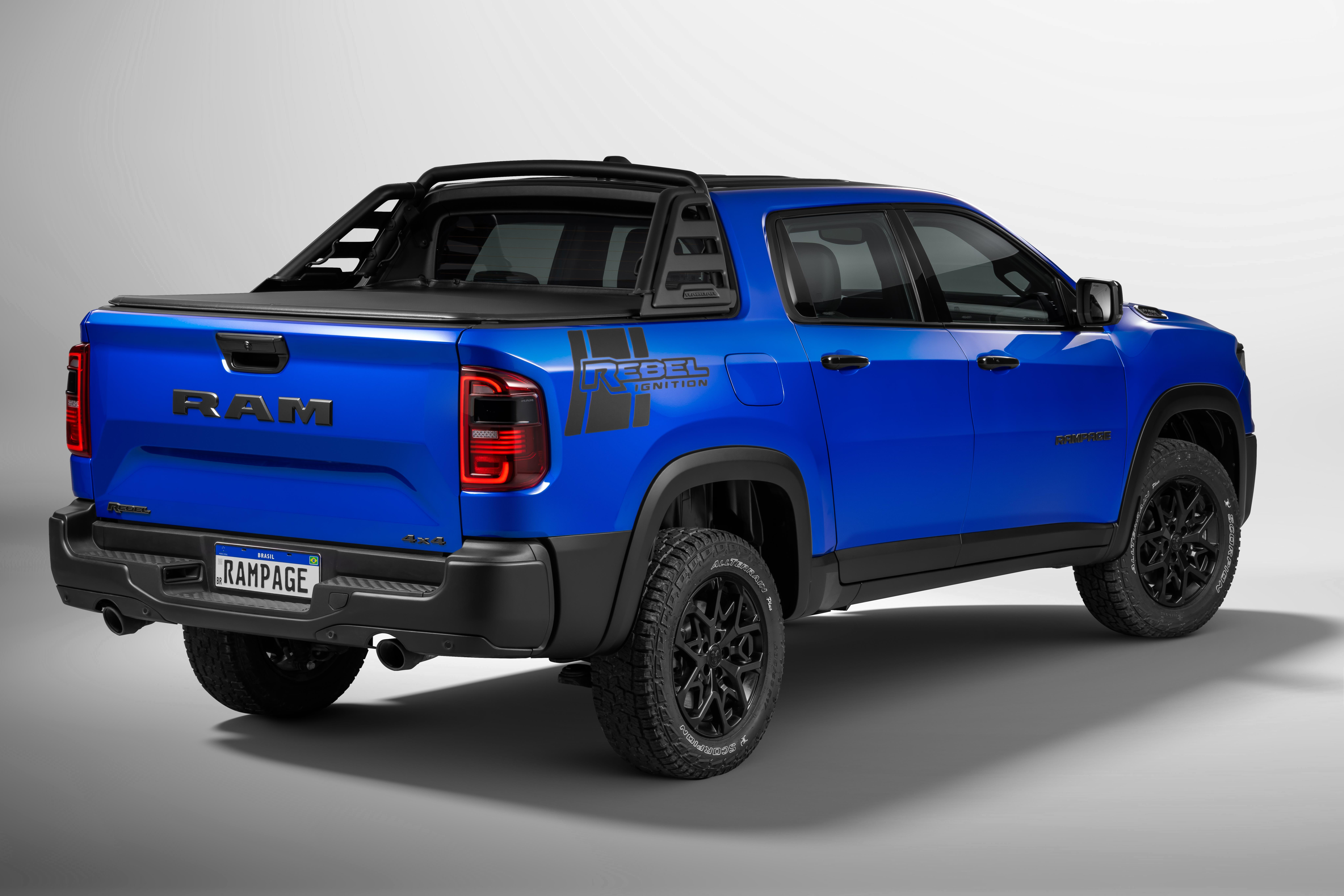
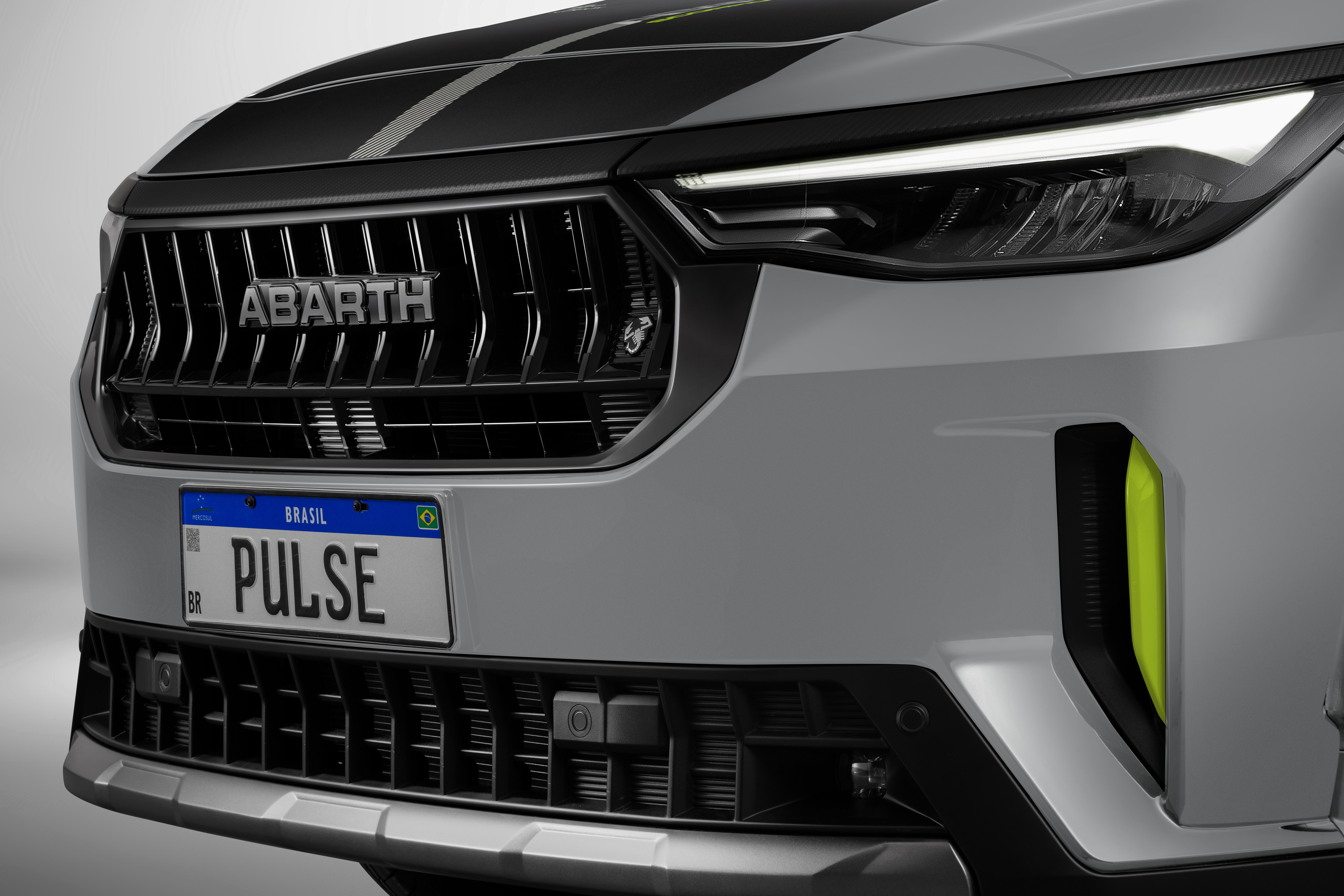
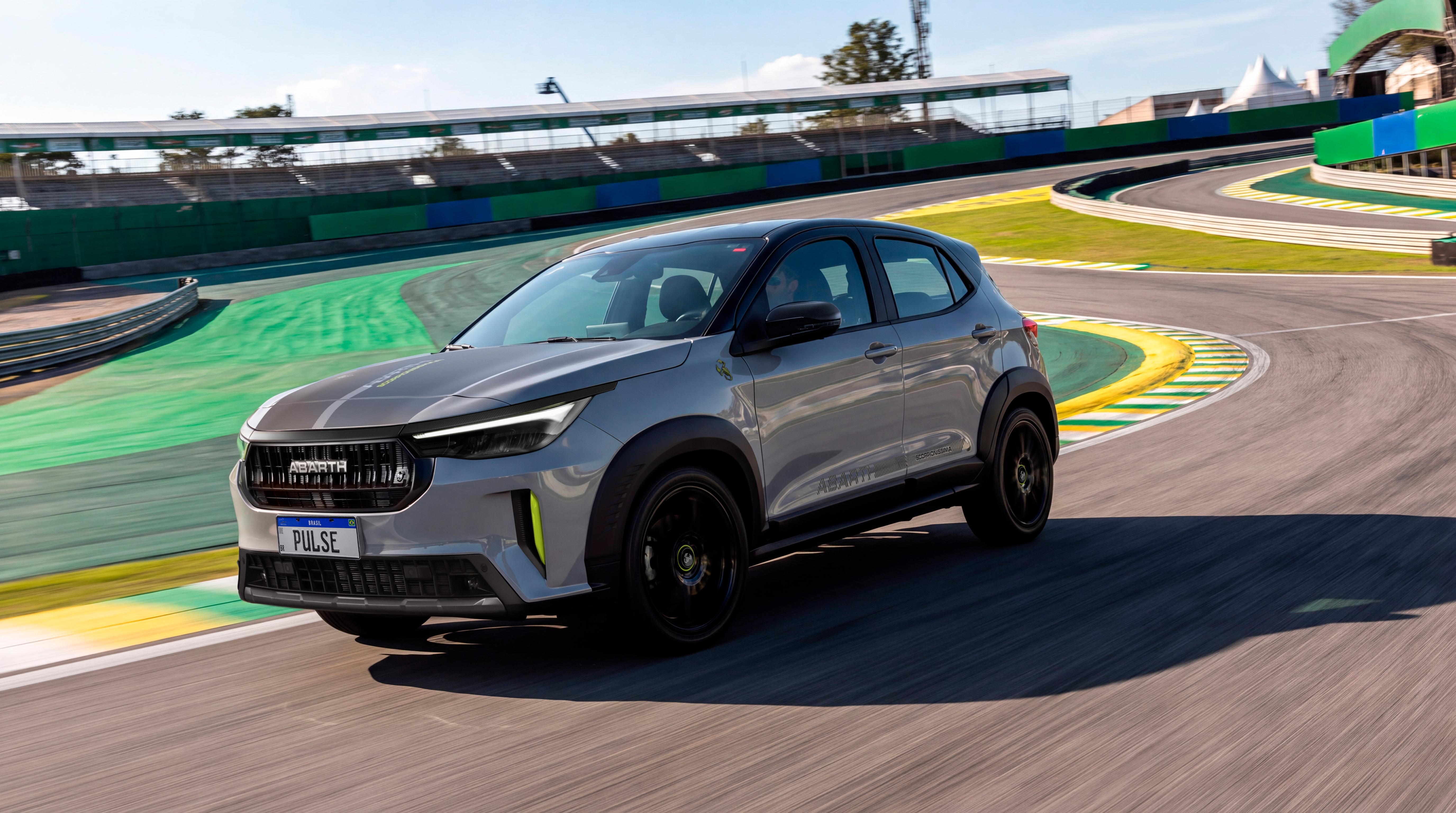
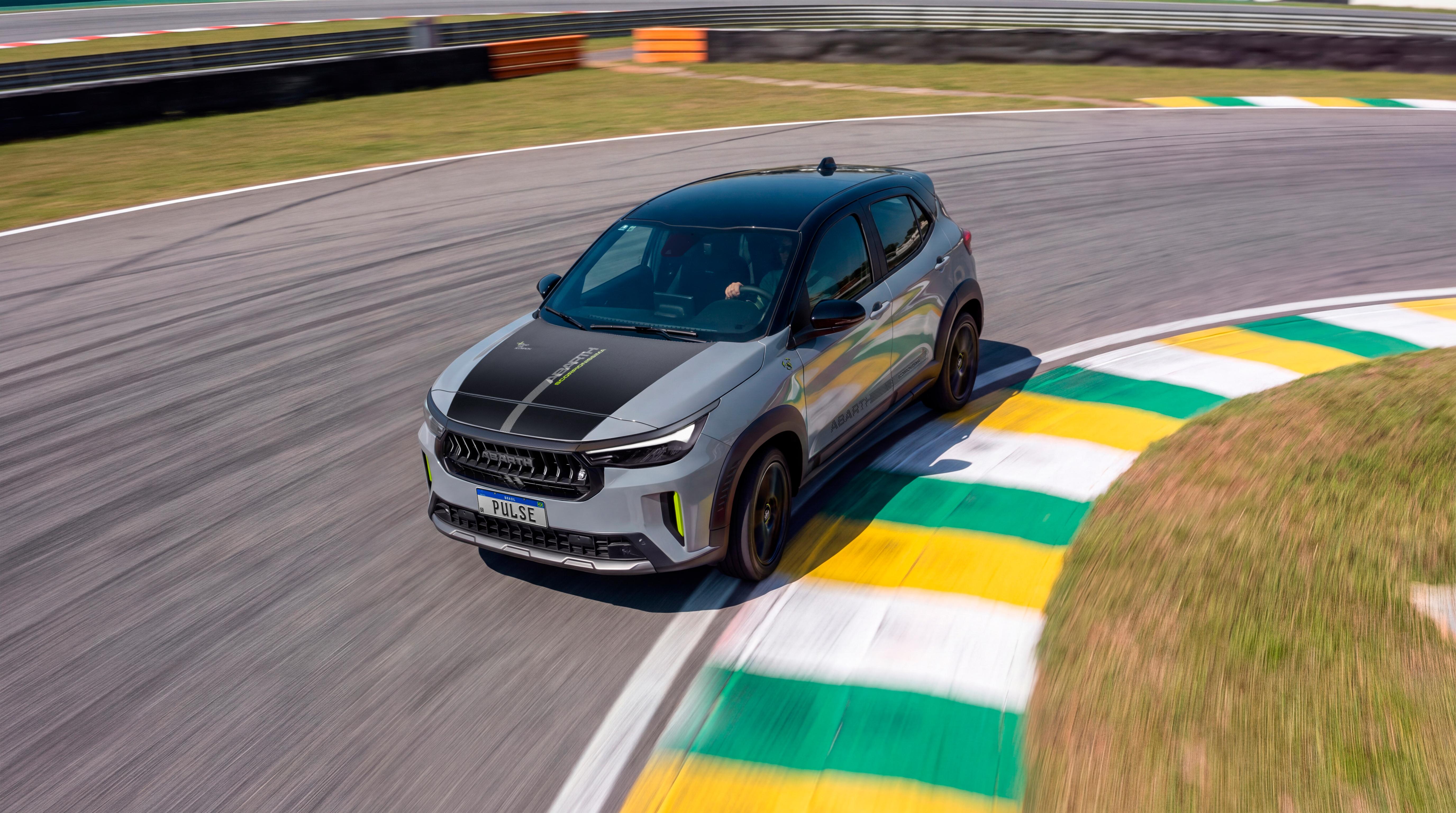
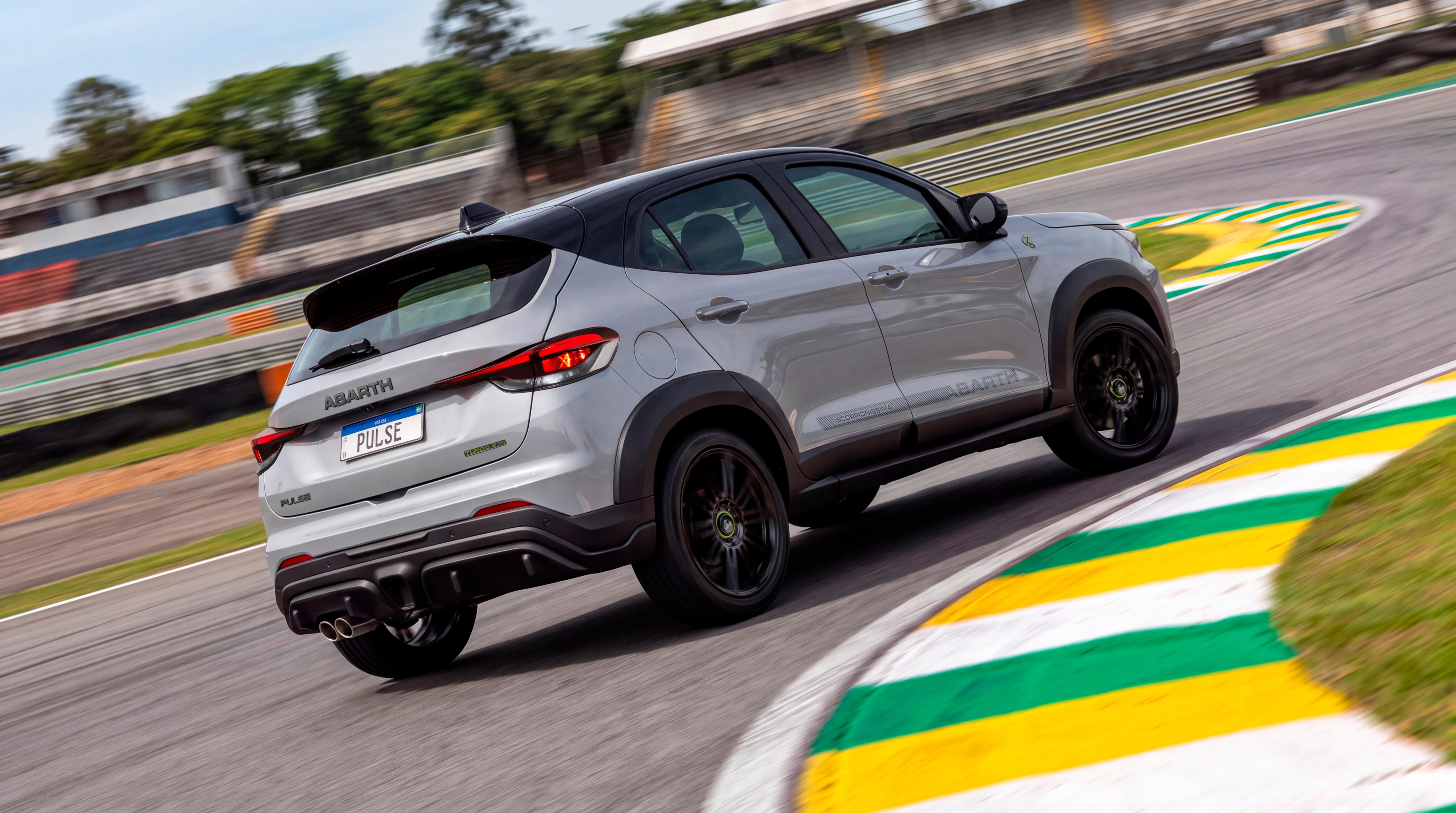
- Fiat Fastback 2026 - Prj. F2X (Spy)
- 454 risposte
-
-
-
- 10
-
-
- c-crossover
- f2x
- fiat
- fiat c-crossover
-
Taggato come:
- BMW X5 & iX5 2026 - Prj. G65 (Spy)
- Fiat Grande Panda 2024
- Dodge Charger [Coupé, Sedan] M.Y. 2026
- Fiat Pandina 2024
- Lancia Ypsilon 2024
Account
Navigation
Cerca
Configure browser push notifications
Chrome (Android)
- Tap the lock icon next to the address bar.
- Tap Permissions → Notifications.
- Adjust your preference.
Chrome (Desktop)
- Click the padlock icon in the address bar.
- Select Site settings.
- Find Notifications and adjust your preference.
Safari (iOS 16.4+)
- Ensure the site is installed via Add to Home Screen.
- Open Settings App → Notifications.
- Find your app name and adjust your preference.
Safari (macOS)
- Go to Safari → Preferences.
- Click the Websites tab.
- Select Notifications in the sidebar.
- Find this website and adjust your preference.
Edge (Android)
- Tap the lock icon next to the address bar.
- Tap Permissions.
- Find Notifications and adjust your preference.
Edge (Desktop)
- Click the padlock icon in the address bar.
- Click Permissions for this site.
- Find Notifications and adjust your preference.
Firefox (Android)
- Go to Settings → Site permissions.
- Tap Notifications.
- Find this site in the list and adjust your preference.
Firefox (Desktop)
- Open Firefox Settings.
- Search for Notifications.
- Find this site in the list and adjust your preference.