





Pandino
Reporter (Staff)
-
Iscritto il
-
Ultima visita
Tutti i contenuti di Pandino
-
-
-
Delta II paterna, targata AF ad aprile '97
-
-
-
-
Paraurti della e-C3, camuffo Fiat...se tanto mi dà tanto, è il mulo della nuova Panda
-
Praticamente questi hanno preso una versione base, levato le coppe ruota in plastica, verniciato i lattoni di bianco e messo tre adesivi. Il tutto in vendita a 6-7k in più. GENI!
- 711 risposte
-
-

-

-

- 7
-
-
- 208
- 208 2019
- peugeot
- peugeot 208
-
Taggato come:
-
-
-
-
Dobbiamo aspettarci qualcosa per lunedì?
- 2393 risposte
-
- cmp
- e-cmp
- lancia
- lancia ypsilon
-
Taggato come:
-
-
-
Io però una Giulia con quei cerchi la vorrei
-
-
https://www.agcm.it/media/comunicati-stampa/2023/10/PS12638 "Si tratterebbe"
-
-
-
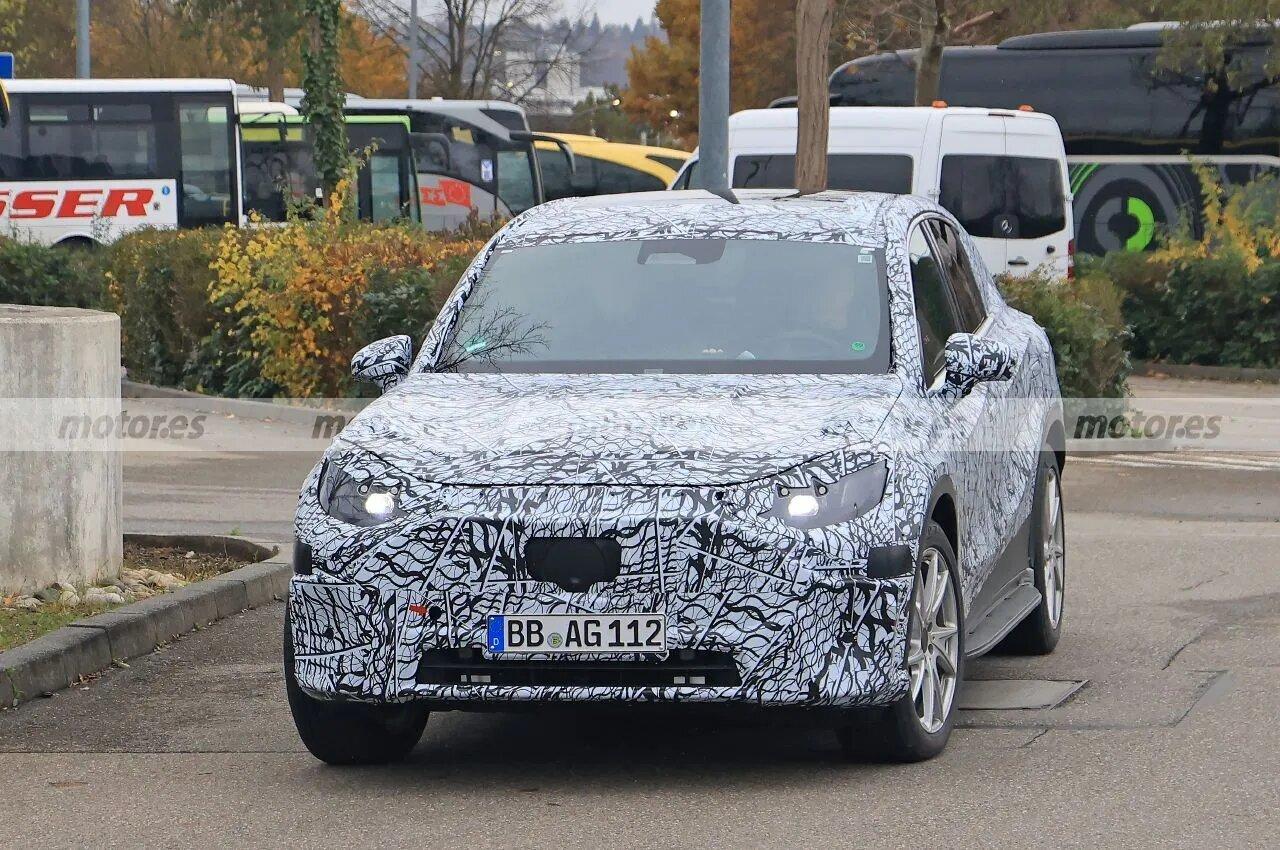
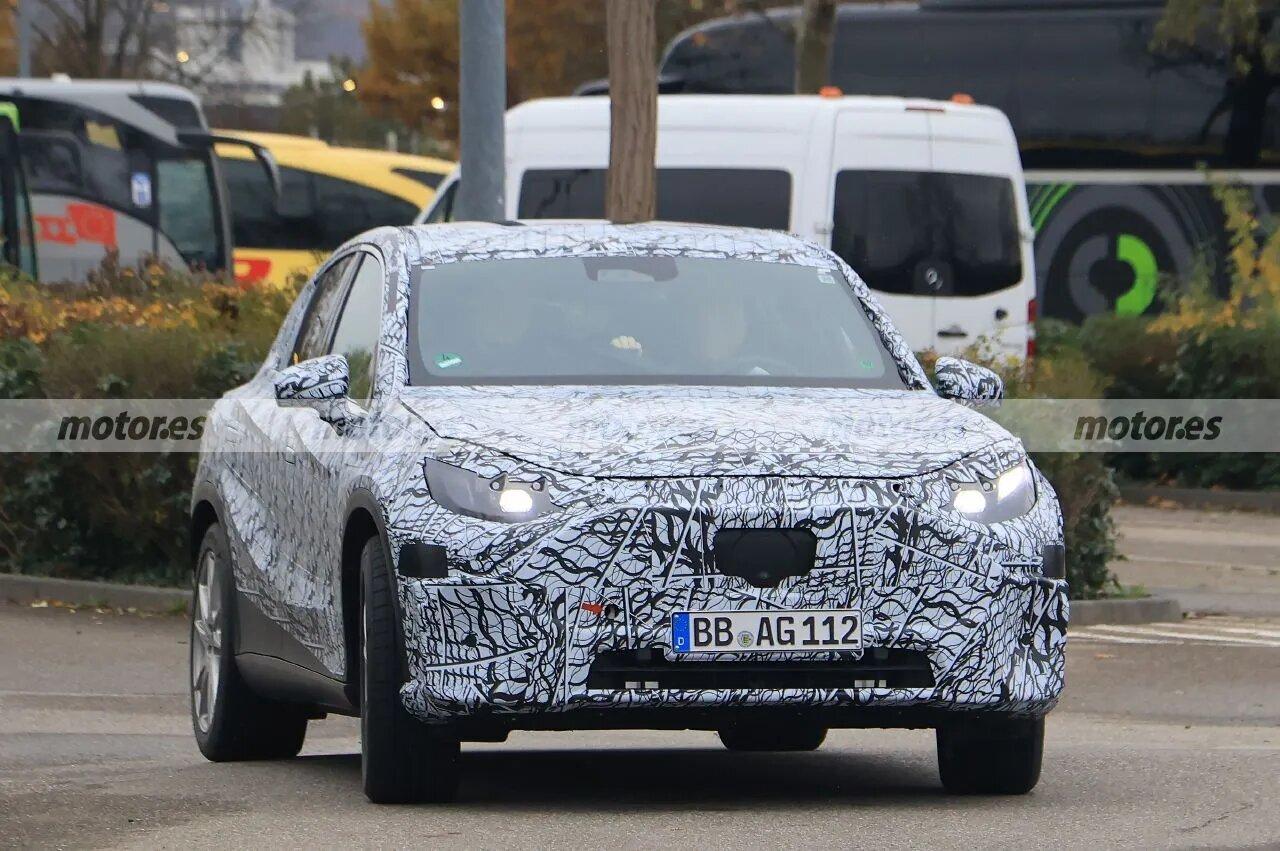
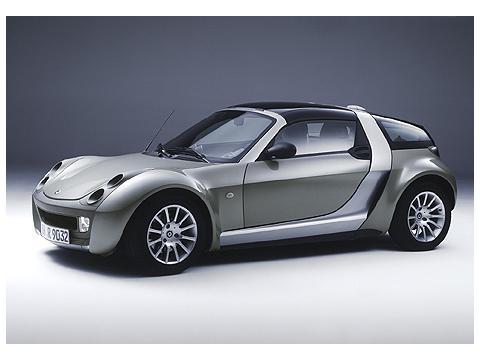
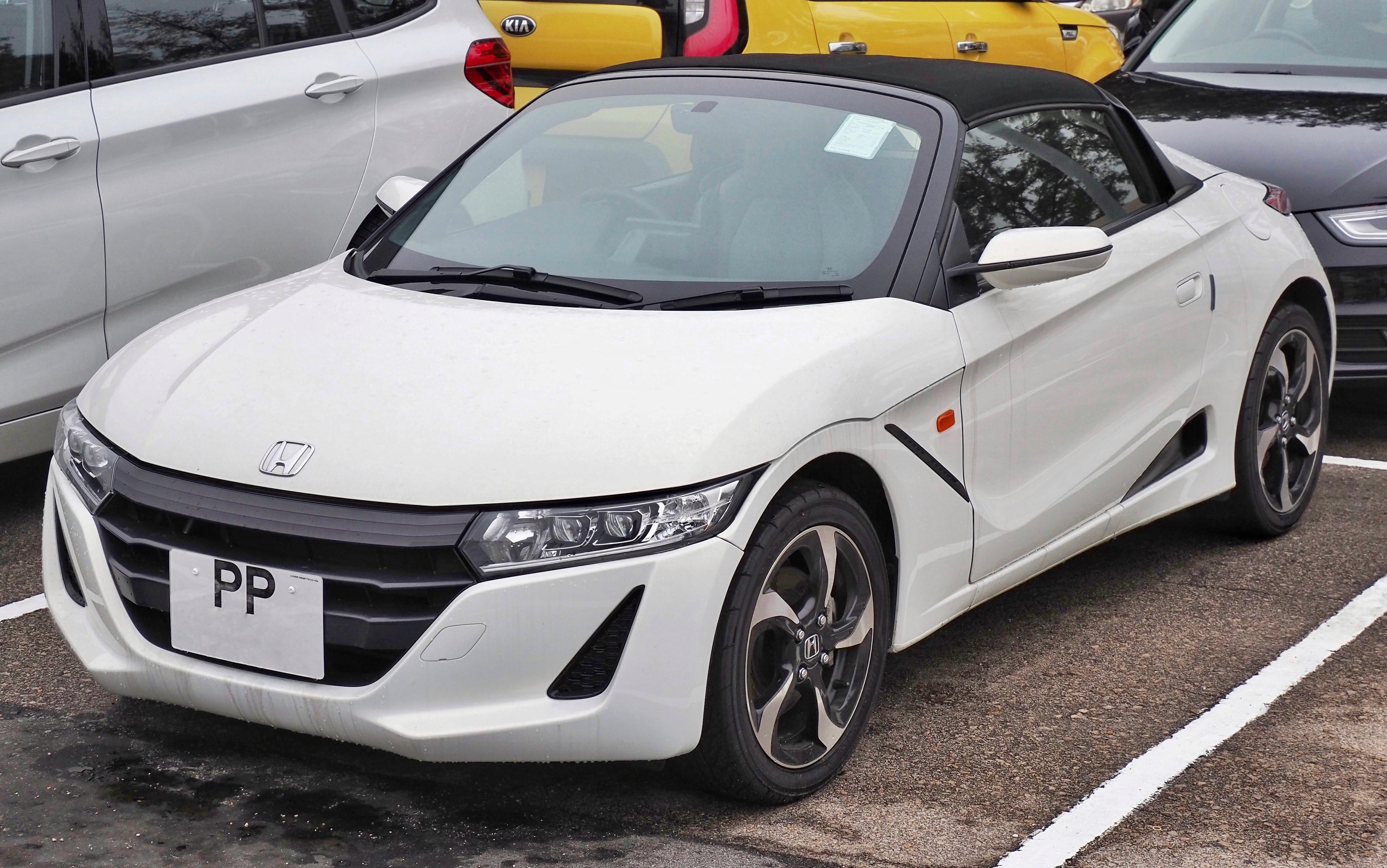
Ma mi sogno o era uscito un concept simile anche qualche anno fa?Mi capita di usare una 55 modello "base che più base non si può" e sono presentiDacia Duster II serie, peraltro allestita automedica. Su non ricordo quale raccordo autostradale, preso a velocità da codice, stavo per andarmi a spalmare contro il muro Dopo oltre un anno di distanza, non riesco ancora a spiegarmi come abbia fatto a recuperarla



![Alfa Romeo Hug [Trolling Mode]](https://www.autopareri.com/uploads/reactions/Alfaromeocare.png.50be1dd8d7c15ba4fec8098a15bfa18a.png)

_licenceno_BB-24-TF_pic1.jpg.790e7ecc9eec5a26621e5354c8b26cf2.jpg)