fedegta
Utente Registrato
-
Iscritto il
-
Ultima visita
Tutti i contenuti di fedegta
-
-
Da Fratelli Cozzi, in provincia di Milano a Legnano hanno una paio di GTV verde sargassi splendide (2.0 Tb v6 e una 3.0 v6) ma hanno anche due 2.0 T.S di cui una Cup. Eccole: https://www.fratellicozzi.it/auto/usate/?make=Alfa+Romeo&model=Gtv%2FSpider
-
-
-
Dico la mia. Io ho 37 anni e vivo a Milano, da un anno esatto ho cambiato lavoro con una buona RAL. Ho lasciato un ambiente internazionale in favore di un'azienda che per n motivi poteva andarmi bene. Mai decisione fu tanto sbagliata. Ambiente vecchio, gerarchico e con una concezione di lavoro, priorità, dignità ed educazione degna di Fantozzi. Dopo sette mesi di agonia ho preso la grande decisione: mi sono dimesso. Stessa cosa il mio compagno, ha cambiato anche lui lavoro e nel giro di sei mesi ha dato le dimissioni. Prima pensavo alla posizione, alla "carriera" e in generale che il lavoro di ufficio sarebbe stato quello perfettamente centrato nella mia vita in grado di appagarmi. Mi sbagliavo. O meglio ora, dopo 12 anni di lavoro non è più una mia priorità. Legandomi al discoro del topic, siamo riusciti a metterci da parte dei soldi (senza tante rinunce, devo dire). Avevo investito anche qualcosa ma poi ho venduto tutto senza rimetterci e mi sono detto: non fa per me. Come qualcuno diceva nelle risposte precedenti ora le mie priorità sono notevolmente cambiate, ossia avere uno stipendio che mi faccia vivere dignitosamente, ma mi sono ripreso quello che secondo me adesso ha più valore di qualsiasi altra cosa: il tempo. Il tempo di riflettere, di oziare, di pianificare il mio futuro. Da questa esperienza lavorativa ho capito che le cose negative che cercano di affossarti, devi riuscire a girarle in tuo favore: l'aver sbagliato ambiente di lavoro in realtà ha dato voce ad un sentimento che avevo latente da anni. I soldi servono per vivere, ma per quanto mi riguarda non li rincorrerò più a scapito di salute e serenità. Detto questo, ho venduto pure la Giulia (a malincuore) perché ci siamo presi (almeno) un anno sabbatico che cominceremo all'inizio dell'anno prossimo (quindi ci serve un'auto pratica). Viaggeremo nel sud Europa verso Spagna e Portogallo, durante il viaggio vedremo dove ci porterà questo percorso. Capiremo se riusciremo a fare qualcosa di nostro, perché se non provi non saprai mai come sarebbe andata. Questo è un po' il mio pensiero sul tema soldi, che sì servono, ma per quanto mi riguarda è più un mix di soddisfazione personale e sicurezza economica, piuttosto che aver soldi in generale da poter spendere.
-
-
Con quella vu davanti ci vedo uno scudetto Alfa...
-
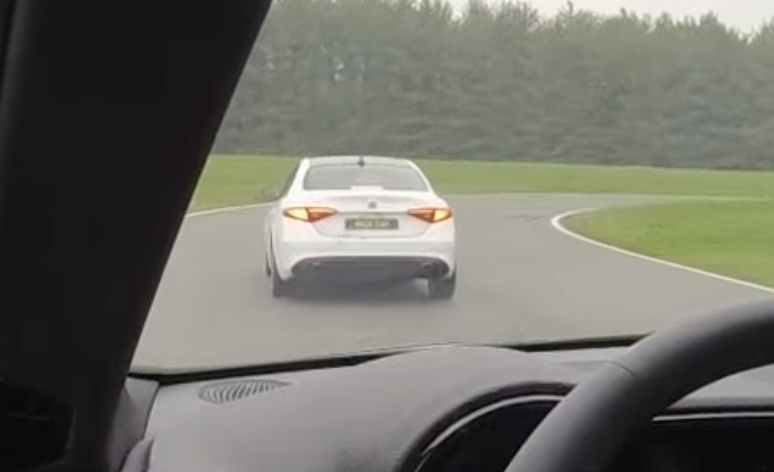
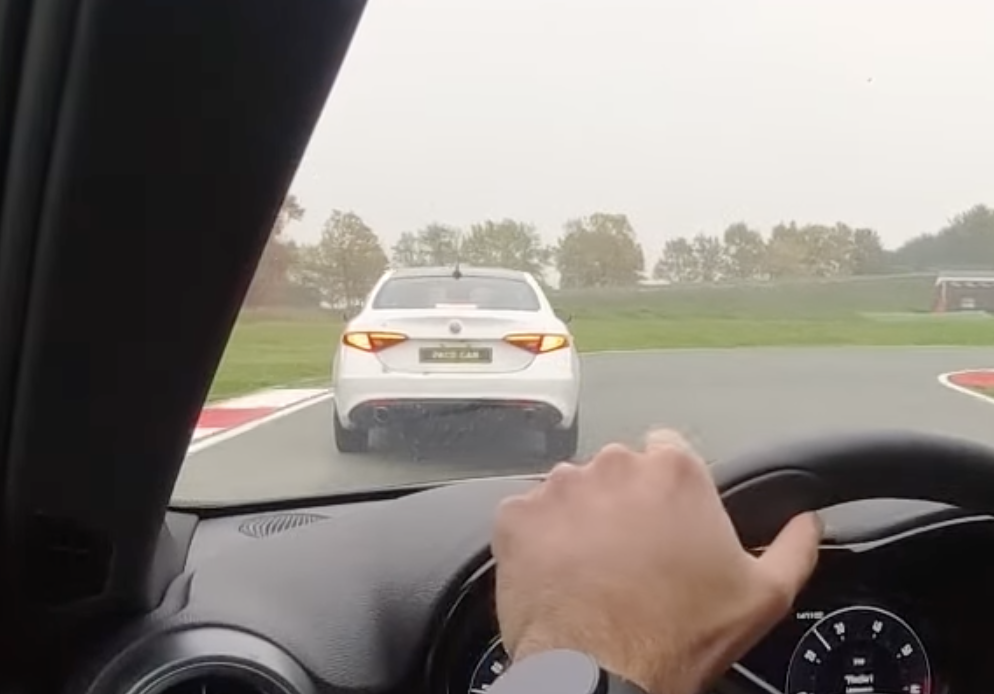
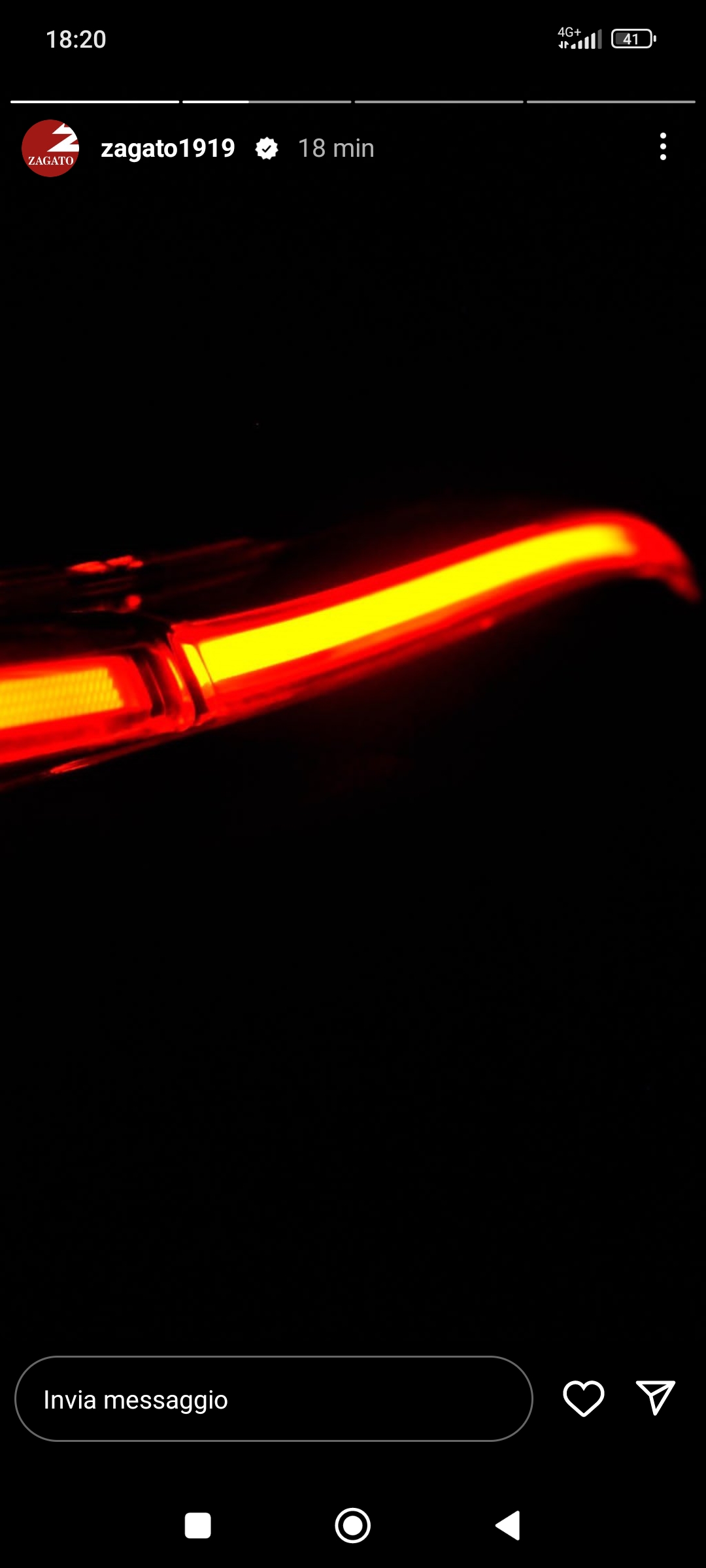
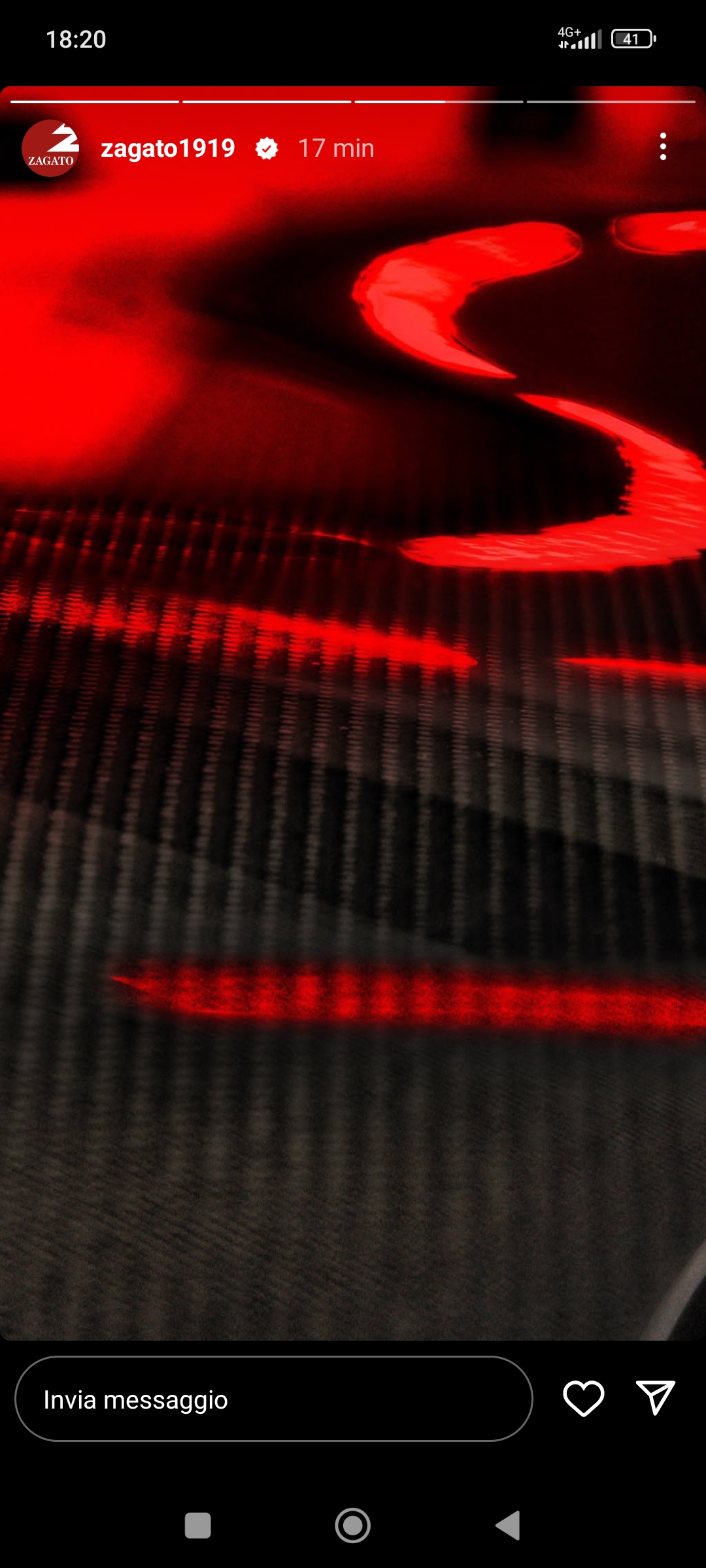
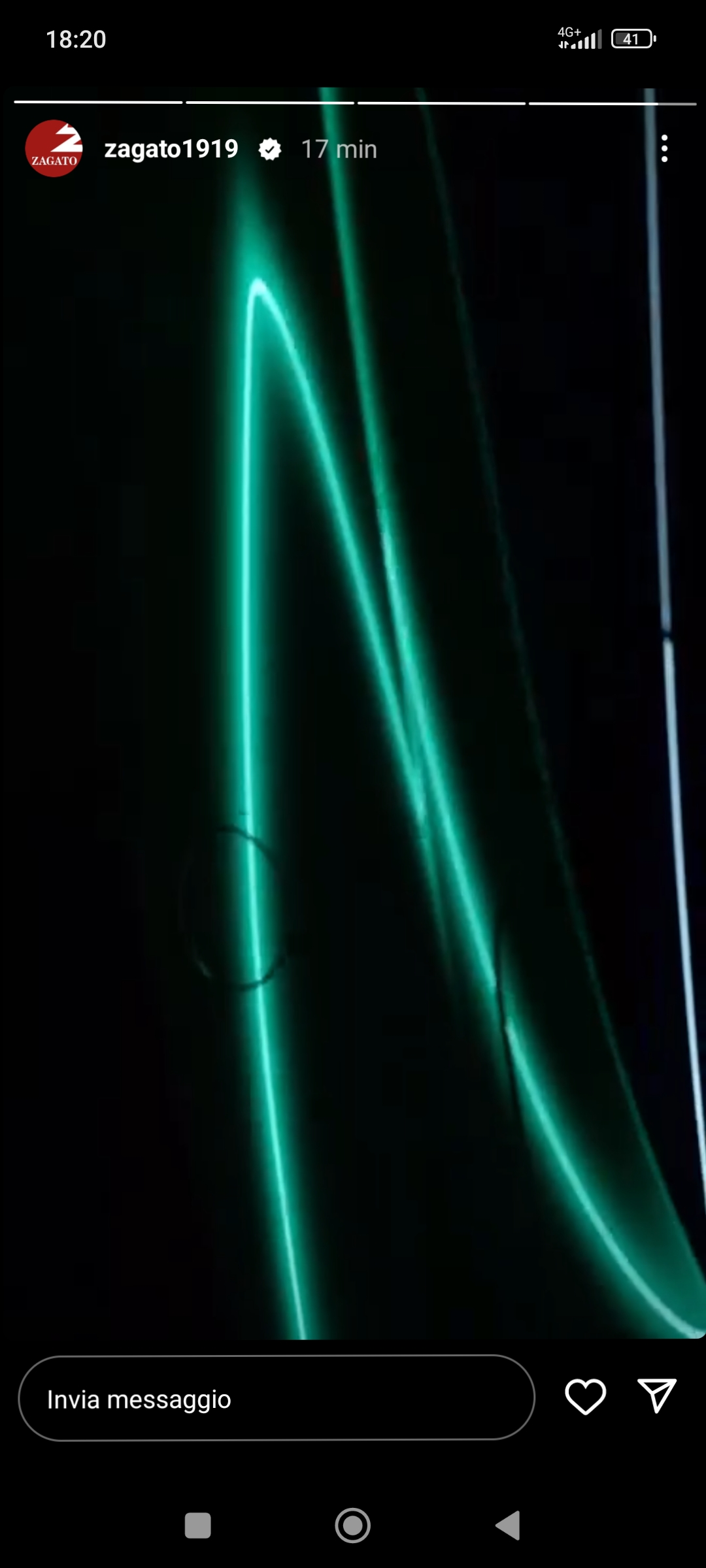
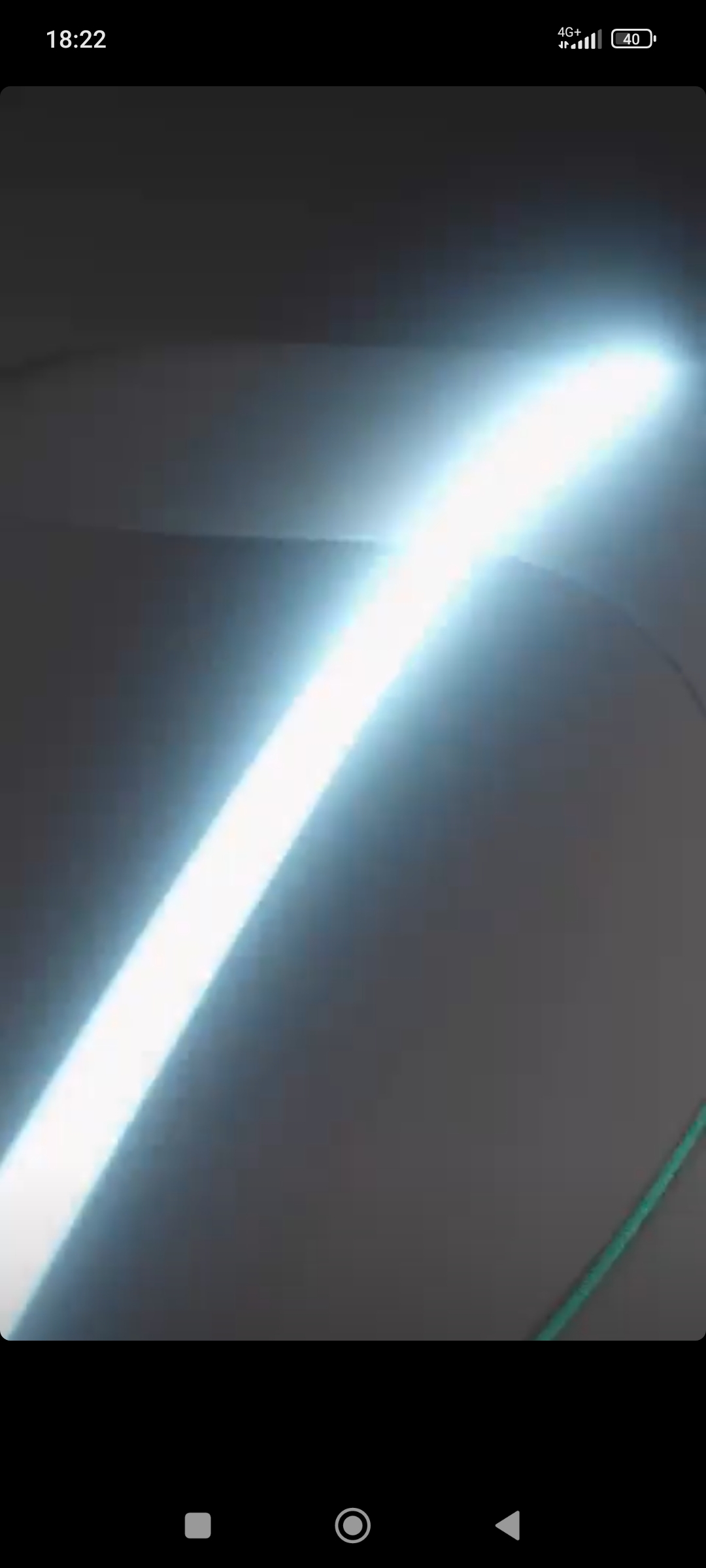
Guardando il video del giro su pista di tonale ho notato che hanno cambiato la logica di funzionamento delle luci di stop, o sbaglio? Questa bianca è la Halo car del test di Tonale phev (quindi immagino ultimo aggiornamento) Questa invece è il funzionamento della precedente In pratica apparentemente sul modello attuale si accendono anche i Led delle frecce (o ne hanno usati una parte per frenare). O me lo sono inventato? Ps: la bianca non ha fatto una frenata di emergenza, ergo non è il lampeggiamento delle frecce.

-
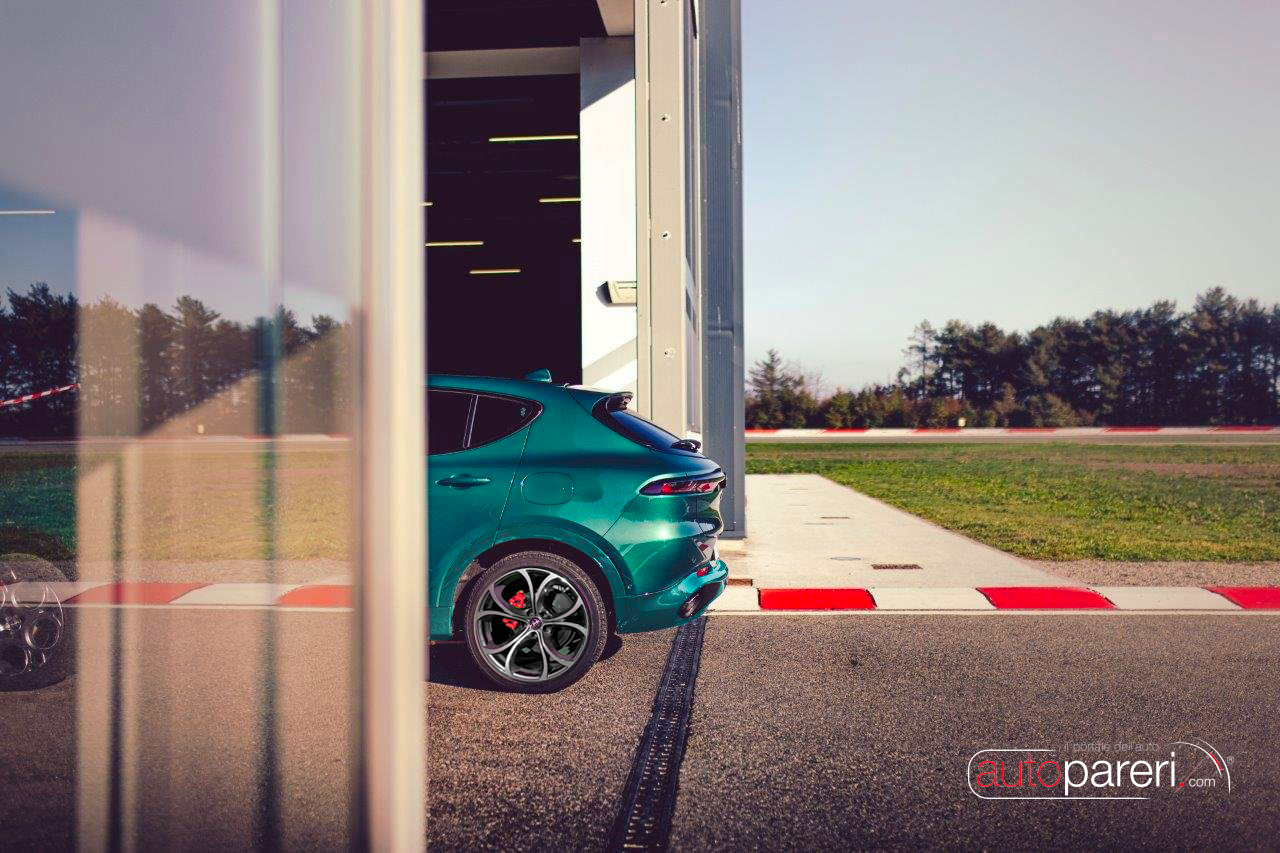
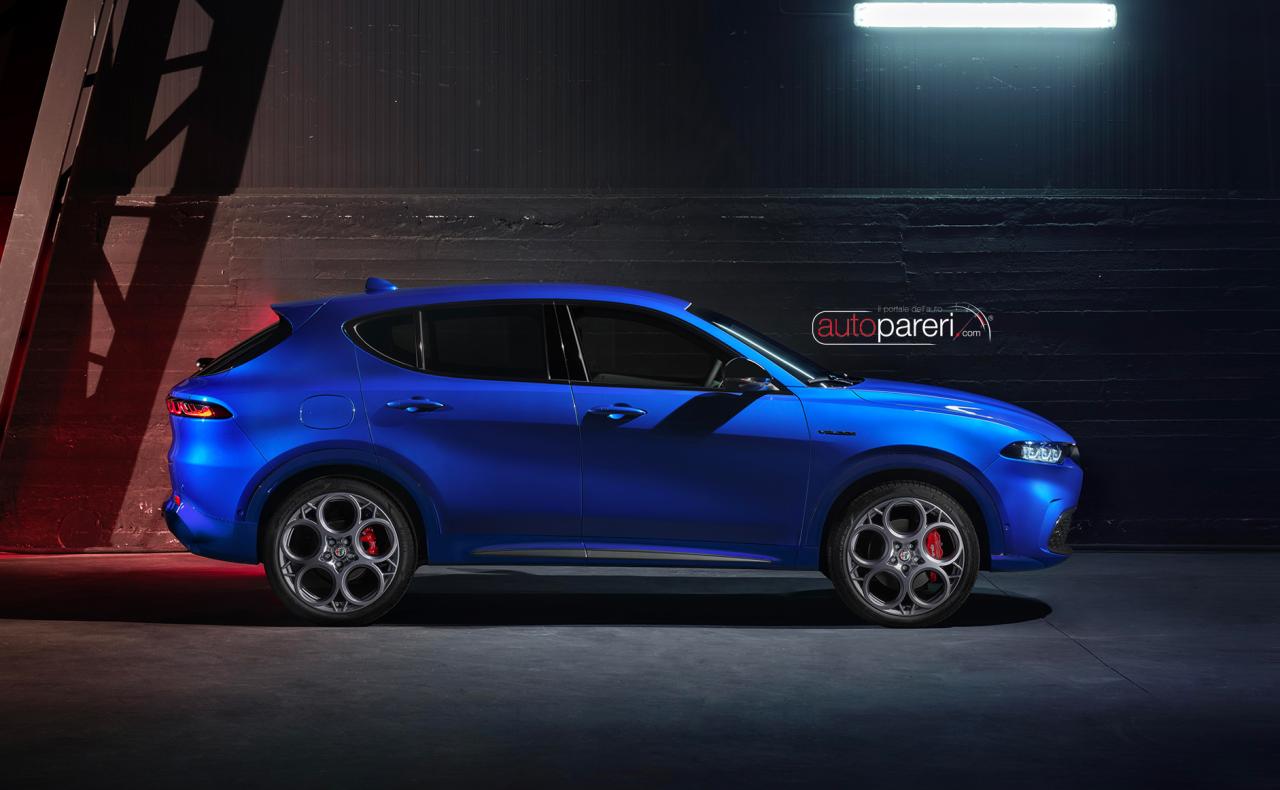
Ho fatto un veloce ps con minigonna in tinta.
-
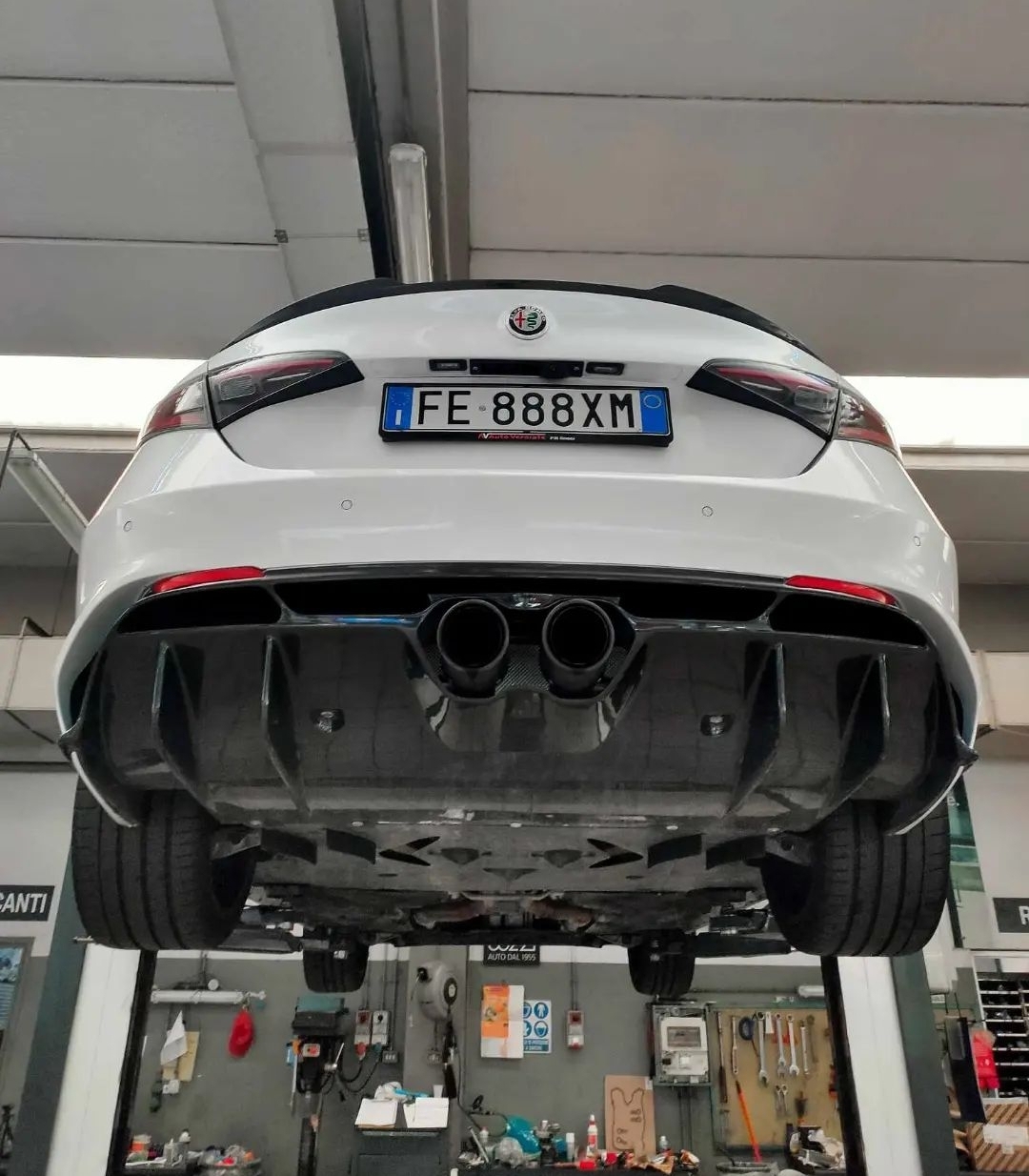
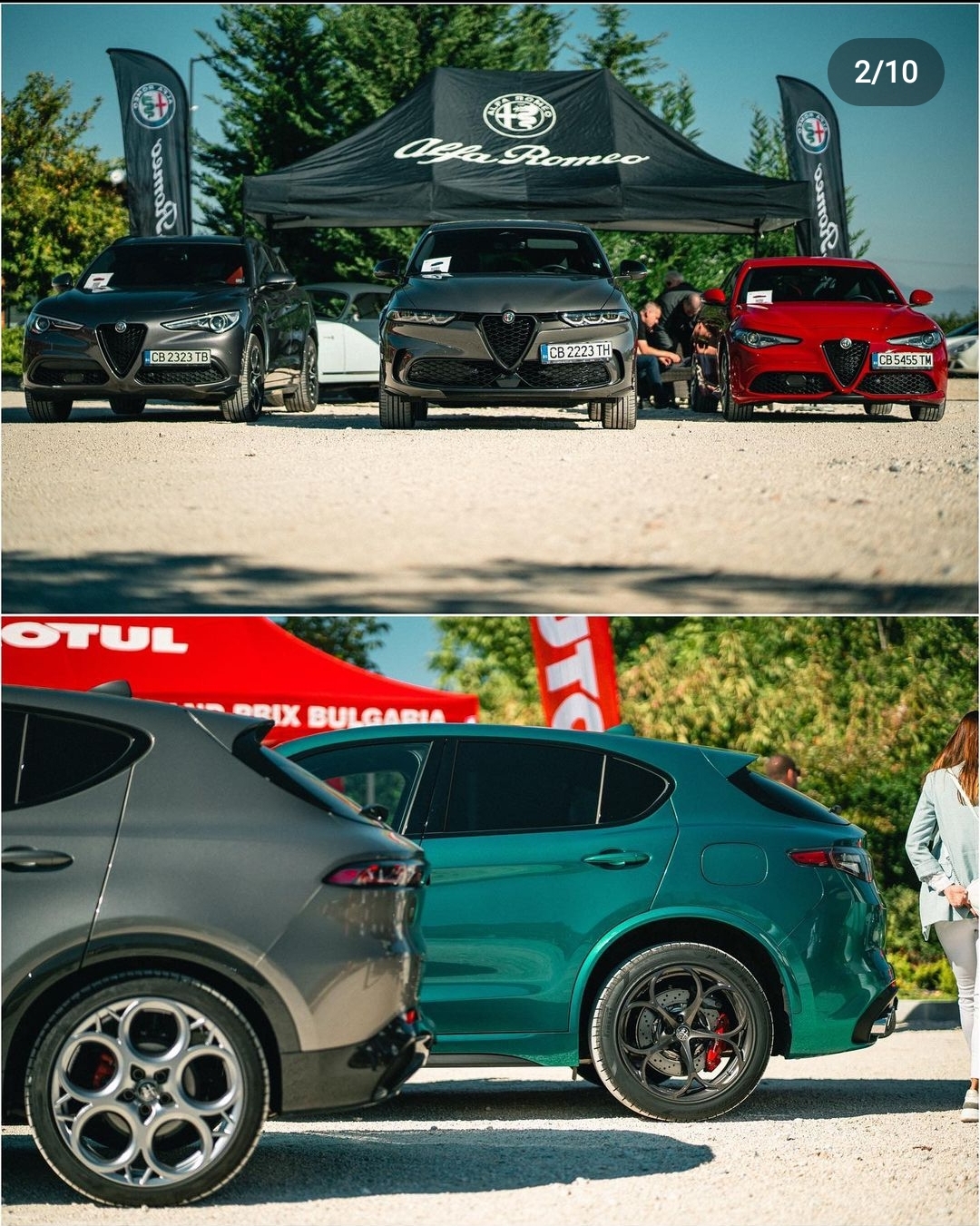
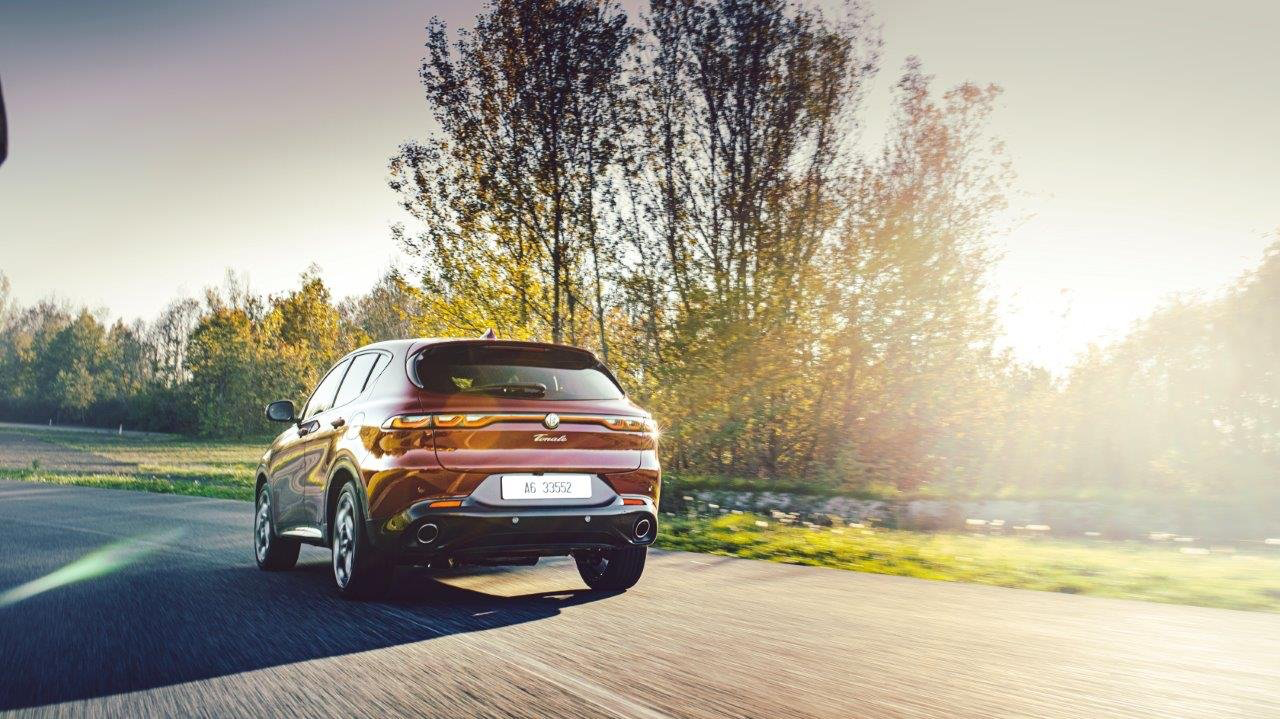
Molto bello il punto di vista da questa foto. Ho notato che però non ha il badge Q4, ma ci voleva tanto a metterlo? Bah... Secondo me è una caratteristica molto distintiva. Loro invece la lasciano indistinta da qualsiasi altra versione (fatta eccezione dei terminali): né un cerchio specifico oppure le minigonne verniciate.

-
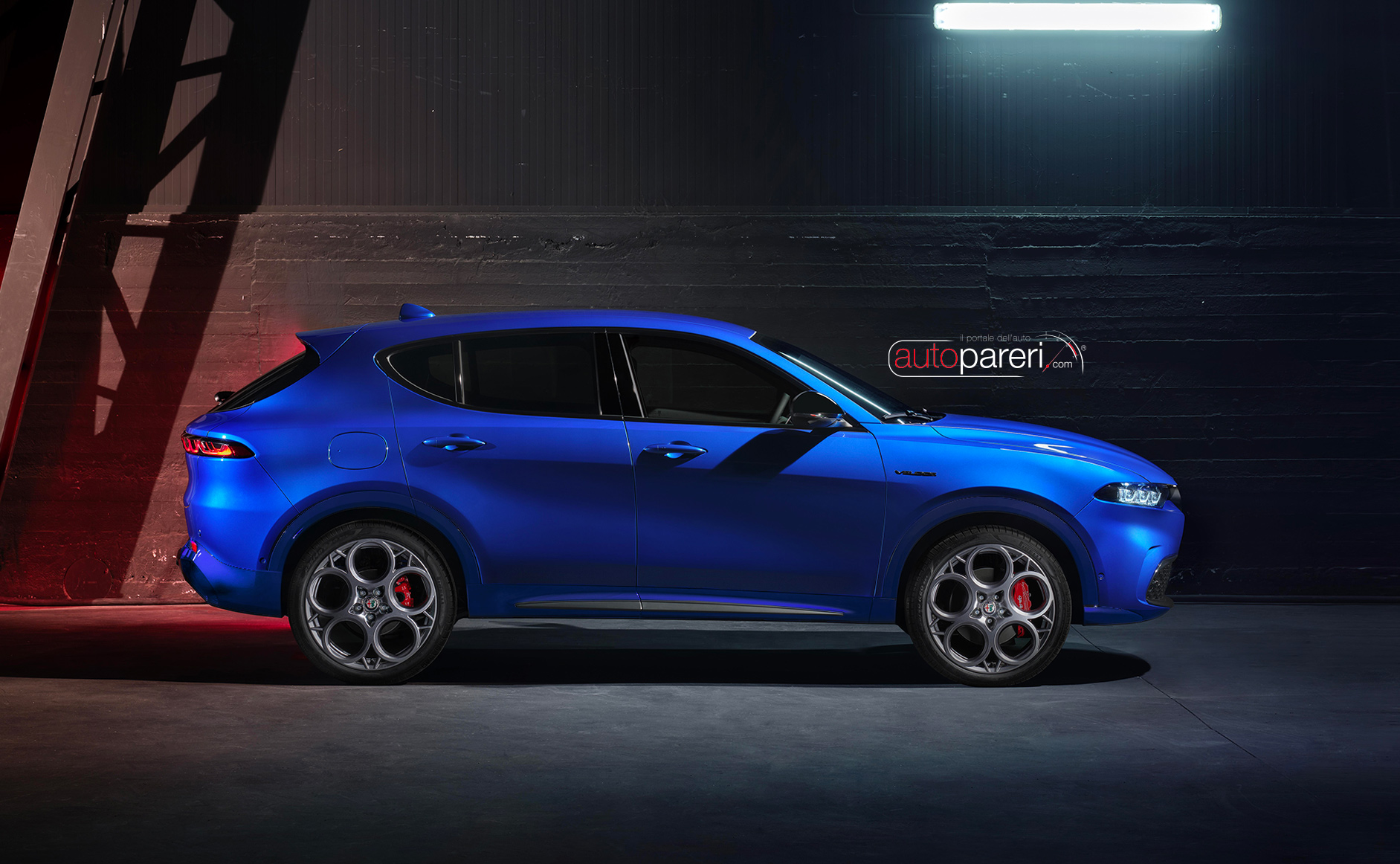
Cioè, ho aperto il topic con il consueto cestino di fianco... E invece che linea! Soprattutto l'andamento veramente inclinato del parabrezza. Sono shockato. 🐣
- 984 risposte
-
- hybrid
- phev
- prius
- prius 2023
-
Taggato come:
-
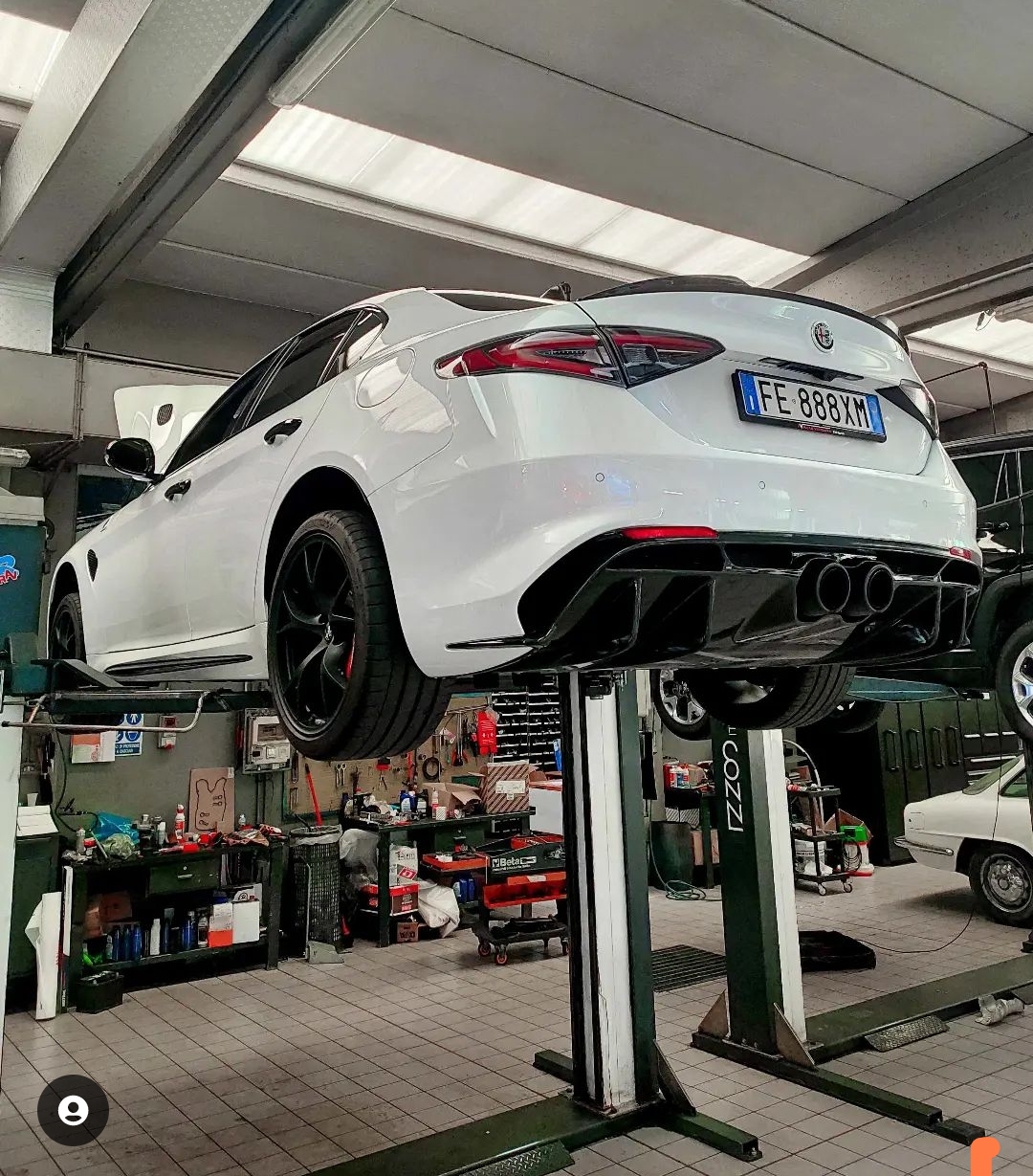
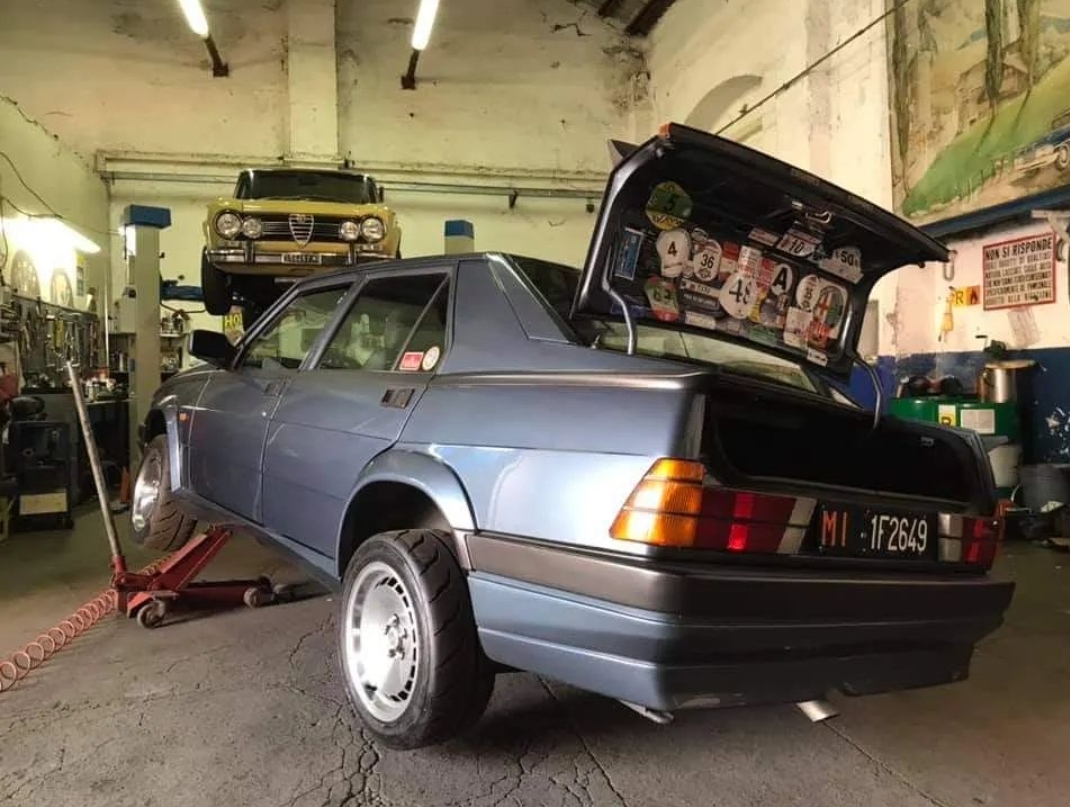
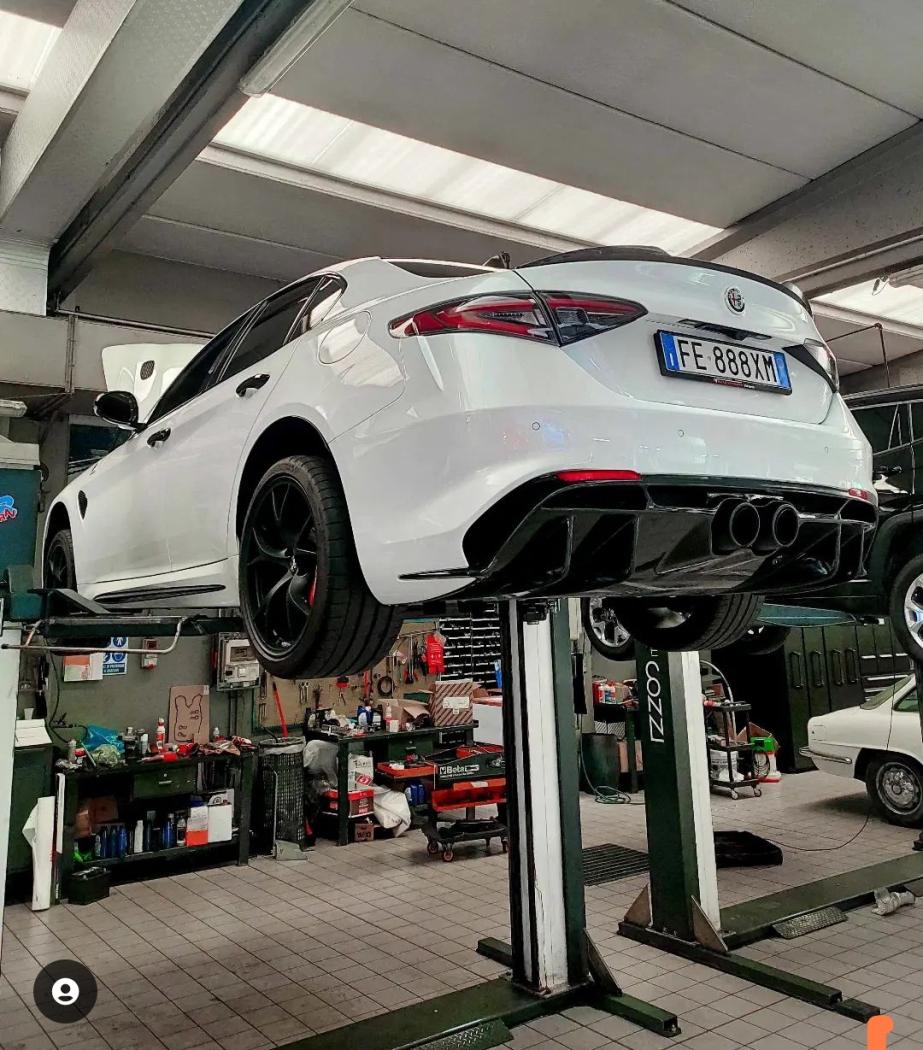
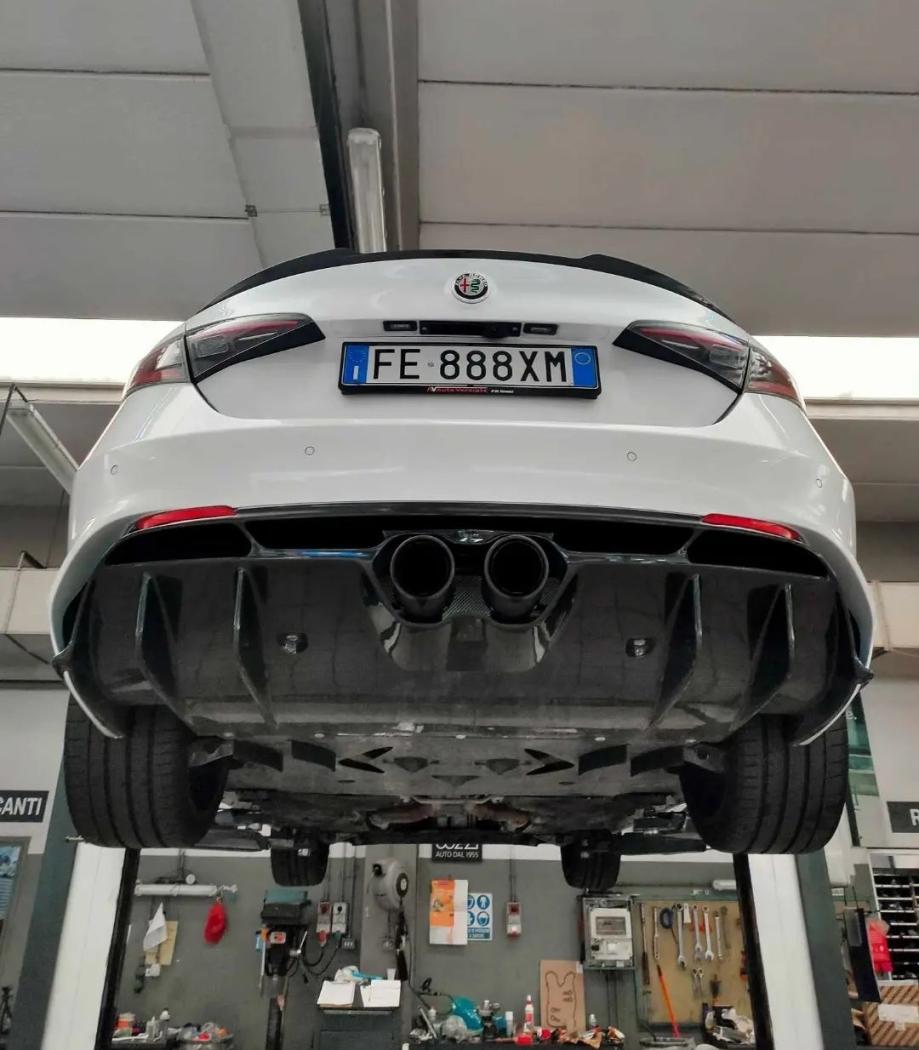
Ecco una nuova carrellata di auto sospese
-
-
Il peso sta diventando veramente un pericolo per le auto "normali". Puoi avere anche 5 stelle eurNCAP ma se ti beccano 3t di auto/suv sono ca**i, ti sderena.
- 64 risposte
-
-

- 8
-
-
- bev
- ex90
- ex90 2023
- volvo ex90
-
Taggato come:
-
Allora, sicuramente è controversa ma mi sento di dire migliore di iX (che ho visto in autostrada e mi è sembrata un tostapane colpito da un raggio ingrandente) e a tutte le mercedes EQ che trovo plasticosissime e più vicine ai concept del futuro odierno però degli anni '90 (il che non è per nulla un bene).
- 184 risposte
-
-
- 4
-
-
- bmw
- bmw ufficiale
- bmw x
- bmw x8
-
Taggato come:
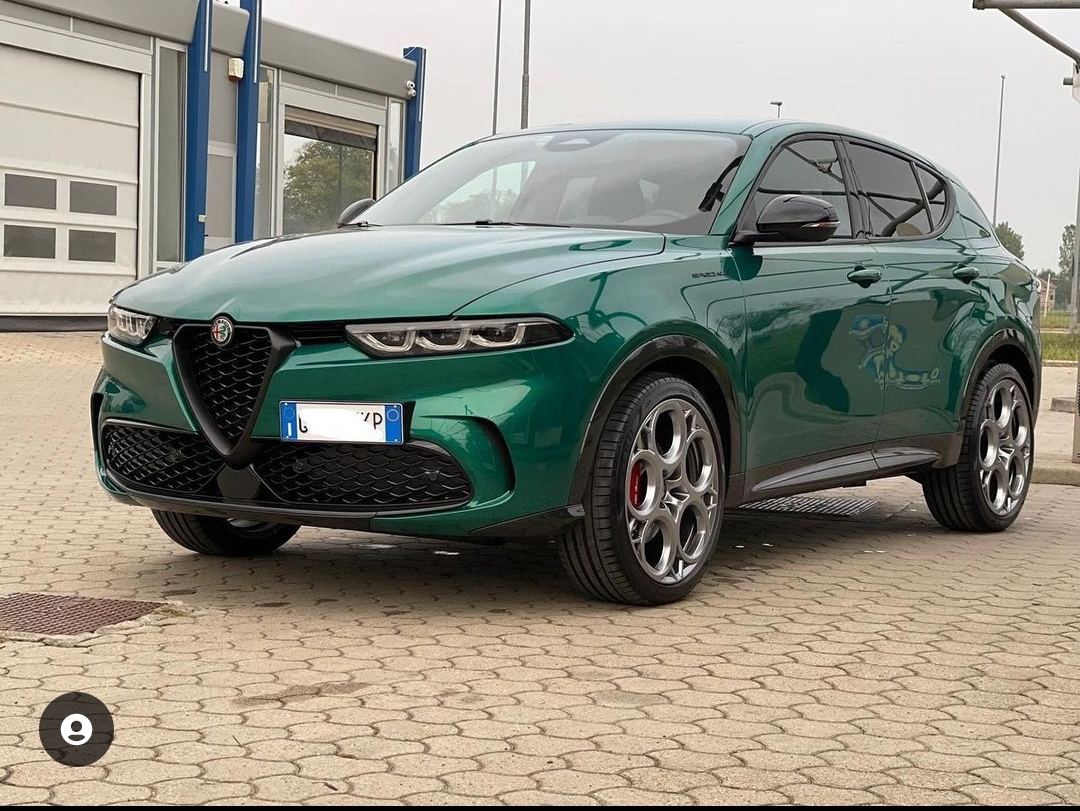
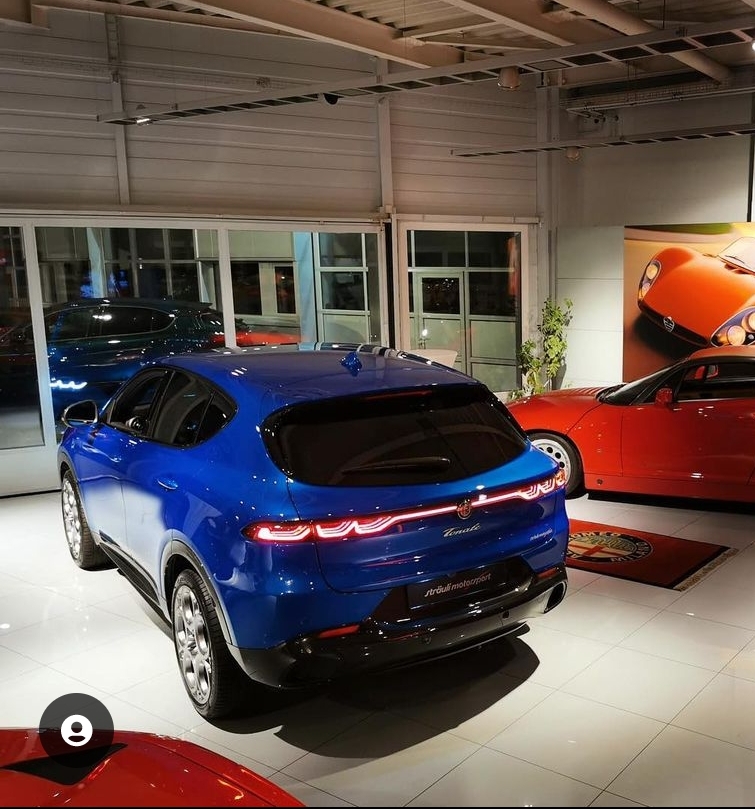
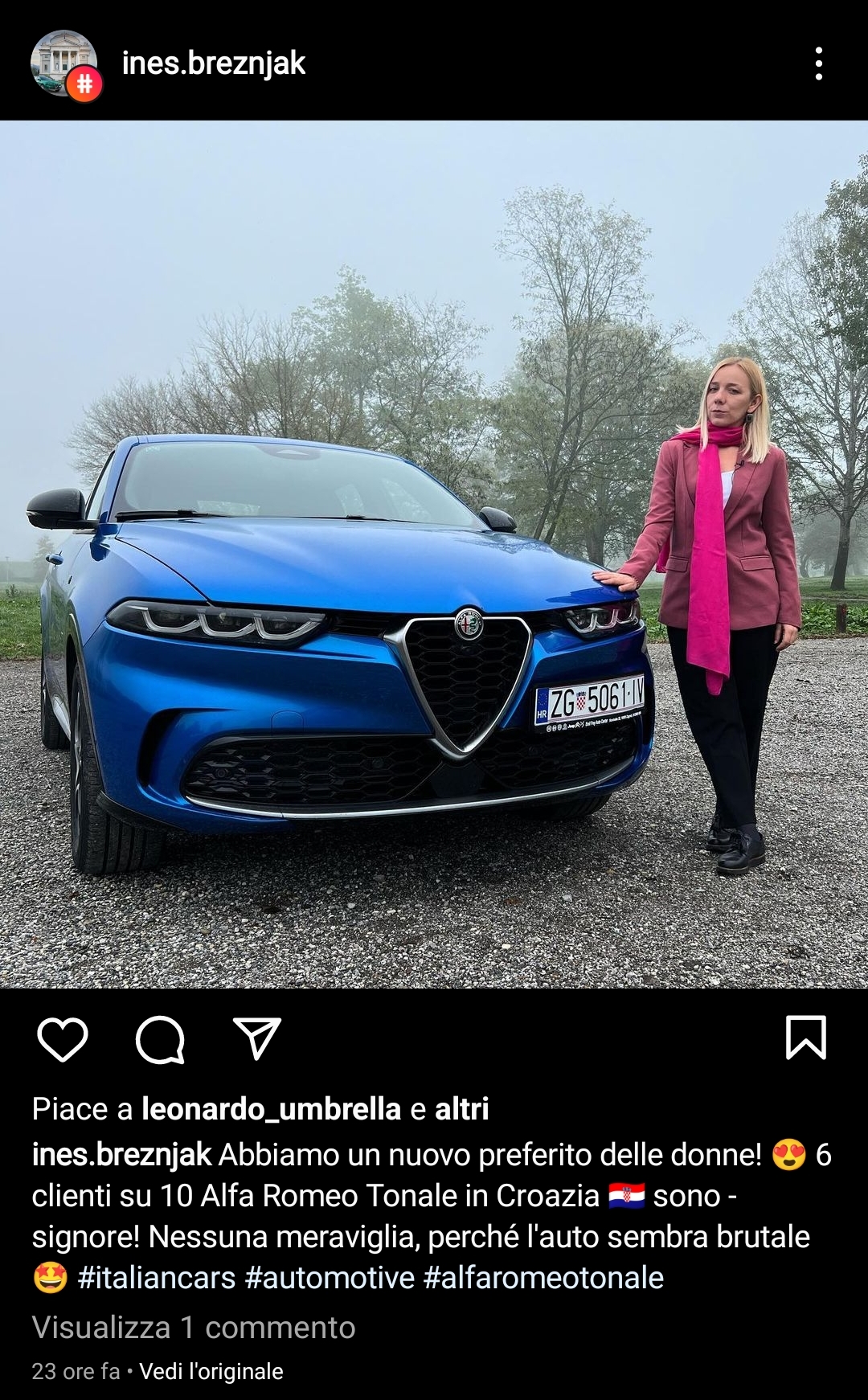
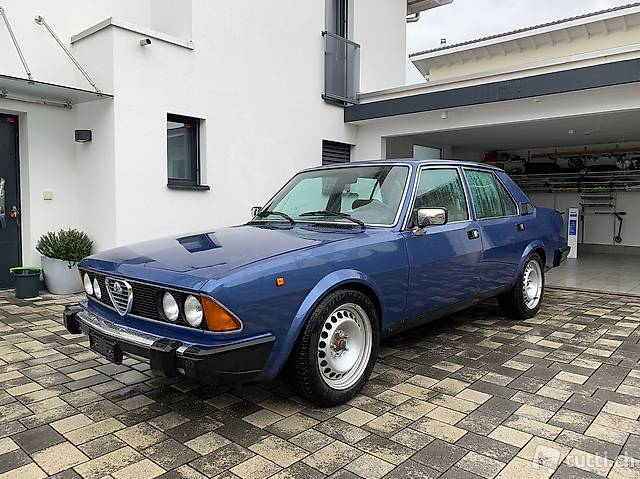
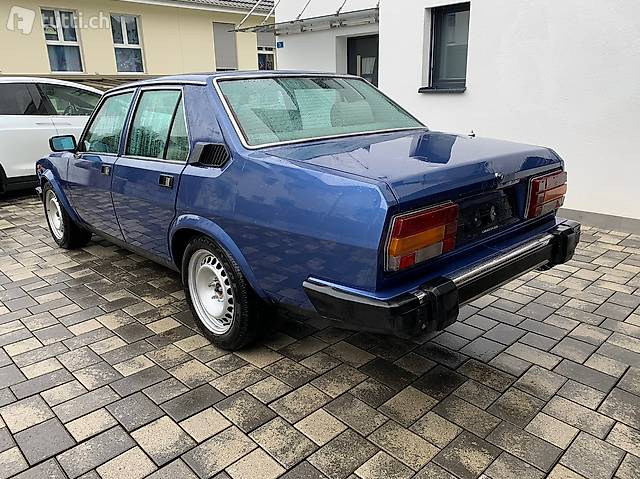
È in vendita in Svizzera. I cerchi grossi secondo me le donano molto, colore bellissimo.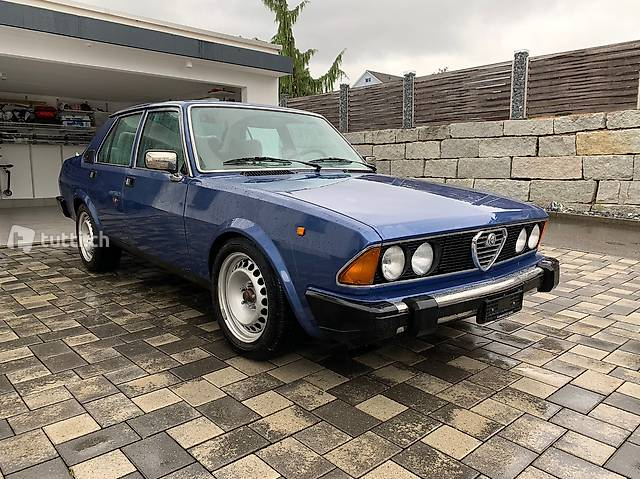

 Ma che schifo. Non aveva una fascia orizzontale con gli schermi? Sto schermone buttato lì a che serve? 🤧Può essere che abbiano "limitato" la potenza a 275cv per inserire una Quadrifoglio sopra (se il mercato la accoglierà bene)? Considerato che X1 MSport avrà 326cv derivati dal modulo ibrido 1.5 3l + elettrico. Sono curioso di vedere le rilevazioni cronometriche nonché il comportamento dinamico. È vero che peserà di più, ma avrà distribuzione pesi 50/50.




![Alfa Romeo Hug [Trolling Mode]](https://www.autopareri.com/uploads/reactions/Alfaromeocare.png.50be1dd8d7c15ba4fec8098a15bfa18a.png)