




ISO-8707
Utente Registrato
-
Iscritto il
Tutti i contenuti di ISO-8707
-
-
-
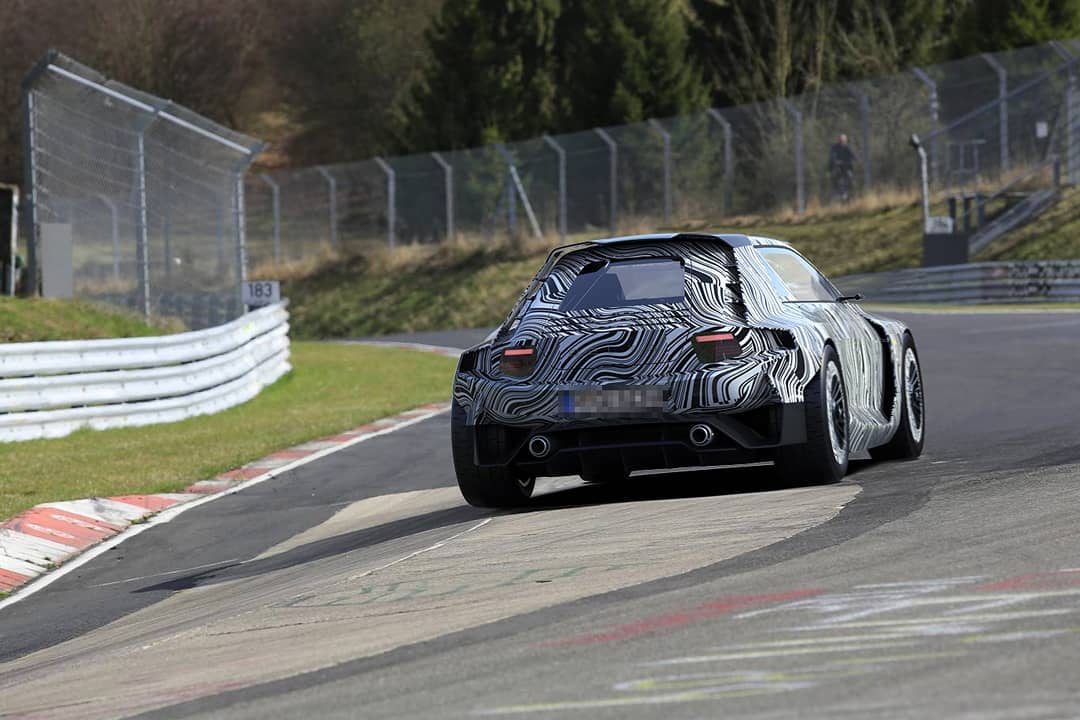
Chissà quanti pezzi avevano già smontato prima di arrivare a trovare quello giusto.... 😄https://www.instagram.com/glickenhaus/
.thumb.jpg.e46d96b6d975e80c09cbf87e333f7550.jpg) Qualche chiarimento riguardo alla SF90 che non può essere venduta Lo stesso vale per la 488 Pista Giusto per fare un confronto con altre case.... quando Motor Trend ha provato la Corvette C8, una volta finite le prove, avendo ancora tempo, Randy Pobst ha fatto modificare l'assetto (solo gli angoli, molle ed ammortizzatori non sono stati toccati), risultato un guadagno intorno al secondo per km...
Qualche chiarimento riguardo alla SF90 che non può essere venduta Lo stesso vale per la 488 Pista Giusto per fare un confronto con altre case.... quando Motor Trend ha provato la Corvette C8, una volta finite le prove, avendo ancora tempo, Randy Pobst ha fatto modificare l'assetto (solo gli angoli, molle ed ammortizzatori non sono stati toccati), risultato un guadagno intorno al secondo per km...Account
Navigation
Cerca
Configure browser push notifications
Chrome (Android)
- Tap the lock icon next to the address bar.
- Tap Permissions → Notifications.
- Adjust your preference.
Chrome (Desktop)
- Click the padlock icon in the address bar.
- Select Site settings.
- Find Notifications and adjust your preference.
Safari (iOS 16.4+)
- Ensure the site is installed via Add to Home Screen.
- Open Settings App → Notifications.
- Find your app name and adjust your preference.
Safari (macOS)
- Go to Safari → Preferences.
- Click the Websites tab.
- Select Notifications in the sidebar.
- Find this website and adjust your preference.
Edge (Android)
- Tap the lock icon next to the address bar.
- Tap Permissions.
- Find Notifications and adjust your preference.
Edge (Desktop)
- Click the padlock icon in the address bar.
- Click Permissions for this site.
- Find Notifications and adjust your preference.
Firefox (Android)
- Go to Settings → Site permissions.
- Tap Notifications.
- Find this site in the list and adjust your preference.
Firefox (Desktop)
- Open Firefox Settings.
- Search for Notifications.
- Find this site in the list and adjust your preference.




.jpg.f68c1062b42aea85b21cf63dfe85942c.jpg)


![Alfa Romeo Hug [Trolling Mode]](https://www.autopareri.com/uploads/reactions/Alfaromeocare.png.50be1dd8d7c15ba4fec8098a15bfa18a.png)
