





j
Reporter (Staff)
-
Iscritto il
Tutti i contenuti di j
-
-
-
-
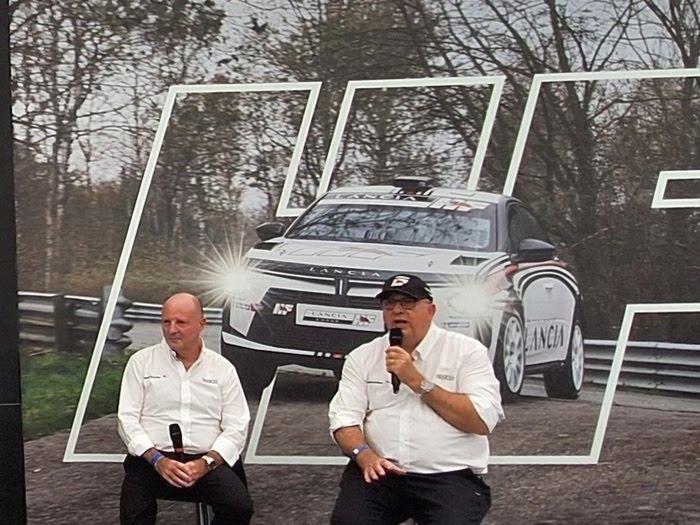
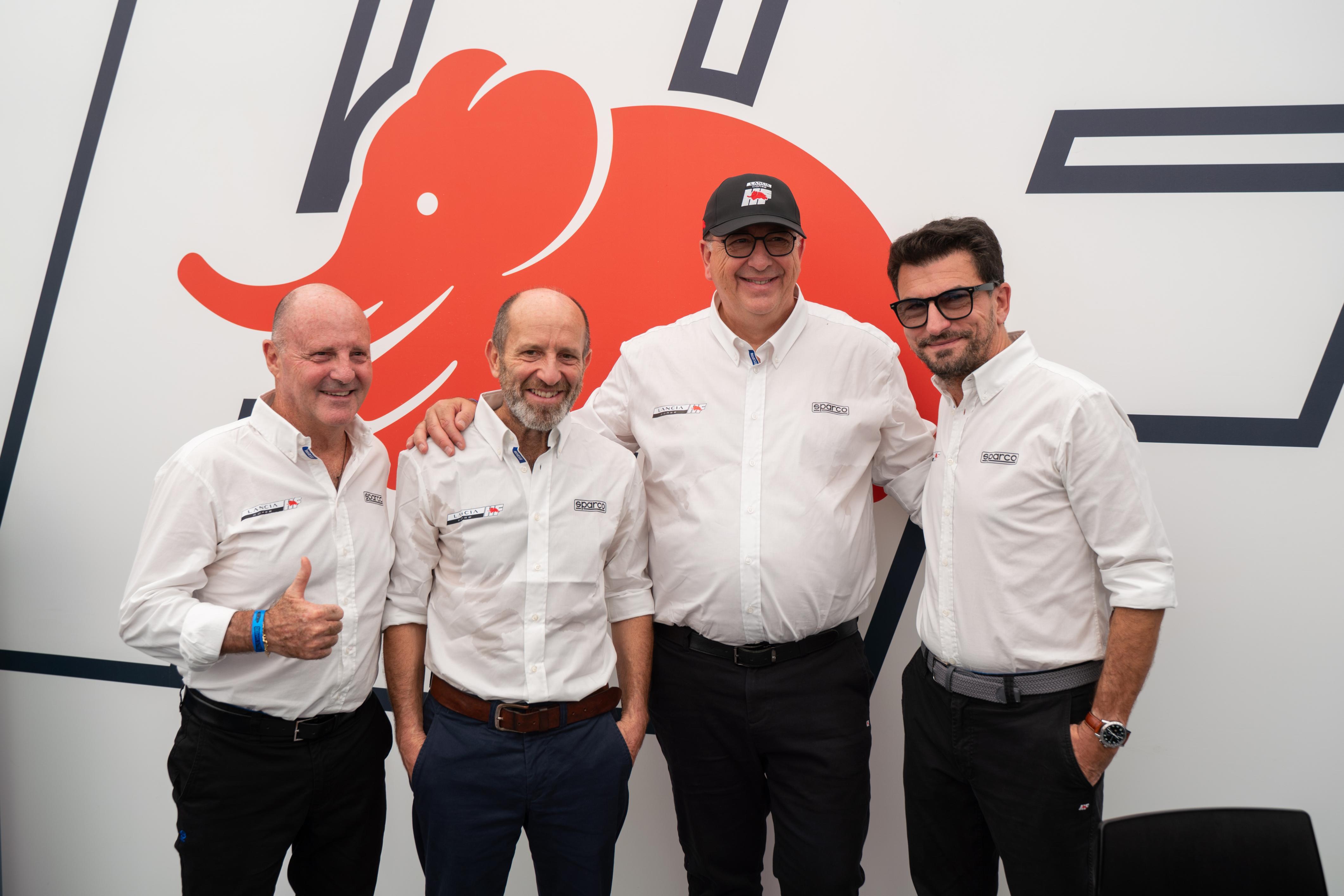
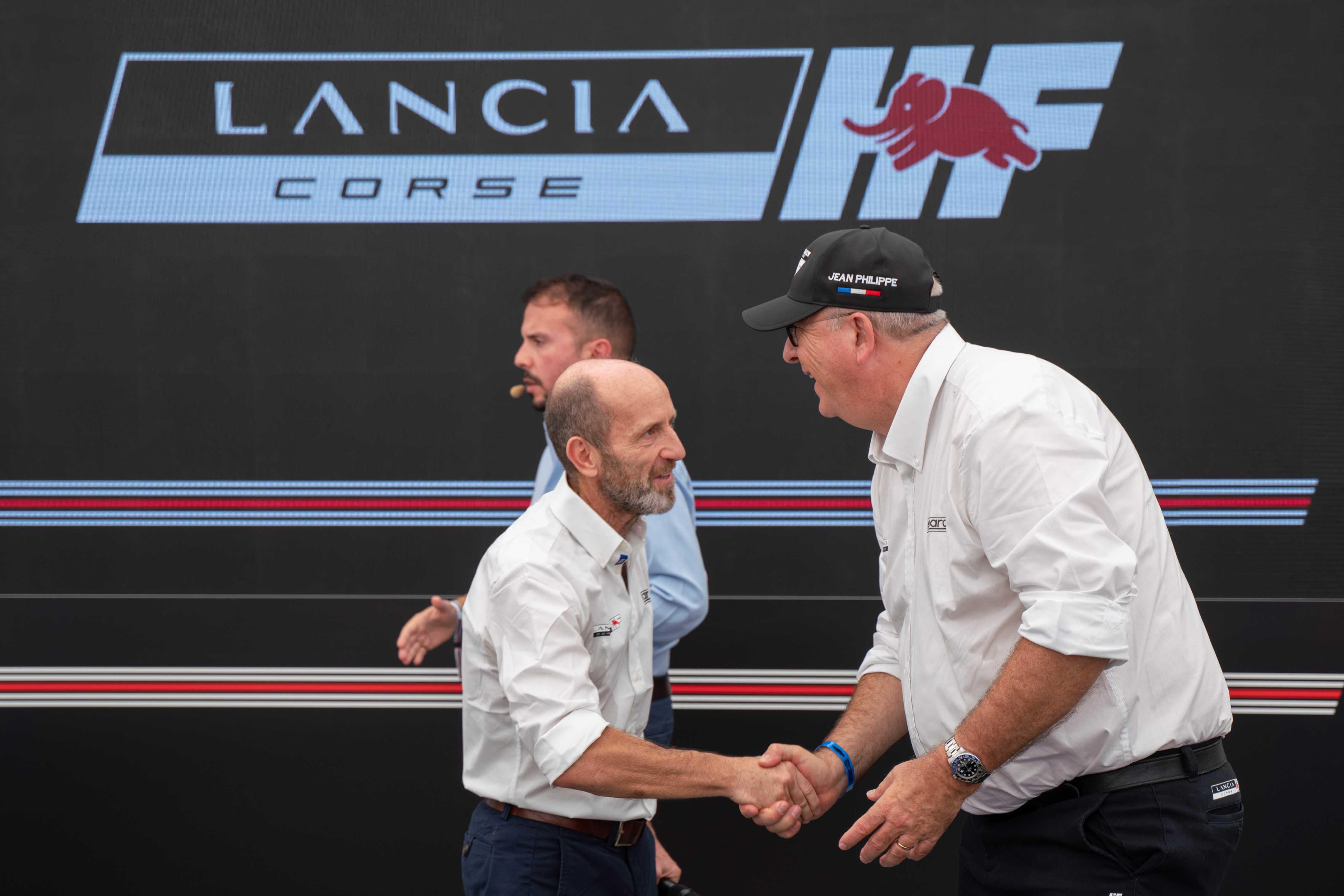
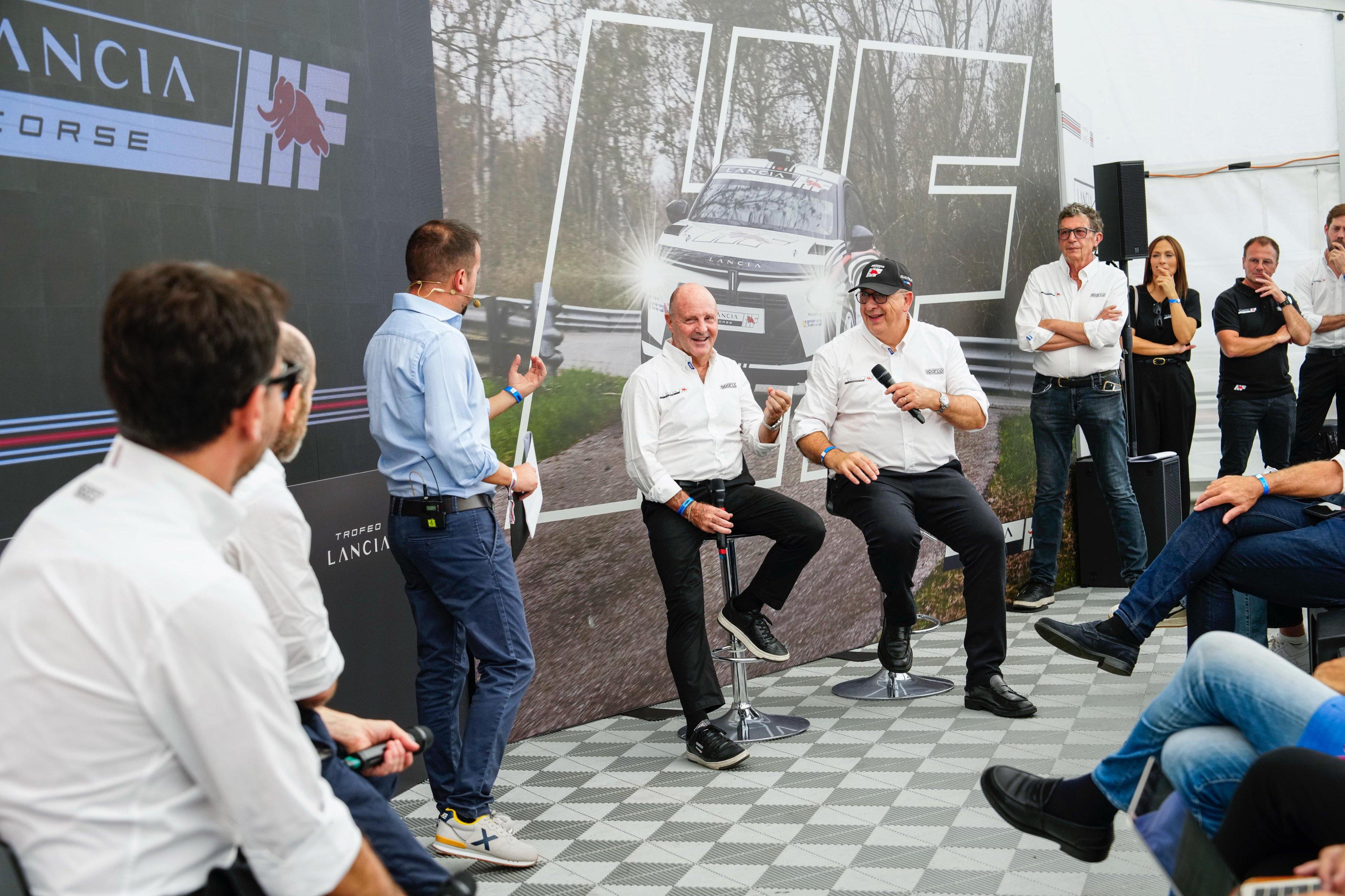
Presentazione del progetto WRC2 a Novembre nella sede di Stellantis Motorsport
-
-
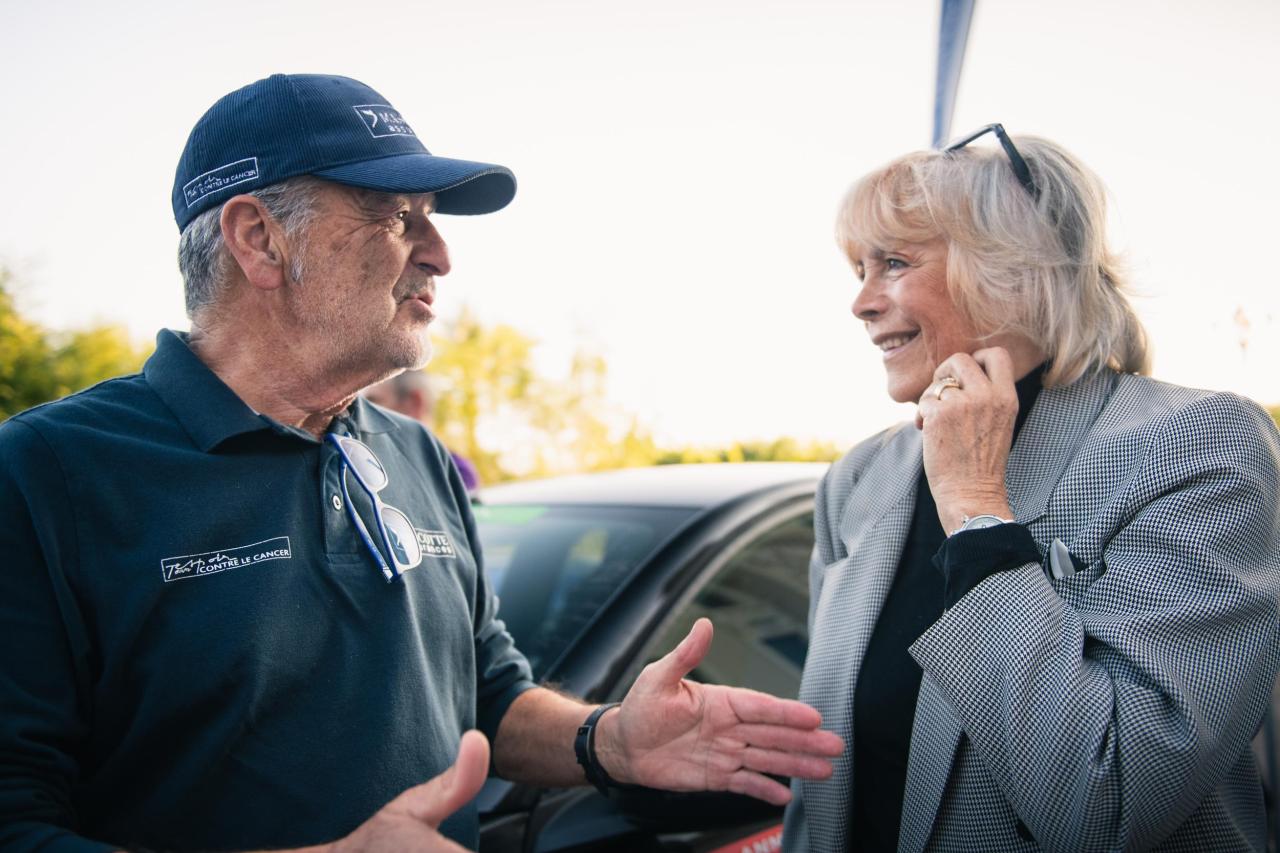
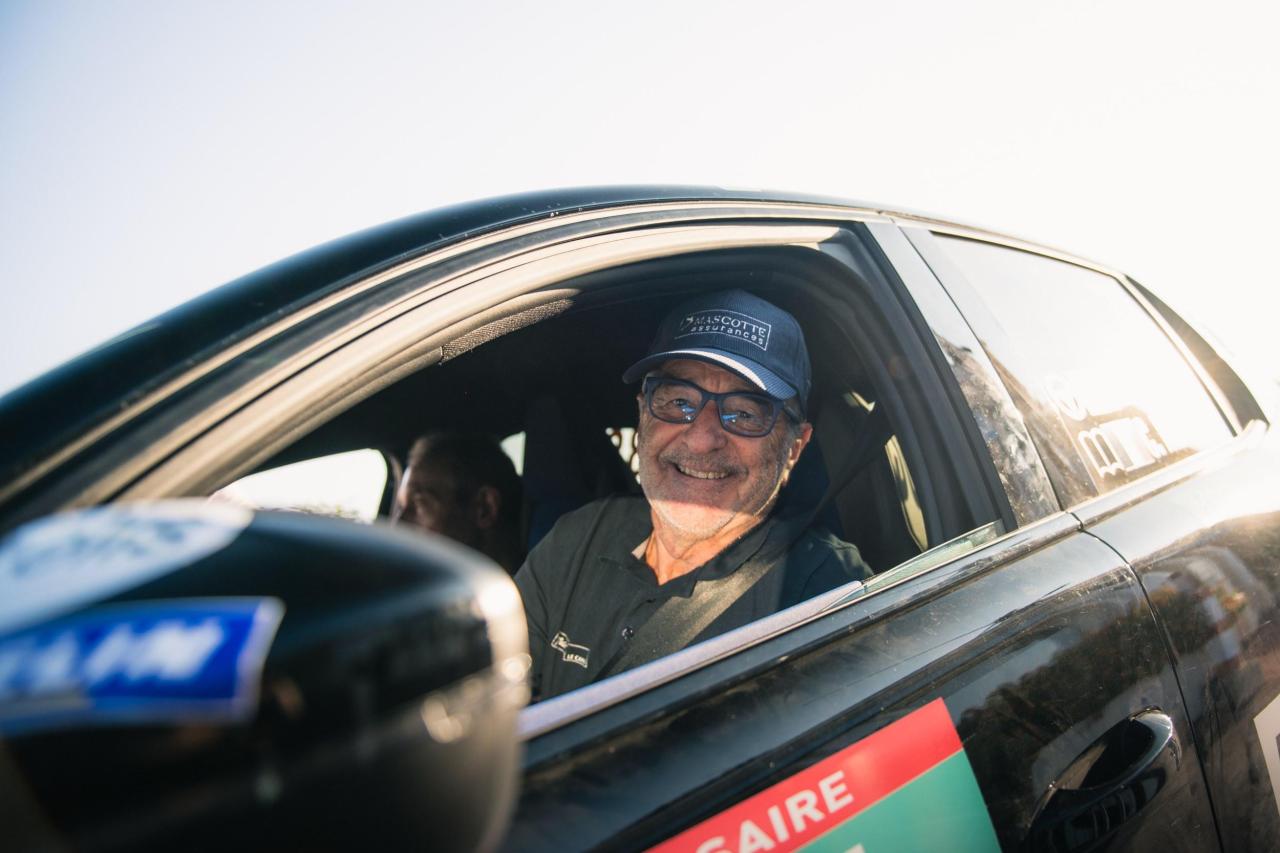
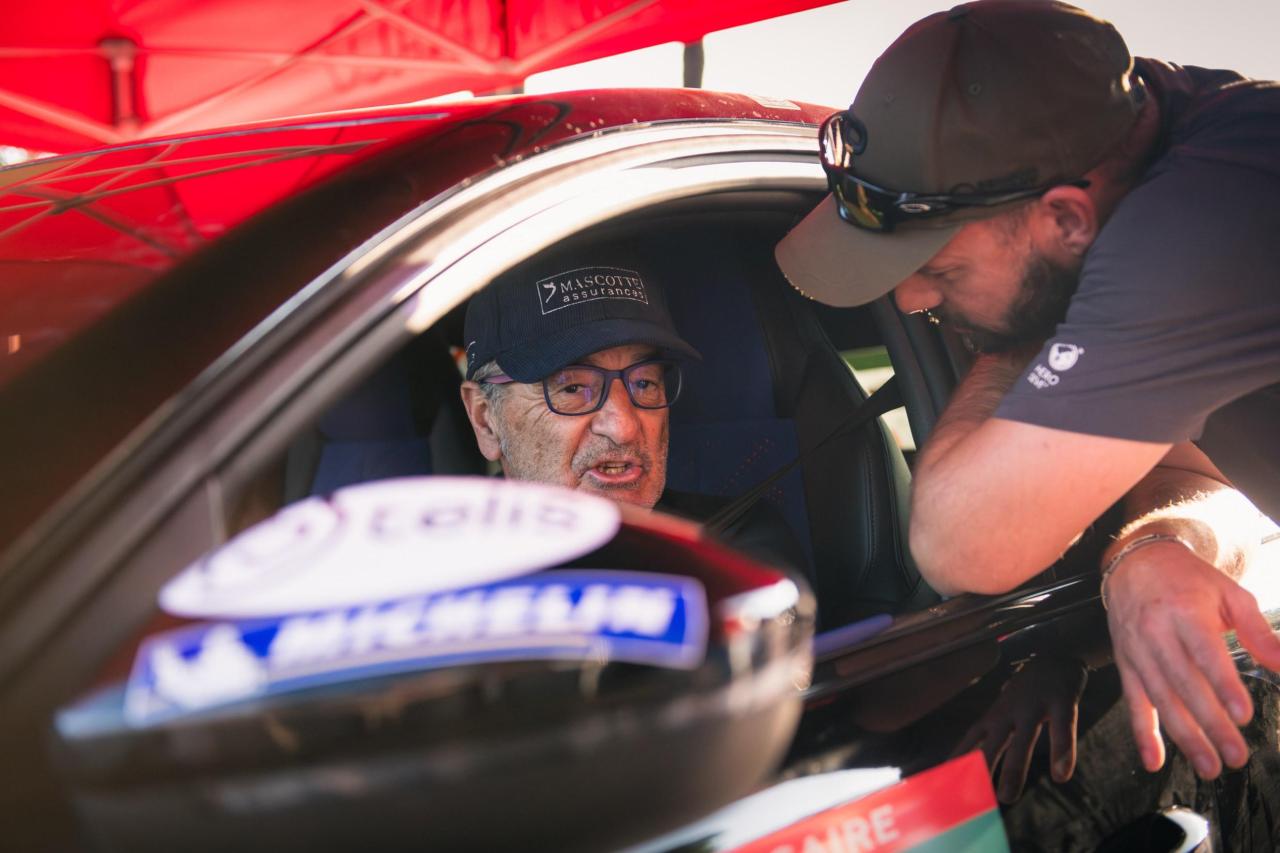
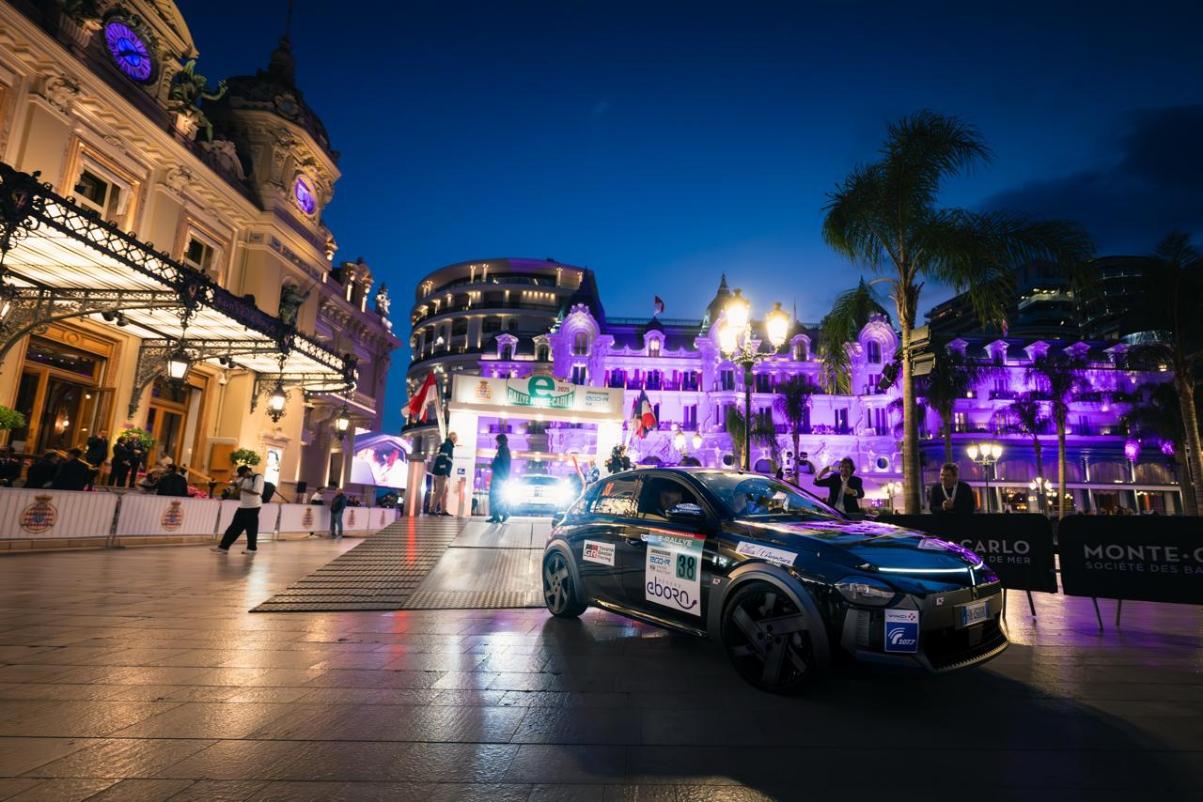
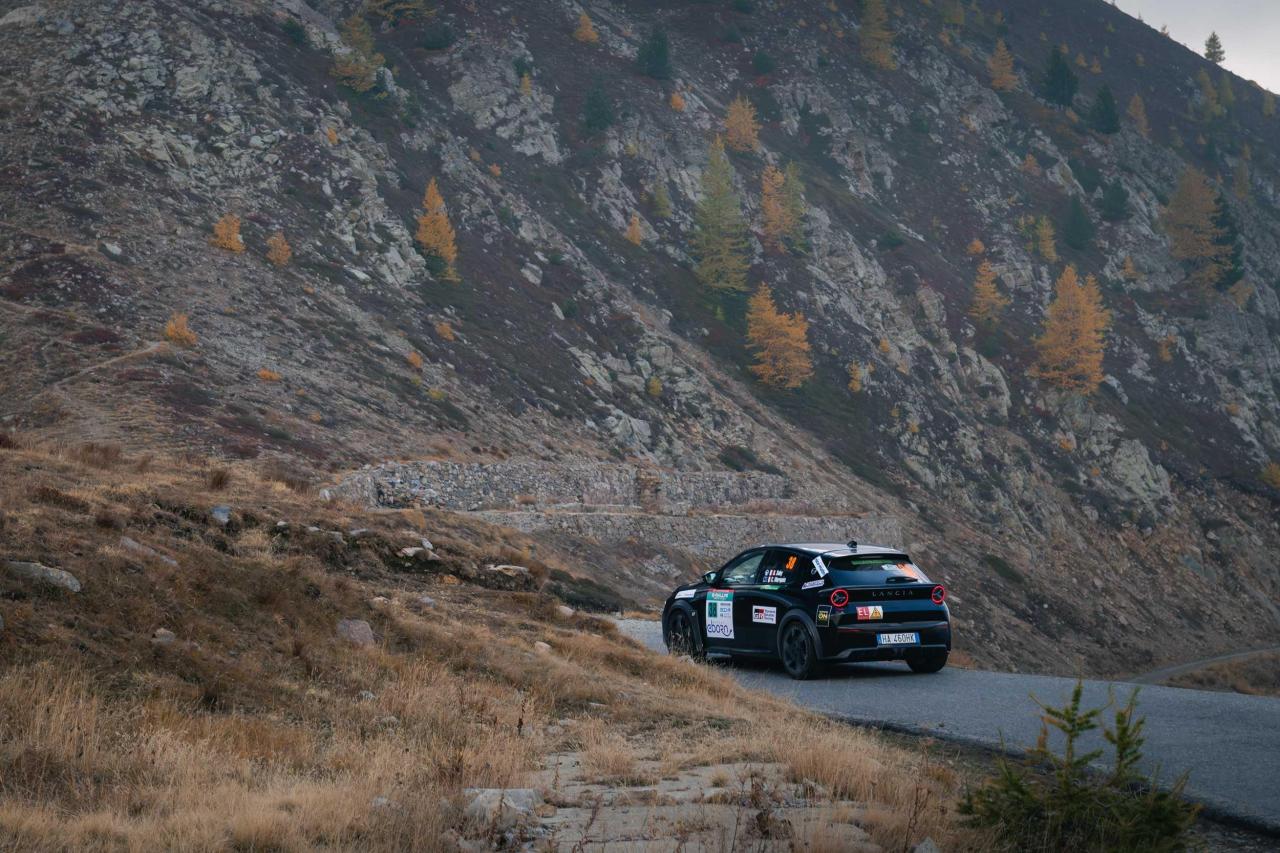
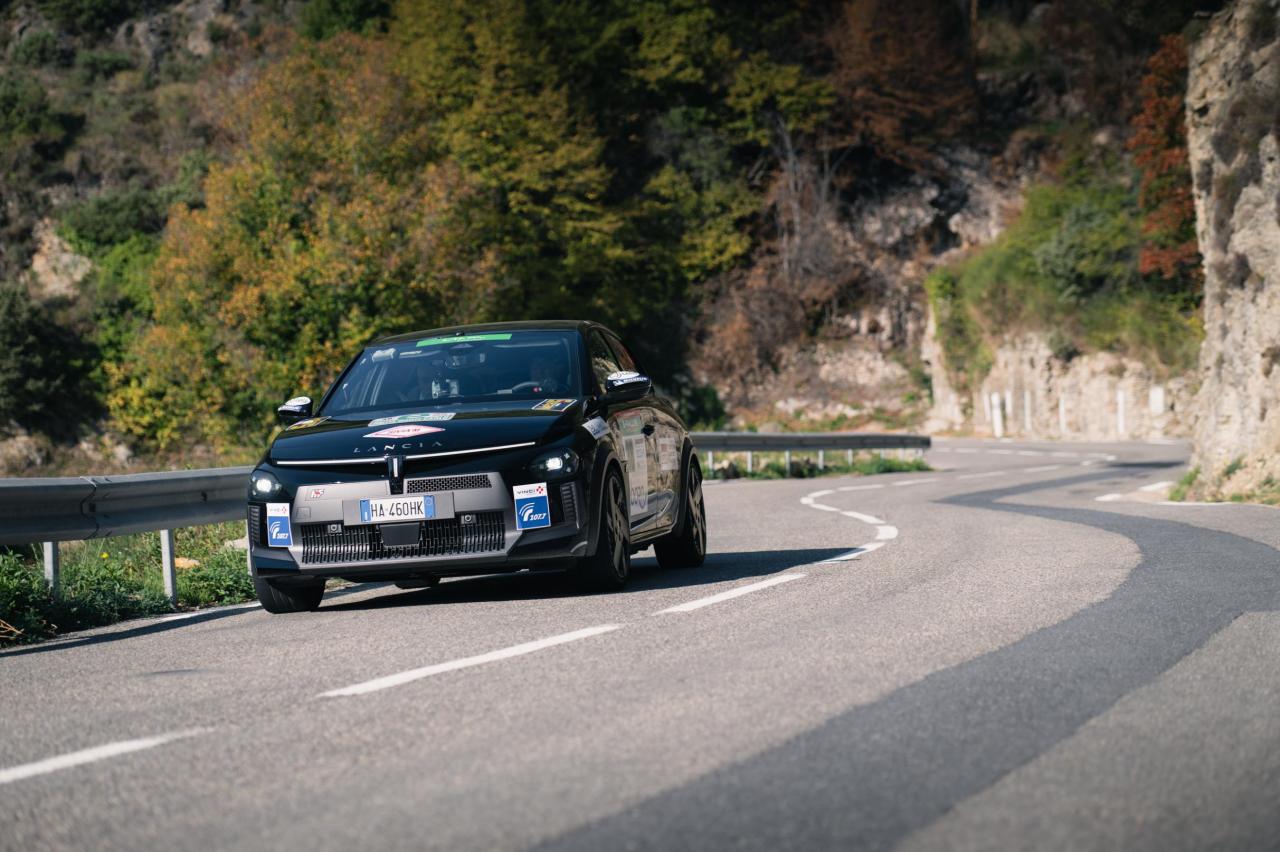
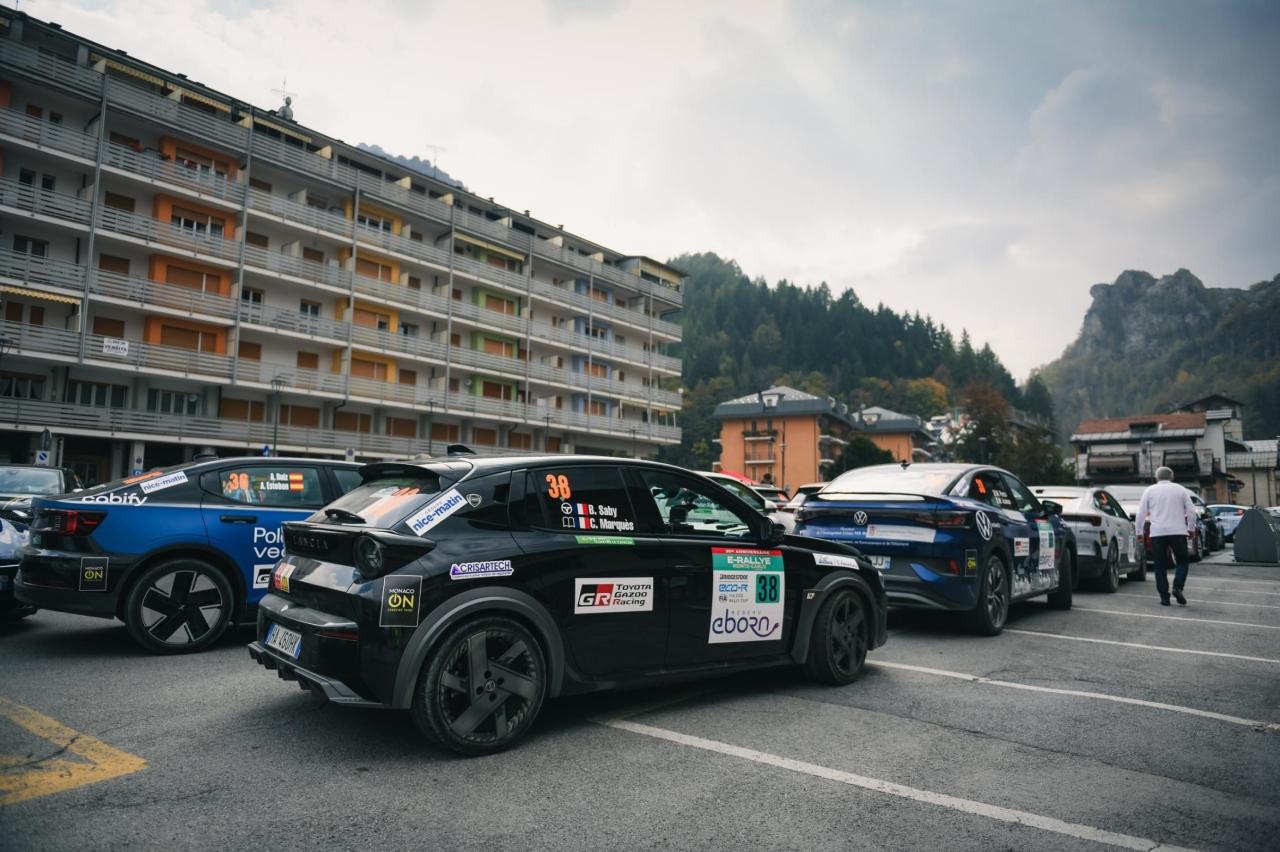
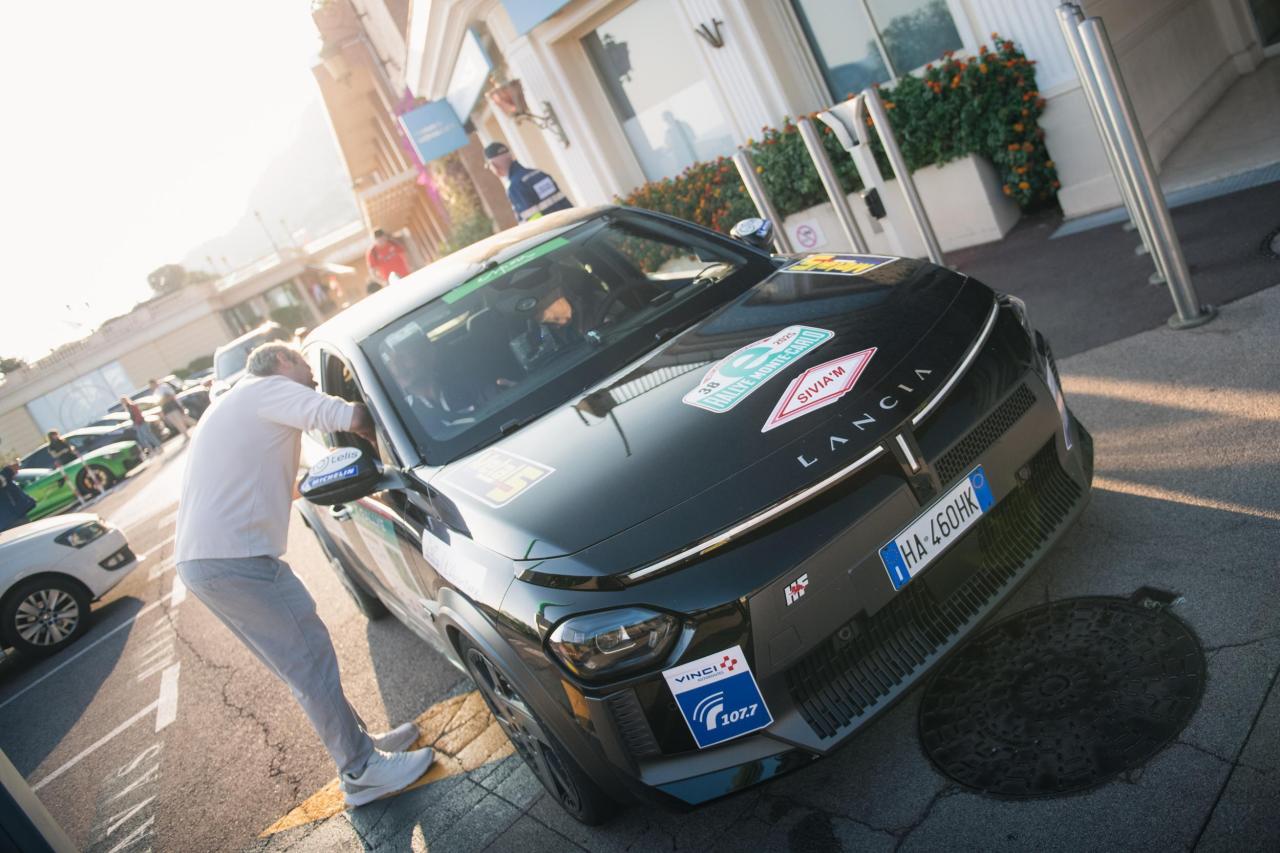
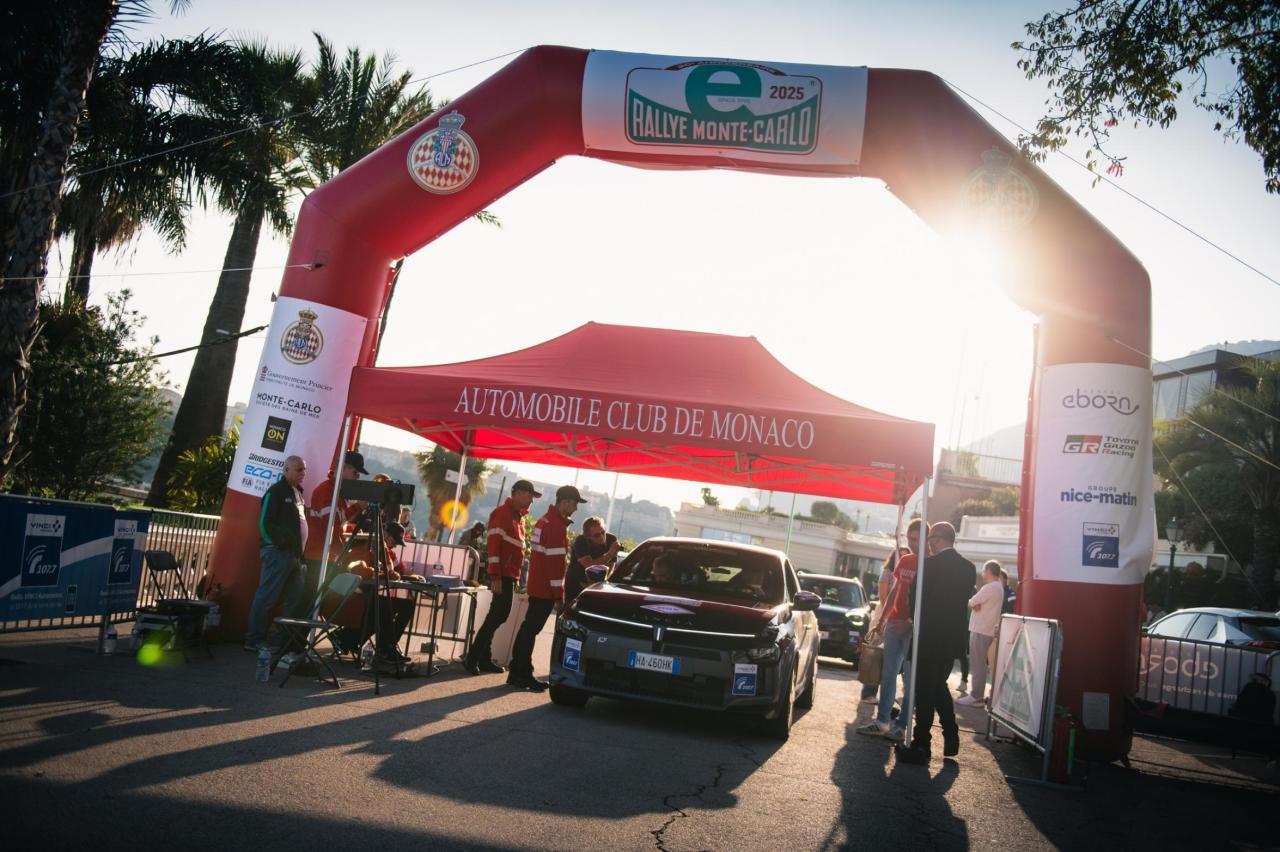
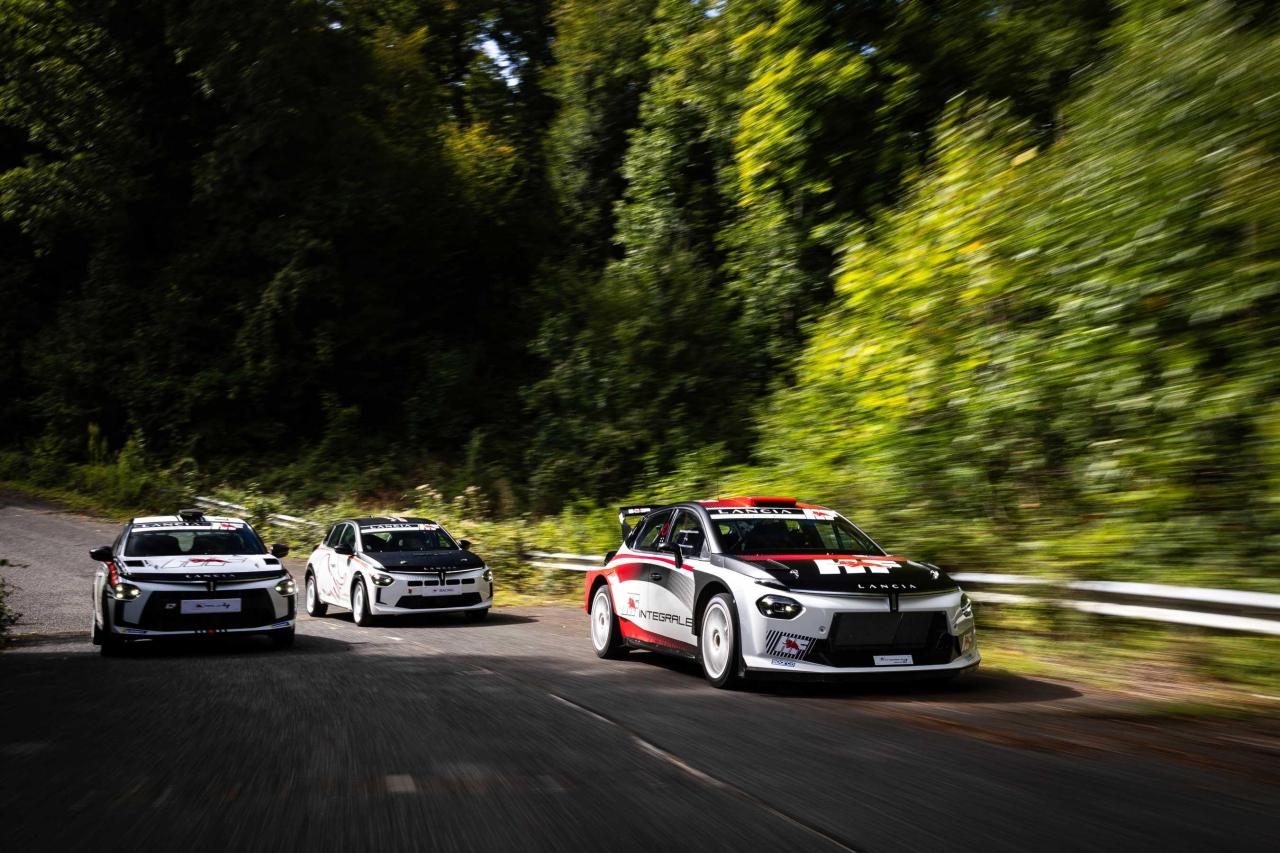
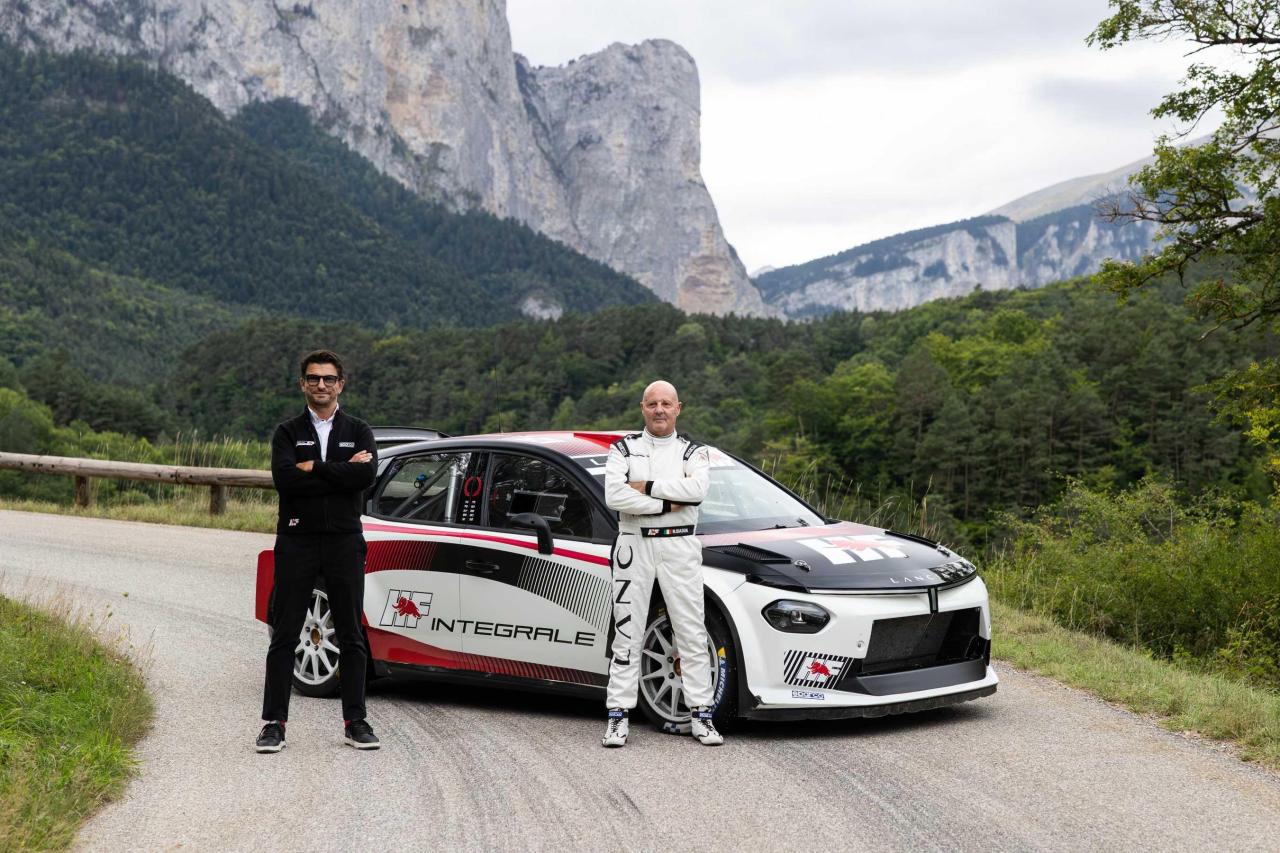
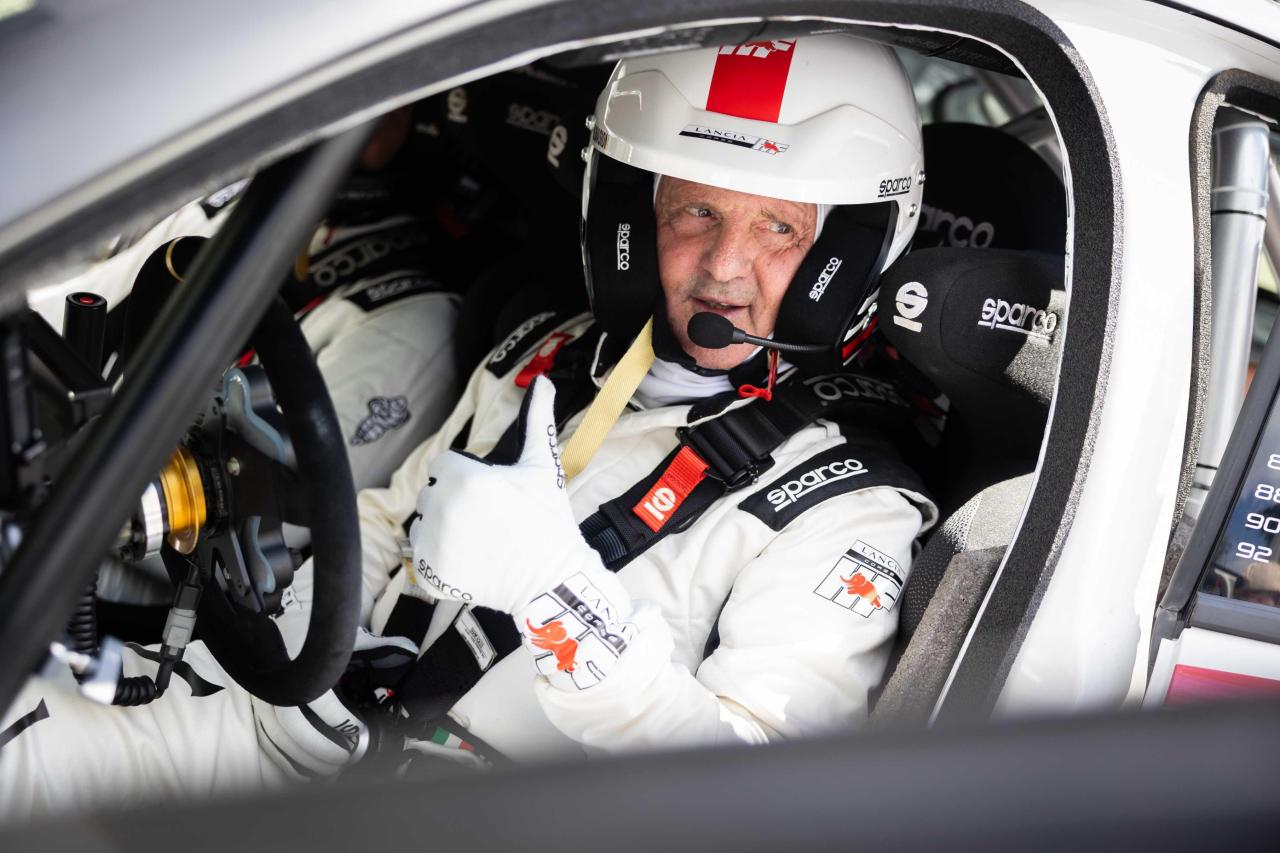
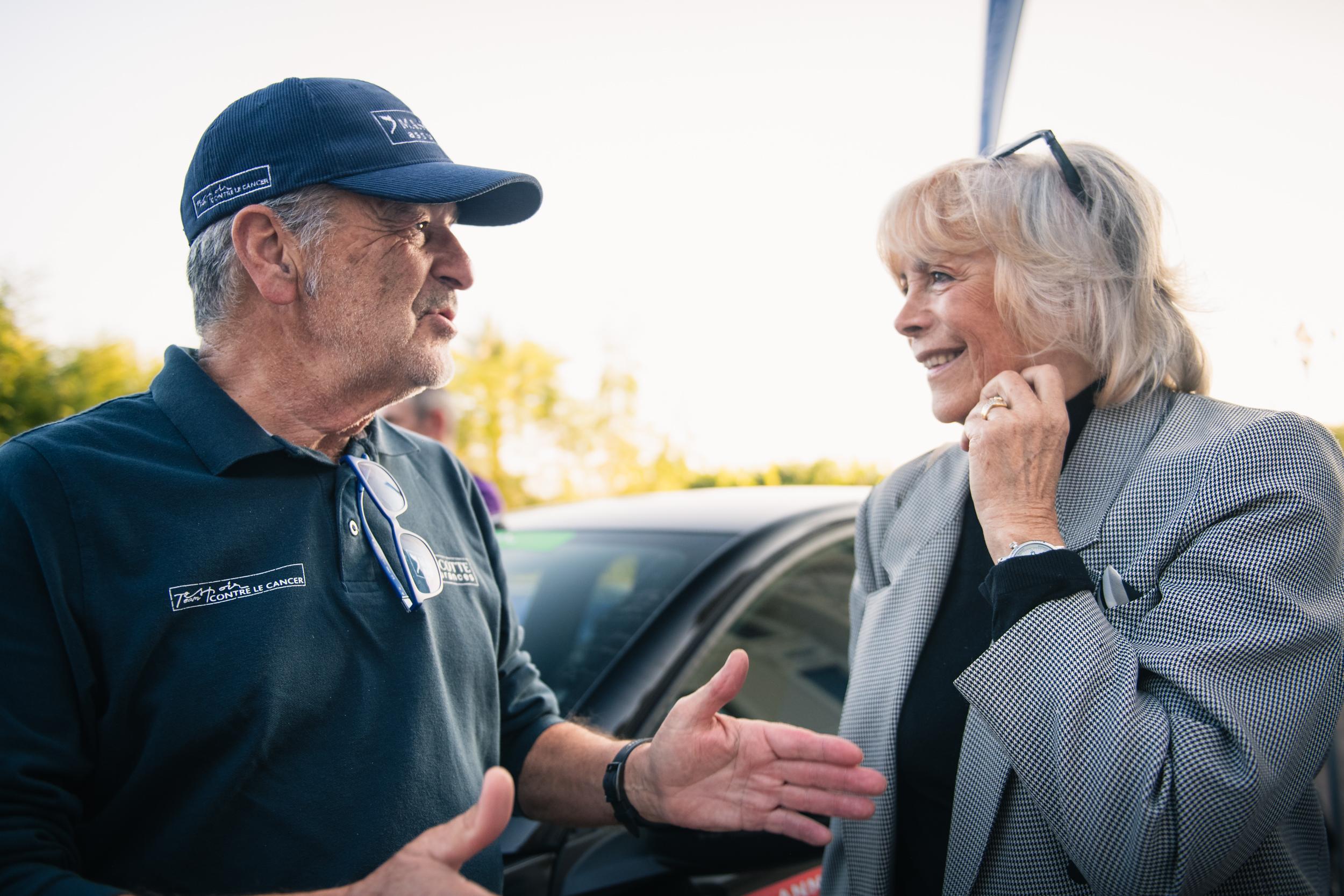
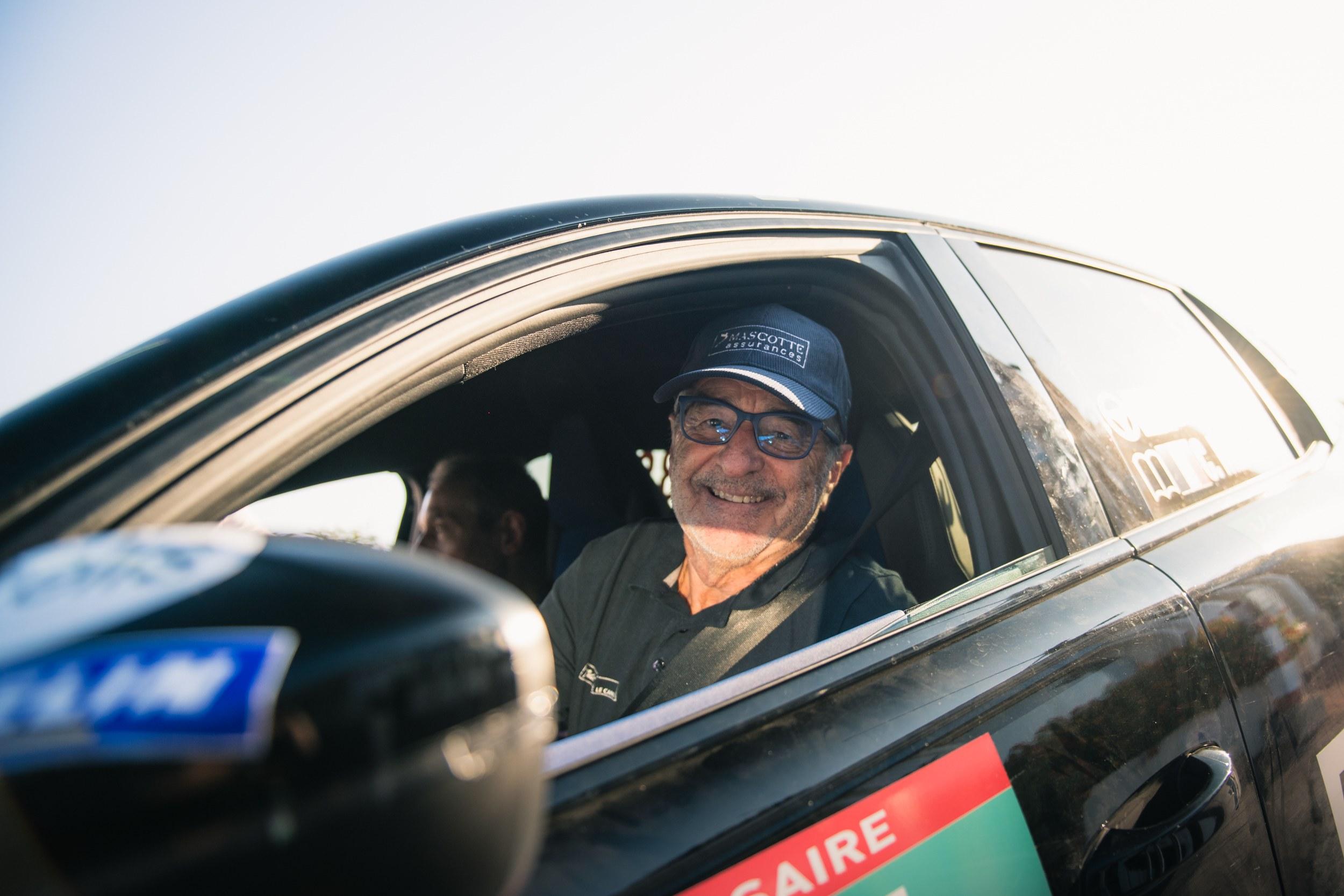
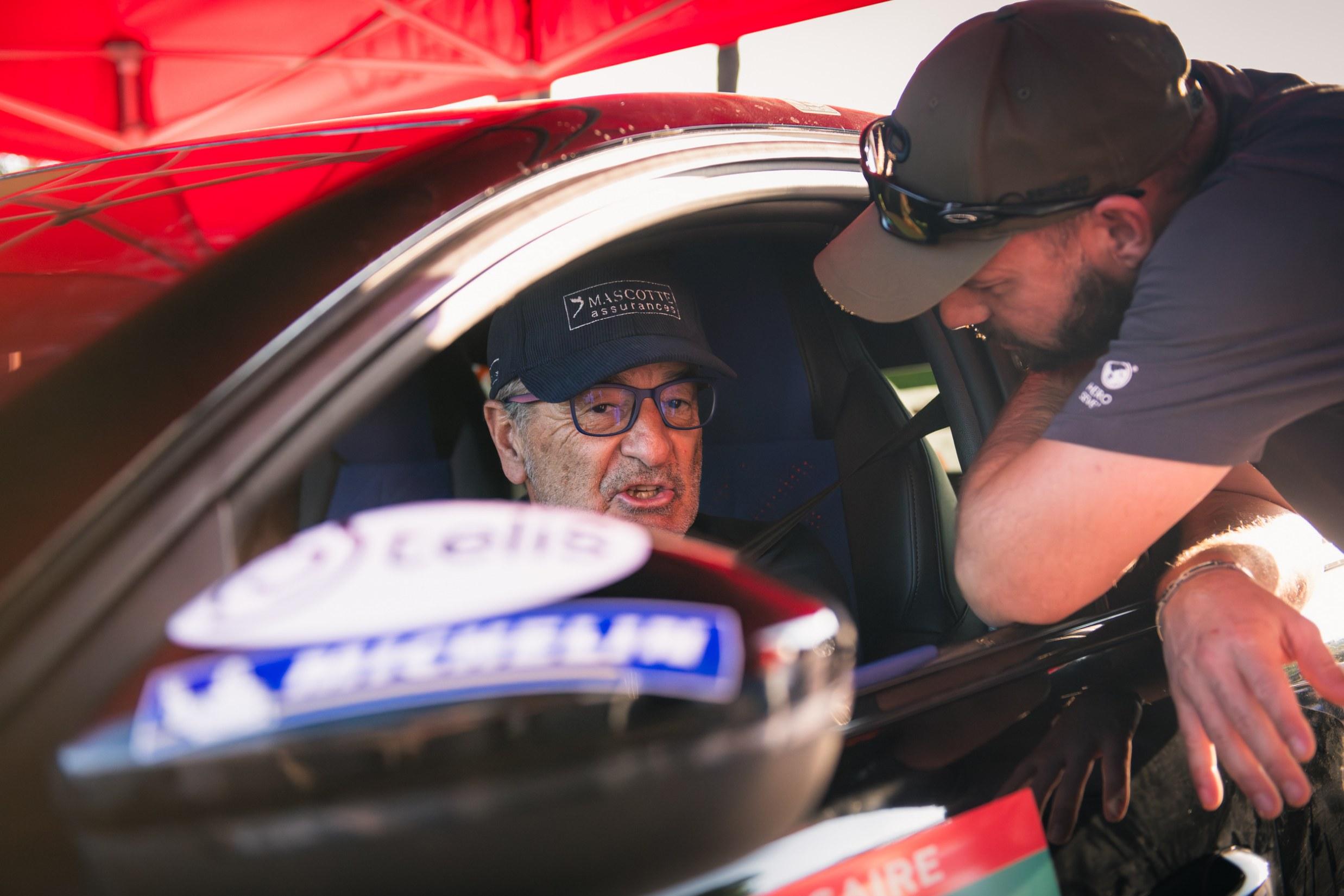
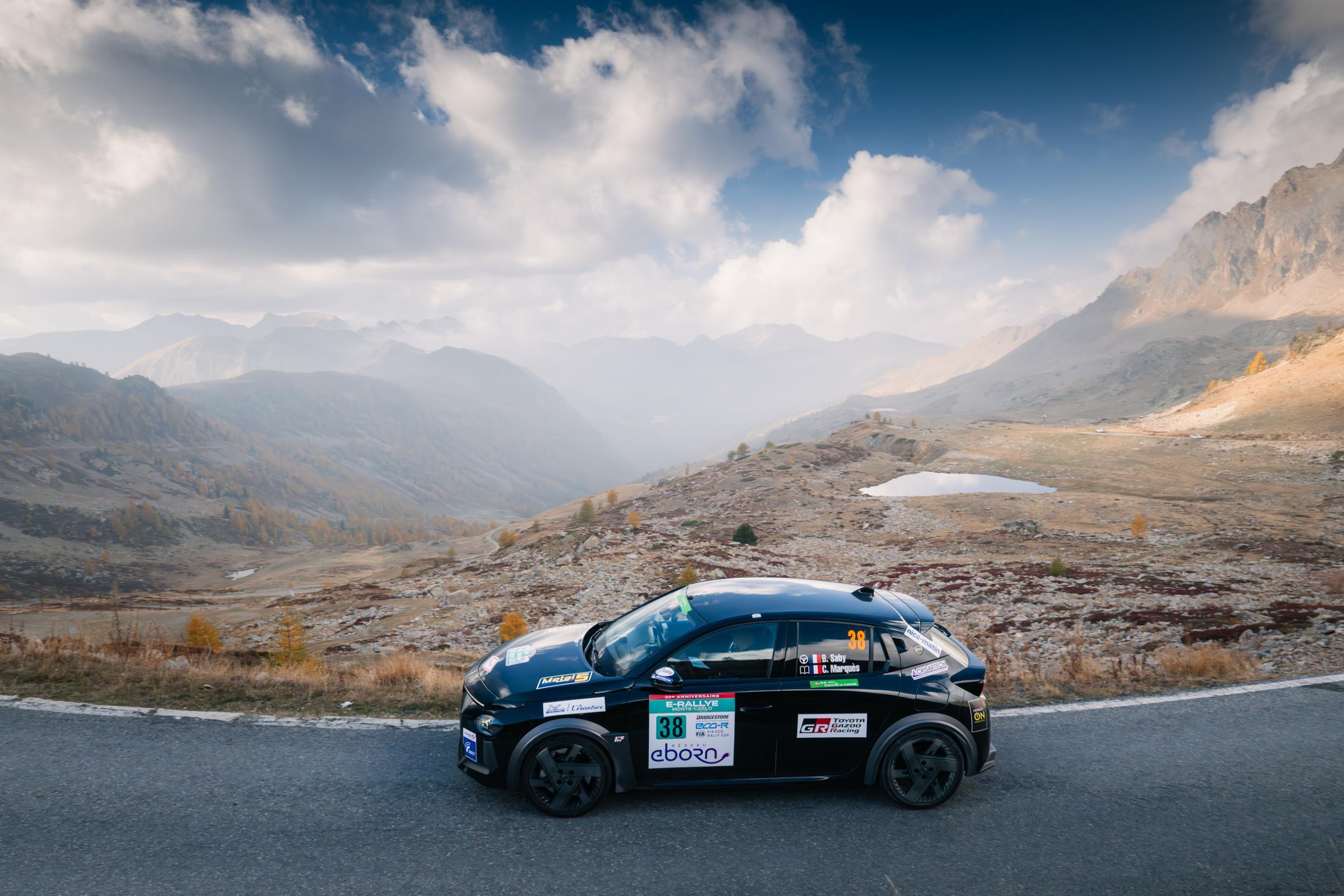
Uff, io questa gara ho puntato su Lewis perché che pensavo avrebbe corso per vincere in memoria di Roscoe 💔Nel mentre Bruno Saby e la sua copilota Christophe Marquès hanno partecipato con la Lancia Ypsilon HF elettrica da 280 CV al E-Rallye Monte-Carlo arrivando quarto. Terzo di categoria dopo la prima notte. Nonostante un leggero calo nella seconda tappa, il duo Saby/Marquès si è piazzato secondo di categoria venerdì, prima di vincere l'ultima tappa sabato. Quarto nella regolarità, Bruno Saby ha piazzato la Lancia Ypsilon HF anche al quinto posto nell'efficienza, per un quarto posto finale di categoria.
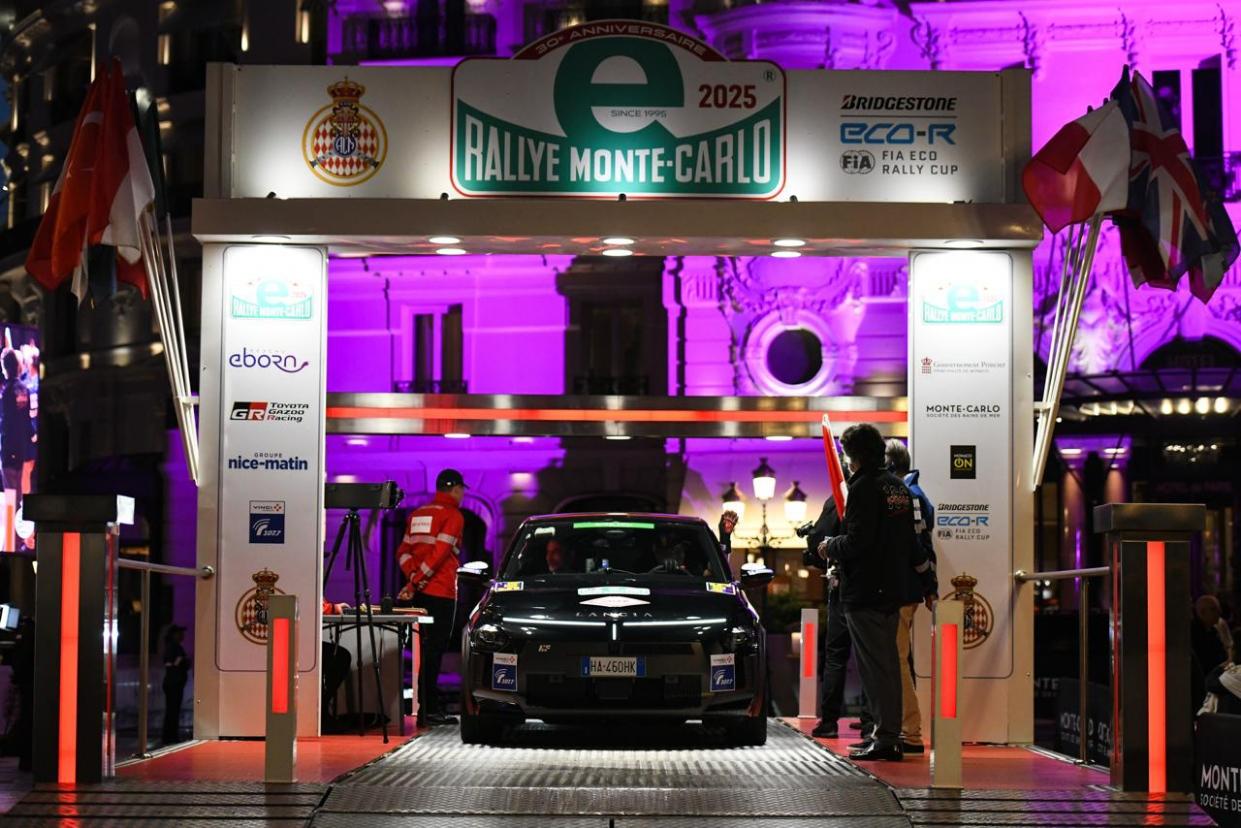
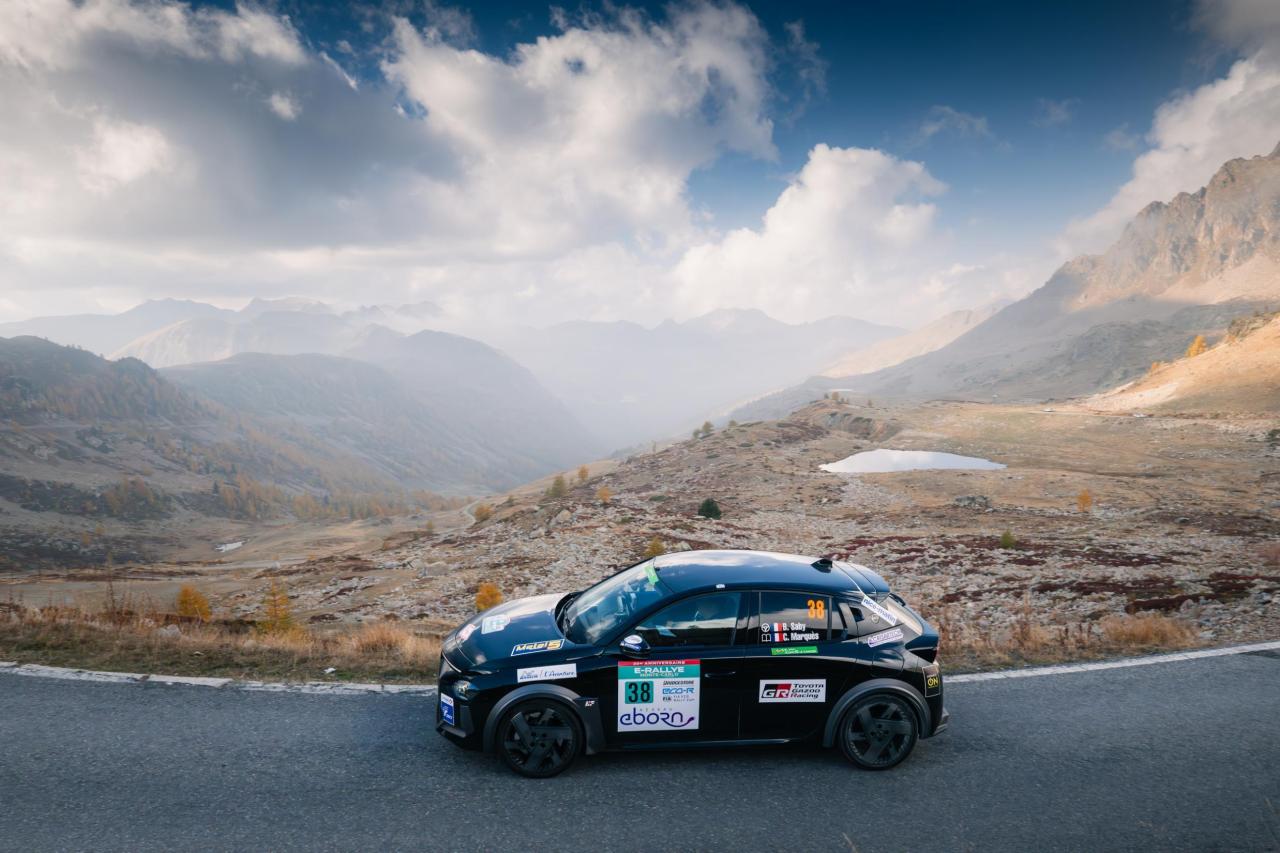
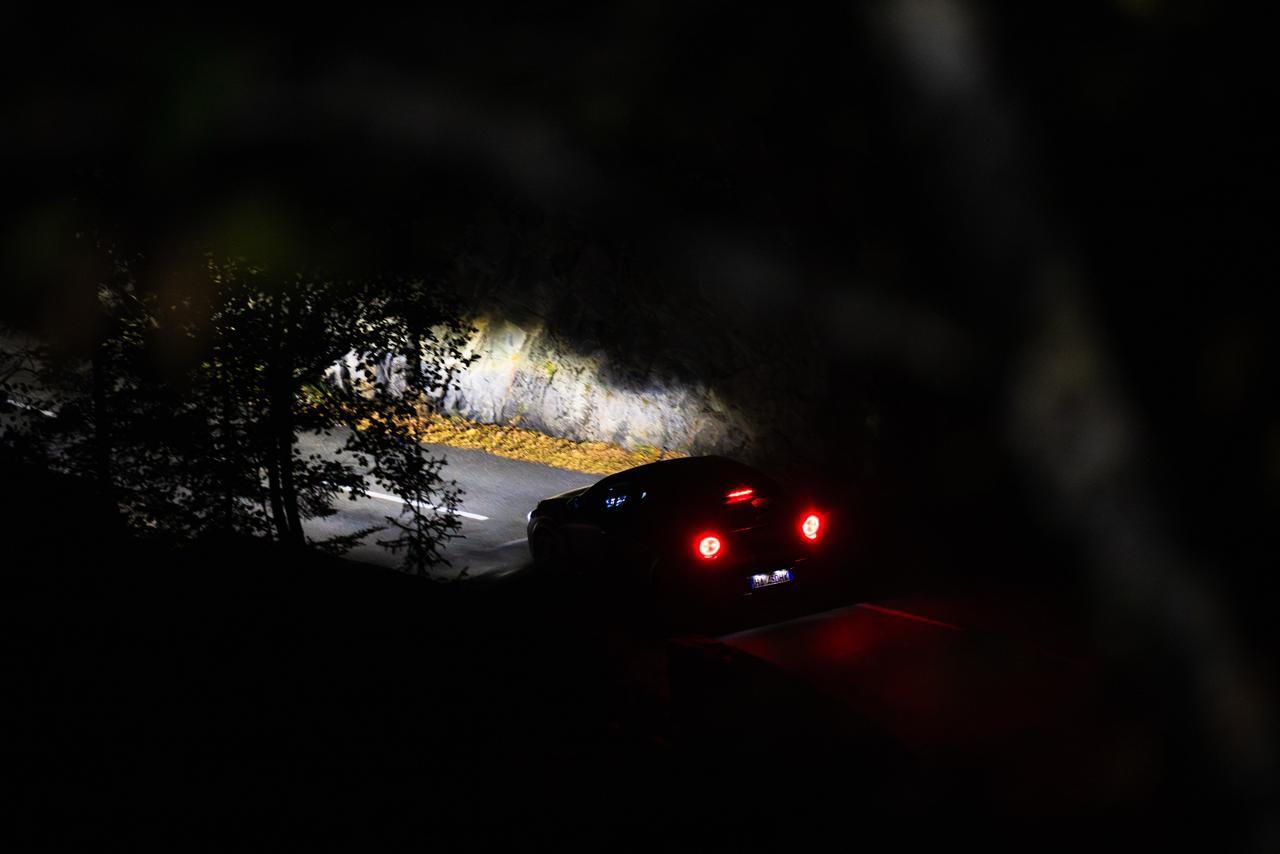
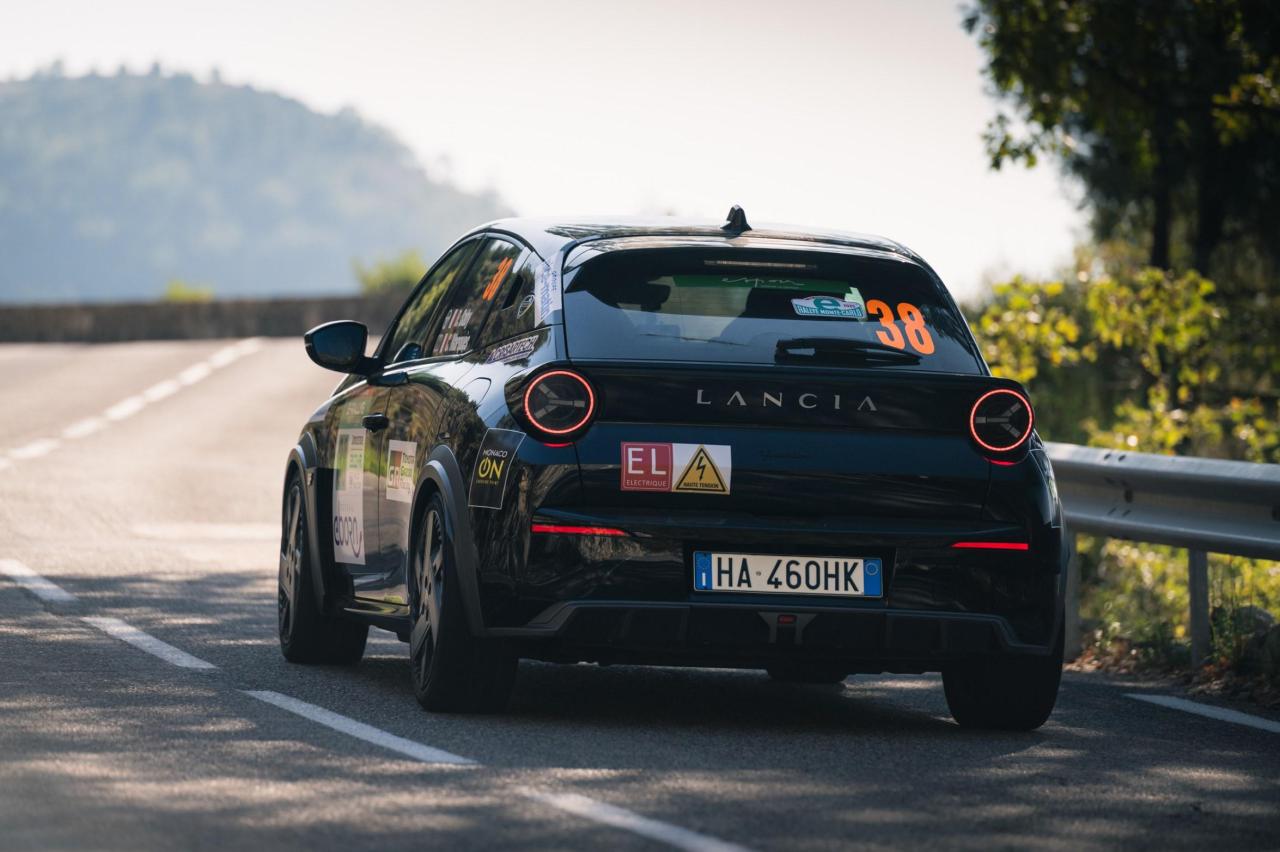
.thumb.jpg.567e8980b2300805478793aee51fcb8c.jpg)
.thumb.jpg.f5215fbd6fb640180e40af0f4a24853f.jpg)
.thumb.jpg.dfdb03616e7938ccf35a7ce7c619a1fa.jpg)
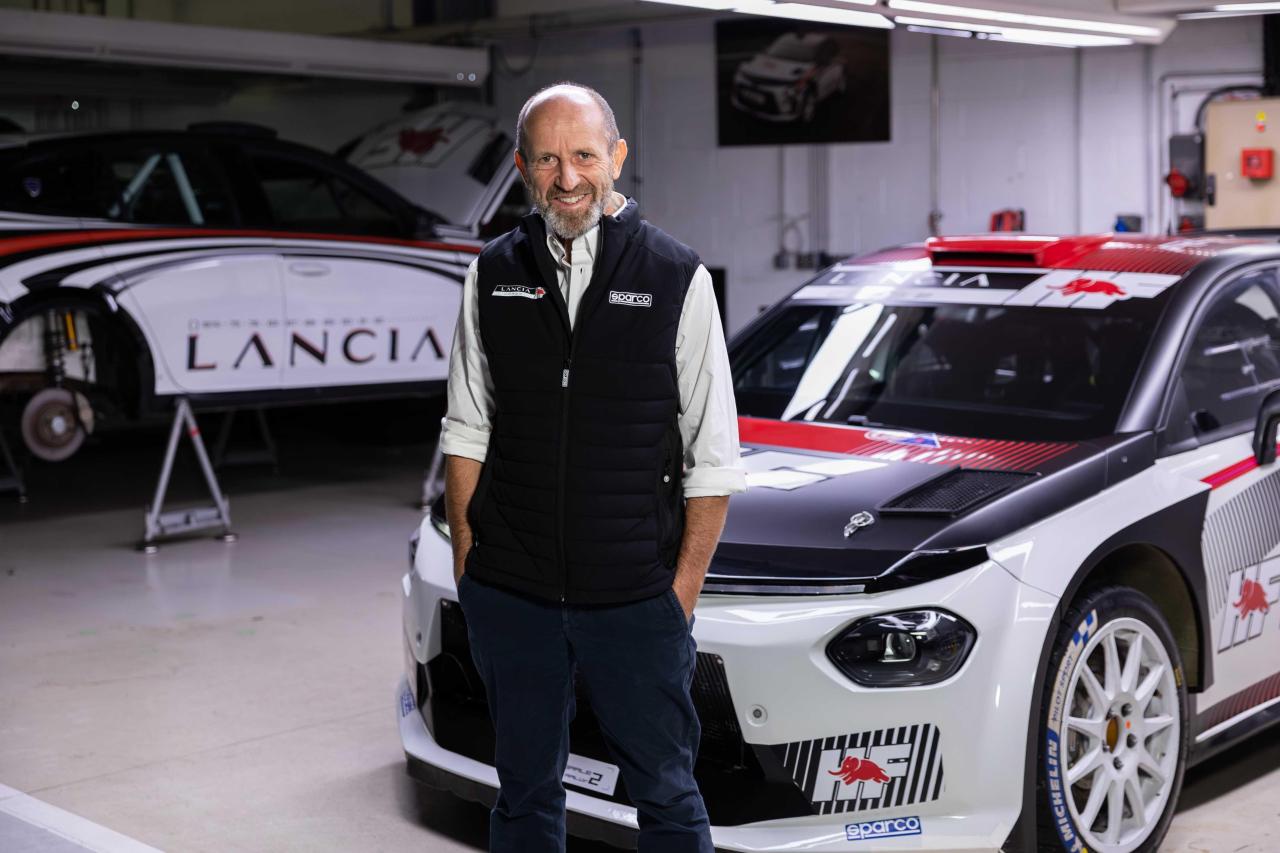
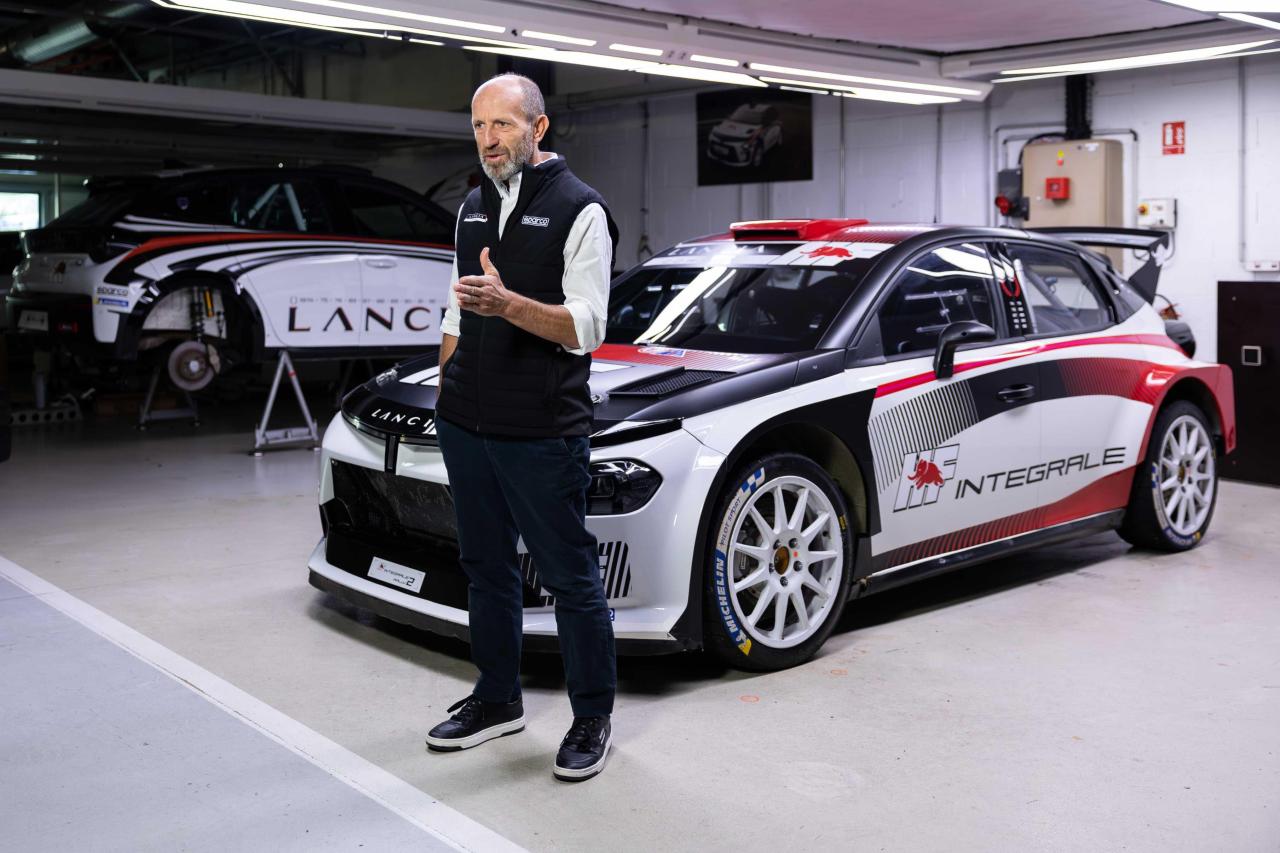
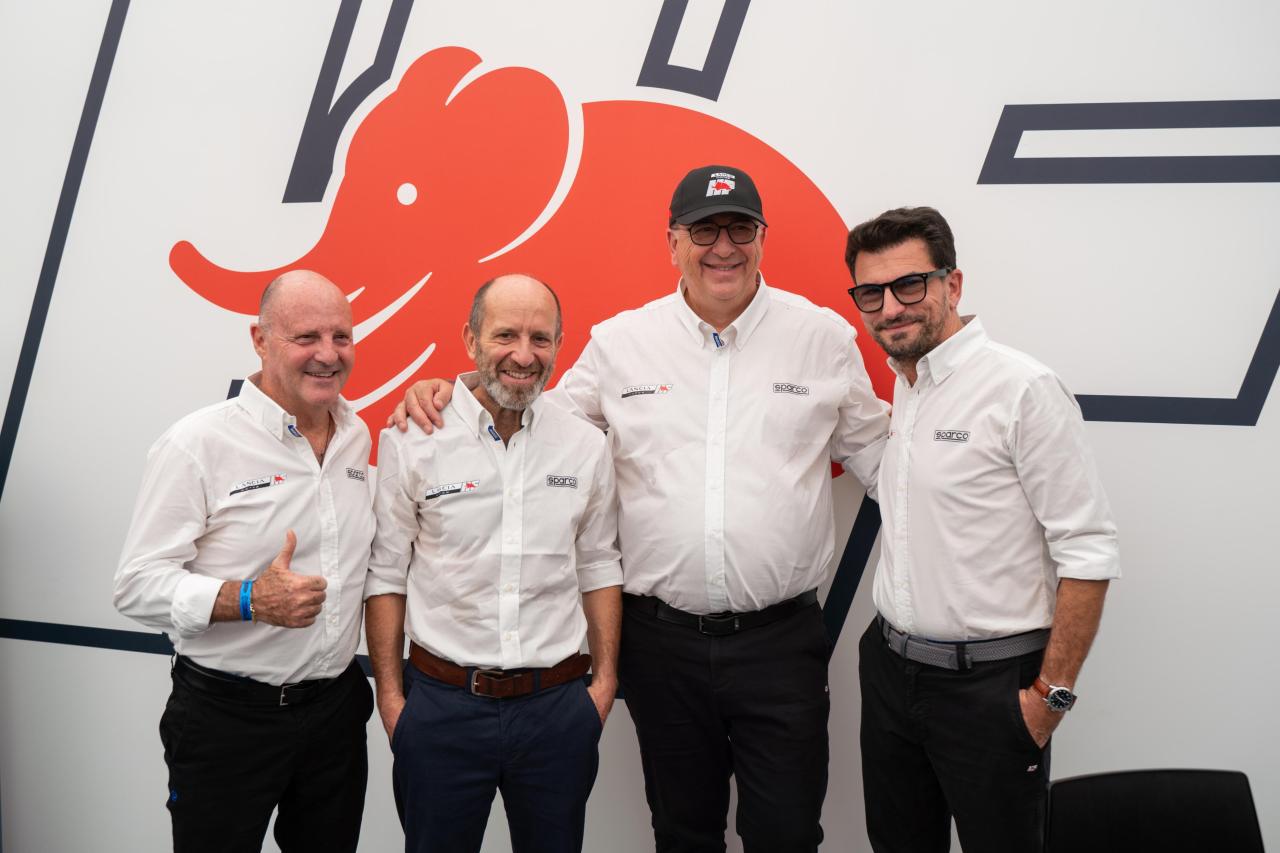
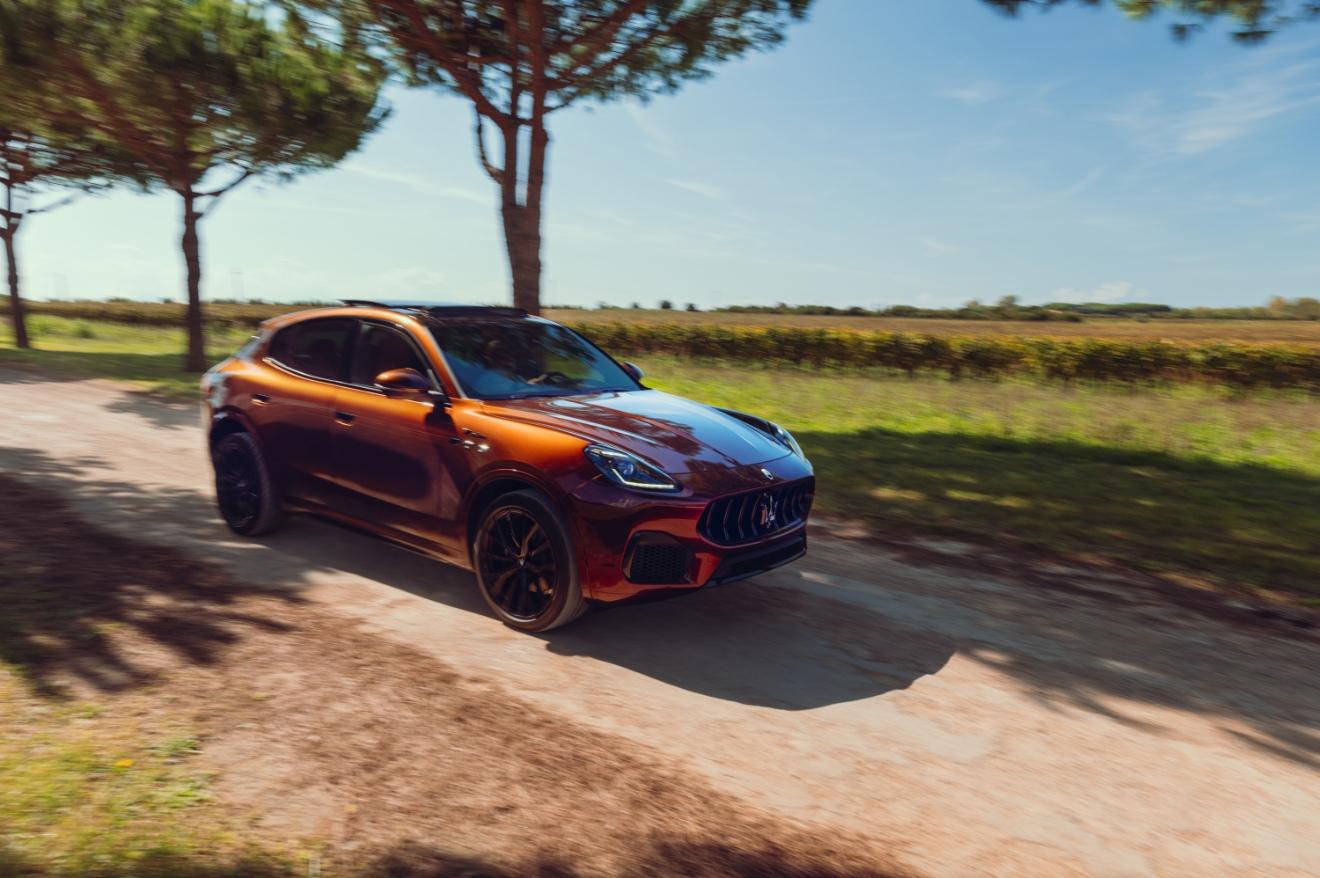
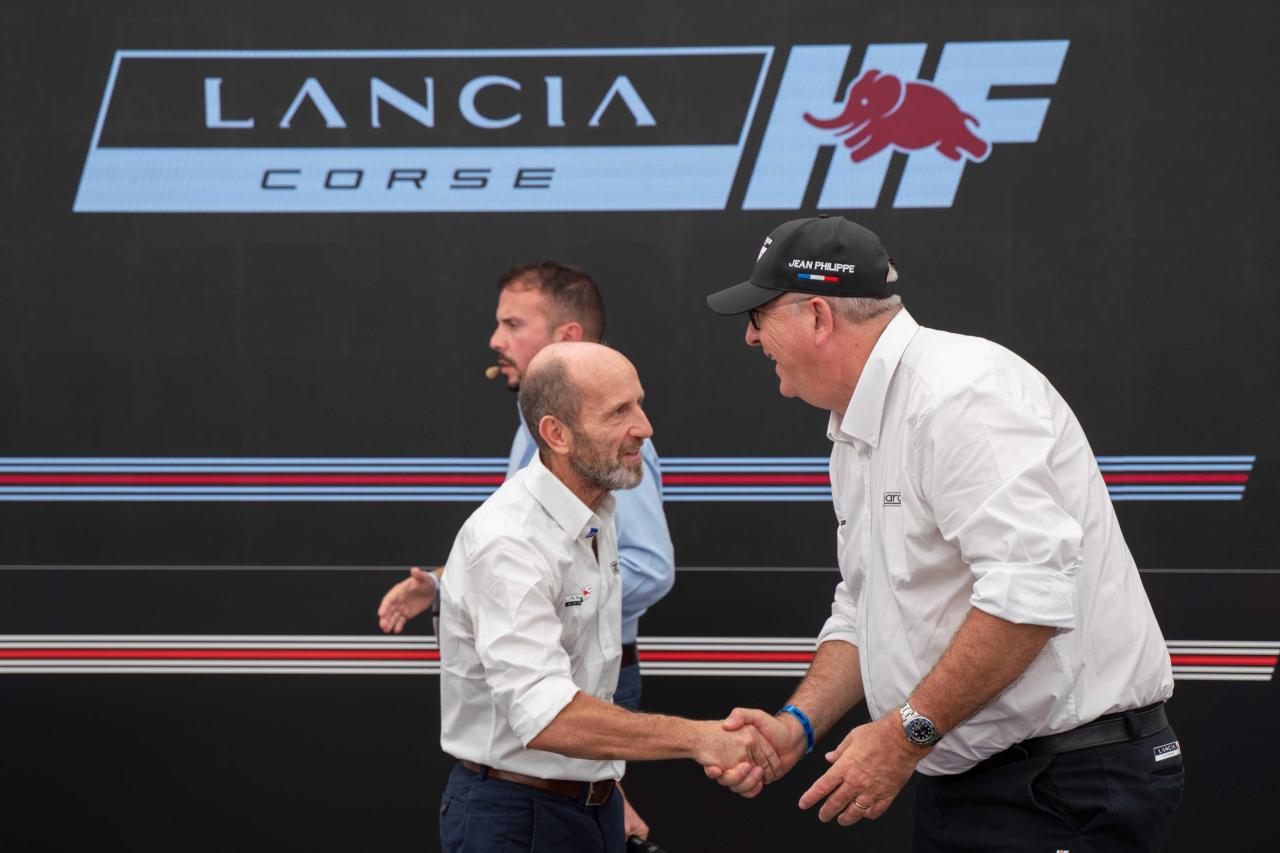 Ma il FL della Bravo Evo che aveva convinto così tanto che poi decisero di anticipare gli stilemi sulla GPunto e ha prodotto quello scempio che abbiamo conosciuto ancora non si è visto da nessuna parte? Così come la Multipla II cassata all'ultimo da Marchionne che all'epoca chi l'aveva vista la descrisse come molto bellaMa non è niente male come FL!!! 😍Imparato come il prezzemolo, è OVUNQUE "L'attività nel motorsport è occasione di business, è investimento quindi qualcosa di molto utile a livello business" ha dichiarato Jean Philipe Imparato, Ceo Maserati e appassionato di rally.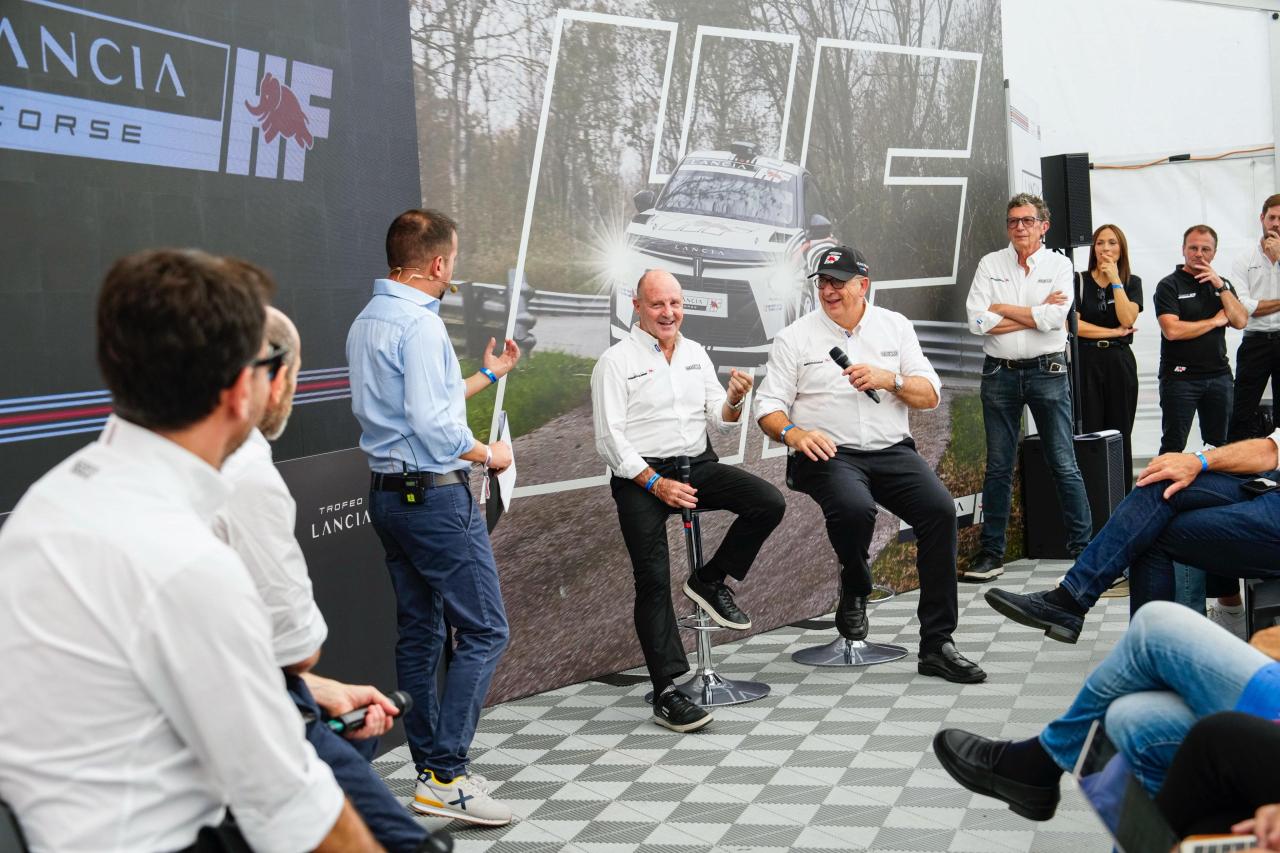
 È arrivato il momento di acquistare una Wrangler per chi l'ha sempre desiderata! Jeep infatti ha confermato che l'iconico fuoristrada saluterà l'Europa a fine anno perché non più omologabile in UE in quanto non compatibile con la direttiva GSR26 https://www.autoexpress.co.uk/jeep/wrangler/368068/end-nigh-jeep-wrangler-legendary-4x4-being-axed-europe


.jpg.17eb1733d57d2ae709ece10d3a857490.jpg)
.jpg.607896f2511d70858d54c716b20a88ac.jpg)


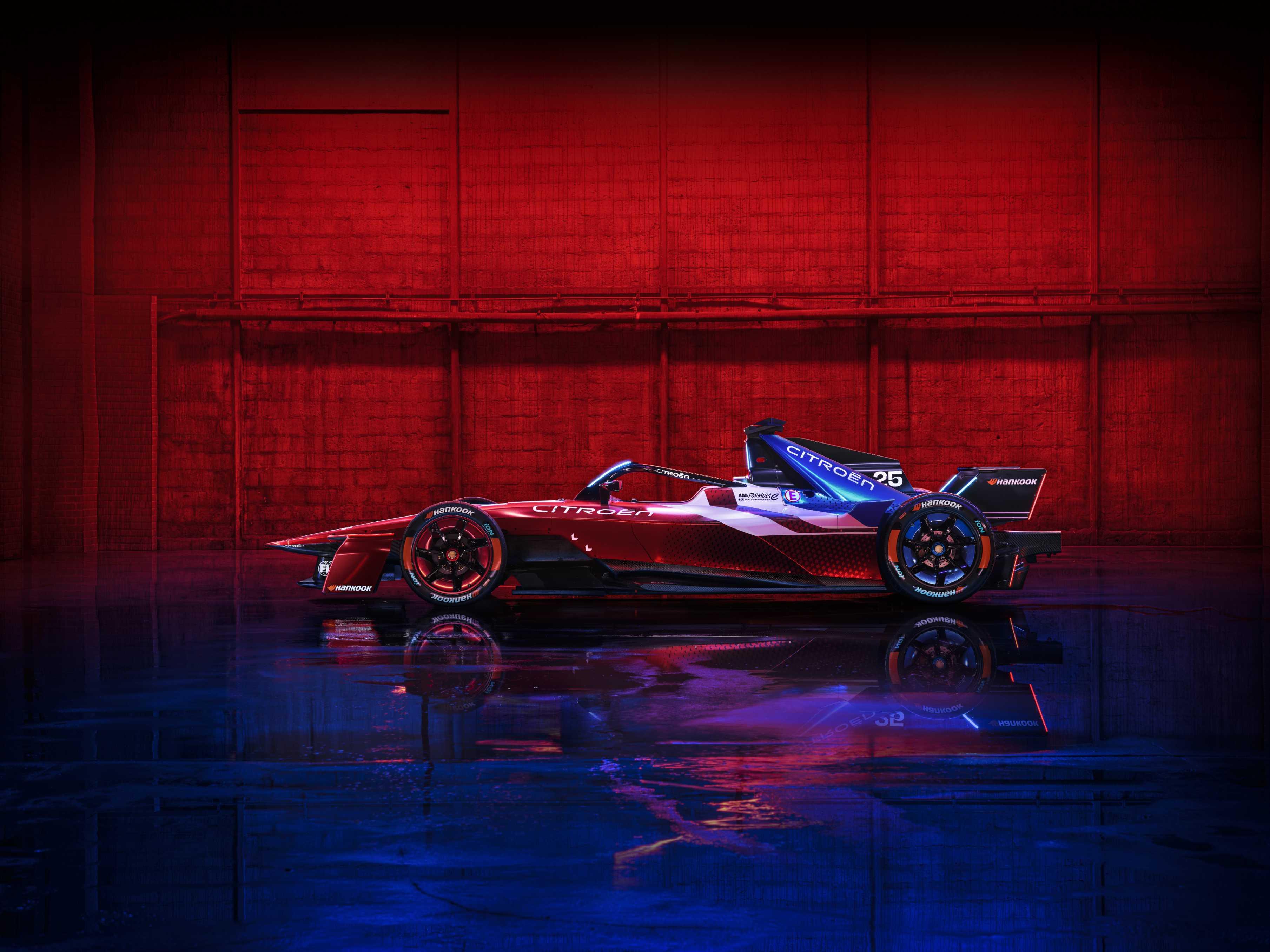
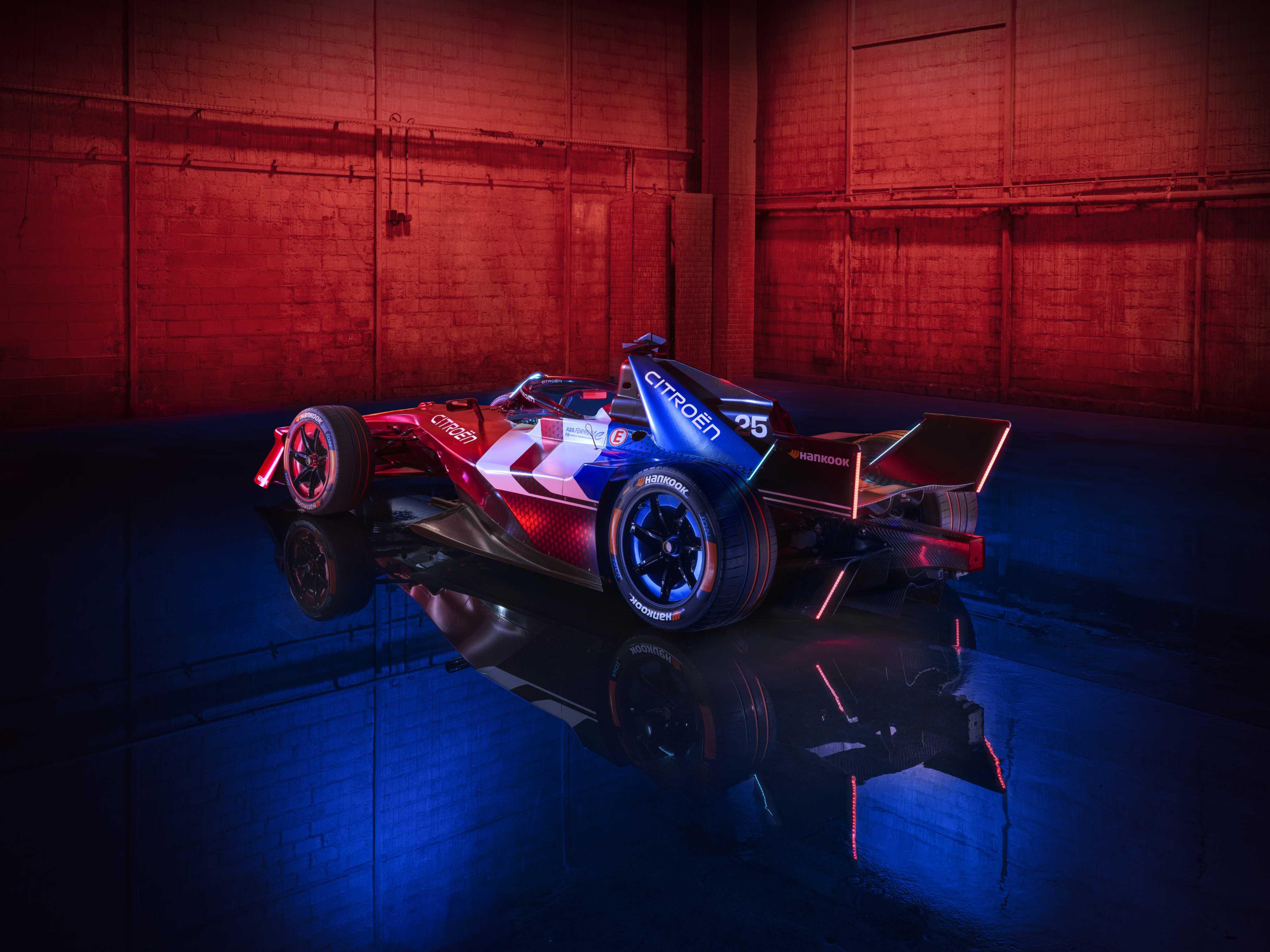
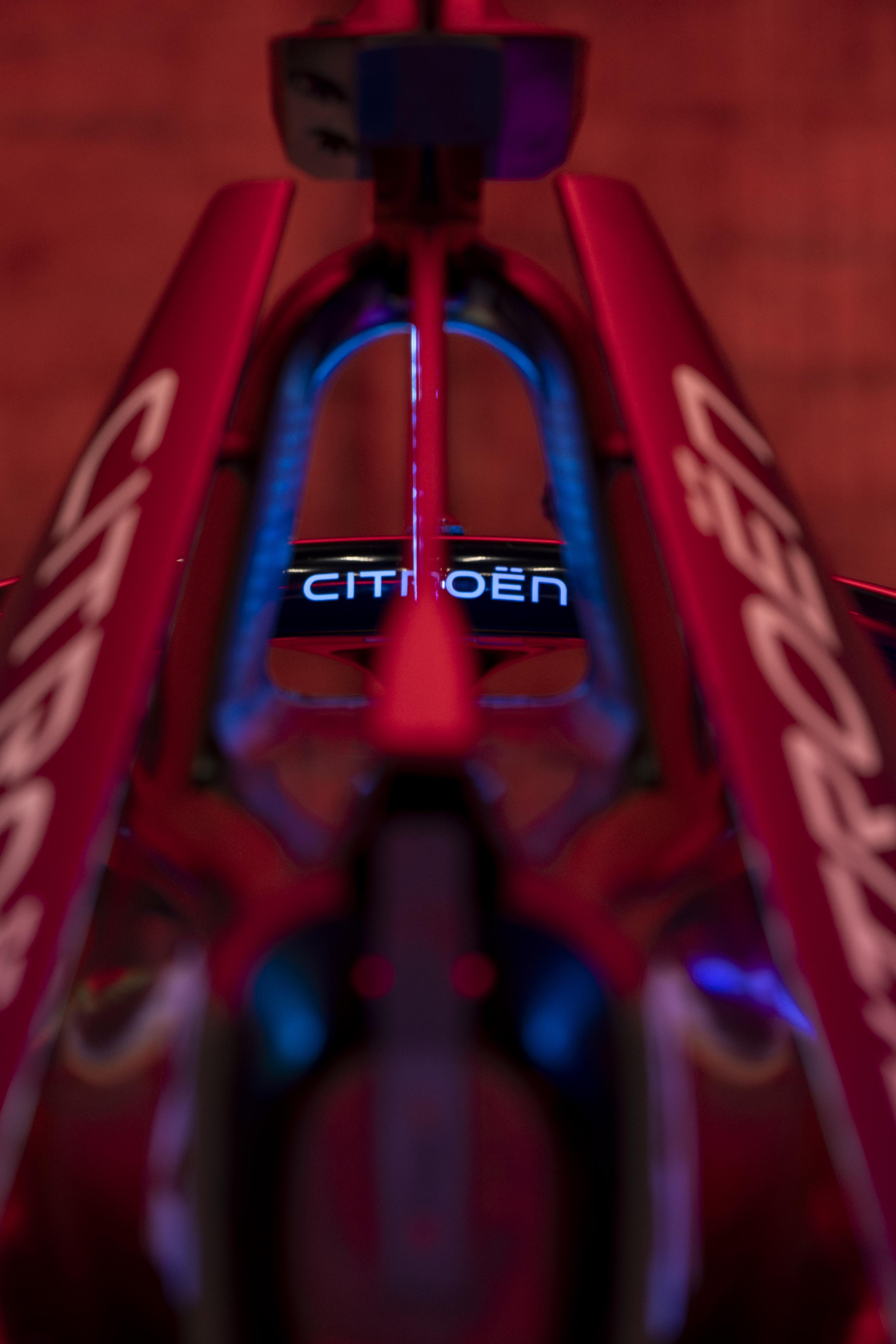
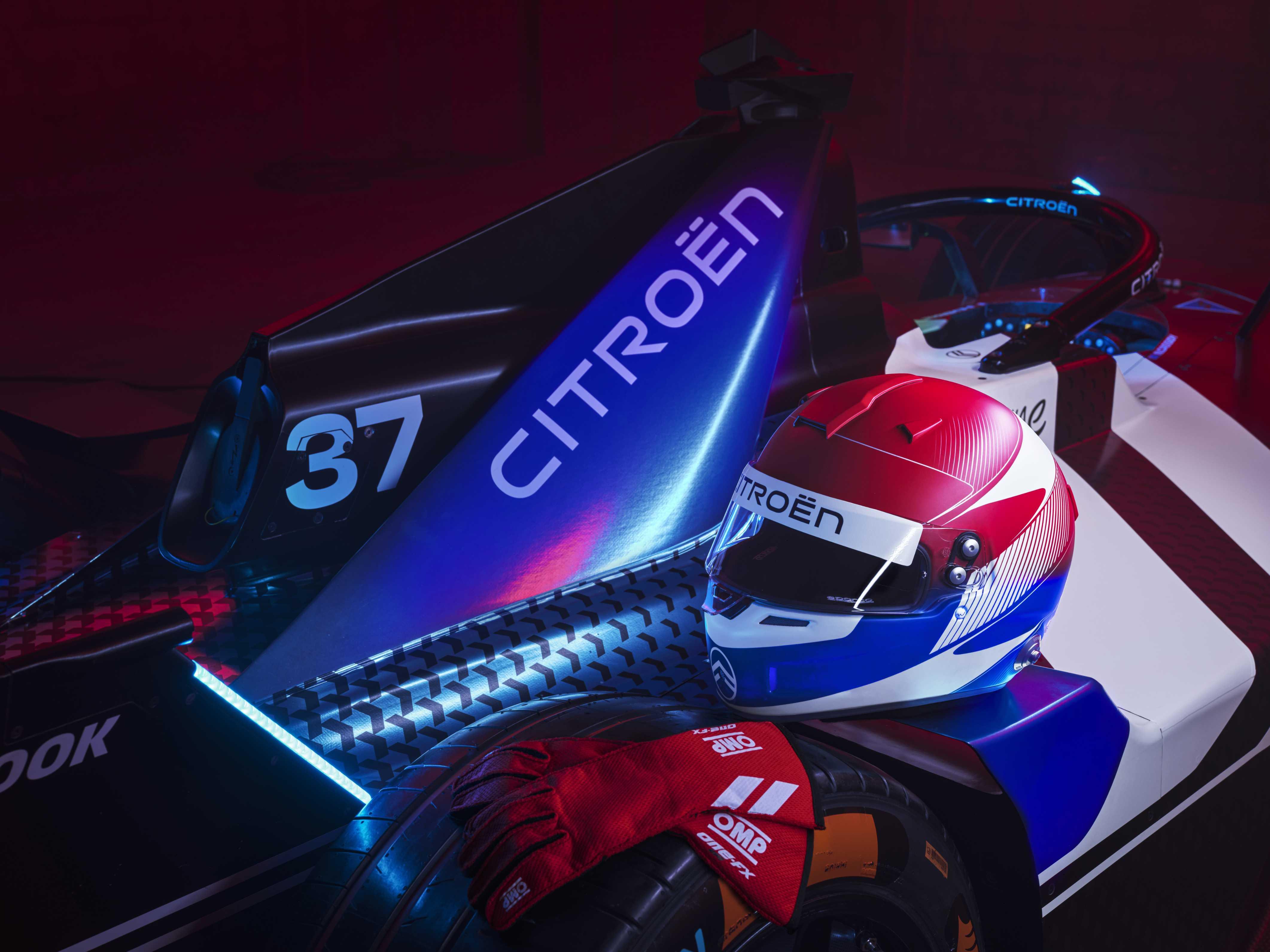
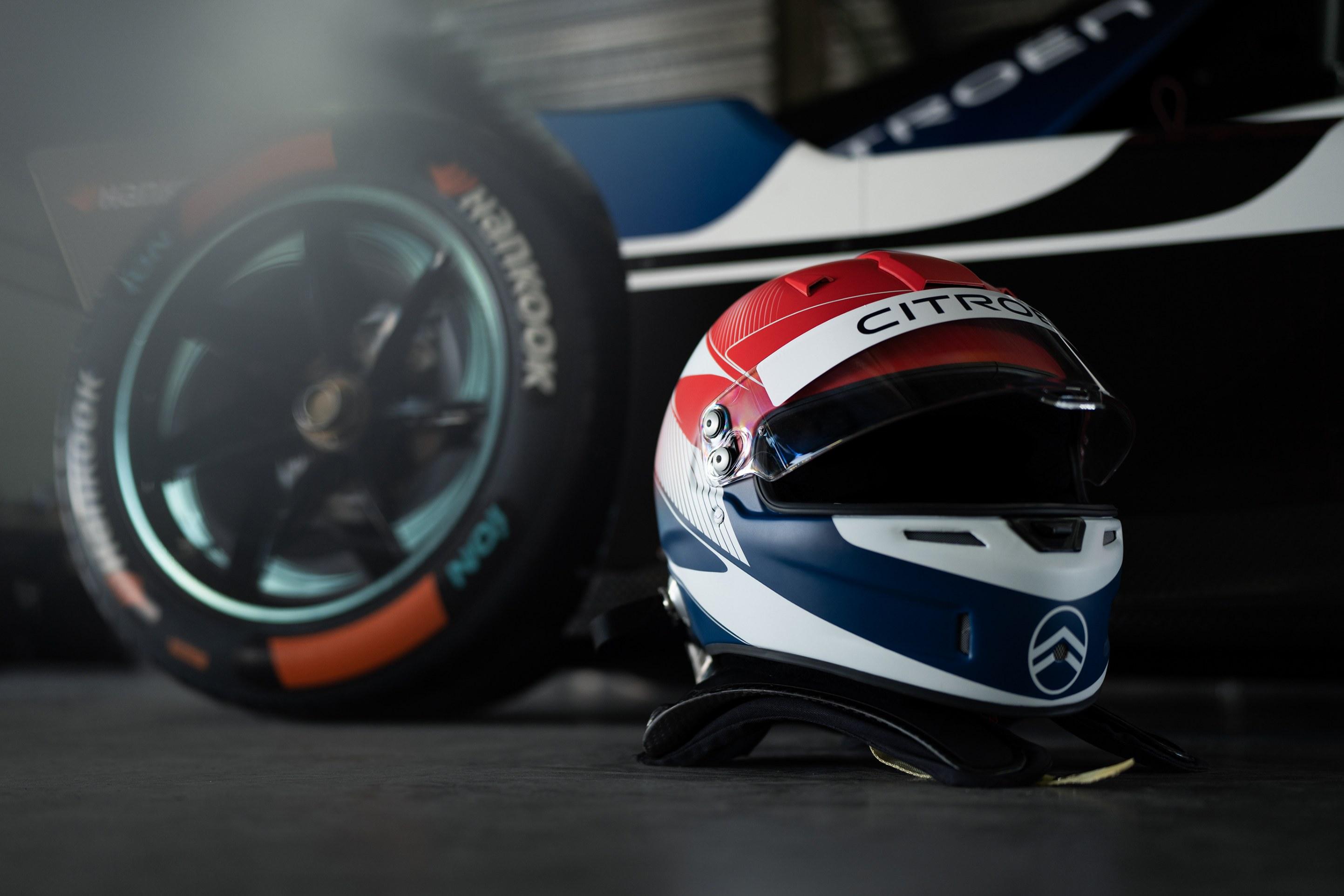
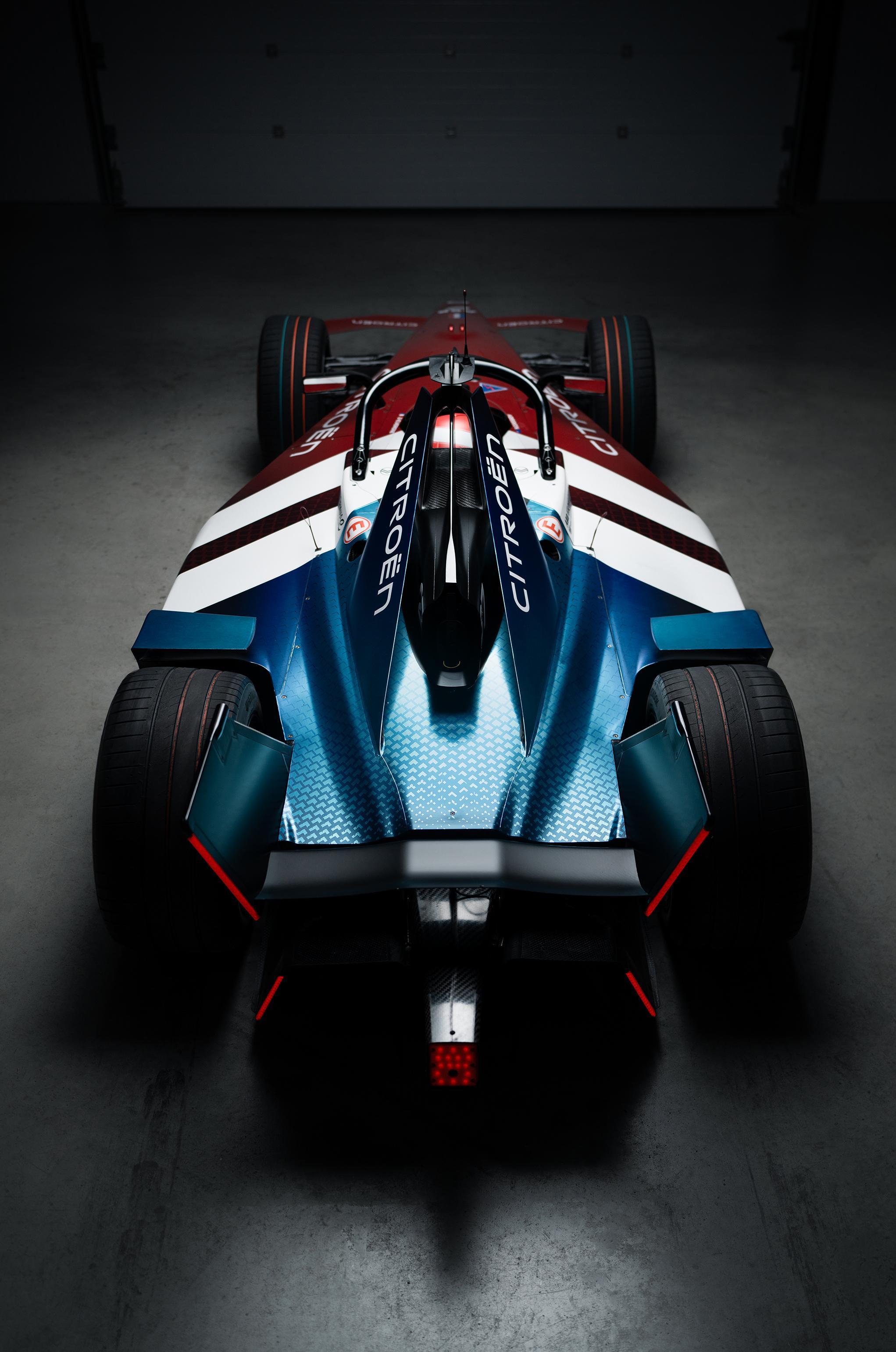
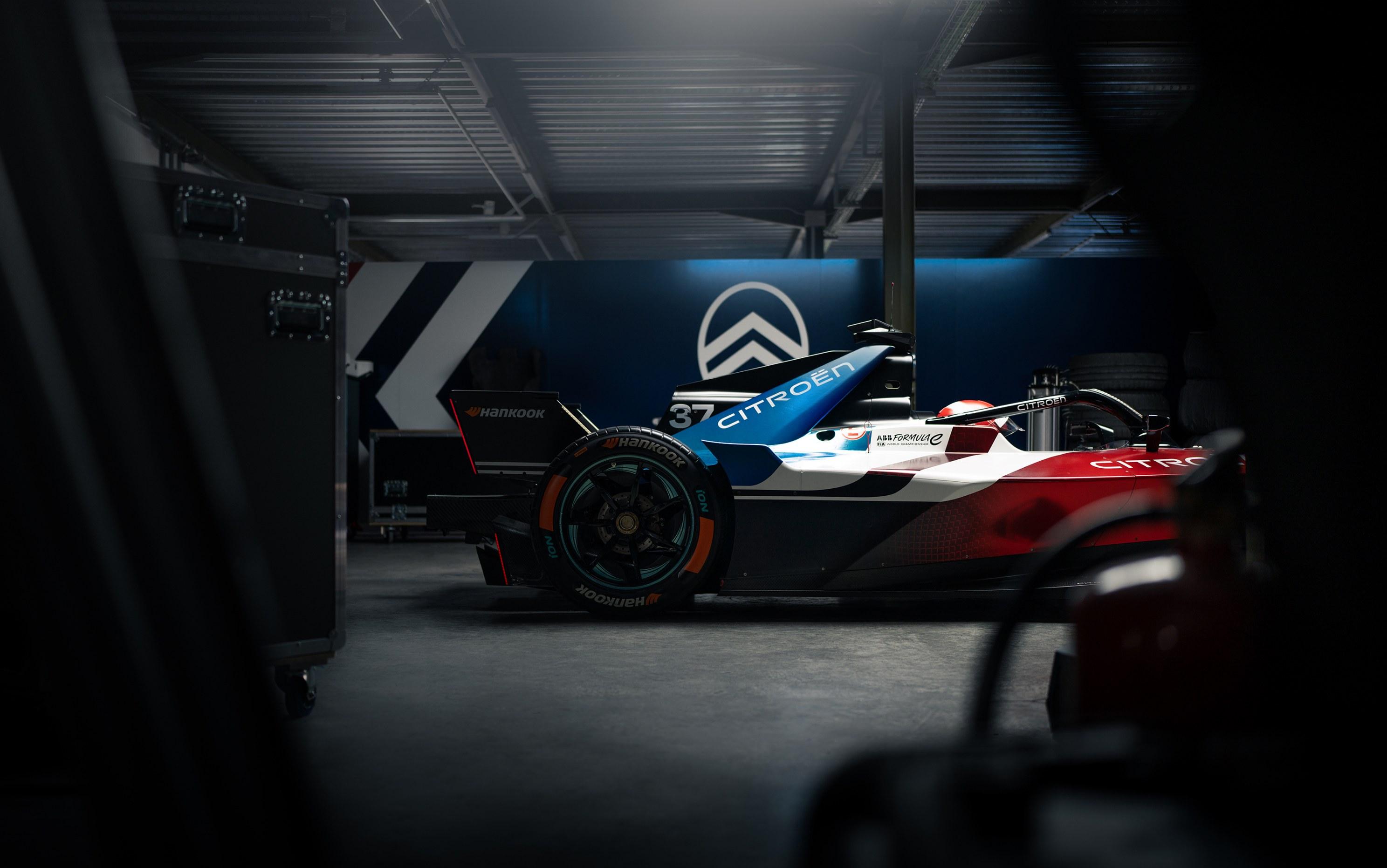
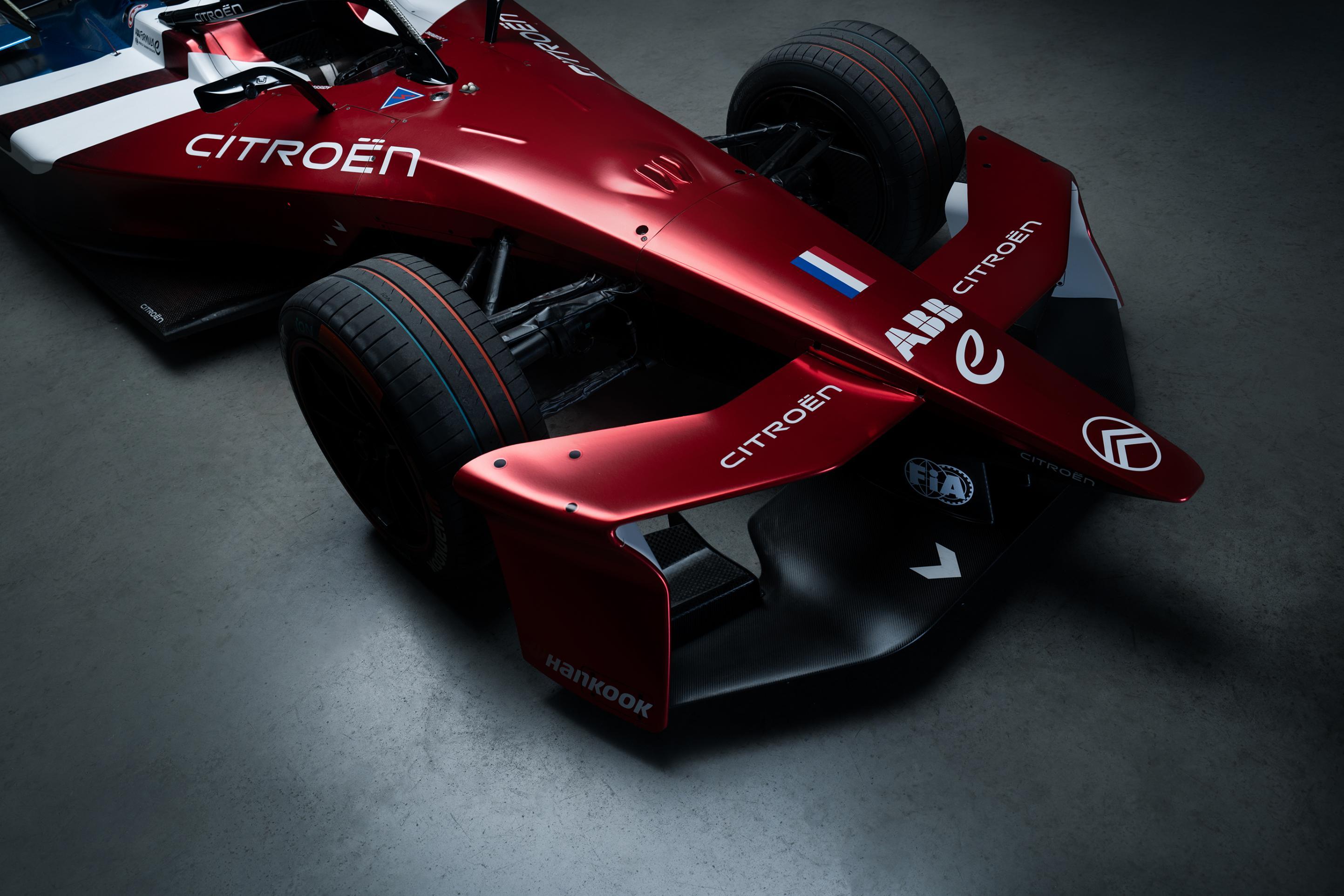
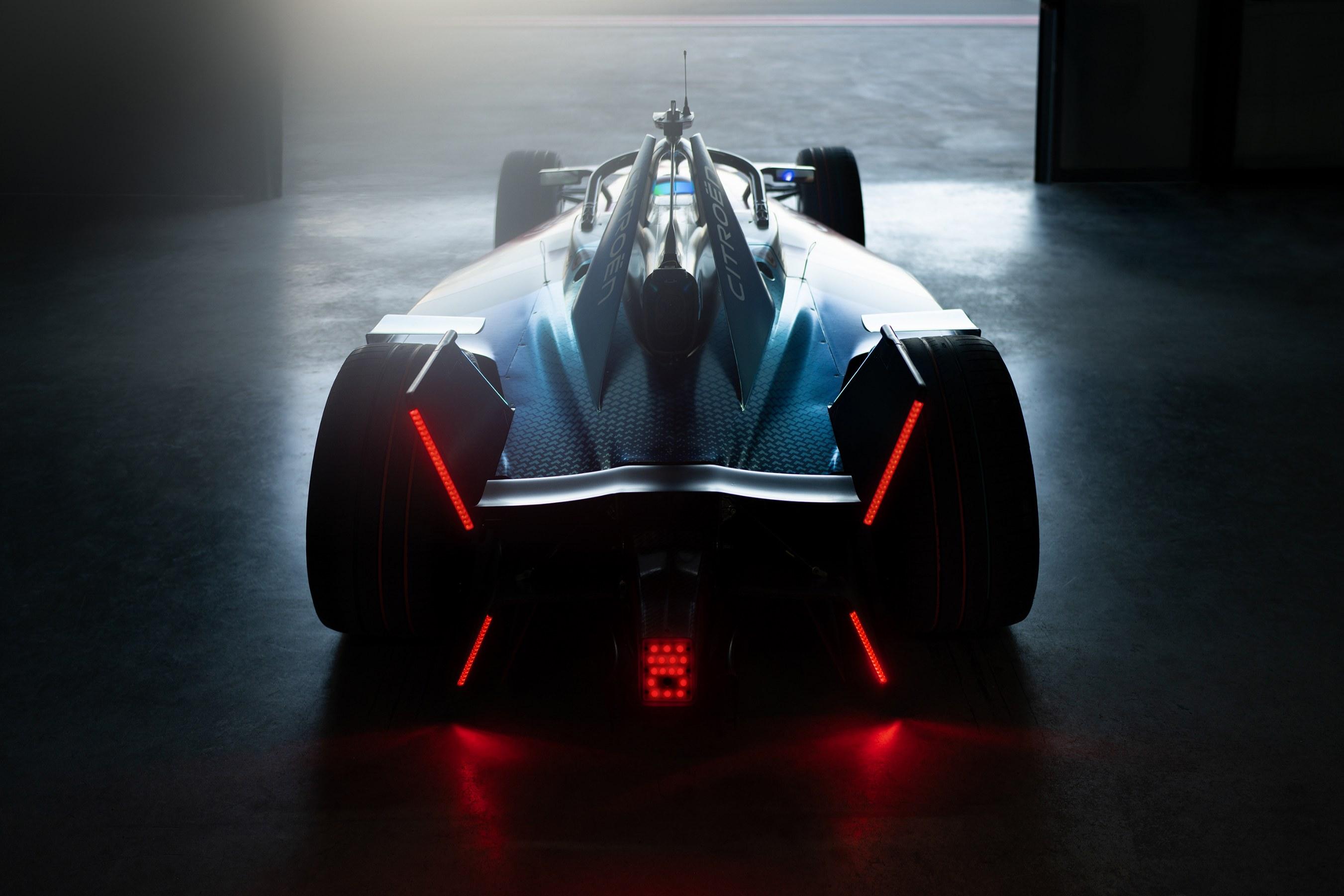
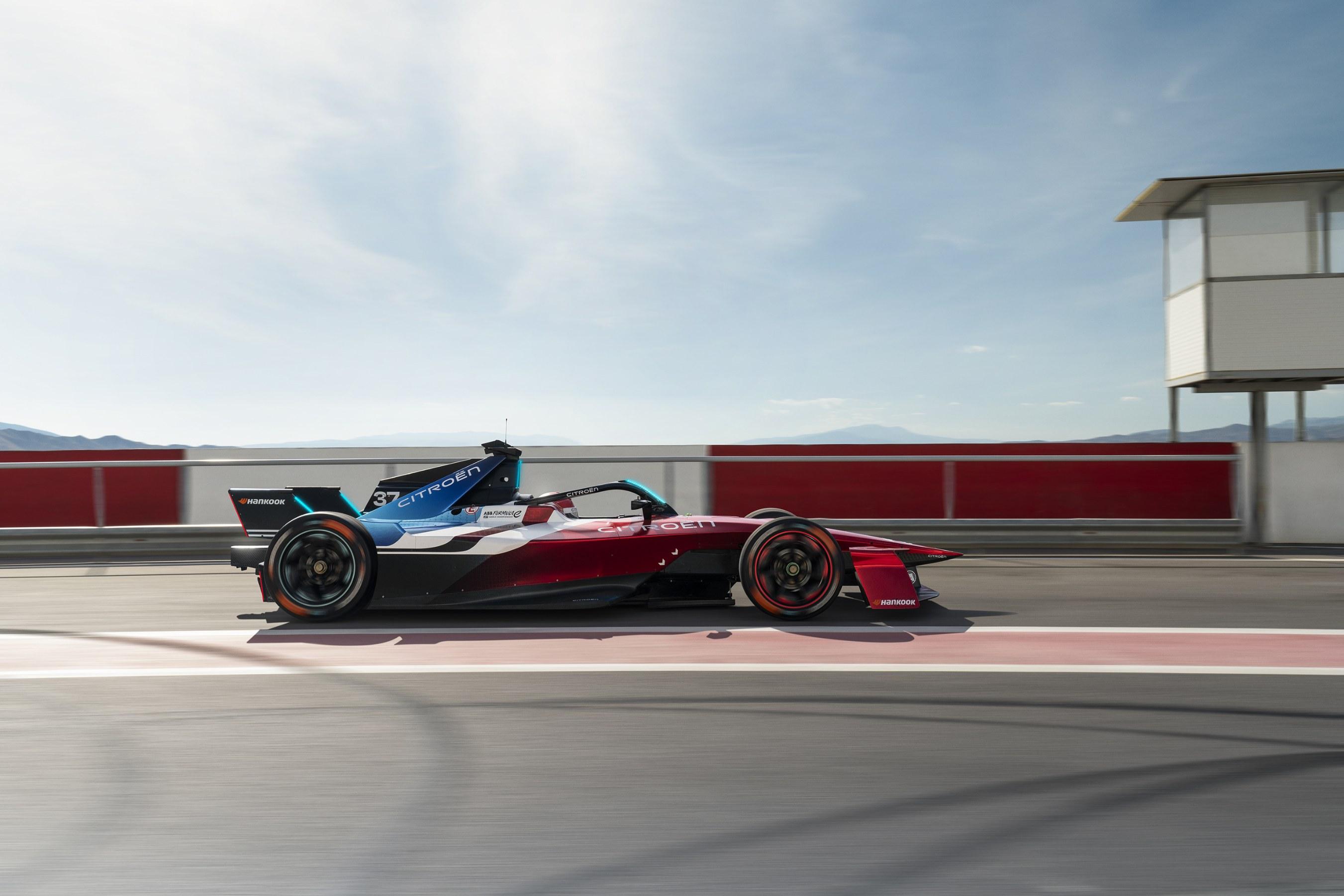
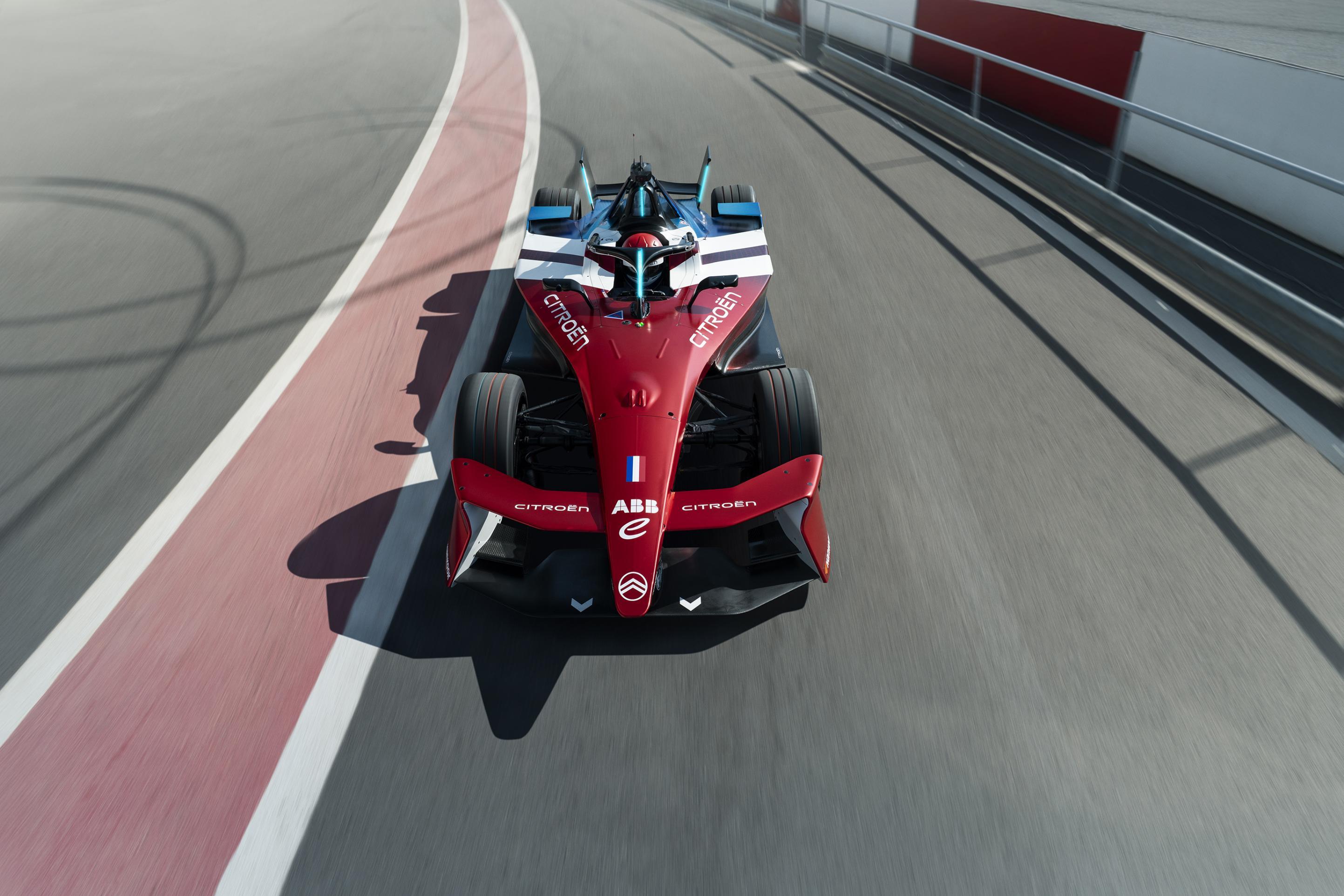
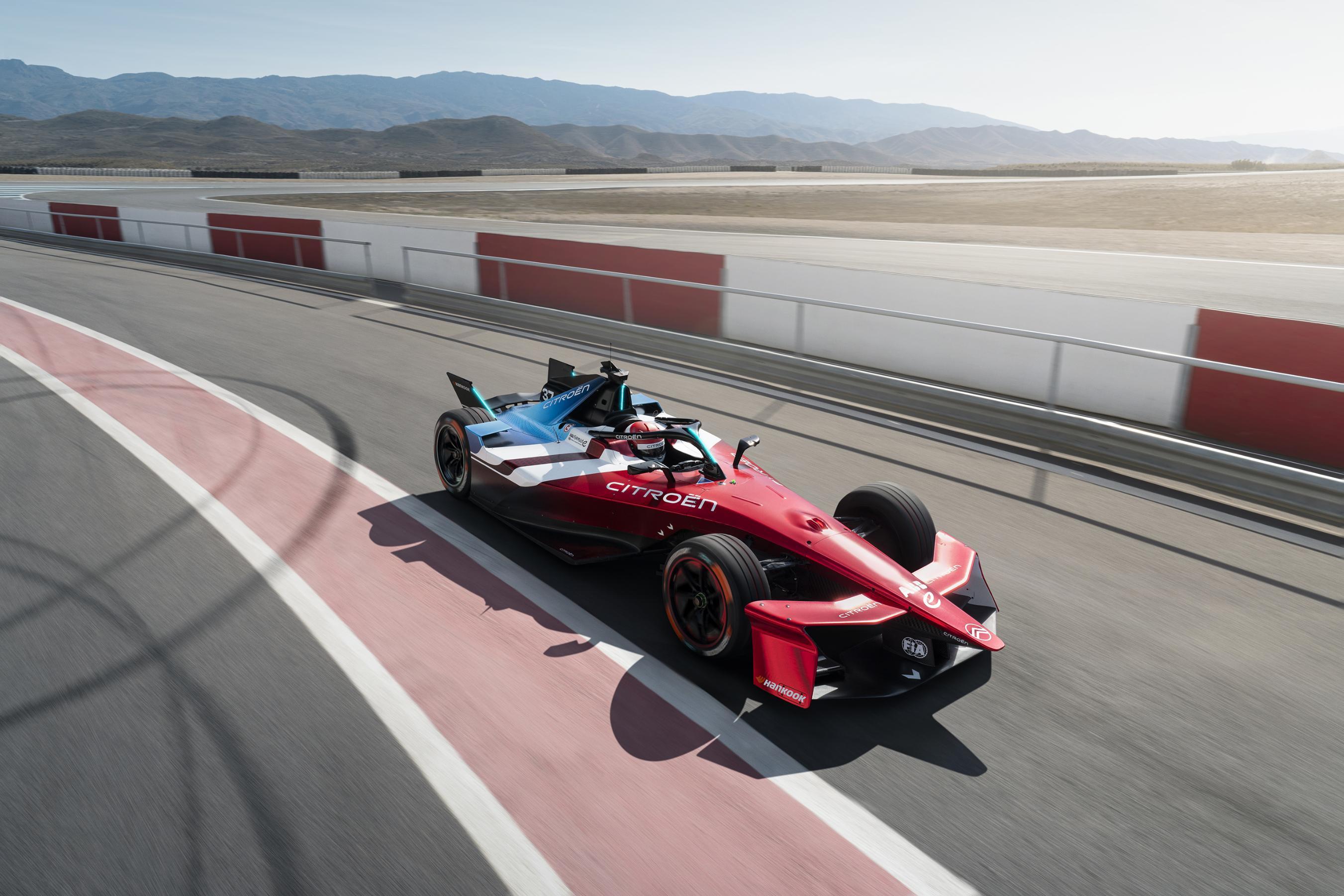
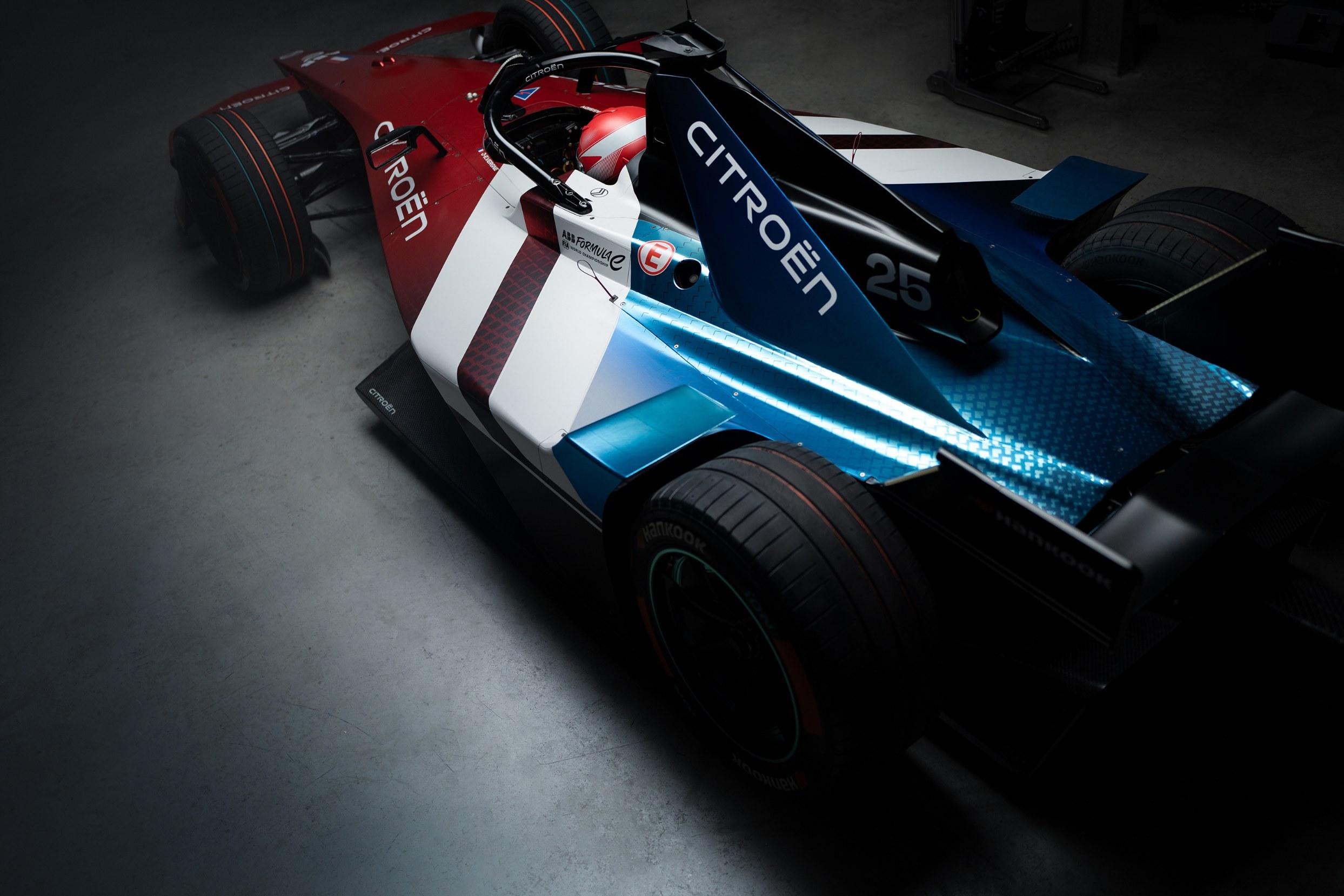
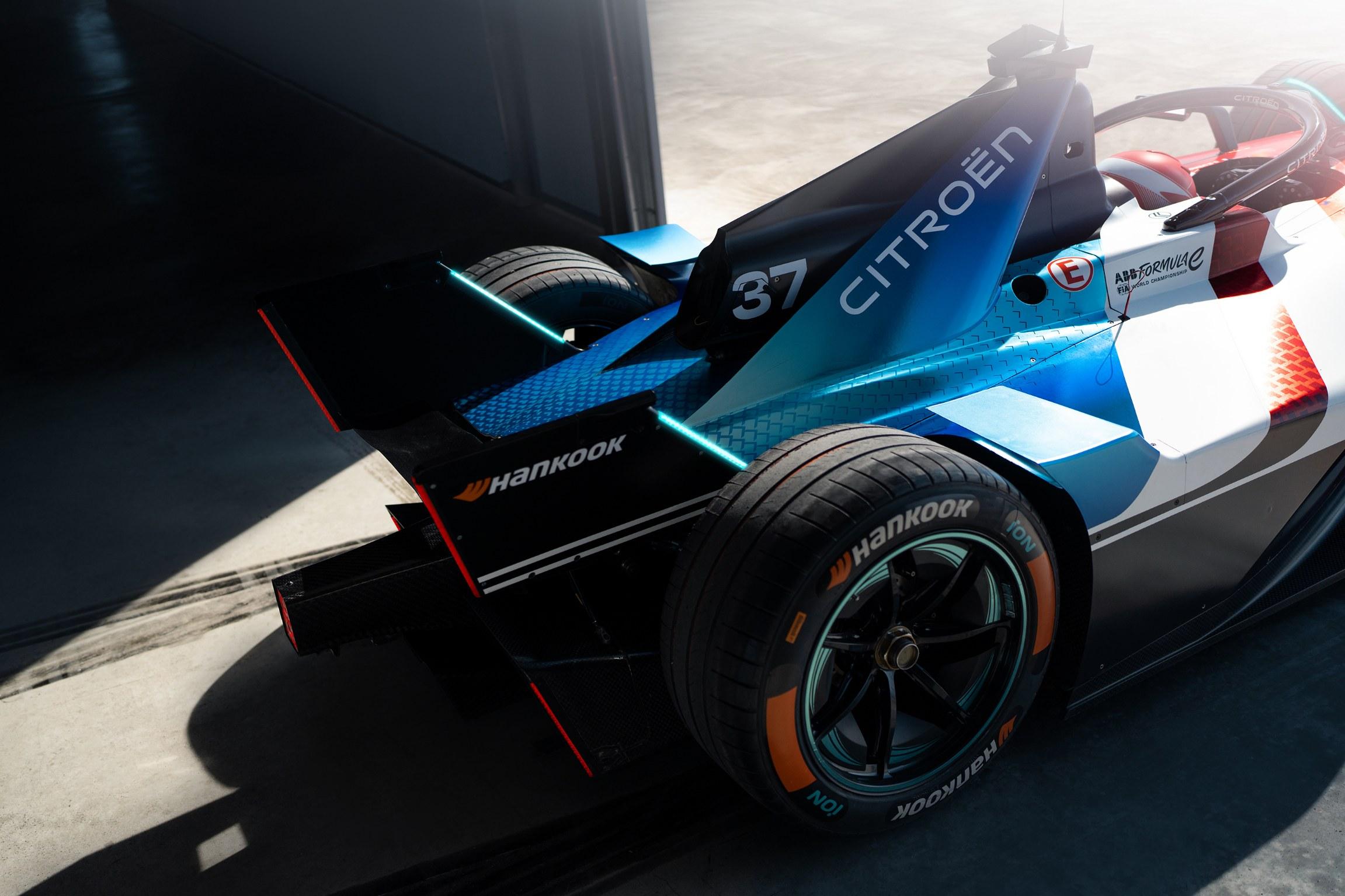
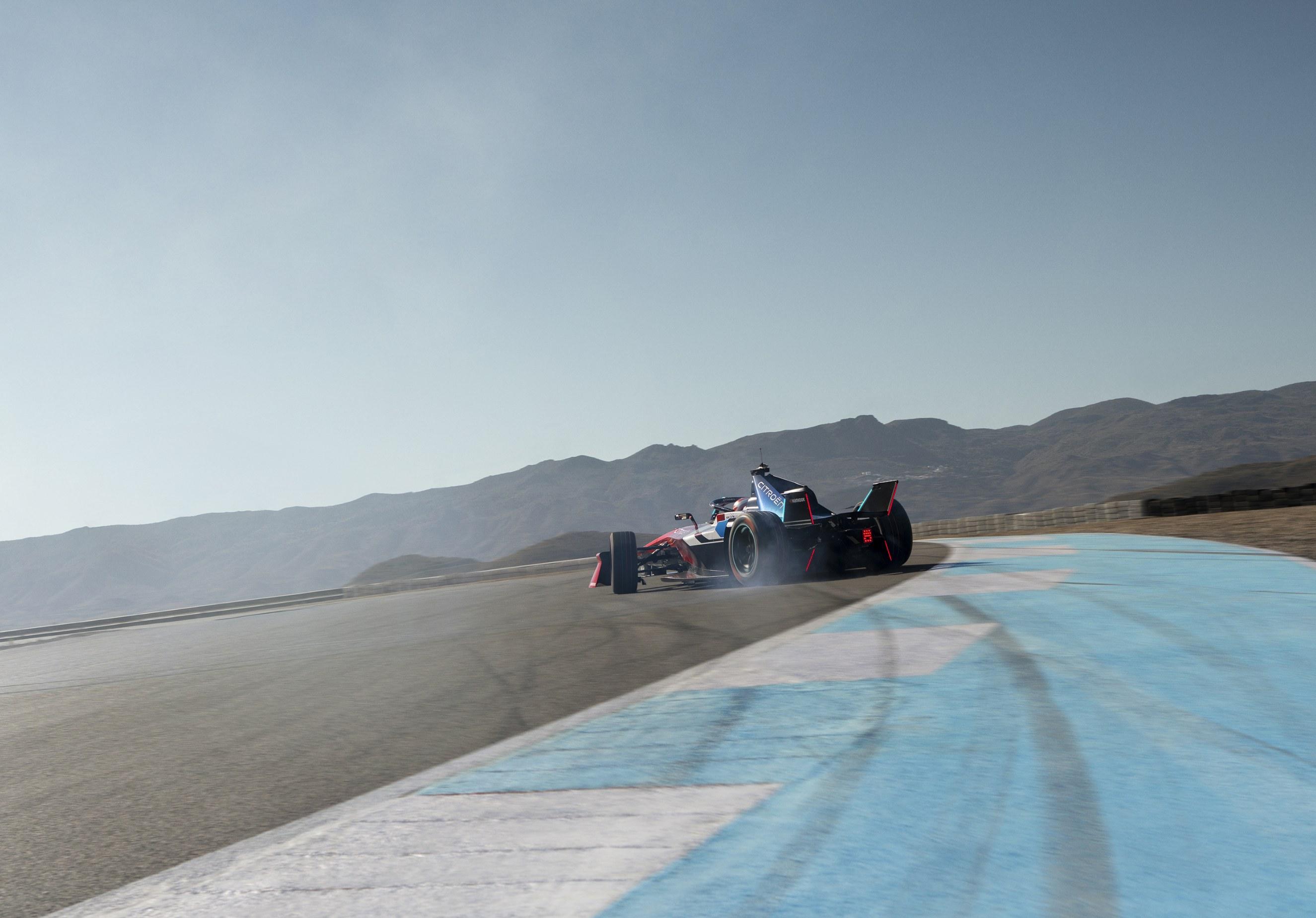

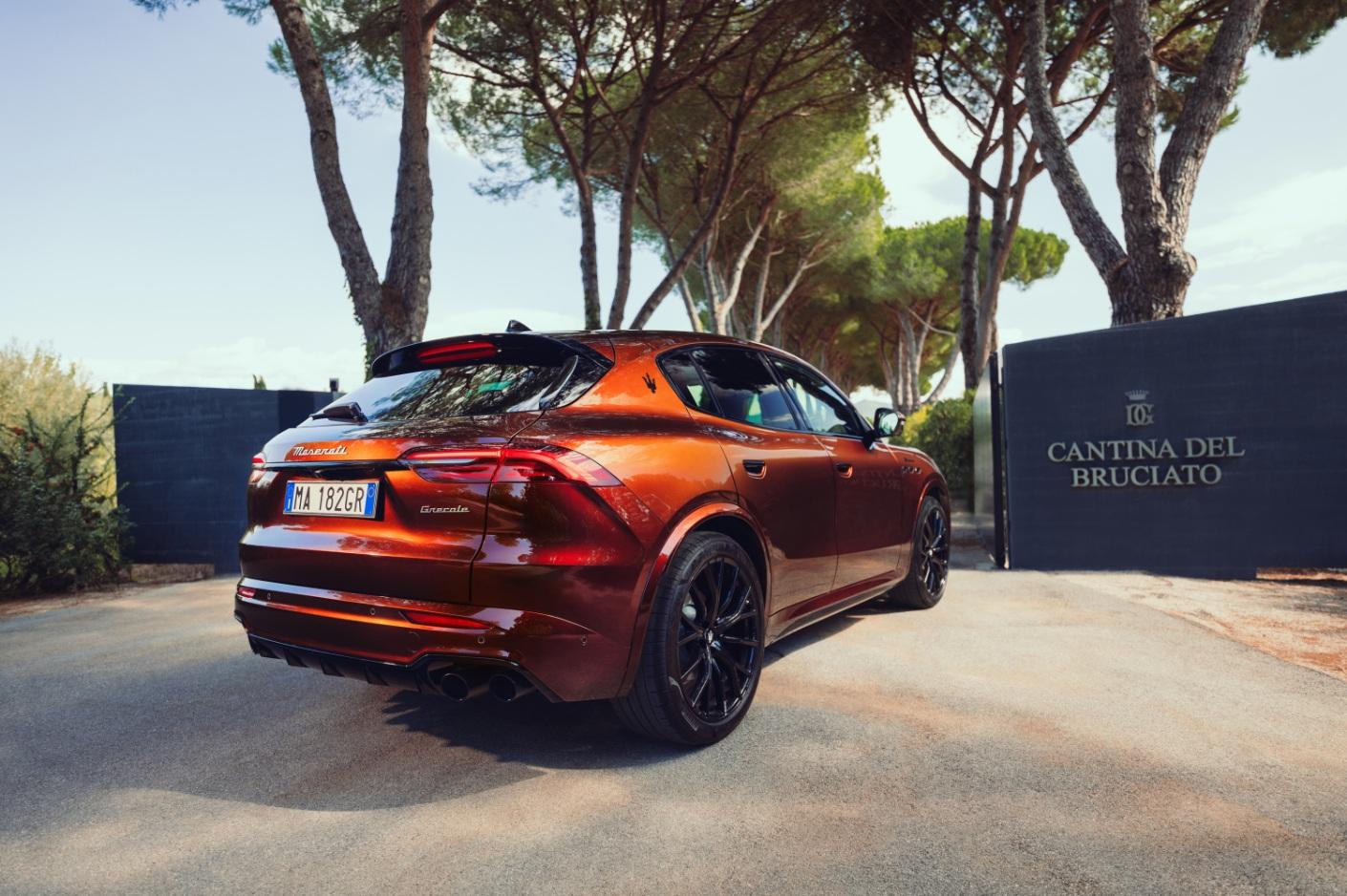
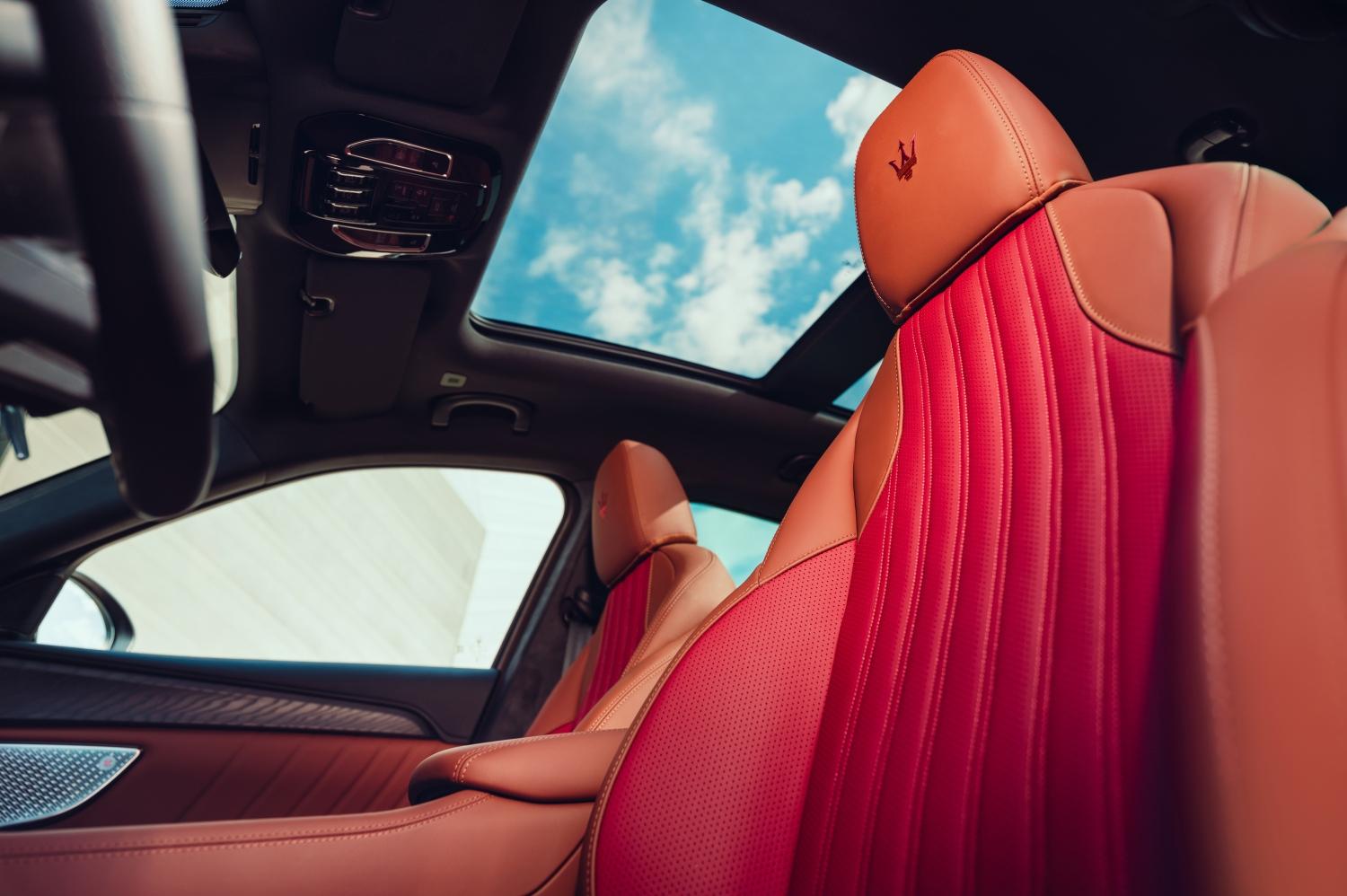
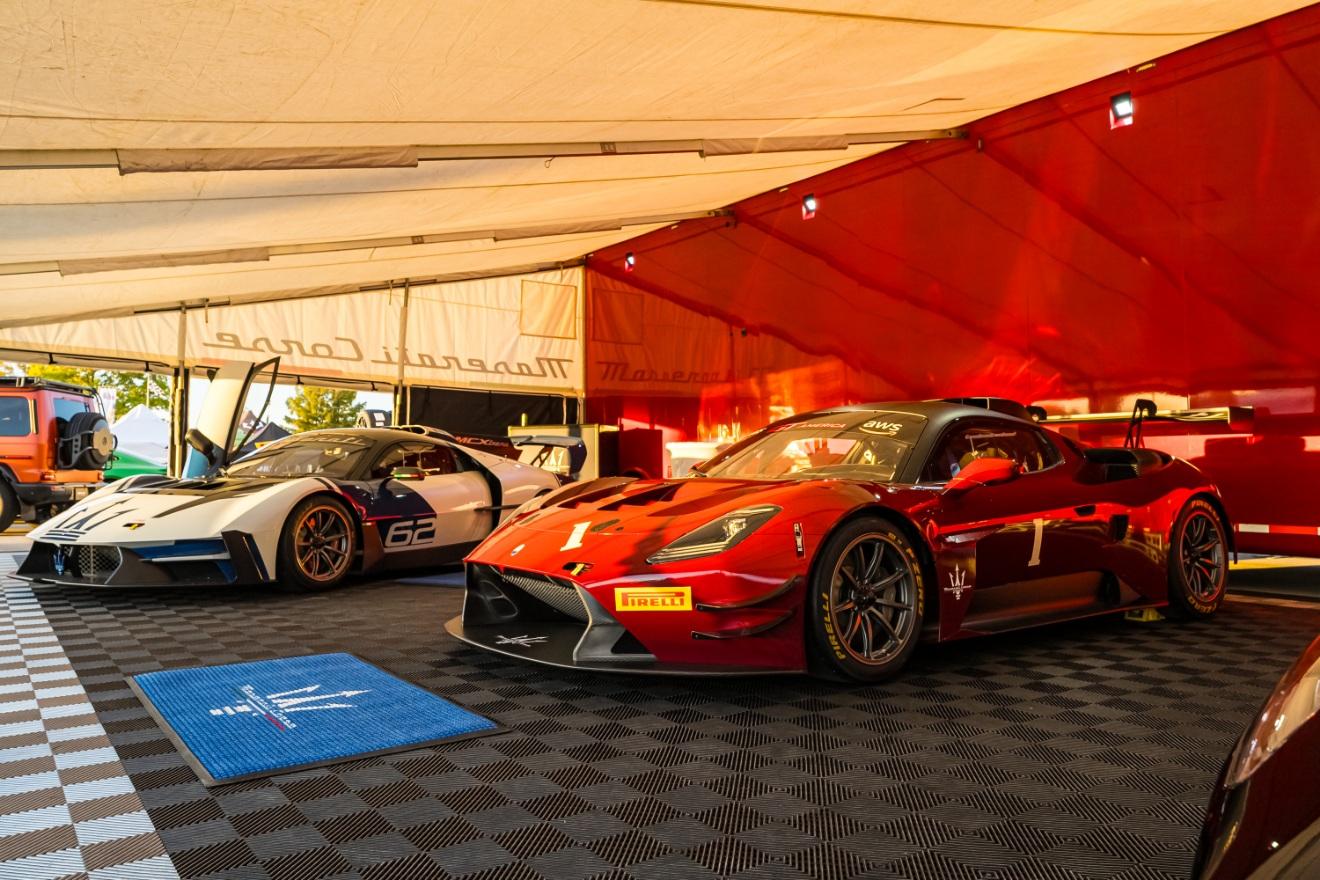
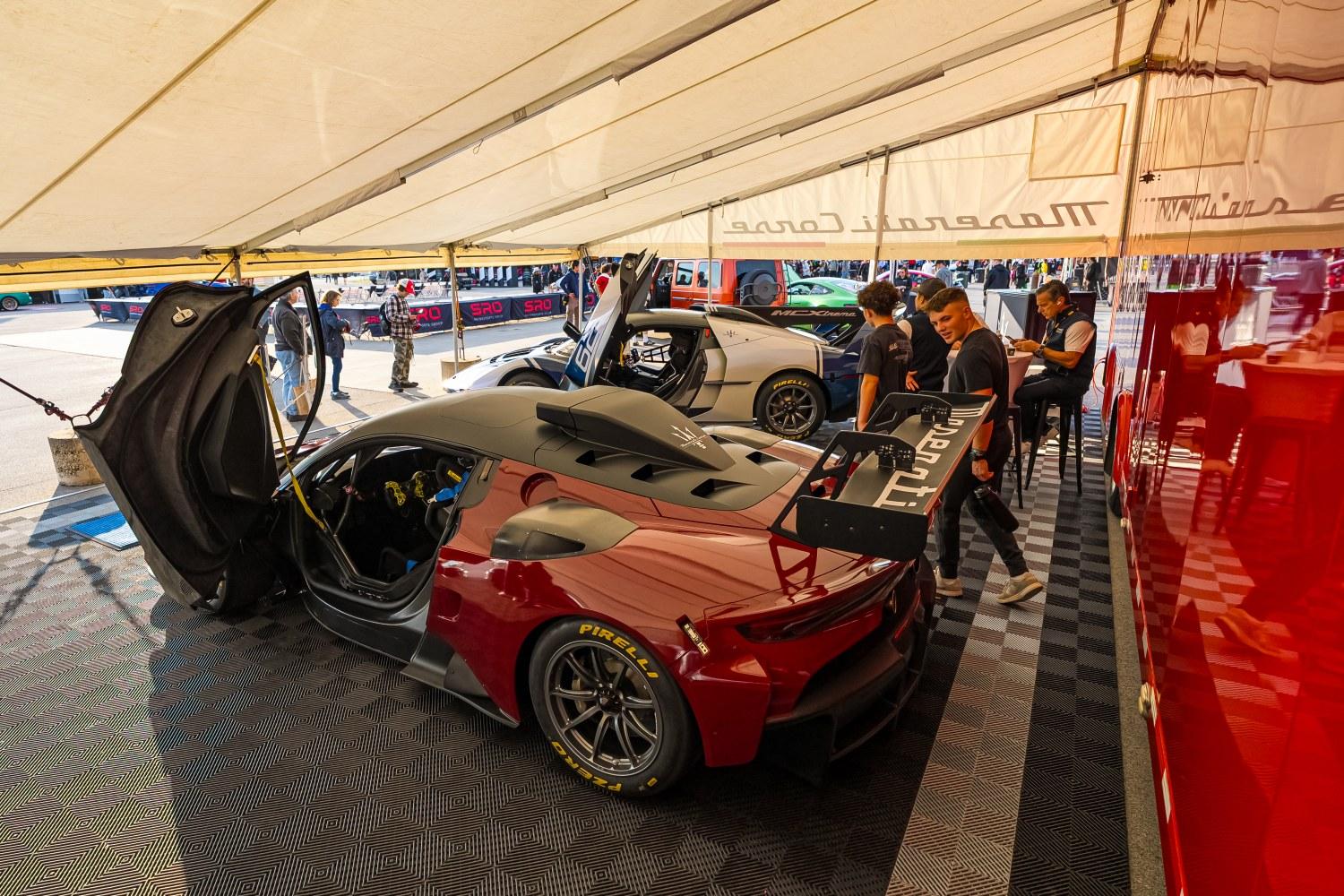
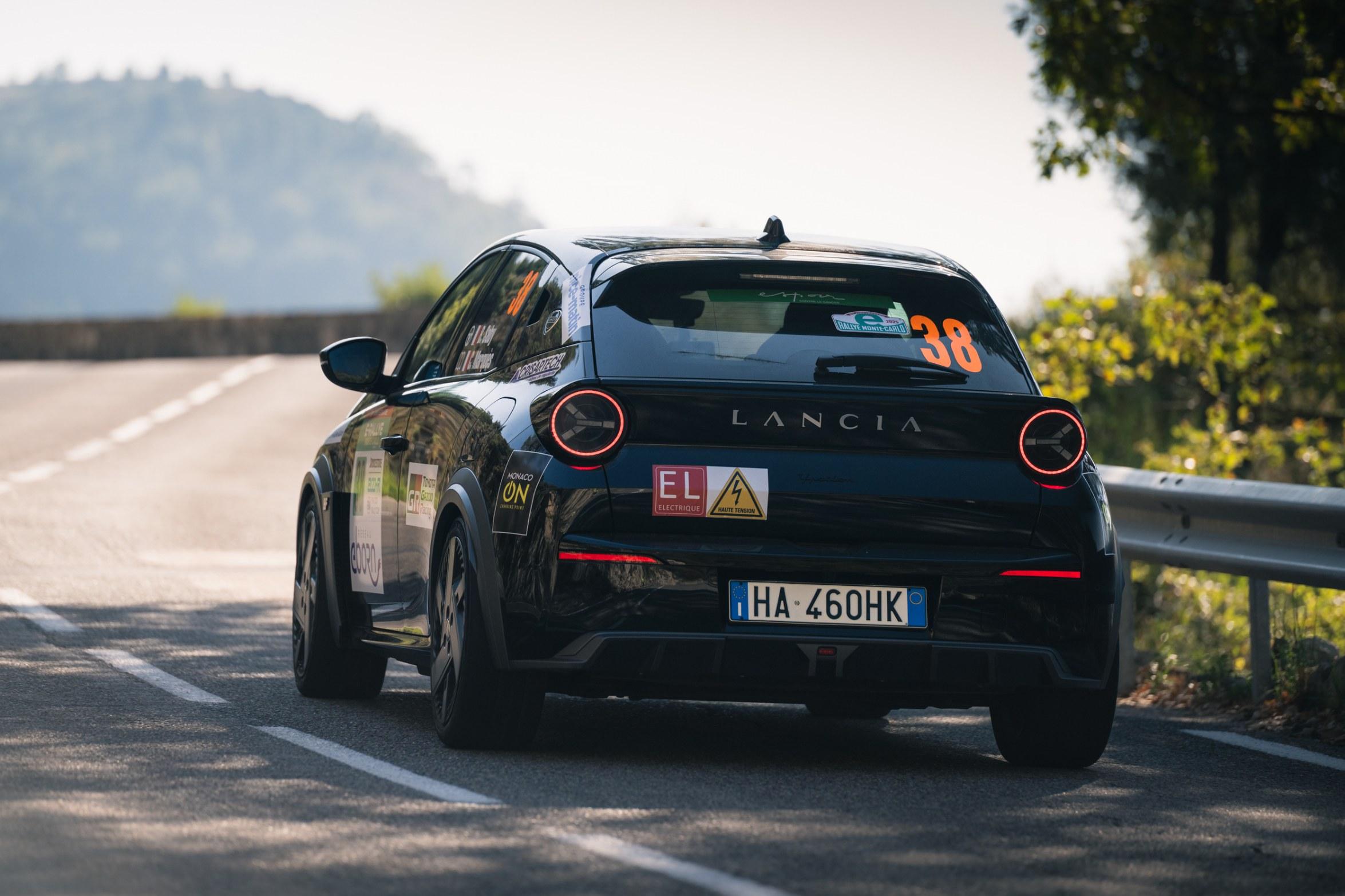
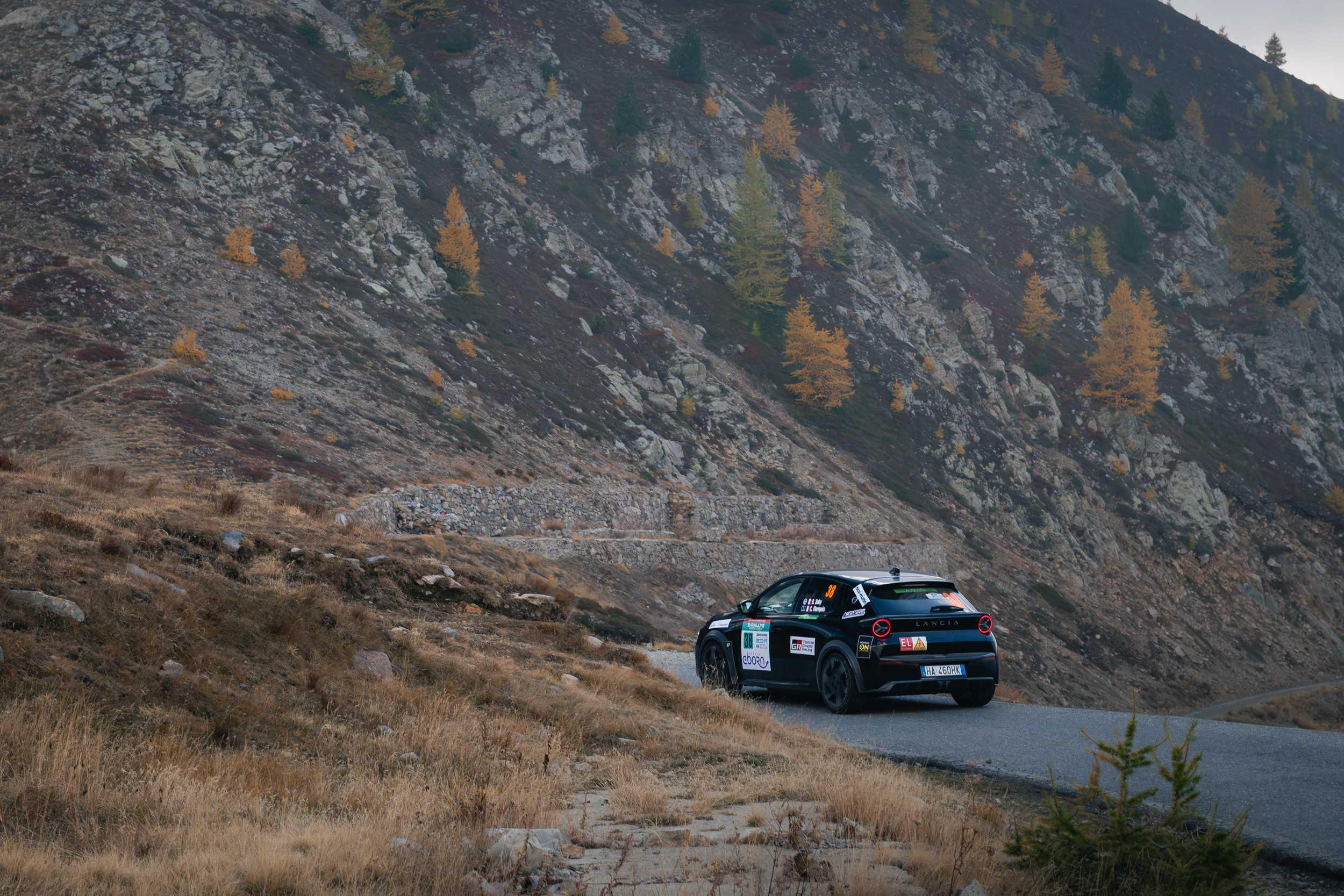
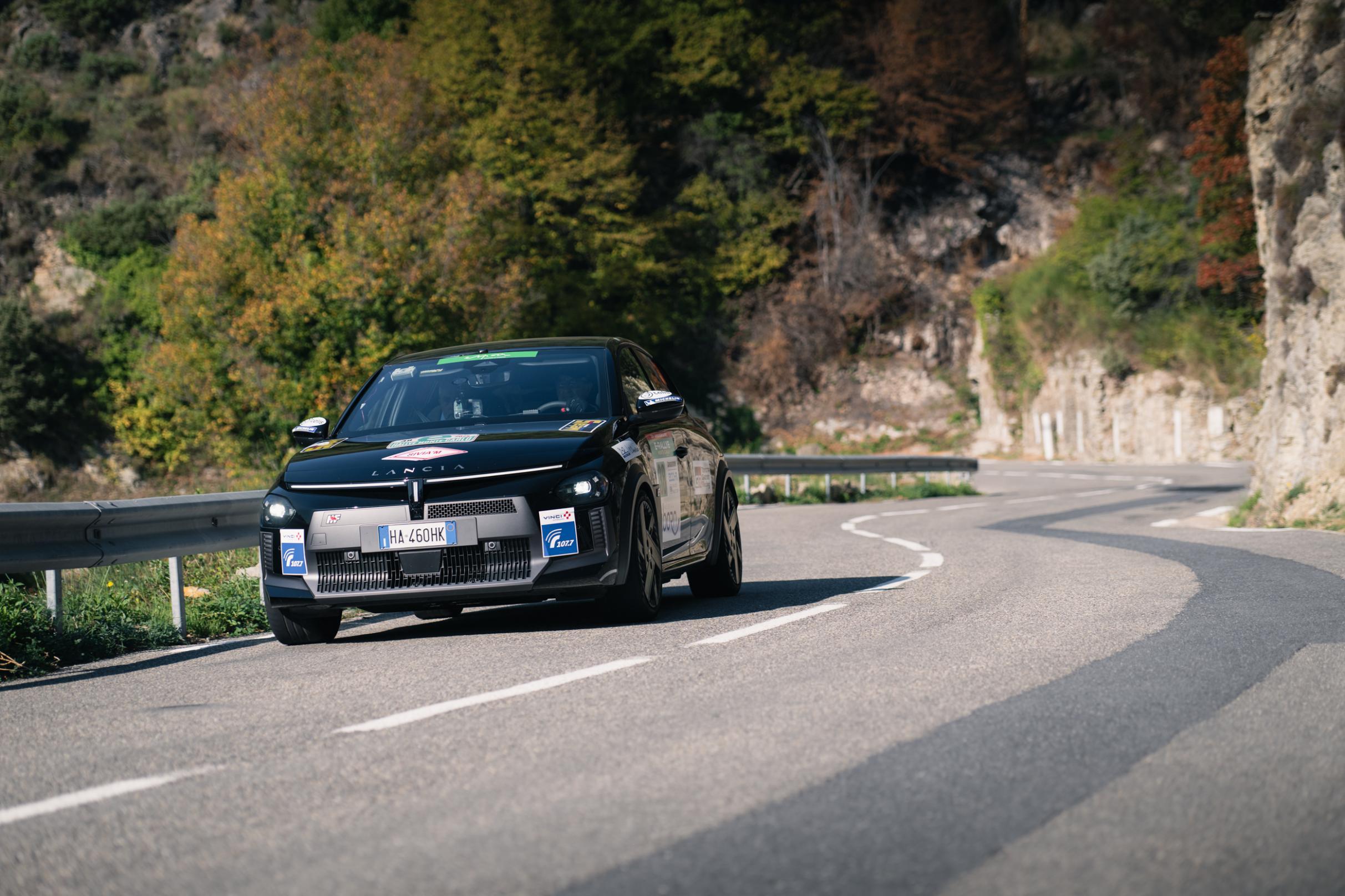
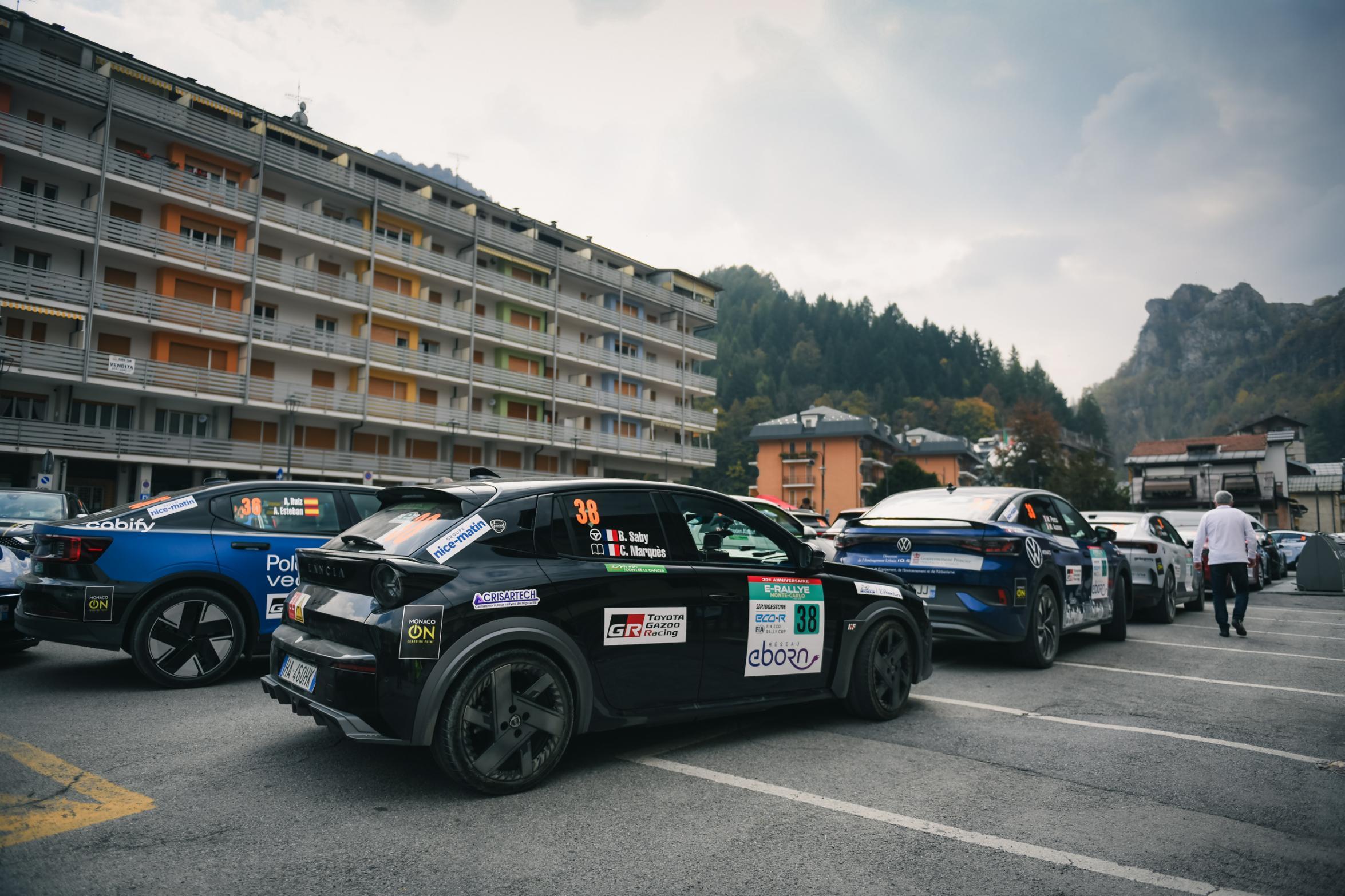
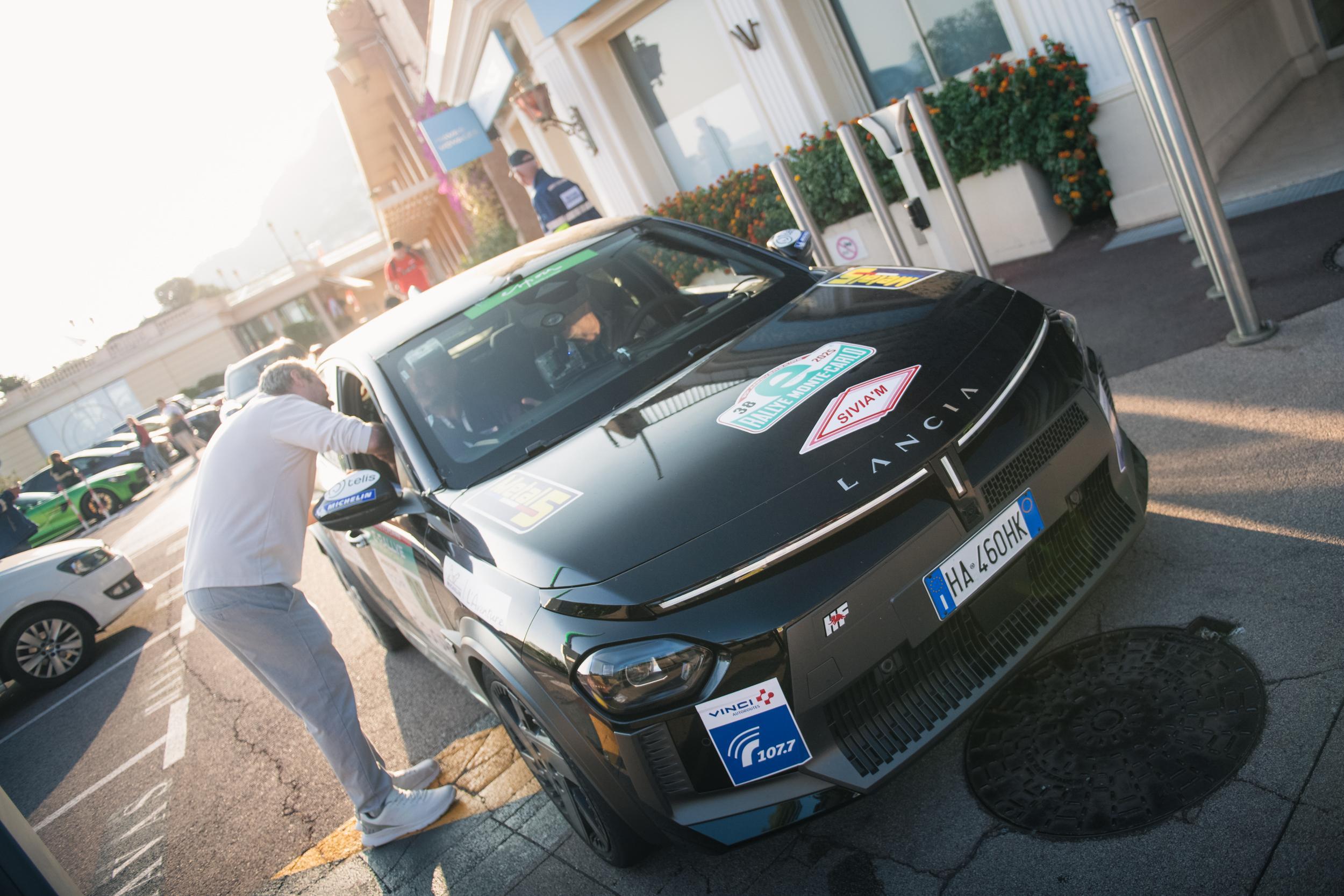
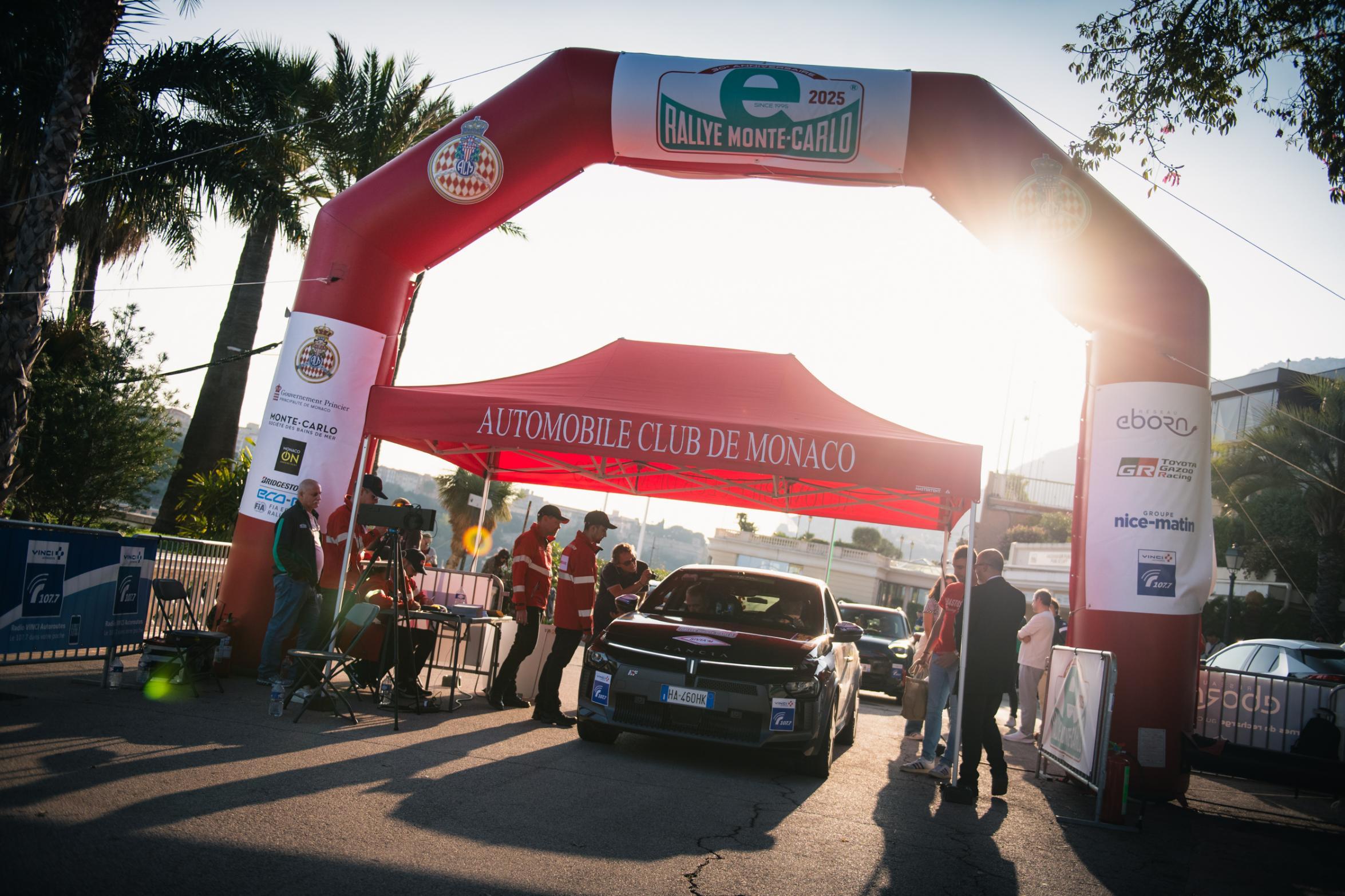
.jpg.af421817126f4b1b83313896c6e59868.jpg)
.jpg.80c078ea7b52833f385783155efa0a0a.jpg)
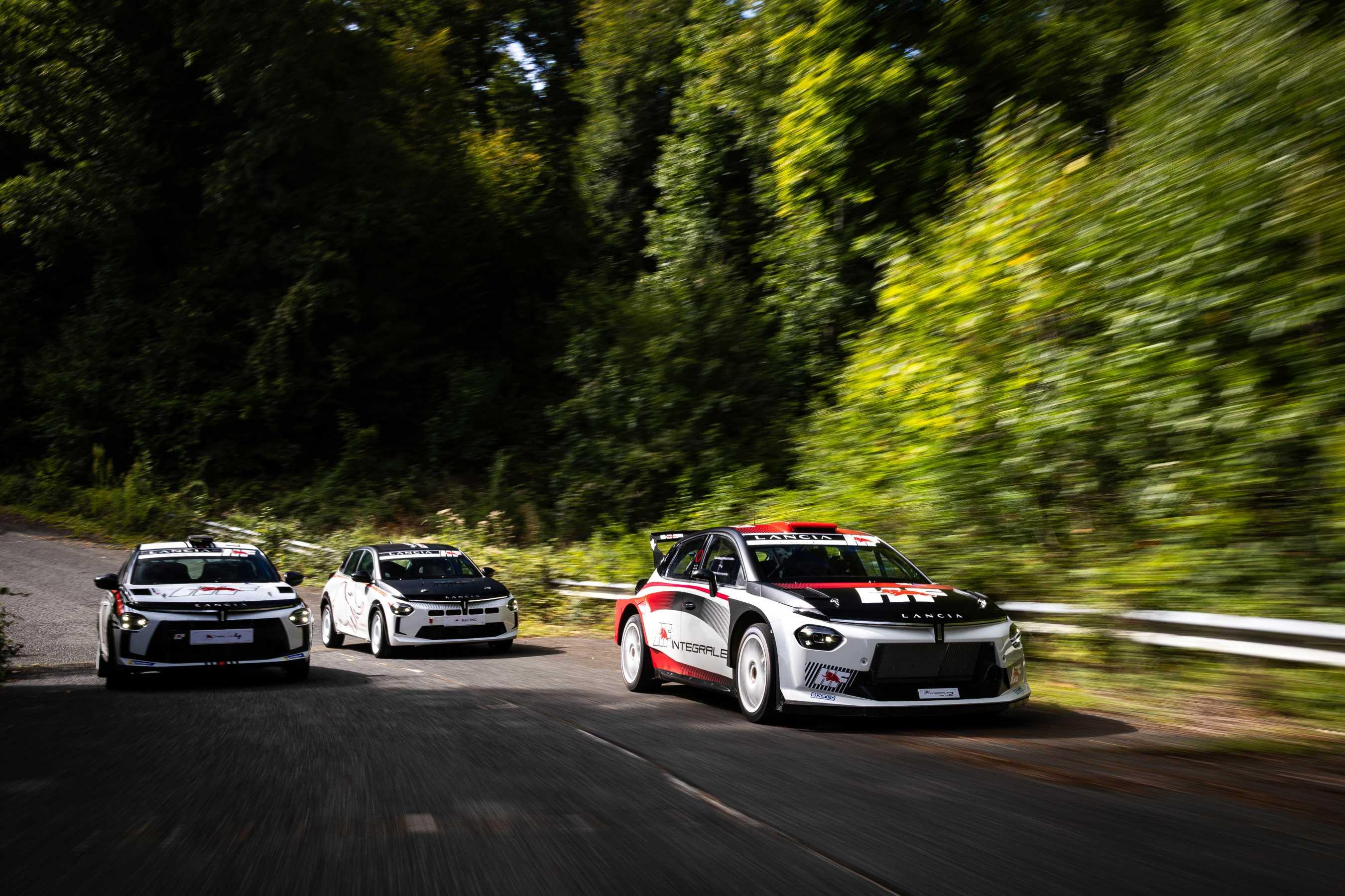
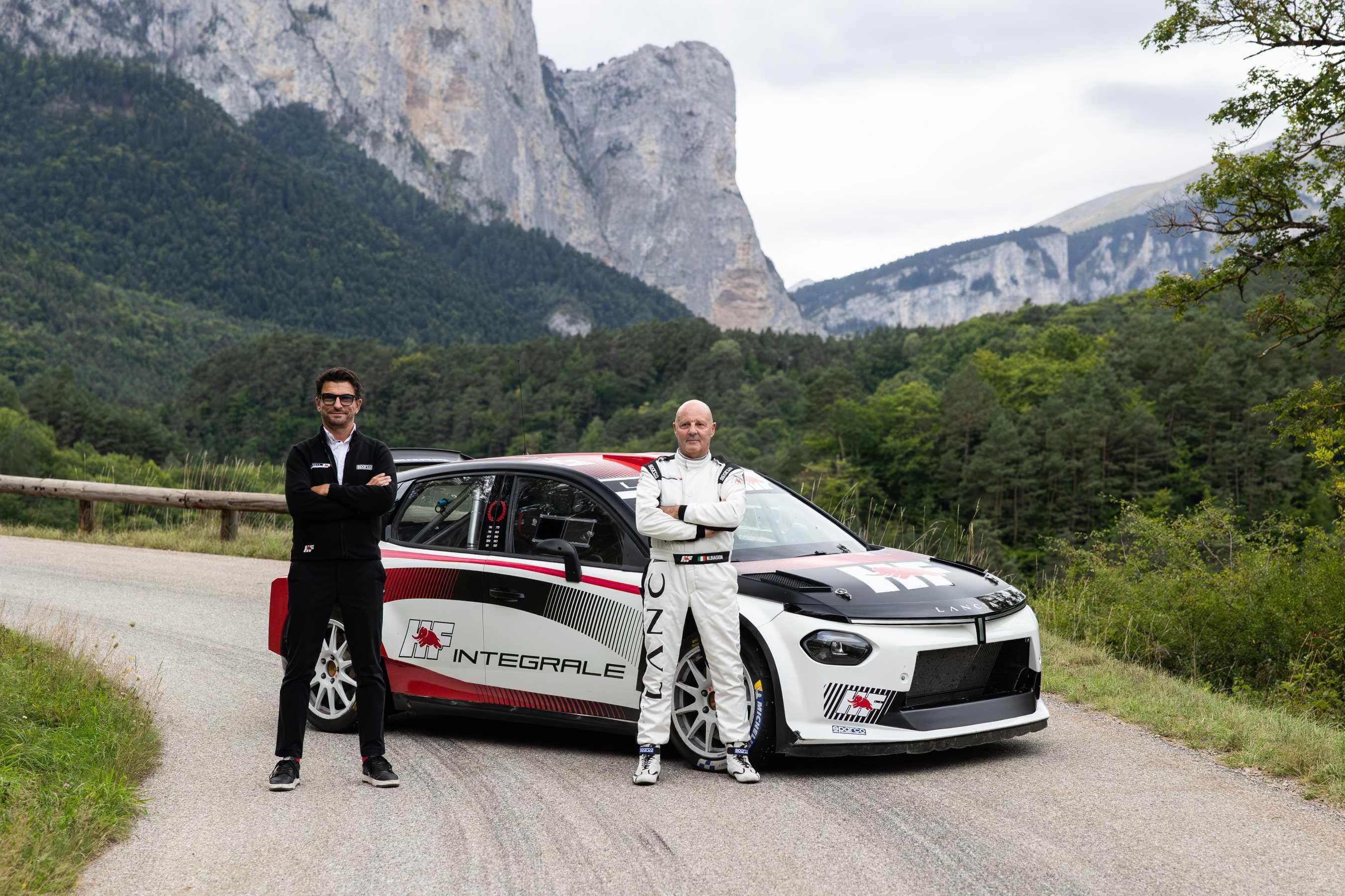
.jpg.5d5fdfc78385a5dfbfb7ad36e3c1e350.jpg)
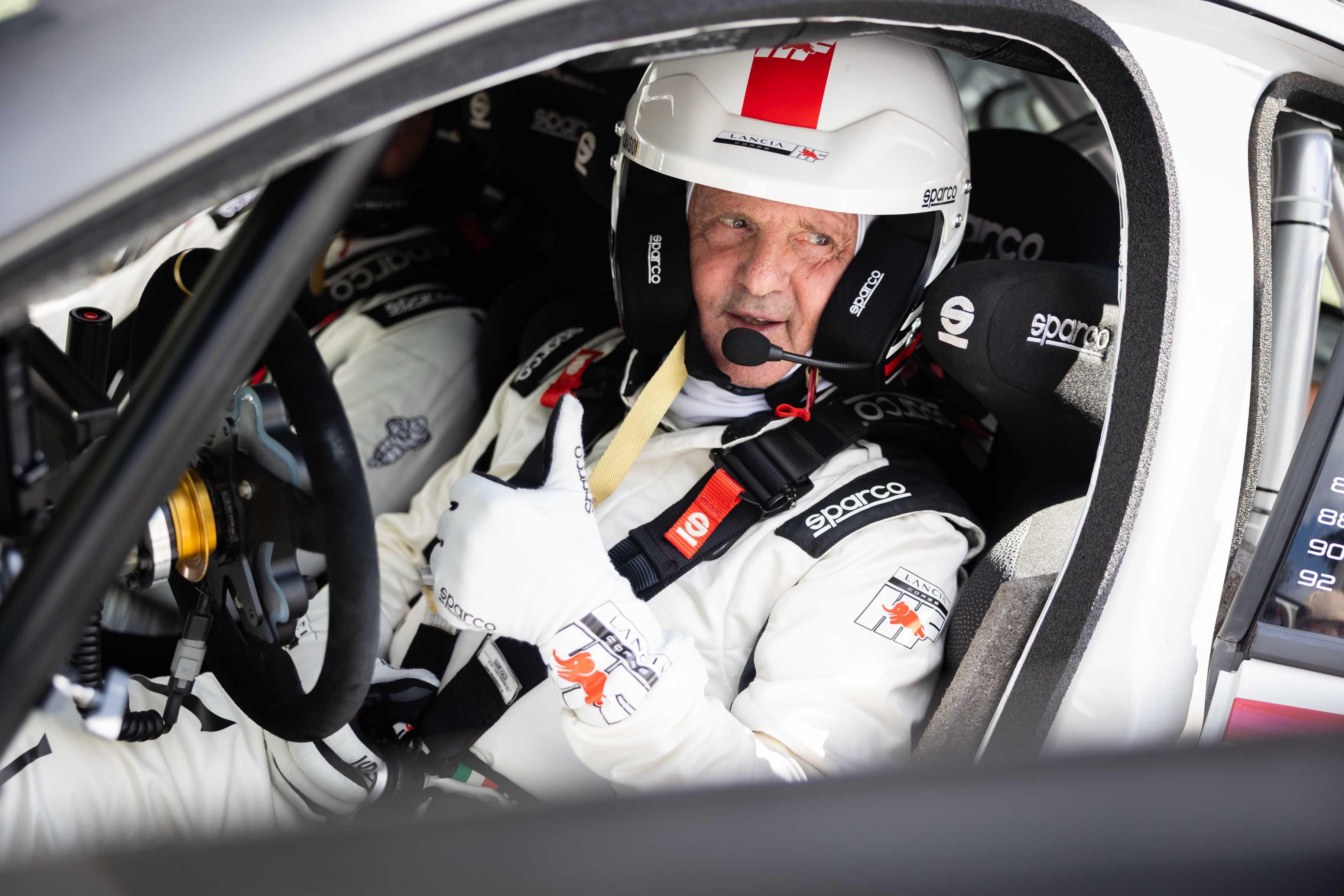
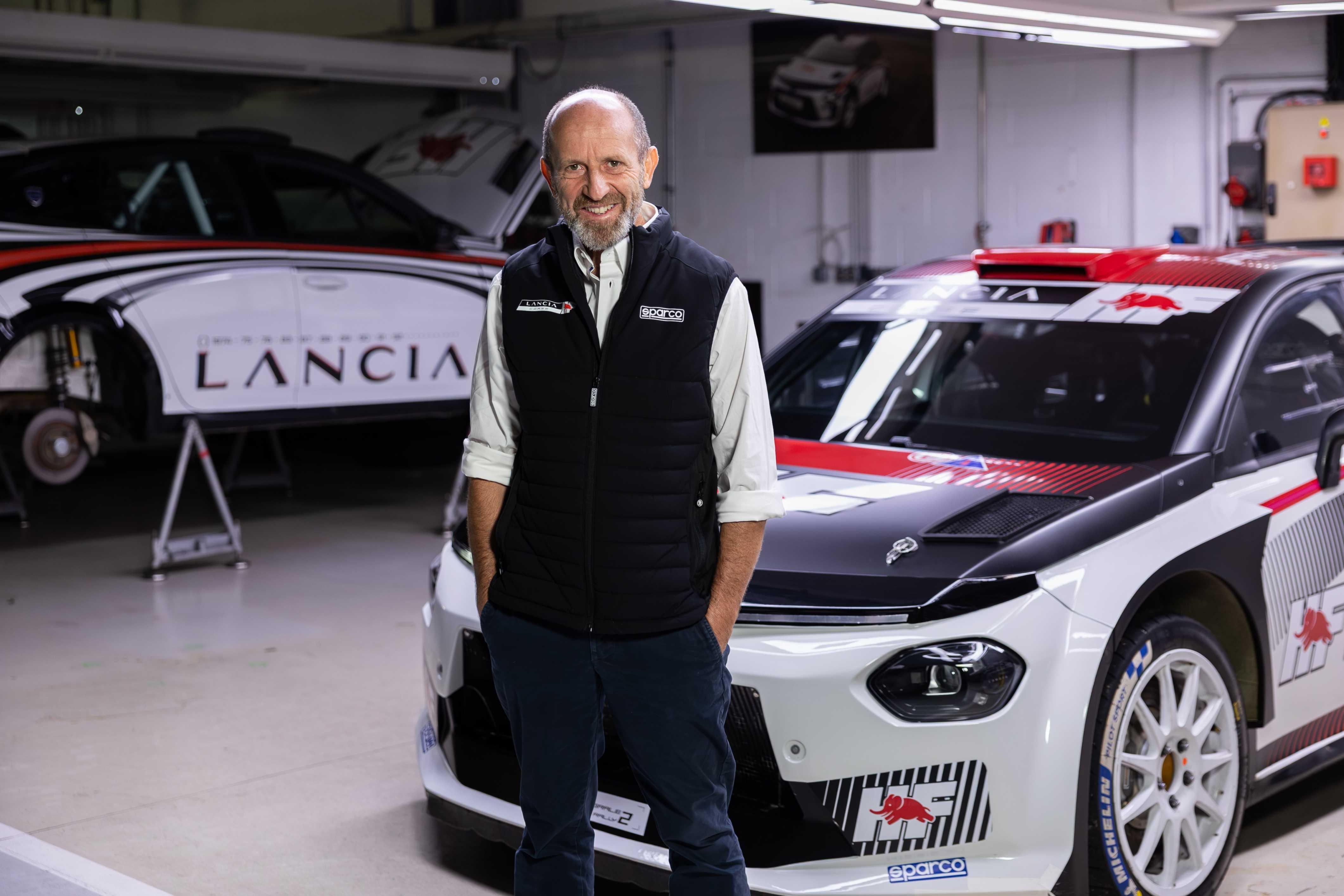
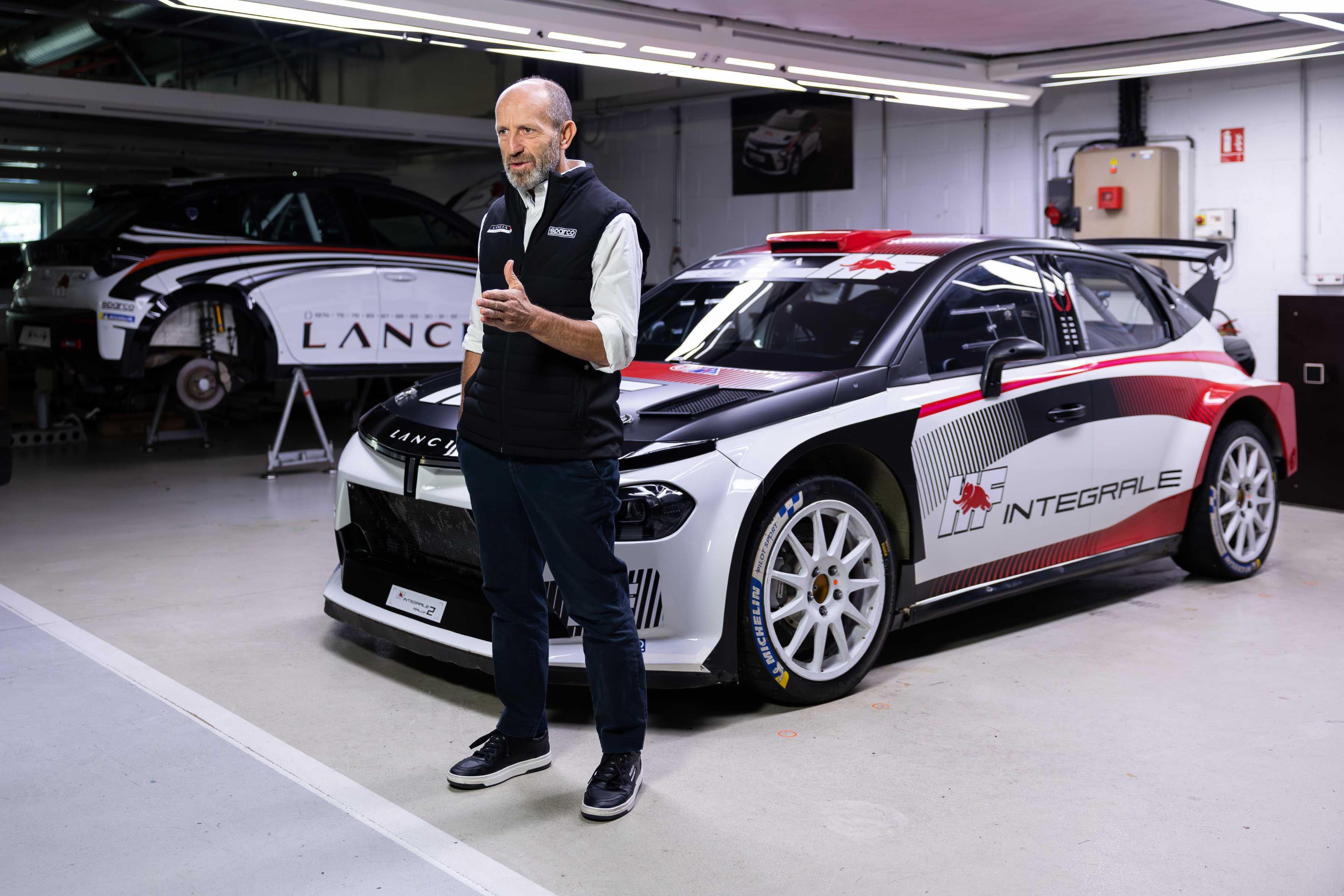
.jpg.79062468909cf98a4bd0a52f9a17e2aa.jpg)
.jpg.69fc09d5f775915f6cc68e3ac9a7b73d.jpg)
.jpg.2c866e8ace54fe0819d05d9054a3b006.jpg)
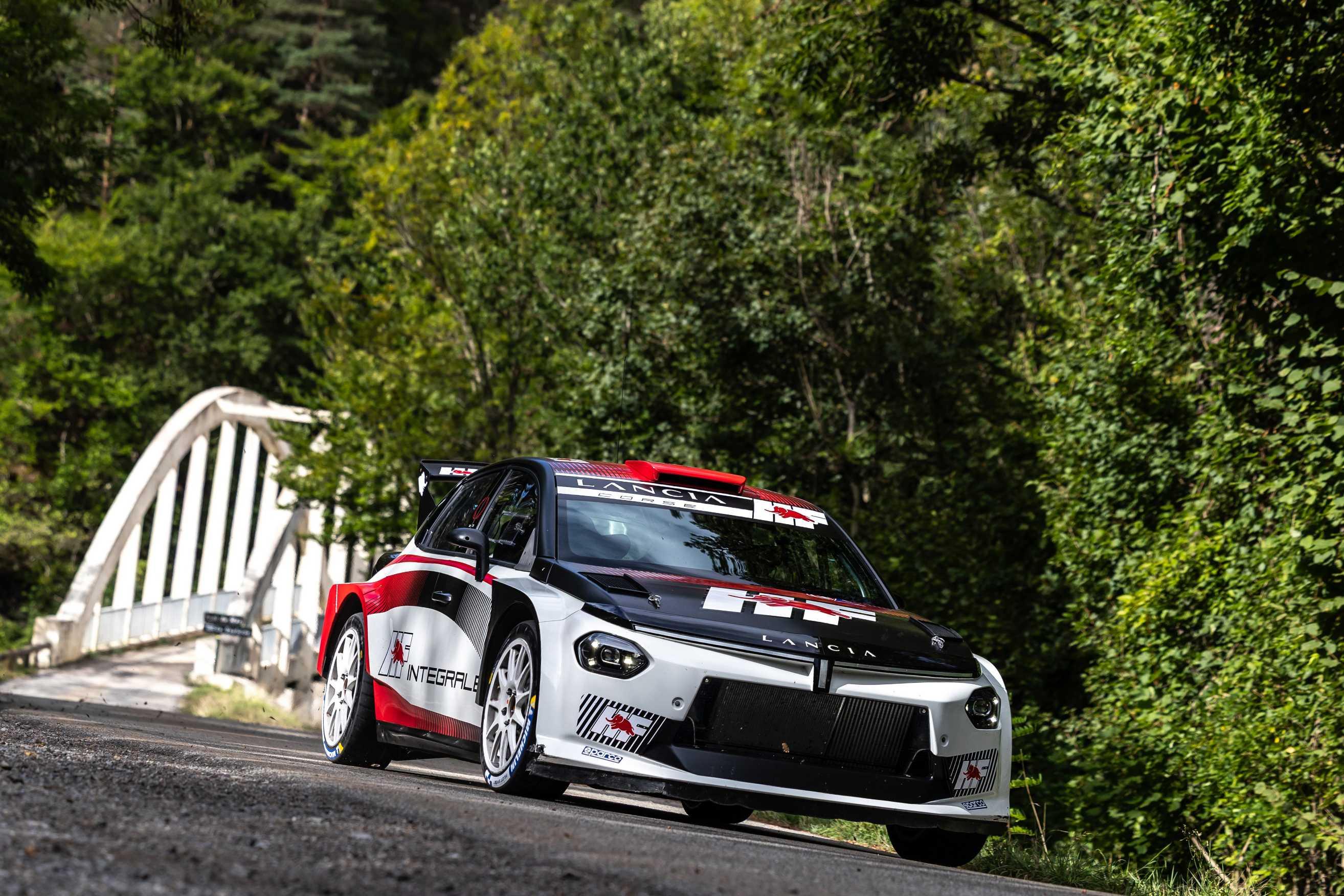
.jpg.7e3df60ba6408fd9113aba009da6c1dd.jpg)
.jpg.759f90fd419ba7986d300056e8e5c91f.jpg)
.jpg.76fa6df6161f9c0a9779aec2def25589.jpg)
.jpg.e40c0623664de0f366325b9d3ee18005.jpg)
.jpg.6b2fc1c7aea9cfcc5480906643b94c39.jpg)
.jpg.3580d6ea96bec30f15c3d1315cf14a22.jpg)
.jpg.705c9874d115685afe512810e23bfea7.jpg)
.jpg.5750407a2dcf092ae6c2ffc8eeb10907.jpg)
.jpg.05cabf81218c20d64a7b05169ccdc257.jpg)
.jpg.19384f482b1ed248246141c8dcc817e4.jpg)
.jpg.8d36c6f45c44335b3189c9914a553767.jpg)


Account
Navigation
Cerca
Configure browser push notifications
Chrome (Android)
- Tap the lock icon next to the address bar.
- Tap Permissions → Notifications.
- Adjust your preference.
Chrome (Desktop)
- Click the padlock icon in the address bar.
- Select Site settings.
- Find Notifications and adjust your preference.
Safari (iOS 16.4+)
- Ensure the site is installed via Add to Home Screen.
- Open Settings App → Notifications.
- Find your app name and adjust your preference.
Safari (macOS)
- Go to Safari → Preferences.
- Click the Websites tab.
- Select Notifications in the sidebar.
- Find this website and adjust your preference.
Edge (Android)
- Tap the lock icon next to the address bar.
- Tap Permissions.
- Find Notifications and adjust your preference.
Edge (Desktop)
- Click the padlock icon in the address bar.
- Click Permissions for this site.
- Find Notifications and adjust your preference.
Firefox (Android)
- Go to Settings → Site permissions.
- Tap Notifications.
- Find this site in the list and adjust your preference.
Firefox (Desktop)
- Open Firefox Settings.
- Search for Notifications.
- Find this site in the list and adjust your preference.