




Classifica Utenti
Utenti più Apprezzati
(Scegli il periodo) Utenti più Apprezzati
(Storia giorno per giorno) Classifica dall'Origine
(da Marzo 2003)
(Scegli il periodo) Utenti più Apprezzati
(Storia giorno per giorno) Classifica dall'Origine
(da Marzo 2003)

(1)(1).thumb.png.635c059adfaa3a2ca27f86ab608b04ba.png)


Contenuti più Popolari
Stai visualizzando i contenuti con il più alto punteggio pubblicati dal 03/01/26 e localizzati Tutte le aree/sezioni
-
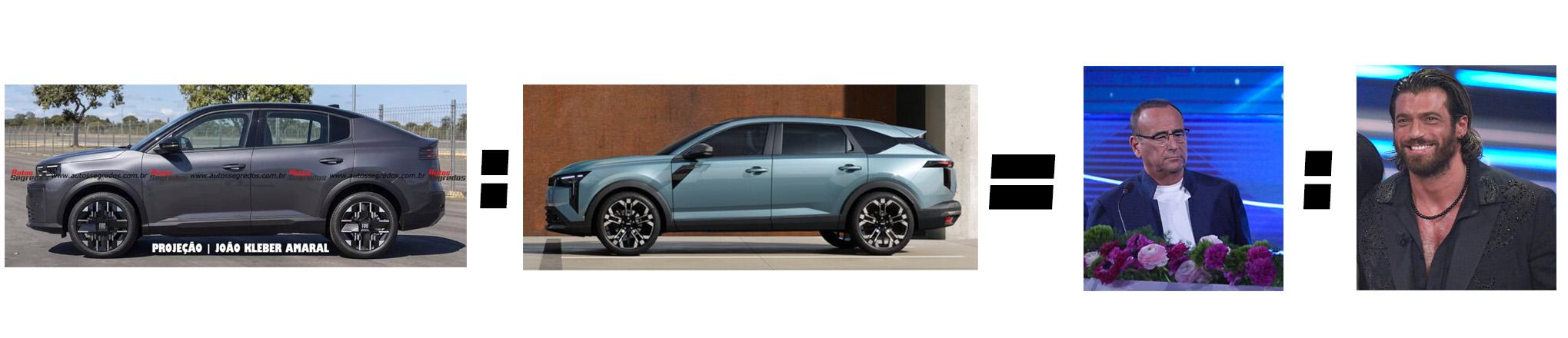
21 puntiQuesto thread si potrebbe riassumere in una foto: (Pippo è innocente, ma mi faceva ridere la sua espressione)
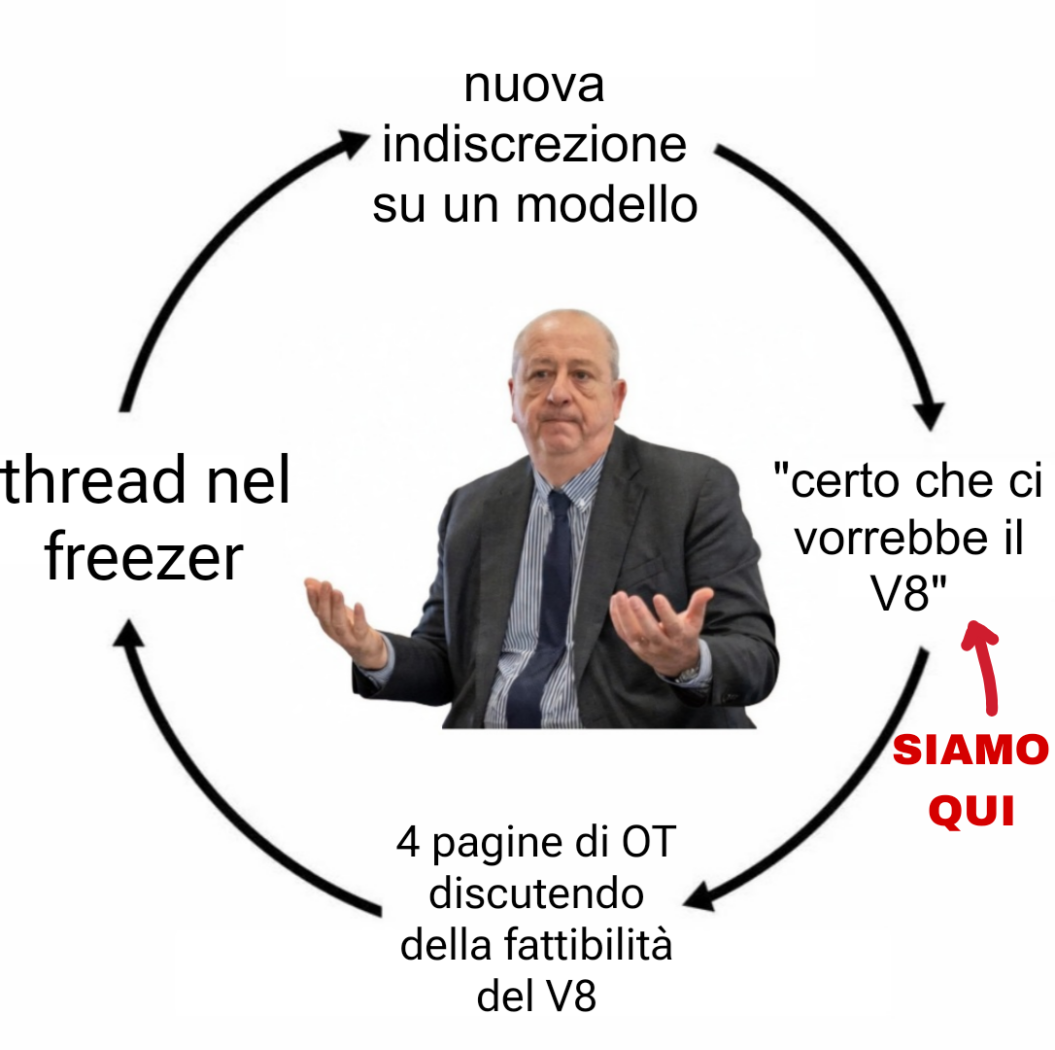 21 punti
 -
18 puntiDiscorso che sguazza fra il populismo e il campanilismo tossico. La più bella Alfa Romeo di sempre è stata disegnata proprio da un tedesco.18 punti
-
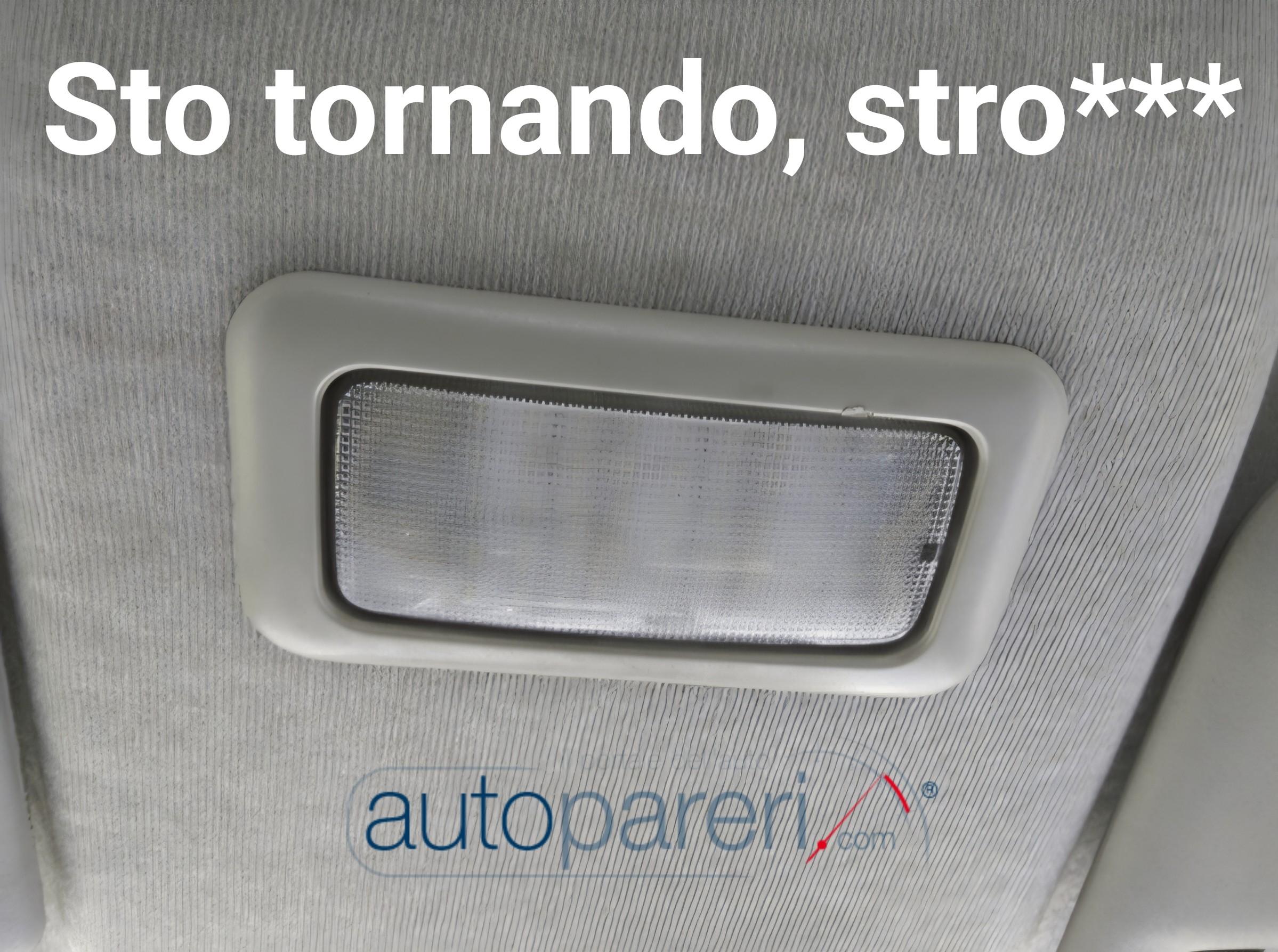
17 punti(Nel centro progettazione Stellantis, nottetempo, qualche mese fa) "Allora ragazzi, Autopareri ce lo chiede. Dobbiamo fare la Ypsilon manuale." "Ma come?!? Ma se ce l'avevamo fatta a venderla al mod del forum...quello che è andato avanti due anni a cercare la macchina...!" "Non basta. Serve anche la manuale". "Vabbè capo, facciamola..." "..." "...?" "...!" "...che altro c'è capo?" "Ci chiedono un segnale di discontinuità con il recente passato, qualcosa di inequivocabilmente heritage...qualcosa che evochi casa...qualcosa che faccia ritornare alla mente la FCA" "Ci sono: il prosciutto della Giulietta!" "Esaurito" "Il devioluci della Punto...?" "Finito pure quello da mò" "Ehi...ci sono capo! Il pomello del cambio della 500!" "Bingo!" (Scena con abbracci e festeggiamenti, mentre si allontana il campo, smarmellamento finale delle luci)17 punti
-
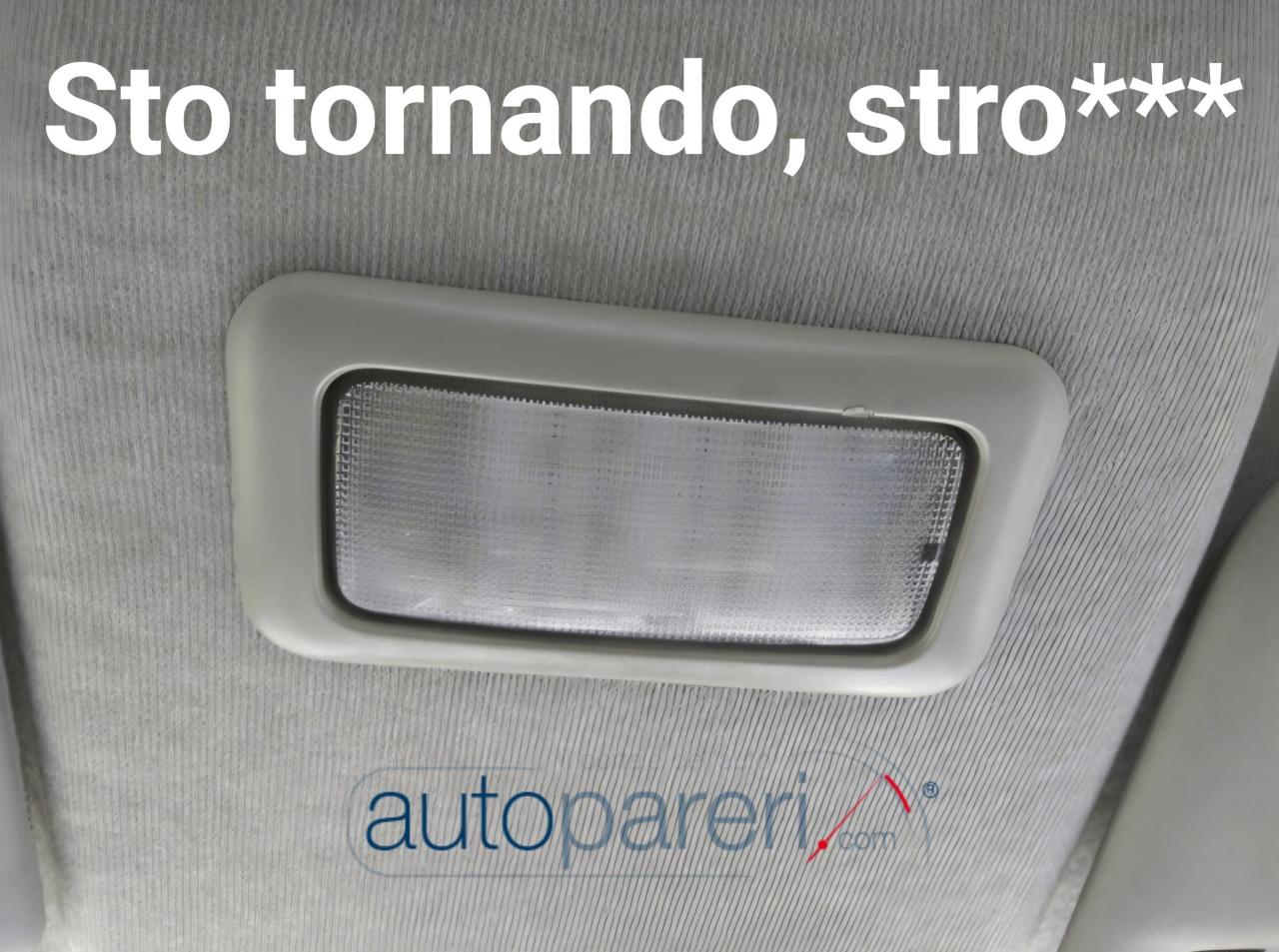
17 punti16 puntiVisto tutto questo entusiasmo per il pomello del cambio, state attenti perché potrebbe risvegliarsi anche qualcun altro ...
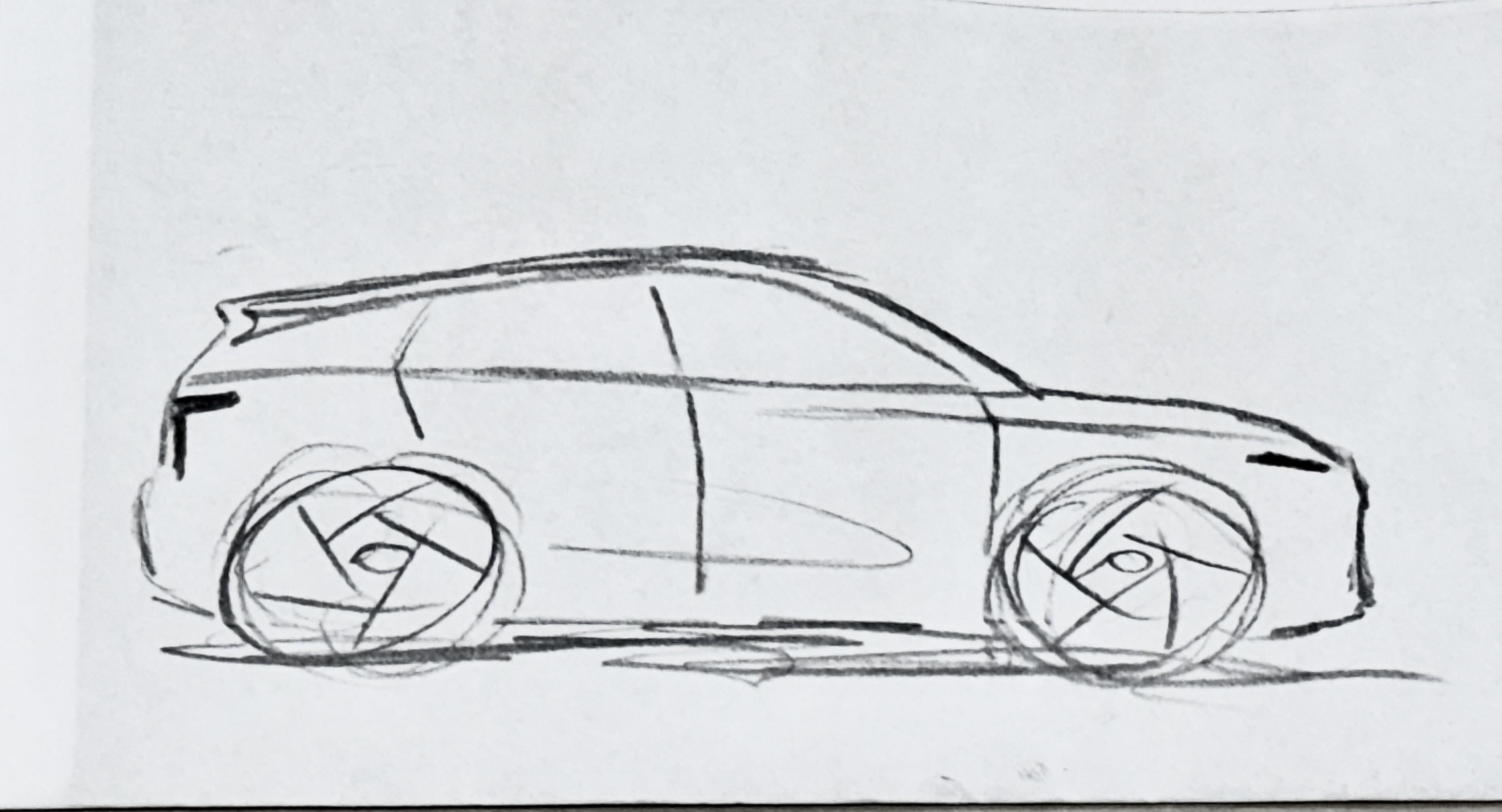
 16 punti13 punti13 puntiRagazzi, oggi disegniamo la nuova Nº7! (…) Ecco capo, va bene questa? Mmmm non so… siamo sulla strada giusta, però… puoi aggiungere qualche linea a cazzo di cane, possibilmente usando il righello? Va bene; quante? Un paio? una manciata? Perché? Lo paghi tu l’inchiostro? No! E allora usalo tutto, dannazione! Torna quando la penna non scrive più! Ecco fatto, capo: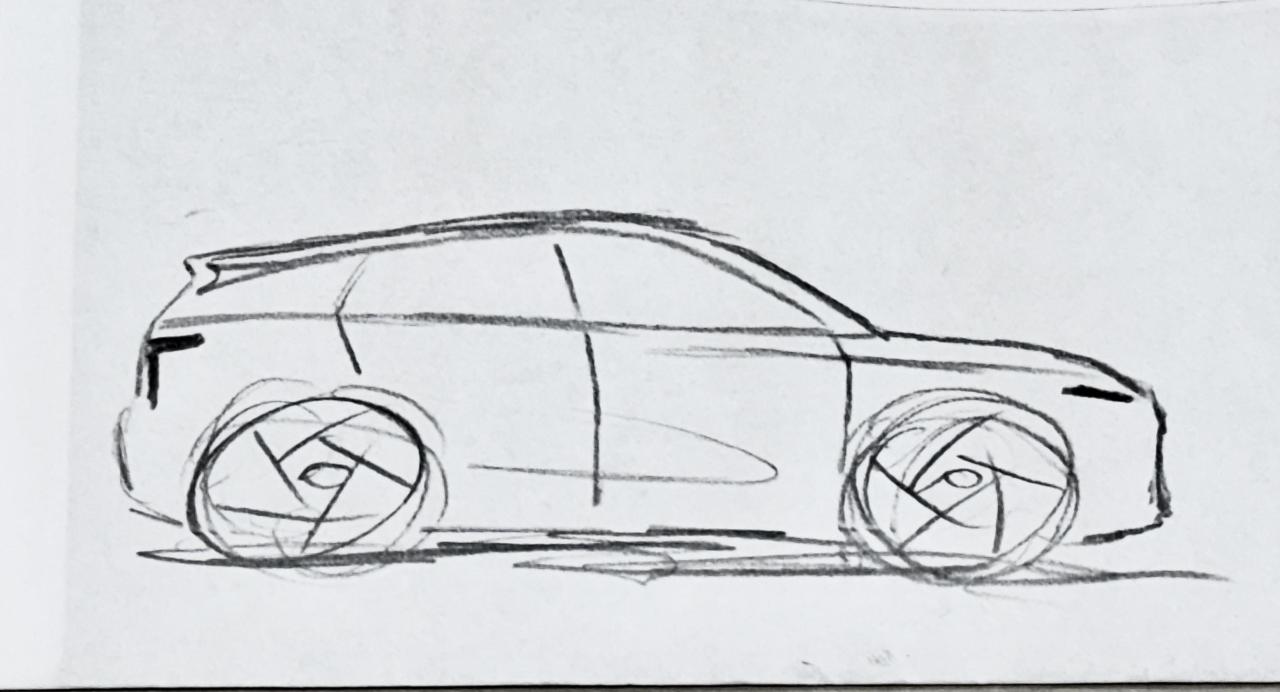
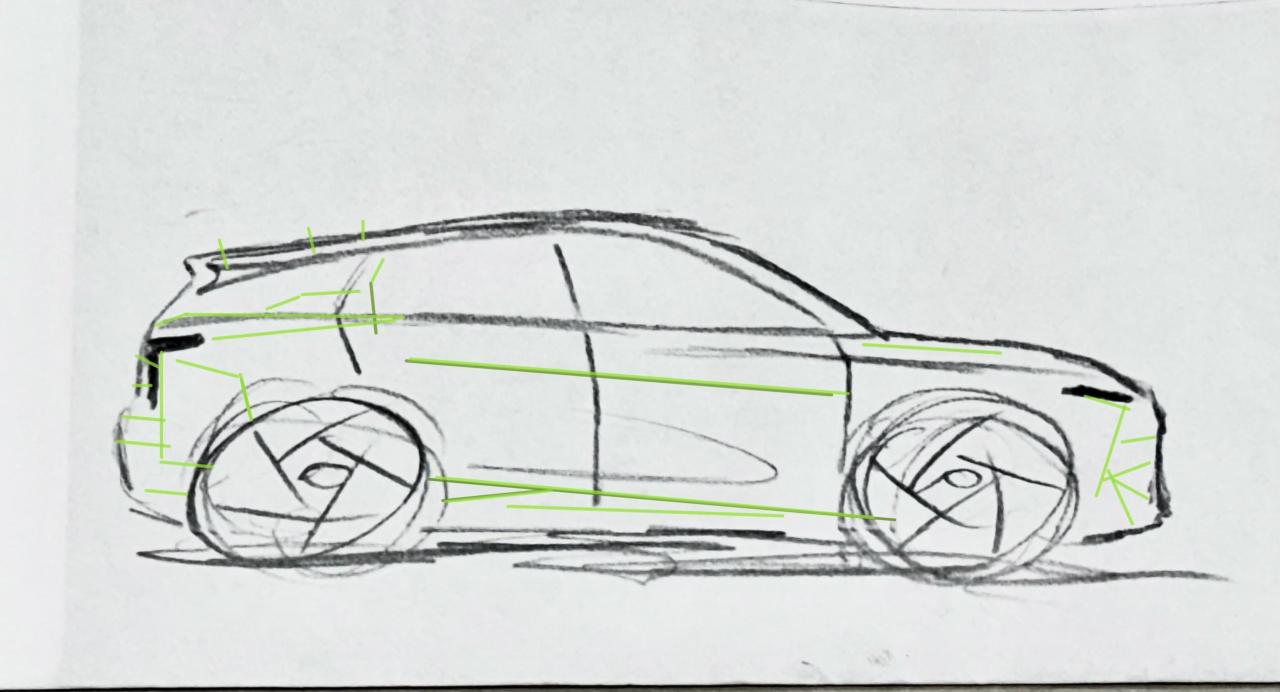 13 punti13 puntiCiao, provo a riassumere quanto ho capito relativamente all'evoluzione di questo modello: prossimamente uscirà il MY27 con piccole modifiche di dettaglio (normalmente finora Maserati ha presentato gli aggiornamenti in estate, quindi con debutto tr pochi mesi). Il prossimo anno, quindi probabilmente con il MY28, ci sarà poi il FL riguardante l'anteriore e necessariamente anche l'aggiornamento dei motori ad Euro 7 (quindi con il debutto delle versioni HEV dei 4 cilindri e dei 6 cilindri Nettuno). Mi auguro di aver riassunto correttamente il tutto. Solo per condivisione: ho una Grecale e sono rimasto estremamente soddisfatto del modello. Inizialmente i modelli MY22 e MY23 4 cilindri Mhev avevano problemi con la batteria, che sono poi stati risolti con i MY successivi. Anche gli altri proprietari con i quali sono in contatto, sono per la maggior parte soddisfatti dell'auto. Una idea condivisa con molti possessori è che l'auto sia poco fotogenica, ossia che nelle foto risulti molto più anonima rispetto a quando la si vede dal vivo.13 punti13 puntiNon assomiglia affatto a nulla che si sia mai visto in precedenza...13 punti12 puntiNettuno IMPOTTIBILE, QUALCHE MOTORE DOVEVA PUR ETTERE! ....scusate....
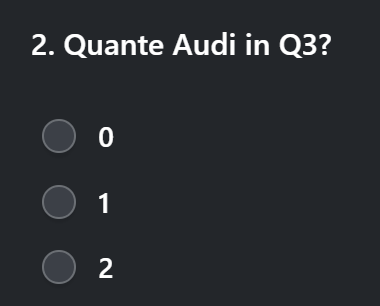
 12 punti12 puntiIo direi che l'ultimo problema dei marchi italiani è il passaporto di chi li disegna le macchine.12 puntiE anche oggi spia motore accesa e spenta con in più il bonus delle spie Adas stile albero di Natale Ecco quindi una bella filastrocca: La mia Audi A5, prodotto tedesco, ogni mattina decide… se farmi un affresco. Accendo il motore, una spia mi saluta, poi sparisce subito… come fosse caduta. ADAS che lampeggia con aria importante, poi tutto si spegne… per un istante. Riaccendi con la chiave, sparisce ogni traccia, l’avanguardia della tecnica… che gran faccia! Un giorno si spegne, un giorno va forte, l’elettronica gioca… con la mia sorte. Sensori e software, ingegno magistrale, ma l’umore dell’auto è… molto variabile. Oh Audi, se fossi un’Alfa saresti massacrata, ma sei della triade… e vieni venerata.11 punti11 punti11 punti11 punti11 puntiIl laterale dietro ricorda (come ha detto più di qualcuno) Lancer, ma io sento il profumo anche di 9-3: Vedendo il video poi, si vede tutta la tridimensionalità del frontale che, a me, ricorda la canala del culo dell'idraulico che ti viene a rubare 70 € di chiamata: A memoria (ammesso che non mi tradisca) non mi vengono in mente frontali di auto che invece di sporgere per fendere l’aria, rientrino, come se fossero “fese” dall’aria stessa. Questa serie 3 è un po' come Gerry Calà. Non è bella. Ma il sentiment dei commenti è positivo e, non so perchè, anche a me piace.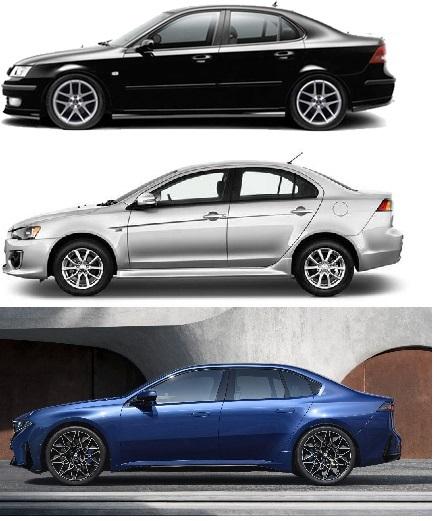
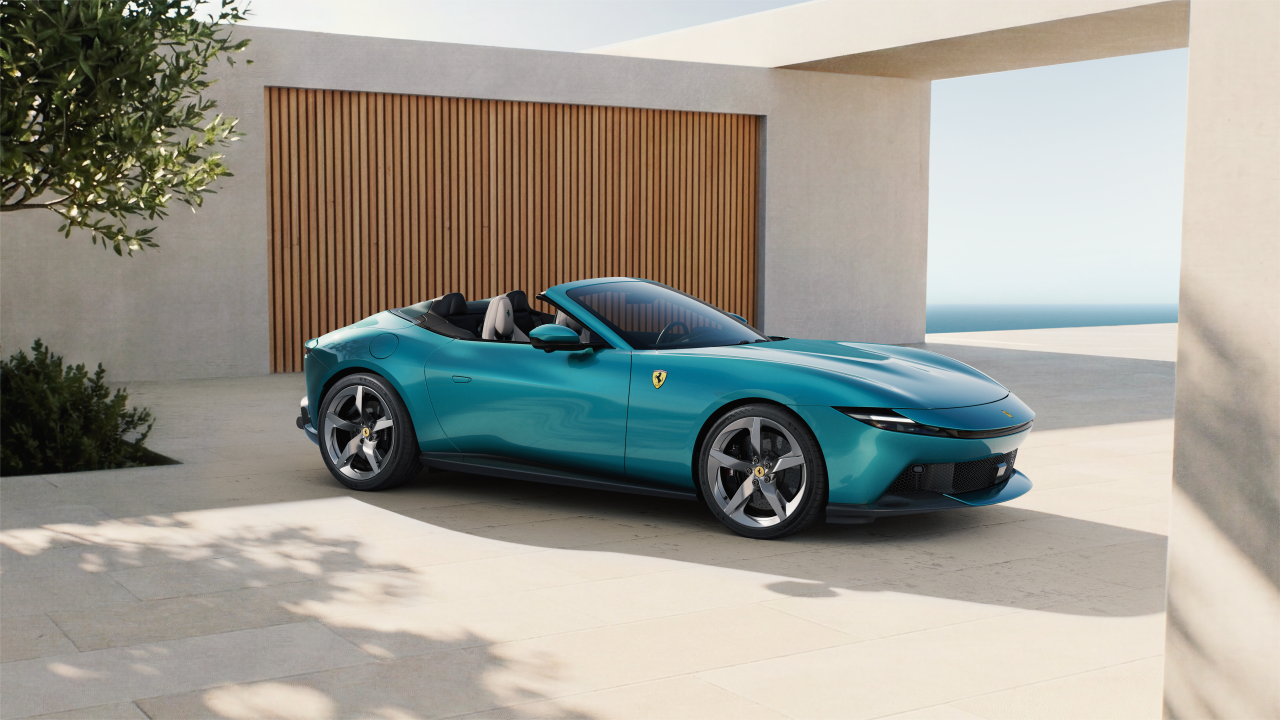
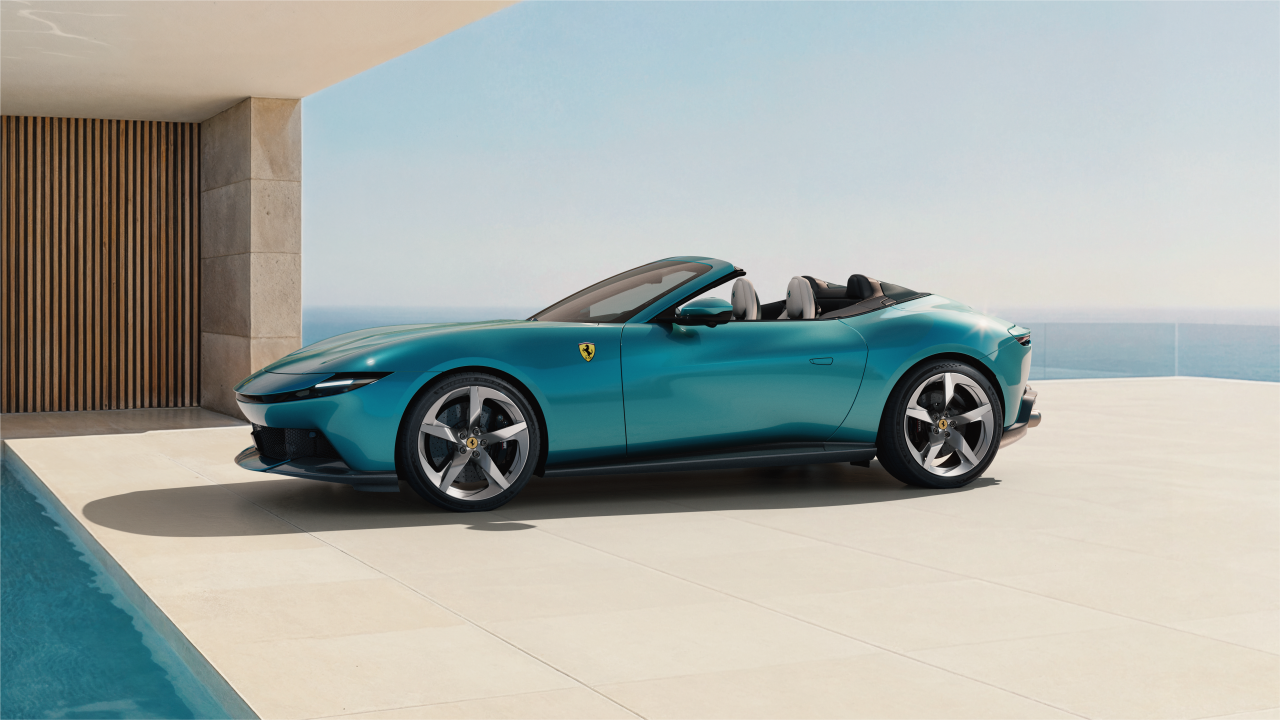
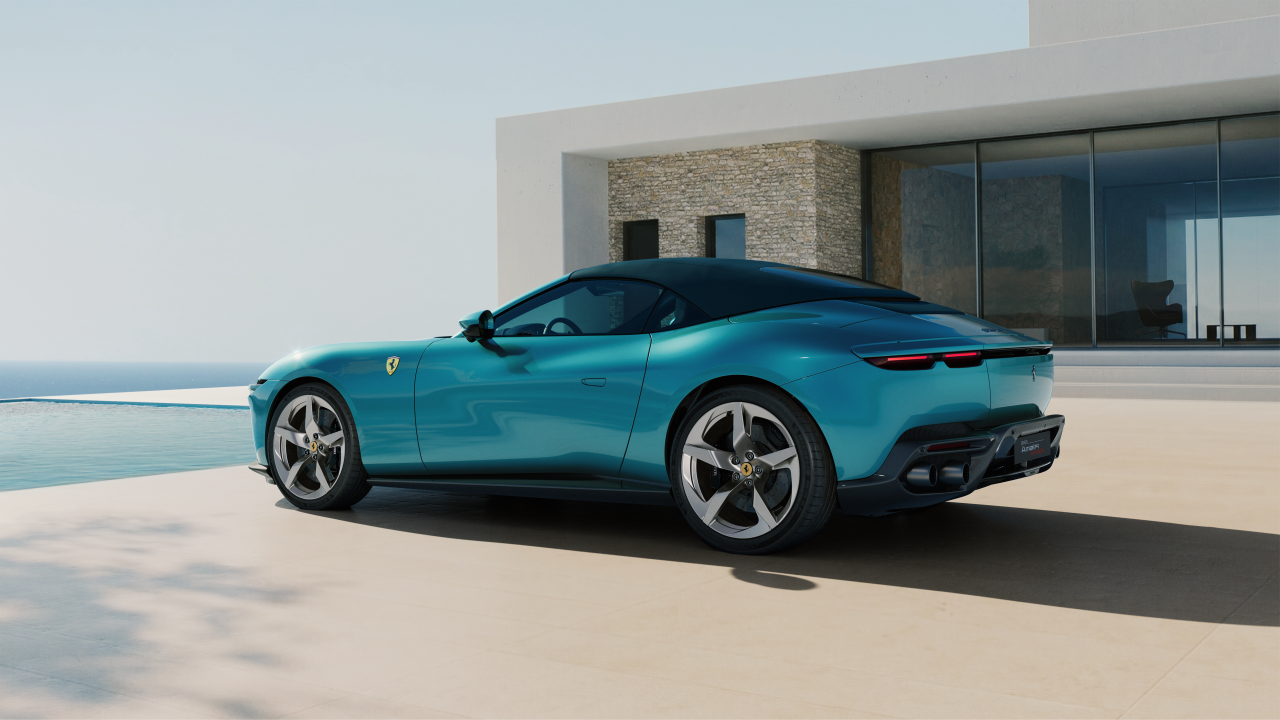
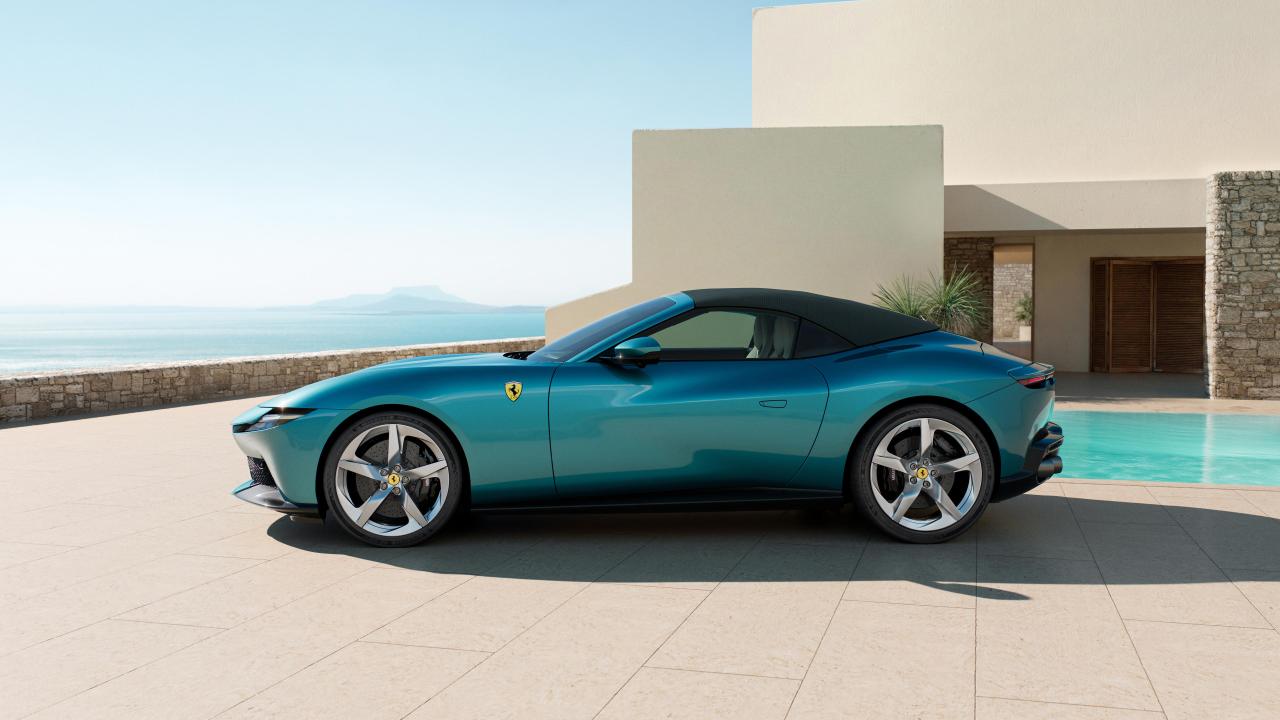
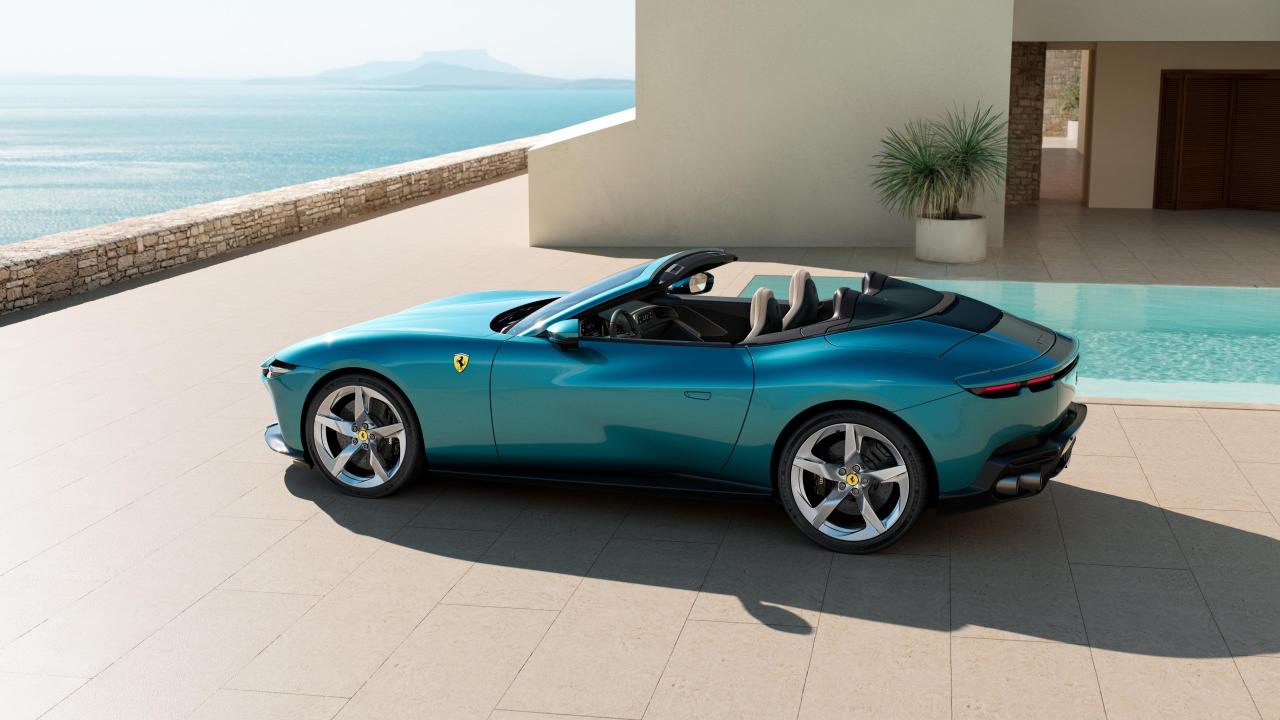
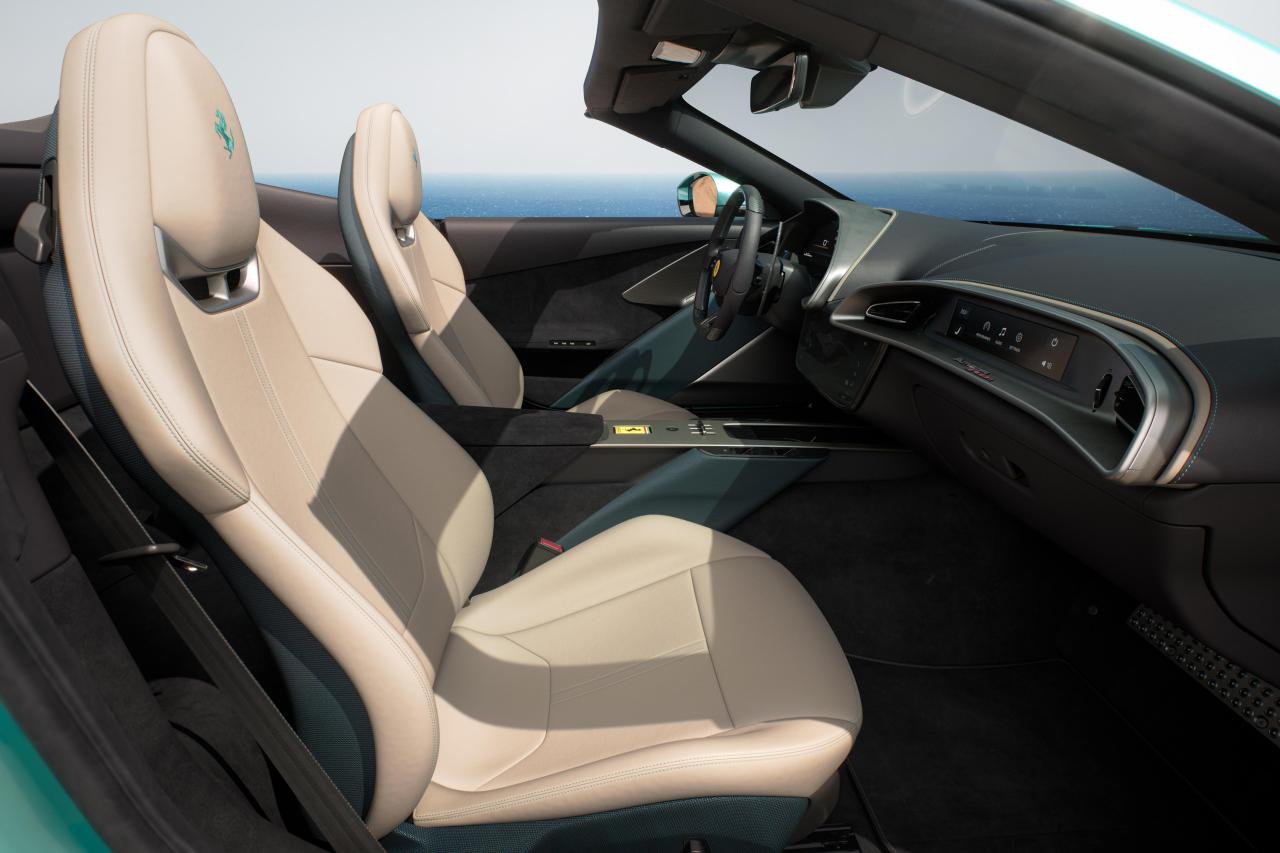
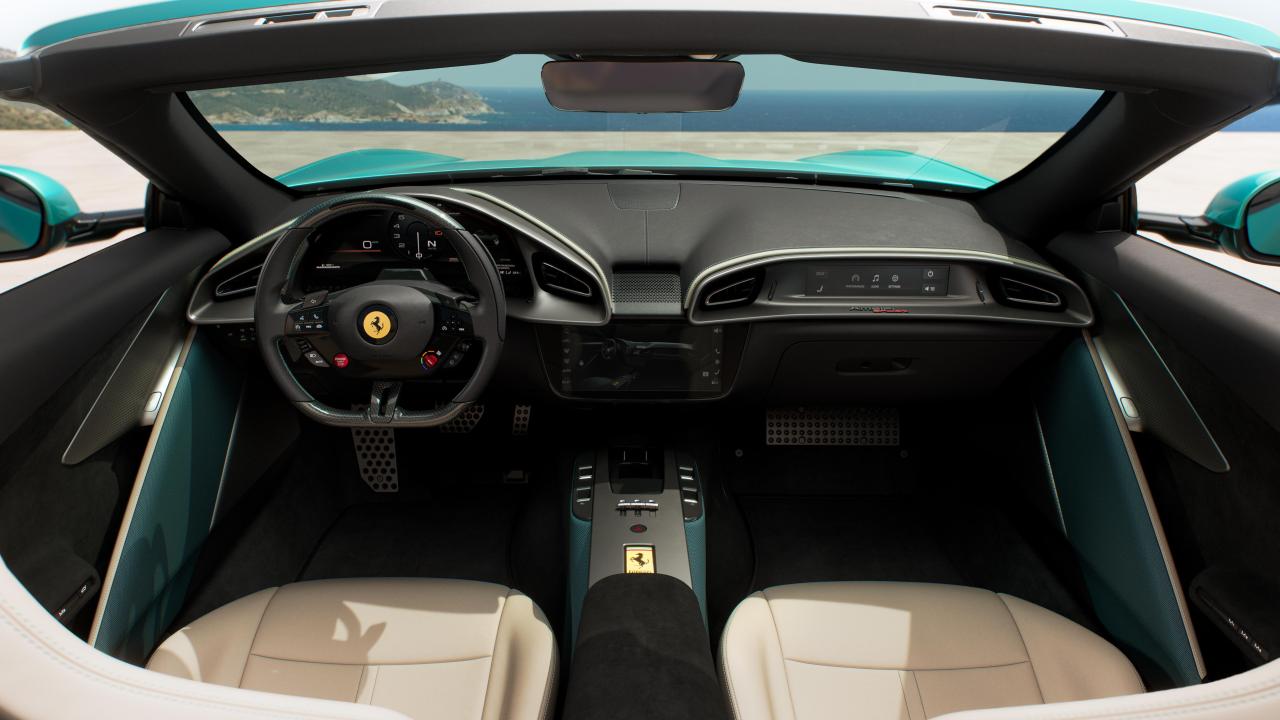
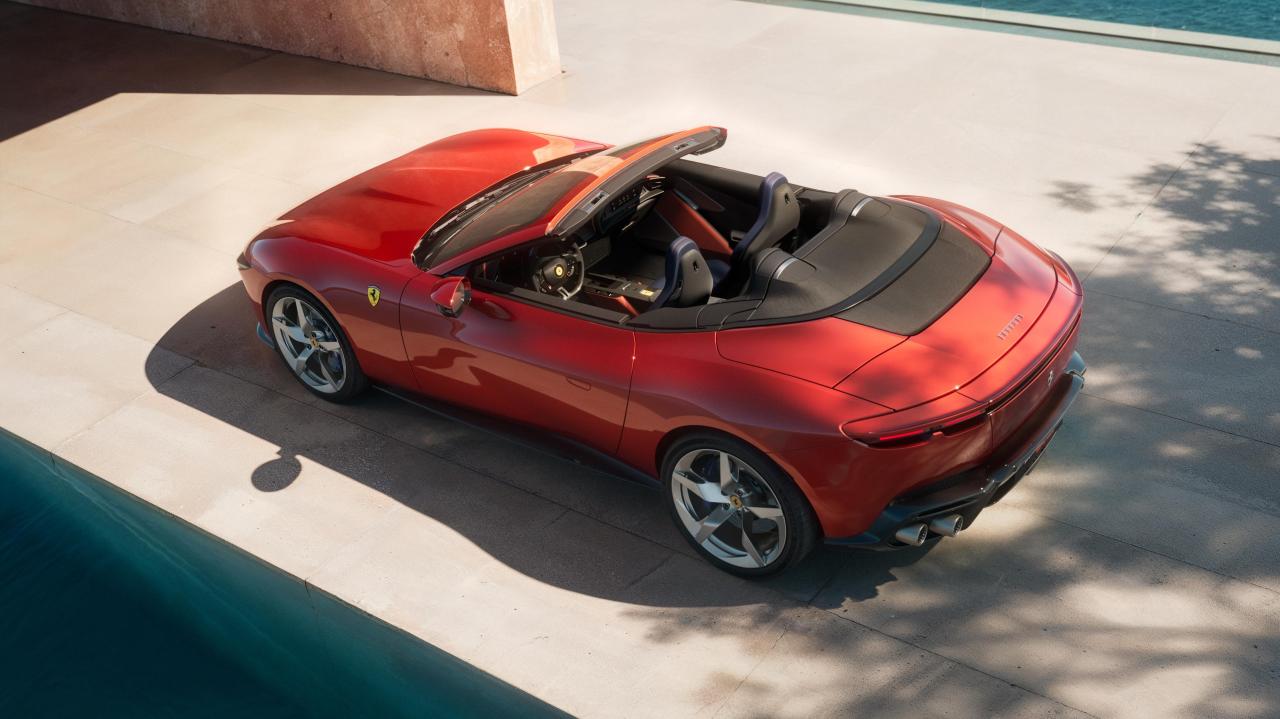
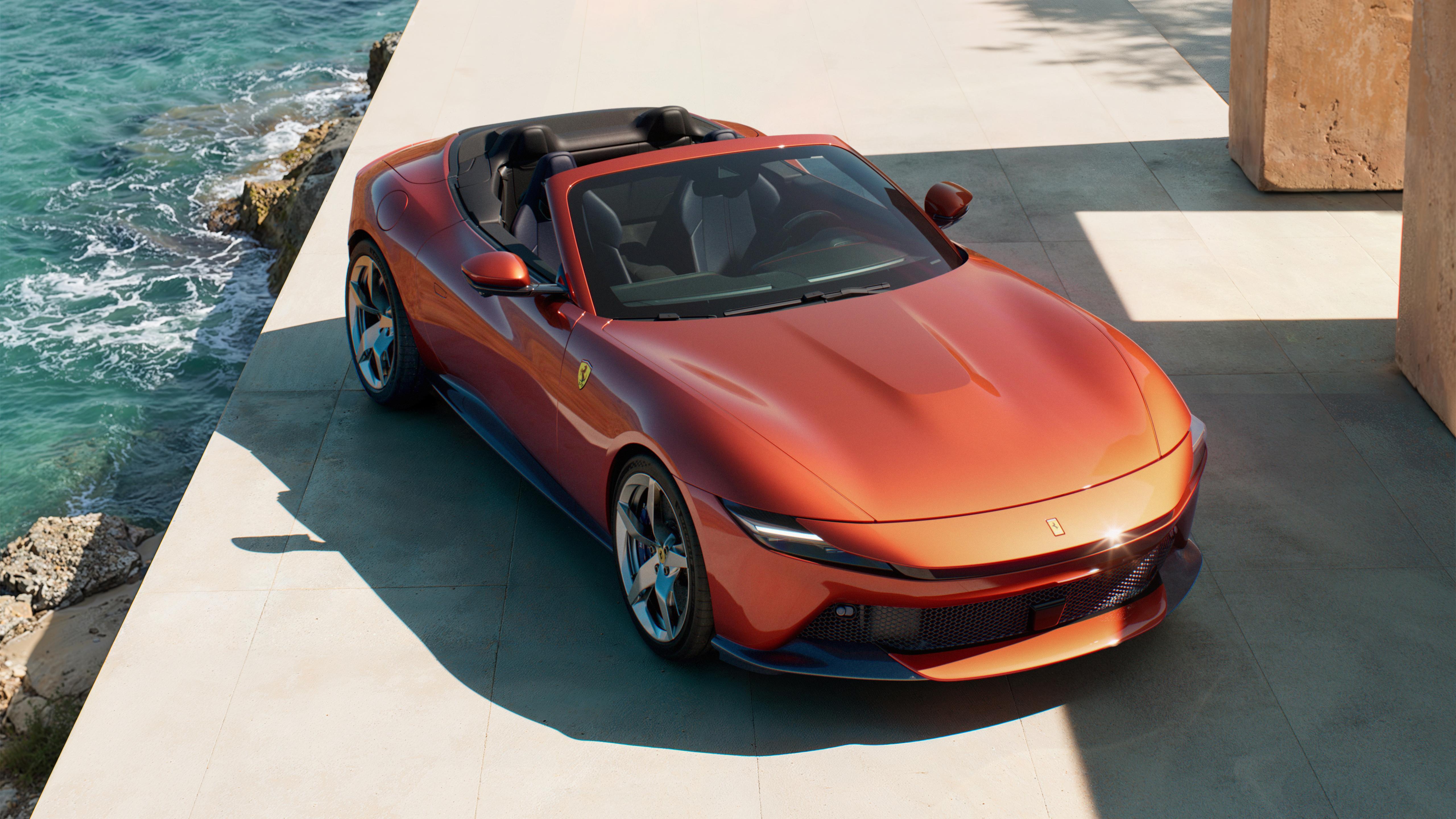
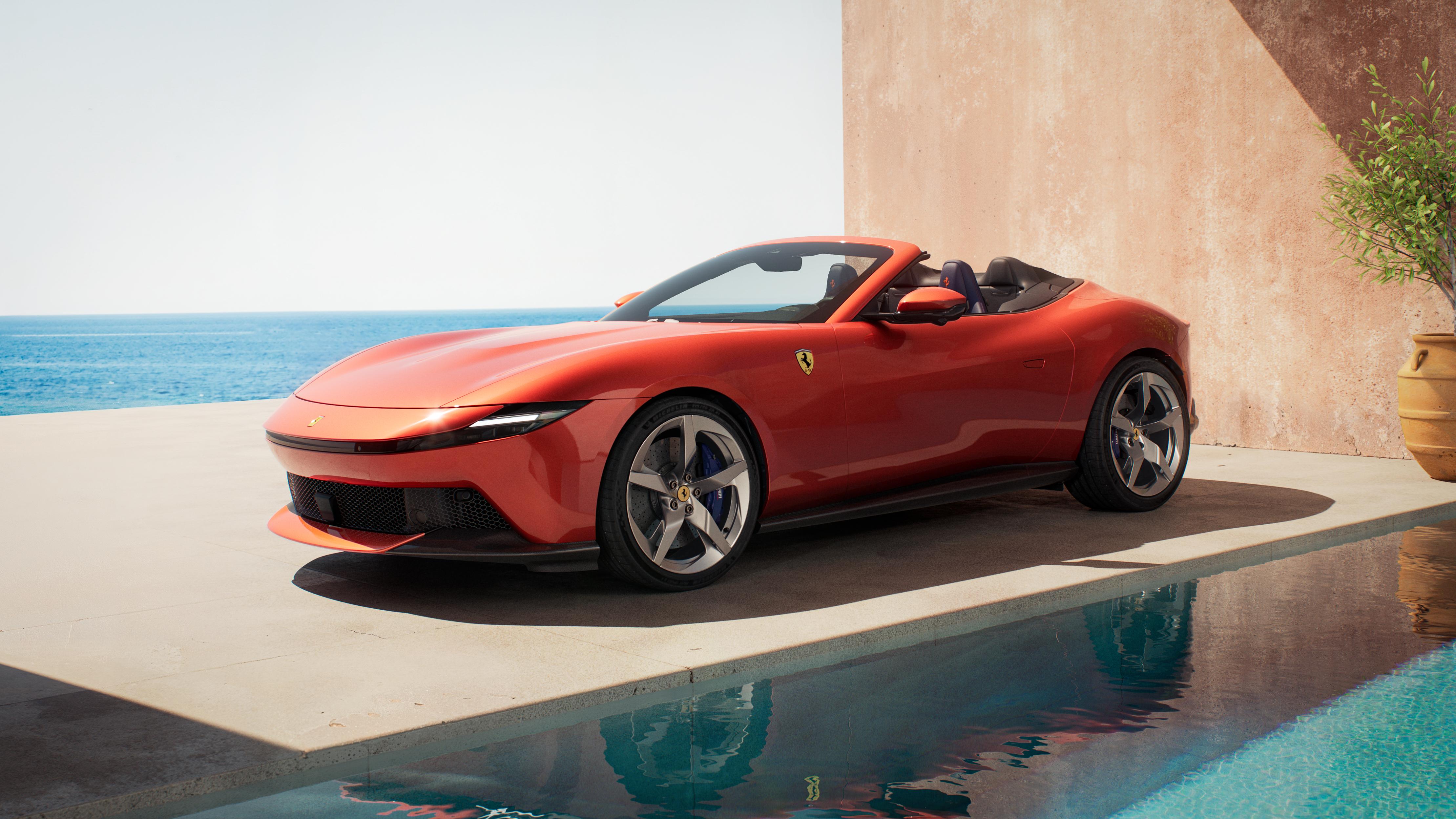
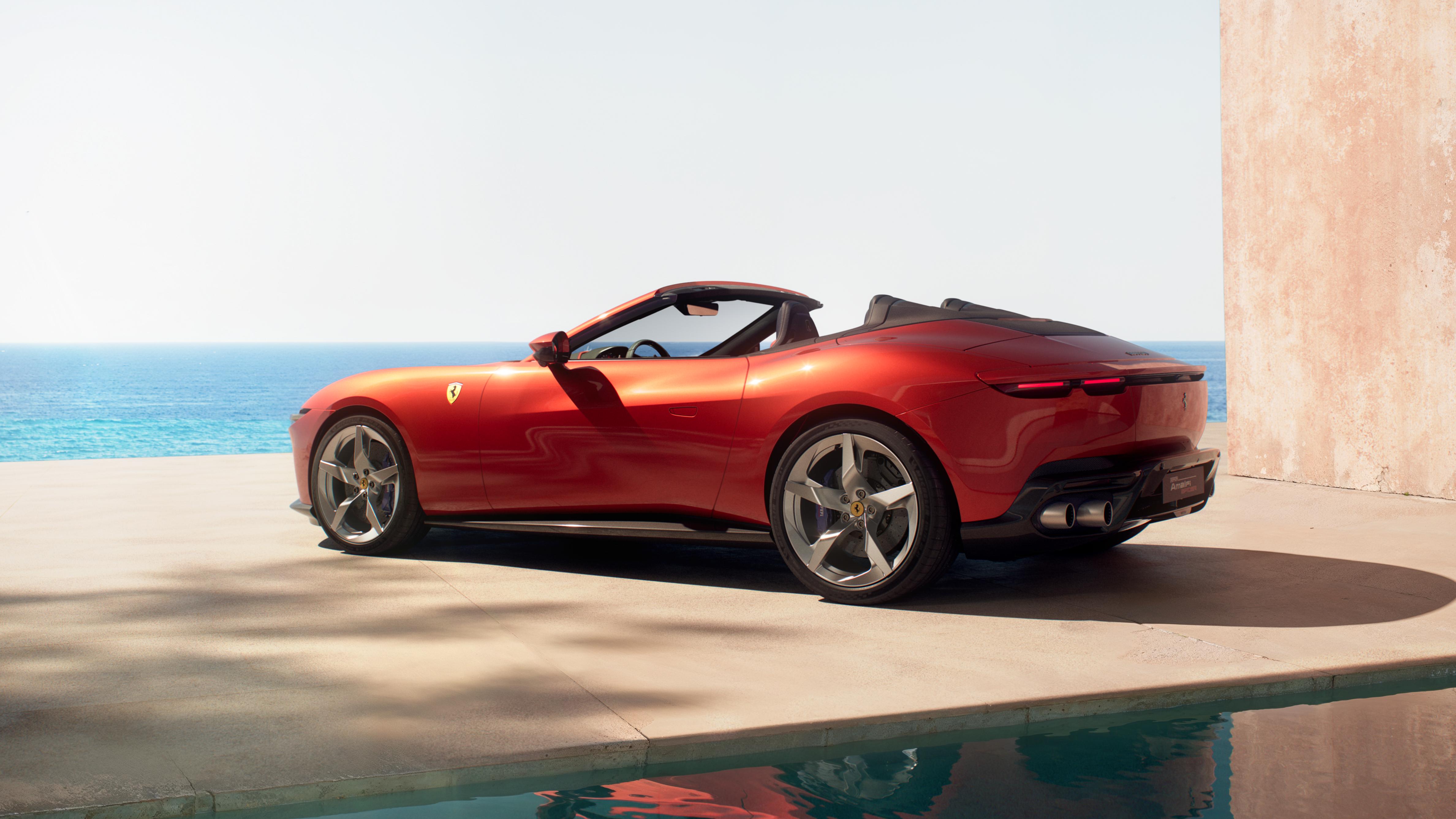
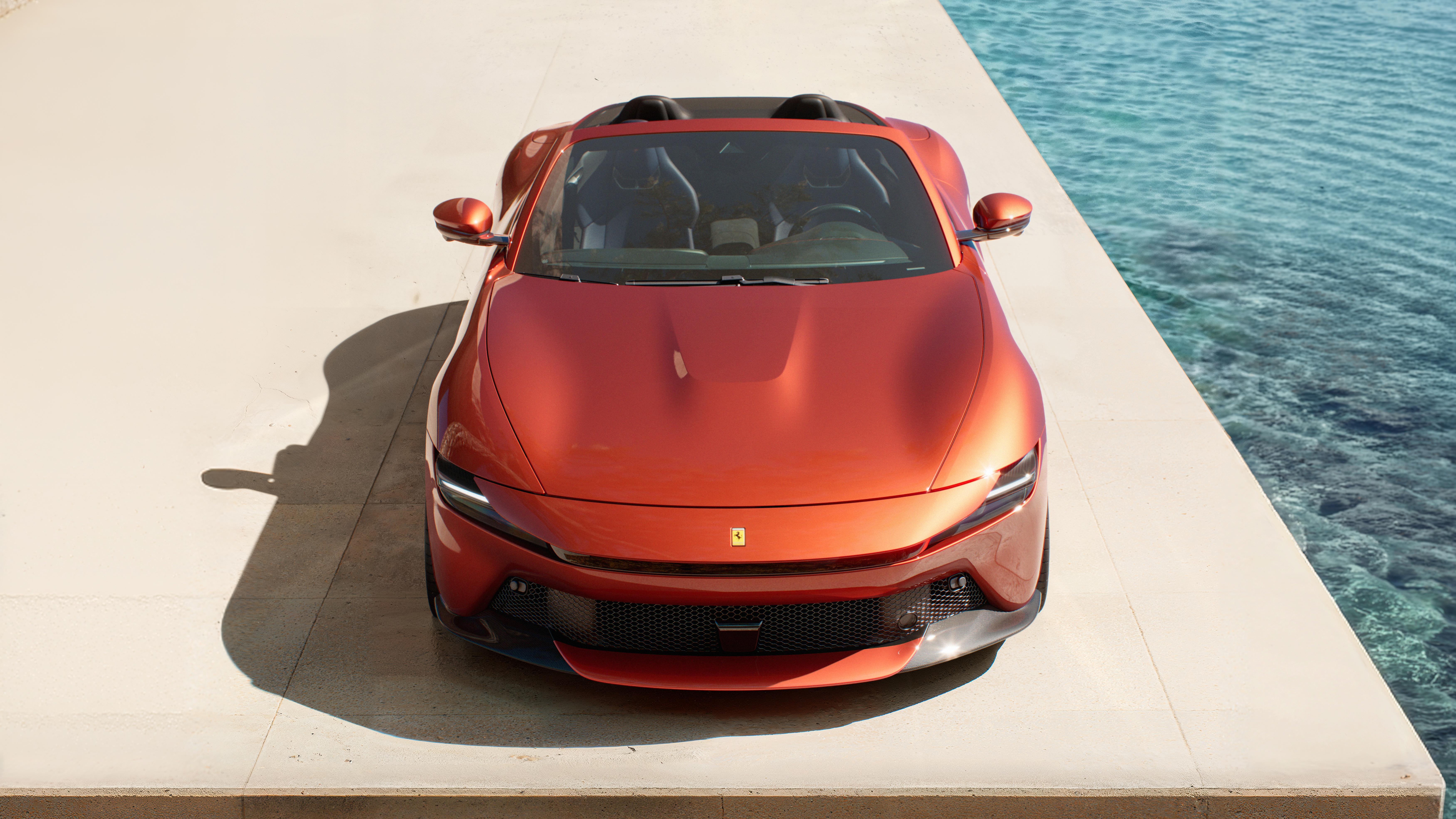
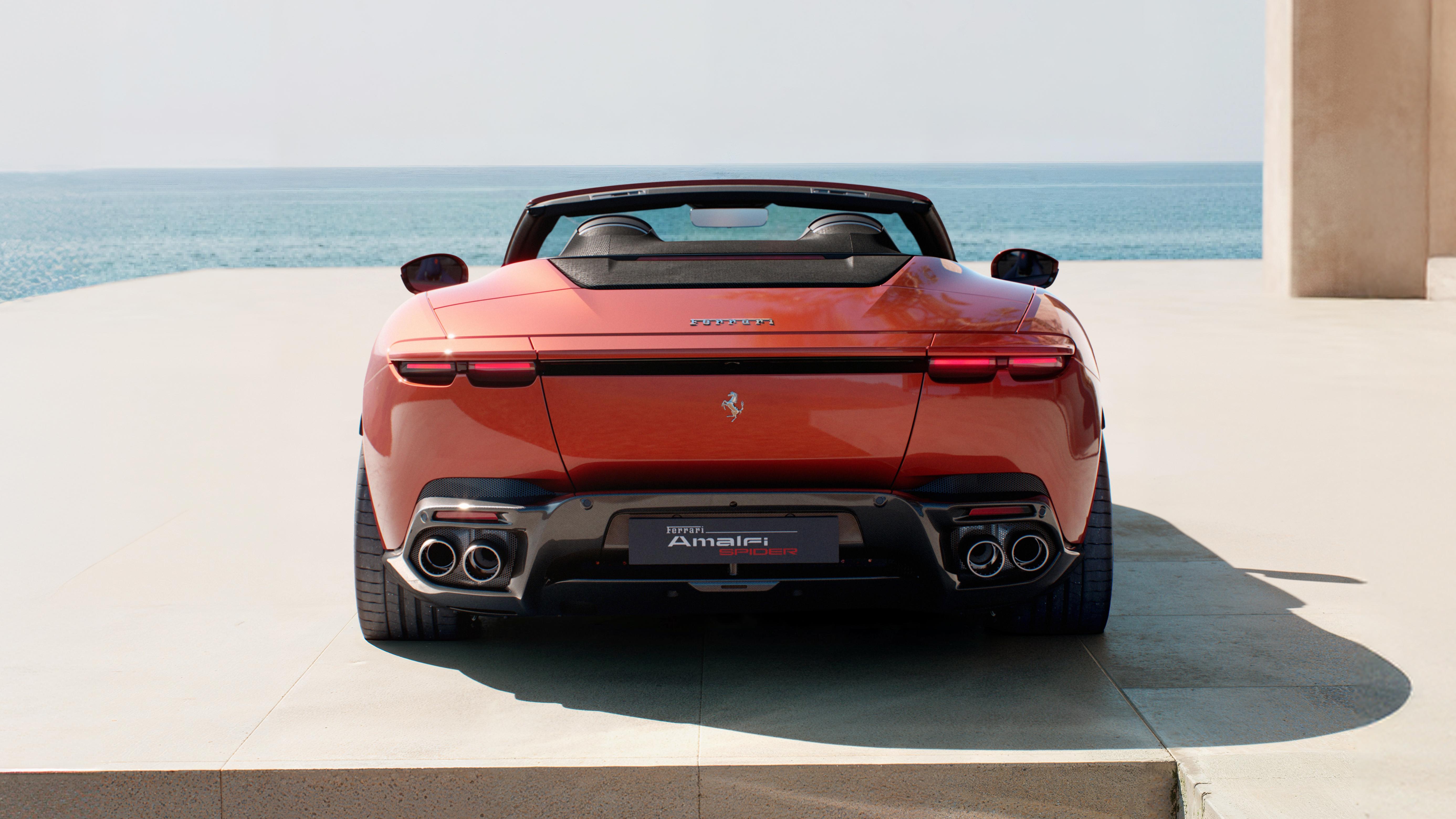
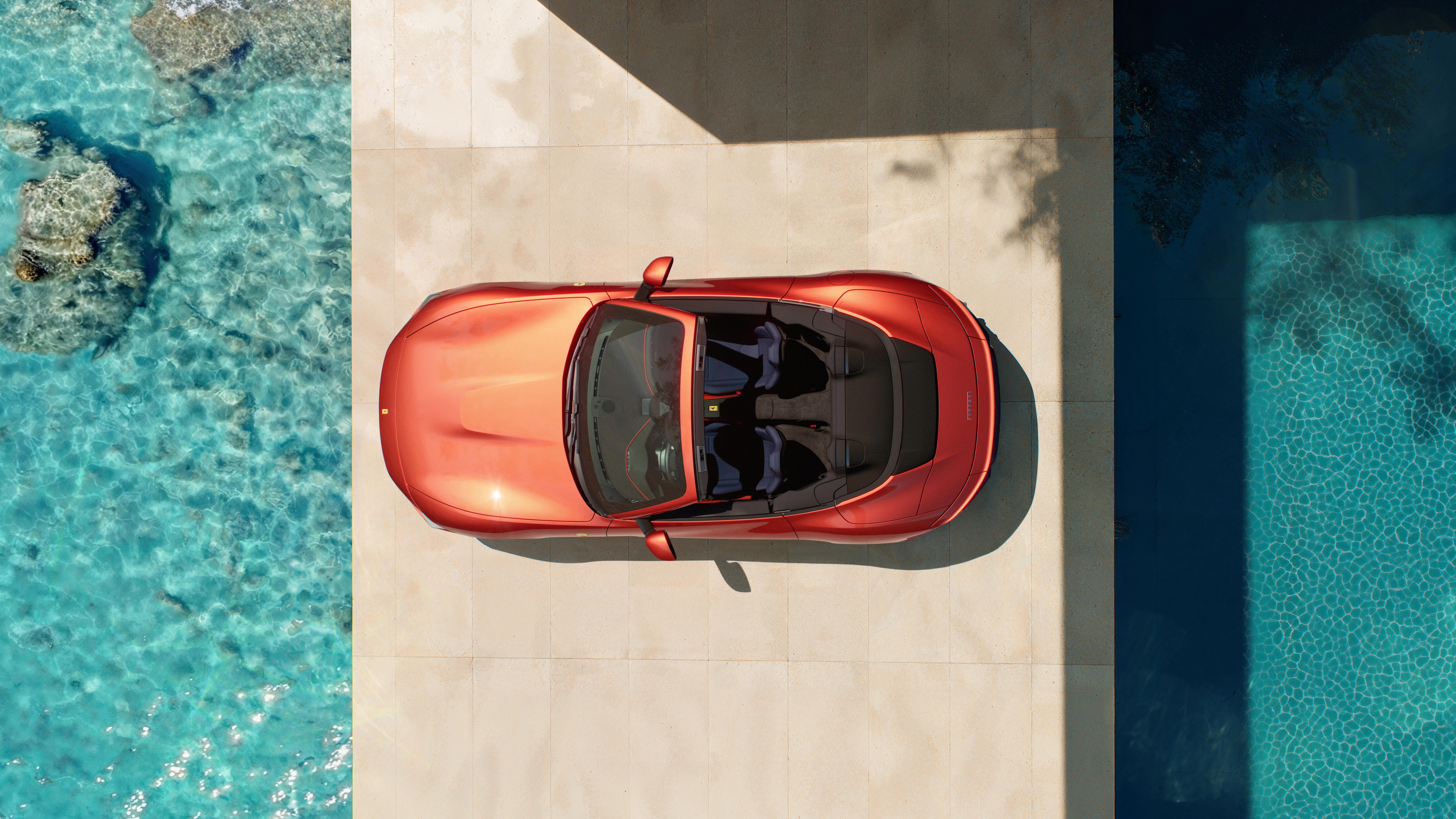
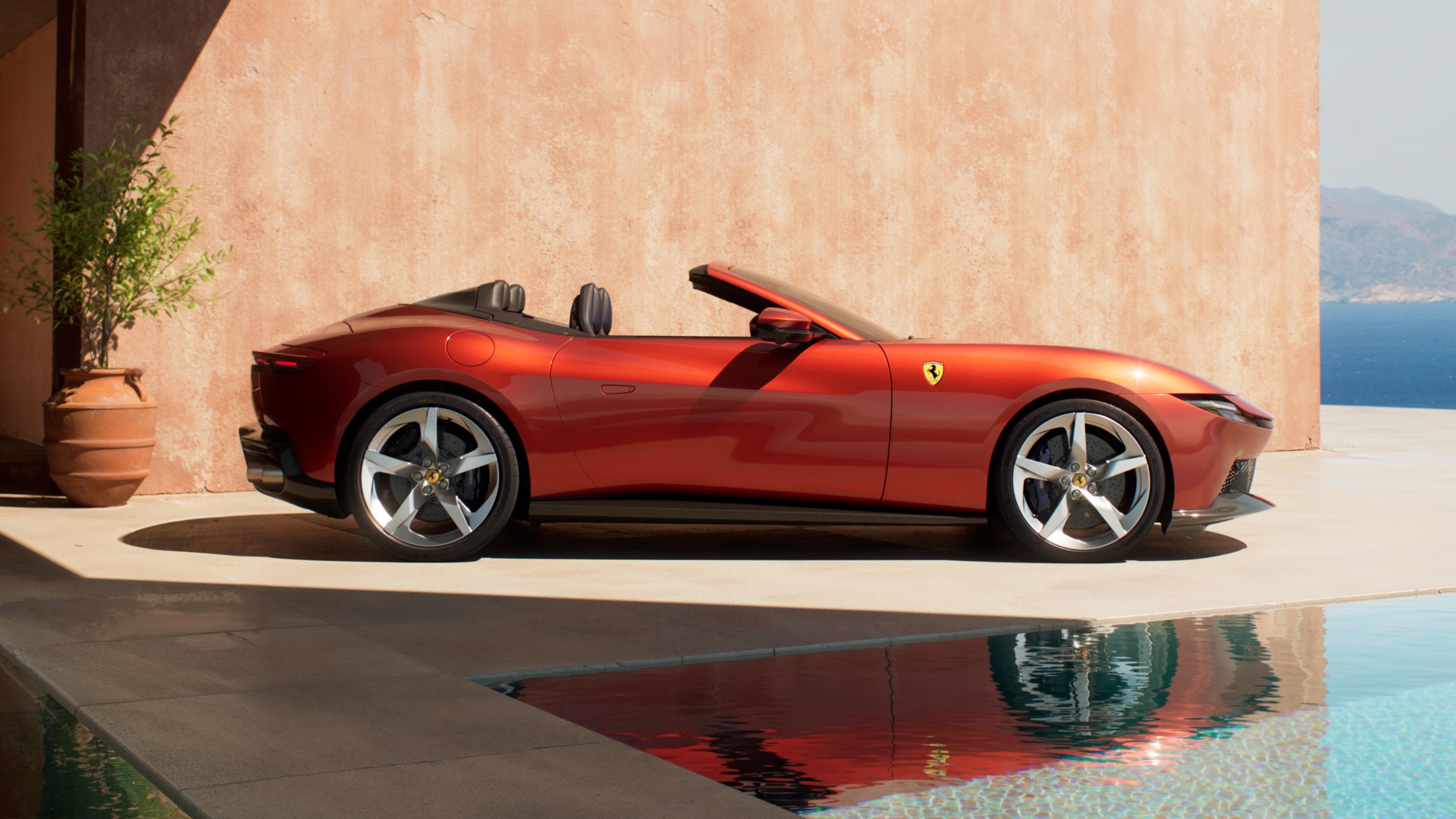
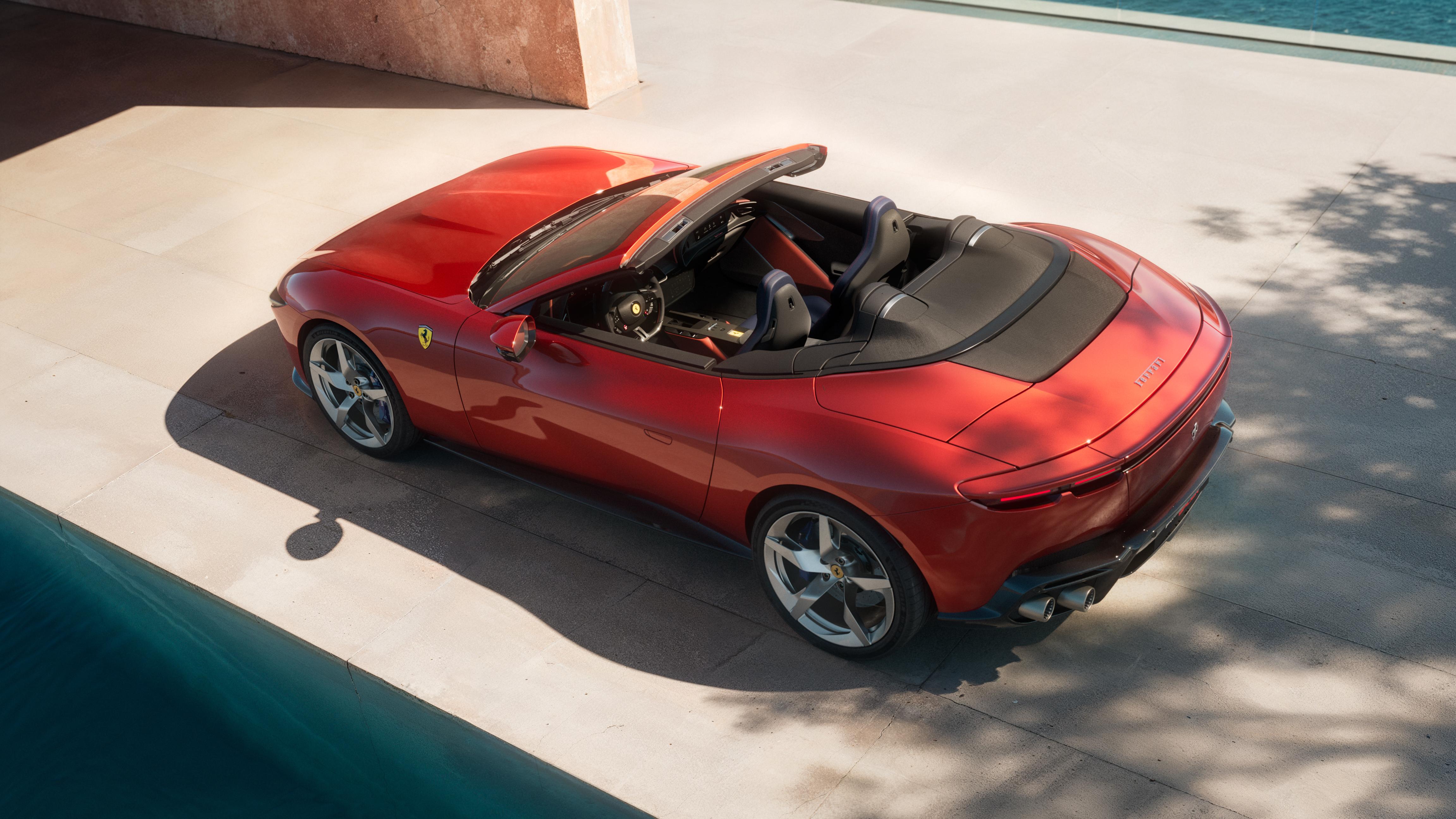
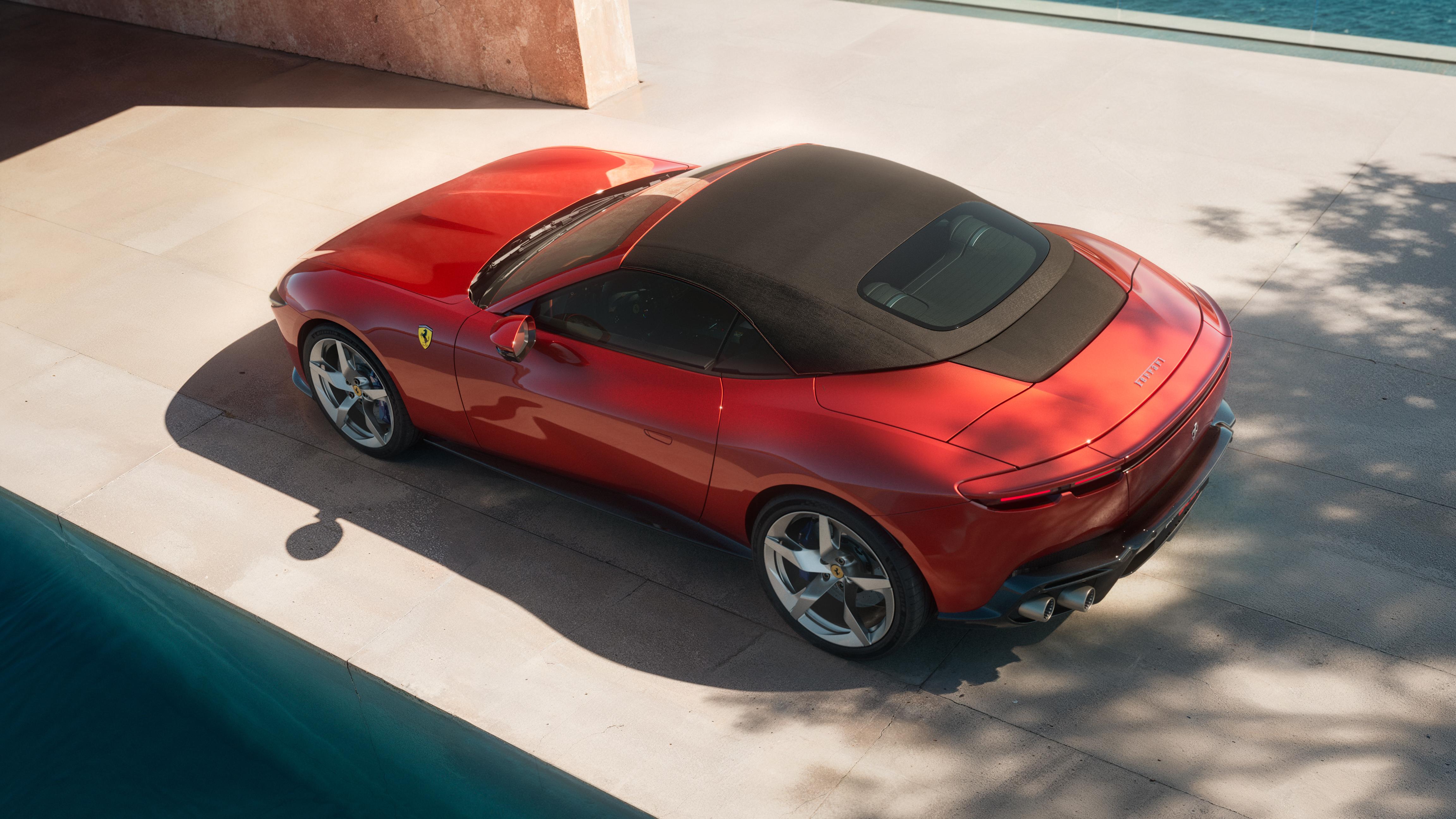
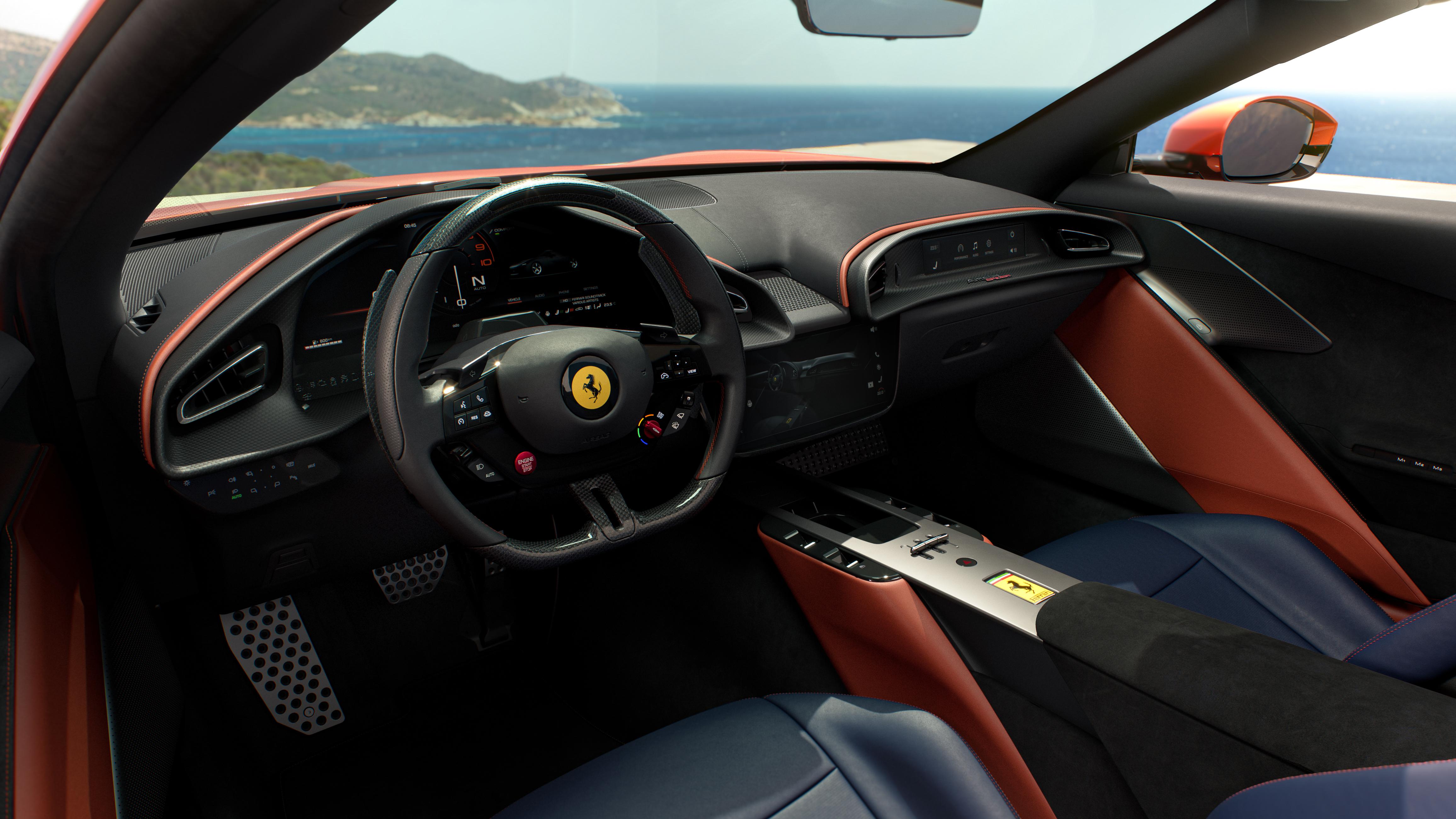
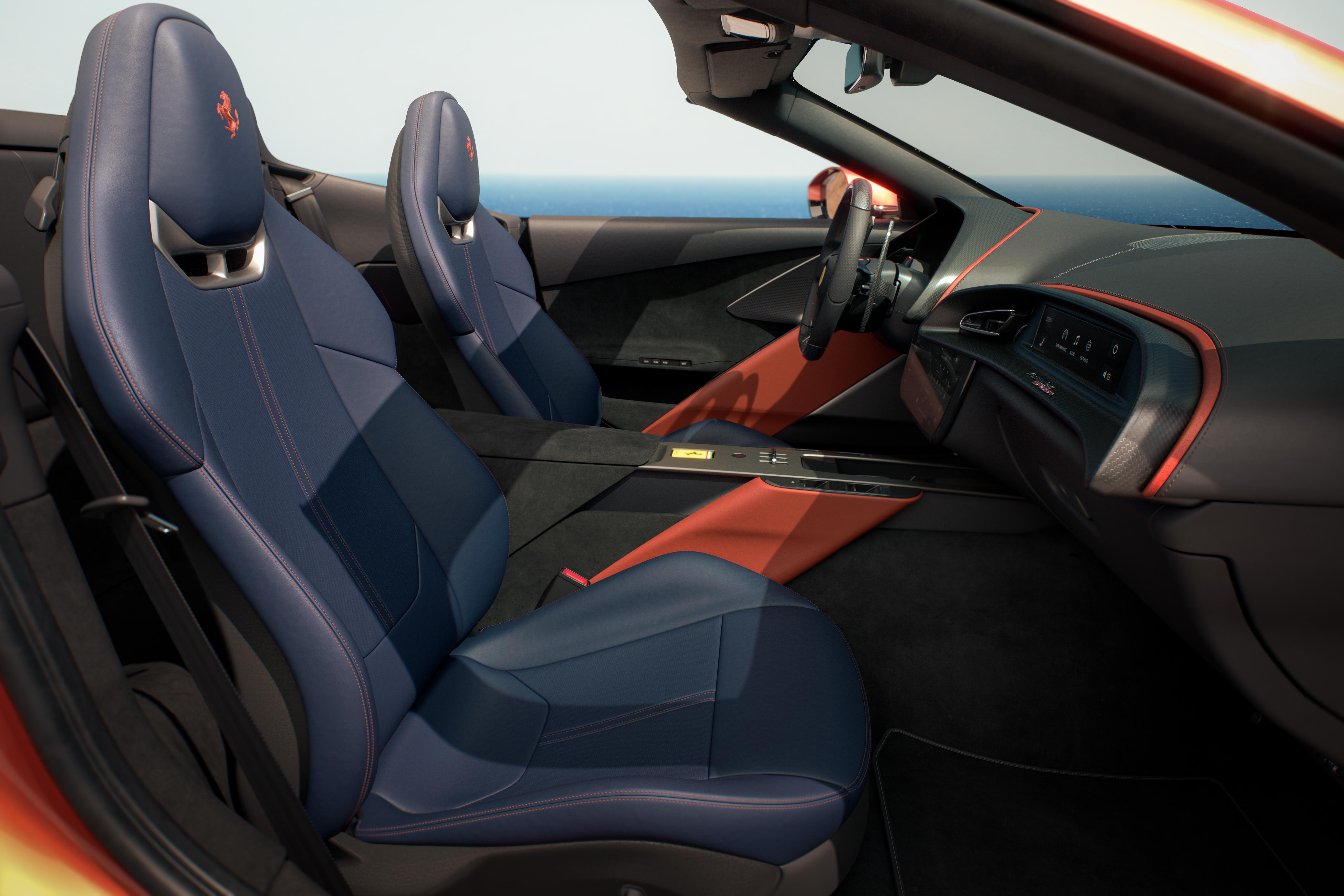
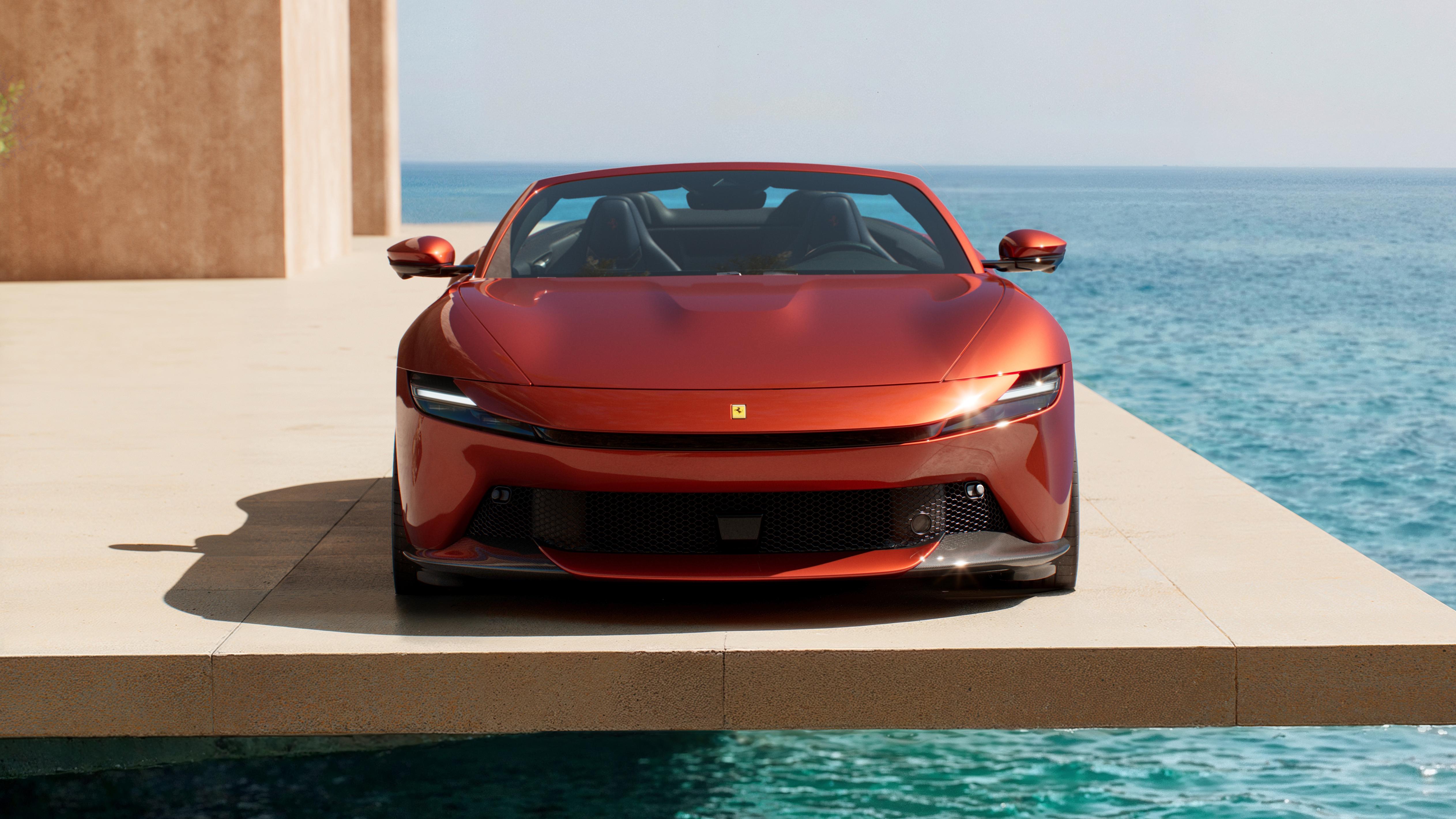
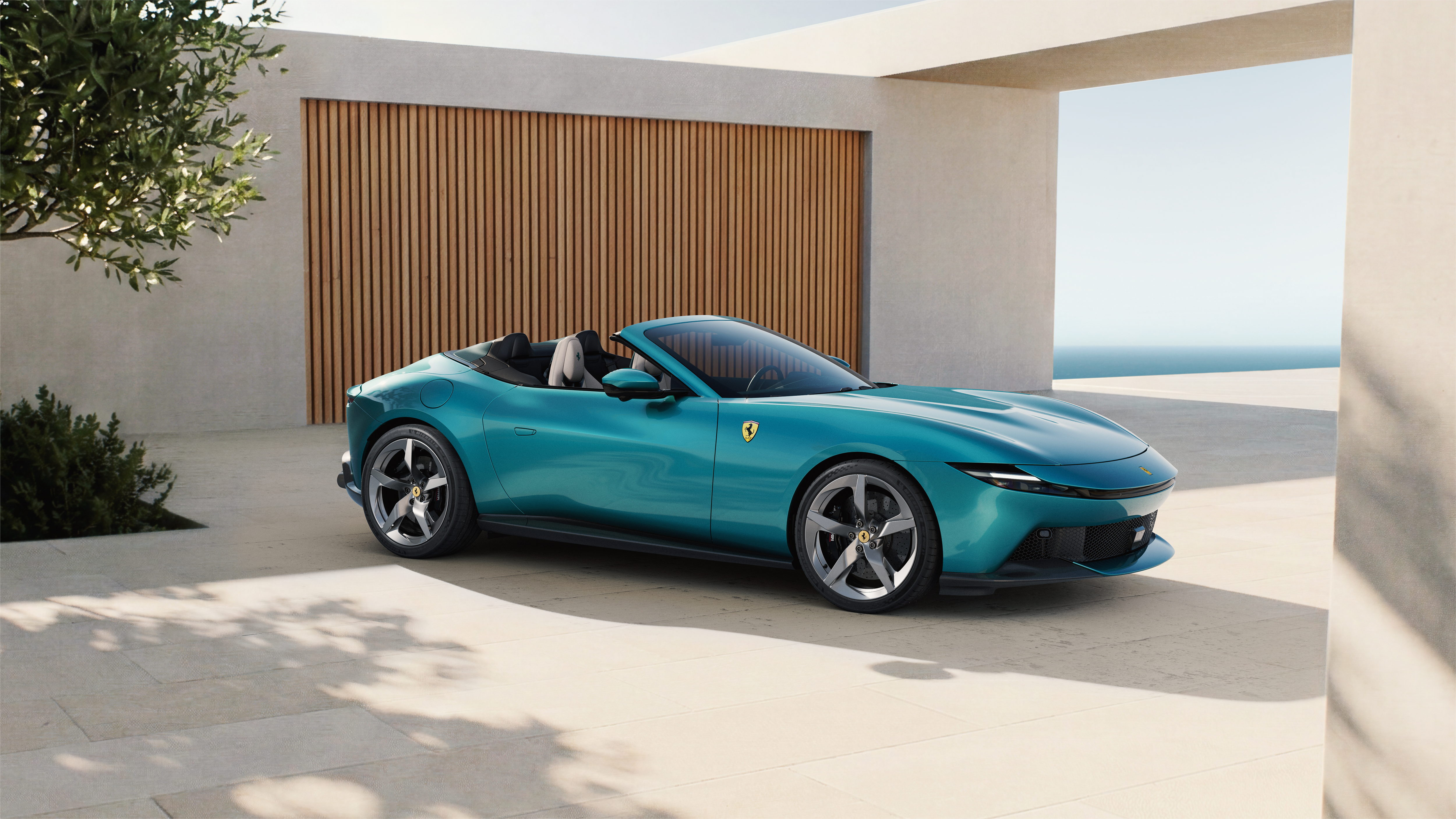
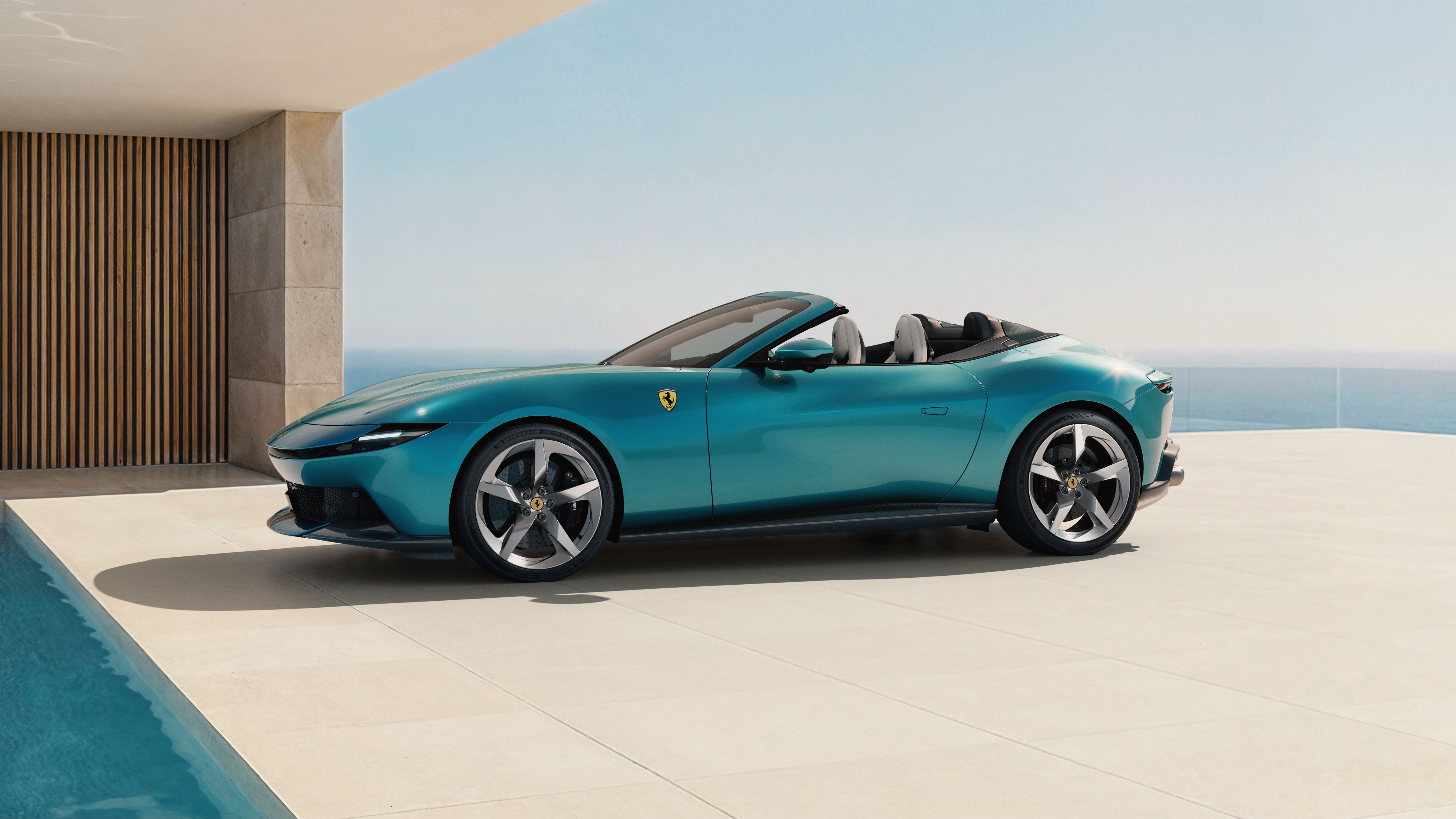
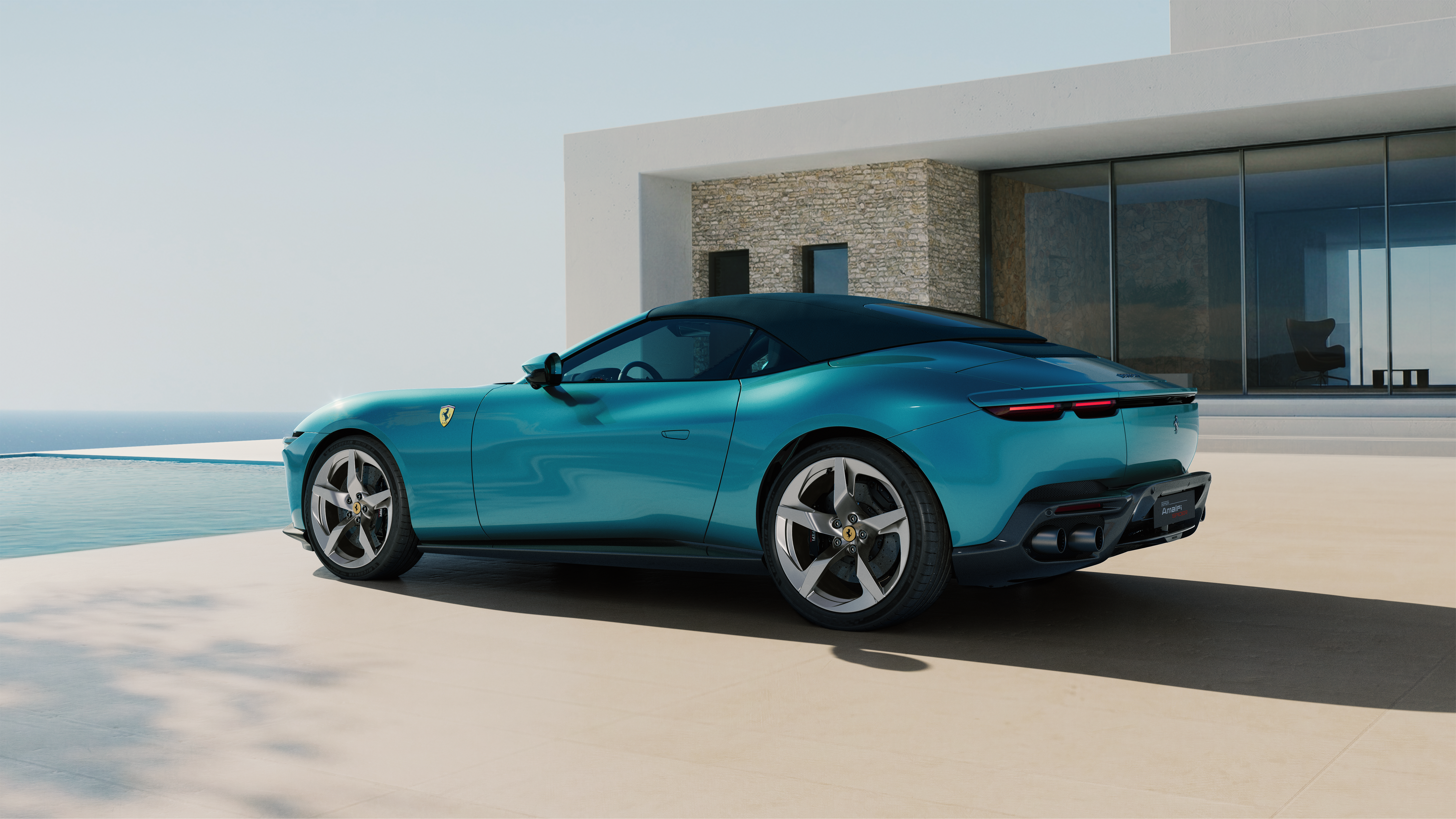
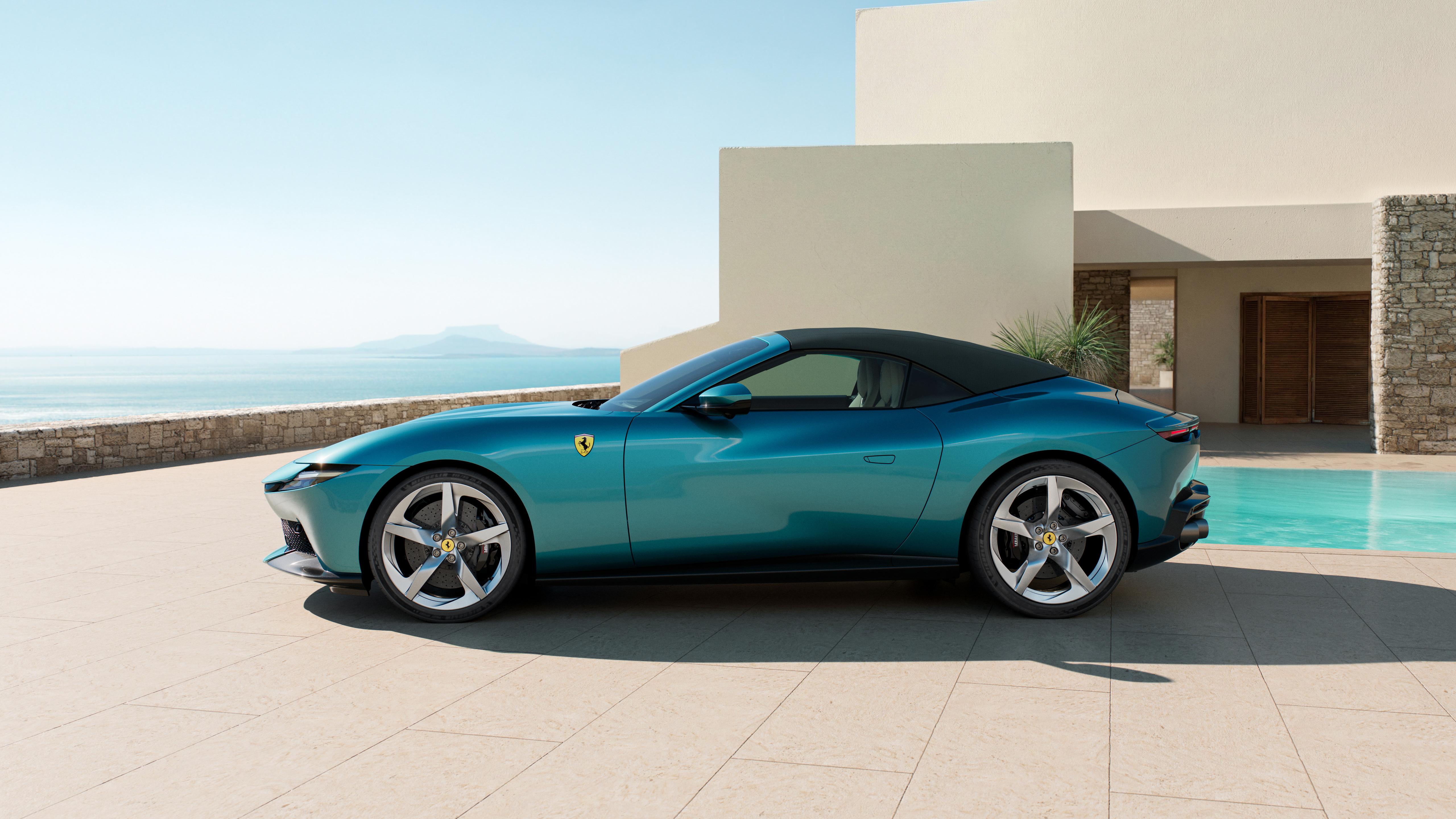
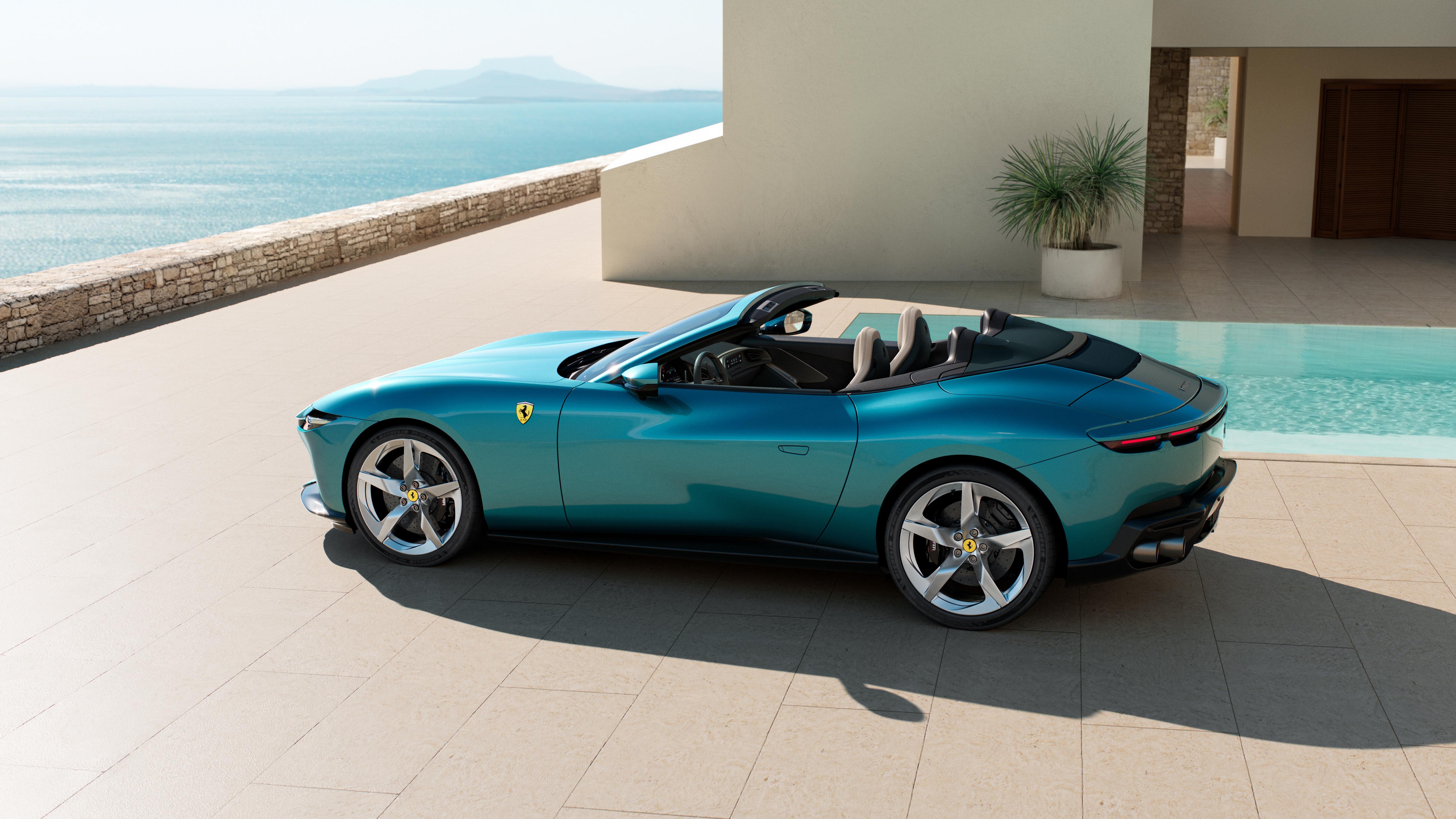
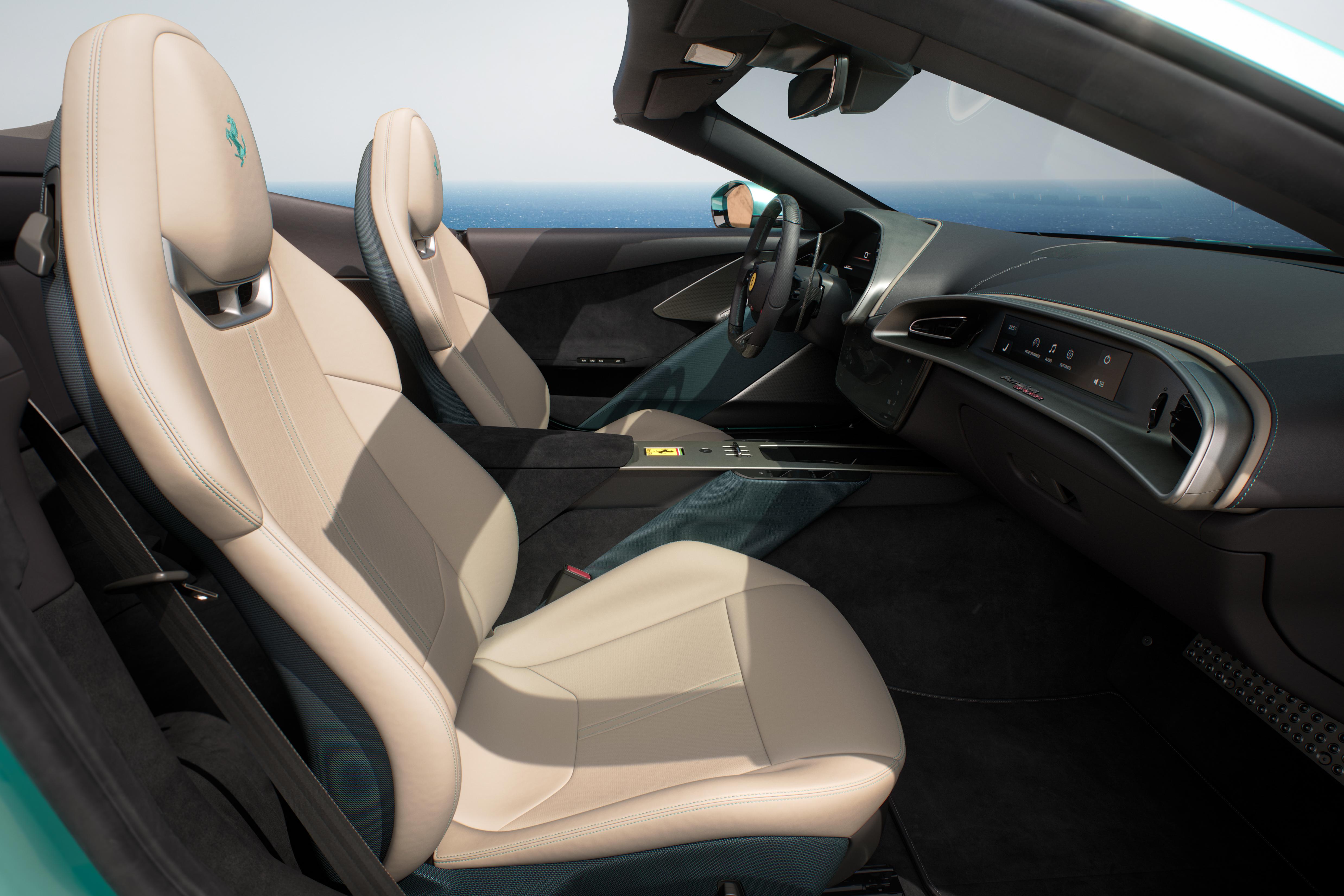
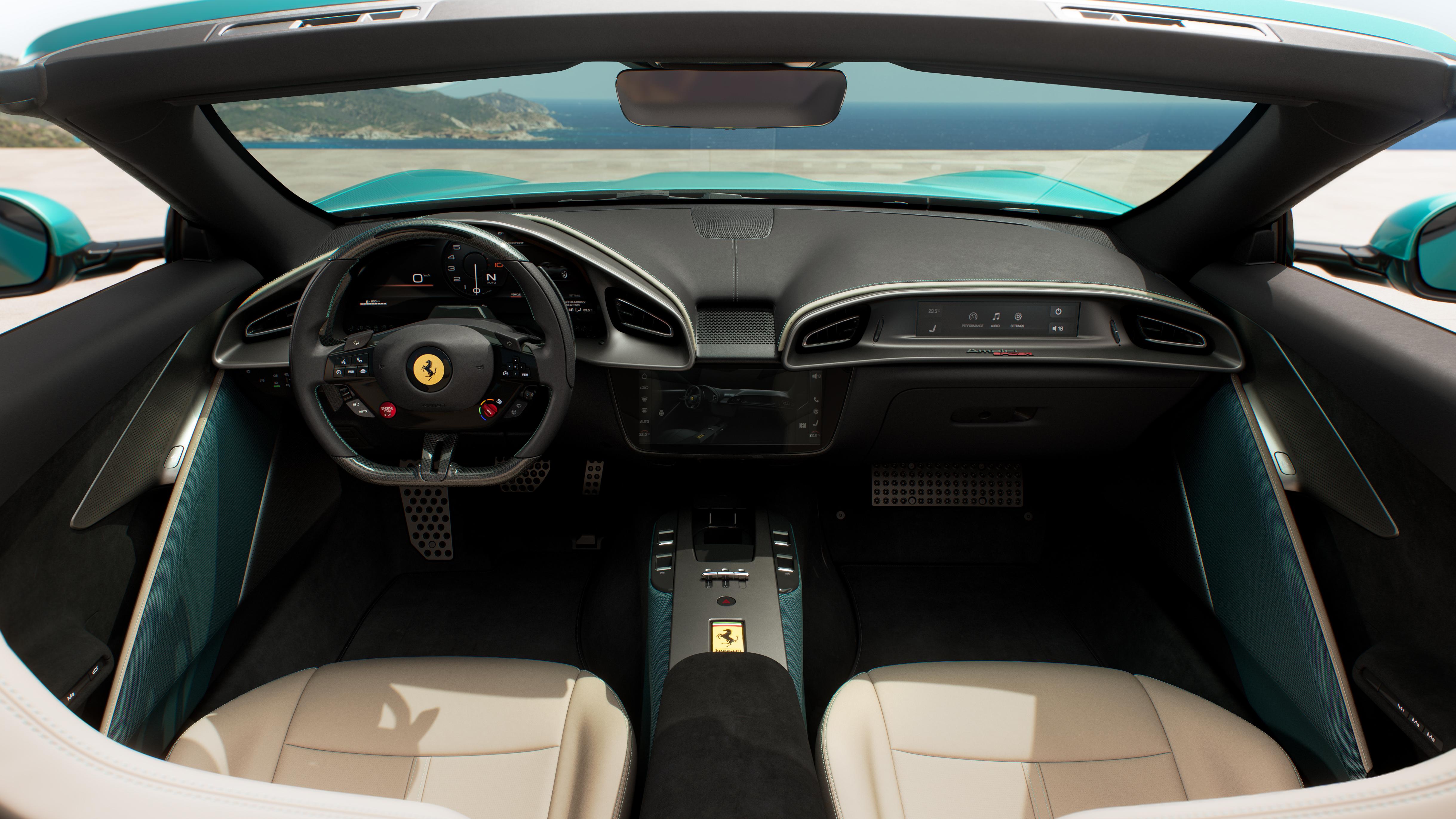
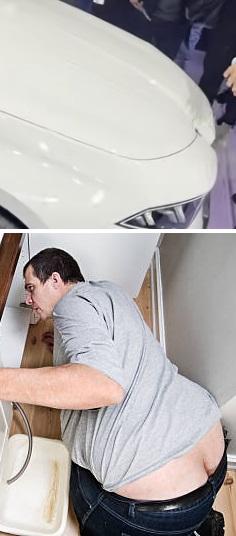 11 puntiAdesso non so se sono OT, ma visto che si parla di Maserati vi spiego cosa sta succedendo dalle mie parte proprio per colpa di GHIBLI e LEVANTE... Queste auto per me straordinarie all'uscita si sono diffuse anche nella mia zona e hanno rubato qualche cliente, in buona parte benestante o presunta tale, dal segmento alto della triade e da Porsche (ex Cayenne). Un fenomeno che si è avviato grazie alla valutazione dell'usato non proprio da Maserati, ma più alla portata del ceto medio-alto. Ergo: con una quotazione di poco superiore ad una A6 o una F10 di pari annata, l'imprenditore tal dei tali si portava a casa una Ghibli. E qui cominciano i guai. Il (poco capillare) post-vendita e l'assistenza del Tridente, abituato a ben altro target, non è assolutamente in grado di soddisfare la clientela "media", ricca ma non troppo, che viene da altri marchi, e qualora lo facciano, sbatte in faccia dei listini degni da auto di lusso, da segmento F per intenderci...più da Quattroporte insomma. Il cliente di una Ghibli non è quello di Quattroporte o di una Granturismo. Io lo stesso problema l'ho notato nel decennio passato con la gestione Jaguar della berlina XE, dove ho riscontrato più meno le medesime mancanze. E guarda caso è stata evidente la fuga di quel tipo di clienti da questi marchi, che sono ri-approdati su lidi più sicuri. Se riesci ad entrare nel garage di quella clientela, devi formare una parte della rete per riuscire a gestirla e devi aprirti di più ai comuni mortali. Non puoi interagire con un tuo cliente solo tramite mail. Non puoi precludere ad un ricambista generico (pagando ovviamente) l'accesso al software per la ricerca dei ricambi, almeno per la fascia bassa della gamma. Non puoi chiedere per un kit di dischi e pastiglie per la Ghibli base 1800€+iva. Non puoi chiedere per un filtro olio della Ghibli base 70€+iva. Ti vuoi scontrare con la 530d? Nessuno dice che devi regalare i ricambi, ma se proponi al pubblico un mezzo di quel segmento, devi adattarti ad esso. Parlando di un marchio gestito con i controcaxxi, Porsche gestisce il post vendita di Macan in modo perfetto. Se veramente voglio affermarmi nel segmento premium io devo copiarla.11 punti11 puntiAerodinamica WEBFULLHD-MODULO_AERODINAMICA_INTRO_v02.mp4 Fondo WEBFULLHD-modulo_aero_focus_fondo_vettura_v02_DESKTOP.mp4 Ribaltina WEBFULLHD-modulo_aero_focus_ribaltina_v01_DESKTOP.mp4 Ala mobile posteriore WEBFULLHD-modulo_aero_focus_ala_v02_DESKTOP.mp4 Comunicato stampa Via Ferrari. Topic Spy: Ferrari Amalfi Spider- Prj. F169S M (Spy)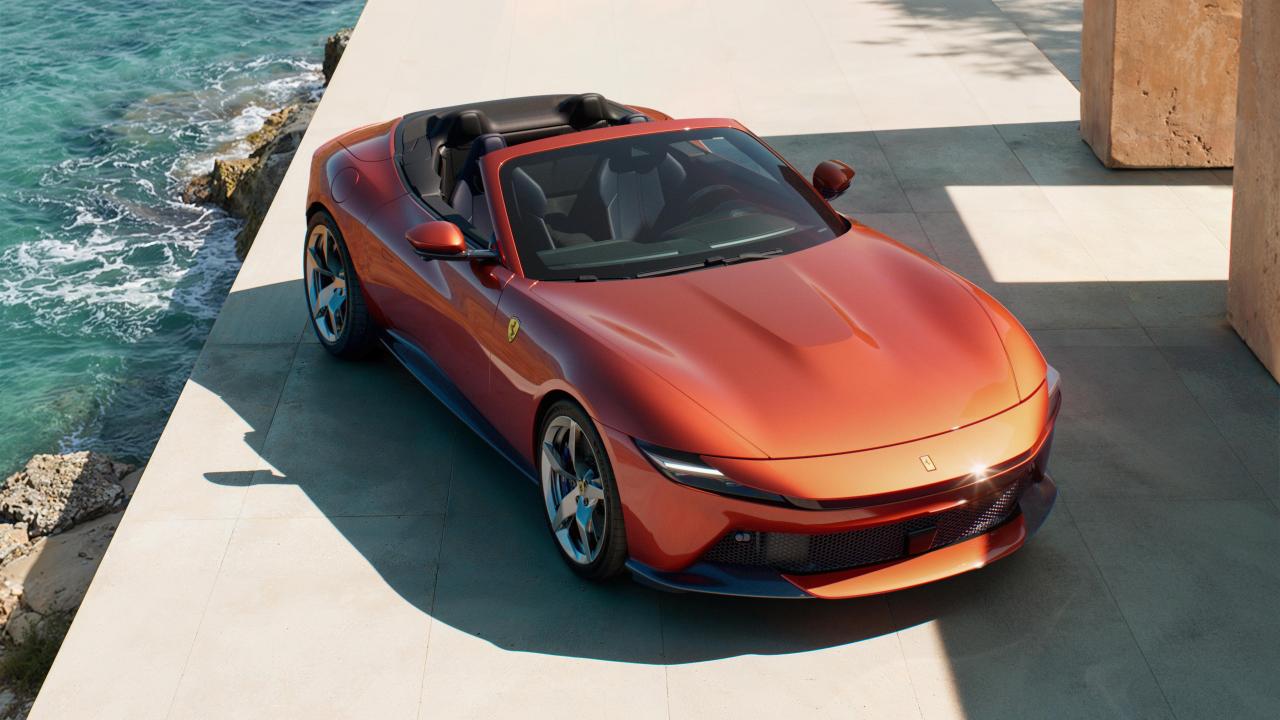
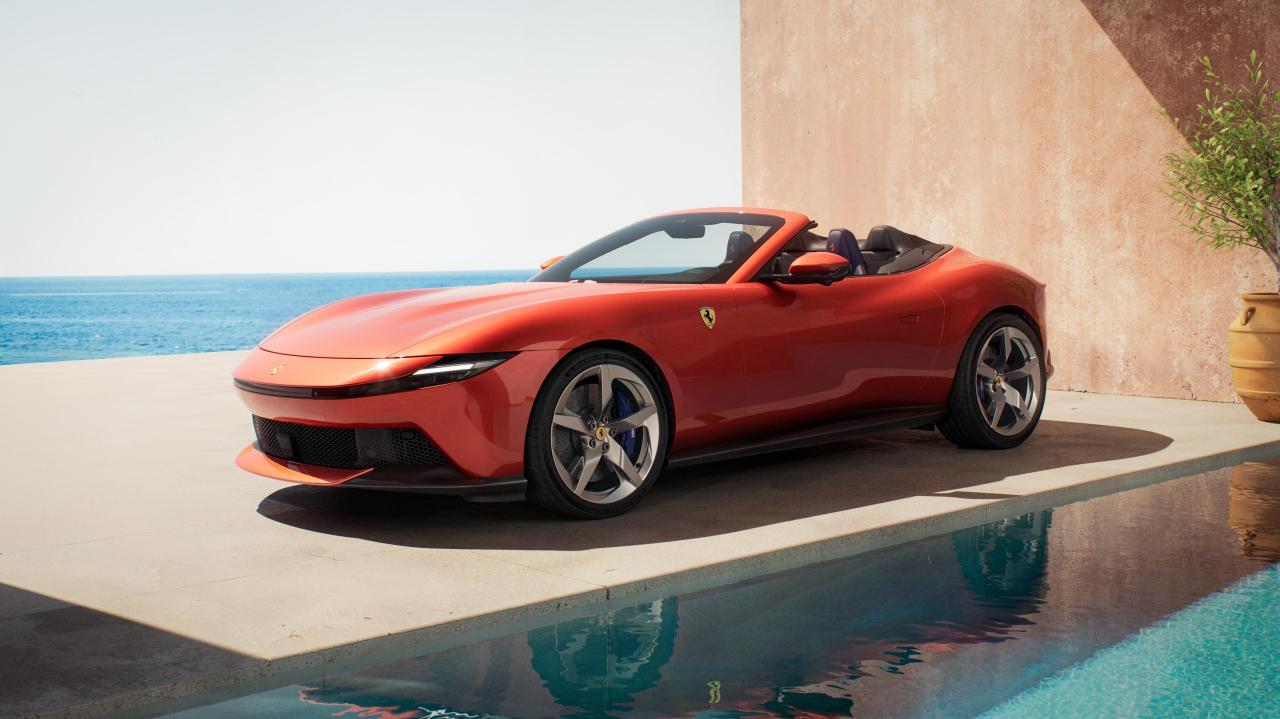
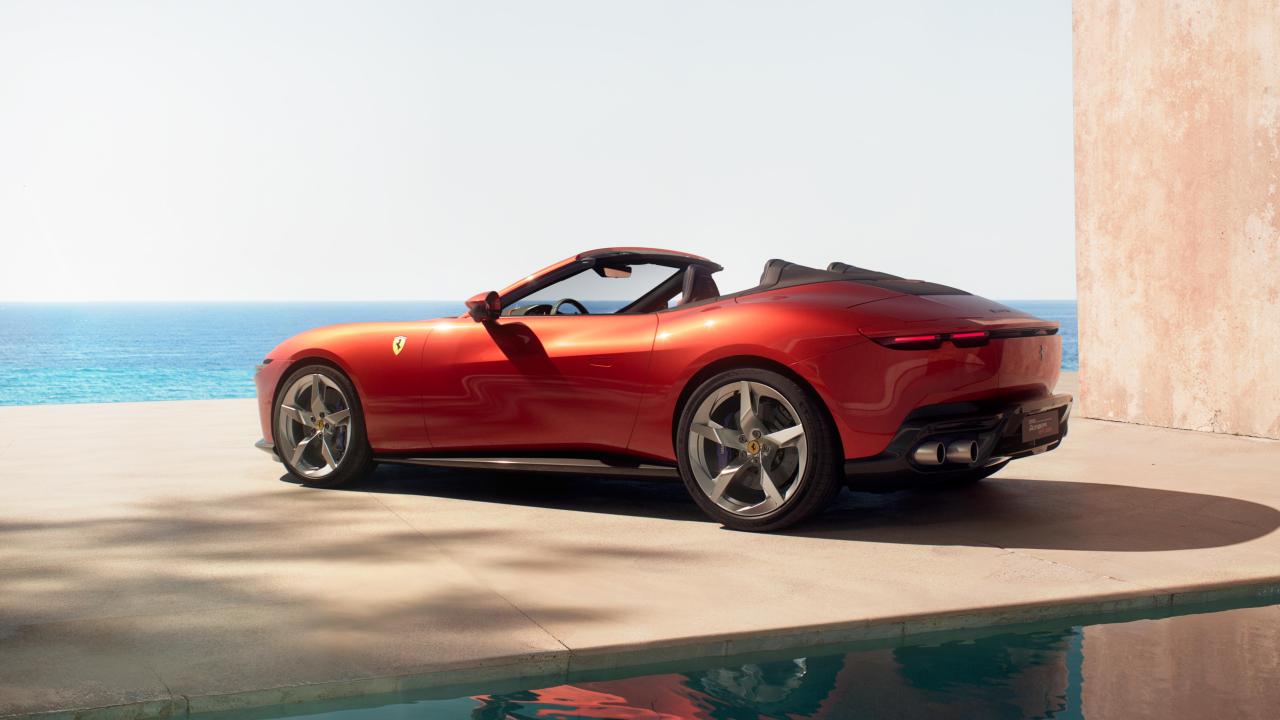
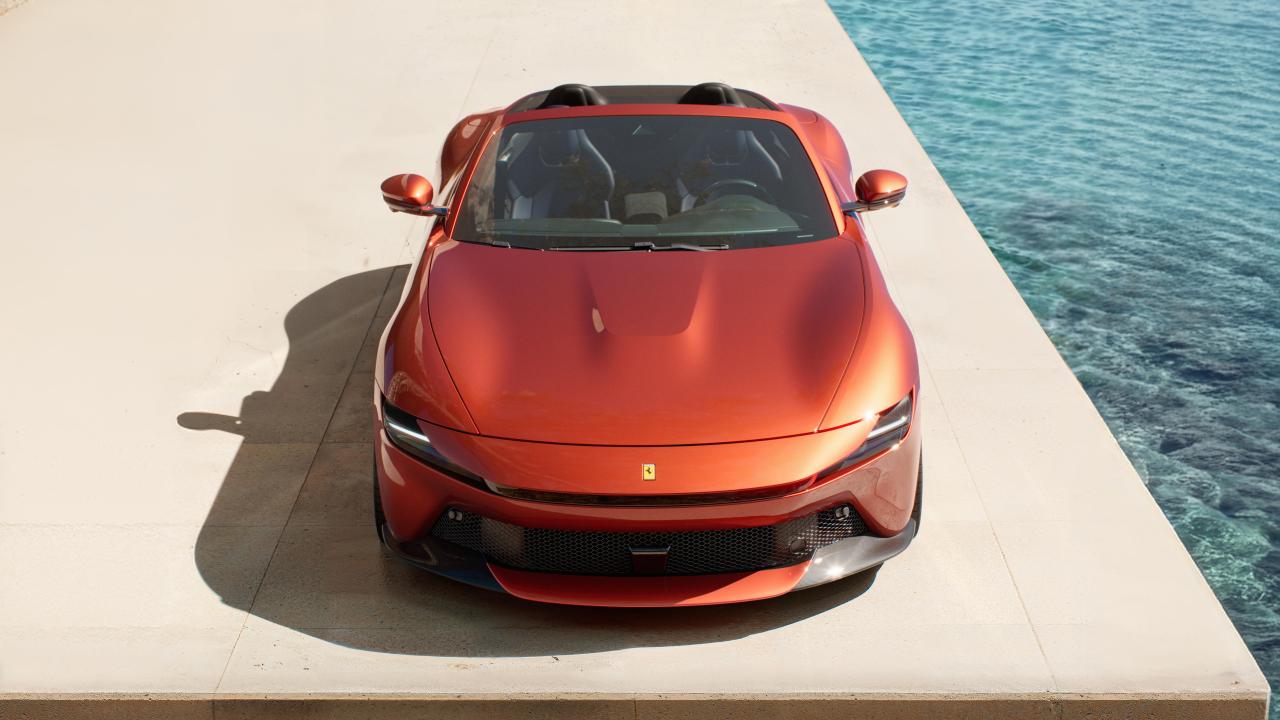
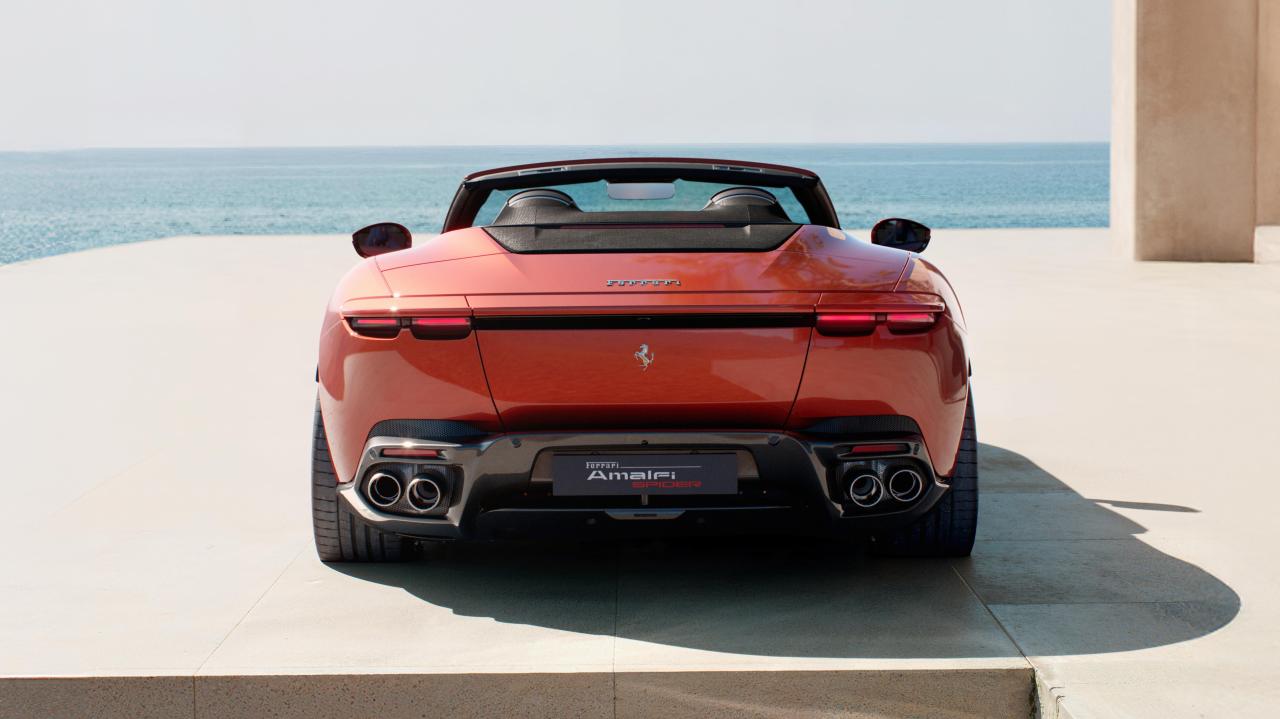
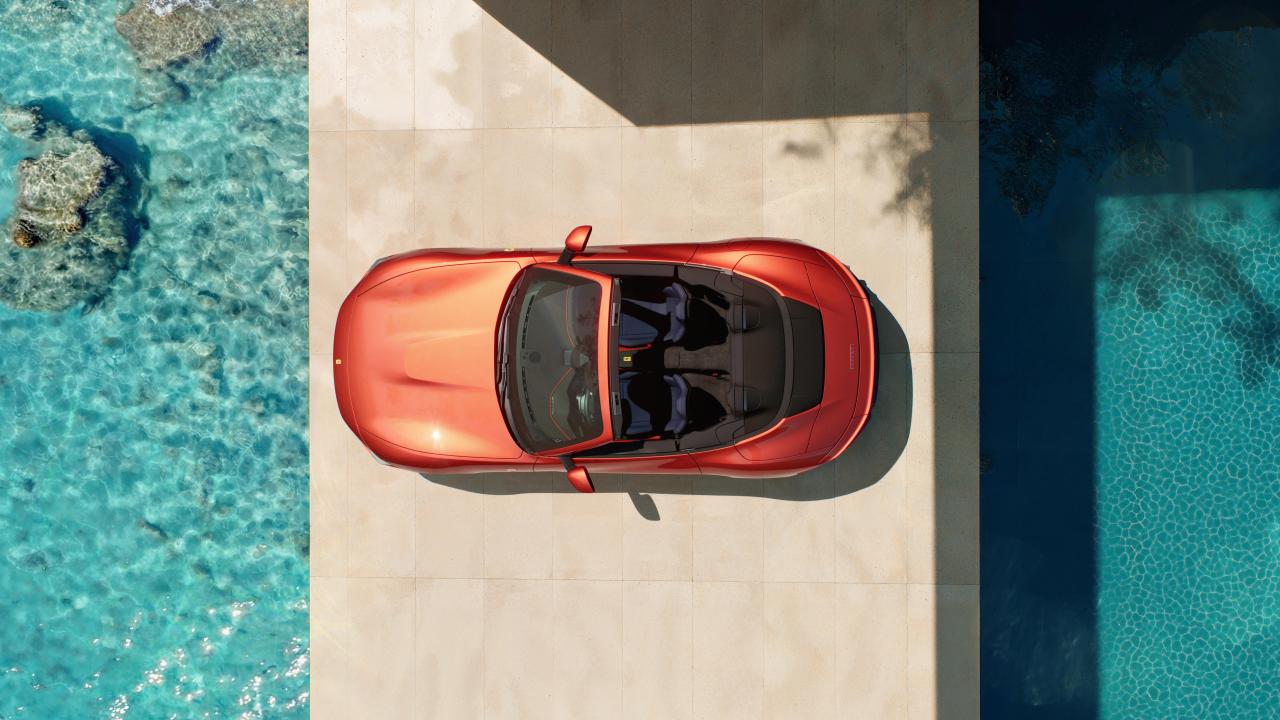
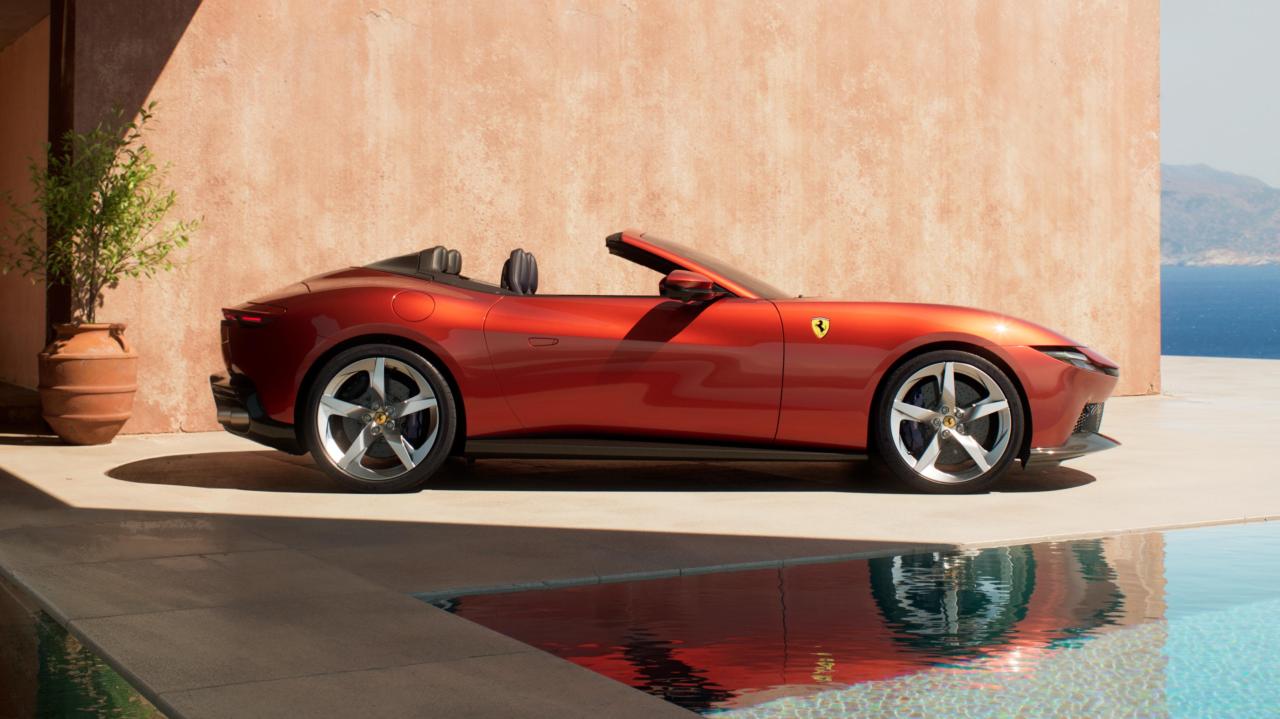
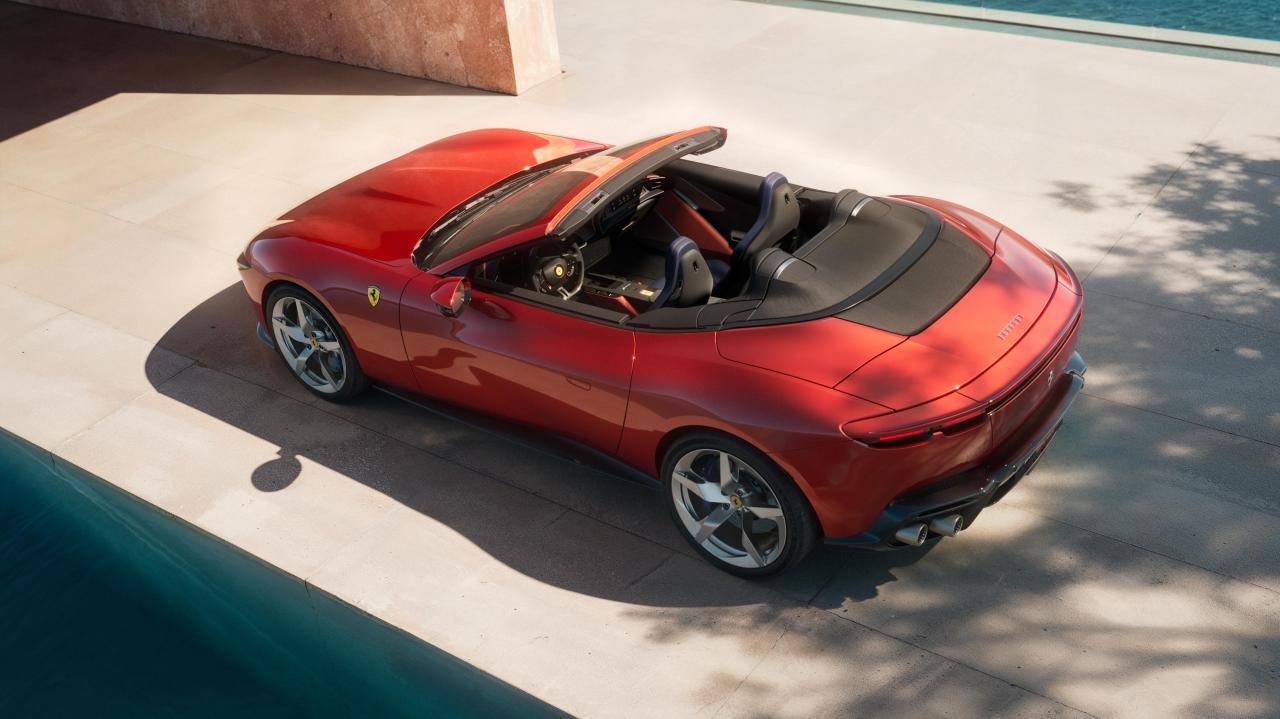
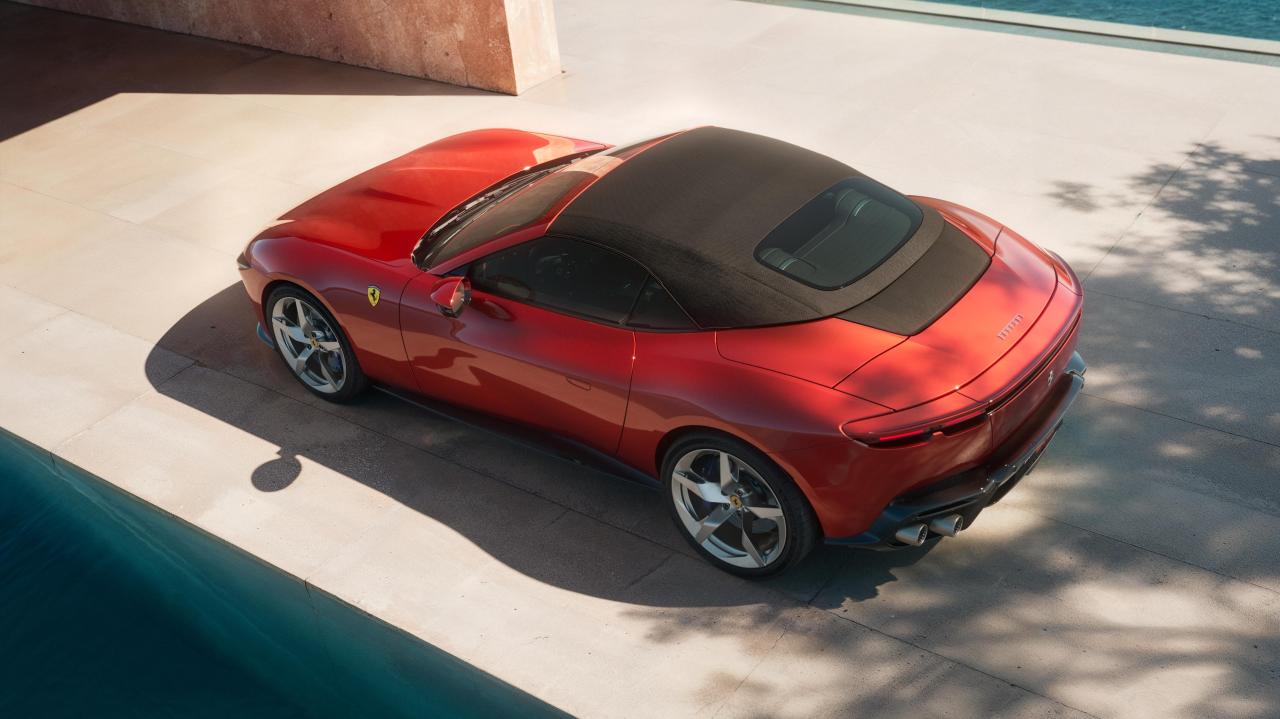
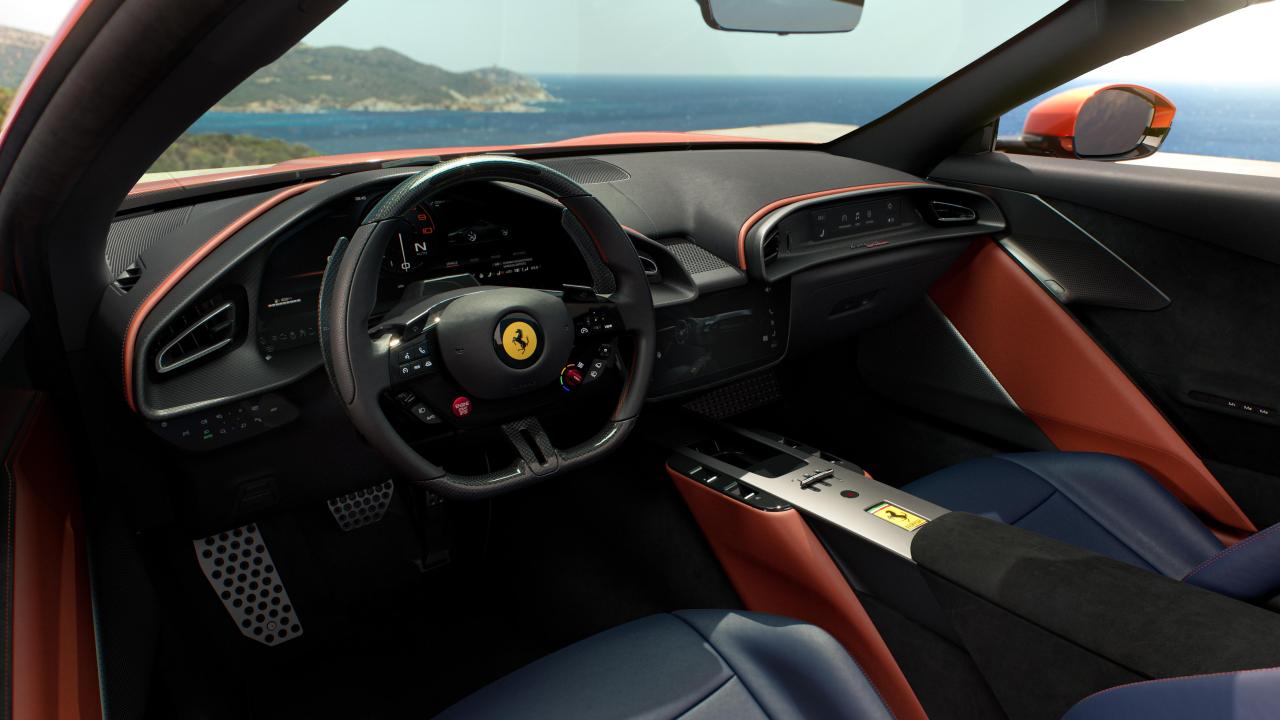
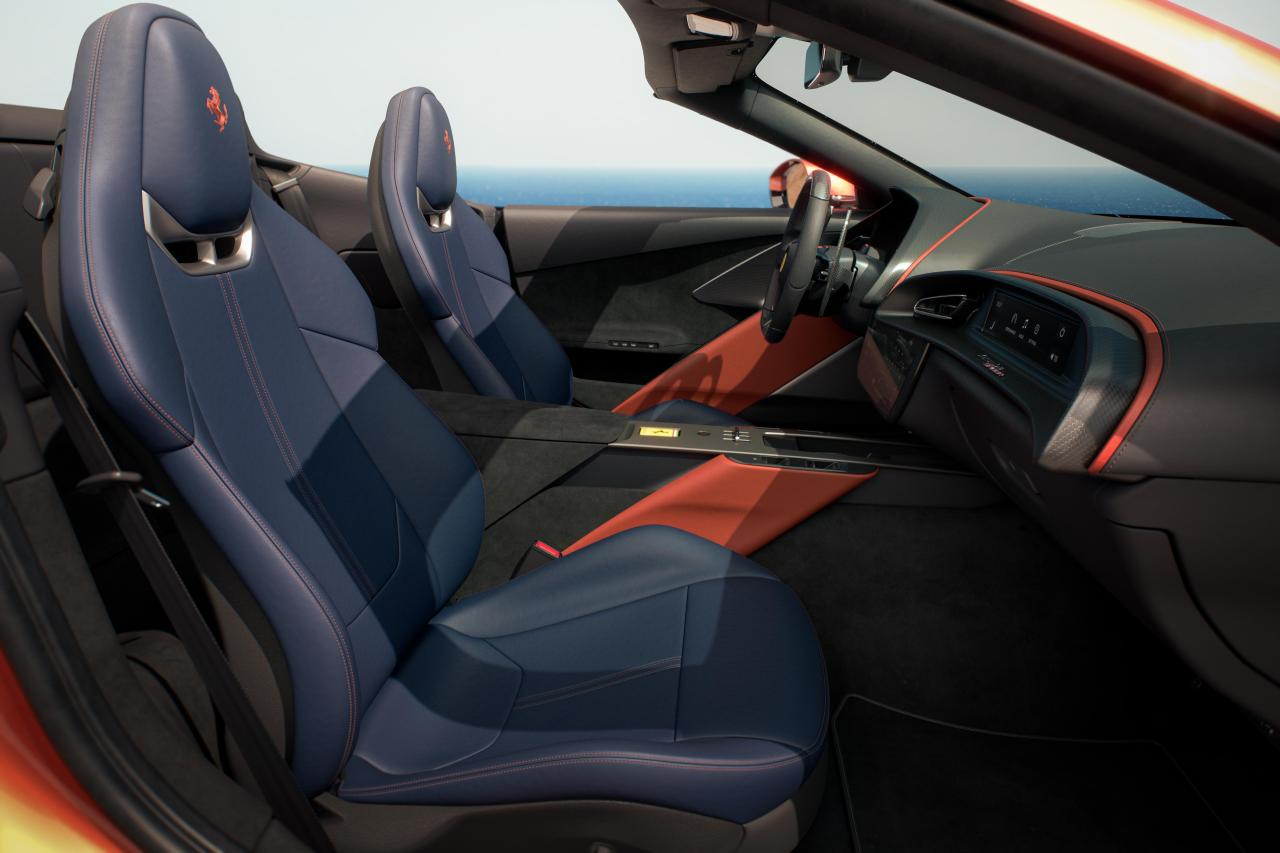
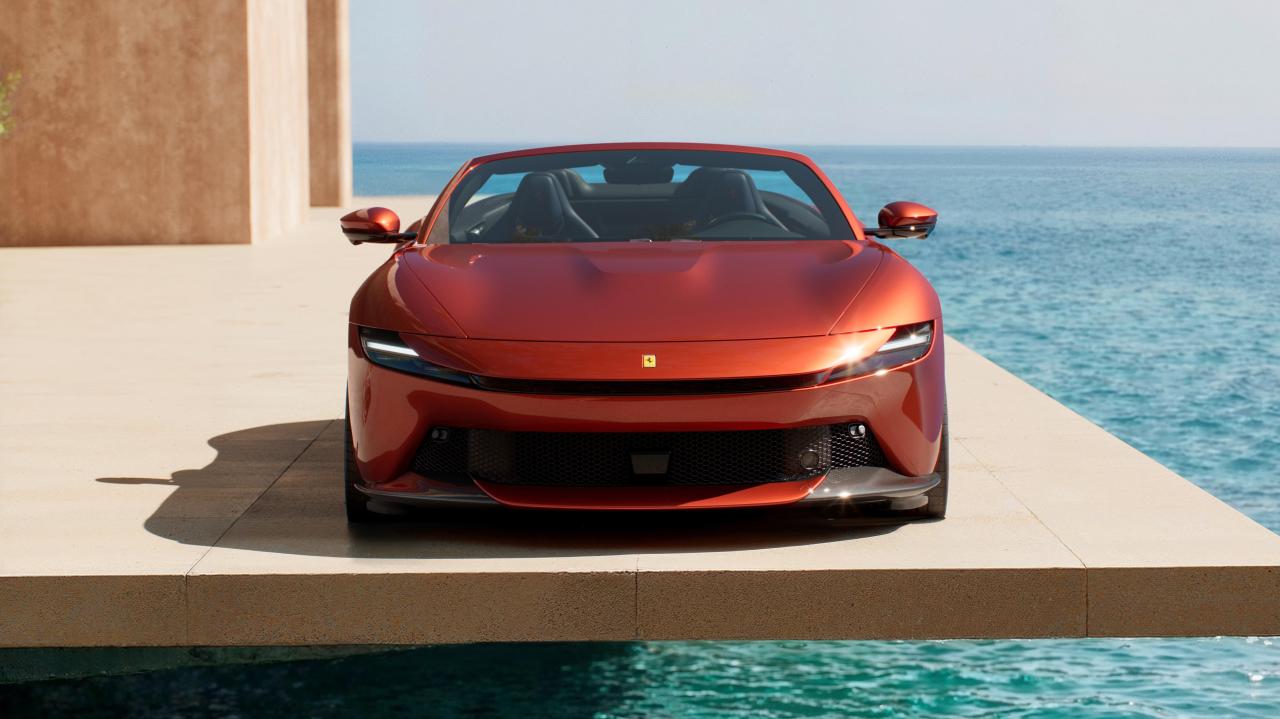
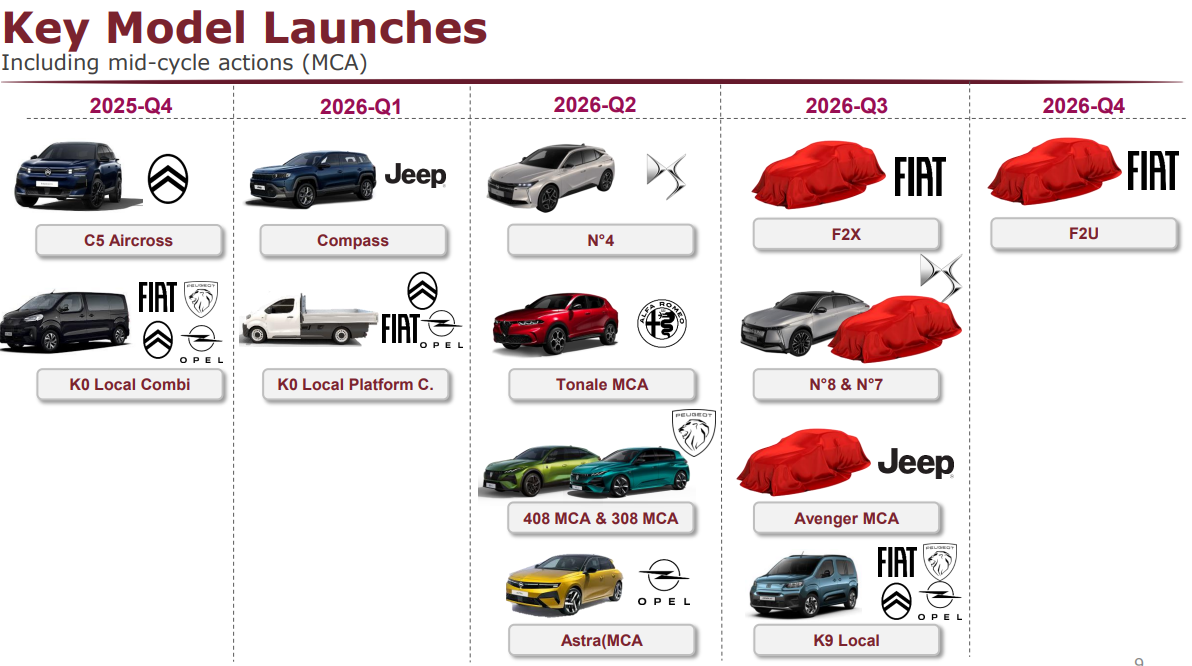
 11 puntifrom TOFAS annual presentation (as Turkey should be one of the main markets, hopefully)
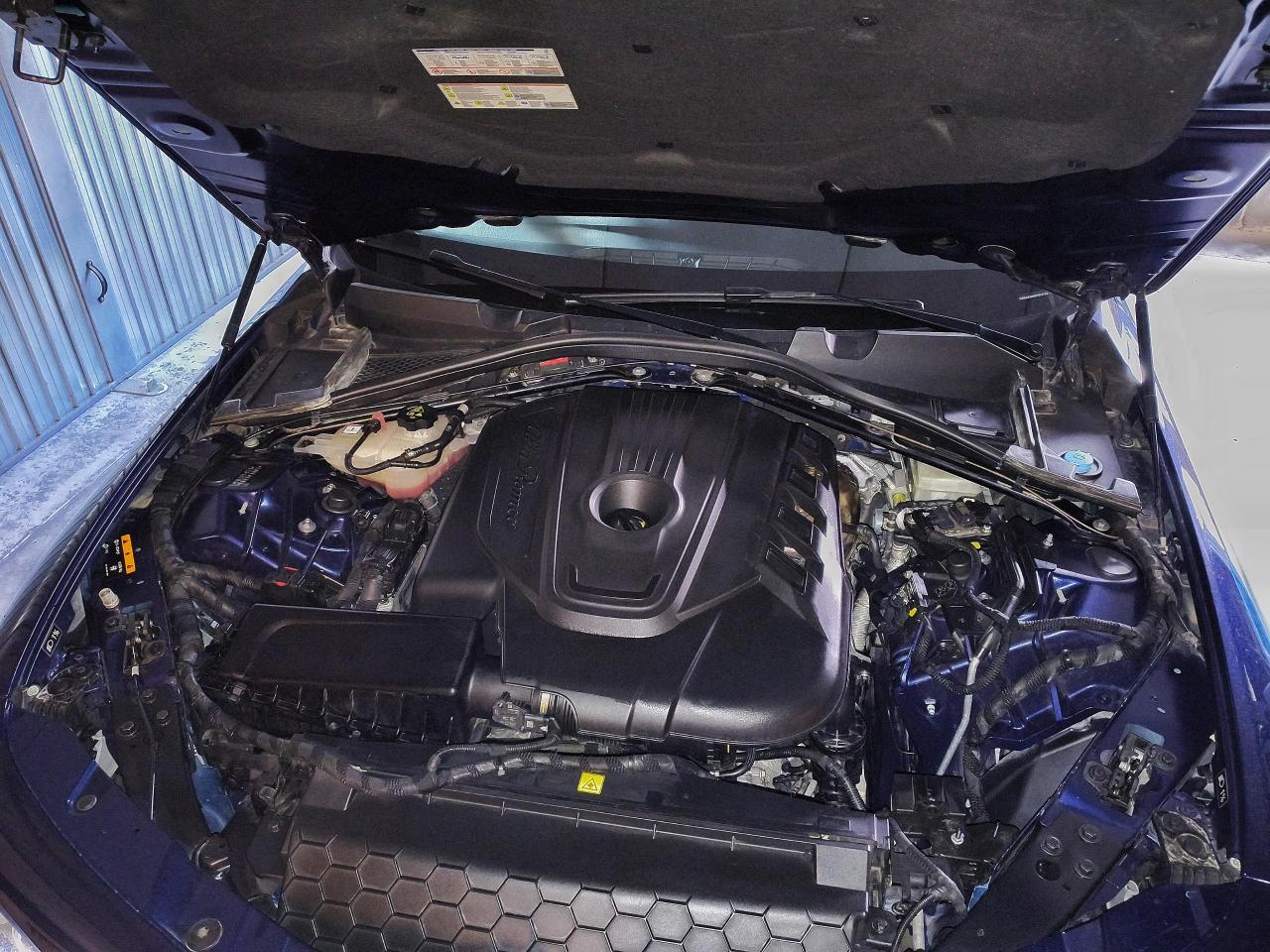
 11 puntiLe 2.0 a benzina sono pressoché esenti da difetti, giusto può capitare che prenda gioco la leva del comando della Westgate mandandola in errore, ma si può sostituire il componente con uno aftermarket migliorato per pochi spicci. Sul 2.2 MTJ qualche Piccolo grattacapo in più c'è stato! Primo tra tutti i problemi di bassa pressione olio alla prima accensione a freddo dovuto all'indurimento del gommino del pescante che non facendo più tenuta ermetica fa passare aria e perdere pressione, ma questo difetto è dovuto principalmente alla contaminazione dell olio con il gasolio dovuto alle mancante rigenerazione che contaminando l'olio fa si che la gomma si indurisca essendo il gasolio particolarmente "acido" in più in concomitanza con la manutenzione, programmata ogni 20.000km con olio 0w20 di sicuro non gli da una mano! Su alcune ci sono Stati casi dell'ingranaggio di reinvio del contralbero destro che si smolla il dado che lo tiene in sede, facendo cadere tale ingranaggio con gravi danni ma anche lì per quello che ho visto la quasi totalità dei casi è stata sempre accompagnata prima da problemi di pressione olio trascurati a lungo nel tempo, tale ingranaggio gira su un cuscinetto il quale è tenuto in Sede da un bullone che si svita nello stesso senso di rotazione dell'ingranaggio, questo ingranaggio ed il gruppo cuscinetto è lubrificato per caduta di olio fondamentalmente, nel momento in cui non si ha pressioni in alto l olio è probabile che non arrivi per caduta su tale ingranaggio e cuscinetto portando ad un riscaldamento anomalo del cuscinetto ed una tendenza al grippaggio che aiutato dal fatto che l'ingranaggio giri nello stesso verso di allentamento del bullone lo porti nel tempo ad allentarsi, anche perché è una casistica davvero che capita a prescindere dall'anno di produzione ed ai chilometri ci sono esemplari con 300.000 senza mai aver avuto problemi di pressione olio perfette e esemplari che a 100.000 hanno avuto problemi e che prima presentavano problemi di pressione olio. Poi le prima produzioni fino al settembre 2018 avevano problemi sul collettore di aspirazione, porta filtro olio e filtro centrifugo vapori olio dal MY19 quindi quelle con Adblue (come la mia) hanno subito degli aggiornamenti al propulsore nuovo collettore di aspirazione che ha risolto le varie problematiche, nuovo filtro centrifugo vapori olio, nuovo porta filtro olio e filtro olio tant'è che è cambiato proprio il codice motore. La mia del giugno 2019 2.2 160cv RWD AT8 con attualmente 89.000km facendo i dovuti scongiuri va un amore! Io l'ho presa usata 2 anni e mezzo fa con 50.000km e la uso come seconda auto del weekend, la macchina è stata sempre manutenzionata dal vecchio proprietario ogni 8000/10.000 km da quando l'ho io (le manutenzioni le faccio solo io come le altre auto) cambio sempre olio ogni 10.000km sempre 0w20 ma Motul nettamente migliore del Petronas, mai avuto problemi di pressione olio che monitoro e sono perfette, nessun consumo di olio o liquidi ed è una vettura che quando utilizzo sfrutto sempre senza parsimonia, ove possibile ci faccio anche km su km a velocità non da codice la media dei consumi è 11km/l 😅 ed è totalmente originale come è uscita da casa madre. Mai avuto problemi di filtro antiparticolato che funziona davvero un modo ottimale neanche ti accorgi delle rigenerazioni idem il sistema Adblue. Quindi se la devi prende usata punta a quelle dal MY19 in poi che abbiano fatto manutenzione prima di quanto indicato da casa madre cioè i 20.000km o due anni e che abbiano meno km possibili e fatti inviare dal propietario un video della primissima accensione a freddo dopo una notte di fermo (difetto che si vede molto di più l'inverno) se la macchina non presenta la anomalia della bassa pressione puoi stare tranquillo importante che poi venga manutenzionata a modo ed utilizzata come si deve! non sempre sotto coppia è un motore che ha bisogno di essere stirato ogni tanto e che non faccia solo tragitti corti dove l'olio non si scalda, il traffico non è un vero problema perché se ti trovi nel traffico, ma le temperature di olio e acqua sono idonea riesce a rigenerare comunque! Però ti posso dire che è un bel motore che quando vuoi davvero consuma un tubo! guidando normale su strada scorrevole ho visto quasi i 24km/l ma quando hai bisogno di "camminare" ha una bella schiena aiutato dal fantisco ZF8 Marce che lo enfatizza.
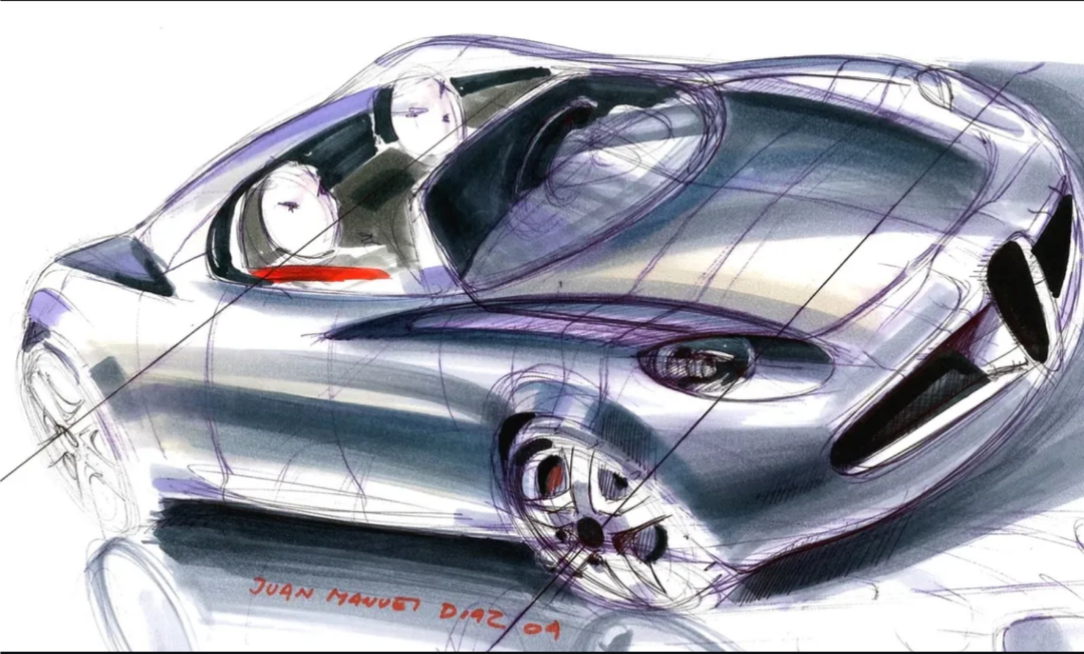
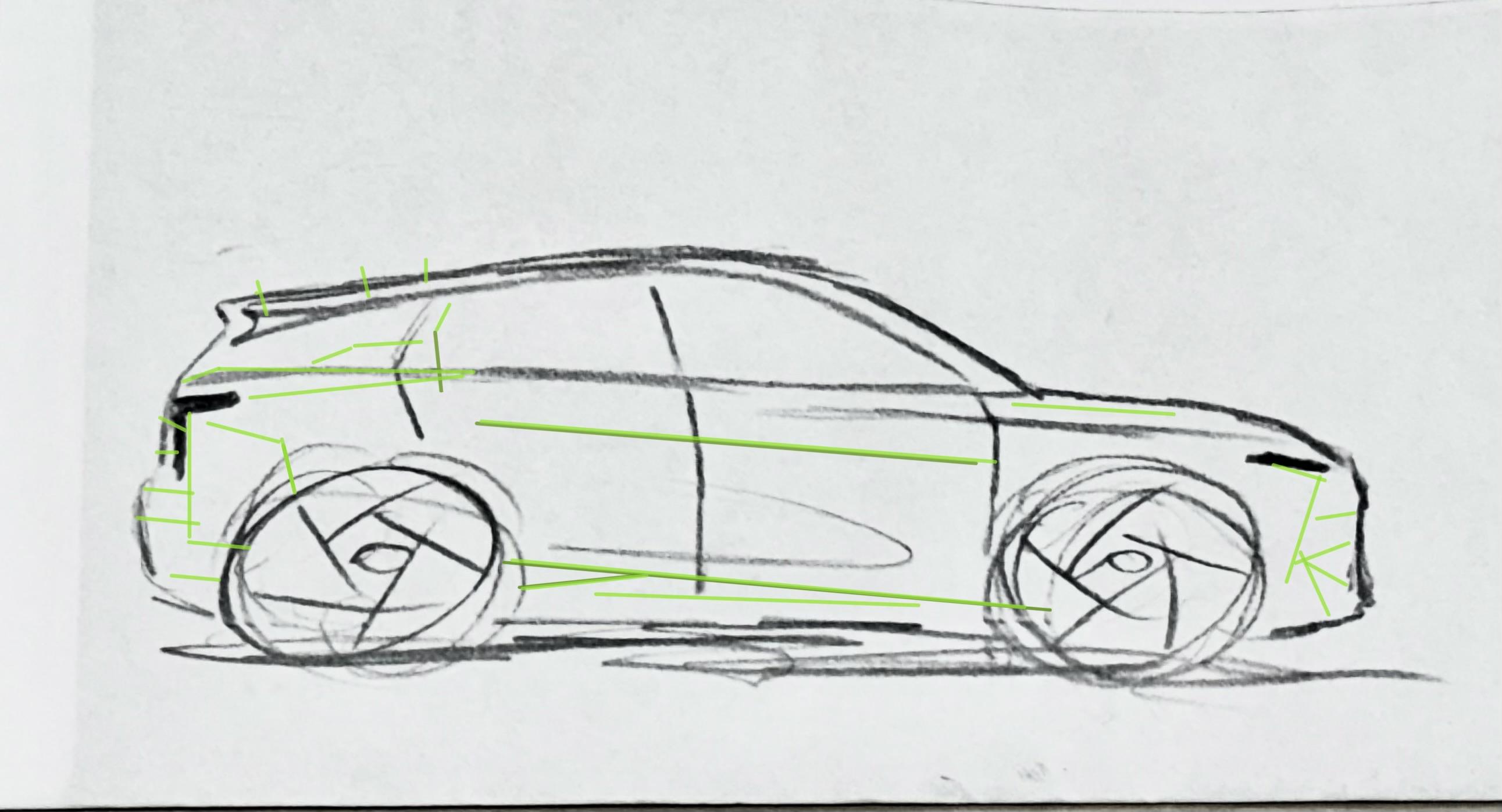
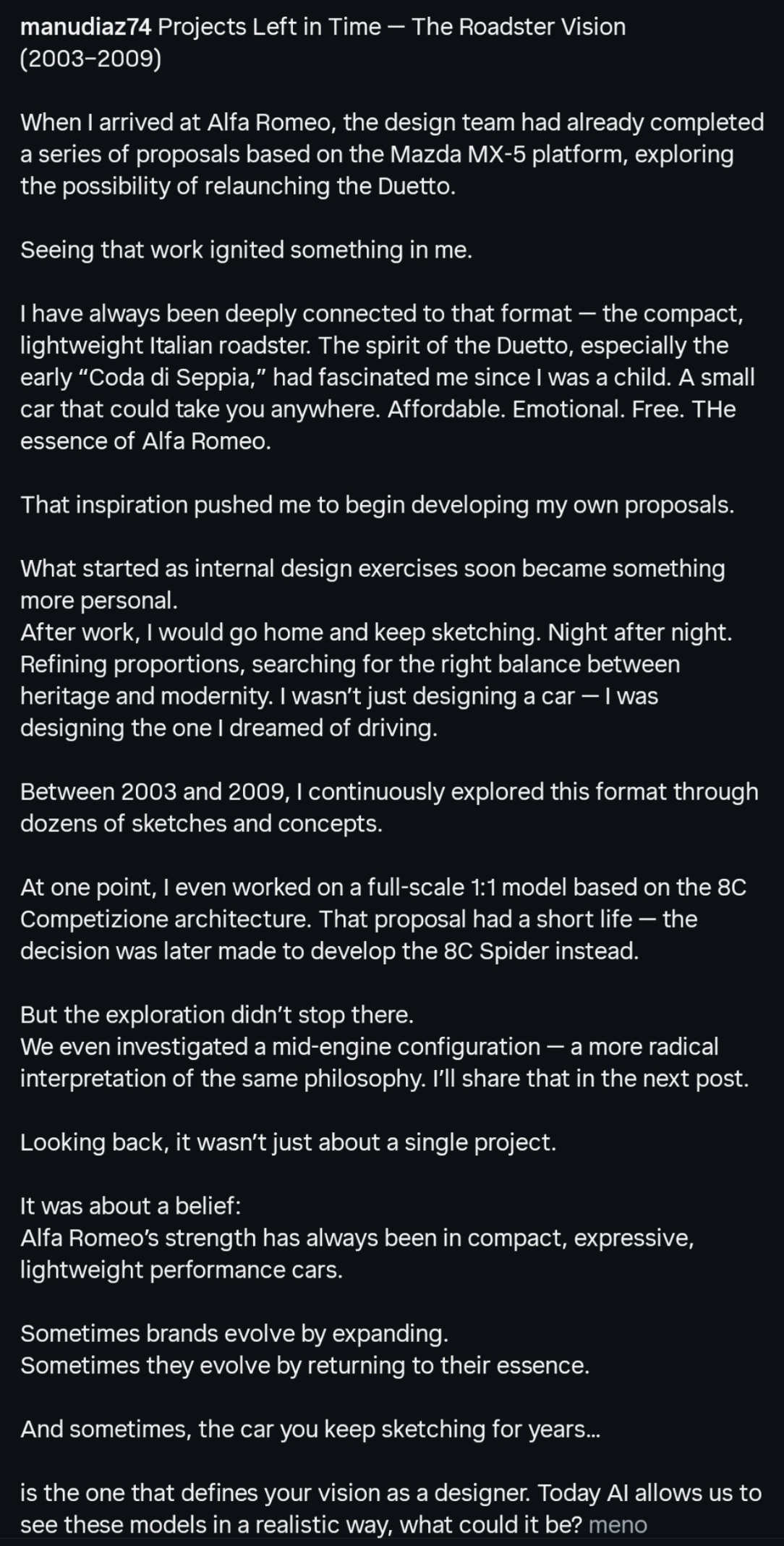
 10 punti10 punti10 punti10 punti10 puntiCon manifesta antisportività, GODO a vedere Newey e l'arroganza di Alonso nella melma. E so per certo che è anche il pensiero di molti di voi.10 punti10 puntiBudget stanziato da Stellantis per questo facelift : -Un mc menu large e una porzione di mcnuggets con salsa piccante più una bibita a scelta. Per cambiare quei fari bisognerà aspettare e far decantare questo capolavoro di design altri 5 o 6 anni 🤪 Li saranno riusciti a raccogliere le risorse necessarie ossia un bucket di pollo kfc 🍗10 punti10 puntiQui non si ha la minima idea di cosa ci sia dietro la definizione e lo sviluppo del design di un auto, oltre la catena di comando, c'è un team di designer, un team di modellatori 3D, CMF, modellatori fisici e quant'altro, si può arrivare anche a 20 persone (totali) che lavorano alla definizione di un singolo modello... Ma se proprio vogliamo fare questo ragionamento basico, chi ha disegnato la tanto amata Alfieri (che è sempre in Maserati) è francese, gli interni delle ultime Alfa Romeo sono russi e coreani... I centri stile sono un melting pot di diverse provenienze e culture, e per fortuna, ci manca solo che un'ambiente creativo sia uno compartimento chiuso e ultranazionalista... PS, le scuole di design italiane non sono più al top come una volta, e lo dico da (anche) docente di una scuola di design. La migliore si trova guarda caso in Germania... Vedi sopra, il designer (uno dei) che ha disegnato Alfieri è in Maserati, chi era a capo dello stile ai tempi... bhe va per gli 80, lasciamolo tranquillo. PS non sono un fan di Busse10 punti9 punti9 punti9 puntiProporrei di usare l’eternit per le finiture così la nostalgia anni 90 è completa9 puntiSono andato una volta da un meccanico ''sconosciuto'' che mi cha consigliato un mio collega di lavoro, poiché il mio era in ferie... Avevo ancora la vecchia 207 1.6 VTi aspirato a catena 120CV.., il meccanico si è dimostrato semplicemente inesperto e prevenuto.. In poche parole ha detto subito che questi motori sono pieni di problemi, e poi non aveva posto libero/ tempo per effettuare il cambio olio.. Gli ho risposto che la mia 207 non aveva il motore 1.2Puretch..., ma il 1.6 VTi con cui ho fatto 200.000 senza problemi..., niente da fare.., ho rinunciato semplicemente....(ho lasciato perdere) e me ne sono andato.., tornato dal mio meccanico di fiducia.... Forse il problema vero non sono i motori..,che in generale hanno un po' tutti loro problemi risolvibili.., mi sa il problema più grande siano le persone inesperte, prevenute o peggio ancora coloro che diffondono le fake news.., intendo quelli che non hanno mai avuto un'automobile con il motore 1.2 Puretch..., e lo criticano sempre a prescindere...9 punti9 punti9 puntiIl problema è che vanno avanti da non so quanti anni (forse 30?) con una logica puramente reazionaria e anche lenta... Osservano le mode che nascono, guardano il primo arrivato, poi il secondo, terzo, quarto, quinto che copiano, e poi arrivano "timidamente" ultimi a consegnare il loro compitino per casa, salvo poi accartocciarlo per ripensamento alla prima difficoltà e tornare con il foglio bianco e zero idee. Anche quando gli va bene (per intuizione o per fortuna) mostrano di non avere convinzione, o visione, e non danno nessun seguito neanche ai prodotti con più speranza di successo.9 punti9 puntiBoh su motore 1 ci sono le prove di C5 aircross e Grandland e i consumi sono molto buoni in tutte le condizioni di prova, compresa l' andatura a velocità autostradale. Poi onestamente quando leggo sta roba dei consumi mi viene da chiedere di cosa parliamo. Mezzo litro di benzina in più ogni 100 km rispetto a un full Hybrid, son 80 centesimi per 100 km, 8 euro in 1000 km, 80 euro per 10000. E magari l'auto costa migliaia di euro in meno. A meno di non fare decine di migliaia di km all'anno il problema non si pone9 punti9 puntiI danni fatti dal lancio della Cassina a 40k sono incalcolabili sull'immagine del pricing di questo modello9 punti9 punti9 punti9 puntiInizialmente il progetto di una spider si base Mazda MX-5 era stato annunciato per Alfa come nuova Duetto. Oggi vediamo per la prima volta alcuni schizzi di alcune proposte, prima che il tutto fosse girato a Fiat per la 124 https://www.instagram.com/p/DVdGrHWCDFb/?igsh=MXUzbms4NHE1bmpnMA==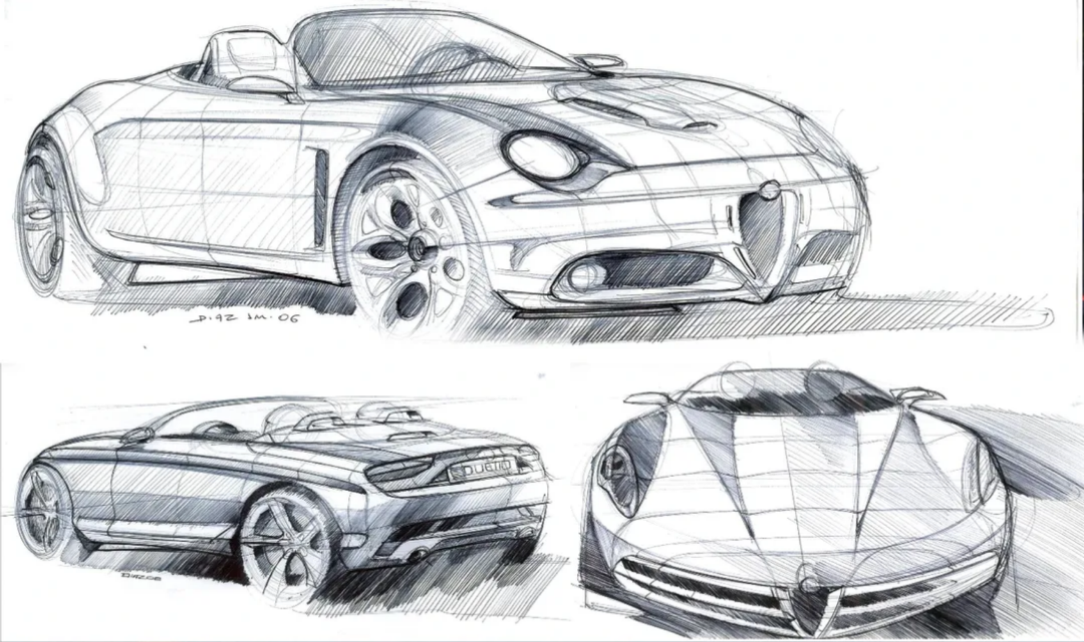
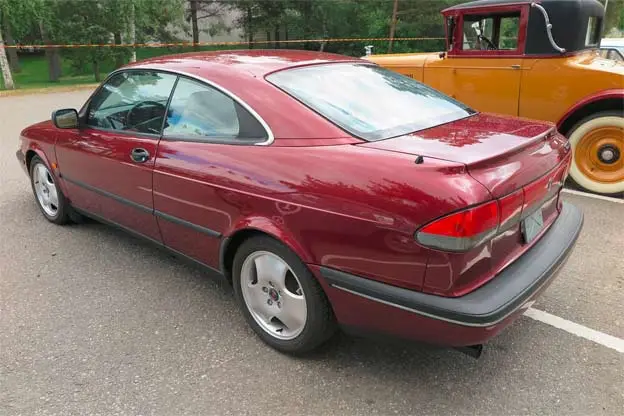
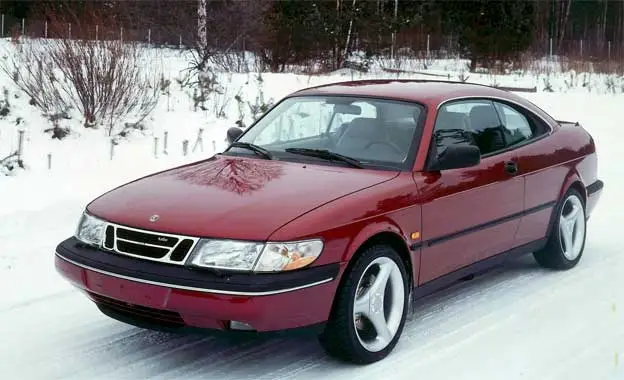
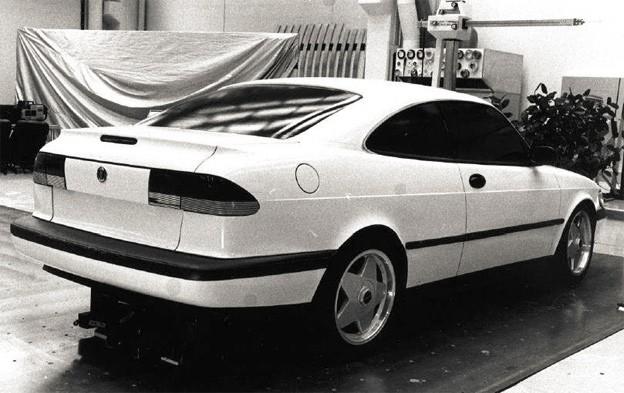
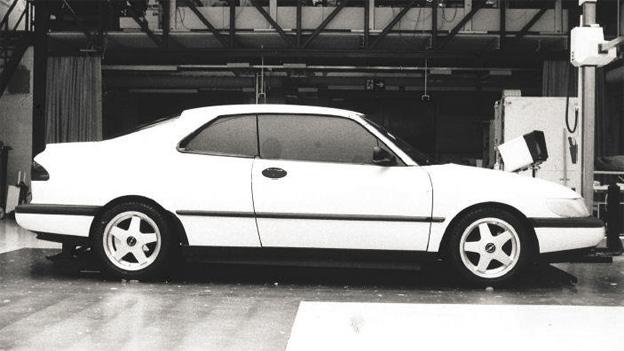
 9 punti9 puntiGià 15 anni fa (😬), nelle primissime pagine della discussione, Touareg ci aveva fatto fare la conoscenza di questa [MAI NATA]. Nel frattempo si sono ampliate di molto le informazioni disponibili in merito, e penso valga la pena tornarci sopra per condividere altre immagini e qualche notizia in più. Cominciamo con la sua collocazione. Da molti anni questa automobile è in mostra al museo della Valmet, in Finlandia. Ecco ulteriori foto: Quindi... non Svezia. Non Saab. Perché? Semplice: il modello non proviene dalla casa madre, ma è stato ideato e sviluppato dalla finnica Valmet, appunto. Difatti ecco un paio di disegni datati 1993 e con i loghi Valmet: _______________________________________________________________________ Ma da dove nasceva e che obiettivo aveva questo progetto? L'idea pare quella di creare una vera e propria coupé della Saab 900 NG, che aveva sì la sua versione 3 porte - spesso indicata dal marketing proprio come "coupé" - ma che in effetti era e rimaneva la semplice variante con due porte in meno della berlina. Si potrebbe legare qui il discorso visto qualche post fa, sulla "Saab Calibra"; cioè sull'idea - poi non andata in porto - di creare una versione Saab della Calibra per venderla nel mercato USA. Questo perché evidentemente il marchio svedese non aveva una coupé pura. E la sua mancanza continuava a notarsi. Quindi i finlandesi di Valmet, che già avevano per la mani la cabriolet - industrializzata e prodotta nei loro stabilimenti - provarono a derivarne una versione coupé. Per carità, sappiamo bene che questi finlandesi erano in rapporti molto stretti con Saab, ma questa coupé se l'erano immaginata e realizzata in sostanziale autonomia, con l'idea di "venderla" a Saab ovviamente. Ma quando il progetto non si è concretizzato, il prototipo l'hanno messo in garage e lì è restato finché non hanno deciso di esporlo nel loro museo. Ogni tanto, le hanno fatto comunque mettere il naso un po' fuori... A volte persino sulla neve! Se i disegni sono del 1993, ecco che nel 1994 iniziarono la costruzione del modello vero e proprio. Che concretamente significava dotare la carrozzeria della cabriolet di un tetto in metallo. In pratica un hard-top, fisso e integrato, con una bella saldatura! Le maquettes a scala reale ci rivelano che la scelta stilistica sulla forma del tetto non è stata univoca, ma come è ovvio era passata attraverso la valutazione di alcune varianti. Qui una forma diversa per il montante C, più squadrato: Poi la configurazione scelta per il modello finale, con la linea ovaleggiante della vetratura e il montante C più sottile: Nella realizzazione del prototipo completo e marciante, si nota il dettaglio della vetratura laterale, che in realtà non segue l'apparente forma allungata con spigolo stondato del montante, mantenendo invece un vetro posteriore più corto e squadrato, accompagnato da un riempitivo nero in angolo. Al di là dei gusti personali, il limite maggiore di questa proposta Valmet rimane la derivazione dalla cabriolet fin troppo palese. Soprattutto quell'attacco alla base del montante C non riesce a dissimulare abbastanza l'adattamento al taglio della carrozzeria originale; poi quel riempitivo del finestrino, ma anche il lunotto non allineato alla chiusura dello sportello del bagagliaio. Per non parlare dell'abitacolo, dove i sedili posteriori rimangono quelli ristretti della versione convertibile, con gli ampi fianchi laterali per la capote.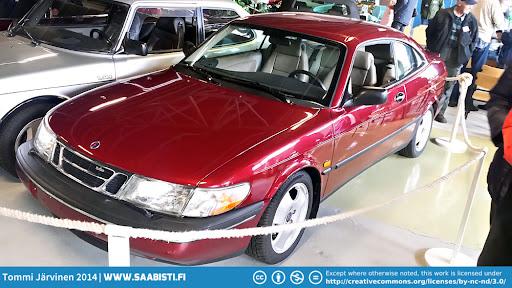
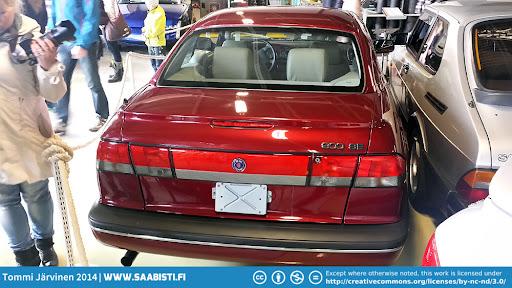
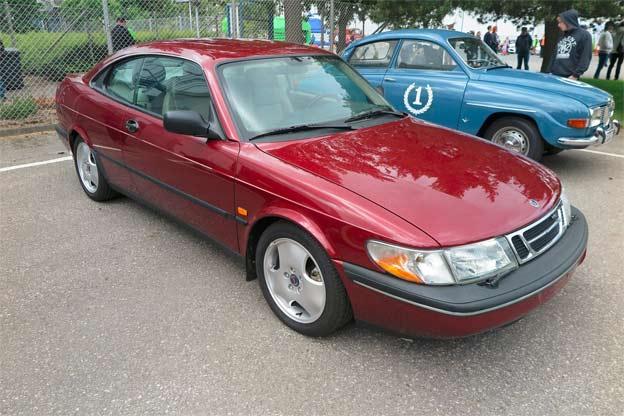
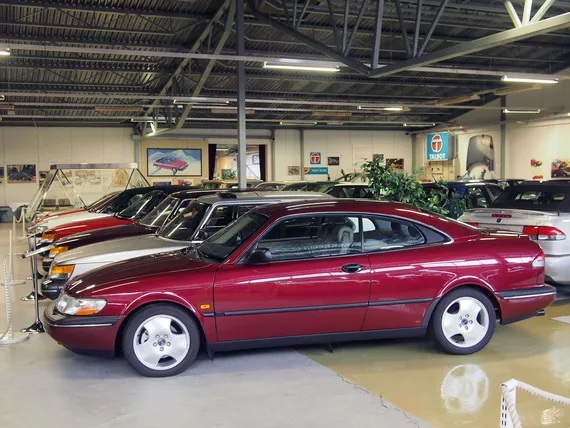
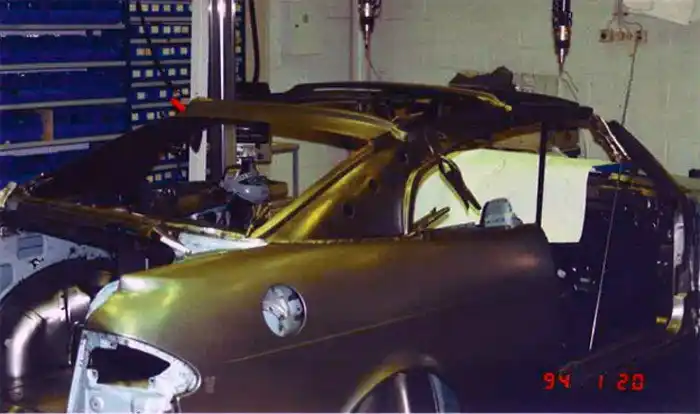
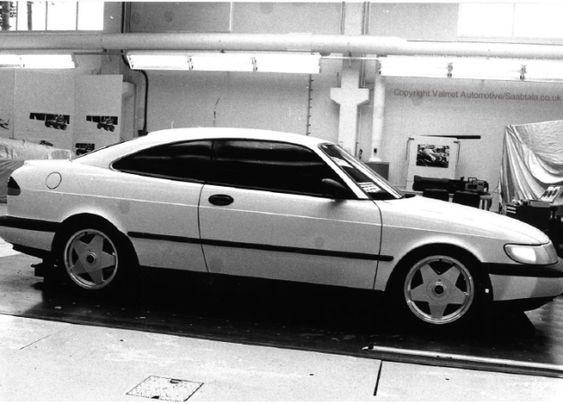
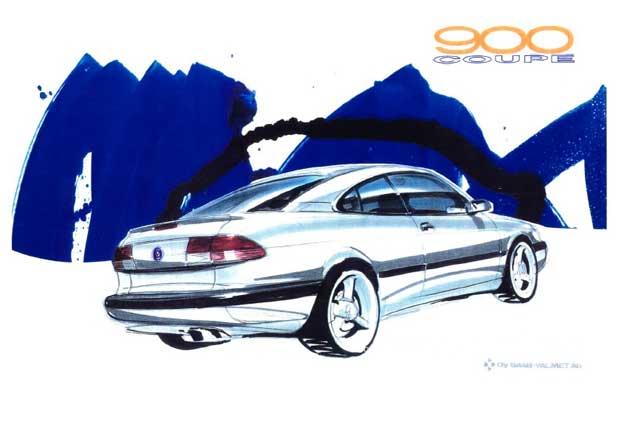
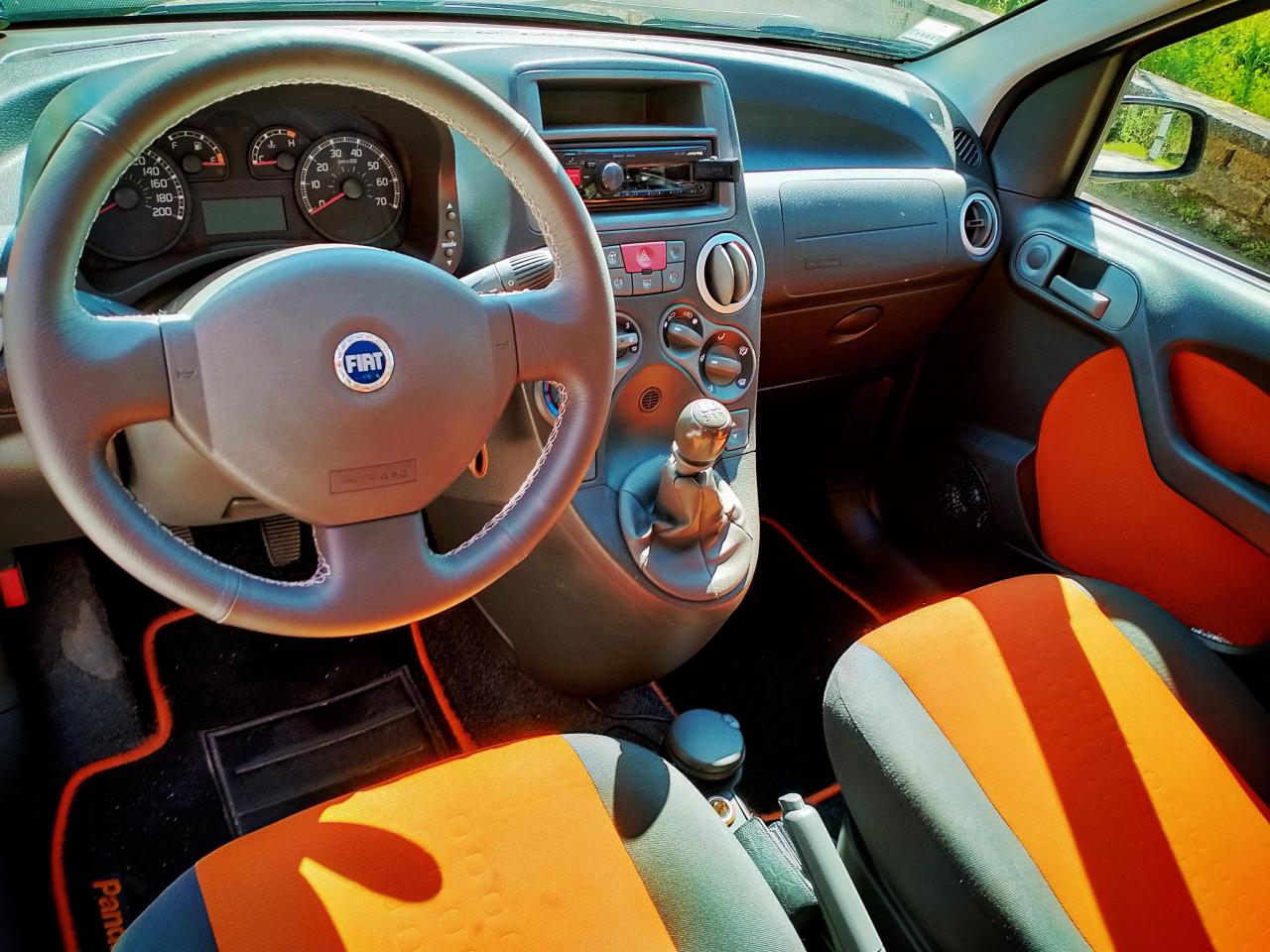
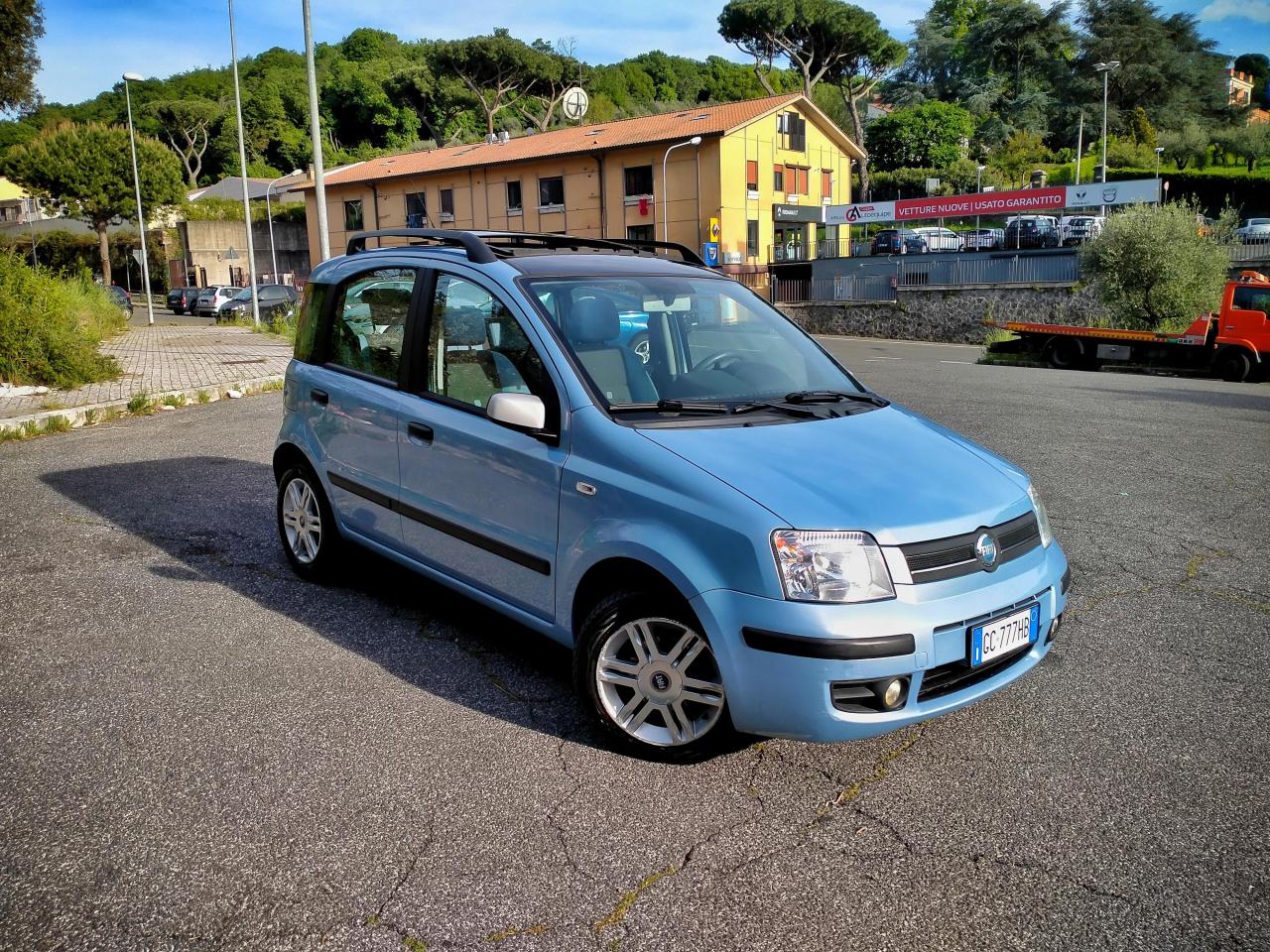
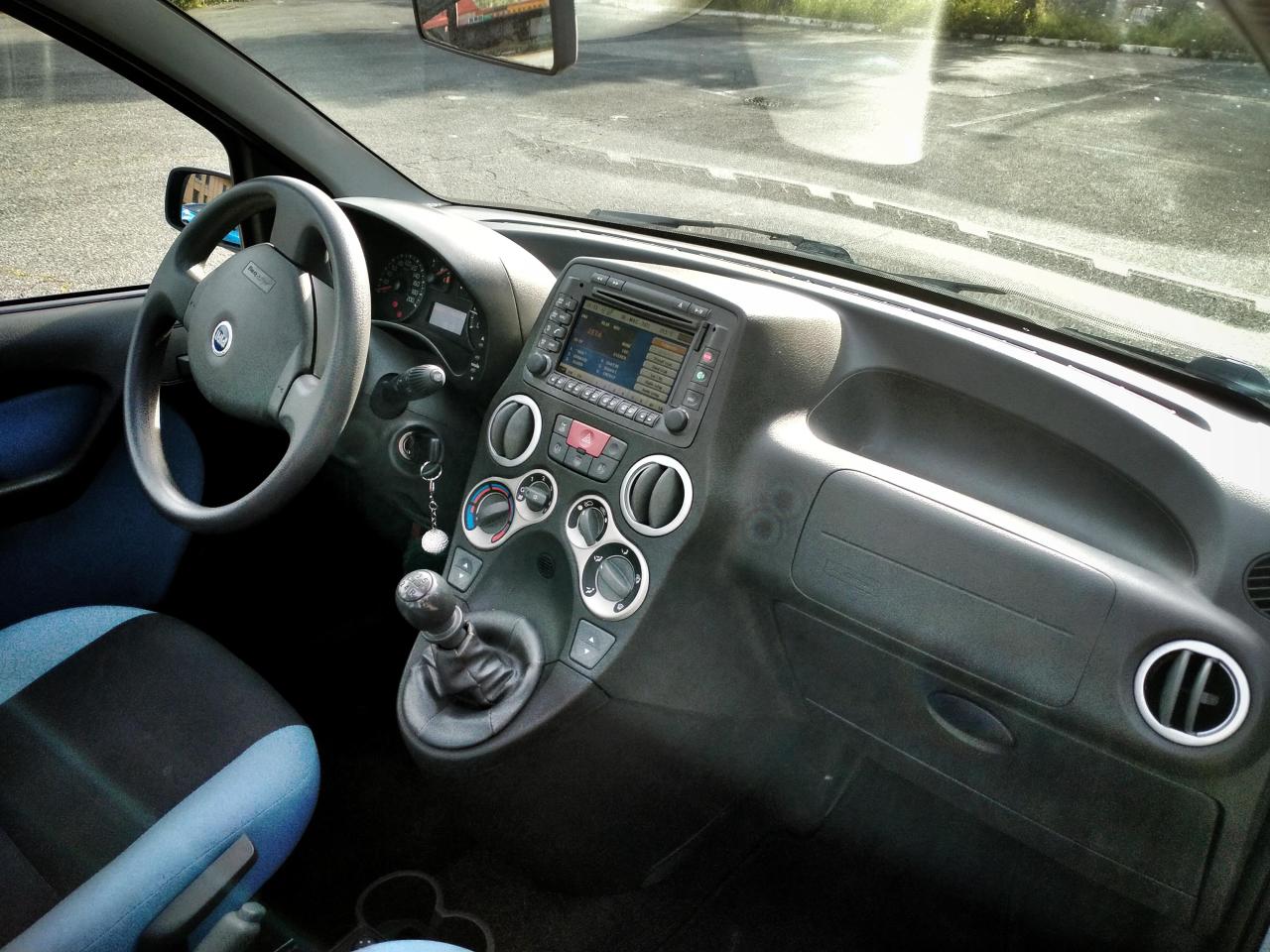
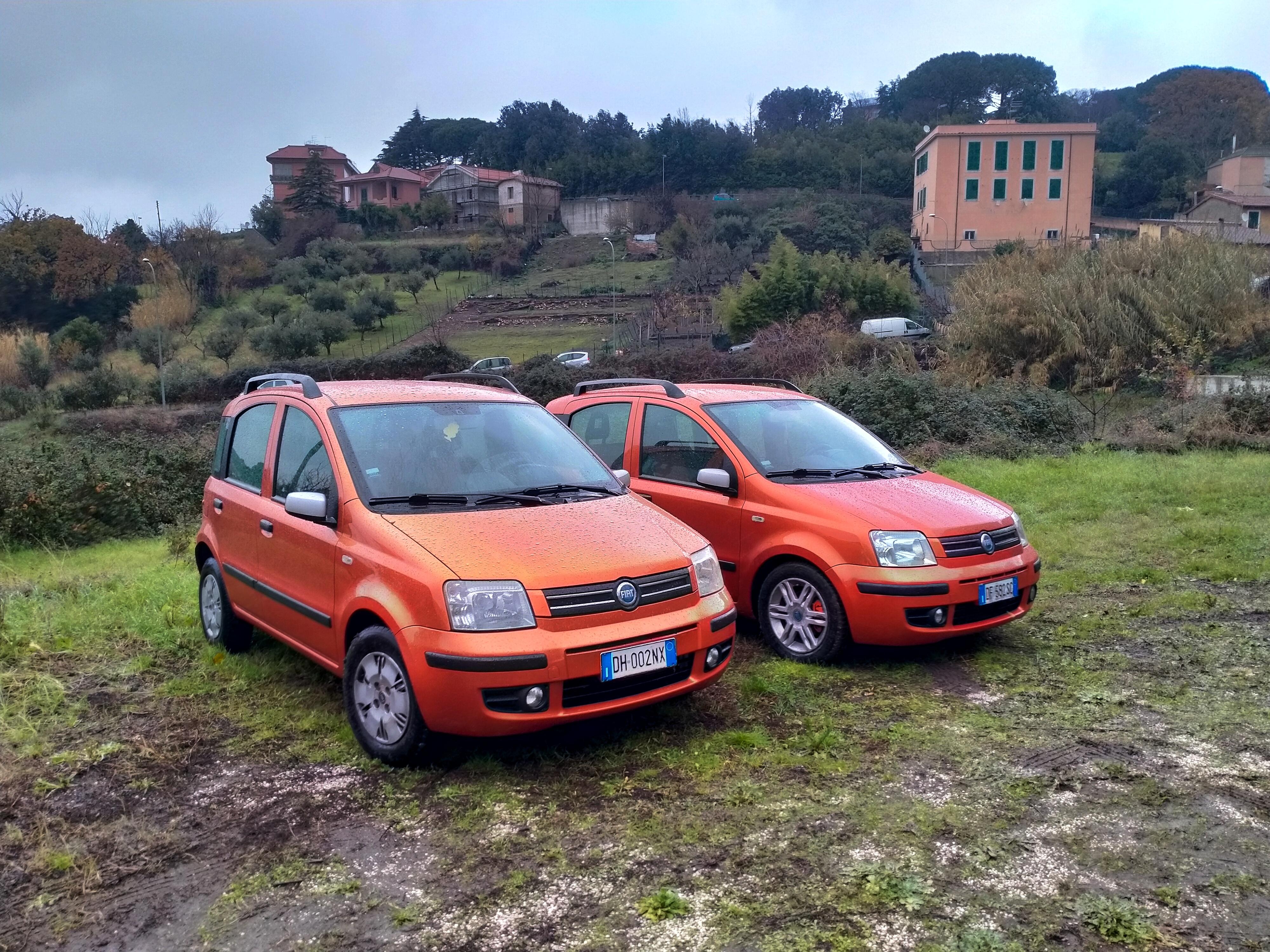
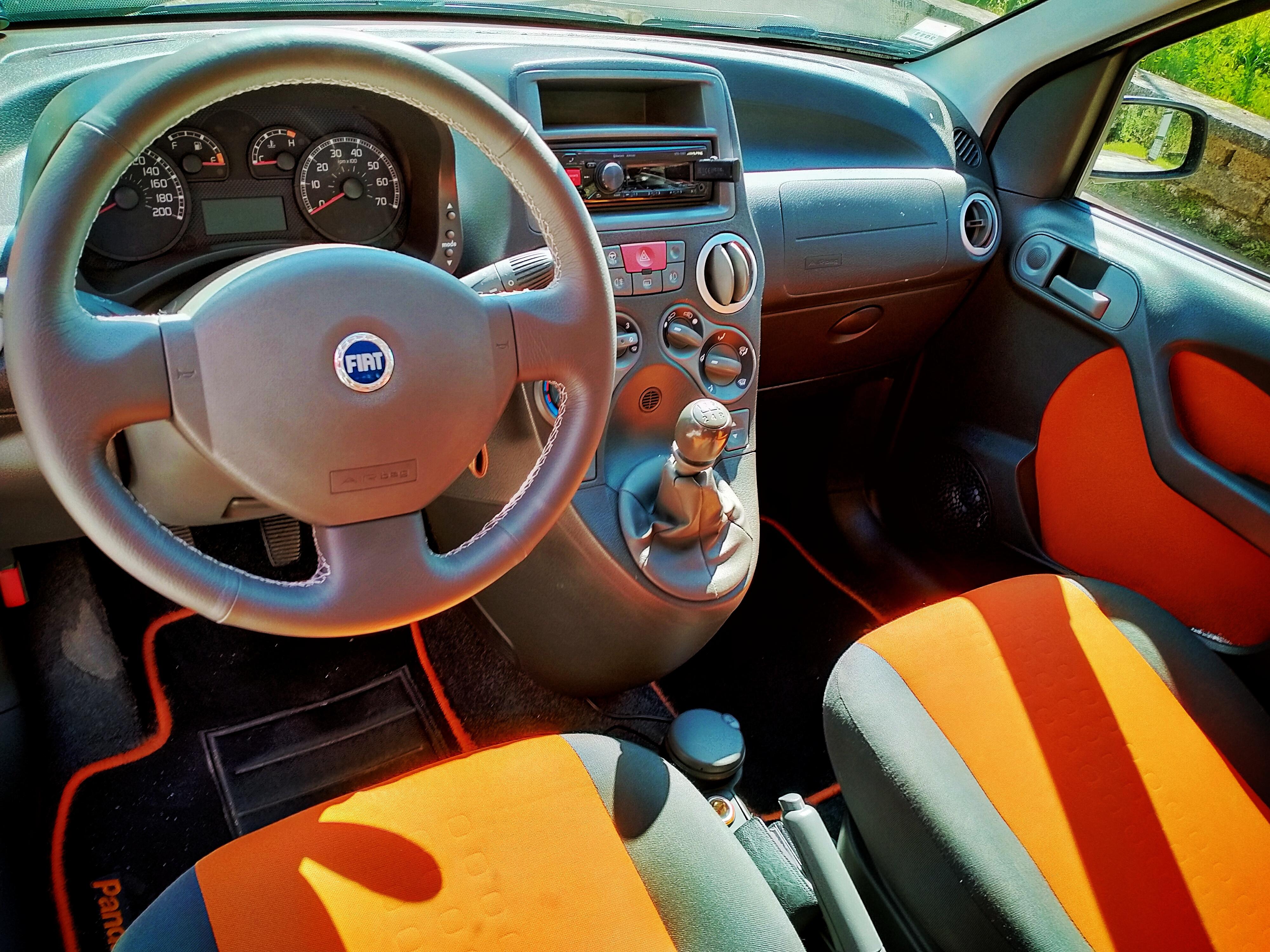
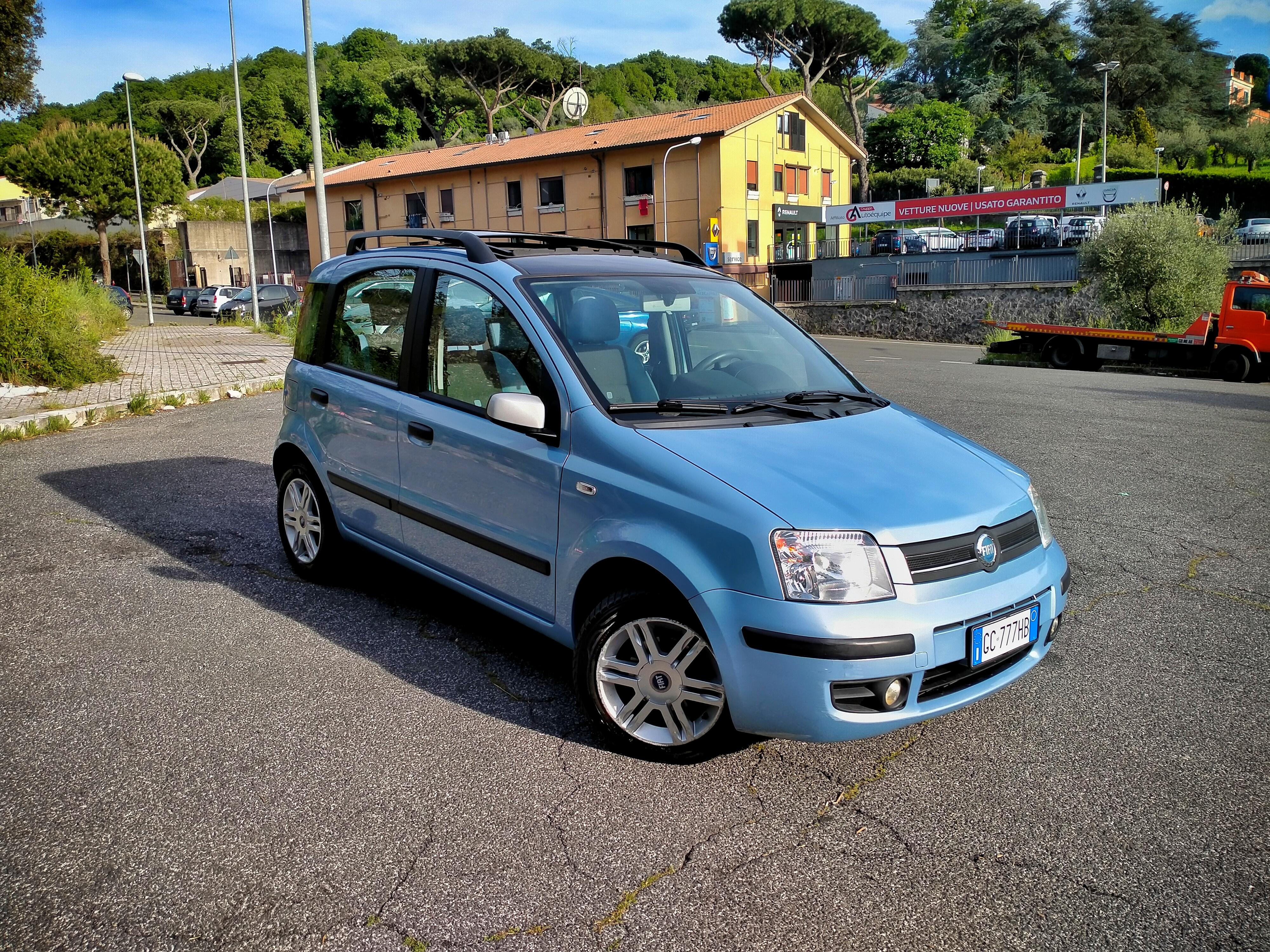
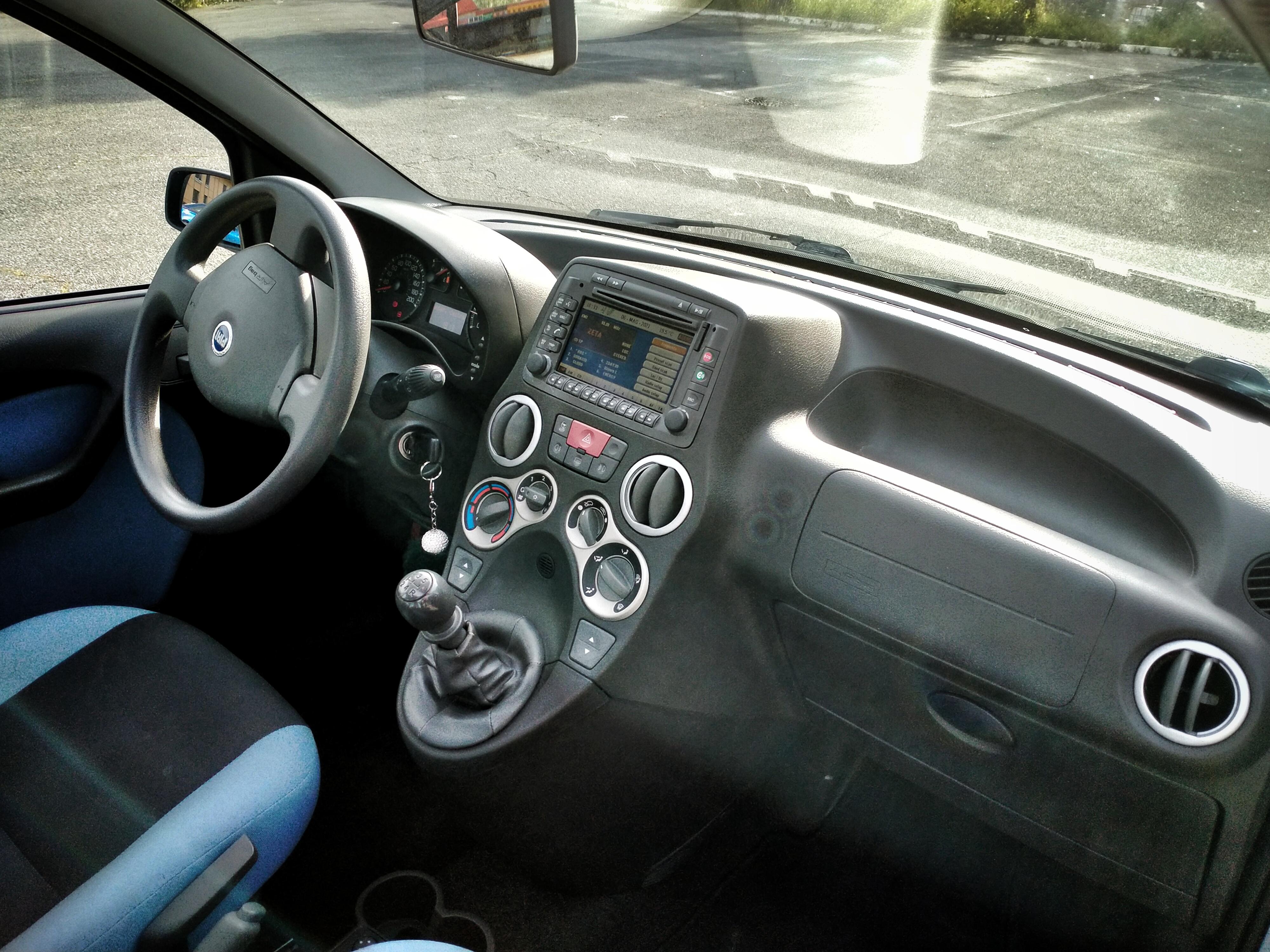
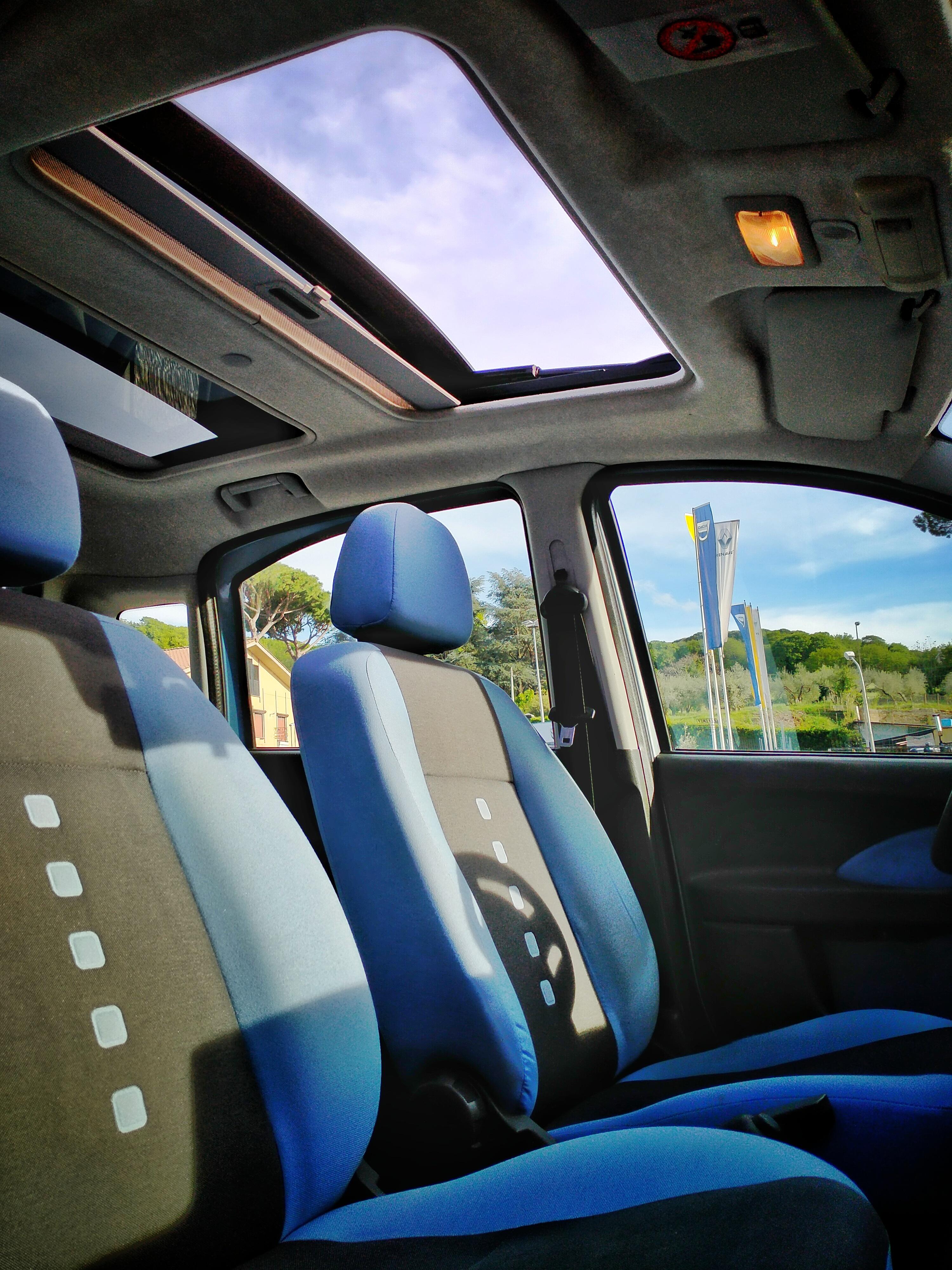
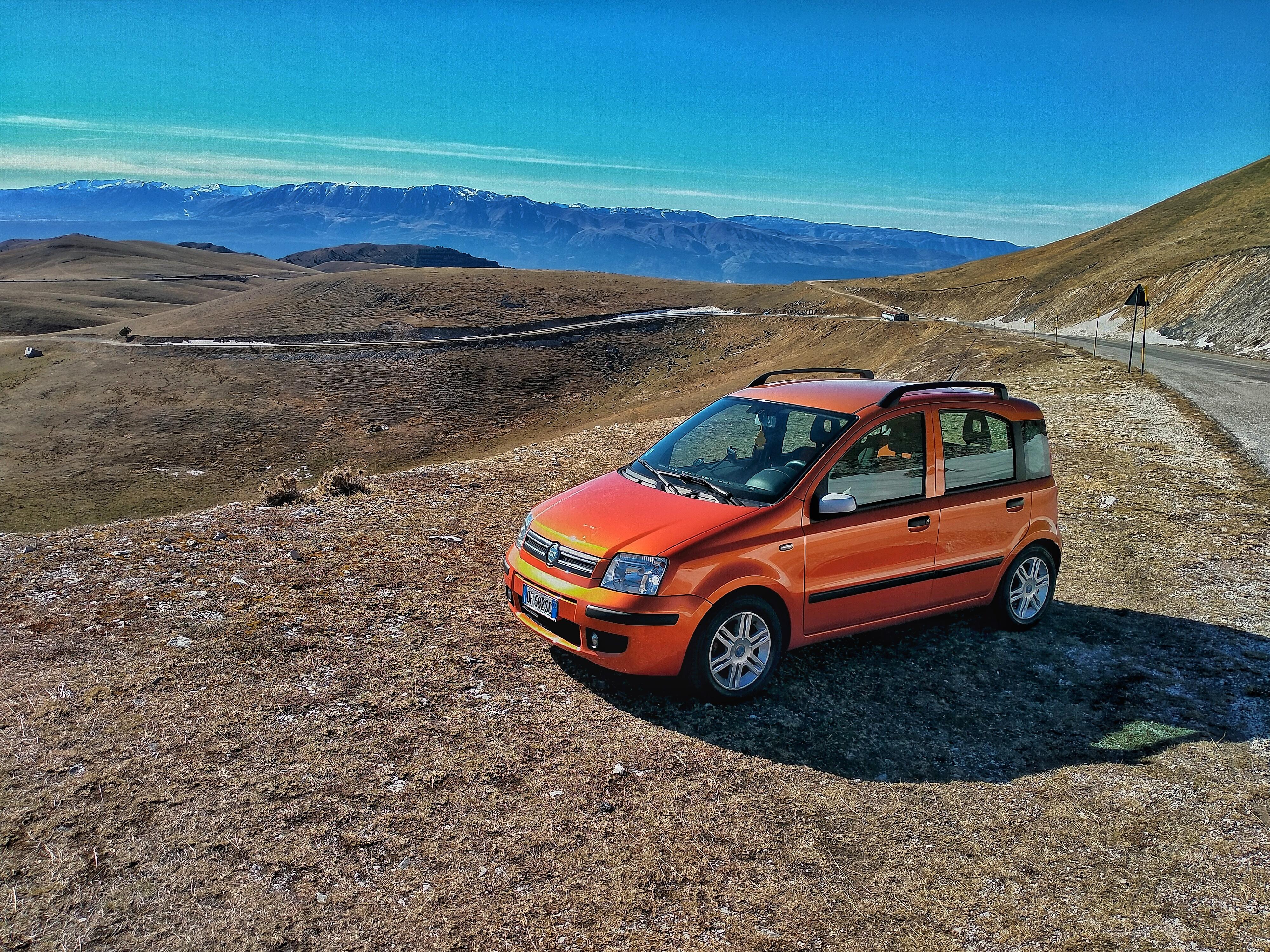
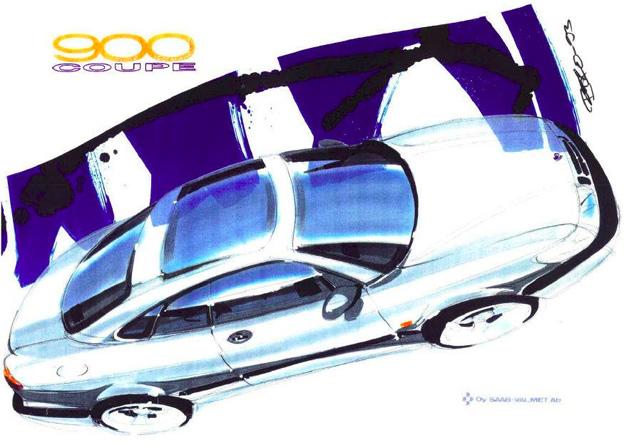 9 punti8 puntiSinceramente la Panda non a la scambierei con nulla al mondo, anche se dovessi diventare ricco ed avere un parco macchine di una certa caratura, le mie Panda per la precisione sarebbero parcheggiate in questo garage tanto meno le cambierei per una YARIS. Nel lontano oramai 2007 (hanno fatto 19 anni il 22 Marzo) ordinante nuove e configurate come vollero i miei, con il fantastico colore della rinnovata gamma MY07 arancione egocentrico, colore particolare che ora va di moda ma all'epoca era un tabù, colore che ho sempre trovato fantastico. Le vetture sono configurate identiche 1.2 Fire 60cv euro 4 allestimento Dynamic full optional e si passano circa 3000 telai di differenza, da quel giorno ne è passata di acqua e km sotto i ponti! Attualmente hanno 224.000 e 221.000km mai rimasti per strada neanche mezza volta, non cascano pezzi, fatta manutenzione su componenti di usura come ammortizzatori, silent block dei bracci anteriori, freni, gomme e qualche batteria, una pompa benzina perché avevano il vizio di girarci in riserva su l'altra, la mia che ha sempre il pieno ha la sua originale, gli unici interventi "importanti" su entrambe fu poco dopo i 100.000km dove vennero sostituiti i cuscinetti dell' albero primario del cambio difetto di quell'annate e venne fatto in concomitanza della prima frizione. Sulla mia si impallo la centralina del servosterzo che dovetti sostituire da un giorno all'altro (lavoro che feci da me), su l'altra il servosterzo è ancora lì originale e non ha mai dato problemi per il resto componenti come alternatore, motorino di avviamento, compressore clima ecc è tutto di primo impianto. Le vetture hanno fatto il 90% della manutenzione per mano nostra utilizzando sempre ricambi di prima scelta e tagliandate ogni 10.000km macchine con cui abbiamo anche viaggiato in lungo ed in largo anche a lungo raggio, con la mia qualche anno fa feci circa 3000 km in 2 giorni di viaggio effettivi Abruzzo-Roma-Profonda Sicilia-Roma in tre più valigie a 130 fissi ed anche oltre all epoca aveva già 170.000km non fece mezza piega! 12 ore solo all'andata sempre accesa. Oggi sono ancora ben salde al parco auto di casa trattate sempre benissimo ed ormai prossime ai vent'anni il che le rende ancora più "trasversali" potranno essere iscritte come auto "d'epoca" quindi avere la riduzione del bollo del 50% ed essendo Euro 4 a benzina all'occorrenza girovagano per Roma come nulla fosse! Ormai per i viaggi ed il tempo Libero ho preso una Giulia e la mia Panda da auto tutto fare è diventata auto principalmente per andare a lavoro od in posti dove la Giulia è scomoda da parcheggiare ma comunque spesso e volentieri ci continuo a viaggiare con estremo piacere, anche per fare sgranchire quel bel 1.2 Fire sempre molto generoso nelle prestazioni e parco nei consumi, su strade a scorrimento veloce con una guida attenta ma non lenta ho visto anche i 22km/l come nulla fosse! E quando gli stiro il collo (cosa che abbiamo sempre fatto da quando finirono il rodaggio) i suoi onesti 165km/h di GPS li fa! Nonostante io ami follemente la Giulia, la Panda è la Panda! In casa abbiamo anche un esemplare del 2006 improntato dalla Germania 1.2 Fire 60cv preso con 93000km sempre MY07 davvero Full con navigatore originale, airbag laterali e tetto panoramico il che la rende anche sfiziosa! Le ricompreremmo altre cento volte!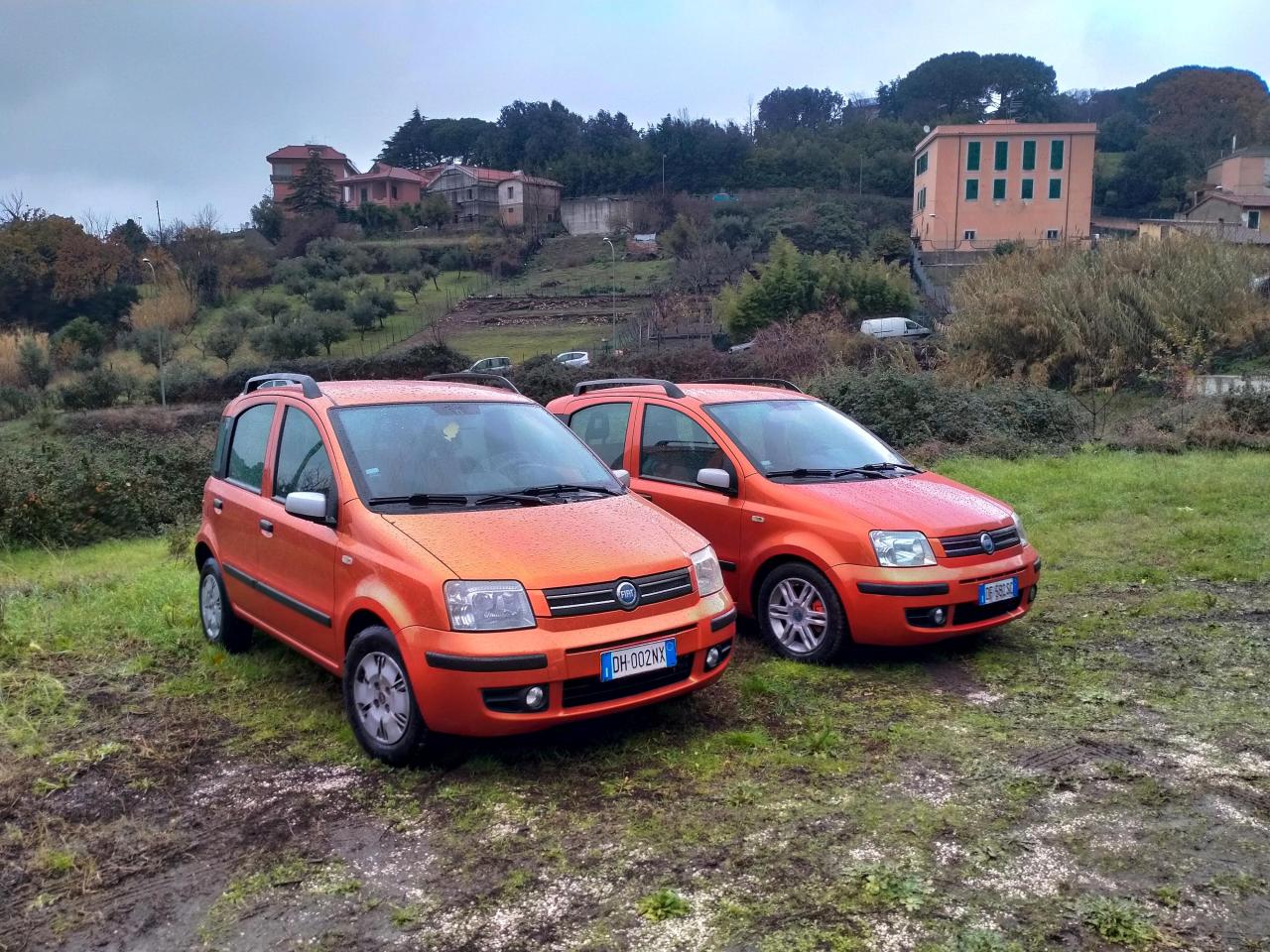
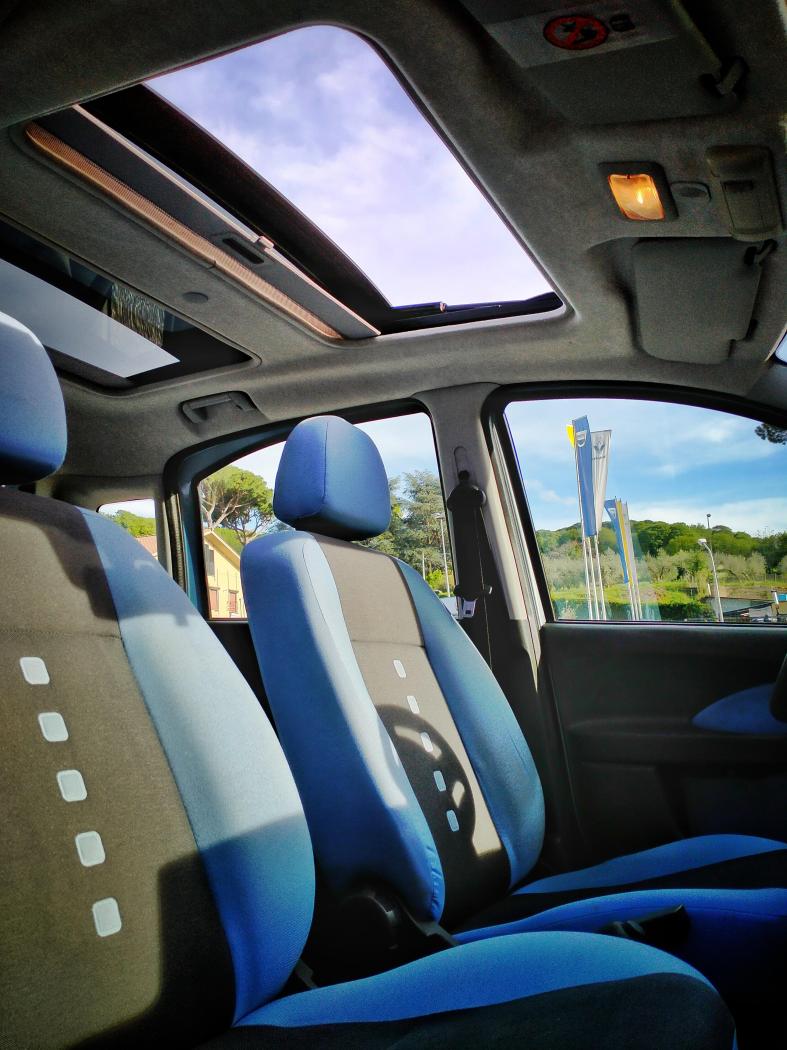
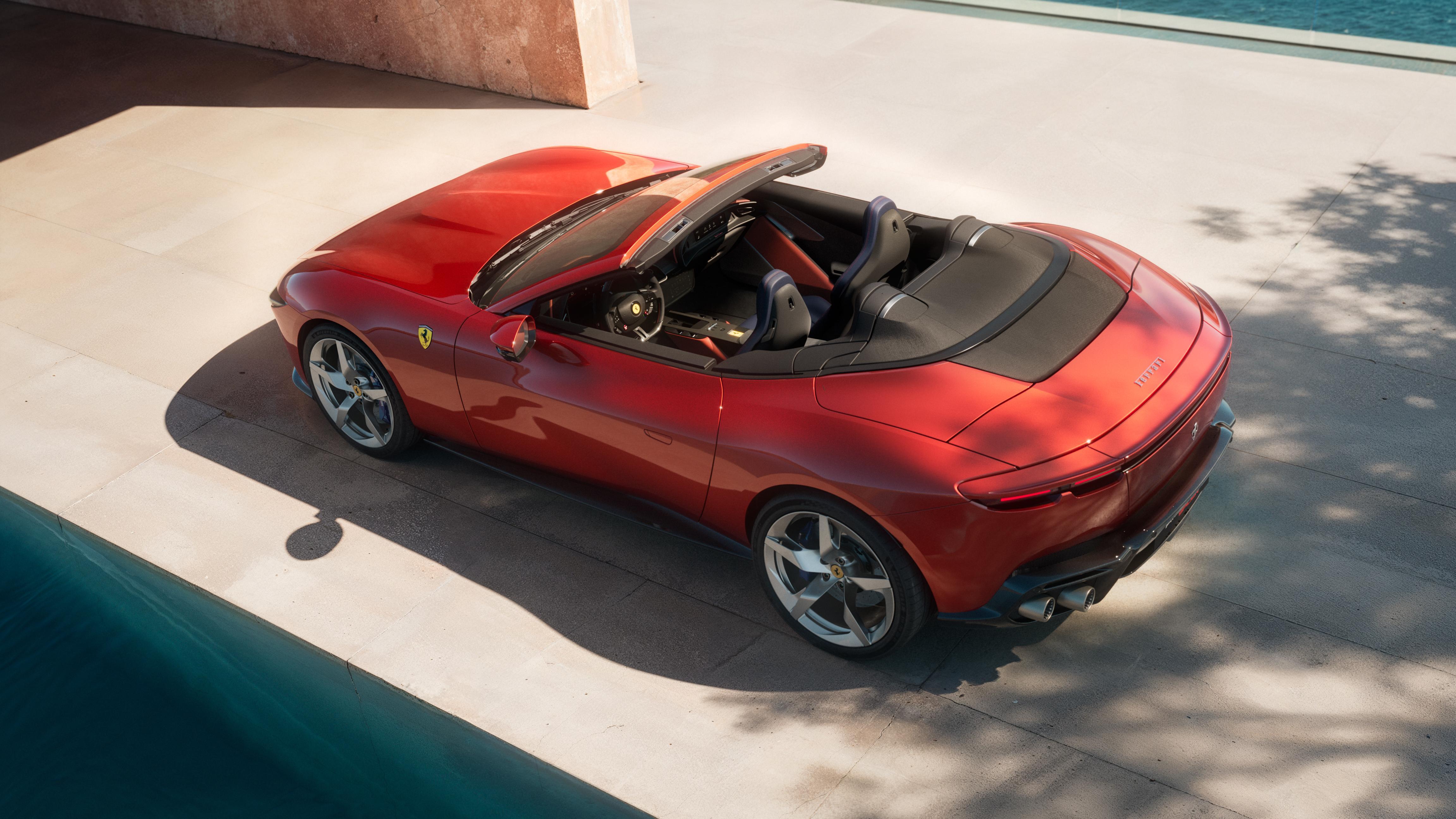
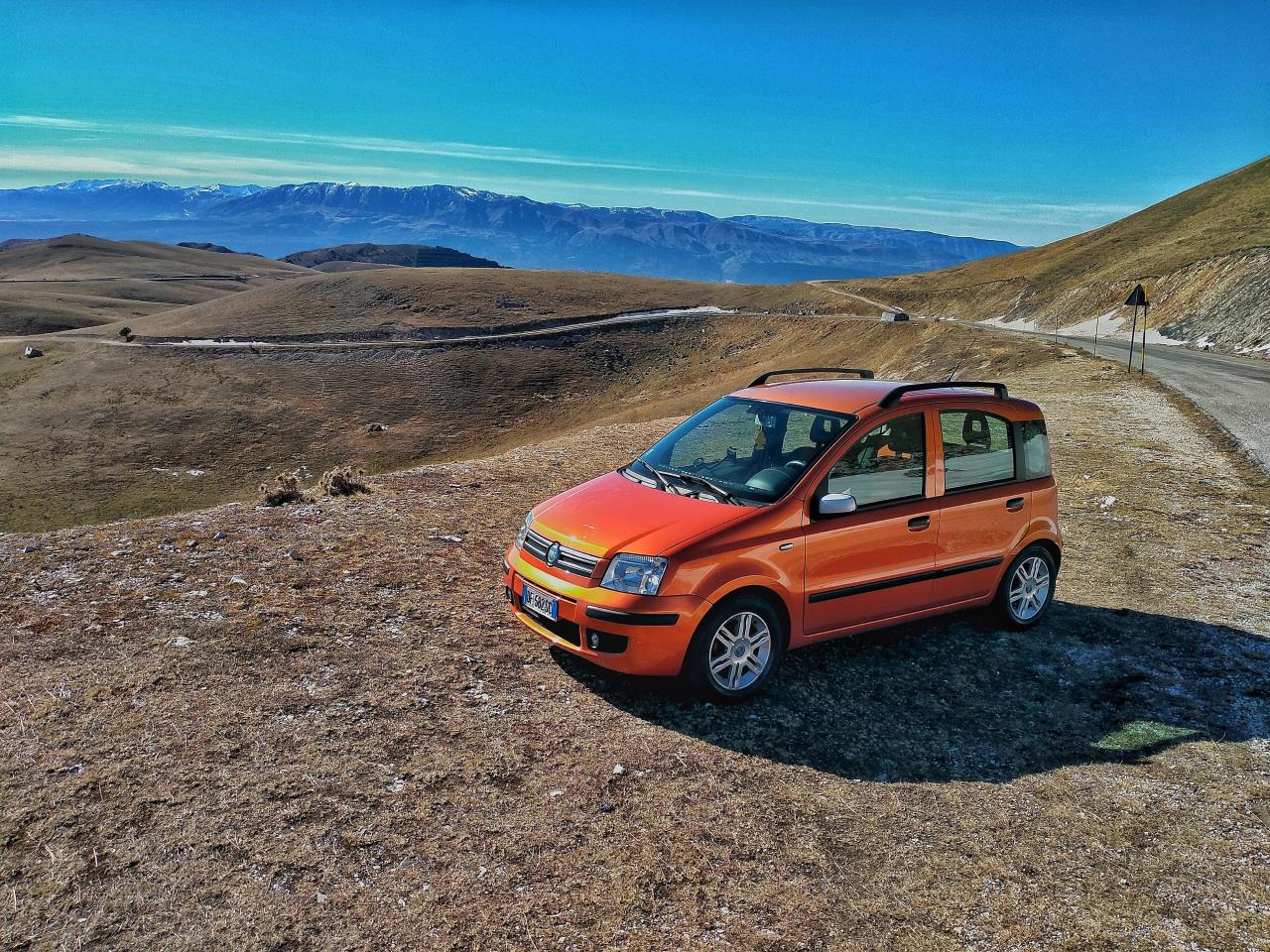 8 puntiProporlo a tempo debito anche da noi questo restyling invece di interrompere la produzione era troppo vero? Oltre che sembrano anche ben curati gli interni ben più dei cassonetti PSA travestiti che ci hanno rifilato. Speriamo che ora cambi un po' la storia anche qui da noi, siamo diventati noi il terzo Mondo dell automotive a pensare che in Sudamerica fino a 10 anni fa avevano ancora la UNO dell'ottanta.8 puntiCon tutto il rispetto dei pareri altrui, io non capisco veramente cos'abbia di così orripilante questa Grecale. Posso capire le tante/troppe similitudini con Stelvio, che comunque sia, a detta di tanti è ancora uno dei più bei suv in circolazione. Posso condividere uno stile un po' troppo conservativo. Un listino sicuramente impegnativo. Ma da lì a paragonarla ad un bidone (!) Personalmente vedo un prodotto non eccelso ma abbastanza in linea con la concorrenza. Una linea non troppo gridata ma di classe. Degli interni decisamente all'altezza della situazione e una proposta di motorizzazioni valida e completa. Si poteva qualcosa in più del semplice compitino? Assolutamente si. Merita di essere bersaglio per luoghi comuni da parte dei detrattori? Decisamente no. Se proprio volete bullizzare qualcuno citofonate all'ufficio marketing! 🤐8 puntiUna cosa pero che veramente stufa, ma stufa seriamente, anche a chi cerca di sforzarsi e continuare ad "amare" le auto italiane. Ma sinceramente, ma a chi interessa sto model year? Questa gia doveva essere il facelift "pesante", anzi doveva esserlo gia l'anno scorso. In questi marchi purtroppo ogni motivo e buono per ritardare di brutto e che sono motivi validi o non io credo che non interessa a nessuno. E non e' la prima volta che capita per sbaglio, e' una cultura ormai. Fate uscire ste auto in tempo, fate i facelift in tempo senza scuse, senza se e senza ma.8 puntiNo, se compri Jaguar-Land Rover te lo meriti.8 punti8 punti8 puntiStoria vera, giuro! Ero in macchina con mia moglie l’altro giorno, e a un certo punto, appena avviati, lei mi fa: “guarda savio.79, quella non è la macchina nuova del vicino?” Avendola ormai oltrepassata, guardo nello specchietto la Junior e confermo “sì è quella, non avrà più di due mesi, perché?” Lei: “Gliel’hanno già danneggiata, aveva un buco davanti, probabilmente l’hanno urtata parcheggiando” “peccato, ma tanto… mi sta antipatico, sicché…” Al rientro, la macchina era ancora parcheggiata lì, e allora passandole accanto butto un occhio per curiosità, e scoppio a ridere: il buco che aveva notato mia moglie era quello a forma di Biscione 🤣 Morale: l’idea non è male ma è realizzata in modo che a un occhio distratto la calandra sembri rotta anche se integra (un deciso passo avanti rispetto ai listelli dispersi delle MiTo)8 punti8 punti8 punti8 puntiBellissima, anche se preferisco la coupé. E migliora rispetto alla Roma, perdendo il difetto del pataccone nero in mezzo al nulla, sulla coda, passando in meglio da così: a così: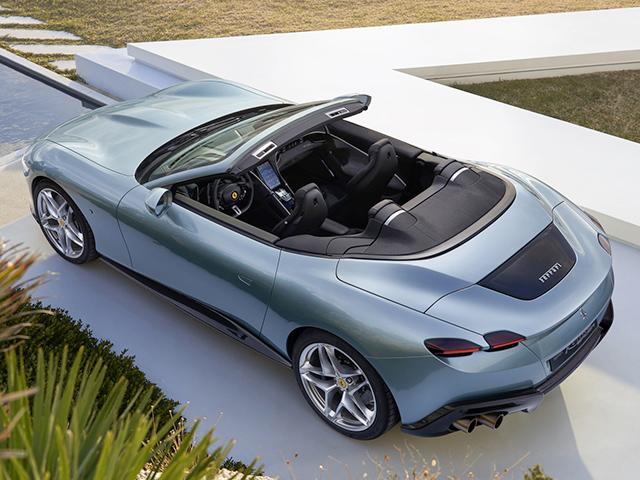
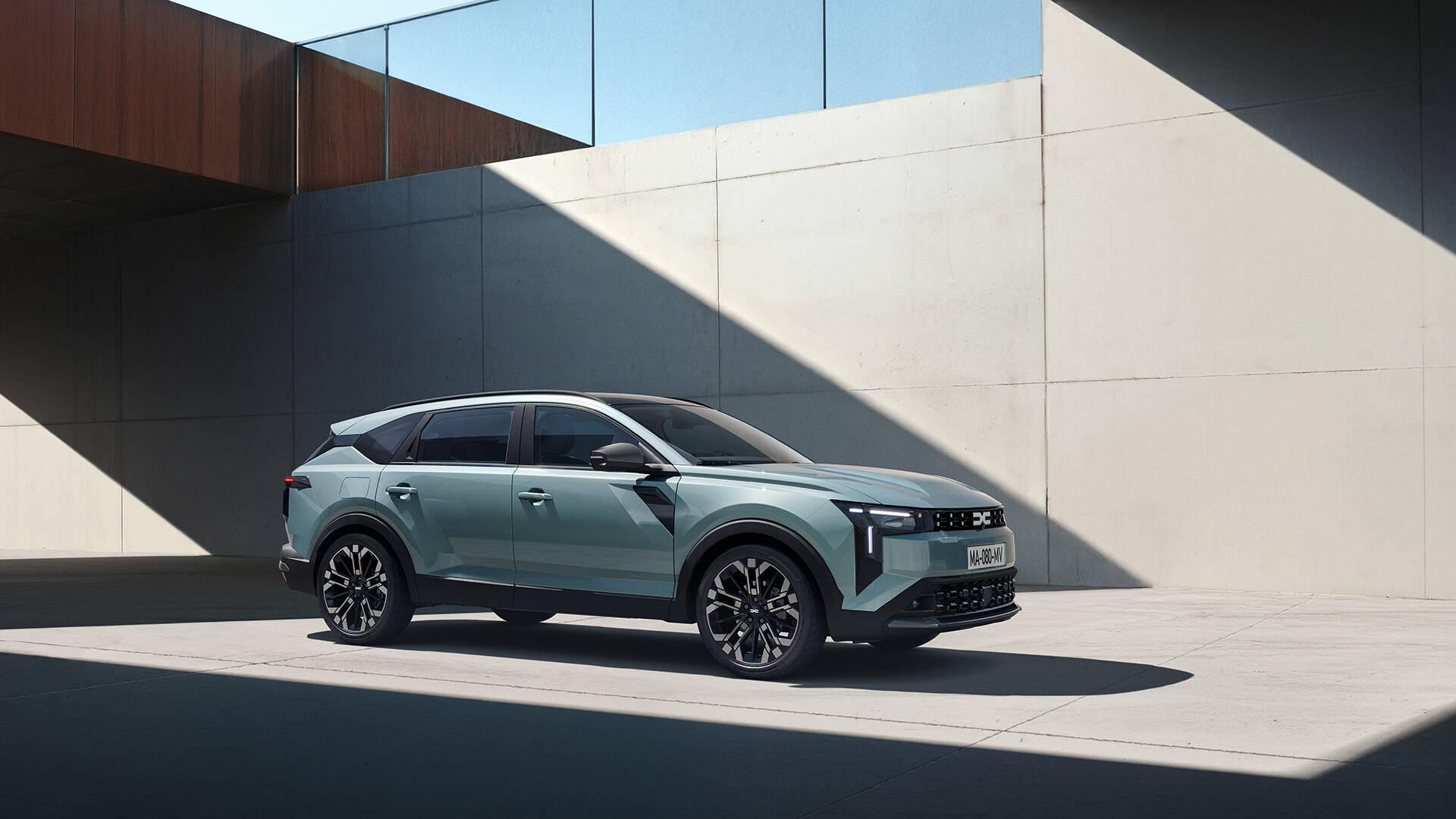
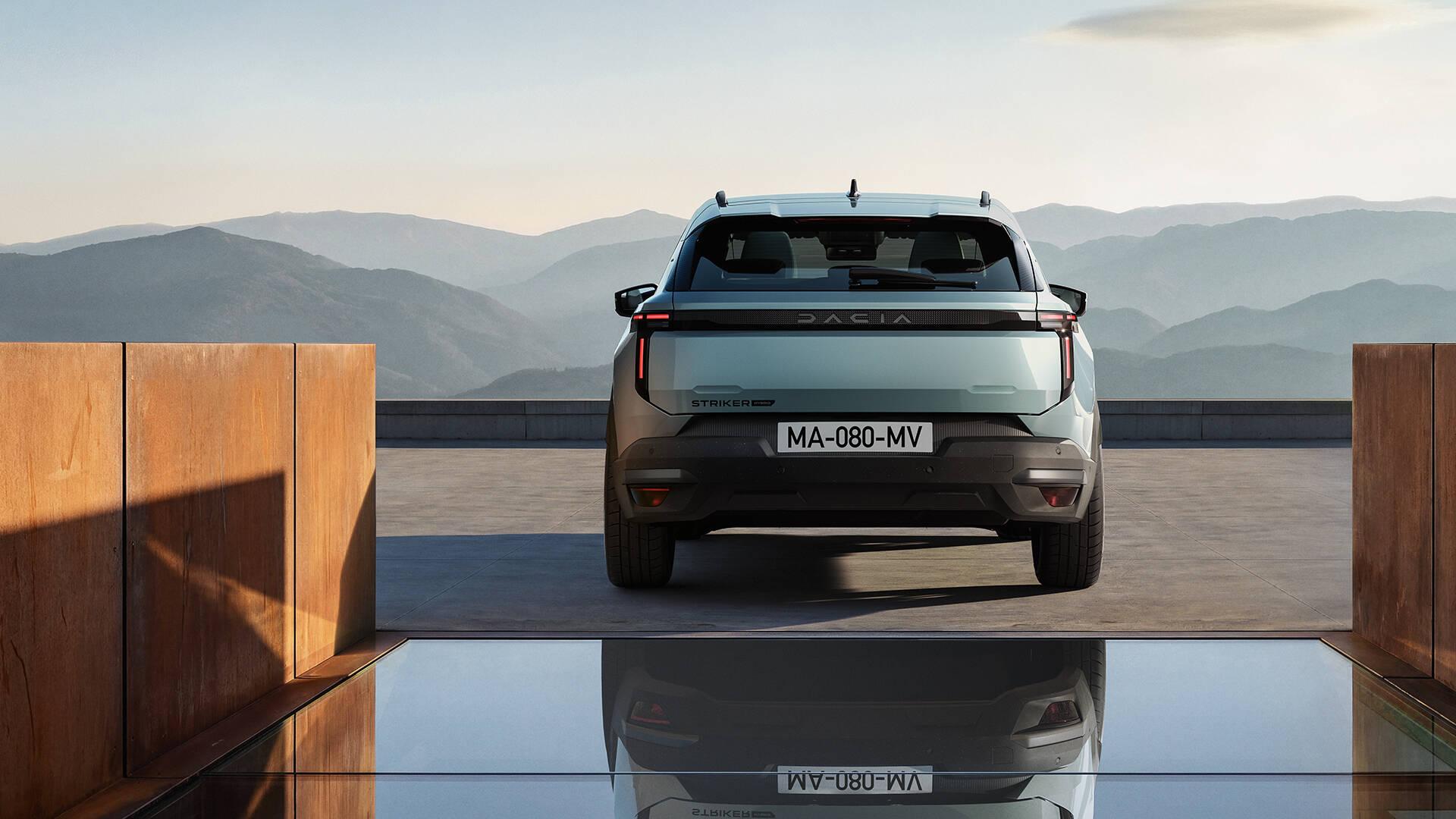
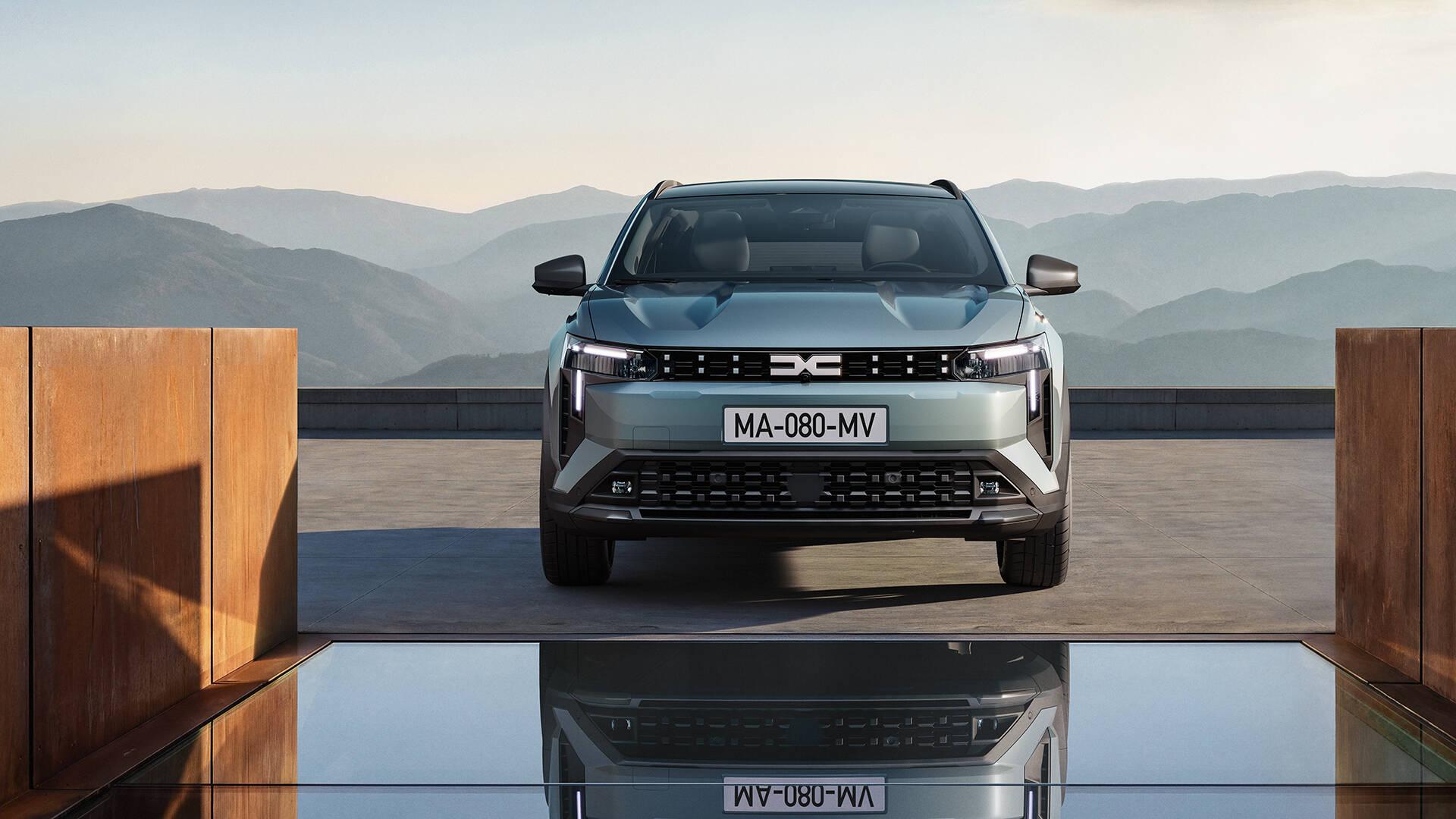
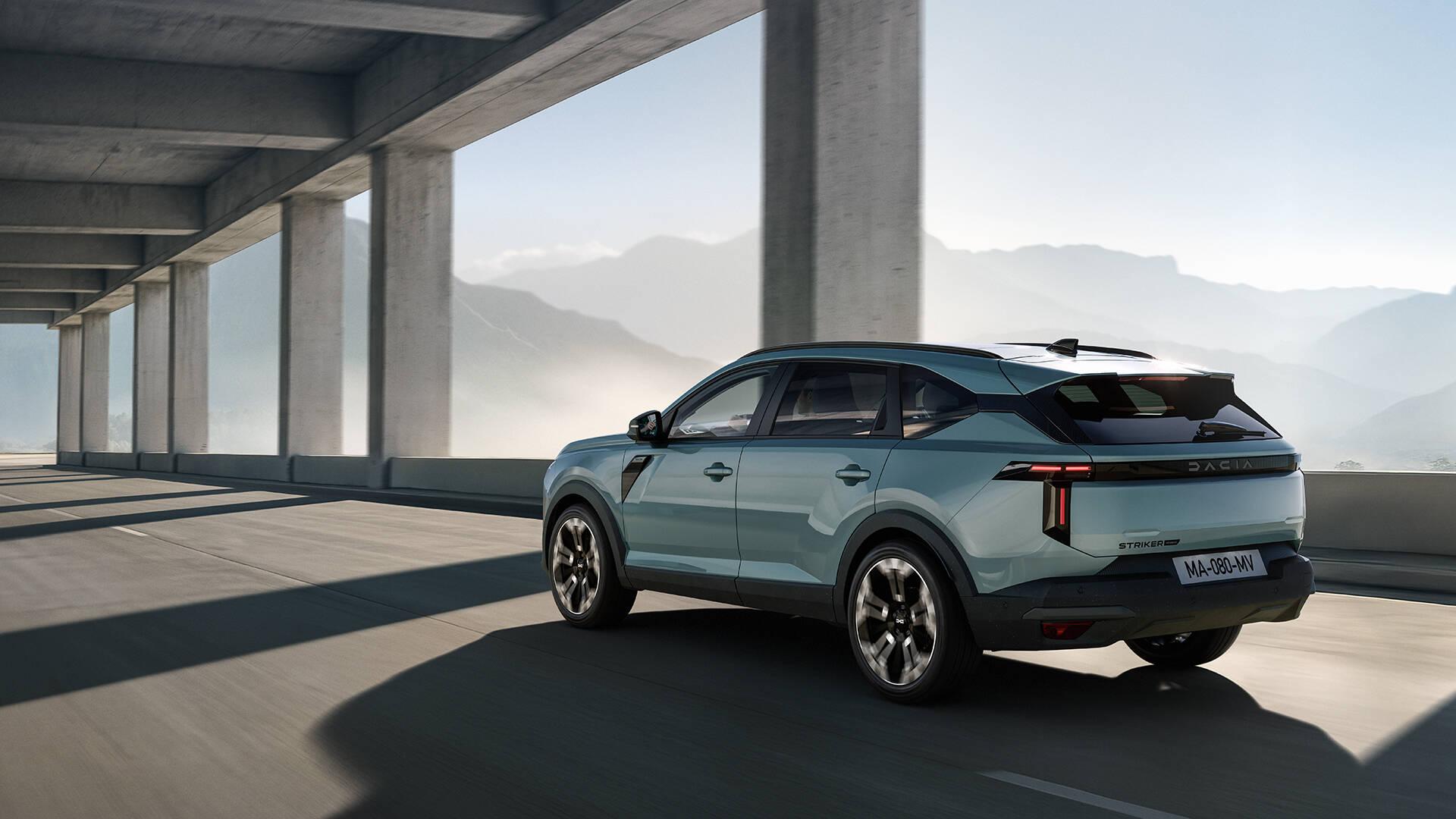
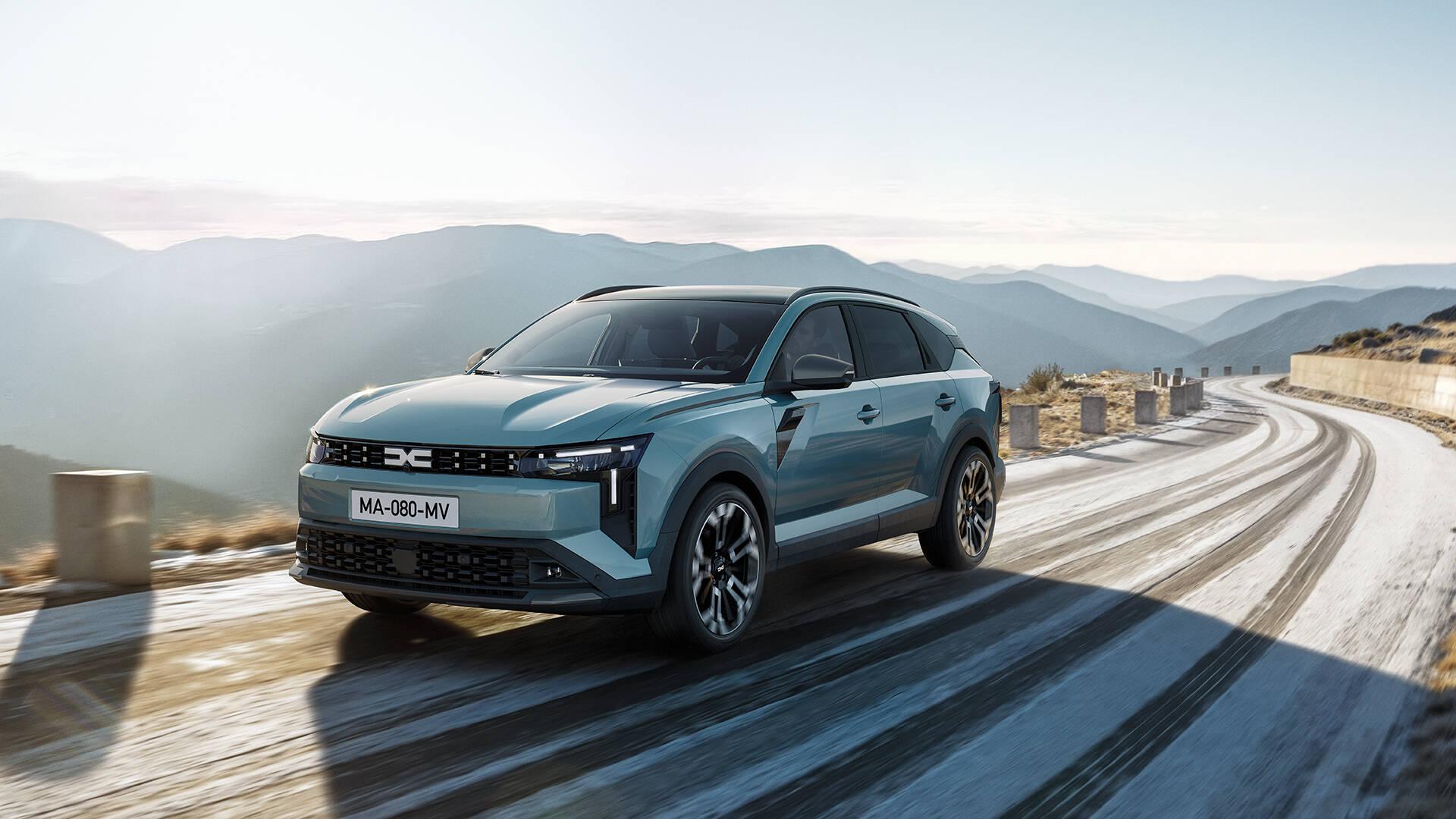
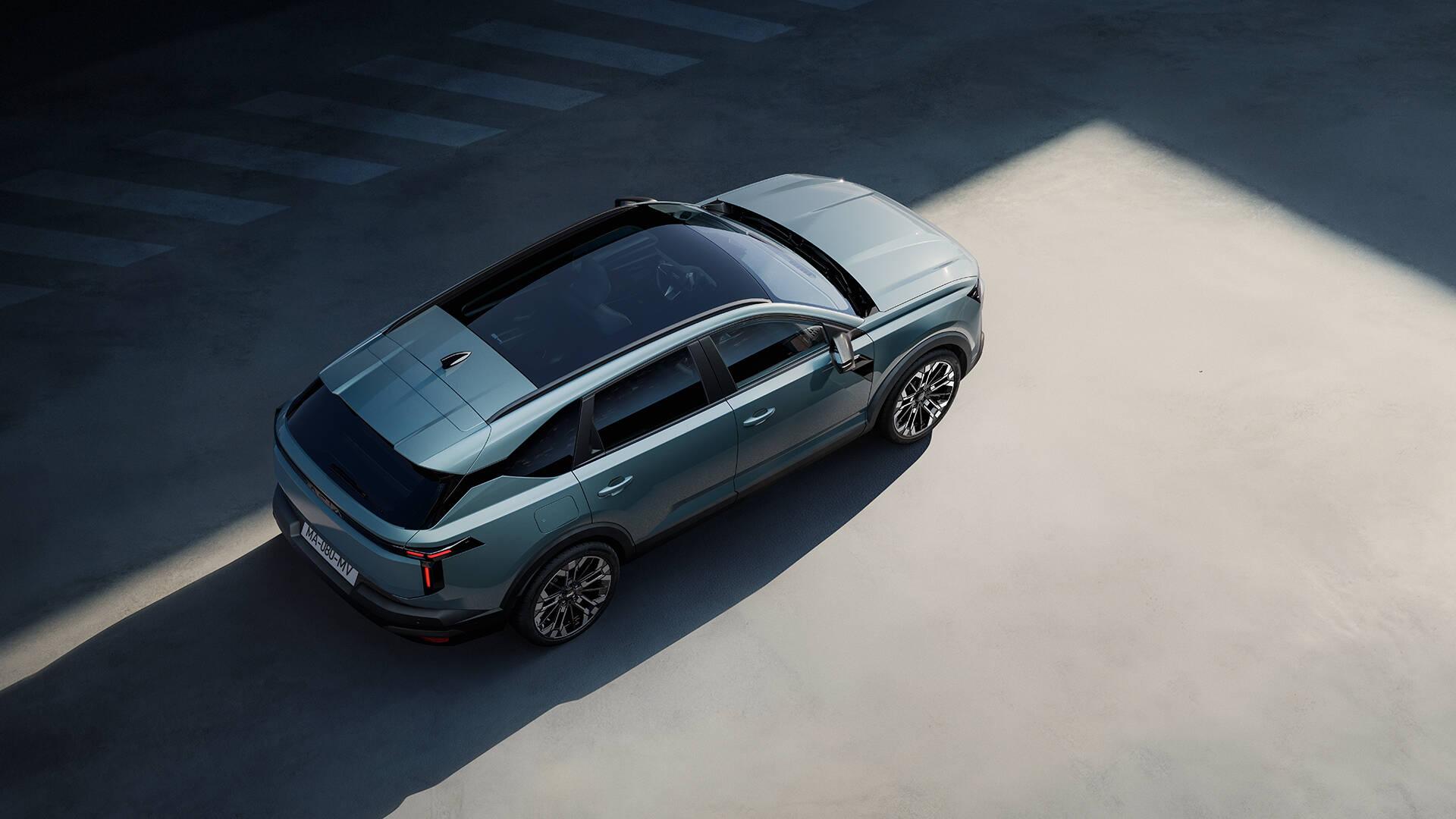
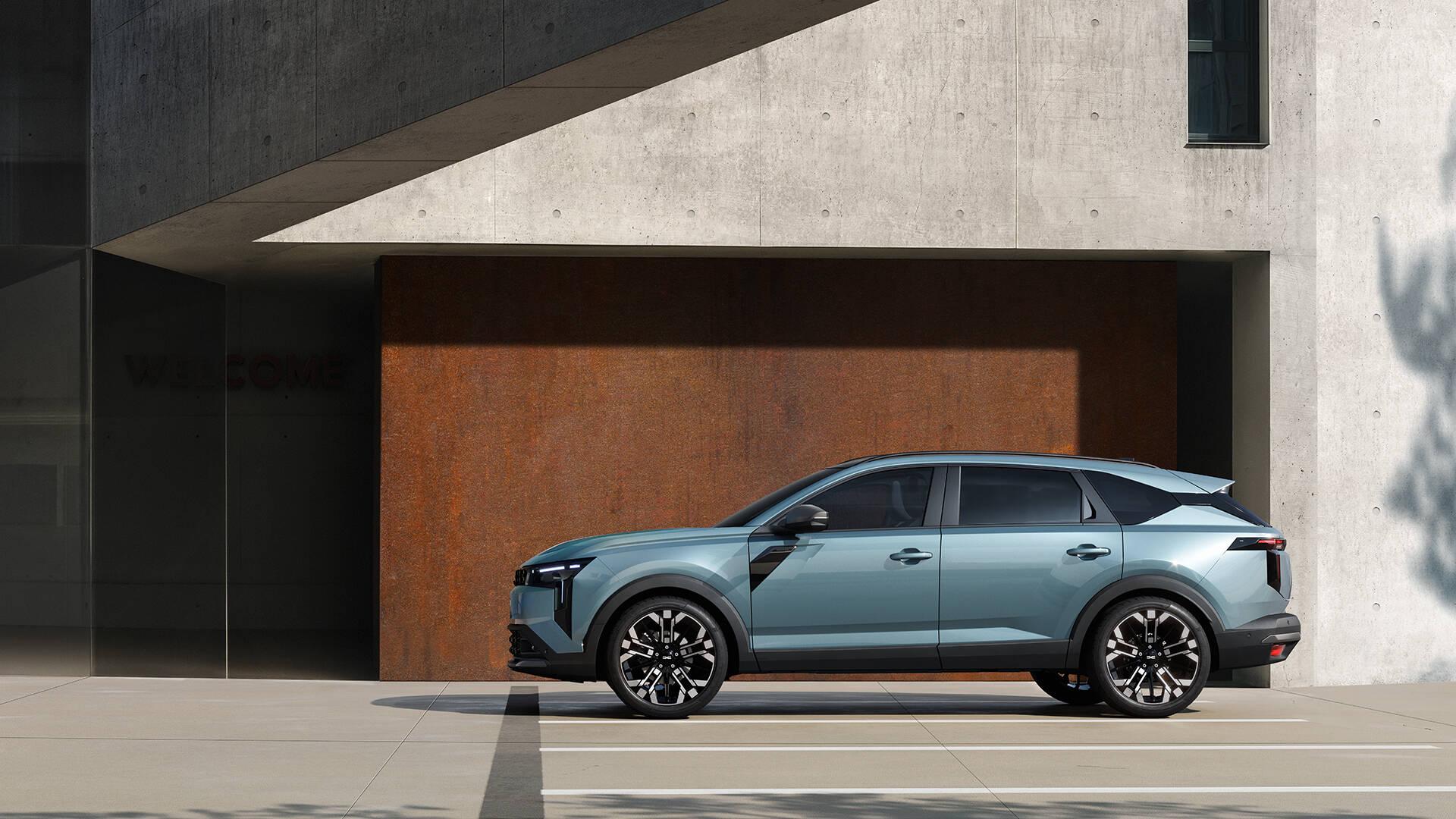
 8 punti8 puntiComunicato stampa Via Dacia. Topic Spy: Dacia Striker 2026 - Prj. C-Neo (Spy)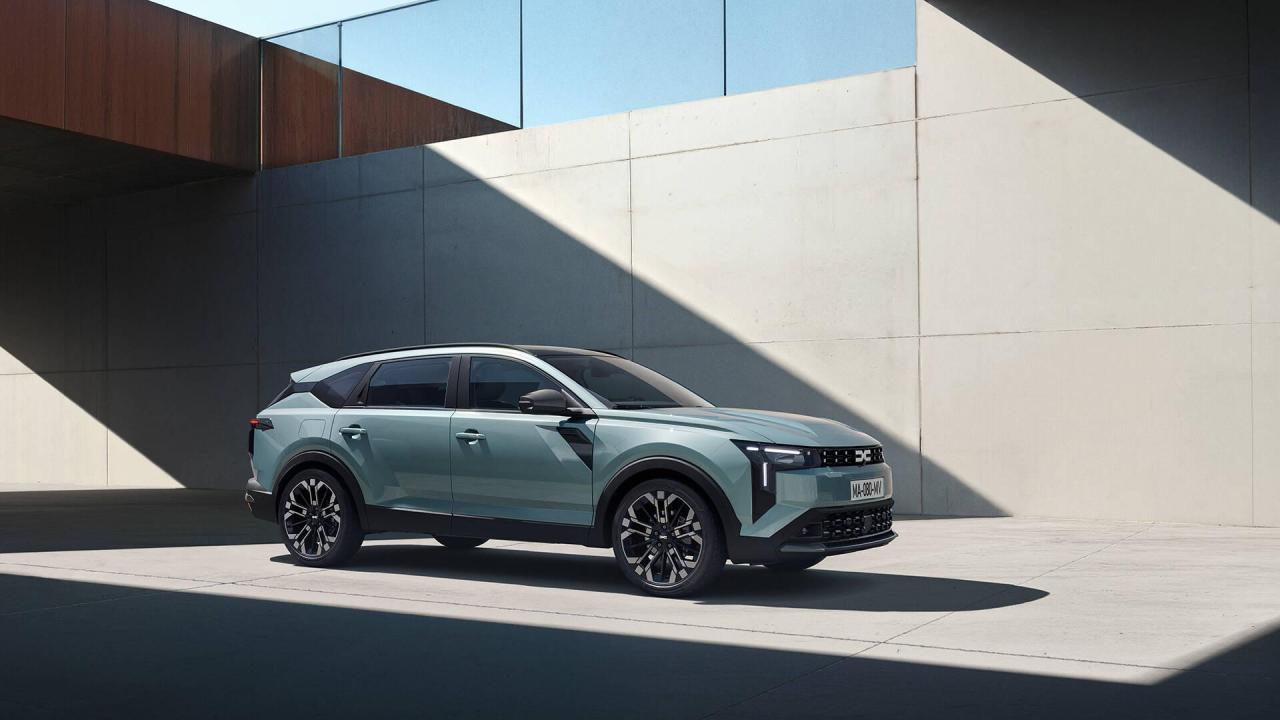
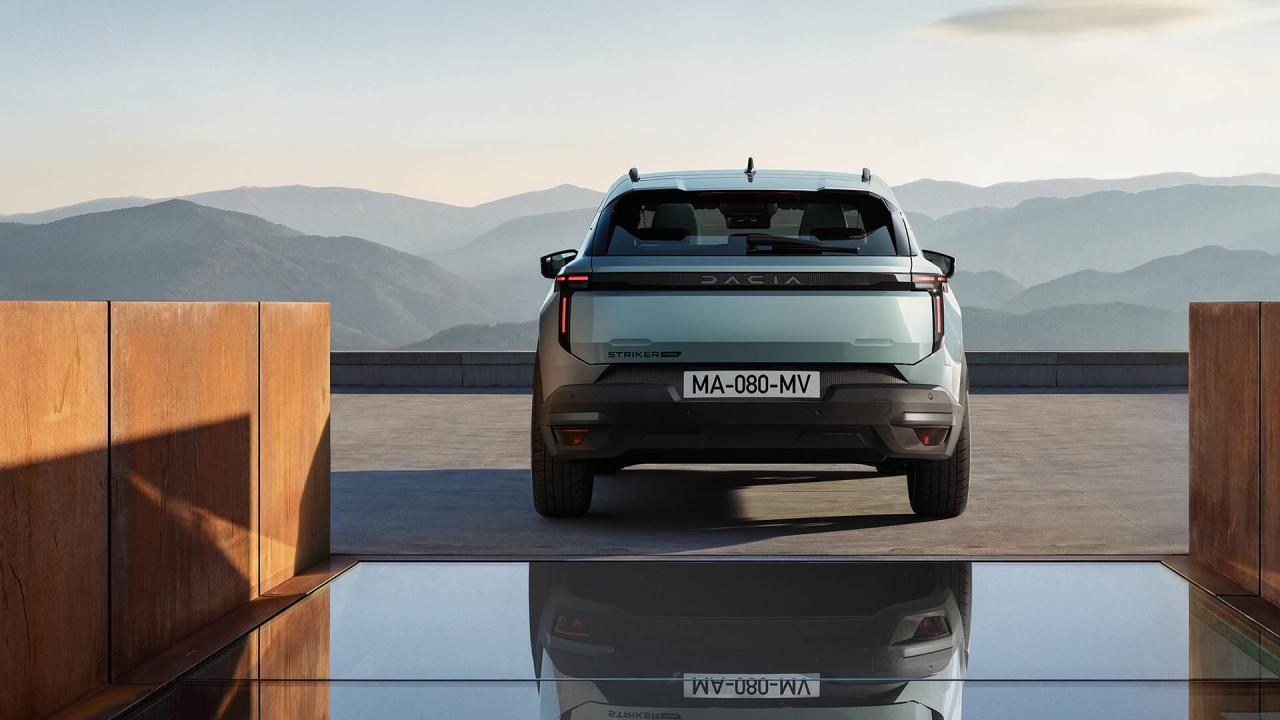
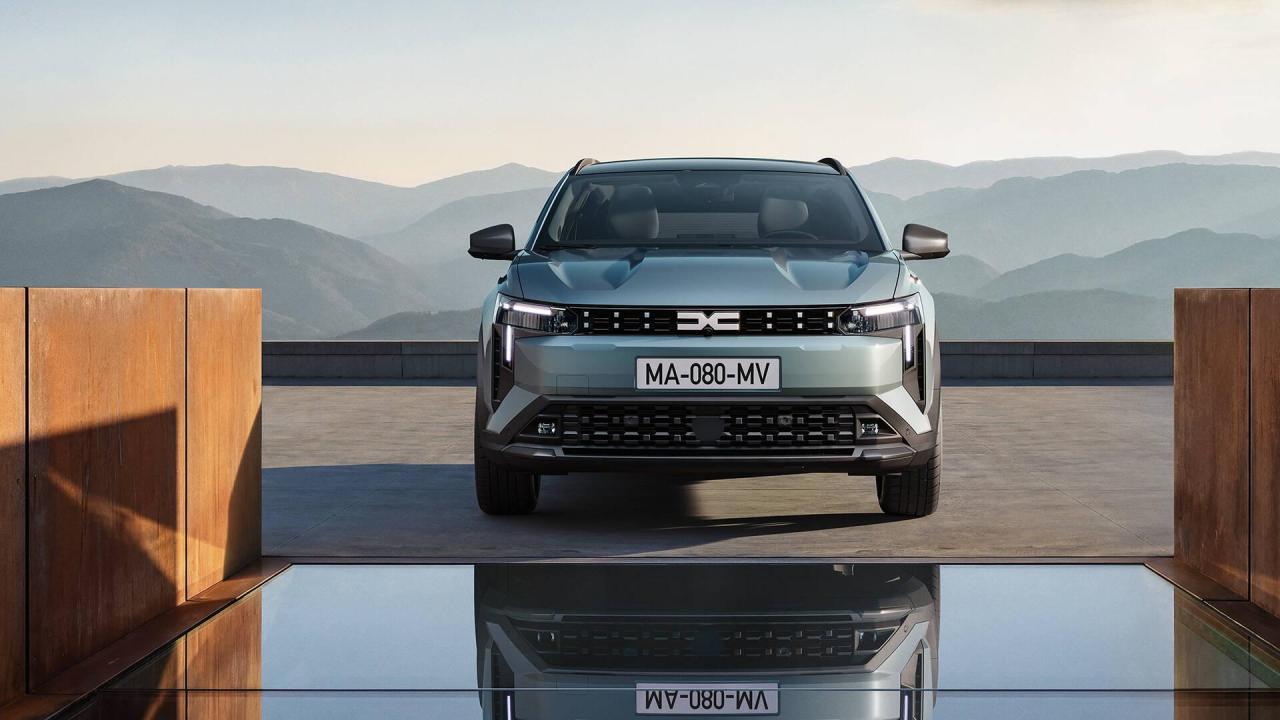
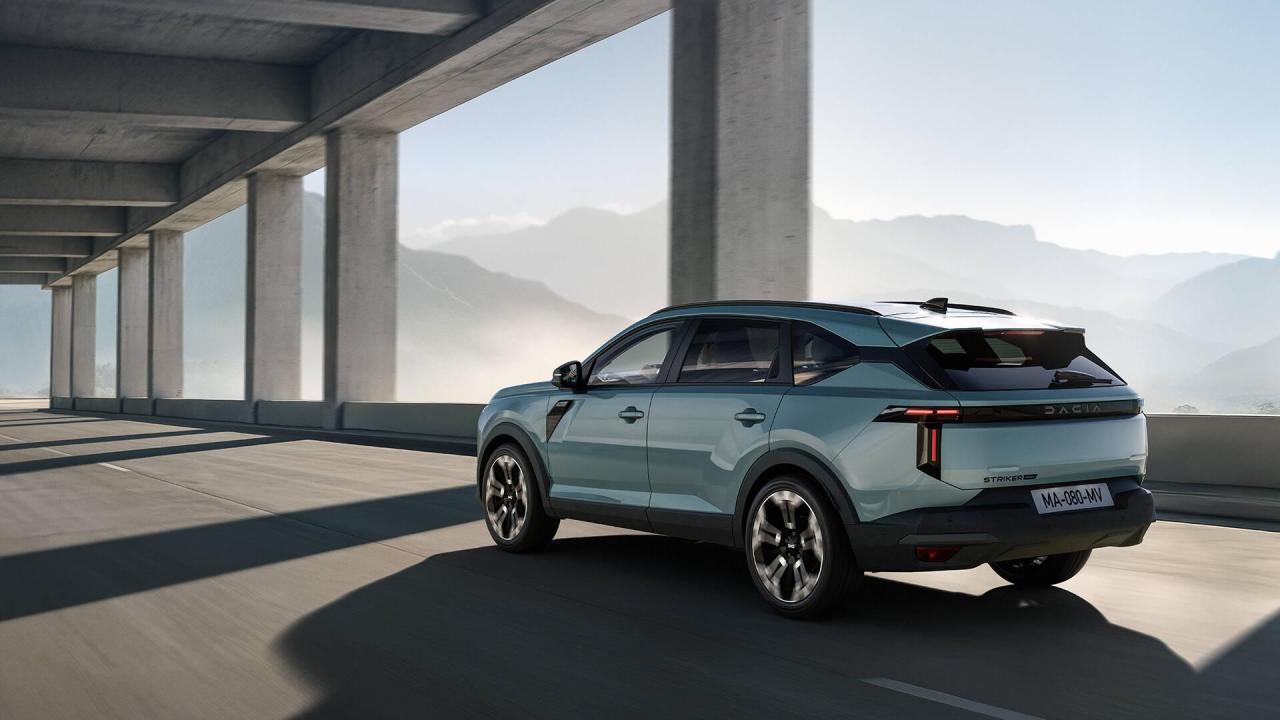
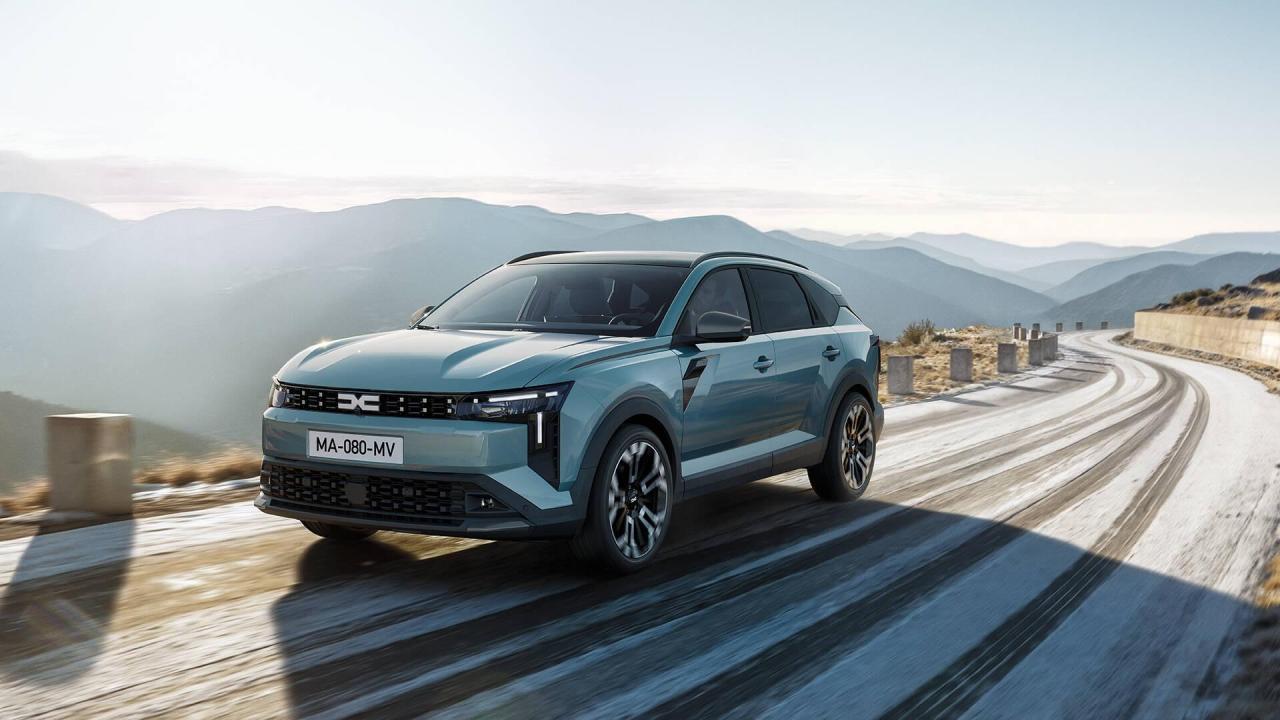
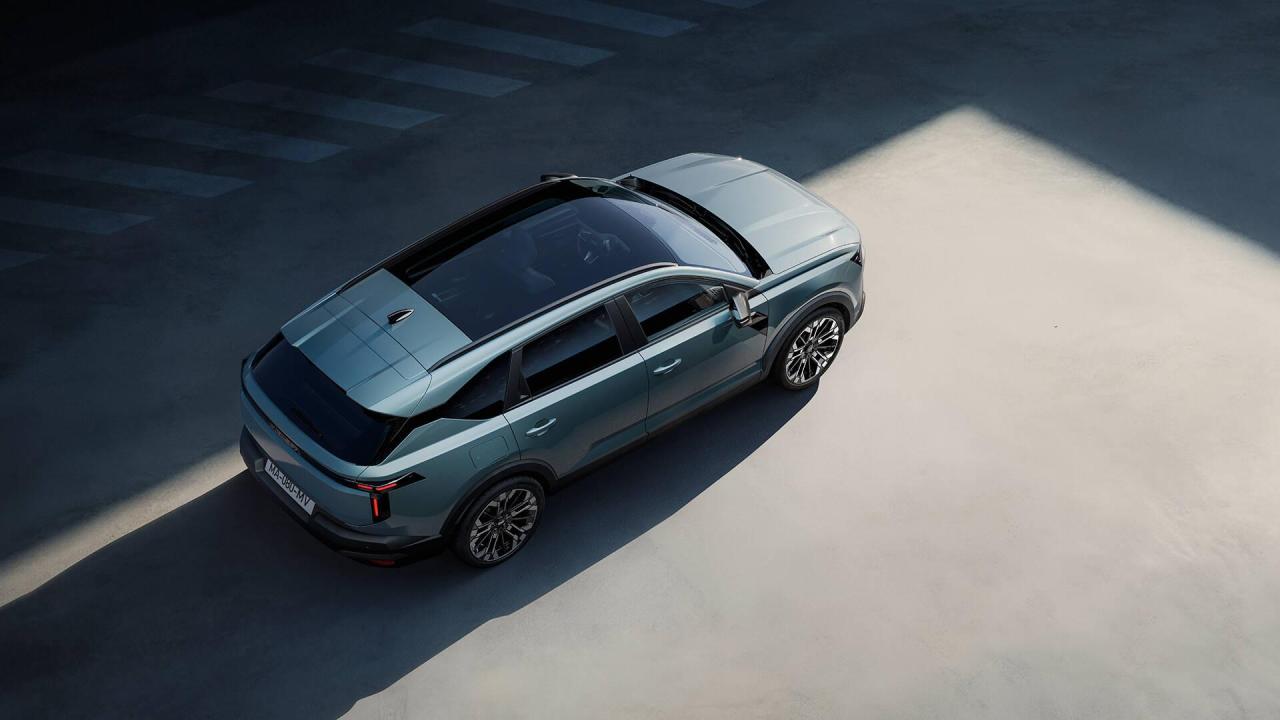
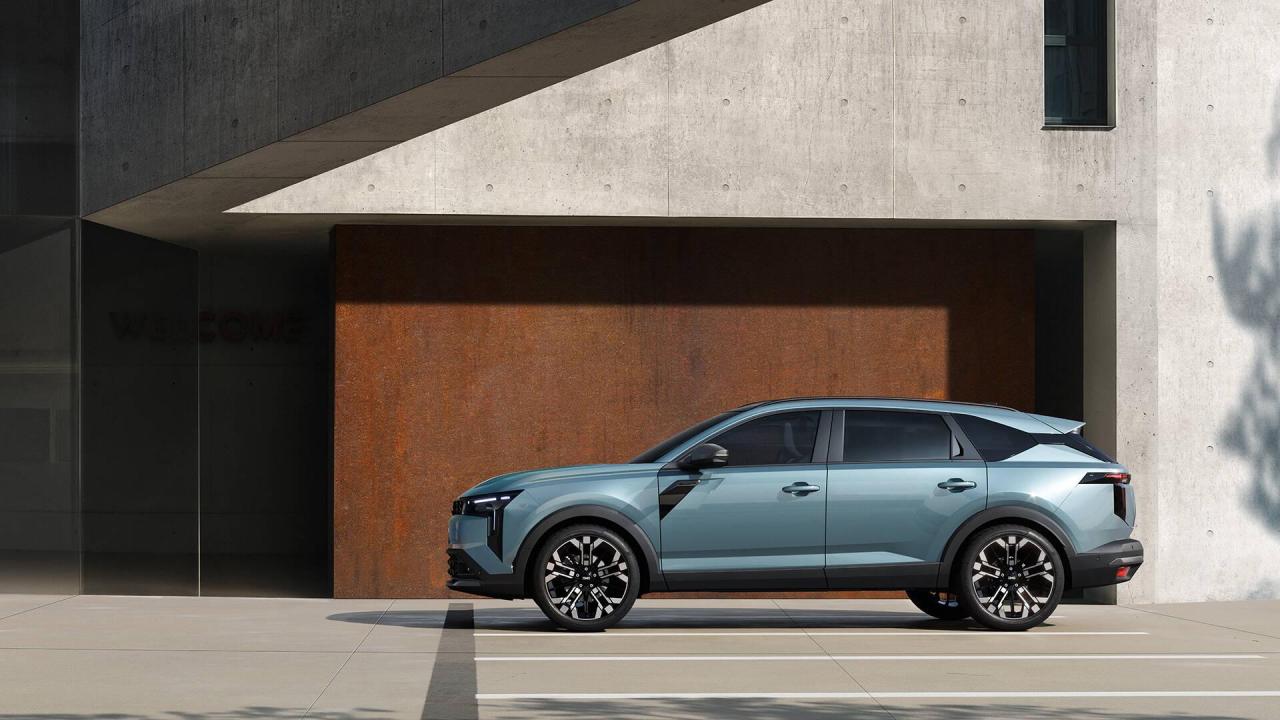 8 punti8 punti8 puntiEra la Batteria.. stamattina abbiamo letteralmente scassinato la macchina con tanto di ferro uncinato infilato dalla porta aperta con una sacca d'aria per sbloccare dalla maniglia interna.. Il nottolino è andato per via di un tentativo di furto di qualche settimana fa a cui non avevo dato peso... ora cambiata batteria, mi devo far cambiare il nottolino... grazie a tutti per le vostre risposte8 punti7 puntila morale è: se sei sulle strisce e vedi una panda avvicinarsi, fa il passo del granchio7 puntiLa Leaderboard è riferita all'orario Roma/GMT+02:00


























Account
Navigation
Cerca
Configure browser push notifications
Chrome (Android)
- Tap the lock icon next to the address bar.
- Tap Permissions → Notifications.
- Adjust your preference.
Chrome (Desktop)
- Click the padlock icon in the address bar.
- Select Site settings.
- Find Notifications and adjust your preference.
Safari (iOS 16.4+)
- Ensure the site is installed via Add to Home Screen.
- Open Settings App → Notifications.
- Find your app name and adjust your preference.
Safari (macOS)
- Go to Safari → Preferences.
- Click the Websites tab.
- Select Notifications in the sidebar.
- Find this website and adjust your preference.
Edge (Android)
- Tap the lock icon next to the address bar.
- Tap Permissions.
- Find Notifications and adjust your preference.
Edge (Desktop)
- Click the padlock icon in the address bar.
- Click Permissions for this site.
- Find Notifications and adjust your preference.
Firefox (Android)
- Go to Settings → Site permissions.
- Tap Notifications.
- Find this site in the list and adjust your preference.
Firefox (Desktop)
- Open Firefox Settings.
- Search for Notifications.
- Find this site in the list and adjust your preference.