





j
Reporter (Staff)
-
Iscritto il
Tutti i contenuti di j
-
-
-
-
-
-
-
-
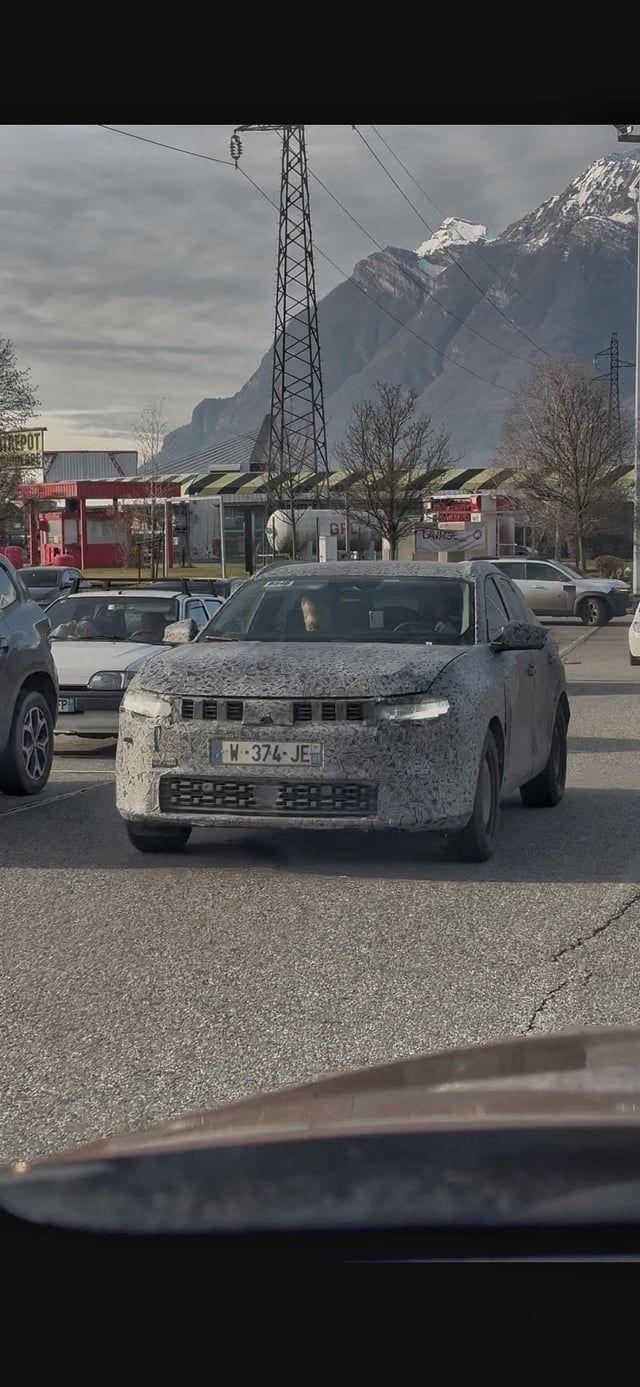
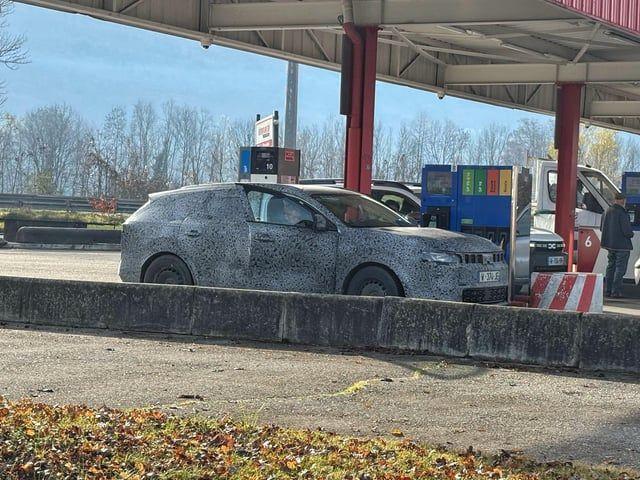
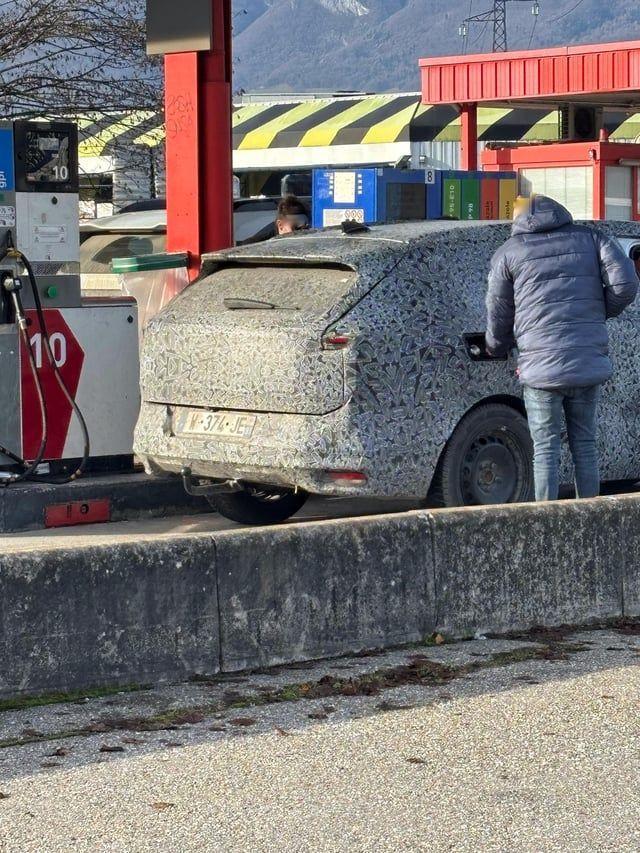
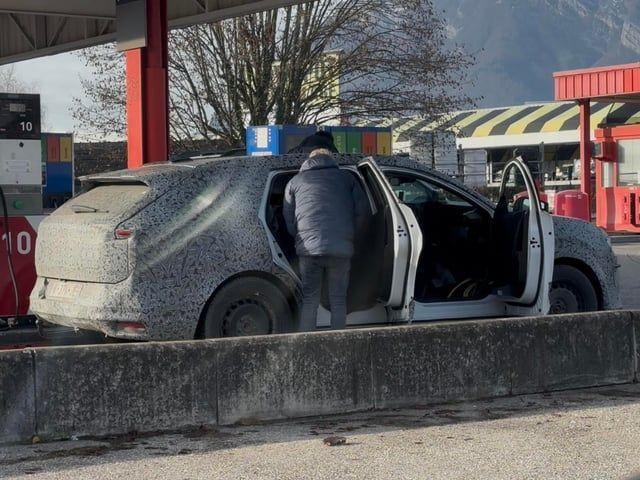
Primi test usando come muletto la generazione precedente


- 213 risposte
-
-

- 1
-
-
- id
- id.2
- id2
- volkswagen
-
Taggato come:
Per me l'ultima a sinistra!Il futuro della Peugeot secondo il suo ceo, Alain Favey[...] Pensate di rientrare nel segmento A (quello delle citycar)? No: non si può perché, come tutti gli altri costruttori tranne Fiat, non c’è modo di produrre queste piccole vetture con profitto. Se arriveranno le E-Car vedremo: è un’idea bellissima e sicuramente le prime a farle dentro il gruppo Stellantis saranno le Citroën e la Fiat, ma anche la Peugeot troverà modo di entrare in questo mercato. Ma oggi pensarlo è fantascienza. Quale sarà il “peso” delle elettriche per il marchio? Fino a un anno fa la strategia era di diventare solo elettrici nel 2030, poi abbiamo visto come il mercato si muove (o non si muove) e già prima che arrivassi io, Imparato e gli altri hanno cambiato i piani: non sarà possibile avere 100% elettrico nel 2030 ma ci arriveremo, solo più tardi. Abbiamo ancora questo obiettivo. Nel segmento B (utilitarie e piccole crossover) e C (vetture medio-grandi) “saremo multi energia” offrendo veicoli elettrici e termici anche dopo il 2030 e finché ci sarà domanda da parte degli automobilisti. Nel “paniere” delle tecnologie Stellantis ora avete anche il full hybrid: la nuova Jeep Cherokee, venduta solo negli Usa, ha questa tecnologia. Vedremo in Europa una Peugeot ibrida full? No: in Europa rimaniamo sulla tecnologia mild perché crediamo che questa sia la scelta giusta per costi, potenza ed emissioni. È il compromesso migliore e oggi non ci manca un full hybrid in gamma. Arriverà però un mild hybrid più potente, dato che avete vetture grandi come la 5008? Abbiamo già le plug-in da 195 CV: un mild hybrid più potente non è previsto. C’è ancora spazio per il cambio manuale? Sì: avremo ancora in futuro auto con questa trasmissione, perché è un modo per ridurre i prezzi e ci sono mercati dove è necessario averlo per vendere, come il Marocco. Possiamo sognare una piccola 208 GTI termica, magari manuale? No: la GTI “funziona” solo come elettrica. In Francia una 208 GTI termica con la stessa potenza dell’elettrica oggi pagherebbe 70.000 euro di malus (a causa delle leggi nazionali sulle emissioni) e la metà delle vendite della GTI oggi sono in Francia. [...] Con quali “armi” crescerete fino a questo 7%? Puntiamo molto sul segmento B, a partire dalla nuova 208 che arriverà nelle concessionarie nella seconda metà del 2027. Con lei rinnoveremo design (principalmente esterno), contenuti e tecnologia. A partire dall’hypersquare (l’originale volante rettangolare privo di collegamento fisico con le ruote, che abbiamo già provato in anteprima qui) . Questo ci farà percepire in maniera diversa, più innovativa. Continueremo poi a lavorare sul piacere di guida e sulla posizione di guida unica assicurata dall’i-Cockpit (il cruscotto montato in alto, che si legge da sopra il volante tipico di tutte le Peugeot recenti). E promettiamo qualità: negli ultimi anni abbiamo commesso degli errori, siamo coscienti di ciò e dobbiamo essere all’altezza delle aspettative dei clienti. [...] Voi non siete mai caduti nel design rétro, come invece ha fatto Renault, tranne forse per la concept E-Legend del 2018 che richiamava la 504... Abbiamo ancora quella concept esposta nello studio dei designer, ma abbiamo altre idee: possiamo mettere nelle nostre auto alcune citazioni del passato, come la "firma luminosa" a sviluppo orizzontale della concept Polygon che richiama la griglia della 205 ma non rifaremo un’intera macchina che c’è già stata. [...] Il futuro della Peugeot secondo il suo ceo, Alain FaveyL’amministratore delegato ci racconta le Peugeot che verranno: tutti i modelli saranno ibridi ed elettrici ma niente full hybrid e citycar. E la nuova 208...La nuova dirigenza Renault ha deciso a 6 mesi dall'inizio della vendita della Duo di fermare la produzione perché non remunerativa. La Bento non entrerà quindi neanche in commercio e va dritta tra le Mai Nate. Un peccato enorme, a Roma stava iniziando a diffondersi. L'ho pure provata e non era male alla guida Quattroruote.itRenault - Il tramonto di Mobilize: addio al car sharing e...La Losanga riorganizza il brand, chiudendone diverse attività per le "ridotte prospettive" di redditività- 35 risposte
-
-

- 1
-
-
- bento
- duo
- mobilize
- mobilize bento
-
Taggato come:






Account
Navigation
Cerca
Configure browser push notifications
Chrome (Android)
- Tap the lock icon next to the address bar.
- Tap Permissions → Notifications.
- Adjust your preference.
Chrome (Desktop)
- Click the padlock icon in the address bar.
- Select Site settings.
- Find Notifications and adjust your preference.
Safari (iOS 16.4+)
- Ensure the site is installed via Add to Home Screen.
- Open Settings App → Notifications.
- Find your app name and adjust your preference.
Safari (macOS)
- Go to Safari → Preferences.
- Click the Websites tab.
- Select Notifications in the sidebar.
- Find this website and adjust your preference.
Edge (Android)
- Tap the lock icon next to the address bar.
- Tap Permissions.
- Find Notifications and adjust your preference.
Edge (Desktop)
- Click the padlock icon in the address bar.
- Click Permissions for this site.
- Find Notifications and adjust your preference.
Firefox (Android)
- Go to Settings → Site permissions.
- Tap Notifications.
- Find this site in the list and adjust your preference.
Firefox (Desktop)
- Open Firefox Settings.
- Search for Notifications.
- Find this site in the list and adjust your preference.