




Tutte le attività
Questo flusso si aggiorna automaticamente
- Ultima ora
-
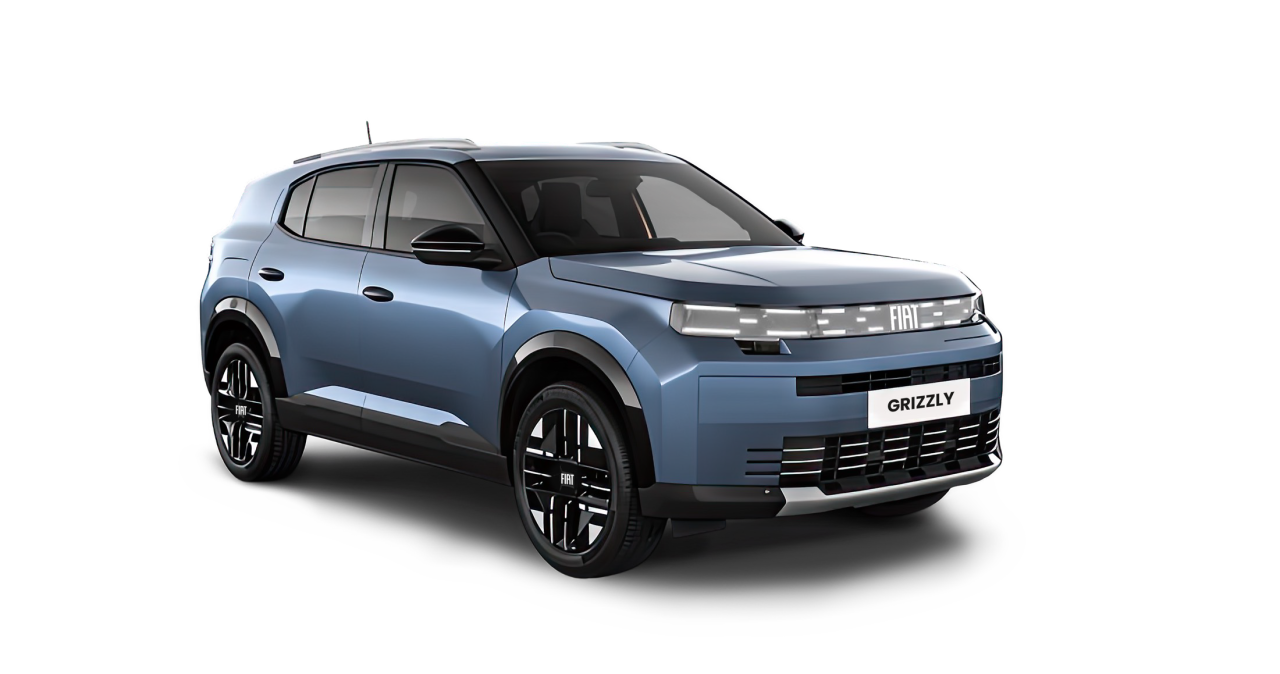
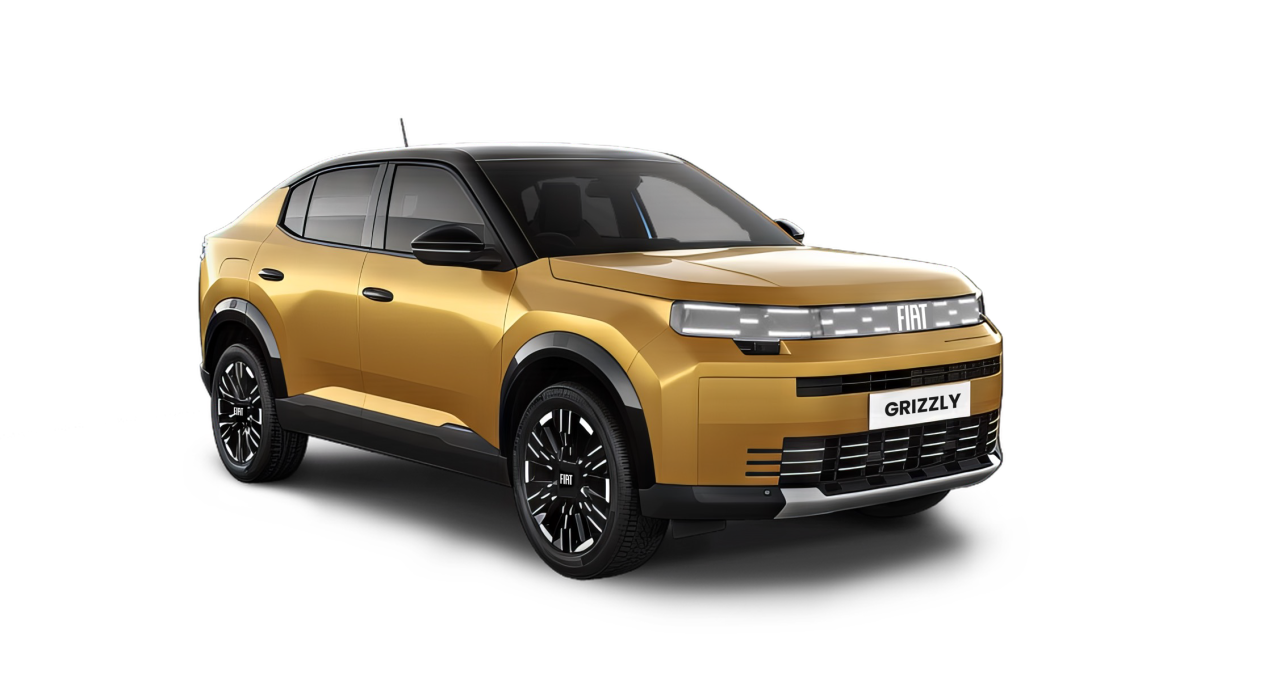
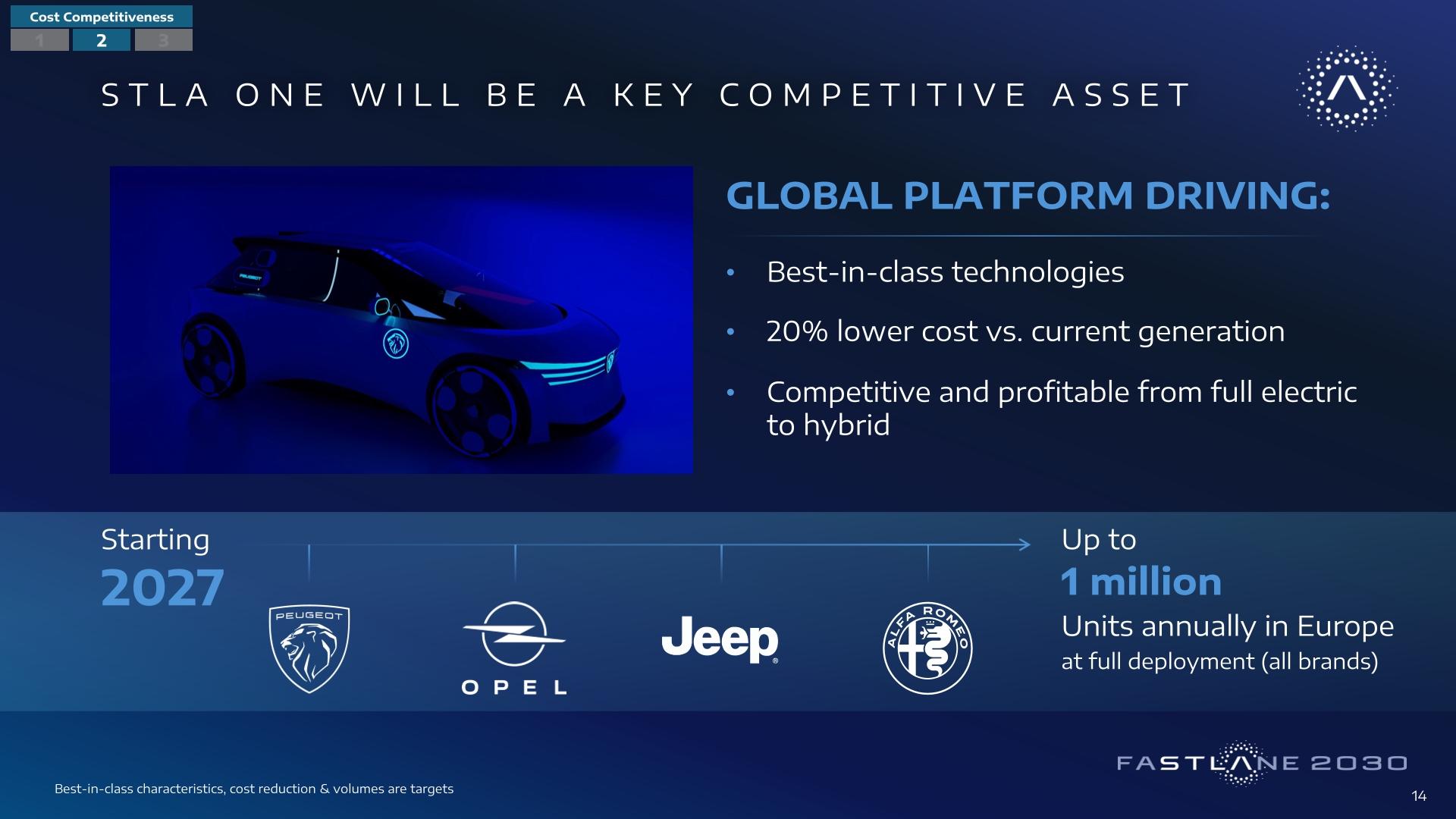
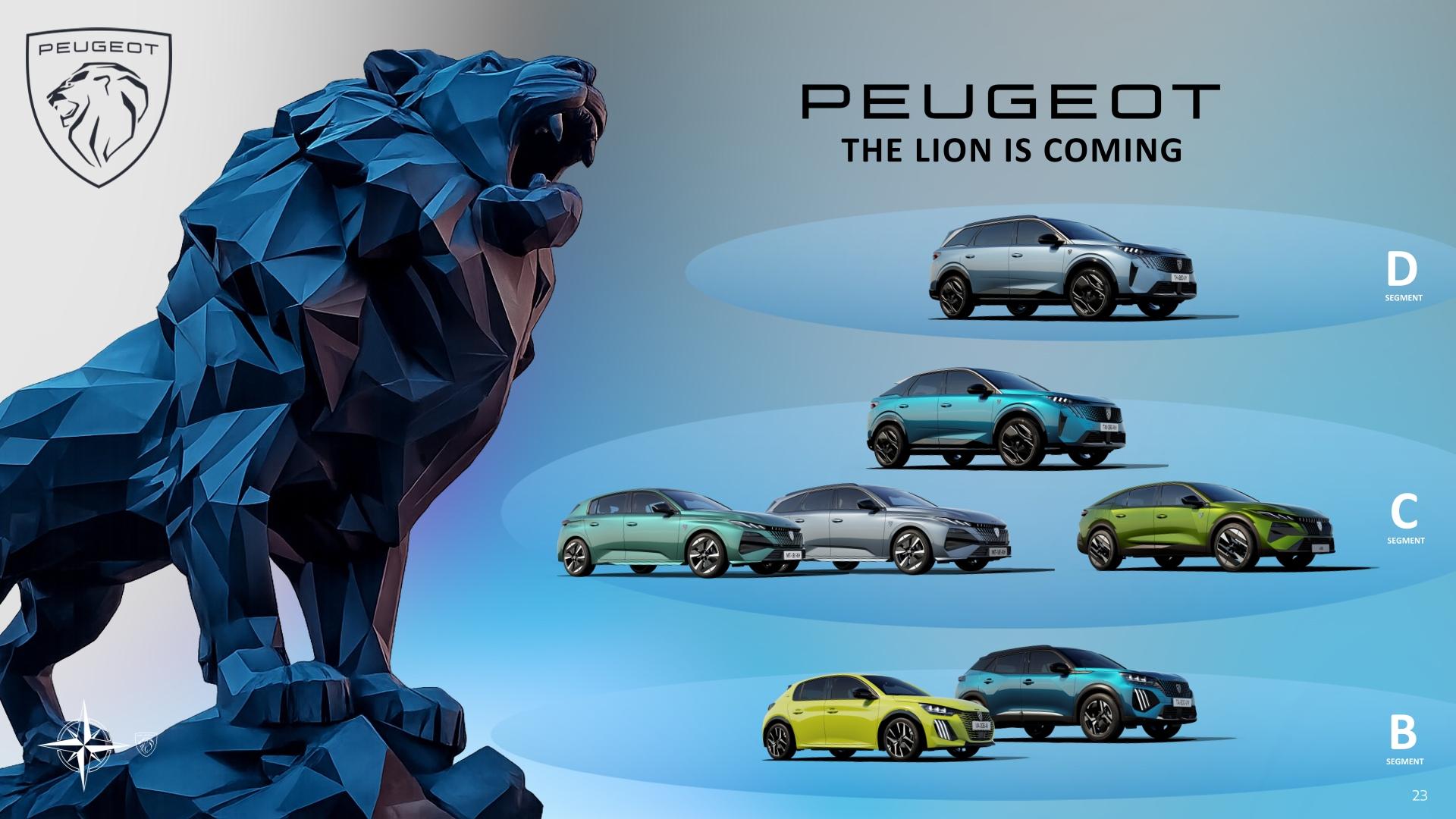
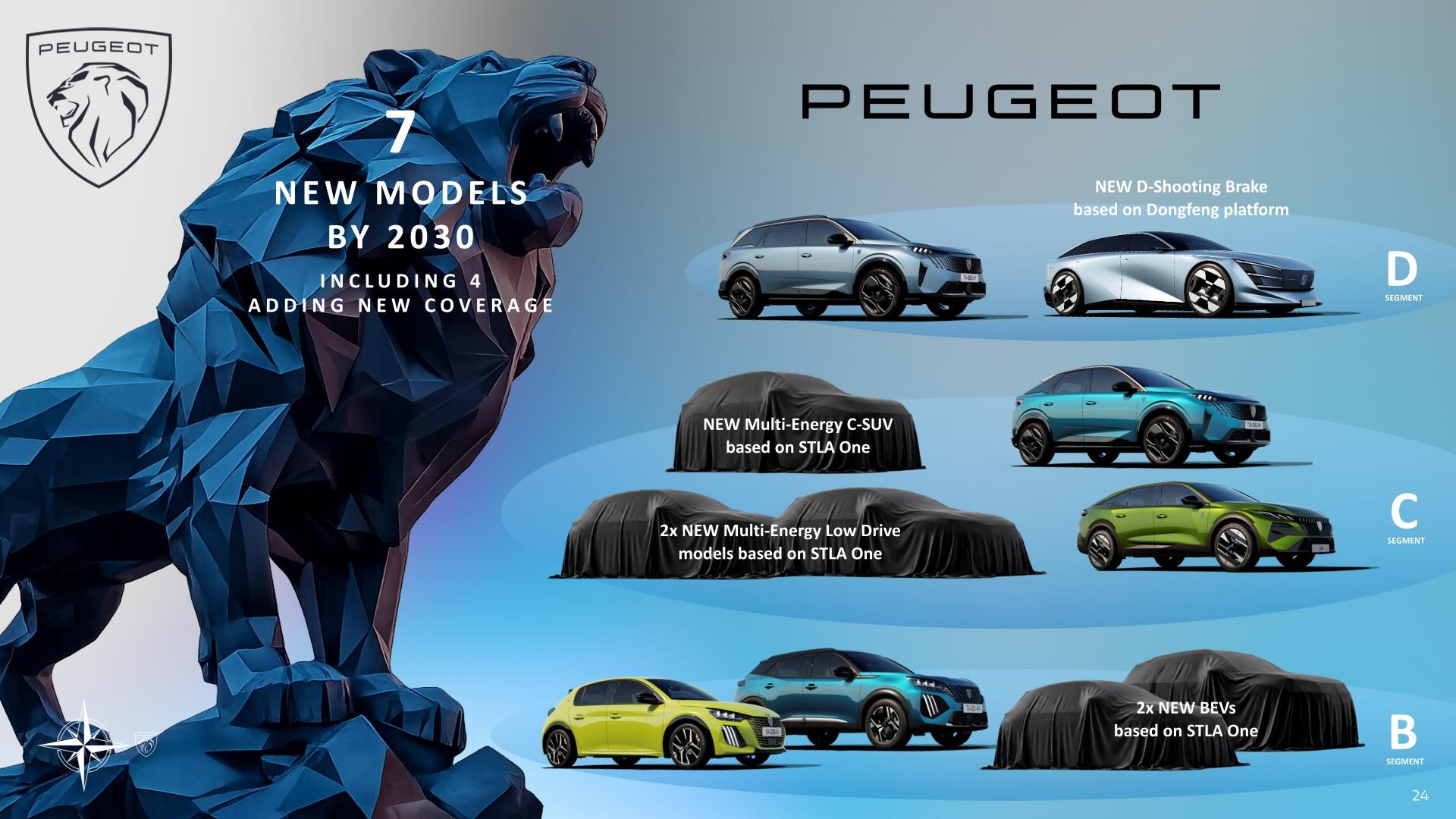
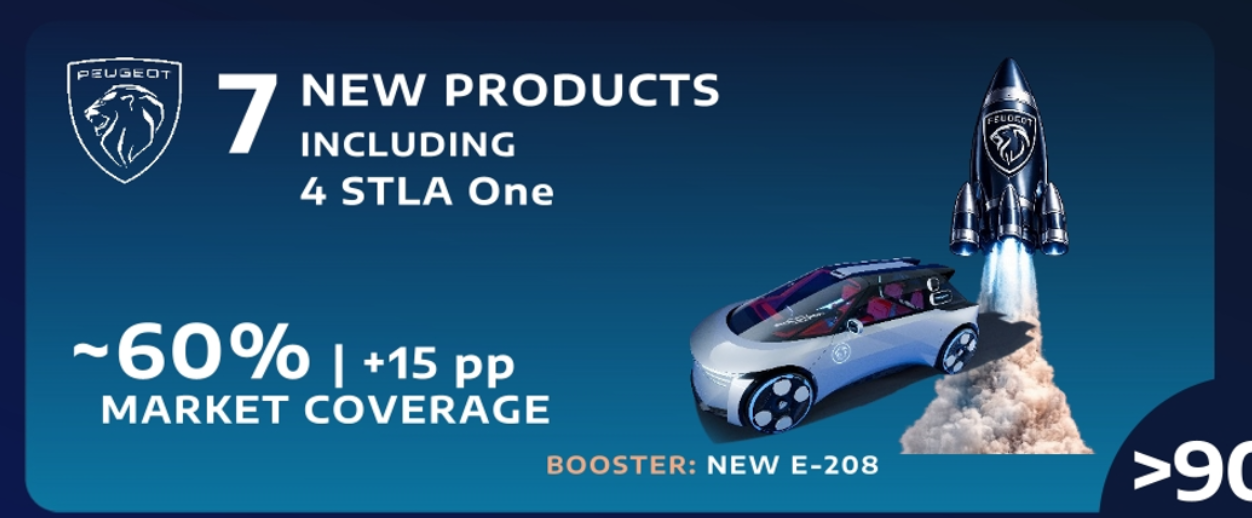
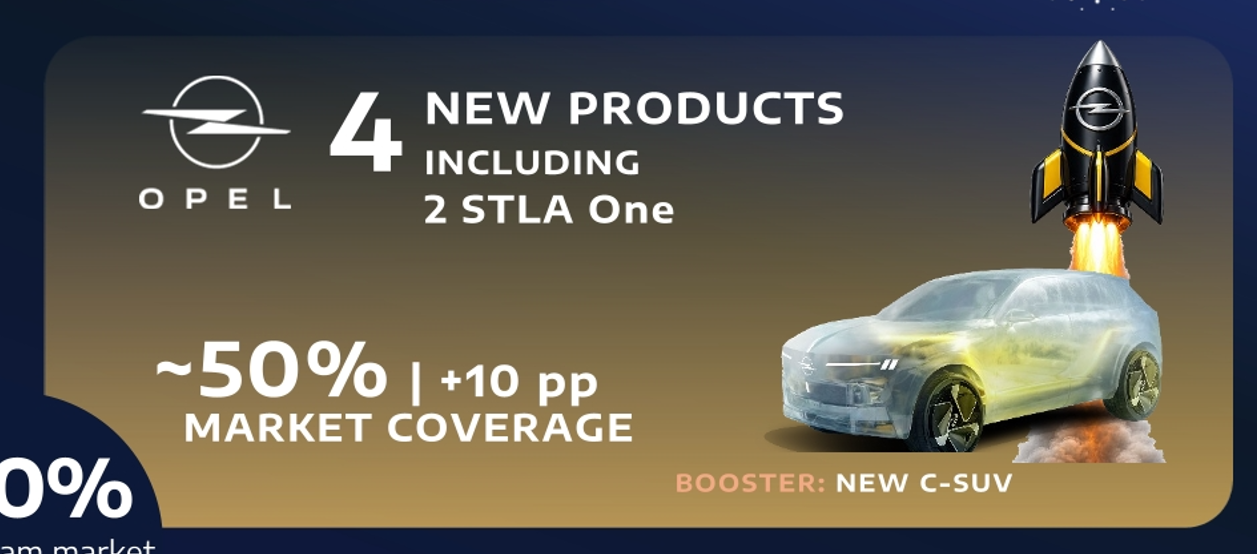
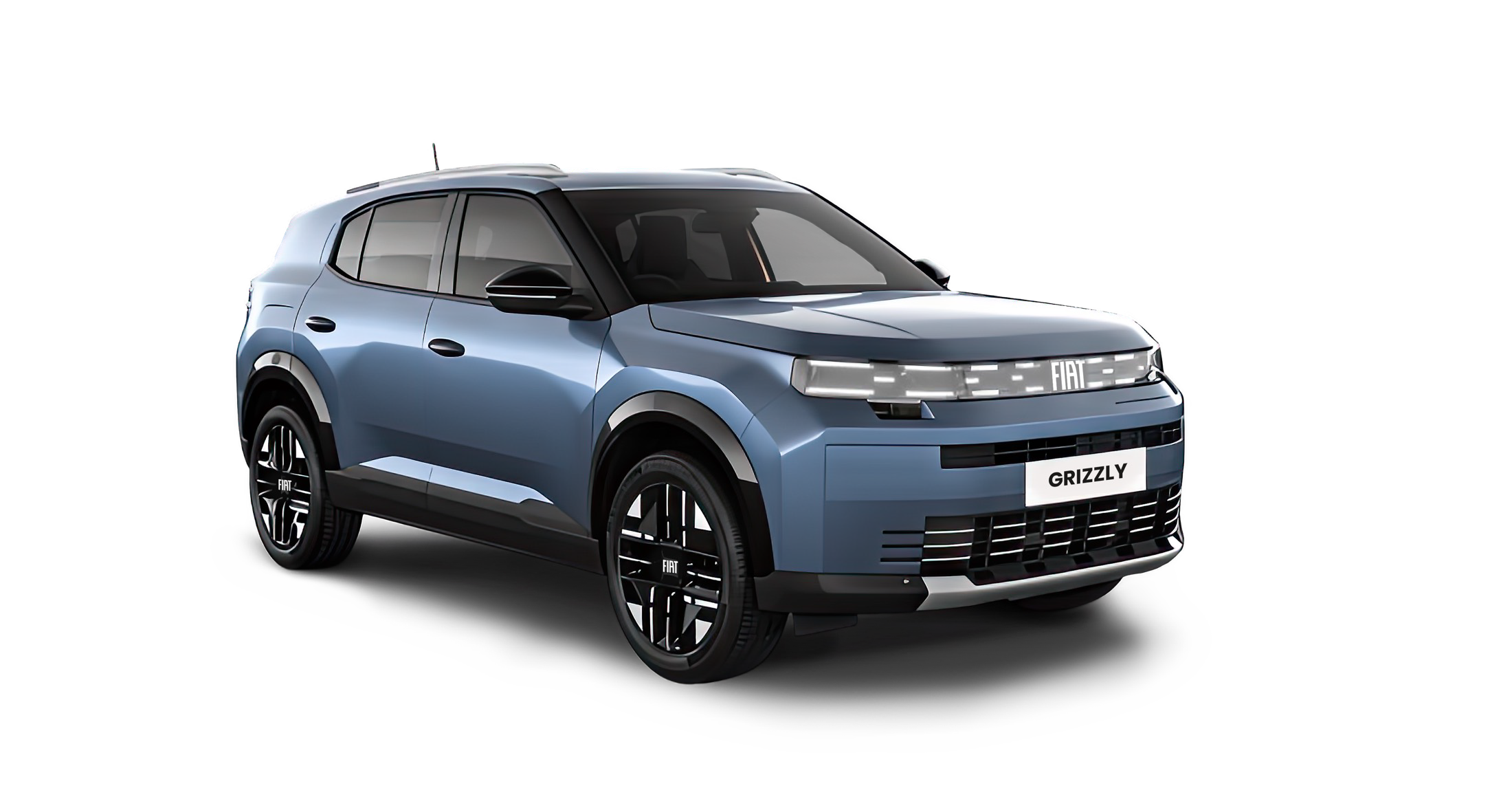
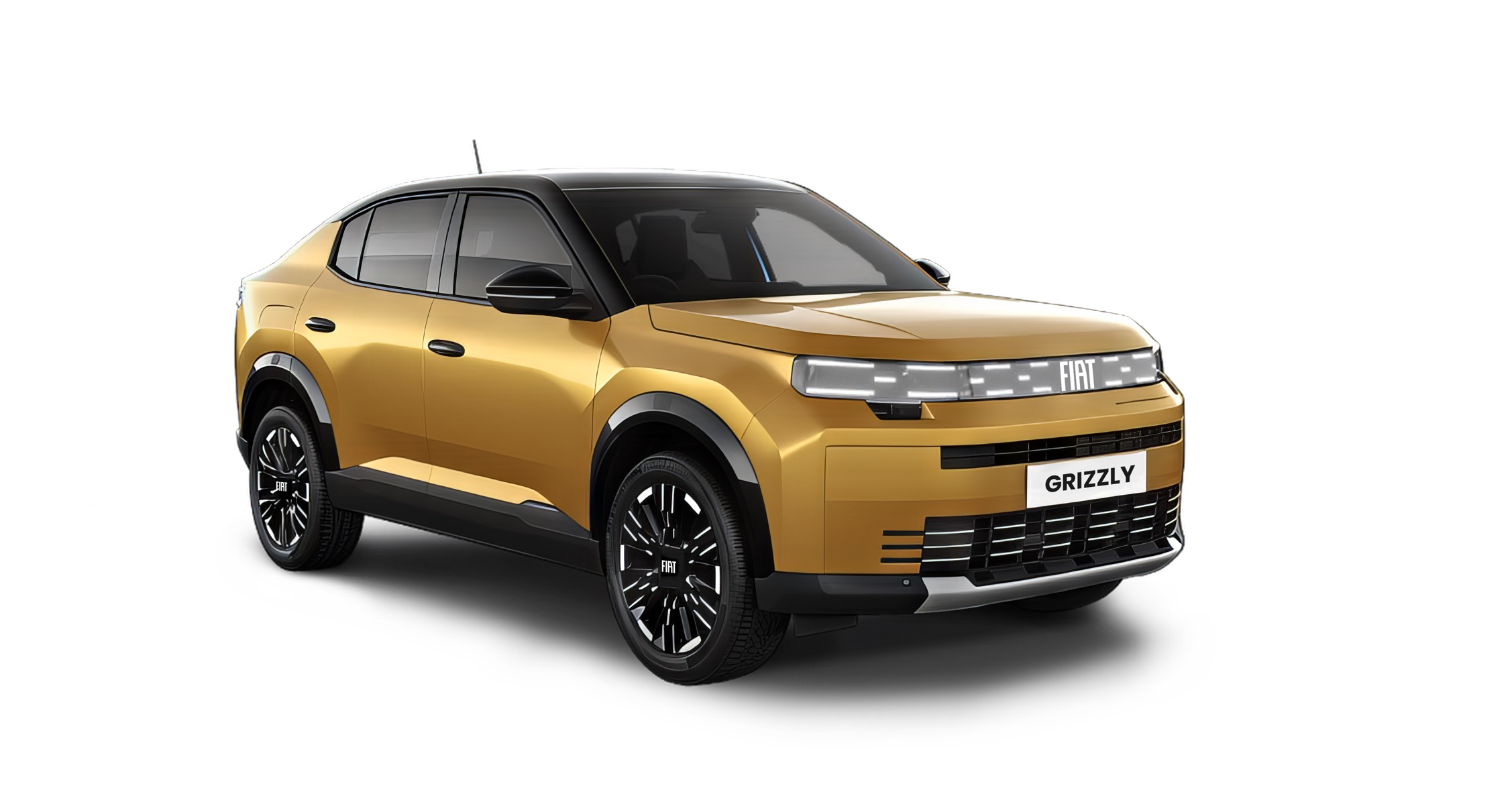
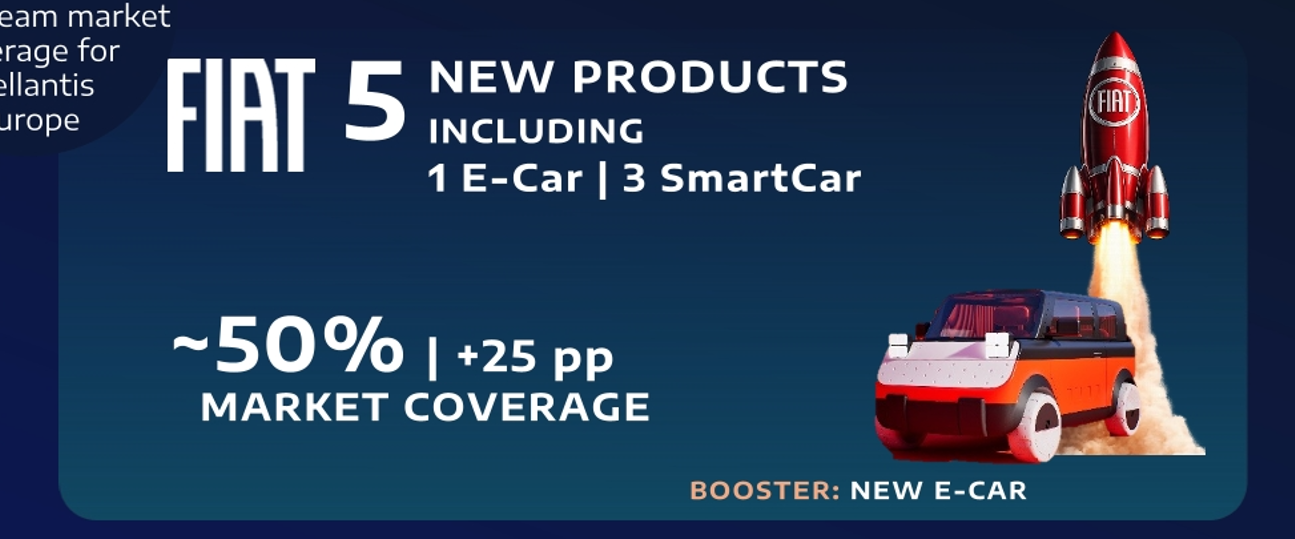
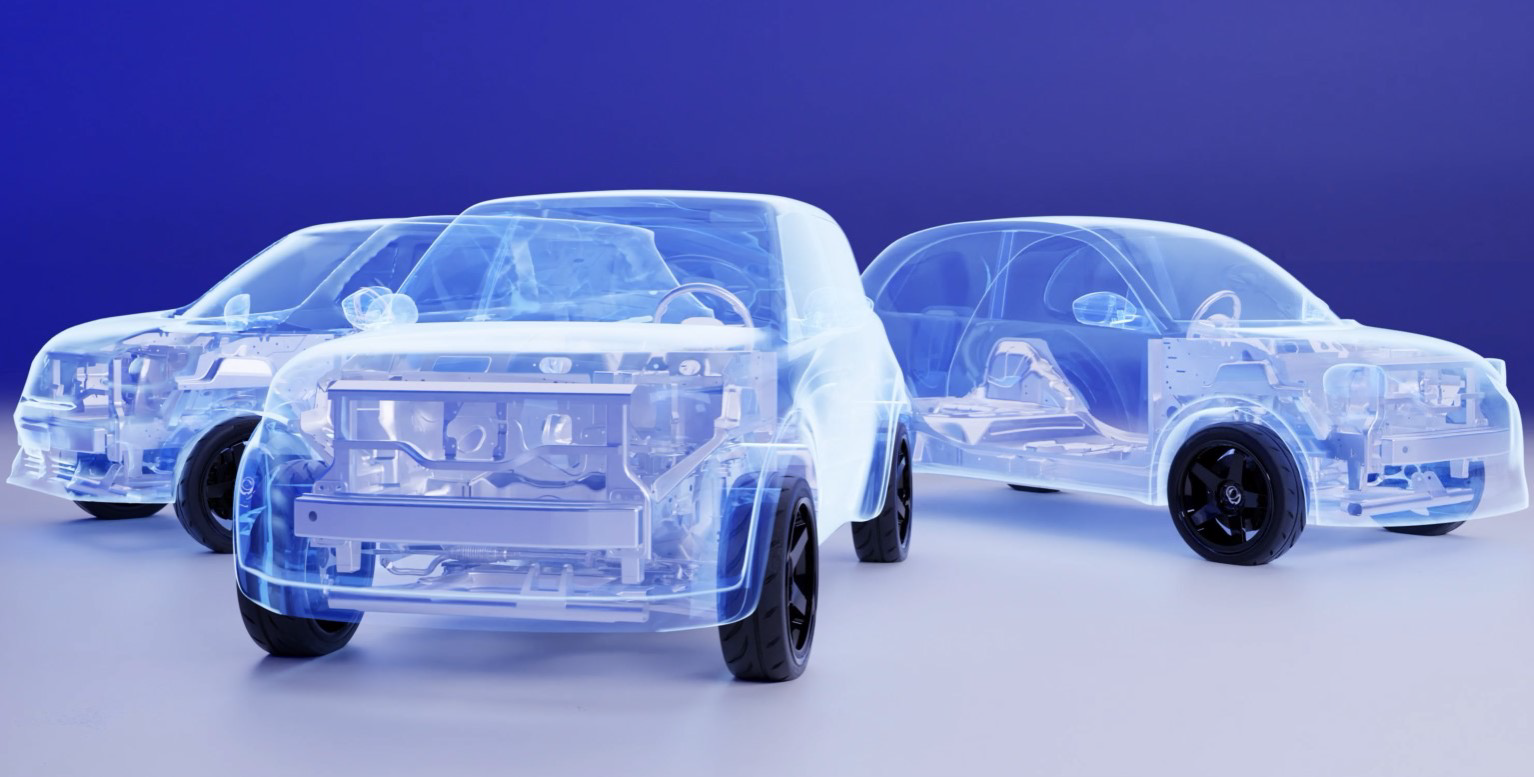
È 4,49 m circa la Grizzly… una decina di cm in più delle cugine.Ma si dice che verranno aggiunti due modelli alla gamma, il che significa che i nomi attuali rimarranno gli stessi... se guardiamo la presentazione di Peugeot, la 208 non compare come modello rinnovato, e sappiamo che cambierà a breve, no? Voglio dire che in nessuna delle presentazioni compare un restyling, ma solo i modelli che vengono aggiunti.Manco una patacca di plastica nera lucida per dissimulare un pochino.Un montante posteriore leggerissimo.
- 618 risposte
-
-

-

- 3
-
-
- c-crossover
- f2x
- fiat
- fiat c-crossover
-
Taggato come:
(1)(1).thumb.png.635c059adfaa3a2ca27f86ab608b04ba.png)





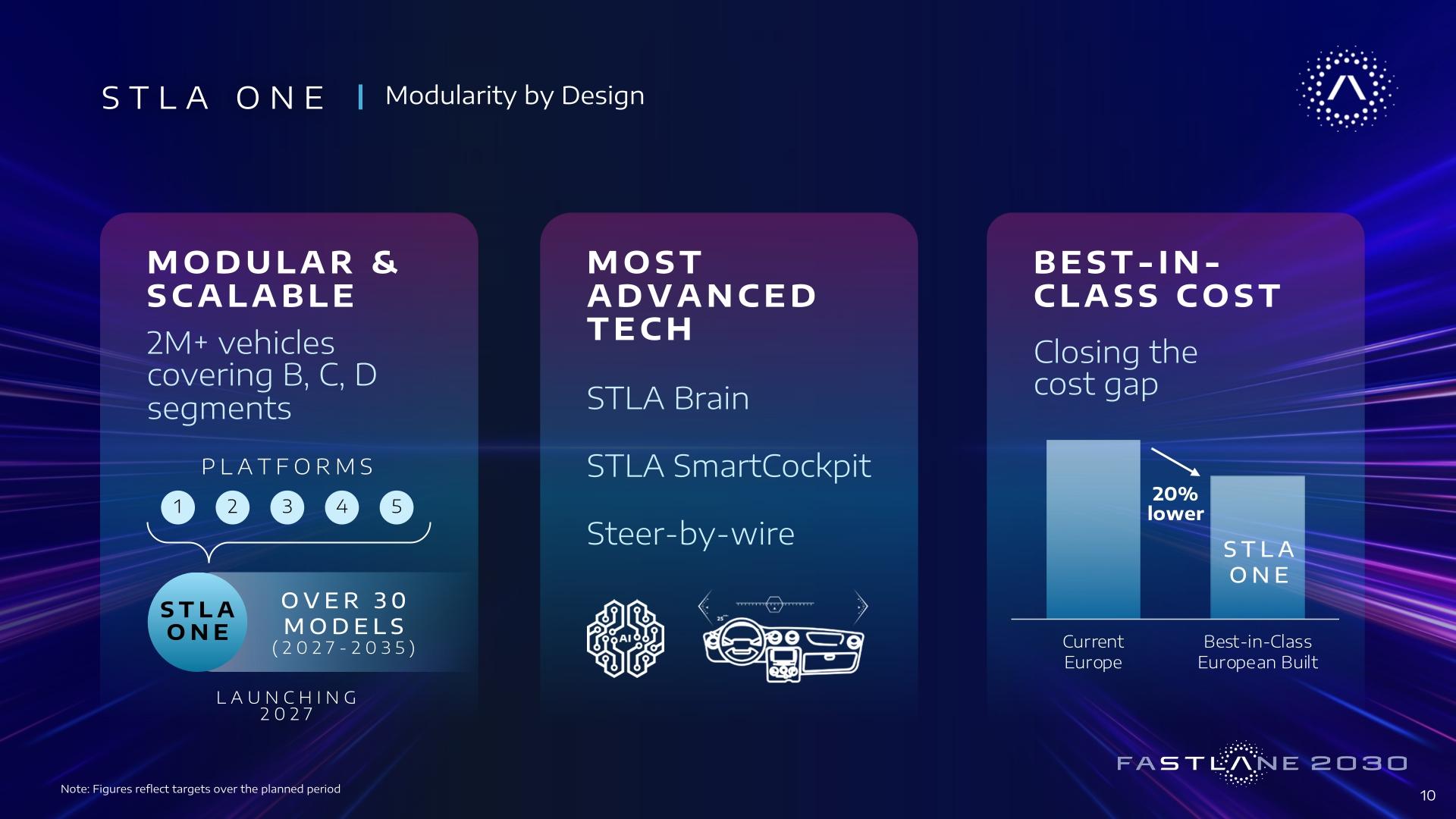
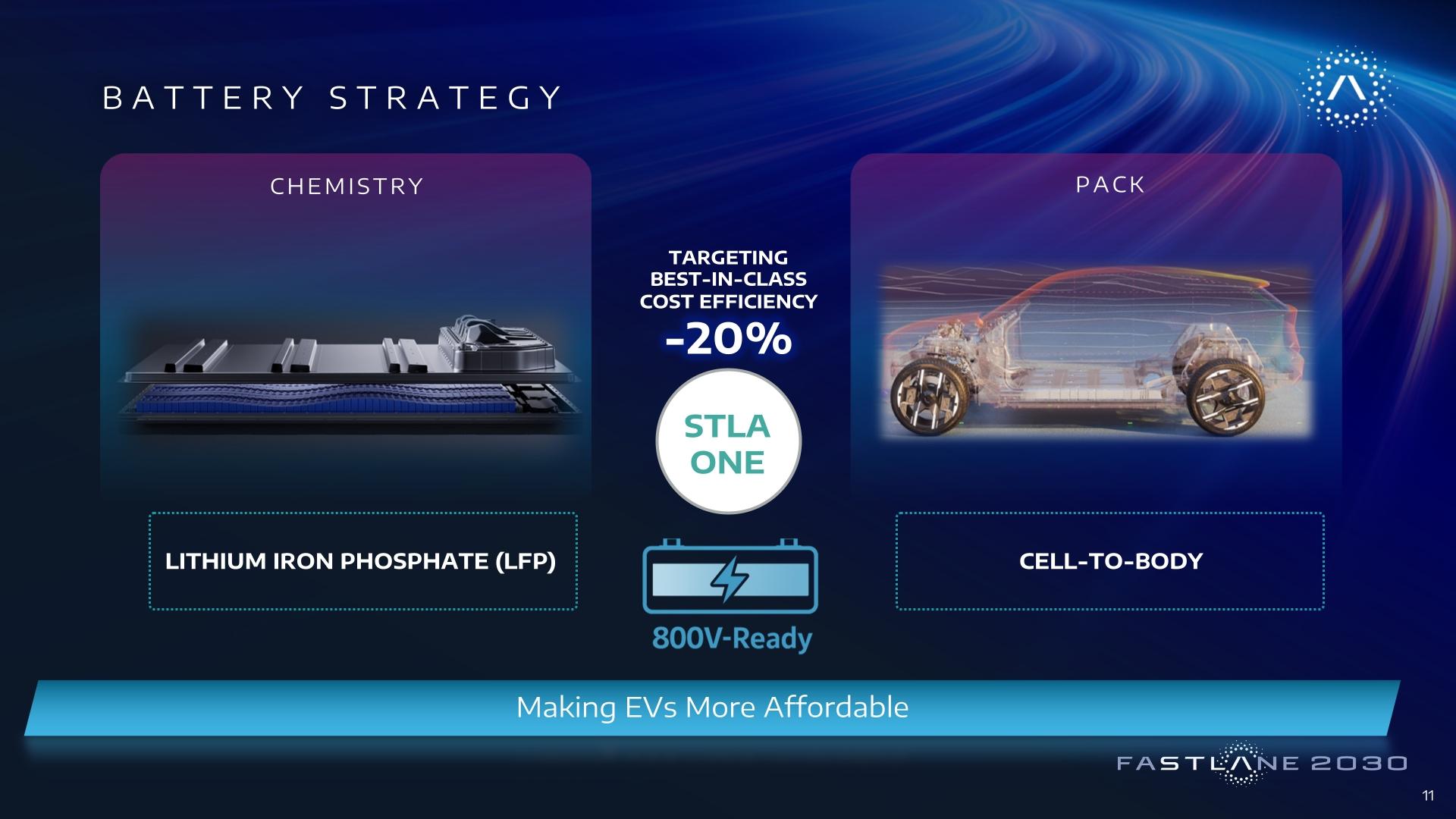
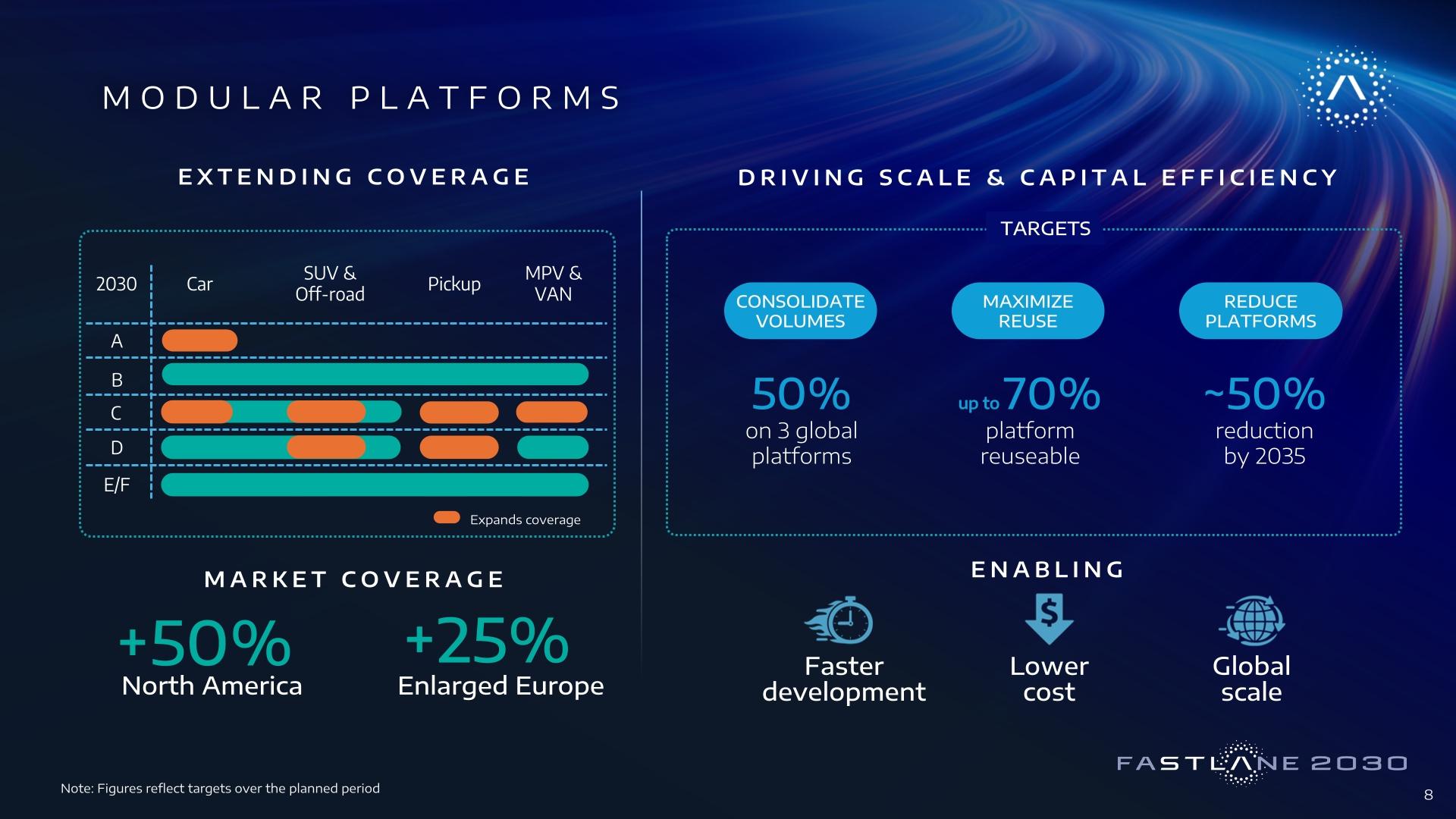
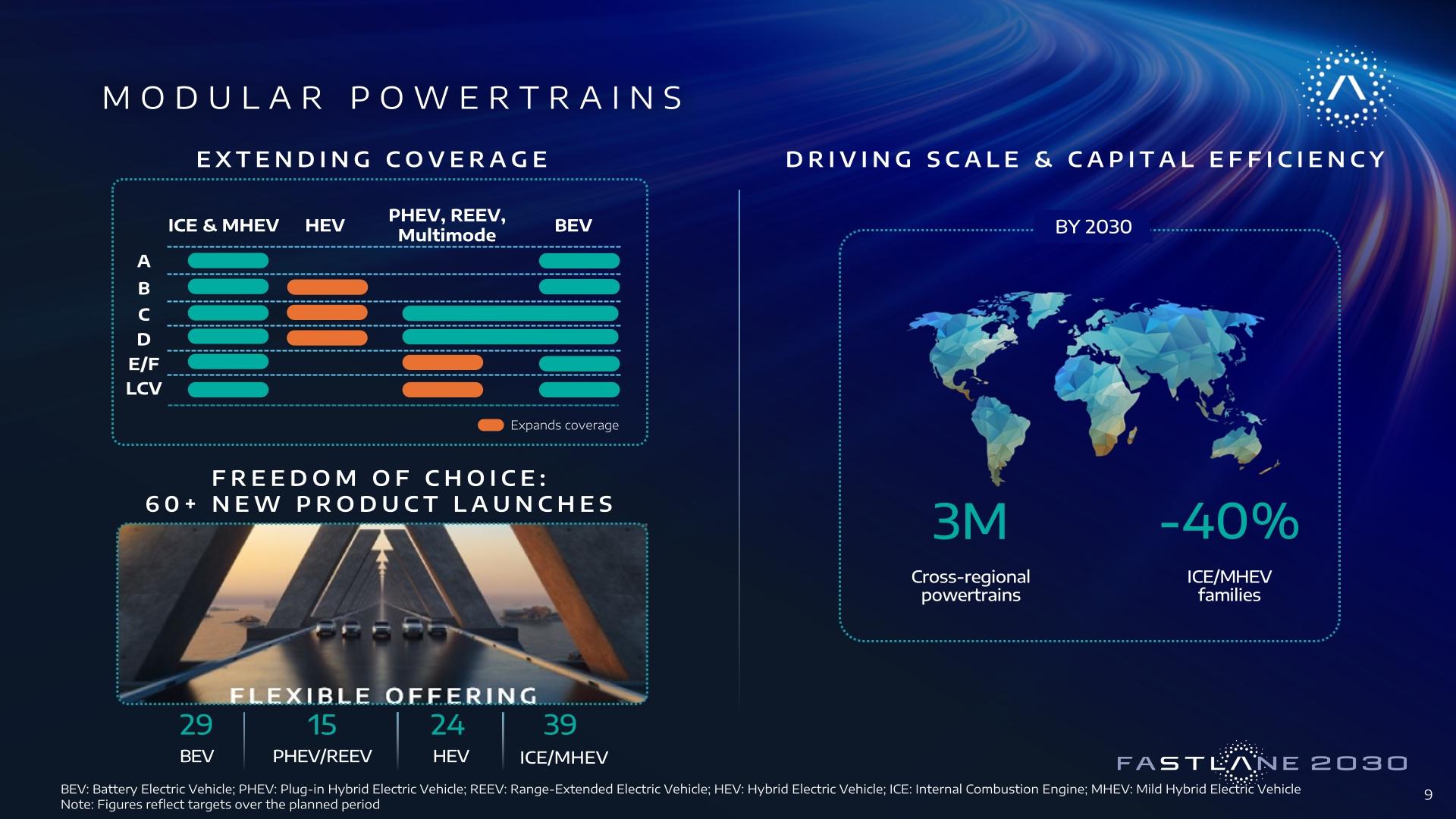


.jpg.302ab553786e4d23aedd1b08db5b0926.jpg)
.jpg.c8bb34e7fec2cb53fabbe03fe0161b70.jpg)








Account
Navigation
Cerca
Configure browser push notifications
Chrome (Android)
- Tap the lock icon next to the address bar.
- Tap Permissions → Notifications.
- Adjust your preference.
Chrome (Desktop)
- Click the padlock icon in the address bar.
- Select Site settings.
- Find Notifications and adjust your preference.
Safari (iOS 16.4+)
- Ensure the site is installed via Add to Home Screen.
- Open Settings App → Notifications.
- Find your app name and adjust your preference.
Safari (macOS)
- Go to Safari → Preferences.
- Click the Websites tab.
- Select Notifications in the sidebar.
- Find this website and adjust your preference.
Edge (Android)
- Tap the lock icon next to the address bar.
- Tap Permissions.
- Find Notifications and adjust your preference.
Edge (Desktop)
- Click the padlock icon in the address bar.
- Click Permissions for this site.
- Find Notifications and adjust your preference.
Firefox (Android)
- Go to Settings → Site permissions.
- Tap Notifications.
- Find this site in the list and adjust your preference.
Firefox (Desktop)
- Open Firefox Settings.
- Search for Notifications.
- Find this site in the list and adjust your preference.