Vai al contenuto
View in the app

A better way to browse. Learn more.

Autopareri

A full-screen app on your home screen with push notifications, badges and more.

To install this app on iOS and iPadOS
  1. Tap the Share icon in Safari
  2. Scroll the menu and tap Add to Home Screen.
  3. Tap Add in the top-right corner.
To install this app on Android
  1. Tap the 3-dot menu (⋮) in the top-right corner of the browser.
  2. Tap Add to Home screen or Install app.
  3. Confirm by tapping Install.

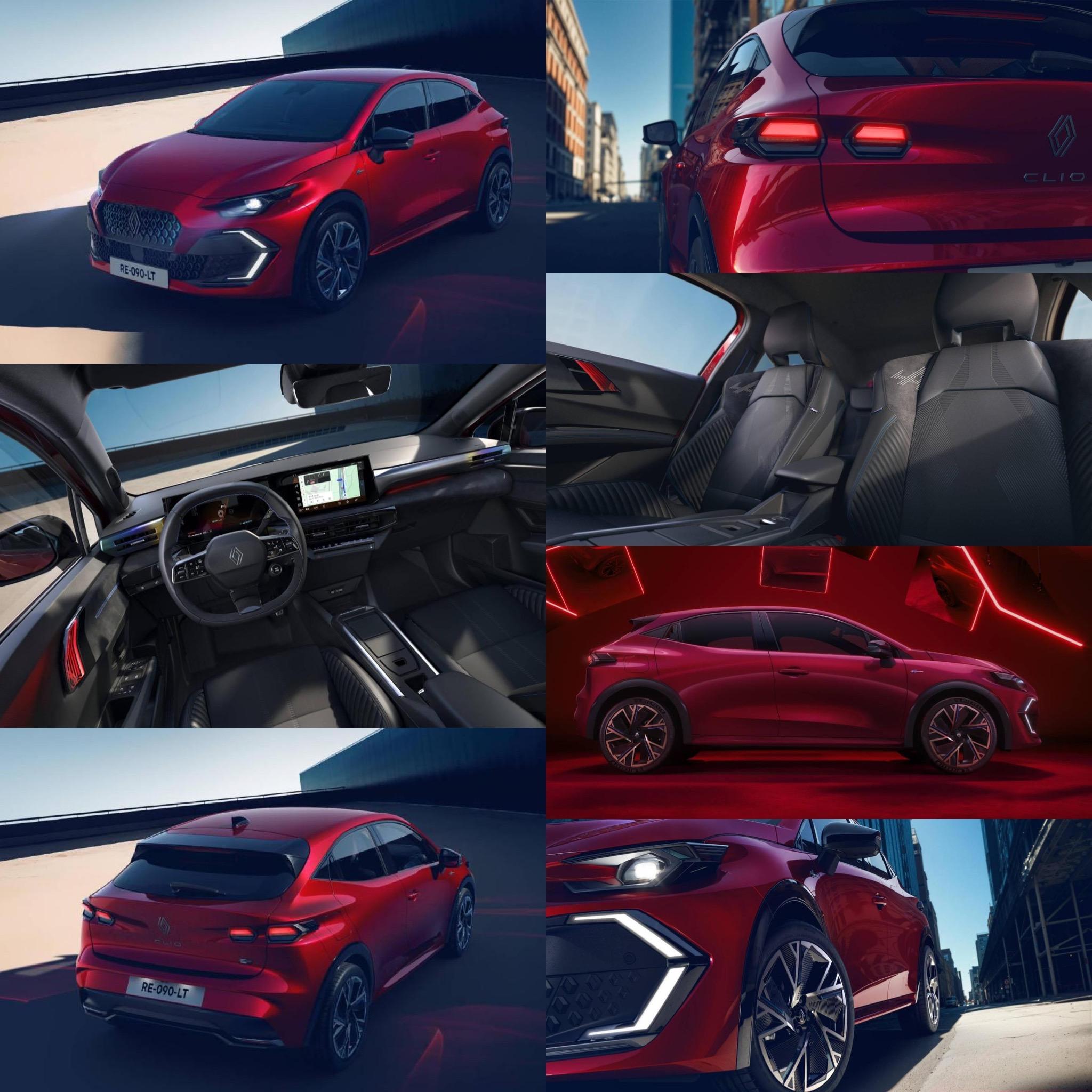
Renault Clio VI 2026

Messaggio aggiunto da __P,

2BDC3625-A098-4830-BE4F-03B0D2F2C233.thumb.jpeg.7599125da6a6f923a3b4332d8458710a.jpeg

Featured Replies

Inviato
1 ora fa, alfagtv scrive:

Ne ho viste un paio,una verde e una rossa quest' ultima da vicino e in movimento penso top di gamma,davanti non mi convince ancora,ma nella vista laterale mi ha fatto una bella impressione.

Anch'io ne sto vedendo diverse e in vari colori anche (molto belli sia il verdone che il rosso), ma fiancate a parte, salvo ben poco.

Tra frontale cadente, e posteriore a muro con quei buchi per i fari tondi, più di qualcosa non mi torna.

E quel qualcosa, mi fa rivalutare la Swift come un oggetto di design, nel suo piccolo 😄.

  • Risposte 110
  • Visite 19.9k
  • Creato
  • Ultima Risposta

I più attivi nella discussione

Most Popular Posts

Immagini Pubblicate

Crea un account o accedi per lasciare un commento

Background Picker
Customize Layout

Account

Navigation

Cerca

Configure browser push notifications

Chrome (Android)
  1. Tap the lock icon next to the address bar.
  2. Tap Permissions → Notifications.
  3. Adjust your preference.
Chrome (Desktop)
  1. Click the padlock icon in the address bar.
  2. Select Site settings.
  3. Find Notifications and adjust your preference.