Vai al contenuto
View in the app

A better way to browse. Learn more.

Autopareri

A full-screen app on your home screen with push notifications, badges and more.

To install this app on iOS and iPadOS
  1. Tap the Share icon in Safari
  2. Scroll the menu and tap Add to Home Screen.
  3. Tap Add in the top-right corner.
To install this app on Android
  1. Tap the 3-dot menu (⋮) in the top-right corner of the browser.
  2. Tap Add to Home screen or Install app.
  3. Confirm by tapping Install.

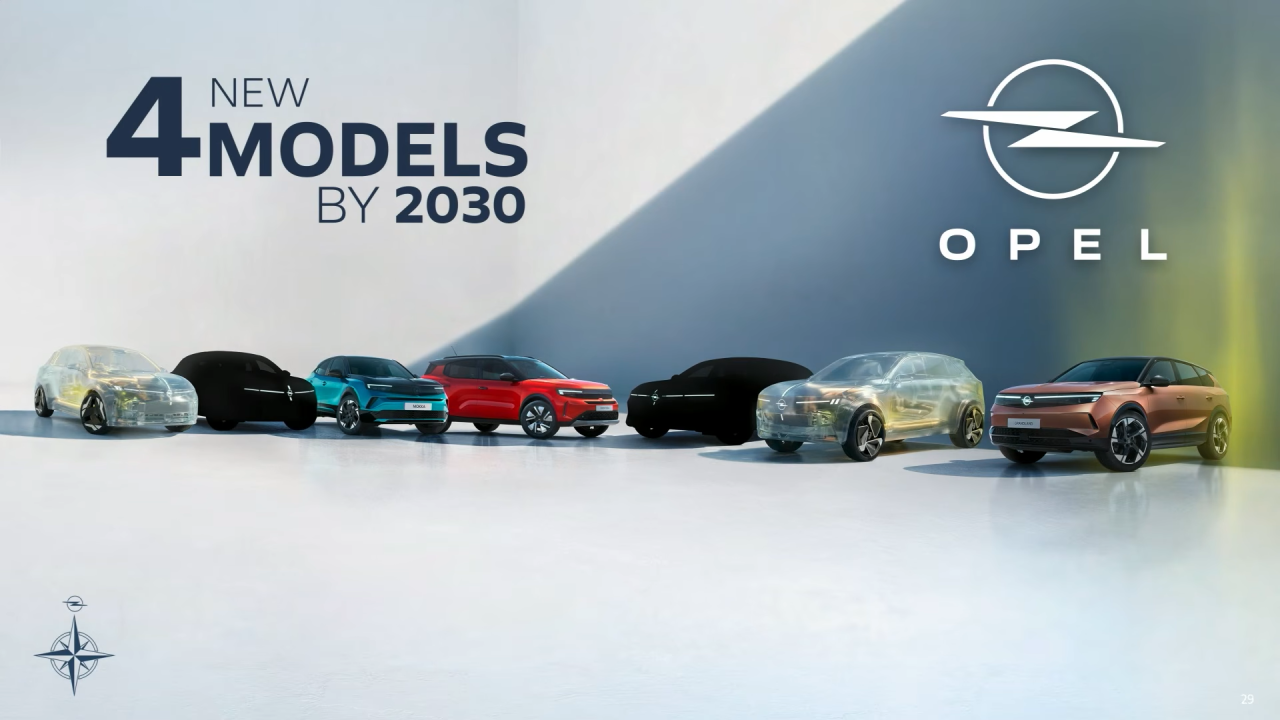
I prossimi modelli Opel/Vauxhall

Featured Replies

Inviato

https://www.autocar.co.uk/car-news/electric-cars/hot-vauxhall-astra-return-280bhp-cupra-born-vz-rival

Vauxhall is working on a hot new electric Astra as the next model in its recently relaunched GSE sub-brand, Autocar understands. 

It will be the first Astra hot hatch since the VXR bowed out in 2017 and the third Vauxhall to wear the new GSE badge after the Mokka and upcoming Corsa, with which it is tipped to share its 277bhp FWD powertrain - including an electronic limited-slip differential. 

  • Risposte 290
  • Visite 57k
  • Creato
  • Ultima Risposta

I più attivi nella discussione

Most Popular Posts

  • Gabri Magnussen
    Gabri Magnussen

    ... e si va a fare concorrenza alle DR! Idea, possono creare il sub brand DDR, con lo slogan " È una tedesca. Dell'Est!"

  • Alla fine faranno come VW con le attuali termiche restilizzate e le elettriche su piattaforma nuova. Evidentemente adattare small all'ibrido costava troppo/ rendeva l'elettrica poco competitiva. Va be

  • https://www.lesechos.fr/industrie-services/automobile/opel-prevoit-dapposer-sa-marque-sur-une-voiture-chinoise-2193115 According to this article, (it can be read only with subscription, but Clubalfa h

Immagini Pubblicate

Crea un account o accedi per lasciare un commento

Background Picker
Customize Layout

Account

Navigation

Cerca

Cerca

Configure browser push notifications

Chrome (Android)
  1. Tap the lock icon next to the address bar.
  2. Tap Permissions → Notifications.
  3. Adjust your preference.
Chrome (Desktop)
  1. Click the padlock icon in the address bar.
  2. Select Site settings.
  3. Find Notifications and adjust your preference.