Vai al contenuto
View in the app

A better way to browse. Learn more.

Autopareri

A full-screen app on your home screen with push notifications, badges and more.

To install this app on iOS and iPadOS
  1. Tap the Share icon in Safari
  2. Scroll the menu and tap Add to Home Screen.
  3. Tap Add in the top-right corner.
To install this app on Android
  1. Tap the 3-dot menu (⋮) in the top-right corner of the browser.
  2. Tap Add to Home screen or Install app.
  3. Confirm by tapping Install.

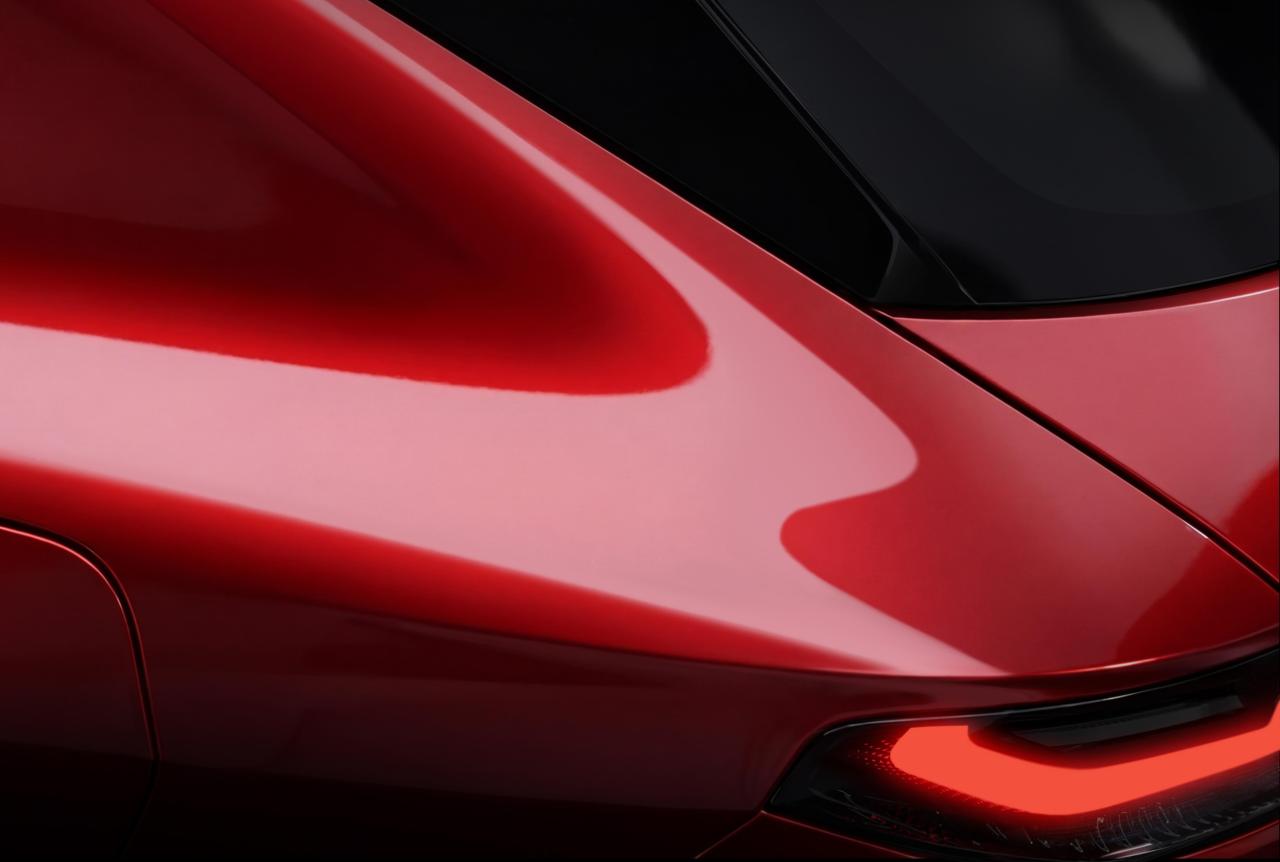
Alfa Romeo C-SUV "Tonale II" 2027 (Teaser)

Featured Replies

Inviato
25 minuti fa, __P scrive:

Ricordo che il volume posteriore della Stelviona era così

IMG_2814.jpeg

è l'ora di pranzo...vedere certe cose può far star male...

  • Risposte 34
  • Visite 1.6k
  • Creato
  • Ultima Risposta

I più attivi nella discussione

Giorni di maggior attività

Most Popular Posts

Immagini Pubblicate

Inviato
9 minuti fa, __P scrive:

Non che Tonale attuale sia boxy… 😉

IMG_2816.jpeg

IMG_2815.jpeg

forse è il lamierato rosso che inganna che sembra molto schiacciato ma c'è il lunotto nero che "alza" la macchina.

Speriamo di vederla camuffata in giro tra non molto

Inviato

si sui 470cm x 190cm

A chi chiede fonti … dati sul full hybrid vengono dalla rivista francese L’Argus, che sbaglia raramente. Dati sul phev boostato invece vengono da qui dentro…

Modificato da Marco1975

Inviato

Il design di newTonale sembrerebbe conservativo, una diretta evoluzione di quello di Tonale I

Inviato
25 minuti fa, stev66 scrive:

Come dimensioni se ho ben capito siamo in zona Stelvio attuale.

non ho capito sarebbe un c-uv con le dimensioni in un d-uv?

Inviato

per la foto, siamo sicuri che non sia l'attuale, solo presa da un punto diverso?

Alfa Romeo GT 3.2 V6 - 2007 e Skoda Fabia 1.0 TSI 110 cv Montecarlo - 2023

Altre in uso

Renault Clio 160 E-tech Tecno - 2026

Crea un account o accedi per lasciare un commento

Background Picker
Customize Layout

Account

Navigation

Cerca

Cerca

Configure browser push notifications

Chrome (Android)
  1. Tap the lock icon next to the address bar.
  2. Tap Permissions → Notifications.
  3. Adjust your preference.
Chrome (Desktop)
  1. Click the padlock icon in the address bar.
  2. Select Site settings.
  3. Find Notifications and adjust your preference.