Vai al contenuto
View in the app

A better way to browse. Learn more.

Autopareri

A full-screen app on your home screen with push notifications, badges and more.

To install this app on iOS and iPadOS
  1. Tap the Share icon in Safari
  2. Scroll the menu and tap Add to Home Screen.
  3. Tap Add in the top-right corner.
To install this app on Android
  1. Tap the 3-dot menu (⋮) in the top-right corner of the browser.
  2. Tap Add to Home screen or Install app.
  3. Confirm by tapping Install.
Messaggio aggiunto da Osv,

image.jpeg

image.png

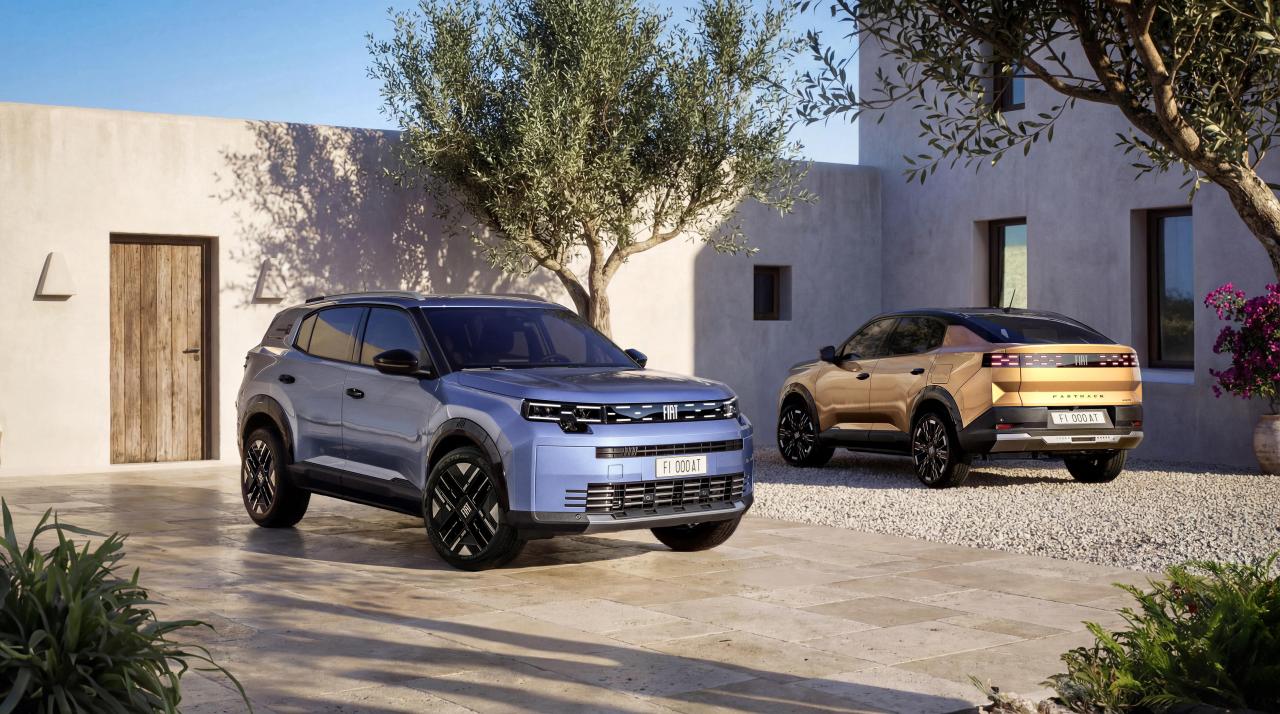
Fiat Grizzly & Grizzly Fastback 2026 - Prj. F2U/F2X (Spy)

Featured Replies

  • Risposte 900
  • Visite 252k
  • Creato
  • Ultima Risposta

I più attivi nella discussione

Most Popular Posts

Immagini Pubblicate

Inviato

almeno nella pegiò ne hanno tagliato due fette a destra ed a sinistra per ridurre la massa della coda

nella fiat te la daranno intera, poi secondo me dopo un paio di parcheggi te la ammacchi un pò come vuoi così una è diversa dall' altra e ti sembra di avere l' auto esclusiva

😁

Inviato
On 04/01/2026 at 12:57, nucarote scrive:

Mi ricordo che qui dentro ai tempi dei primi spy sulla GPunto fu definita con il simpatico appellativo di supposta...

Ad ogni modo, guardando le varie "smartine" le trovo tutte fuorchè kitch e cheap o per lo meno non di più della sua concorrenza diretta. E non sono un estimatore di GPanda.

Per quanto riguarda la Fastback temo l'effetto ruotine e le linee dritte che daranno al portellone cosa che potrebbe accentuare in negativo la coda tagliata "di netto" che si intravede in questi spy.

Ricordo come se fosse ieri la supposta 😆 . Spero comunque sti muli diano un' impressione sbagliata...

[sIGPIC][/sIGPIC]

Crea un account o accedi per lasciare un commento

Background Picker
Customize Layout

Account

Navigation

Cerca

Cerca

Configure browser push notifications

Chrome (Android)
  1. Tap the lock icon next to the address bar.
  2. Tap Permissions → Notifications.
  3. Adjust your preference.
Chrome (Desktop)
  1. Click the padlock icon in the address bar.
  2. Select Site settings.
  3. Find Notifications and adjust your preference.