Vai al contenuto
View in the app

A better way to browse. Learn more.

Autopareri

A full-screen app on your home screen with push notifications, badges and more.

To install this app on iOS and iPadOS
  1. Tap the Share icon in Safari
  2. Scroll the menu and tap Add to Home Screen.
  3. Tap Add in the top-right corner.
To install this app on Android
  1. Tap the 3-dot menu (⋮) in the top-right corner of the browser.
  2. Tap Add to Home screen or Install app.
  3. Confirm by tapping Install.
Messaggio aggiunto da Osv,

image.jpeg

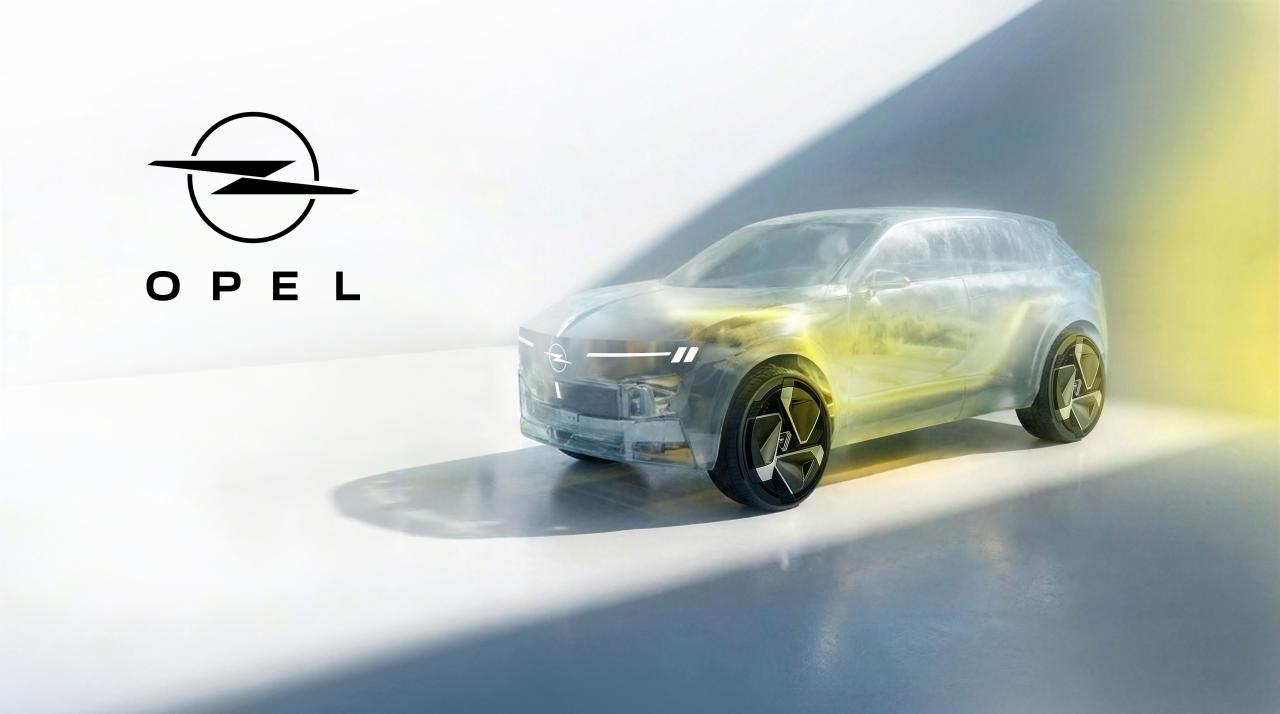
Opel C-SUV 2028 - Prj. O3U (Notizie)

Featured Replies

Inviato
12 hours ago, whitebyzantine53 said:

Perché è stata scelta proprio Opel?

  1. Perché al marchio serviva un suv segmento C per colmare il vuoto tra Mokka e Grandland e serviva uno sviluppo più veloce (come Grandland A ai tempi di GM e PSA)

  2. Perché è un esperimento e hanno "sacrificato" il brand crucco

There is already an SUV between Mokka and Grandland, the Frontera. The new SUV will be between the Frontera and the Grandland. This means that it could also be a Citroen, so I think that your second argument is stronger. They just used Opel as an experimental rat because they think that its audience will accept it more easily

Modificato da STEVEC

  • Risposte 30
  • Visite 2.2k
  • Creato
  • Ultima Risposta

I più attivi nella discussione

Most Popular Posts

  • KimKardashian
    KimKardashian

    TIGRA 🤪

  • non penso che al momento lo sappiano nemmeno loro. Certo che se vedessero che rimarchiare una leap diventa una procedura, oltre che economicamente interessante, anche accettata da chi compra, allora p

  • Ricostruzione con Gemini, anche serealmente credo sarà una operazione alla C3 AC/Frontera, dove la C3 AC è la B10 in questo caso. Edit. C'è rischio che con questo modello Opel in collaborazione con

Immagini Pubblicate

Crea un account o accedi per lasciare un commento

Background Picker
Customize Layout

Account

Navigation

Cerca

Cerca

Configure browser push notifications

Chrome (Android)
  1. Tap the lock icon next to the address bar.
  2. Tap Permissions → Notifications.
  3. Adjust your preference.
Chrome (Desktop)
  1. Click the padlock icon in the address bar.
  2. Select Site settings.
  3. Find Notifications and adjust your preference.